A simple terminal YouTube client for searching and watching videos using [yt-dlp](https://github.com/yt-dlp/yt-dlp) and [mpv](https://mpv.io/).
---
## Table of Contents
- [Overview](#overview)
- [Features](#features)
- [Who is this Project for?](#who-is-this-project-for)
- [Prerequisites](#prerequisites)
- [Installation](#installation)
- [Quick Install](#installation)
- [Manual Installation](#installation)
- [Usage](#usage)
- [Keyboard Shortcuts](#keyboard-shortcuts)
- [Configuration](#configuration)
- [Configuration Options](#configuration-options)
- [Roadmap](#roadmap)
- [Star History](#star-history)
- [Contributing](#contributing)
## Overview
GopherTube is a tui based youtube client. It scrapes and parses the youtube website to get the metadate and uses [mpv](https://mpv.io/) to play videos. The ui is built with bubbletea, and is keyboard driven.
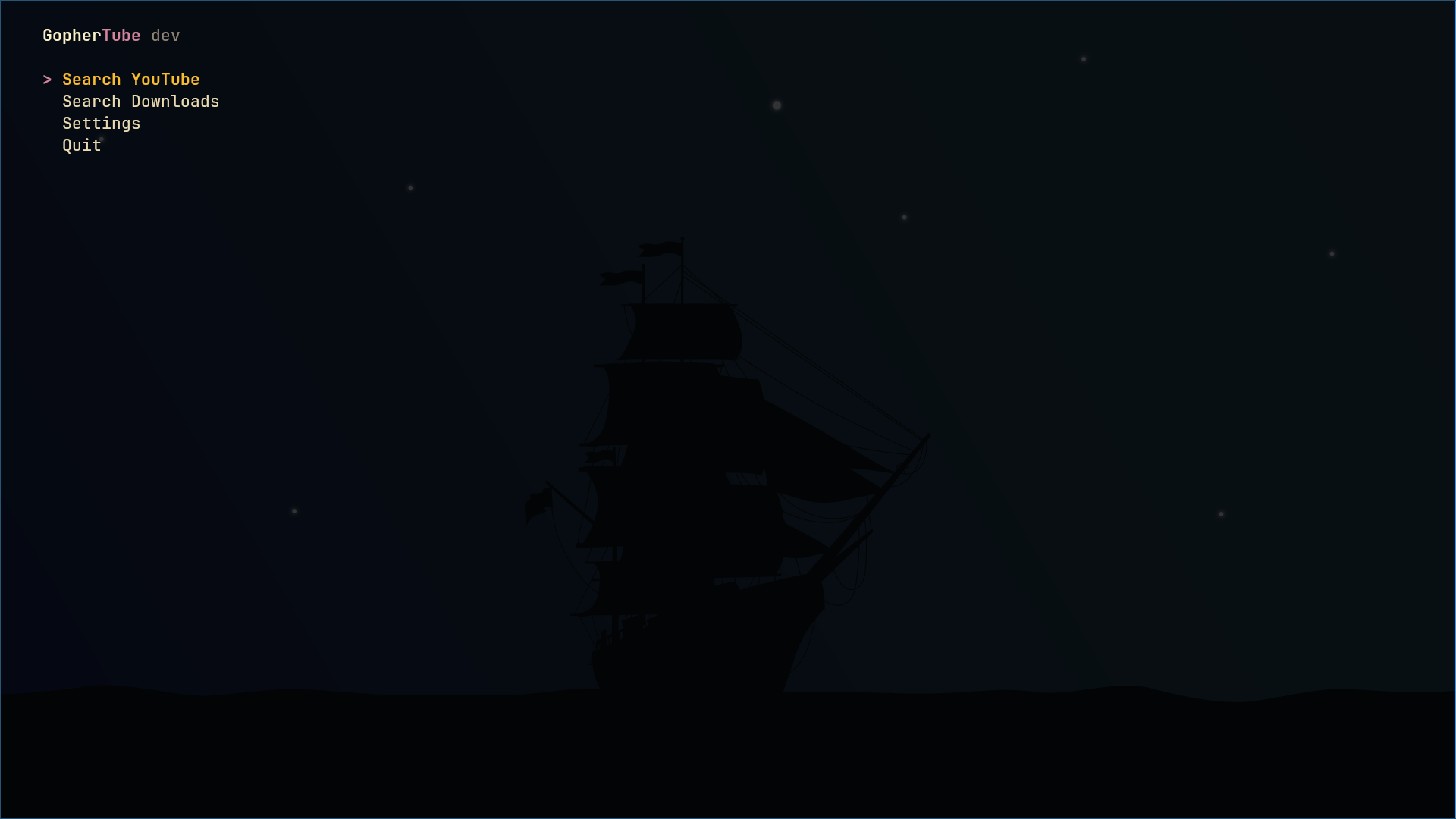
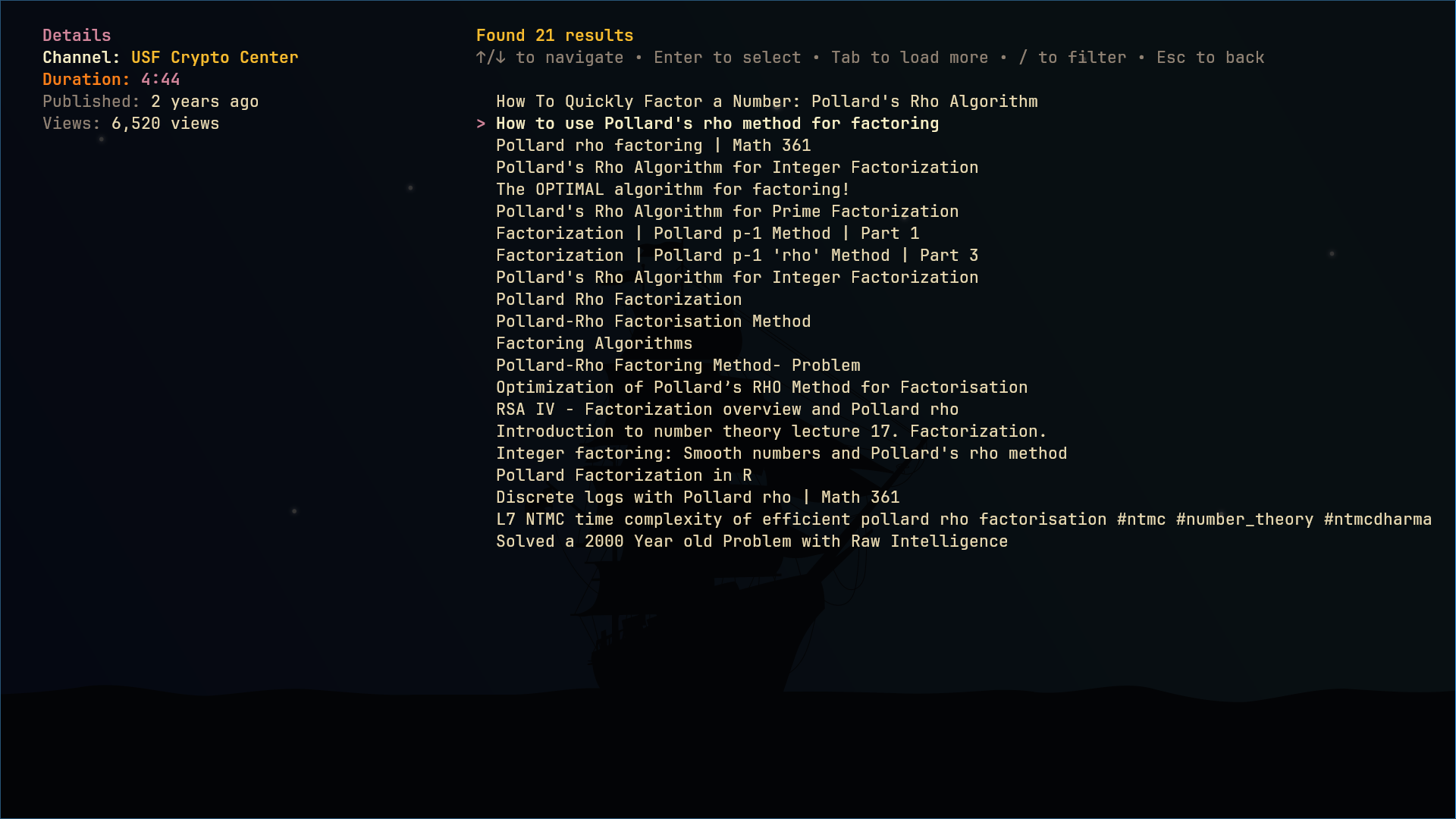
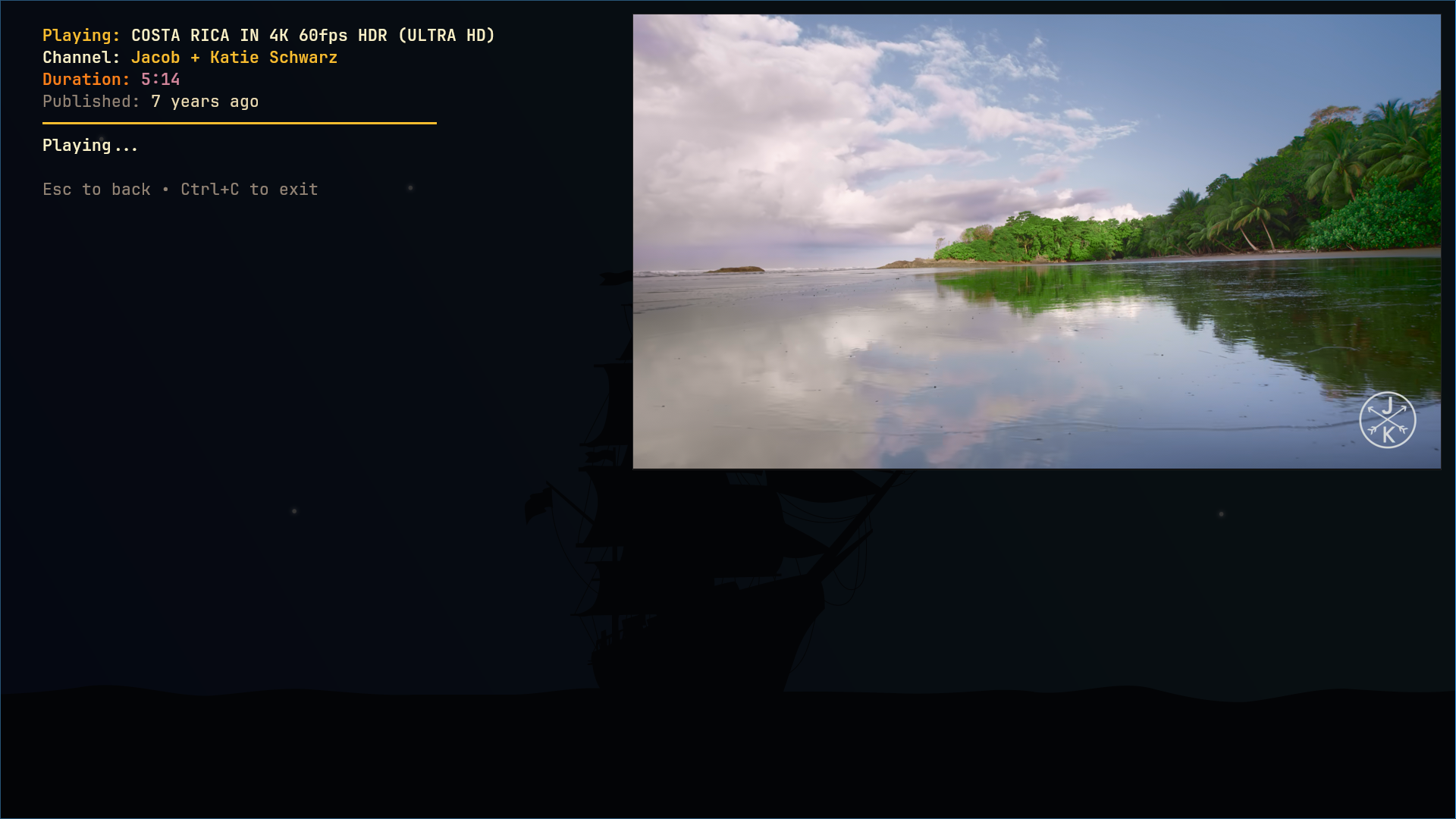
**Screenshots**
main menu searching for videos video plays in mpv
**Demo Video**
[▶ Watch the demo video](https://github.com/user-attachments/assets/5b1a7f52-c5c3-405c-ae0a-7f113c3978b8)
## Features
- **Fast YouTube search** (scrapes YouTube directly, no API key needed)
- Play videos with [mpv](https://mpv.io/)
- Minimal terminal UI (fzf)
- Keyboard navigation (arrows, Enter, Tab, Esc)
- TOML config
- **Download videos** with quality selection ([yt-dlp](https://github.com/yt-dlp/yt-dlp))
- **Downloads menu**: browse and play downloaded videos
- **Thumbnail preview** in downloads menu
## Who is this Project for?
- this project is for everyone who enjoys tuis,
- anyone who wants to watch videos while using low system resources. for example if you have an older or lowspec machine that struggles to run youtube in full web browser this app might help you cut down recourse usage.
---
## Prerequisites
- [Go 1.21+](https://go.dev/dl/)
- [mpv](https://mpv.io/) (media player)
- [chafa](https://hpjansson.org/chafa/) (terminal image preview)
- [yt-dlp](https://github.com/yt-dlp/yt-dlp) (YouTube downloader)
---
## Installation
This assumes you have mpv and yt-dlp installed in your system. if not refer to this to install them first.
[mpv installation](https://mpv.io/installation/)
[yt-dlp installation](https://github.com/yt-dlp/yt-dlp/wiki/Installation)
## One liner:
```bash
curl -sSL https://raw.githubusercontent.com/KrishnaSSH/GopherTube/main/install.sh | bash
```
## Arch linux
``` bash
yay -S gophertube
```
```bash
yay -S gophertube-bin
```
* the binary version of this package is not maintained by me contact the maintainer for issues
---
## Usage
- Start the app: `gophertube`
- Select between Search Youtube, Search Downloads, Settings, Quit. and press enter.
- Use up down keys or j/k to move, Enter to play, Tab to load more, Esc to go back and ctrl-c to close
- search something and mpv opens to play selected video.
---
## Configuration
Create `~/.config/gophertube/gophertube.toml`:
```toml
search_limit = 30
quality = "1080p" # default: 1080p (options: 1080p, 720p, 480p, 360p, Audio)
downloads_path = "/home/$USER/Videos/GopherTube" # where to save downloads
theme = "Minimal" # default: Minimal (options: Minimal, Gopher, Gruvbox, etc)
```
### Configuration Options
| Key | Type | Default | Description |
|------------------|--------|-------------------------------------------|----------------------------------------------|
| search_limit | int | 30 | Max results to fetch per page/load more. |
| quality | string | "1080p" | Preferred quality or `Audio` for audio-only. |
| downloads_path | string | "$HOME/Videos/GopherTube" | Directory to save downloads. |
| theme | string | "Minimal" | Default application theme. |
---
## Roadmap
- thumbnail support in the bubbletea rewrite
## Star History
---
💖 Support GopherTube
If you find this project useful, consider supporting its development with crypto:
bc1q78ymwmf33vr33ly8rpej7cqvr6cljjcdjf3g6p
ltc1qsfp4mdwwk3nppj278ayphqmkyf90xvysxp3des
0x6f786f482DDa360679791D90B7C8337655dC2199
## License
[](LICENSE)
---
## Contributing
PRs and issues welcome.
See [CONTRIBUTING.md](CONTRIBUTING.md) for guidelines.
---