## One Workspace
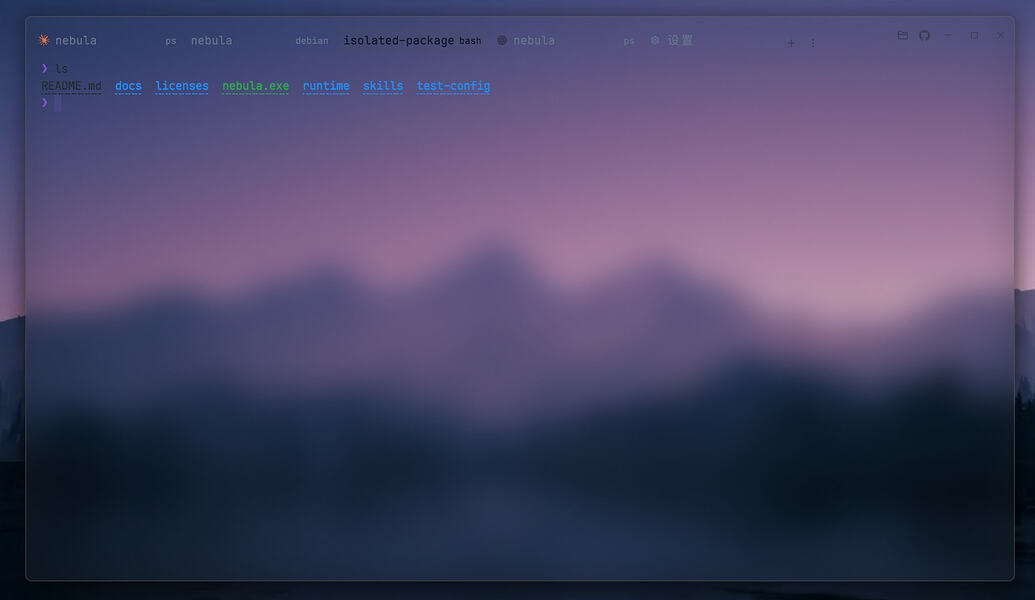
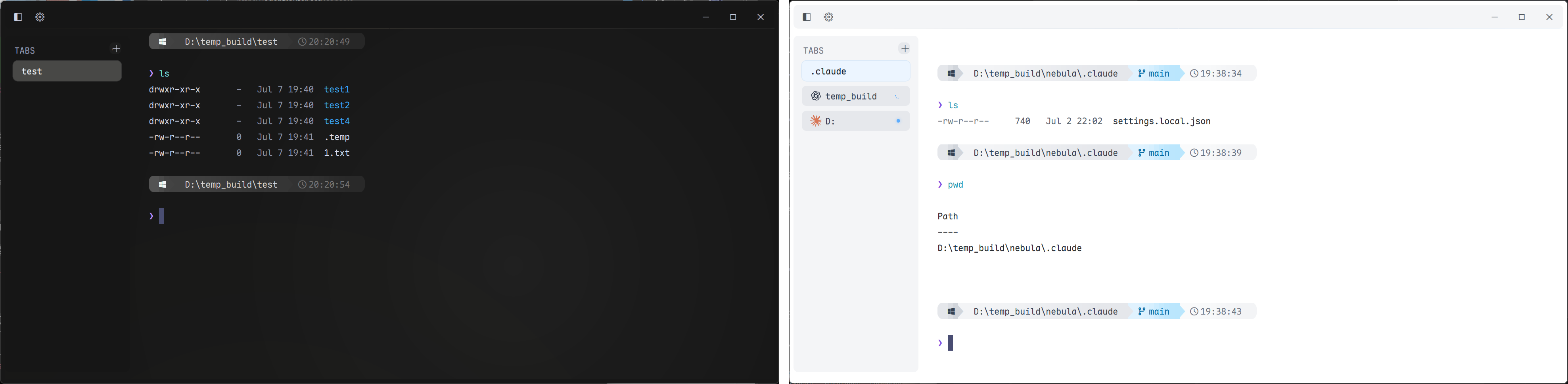
Pebrel (formerly Nebula) brings local shells, remote hosts, files, and AI command-line
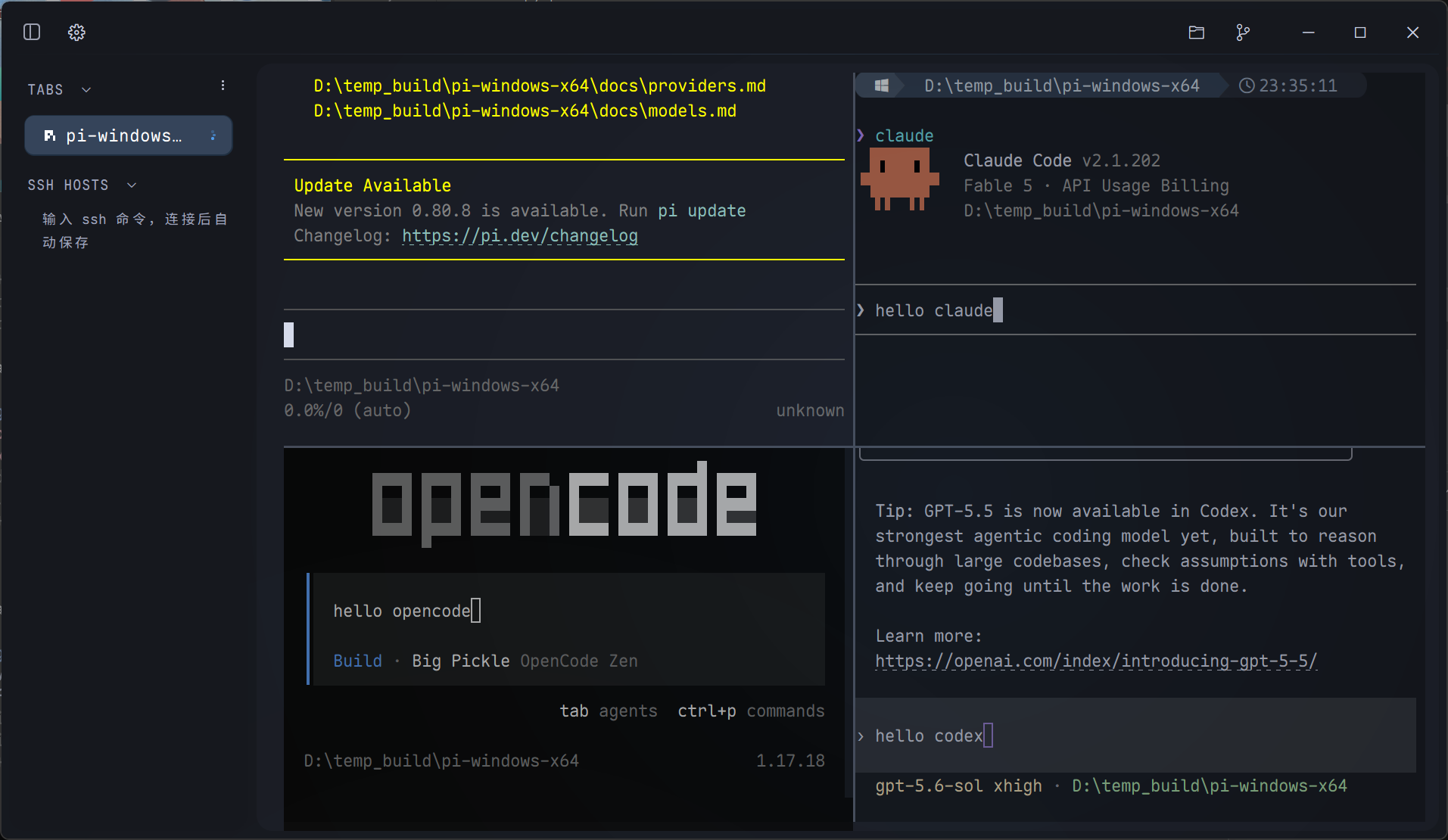
tools into a native desktop workspace. Arrange terminals in tabs and splits, follow
each agent's activity, and read its output without leaving the application.
### Terminals and Sessions
- Sidebar or top tabs, draggable split panes, and per-pane working directories.
- Saved workspace layouts and optional AI conversation restoration. On WSL and
Linux, Codex session metadata can supply an ID when its hook has not reported one.
- On Windows, optional background residency keeps running sessions alive when you
close the window. Restoring a conversation after the process exits is a separate
feature and requires a supported CLI and a usable session identity.
- History and path completions, configurable keybindings, and integrated shell prompts.
### SSH and Files
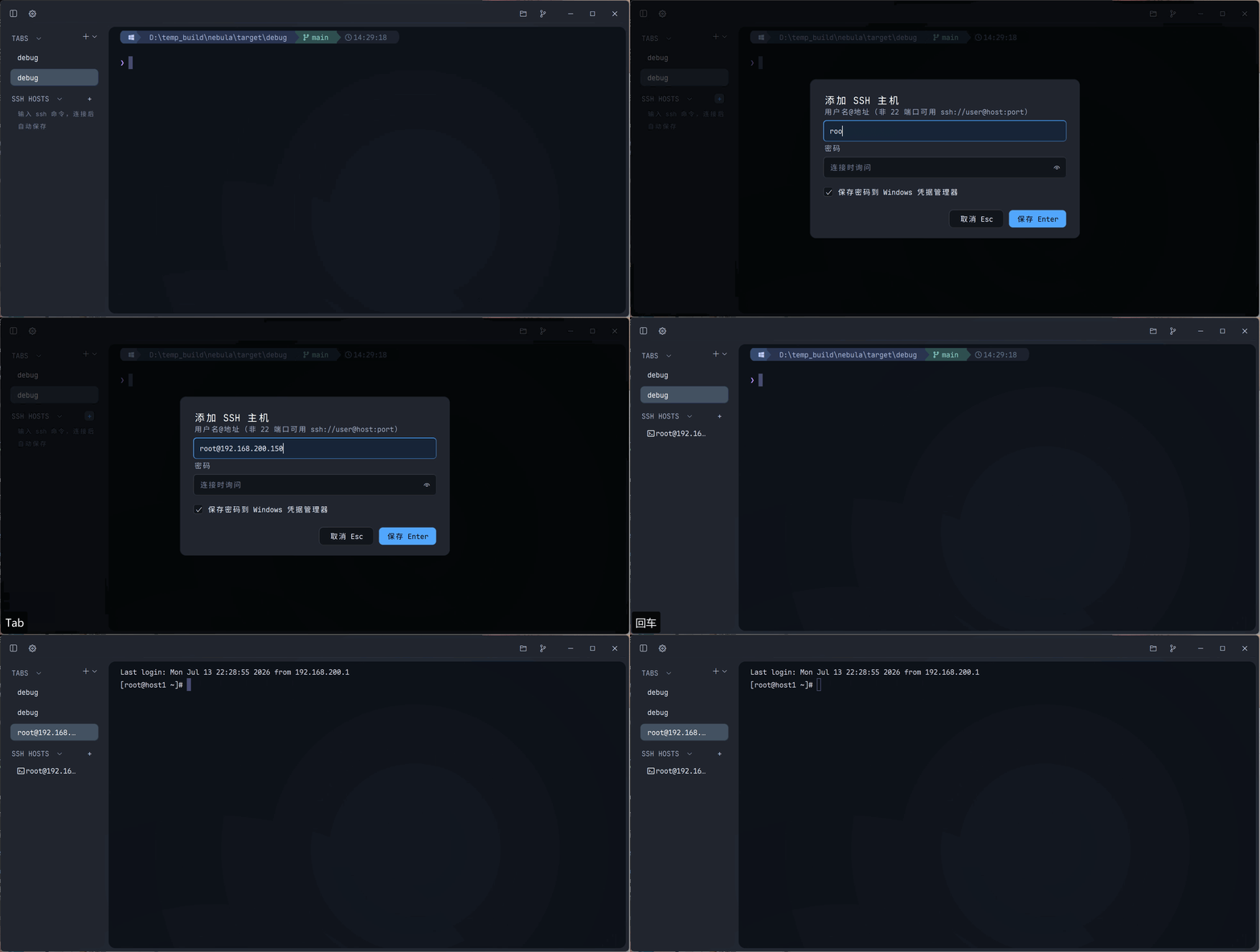
- Saved hosts, SSH config aliases, proxy and jump-host options, private-key and
keyboard-interactive authentication, and host-key verification.
- SFTP browsing, uploads and downloads, folder transfers, progress, and cancellation.
- Local file browsing and Git actions alongside your terminals.
- Duplicated WSL and SSH tabs retain their known working directory.
### AI CLI Workflows
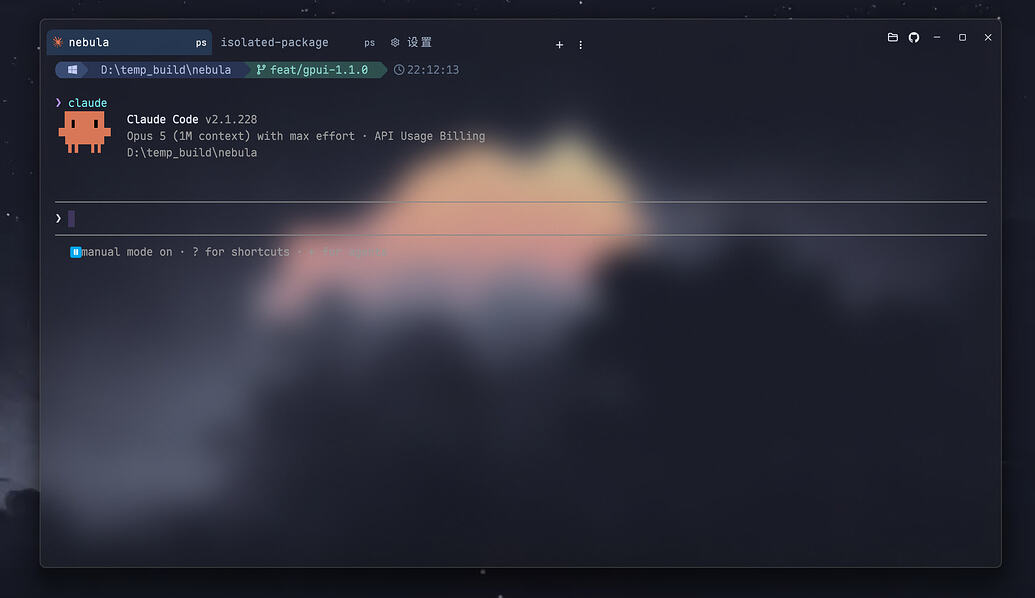
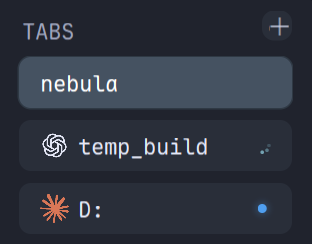
- Claude Code, Codex, and other recognized CLIs have their own icons and activity
states. Supported hook events provide more precise progress and attention signals.
- Notifications follow their source pane; clicking one returns you to that terminal.
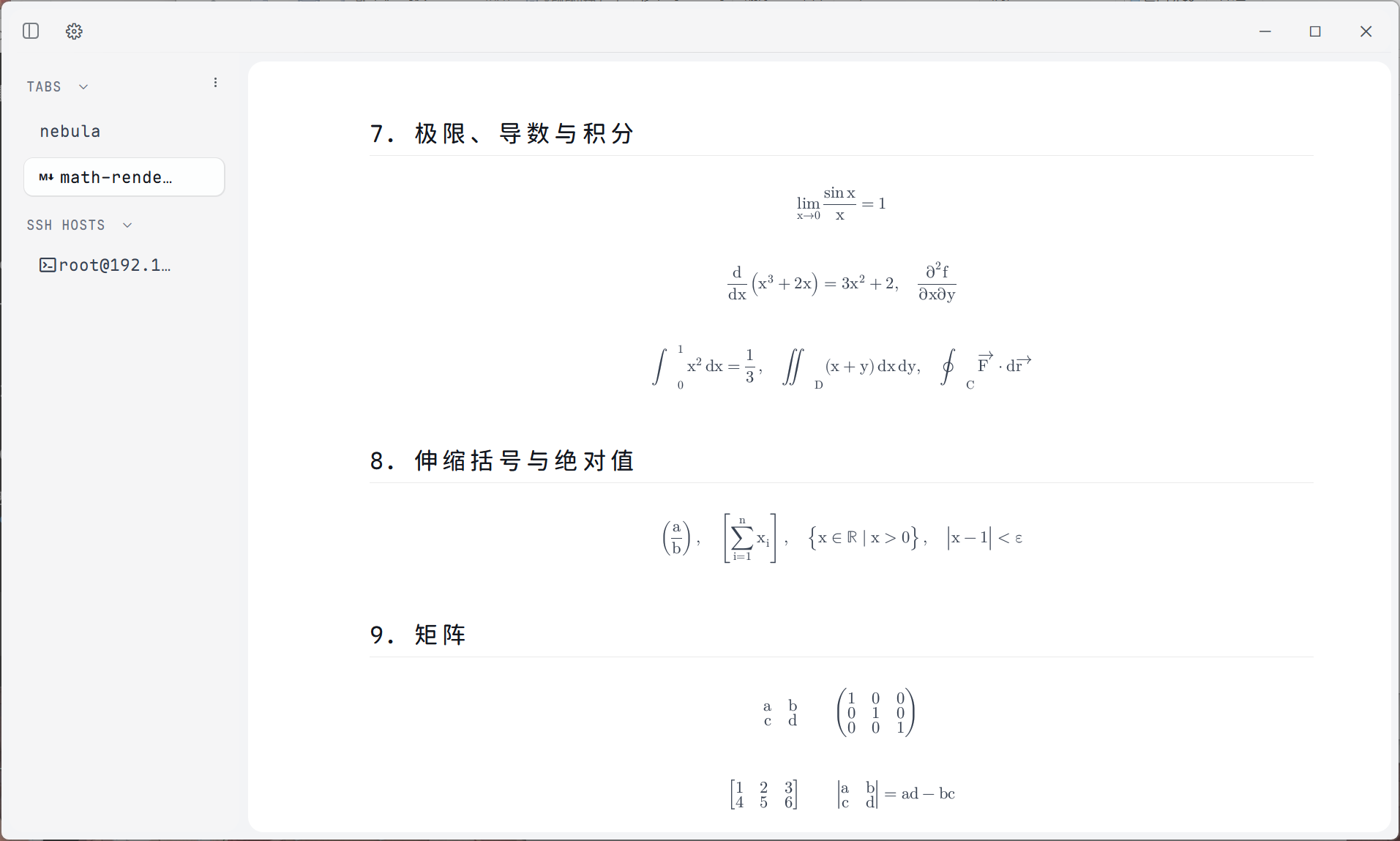
- Captured Claude Code and Codex answers open in a reader with Markdown, formulas,
source text, and local image previews.
- Clipboard images are saved as PNG files and their paths inserted into local,
WSL, or SSH sessions. Inline terminal images require the CLI to emit the supported
OSC 1337 protocol; image attachment previews depend on the CLI itself.
### A Native, Configurable Interface
- GPU-accelerated GPUI interface, light and dark themes, backgrounds, and opacity controls.
- Application icon palettes and eleven UI language choices with English fallback
for untranslated text.
- Searchable settings, a command palette, and Lua configuration with validation and
live reload. Existing TOML configuration remains supported.
- Markdown document tabs and native mathematical typesetting without a WebView.
## Download
Choose a package from the **[latest release](https://github.com/Kuddev/pebrel/releases/latest)**.
| System | Architecture | Packages |
| --- | --- | --- |
| Windows 10 1809+ / 11 | x64 | Installer `.exe`, portable `.zip` |
| Linux Preview, glibc 2.35+ | x64 | `.AppImage`, `.deb`, portable `.tar.gz` |
| macOS Preview, deployment target 14+ | Apple Silicon / arm64 | `.dmg` |
| macOS Preview, deployment target 14+ | Intel / x64 | `.dmg` |
Package names follow `Pebrel-v--`. Windows offers
stable installers ending in `-setup.exe` and portable ZIPs. Linux and macOS are
Preview builds, marked `-preview` before the extension. A legacy-named Windows
installer is also supplied for older automatic-update clients.
On Windows, run the installer or extract the ZIP and launch `pebrel.exe`, keeping
the bundled directories together. On Linux, install the DEB or make the AppImage
executable. On macOS, open the matching DMG and drag Pebrel into Applications.
Ad-hoc-signed macOS builds may require **Open Anyway** in **System Settings >
Privacy & Security** on first launch. Native macOS CI runs on macOS 15; the
deployment target alone does not establish validation on every older OS version.
Windows currently also provides tray residency, the global quick-terminal hotkey,
automatic local AI-hook setup, and automatic update installation. These integrations
are not yet available on Linux or macOS. See [installation details](INSTALL.md) for
platform requirements and upgrading an existing Nebula installation.
## Configure
```sh
pebrel config init --language en-US
pebrel config check
```
The generated Lua configuration uses `require 'pebrel'` and
`pebrel.config_builder()`. Invalid reloads retain the last valid configuration.
See the [Lua configuration guide](docs/lua-configuration.md) for settings and examples.
In **Settings → Terminal → Alerts**, **Notification duration** selects **Use defaults**,
5, 10, 30, or 90 seconds, or **Until dismissed**. The default preserves existing
lifetimes: short toasts last 5 seconds, message banners 90 seconds, and update
notices remain until dismissed. The saved preference applies to all newly shown
or refreshed in-app cards, independently of the AI-toast visibility switch.
Only the latest three cards are retained; newer cards replace older ones without
performing their actions, including in persistent mode.
Hiding a card never approves or rejects a request or changes task state; requests
remain available in their terminals and updates in Settings. System notifications
are unchanged. The persisted key is `notification_duration`, with values `default`,
`5`, `10`, `30`, `90`, or `persistent`.
See the [notification duration menu](docs/screenshots/notification-duration.png).
## Build
With the pinned Rust toolchain and the platform dependencies installed:
```sh
cargo build --release --locked -p nebula --bin pebrel --features gpui-shell
```
The internal Cargo package is still named `nebula`; the application and command
are `pebrel`. GPUI is the product interface. The older renderer is available only
through the explicit `legacy-shell` feature.
## Contact
Email: [fickleheartedkeys@163.com](mailto:fickleheartedkeys@163.com)
## Acknowledgements
Pebrel builds on [Alacritty](https://github.com/alacritty/alacritty),
[GPUI](https://github.com/zed-industries/zed), and
[gpui-component](https://github.com/longbridge/gpui-component). Terminal text uses
Maple Mono, and native formulas use Latin Modern Math. Upstream copyright and
license notices are preserved in `THIRD-PARTY-NOTICES` and `licenses/`.
## Community
- **[linux.do](https://linux.do)** - A thriving developer community.
## ⭐ Star History