## What Kun does
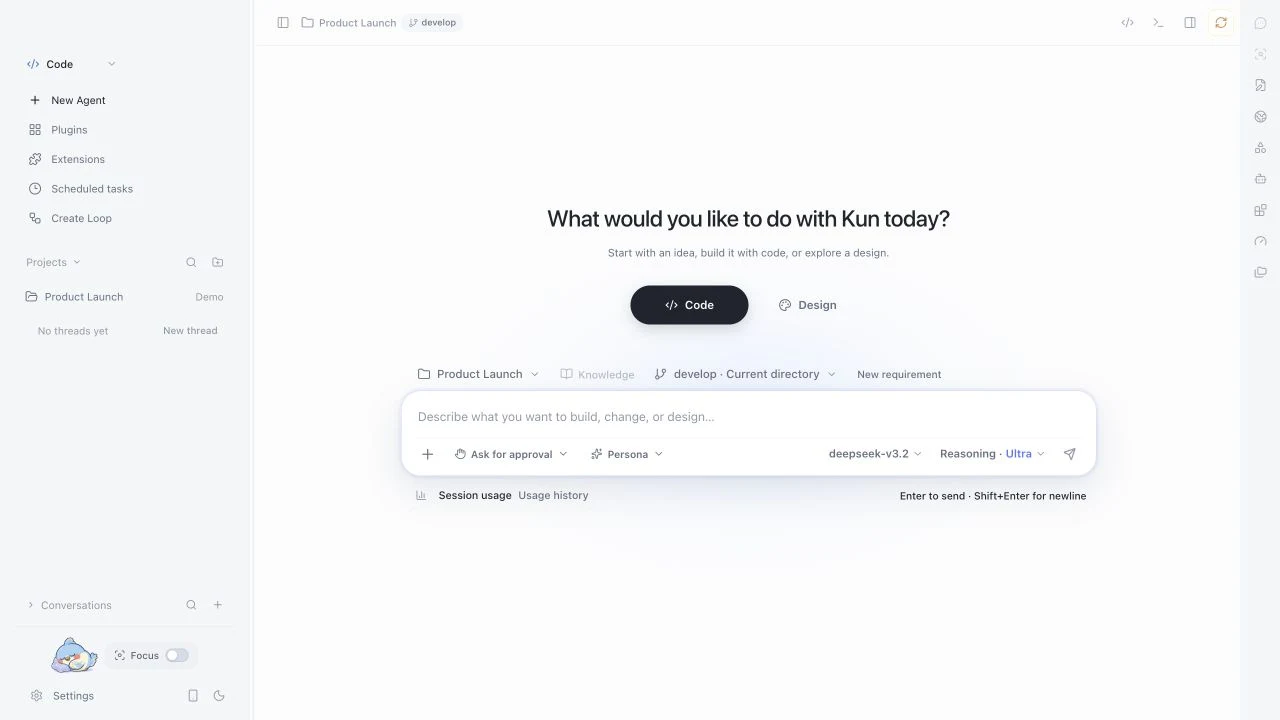
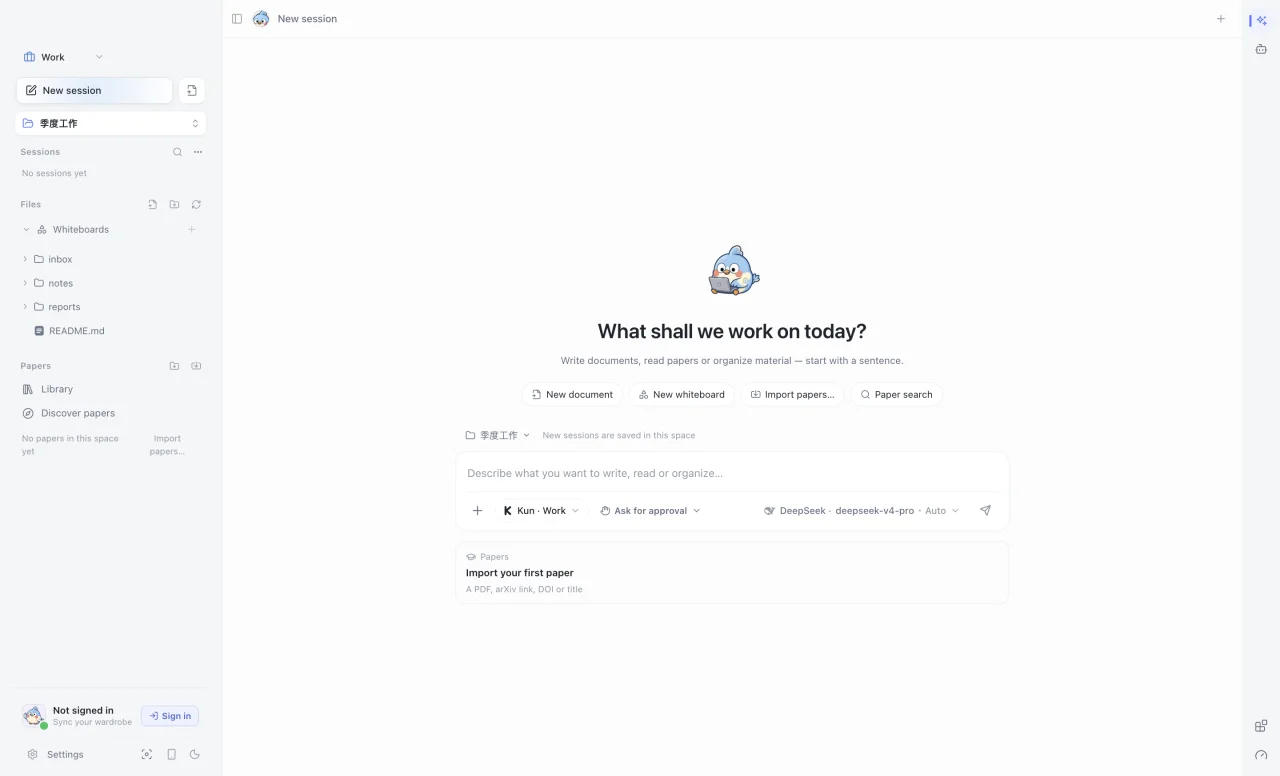
Kun is a desktop app that runs on your computer. Code, documents, and Agent conversations share one local runtime. Conversations, memory, and settings stay on your machine, and you bring your own models.
Also included: a plugin and skill marketplace (MCP / Skills), reminders and scheduled tasks, a terminal TUI, mobile remote access, and Kun accounts with a wardrobe. See the [0.4.0 changelog](release/release-v0.4.0.md) for the full list.
## Get started in three steps
1. **Install.** Pick the package for your platform from [Releases](https://github.com/KunAgent/Kun/releases).
2. **Connect a model.** On first launch, enter an API key or sign in to an existing subscription. OpenAI / Anthropic compatible endpoints and local models are supported; see the [provider guide](docs/model-provider-presets.md).
3. **Give it a concrete task.** Open a project folder in Code, or drop your material into Work. Agents ask for your approval before they act.
| Platform | Package | Architecture |
| --- | --- | --- |
| macOS | `.dmg` / `.zip` | Apple Silicon / Intel |
| Windows | `.exe` | x64 |
| Linux | `.AppImage` / `.deb` | x64 |
Install the Linux `.deb` with `sudo apt install ./Kun-*.deb` so apt also pulls in dependencies such as `libnotify4`; `dpkg -i` does not resolve dependencies and fails on minimal systems.
## A quick look
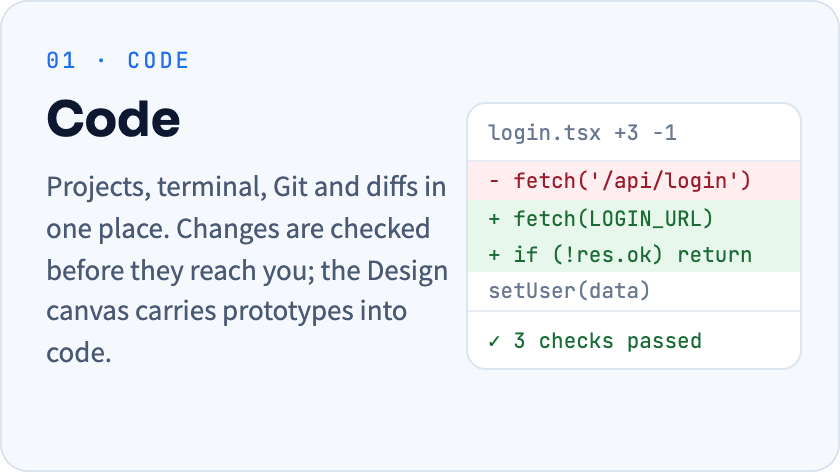
Code · projects, tasks, and changes
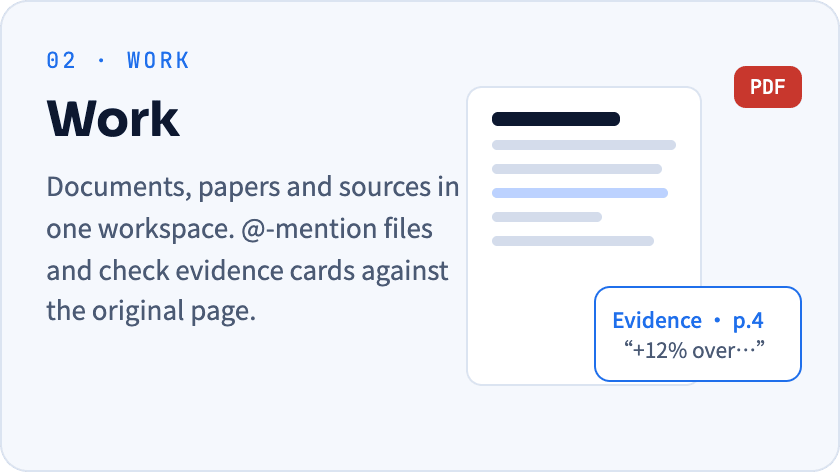
Work · sources, documents, and papers
## Local-first, you hold the permissions
- **Your data stays local.** Conversations, memory, and logs are stored on your machine. With a cloud model, only the context of each request goes to the provider you chose.
- **Approval before action.** Tool, directory, and workbench permissions ask for approval by default. Memory and group chats never widen them.
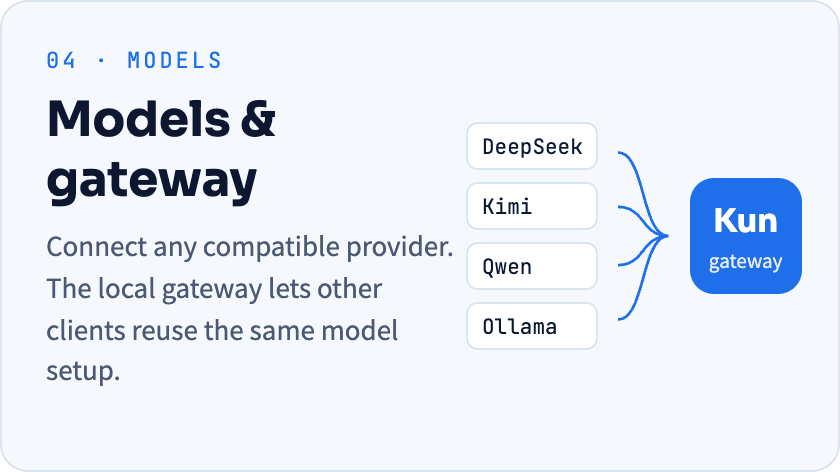
- **Swap models freely.** Presets cover DeepSeek, Kimi, GLM, Qwen, Ollama and more, plus custom providers.
- **GUI and TUI together.** One `kun serve` runtime, so threads, plans, and approvals carry across both.
## Run from source
Requires Node.js 22.19+.
```bash
git clone --branch develop https://github.com/KunAgent/Kun.git
cd Kun && npm ci && npm run dev
```
Common commands
| Command | Purpose |
| --- | --- |
| `npm run dev` | Build the runtime and start the Electron dev app |
| `npm run dev:tui` | Build the runtime and start the terminal TUI |
| `npm run typecheck` | TypeScript type checking |
| `npm run lint` | ESLint and the file-size check |
| `npm run test` | Run tests |
| `npm run build` | Production build |
| `npm run dist:mac` / `dist:win` / `dist:linux` | Build platform installers |
Two ways to use the terminal TUI
Keep the desktop app running and connect to its runtime from a project directory, sharing threads and approvals with the GUI:
```bash
kun --no-start
```
To use the TUI alone, quit the desktop app first and run `kun`; the TUI starts its own runtime and stops it on exit. See the [Kun TUI guide](docs/kun-tui.en.md).
## Documentation
| | |
| --- | --- |
| **Getting started** | [Model providers](docs/model-provider-presets.md) · [Personal Agents and memory](docs/independent-agents.md) · [Terminal TUI](docs/kun-tui.en.md) |
| **Workbench** | [Agent chats in Code](docs/code-agent-chats-and-rooms.md) · [Design canvas](docs/DESIGN_MODE.md) · [Papers and evidence](docs/paper-evidence-workspace.md) |
| **Extending** | [MCP and Skills](docs/project-mcp-skills.md) · [Loops](docs/workflow-loop.en.md) · [Extension platform](docs/extensions/README.md) · [Local gateway](docs/provider-configuration-and-gateway.md) |
| **Development** | [Local development](docs/DEVELOPMENT.en.md) · [Runtime architecture](docs/kun-architecture.en.md) · [Contributing](docs/CONTRIBUTING.en.md) |
## Contributing
Bug fixes and improvements to the UI, runtime, providers, and docs are welcome. Target pull requests at `develop` and read the [contribution guide](docs/CONTRIBUTING.en.md) first. External contributions require accepting the [CLA](./CLA.md).
## License
[PolyForm Noncommercial 1.0.0](./LICENSE), for learning, research, and noncommercial use only. Commercial use, hosted services, or integration into commercial products require separate written permission from the author.
Kun's memory architecture draws on the Thread / Memory separation and provenance ideas in the public [Nowledge Mem](https://mem.nowledge.co/docs) documentation; the implementation is independent.
Find Kun useful? A star helps more people discover it.