
 # ASAP delta action model training
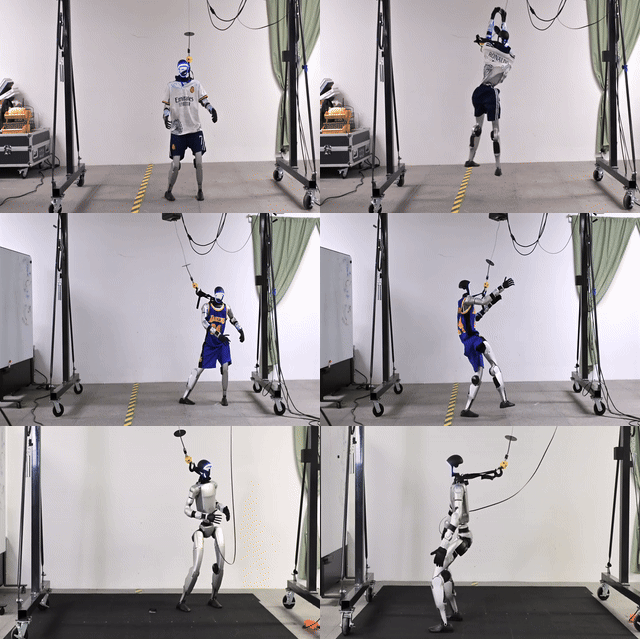
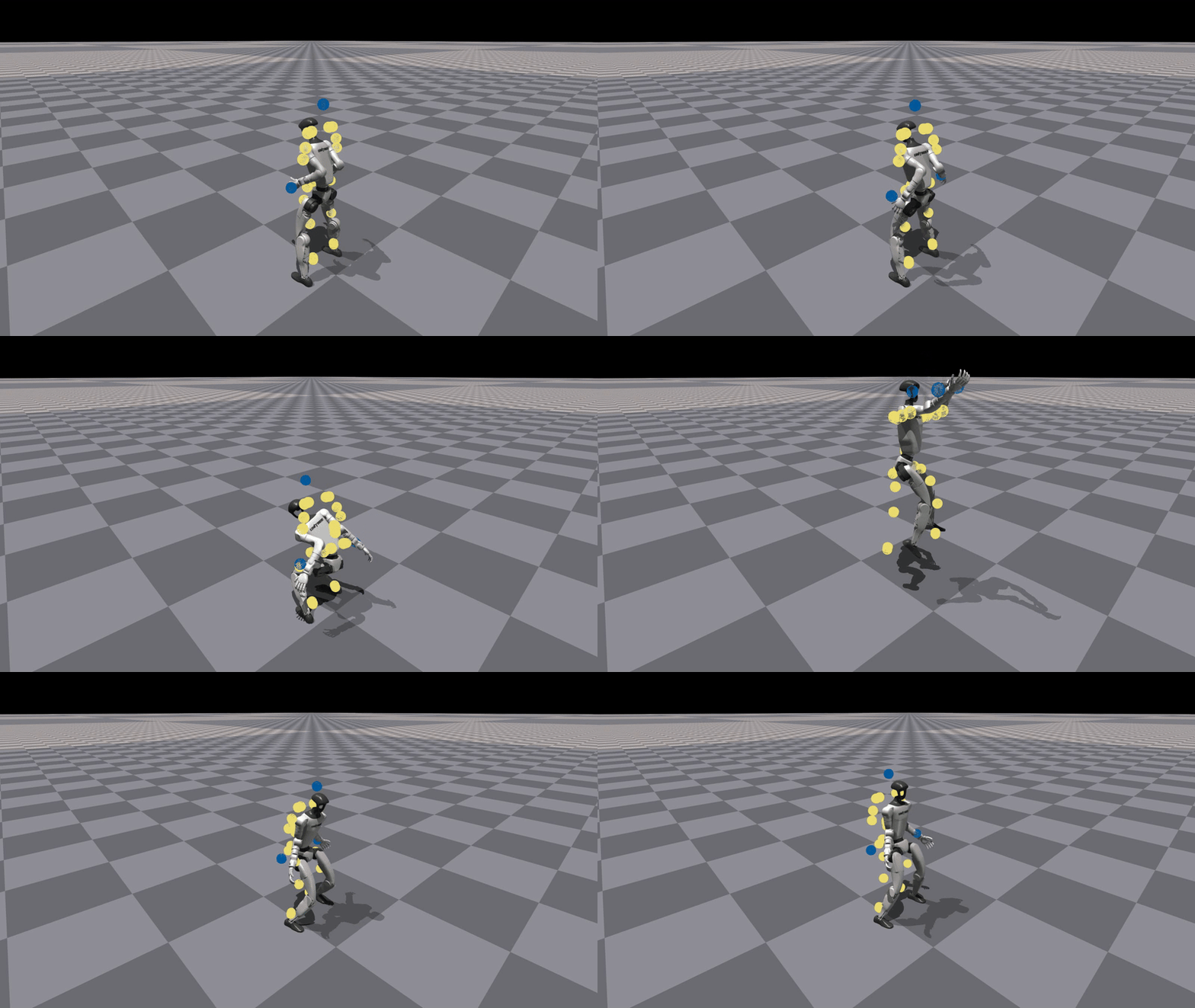
Note that the only difference between the delta action model training and naive motion tracking training is that delta action model needs a motion file with extra keyname `"action"` in the motion file, so that the resulting RL policy we are training is able to use the delta action model to `"control the robot"` to match the real-world/sim2sim motions.
## Train delta action model
```
python humanoidverse/train_agent.py \
+simulator=isaacgym \
+exp=train_delta_a_open_loop \
+domain_rand=NO_domain_rand \
+rewards=motion_tracking/delta_a/reward_delta_a_openloop \
+robot=g1/g1_29dof_anneal_23dof \
+terrain=terrain_locomotion_plane \
+obs=delta_a/open_loop \
num_envs=5000 \
project_name=DeltaA_Training \
experiment_name=openloopDeltaA_training \
robot.motion.motion_file="
# ASAP delta action model training
Note that the only difference between the delta action model training and naive motion tracking training is that delta action model needs a motion file with extra keyname `"action"` in the motion file, so that the resulting RL policy we are training is able to use the delta action model to `"control the robot"` to match the real-world/sim2sim motions.
## Train delta action model
```
python humanoidverse/train_agent.py \
+simulator=isaacgym \
+exp=train_delta_a_open_loop \
+domain_rand=NO_domain_rand \
+rewards=motion_tracking/delta_a/reward_delta_a_openloop \
+robot=g1/g1_29dof_anneal_23dof \
+terrain=terrain_locomotion_plane \
+obs=delta_a/open_loop \
num_envs=5000 \
project_name=DeltaA_Training \
experiment_name=openloopDeltaA_training \
robot.motion.motion_file="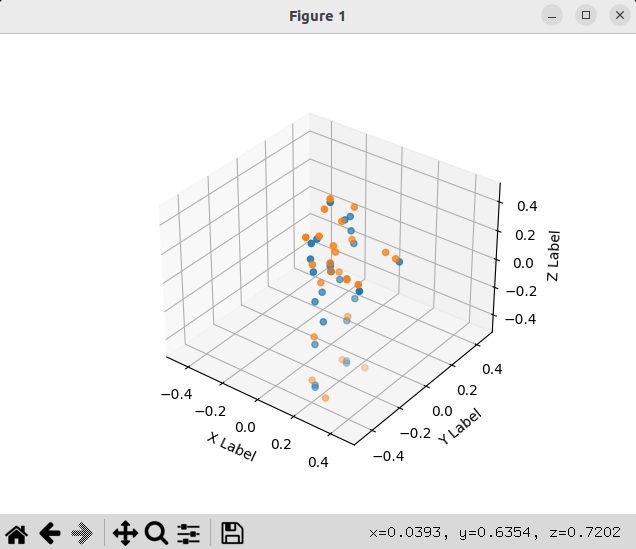 ## 5. Humanoid-SMPL motion retargeting
Run the following command to retarget the motion to the humanoid.
```bash
python scripts/data_process/fit_smpl_motion.py +robot=g1/g1_29dof_anneal_23dof
```
### Visualize motion
Run
```bash
python scripts/vis/vis_q_mj.py +robot=g1/g1_29dof_anneal_23dof +visualize_motion_file="humanoidverse/data/motions/g1_29dof_anneal_23dof/TairanTestbed/singles/0-motions_raw_tairantestbed_smpl_video_side_jump_level4_filter_amass.pkl"
```
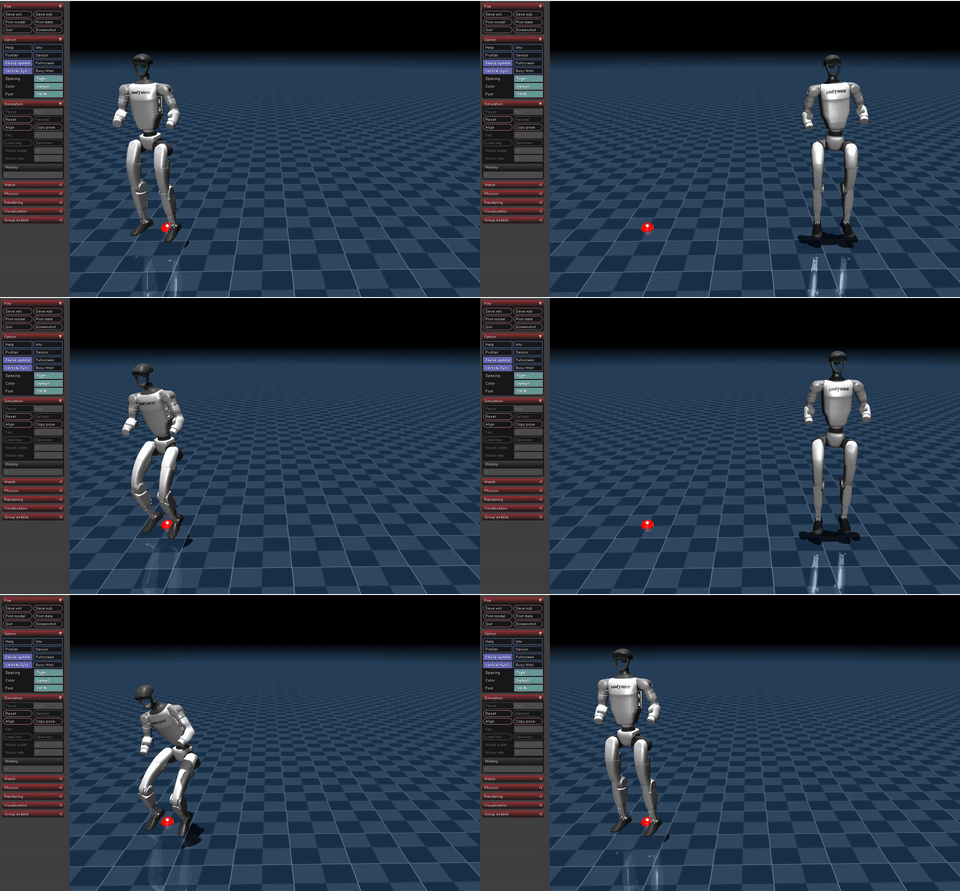
To test, and you should have you one single motion file located at `humanoidverse/data/motions/g1_29dof_anneal_23dof/TairanTestbed/singles/0-motions_raw_tairantestbed_smpl_video_side_jump_level4_filter_amass.pkl`.
If you want to visualize the motion, you can run
```bash
python scripts/vis/vis_q_mj.py +robot=g1/g1_29dof_anneal_23dof +visualize_motion_file="humanoidverse/data/motions/g1_29dof_anneal_23dof/TairanTestbed/singles/0-motions_raw_tairantestbed_smpl_video_side_jump_level4_filter_amass.pkl"
```
You should have
## 5. Humanoid-SMPL motion retargeting
Run the following command to retarget the motion to the humanoid.
```bash
python scripts/data_process/fit_smpl_motion.py +robot=g1/g1_29dof_anneal_23dof
```
### Visualize motion
Run
```bash
python scripts/vis/vis_q_mj.py +robot=g1/g1_29dof_anneal_23dof +visualize_motion_file="humanoidverse/data/motions/g1_29dof_anneal_23dof/TairanTestbed/singles/0-motions_raw_tairantestbed_smpl_video_side_jump_level4_filter_amass.pkl"
```
To test, and you should have you one single motion file located at `humanoidverse/data/motions/g1_29dof_anneal_23dof/TairanTestbed/singles/0-motions_raw_tairantestbed_smpl_video_side_jump_level4_filter_amass.pkl`.
If you want to visualize the motion, you can run
```bash
python scripts/vis/vis_q_mj.py +robot=g1/g1_29dof_anneal_23dof +visualize_motion_file="humanoidverse/data/motions/g1_29dof_anneal_23dof/TairanTestbed/singles/0-motions_raw_tairantestbed_smpl_video_side_jump_level4_filter_amass.pkl"
```
You should have
 # Sim2Sim/Sim2Real
## Environment Setup
Env Installation:
```
mamba create -n asap_deploy python=3.10
mamba activate asap_deploy
```
Install ros2-python
```bash
# this adds the conda-forge channel to the new created environment configuration
conda config --env --add channels conda-forge
# and the robostack channel
conda config --env --add channels robostack-staging
# remove the defaults channel just in case, this might return an error if it is not in the list which is ok
conda config --env --remove channels defaults
# install the ros2-python package
conda install ros-humble-desktop
```
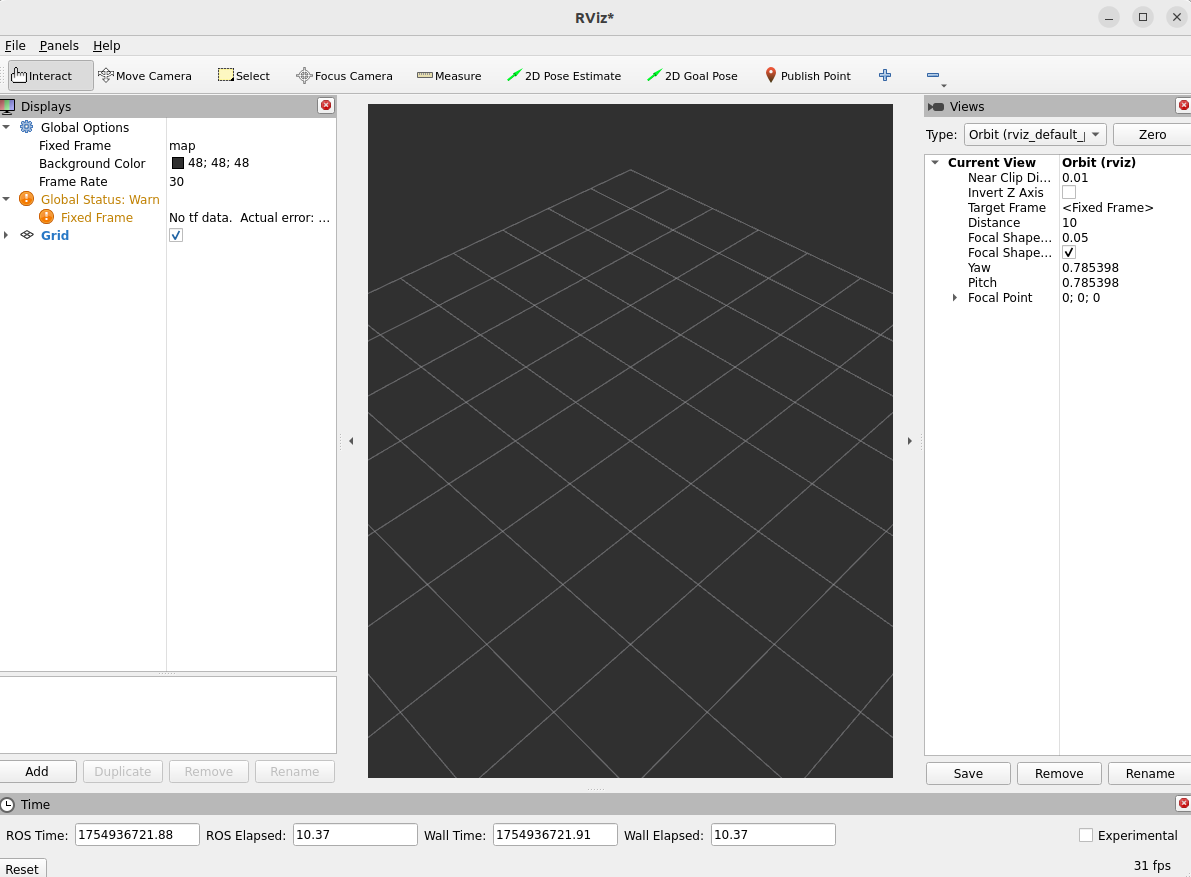
Test Ros2Installation:
```bash
rviz2
```
You should see the UI like this:
# Sim2Sim/Sim2Real
## Environment Setup
Env Installation:
```
mamba create -n asap_deploy python=3.10
mamba activate asap_deploy
```
Install ros2-python
```bash
# this adds the conda-forge channel to the new created environment configuration
conda config --env --add channels conda-forge
# and the robostack channel
conda config --env --add channels robostack-staging
# remove the defaults channel just in case, this might return an error if it is not in the list which is ok
conda config --env --remove channels defaults
# install the ros2-python package
conda install ros-humble-desktop
```
Test Ros2Installation:
```bash
rviz2
```
You should see the UI like this:
 Install Unitree SDK
```bash
git clone git@github.com:unitreerobotics/unitree_sdk2_python.git
cd unitree_sdk2_python
pip install -e .
```
minor issue to fix:
```bash
pip install --upgrade numpy scipy
```
## Sim2Sim
start the simulation in the sim2real folder:
```bash
python sim_env/base_sim.py --config=config/g1_29dof_hist.yaml
```
in another terminal, start the policy:
```bash
python rl_policy/deepmimic_dec_loco_height.py --config=config/g1_29dof_hist.yaml --loco_model_path=./models/dec_loco/20250109_231507-noDR_rand_history_loco_stand_height_noise-decoupled_locomotion-g1_29dof/model_6600.onnx --mimic_model_paths=./models/mimic
```
- click to the policy terminal and press `]` to activate the locomotion policy
- click to the policy terminal and press `[` to activate the asap policy (phase-based motion tracking policy)
- click to the policy terminal and press `;` to switch to the asap policy
- press `i` to make the robot the initial position
- press `o` to emergence stop the robot
- press `9` in mujoco viewer to release the robostack
- press `=` to switch between tapping and walking for the locomotion policy
- press `w/a/s/d` to control the linear velocity
- press `q/e` to control the angular velocity
- press `z` to set all commands to zero
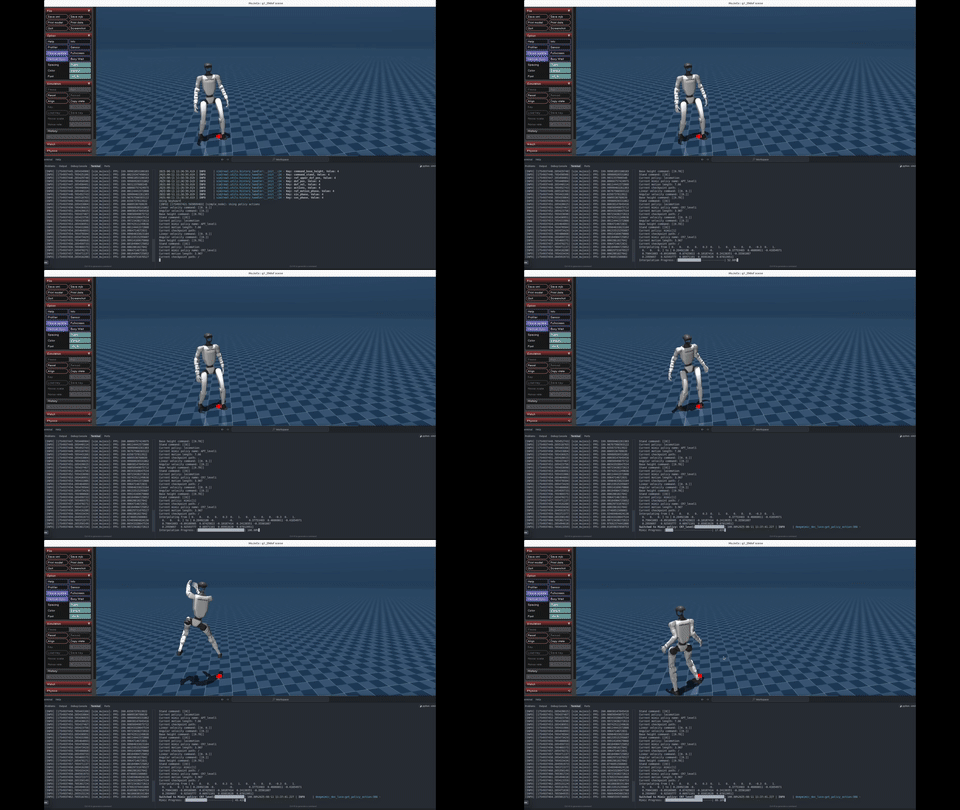
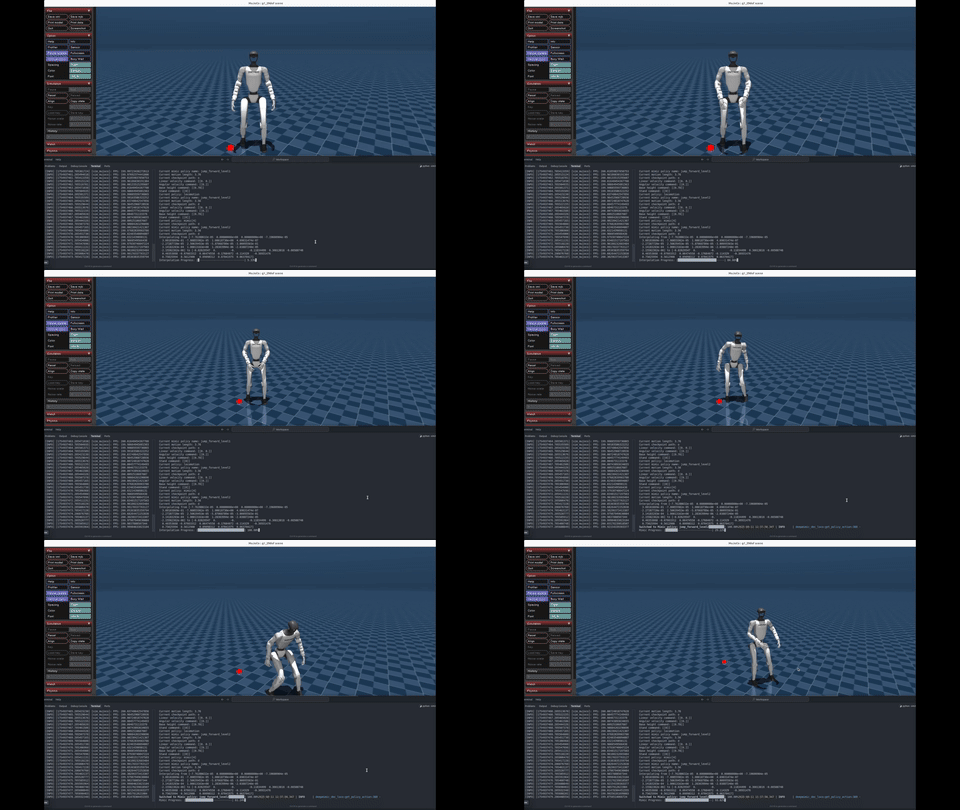
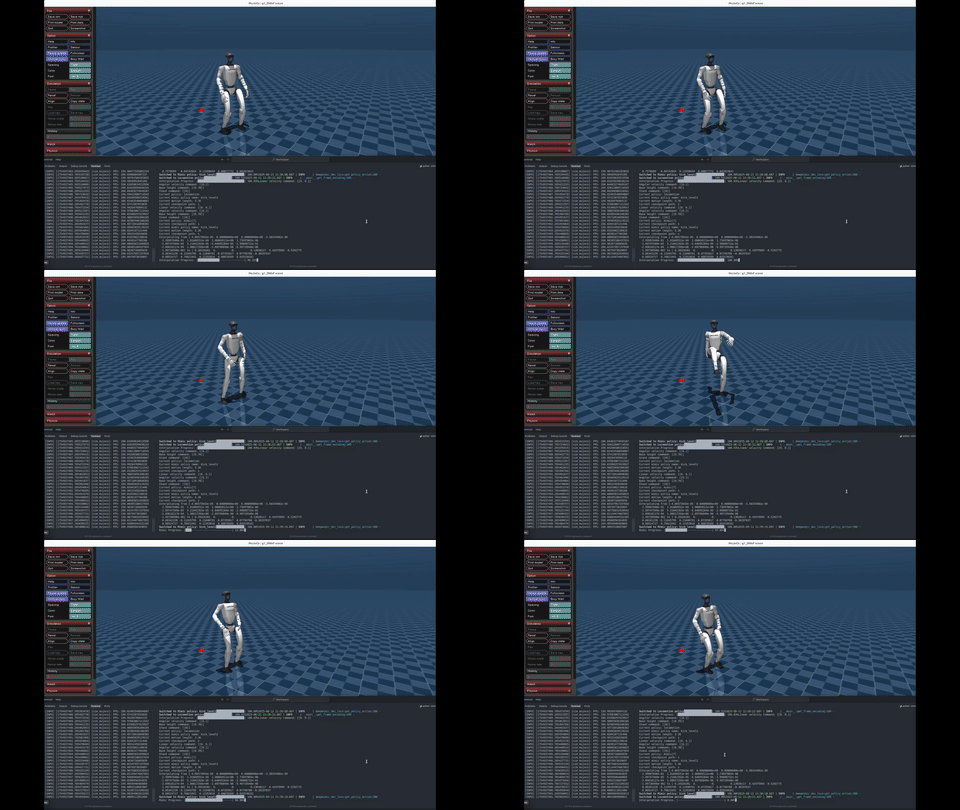
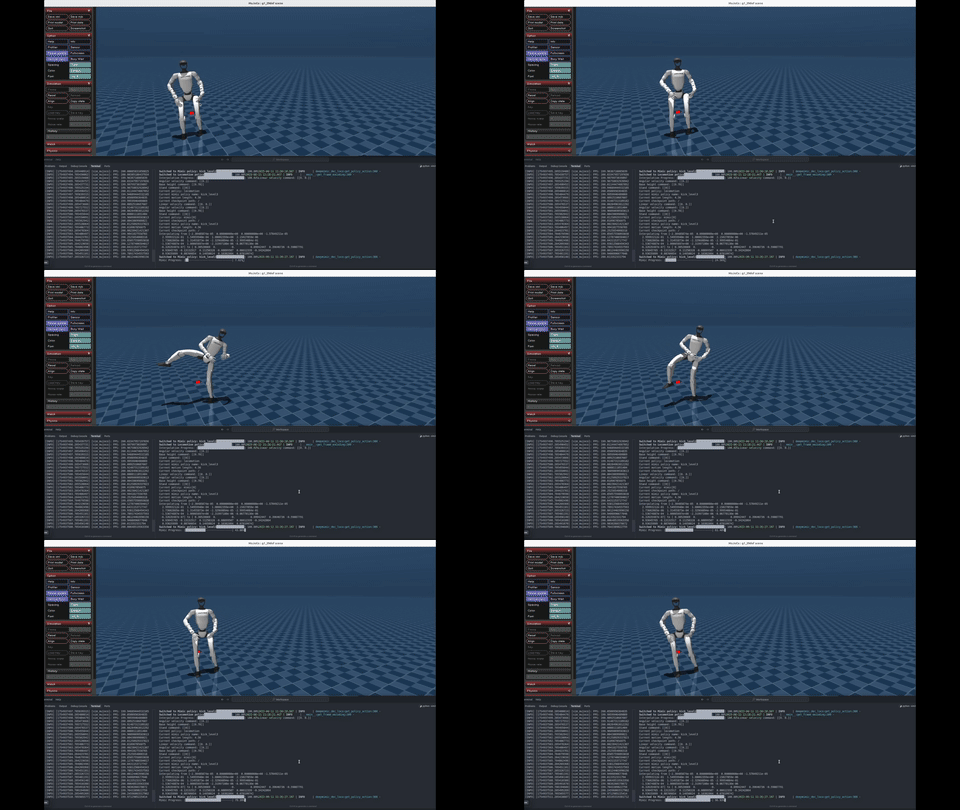
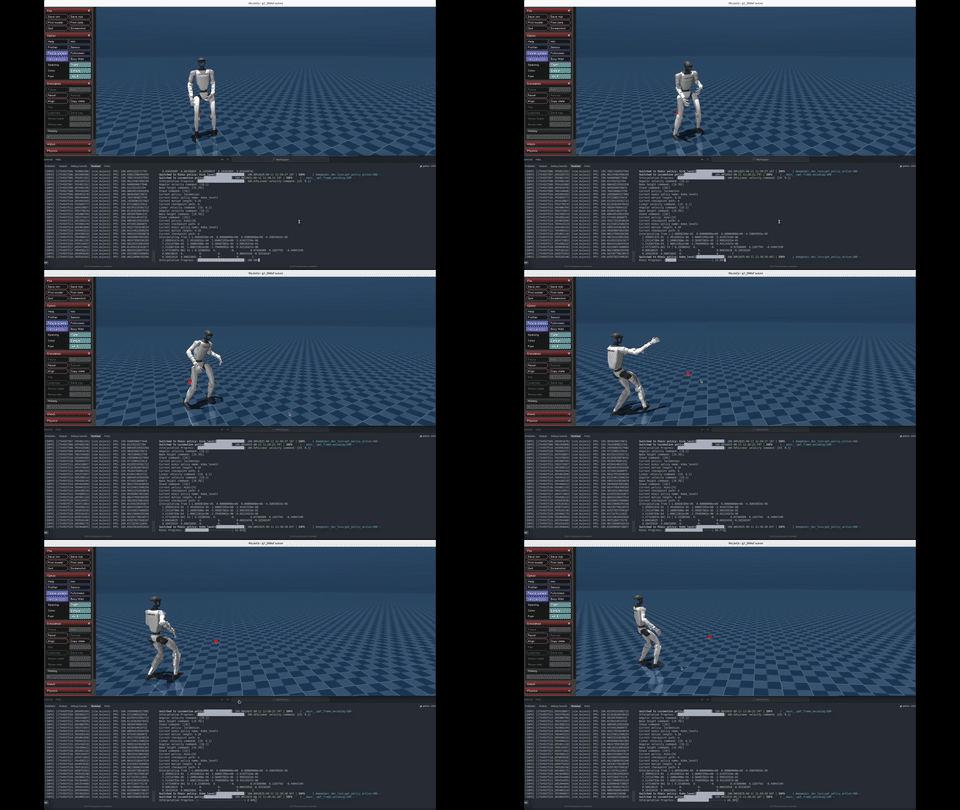
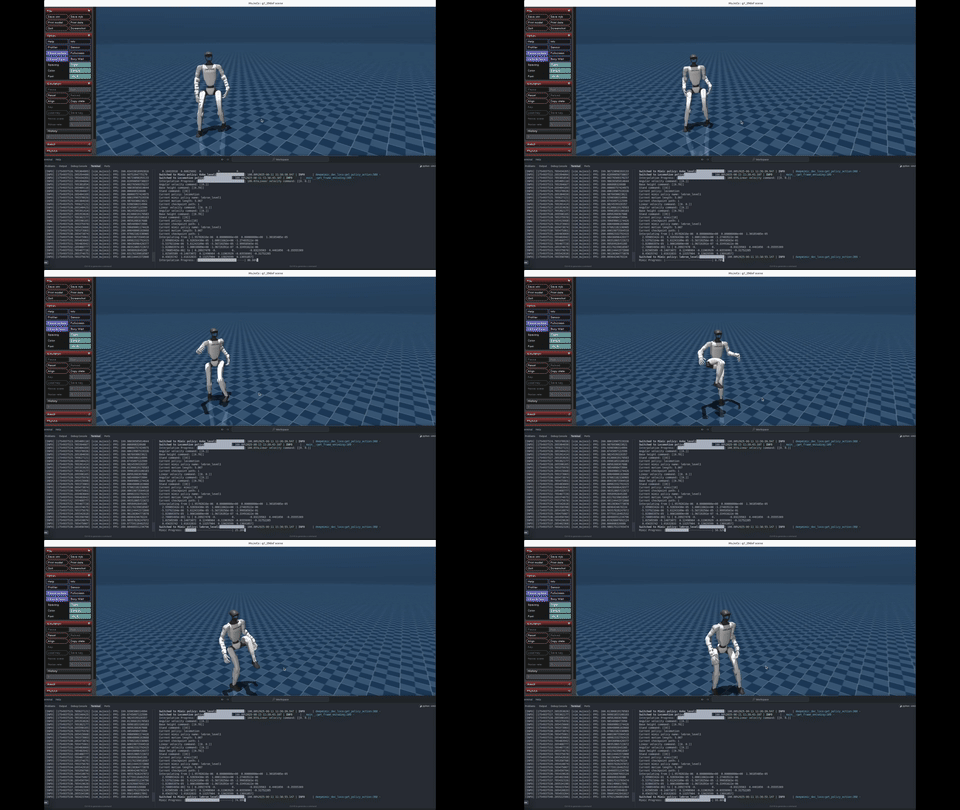
And you should be able to play around with some checkpoints from the ASAP paper. Have fun!
Install Unitree SDK
```bash
git clone git@github.com:unitreerobotics/unitree_sdk2_python.git
cd unitree_sdk2_python
pip install -e .
```
minor issue to fix:
```bash
pip install --upgrade numpy scipy
```
## Sim2Sim
start the simulation in the sim2real folder:
```bash
python sim_env/base_sim.py --config=config/g1_29dof_hist.yaml
```
in another terminal, start the policy:
```bash
python rl_policy/deepmimic_dec_loco_height.py --config=config/g1_29dof_hist.yaml --loco_model_path=./models/dec_loco/20250109_231507-noDR_rand_history_loco_stand_height_noise-decoupled_locomotion-g1_29dof/model_6600.onnx --mimic_model_paths=./models/mimic
```
- click to the policy terminal and press `]` to activate the locomotion policy
- click to the policy terminal and press `[` to activate the asap policy (phase-based motion tracking policy)
- click to the policy terminal and press `;` to switch to the asap policy
- press `i` to make the robot the initial position
- press `o` to emergence stop the robot
- press `9` in mujoco viewer to release the robostack
- press `=` to switch between tapping and walking for the locomotion policy
- press `w/a/s/d` to control the linear velocity
- press `q/e` to control the angular velocity
- press `z` to set all commands to zero
And you should be able to play around with some checkpoints from the ASAP paper. Have fun!
 |
 |
 |
 |
 |
 |