


 ](https://f-droid.org/packages/com.gmail.cn.leetao94.rssaid/)
The latest build for Android can be found in [the releases](https://github.com/lt94/RSSAid/releases).
## Build
If you wish to build the application from source, please refer to the [official documentation by Flutter](https://flutter.cn/docs/deployment/android).
## Features
- [x] Detect RSSHub sources from URL (Supports almost all rules as RSSHub Radar)
- [x] Supports mobile-only URLs (auto URL expansion for shortlinks and mobile subdomains)
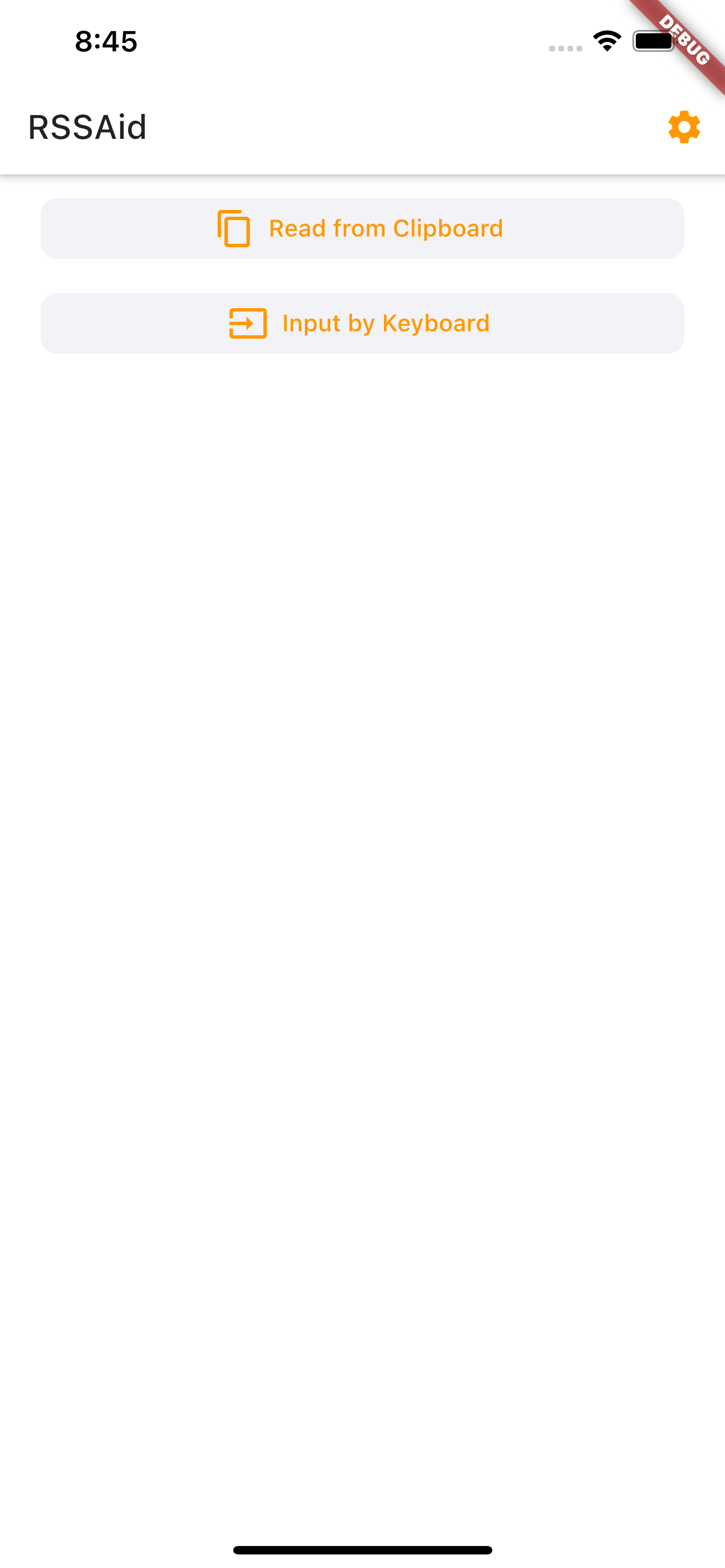
- [x] Import URLs from clipboard
- [x] Quick subscription
- [x] Customizable general parameters
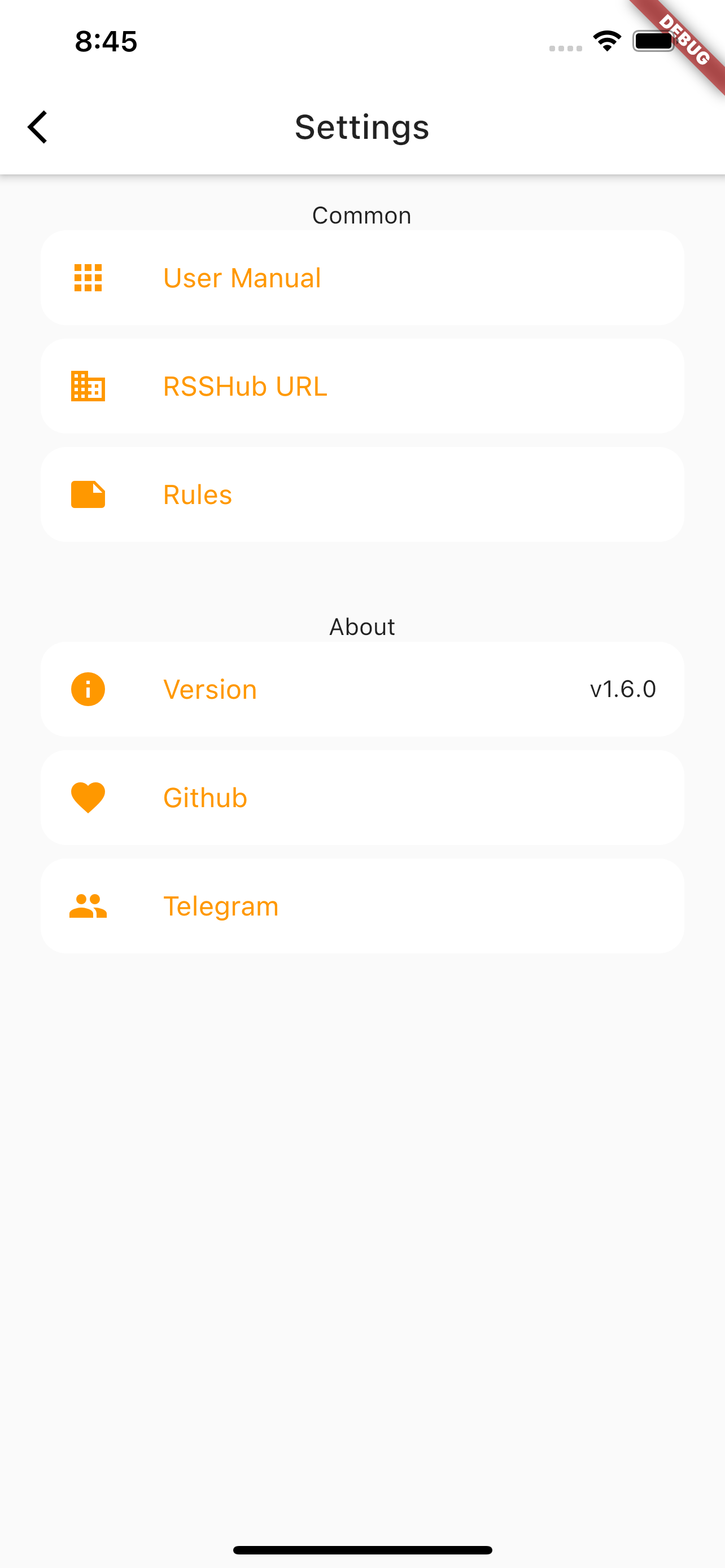
- [x] Customizable RSSHub server
- [x] Auto-update RSSHub Radar rules
- [x] Supports Weibo
- [x] Supports customized rules
- [x] Save history
- [x] RSS+ rules
- [x] Available on FDroid
- [x] English version
## Rules
RSSAid use the same [rules](https://github.com/DIYgod/RSSHub/blob/master/assets/radar-rules.js) as [RSSHub Radar](https://github.com/DIYgod/RSSHub-Radar) and both supports auto-update.
If you wish to submit new rules for RSSHub Radar and RSSAid, see [how](https://docs.rsshub.app/joinus/#ti-jiao-xin-de-rsshub-radar-gui-ze).
> Note that rules using `document` in `target` is not applicable to RSSAid. RSSAid is NOT a browser extension, it simply gets and parses URL.
> Some pages have different URLs for mobile and PC, but rules on RSSHub Radar only supports PC-style URLs. RSSAid will try to convert mobile-specific URLs, but if you find a URL that is valid on RSSHub Radar but not on RSSAid, try using the URL for PC, and report the issue on Telegram.
## Author
RSSAid is made by Leetao and licensed under **MIT license**.
](https://f-droid.org/packages/com.gmail.cn.leetao94.rssaid/)
The latest build for Android can be found in [the releases](https://github.com/lt94/RSSAid/releases).
## Build
If you wish to build the application from source, please refer to the [official documentation by Flutter](https://flutter.cn/docs/deployment/android).
## Features
- [x] Detect RSSHub sources from URL (Supports almost all rules as RSSHub Radar)
- [x] Supports mobile-only URLs (auto URL expansion for shortlinks and mobile subdomains)
- [x] Import URLs from clipboard
- [x] Quick subscription
- [x] Customizable general parameters
- [x] Customizable RSSHub server
- [x] Auto-update RSSHub Radar rules
- [x] Supports Weibo
- [x] Supports customized rules
- [x] Save history
- [x] RSS+ rules
- [x] Available on FDroid
- [x] English version
## Rules
RSSAid use the same [rules](https://github.com/DIYgod/RSSHub/blob/master/assets/radar-rules.js) as [RSSHub Radar](https://github.com/DIYgod/RSSHub-Radar) and both supports auto-update.
If you wish to submit new rules for RSSHub Radar and RSSAid, see [how](https://docs.rsshub.app/joinus/#ti-jiao-xin-de-rsshub-radar-gui-ze).
> Note that rules using `document` in `target` is not applicable to RSSAid. RSSAid is NOT a browser extension, it simply gets and parses URL.
> Some pages have different URLs for mobile and PC, but rules on RSSHub Radar only supports PC-style URLs. RSSAid will try to convert mobile-specific URLs, but if you find a URL that is valid on RSSHub Radar but not on RSSAid, try using the URL for PC, and report the issue on Telegram.
## Author
RSSAid is made by Leetao and licensed under **MIT license**.