[](https://ubuntu.com/) [](https://docs.ros.org/en/jazzy/) [](https://micro.ros.org/) [](LICENSE)
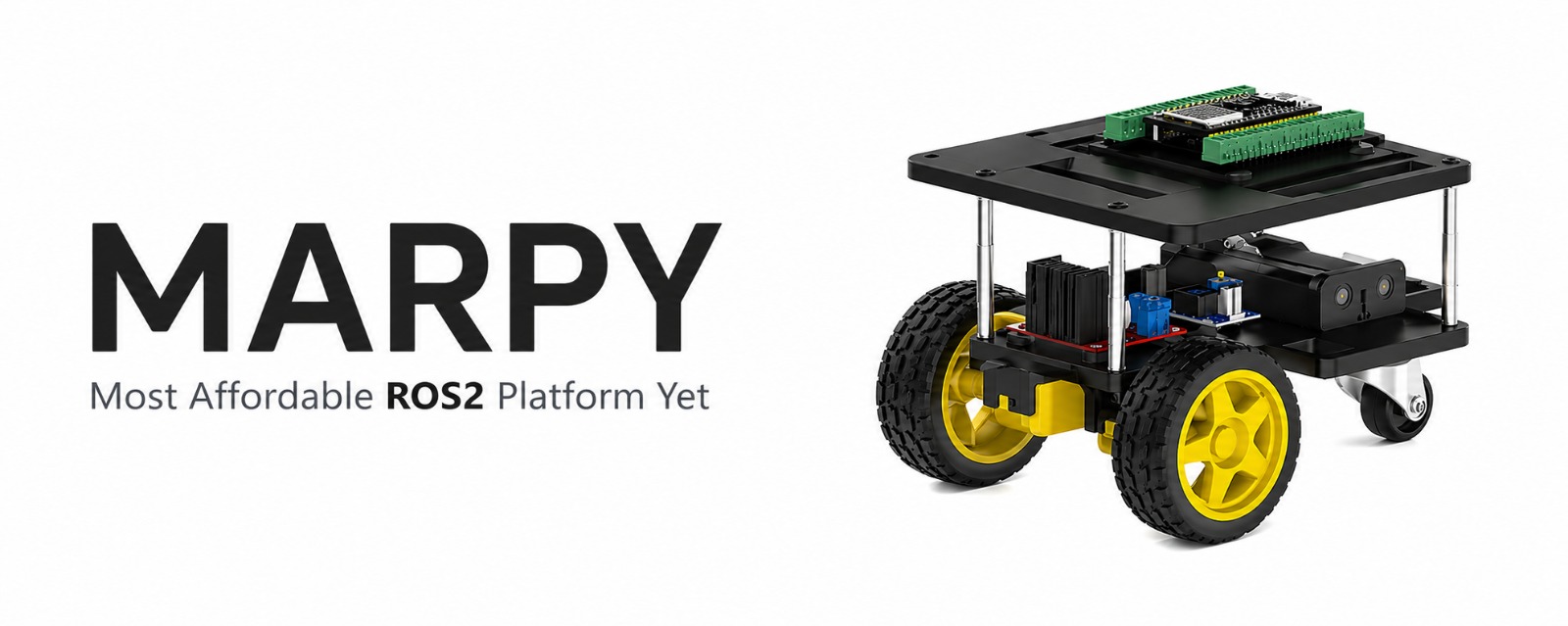
A cheap, open-source, 3D-printed differential-drive robot designed for beginners who want to learn ROS2 with real hardware.
---
## Requirements
- Ubuntu 24.04
- ROS2 Jazzy (or Docker)
- PlatformIO (for flashing the ESP32)
- A 2.4 GHz WiFi network the PC and the ESP32 boards can both join. A mobile phone hotspot works well (verified on iOS); the ESP32 does not support 5 GHz, so make sure the hotspot is on 2.4 GHz.
## Quick Start
### 1. Clone the workspace
```bash
git clone https://github.com/LevinTamir/MARPY.git marpy_ws
cd marpy_ws
```
### 2. Build the robot
Follow the guides in order:
| Step | Guide | Description |
|------|-------|-------------|
| 1 | [Bill of Materials](docs/bom.md) | Buy the parts (< 50$) |
| 2 | [Assembly Instructions](docs/assembly.md) | Build the robot |
| 3 | [Wiring Guide](docs/wiring.md) | Connect all the electronics |
| 4 | [Firmware Setup](docs/firmware-setup.md) | Flash the ESP32 with micro-ROS |
| 5 | [ROS2 Setup](docs/ros2-setup.md) | Set up your PC and start driving! |
| 6 | [Simulation](docs/simulation.md) | Run MARPY in Gazebo (no hardware needed) |
### 3. Drive!
```bash
# Terminal 1: Start the micro-ROS agent
docker run -it --rm --net=host microros/micro-ros-agent:jazzy udp4 --port 8888 -v6
# Terminal 2: Launch the real robot (robot_state_publisher, odometry, RViz)
ros2 launch marpy_bringup real.launch.py
# Terminal 3: Drive with keyboard teleop
sudo apt install ros-jazzy-teleop-twist-keyboard
ros2 run teleop_twist_keyboard teleop_twist_keyboard
```
## Demos
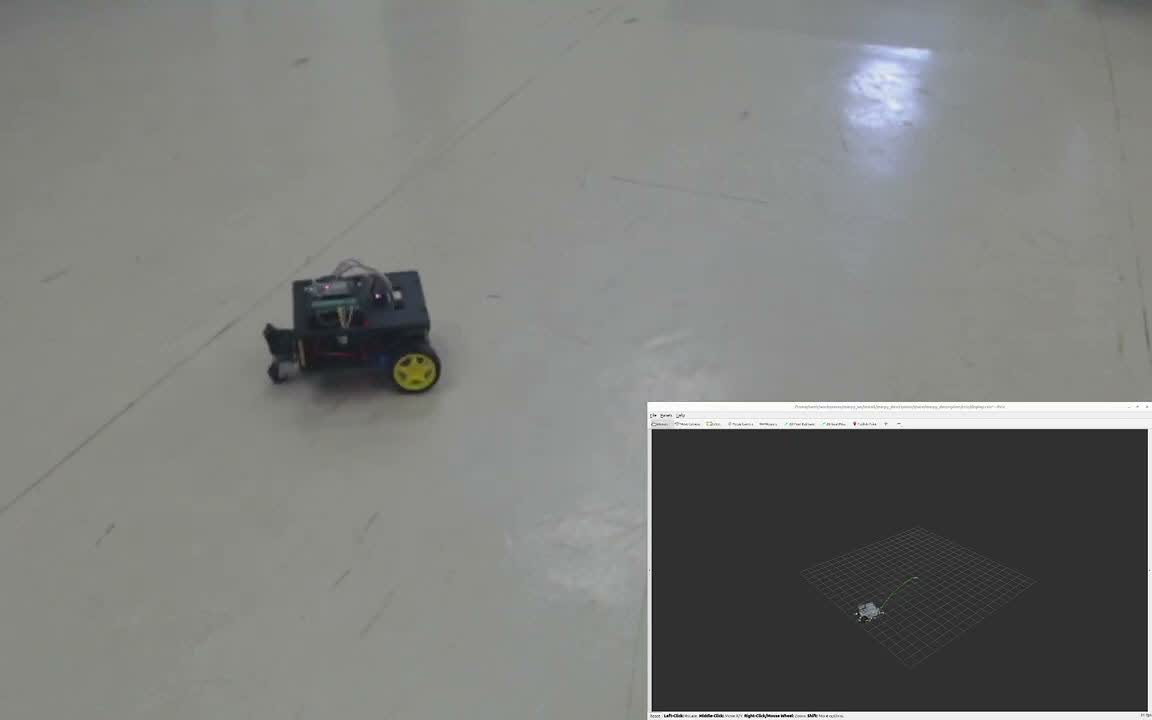
**Real robot:**
[](https://youtu.be/ZrNPOut3CuA)
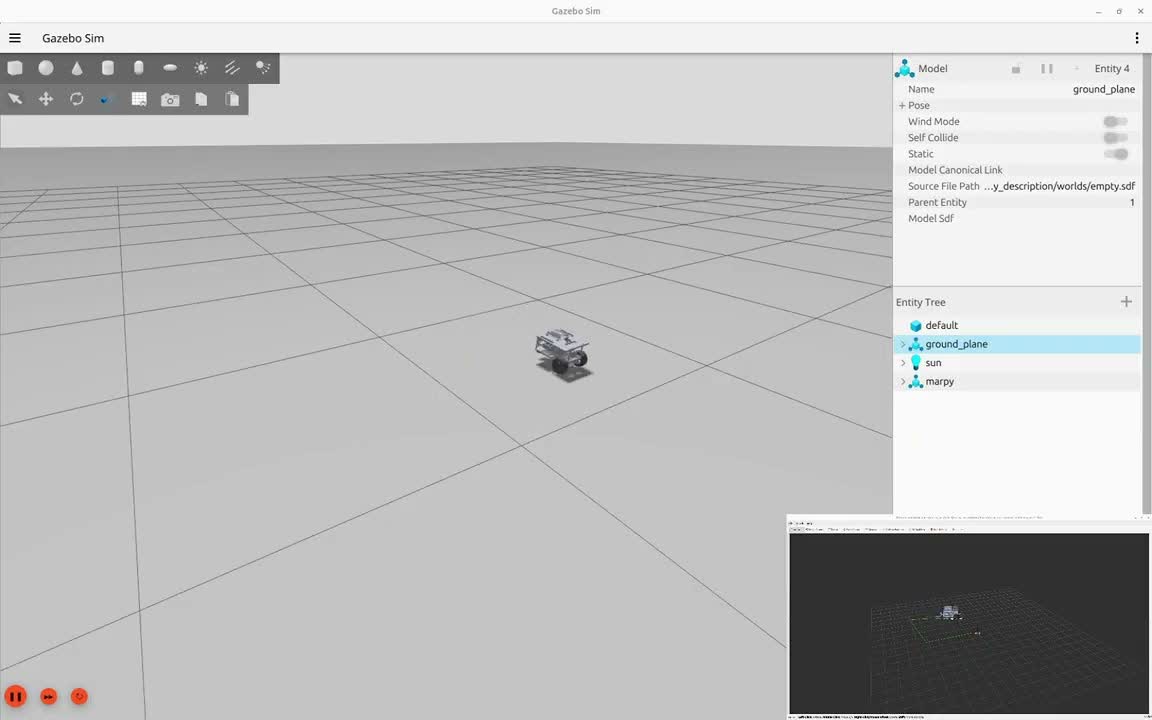
**Simulation:**
[](https://youtu.be/tEwZcNDOt3I)
## Repository Structure
```
marpy_ws/
├── README.md ← You are here
├── docs/
│ ├── bom.md ← Bill of materials + purchase links
│ ├── assembly.md ← Step-by-step build guide
│ ├── wiring.md ← Wiring diagram + pin tables
│ ├── firmware-setup.md ← Flash the ESP32
│ ├── ros2-setup.md ← ROS2 + micro-ROS agent setup
│ └── images/ ← Robot photos and diagrams
├── src/
│ ├── marpy_description/ ← URDF model + meshes + Gazebo worlds
│ ├── marpy_localization/ ← Wheel odometry + path tracking
│ └── marpy_bringup/ ← Launch files (sim + real)
├── docker/
│ ├── docker-compose.yml ← micro-ROS agent + dev container
│ ├── Dockerfile ← ROS2 Jazzy dev environment
│ └── entrypoint.sh
└── .github/workflows/ ← CI/CD pipeline
```
## Firmware Repositories
The ESP32 firmware lives in two separate repos:
- **[marpy_firmware](https://github.com/LevinTamir/marpy_firmware)** - PlatformIO project for the ESP32 drive controller: micro-ROS, motor control, encoder reading, and IMU.
- **[marpy_cam_firmware](https://github.com/LevinTamir/marpy_cam_firmware)** *(optional)* - PlatformIO project for the ESP32-CAM: serves an MJPEG stream over HTTP, republished as `sensor_msgs/Image` by the `marpy_cam_bridge` node.
## Contributing
Contributions are welcome! If you build a MARPY robot, open an issue with photos so everyone can see it.