LG Gesture and Voice Control
An App To Provide Gesture and Voice Control for Liquid Galaxy.
[](https://github.com/Sudhanyo/LG-Gesture-And-Voice-Control)
[](https://github.com/Sudhanyo/LG-Gesture-And-Voice-Control)
[](https://flutter.dev/)
[](https://dart.dev/)
[](https://summerofcode.withgoogle.com/)


# Table of Contents
- [Key Features](#key-features)
- [How to Use](#how-to-use)
- [Download](#download)
- [Work Done](#work-done)
- [Credits](#credits)
- [License](#license)
## Key Features
## Gesture-Controlled Liquid Galaxy Rig with ML Kit and Mediapipe
1. **Gesture Recognition:**
- Utilizes ML Kit and Mediapipe for real-time and accurate hand gesture detection.
- Advanced machine learning algorithms interpret hand movements for precise control over the Liquid Galaxy Rig.
2. **Fluid Gesture Mapping:**
- Maps distinct gestures to specific commands, enhancing control intuitiveness.
- Common gestures like hand movements are associated with meaningful actions in the Liquid Galaxy environment.
3. **Real-time Interaction:**
- Instant responsiveness for seamless navigation and manipulation of Liquid Galaxy content through gestures.
## Voice-Controlled Liquid Galaxy Rig
1. **Voice Recognition:**
- Integrates advanced voice recognition for accurate interpretation of user commands.
- Enables hands-free control of the Liquid Galaxy Rig via voice inputs.
2. **Customizable Voice Commands:**
- Define personalized voice commands for seamless Liquid Galaxy navigation.
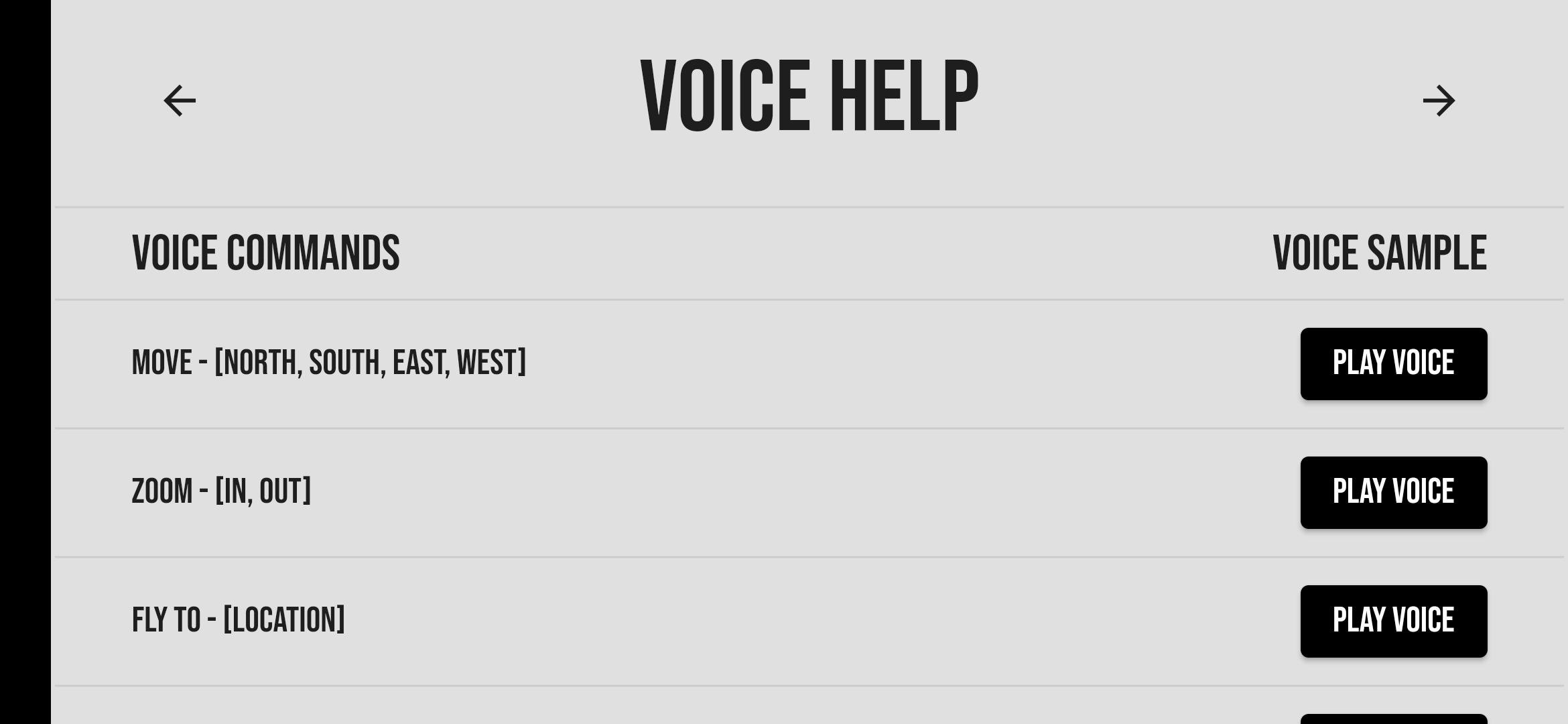
- Easy-to-use trigger phrases for users such as Move, Fly To, Zoom, Orbit, and much more!
## User Interface and Experience
1. **Intuitive UI Design:**
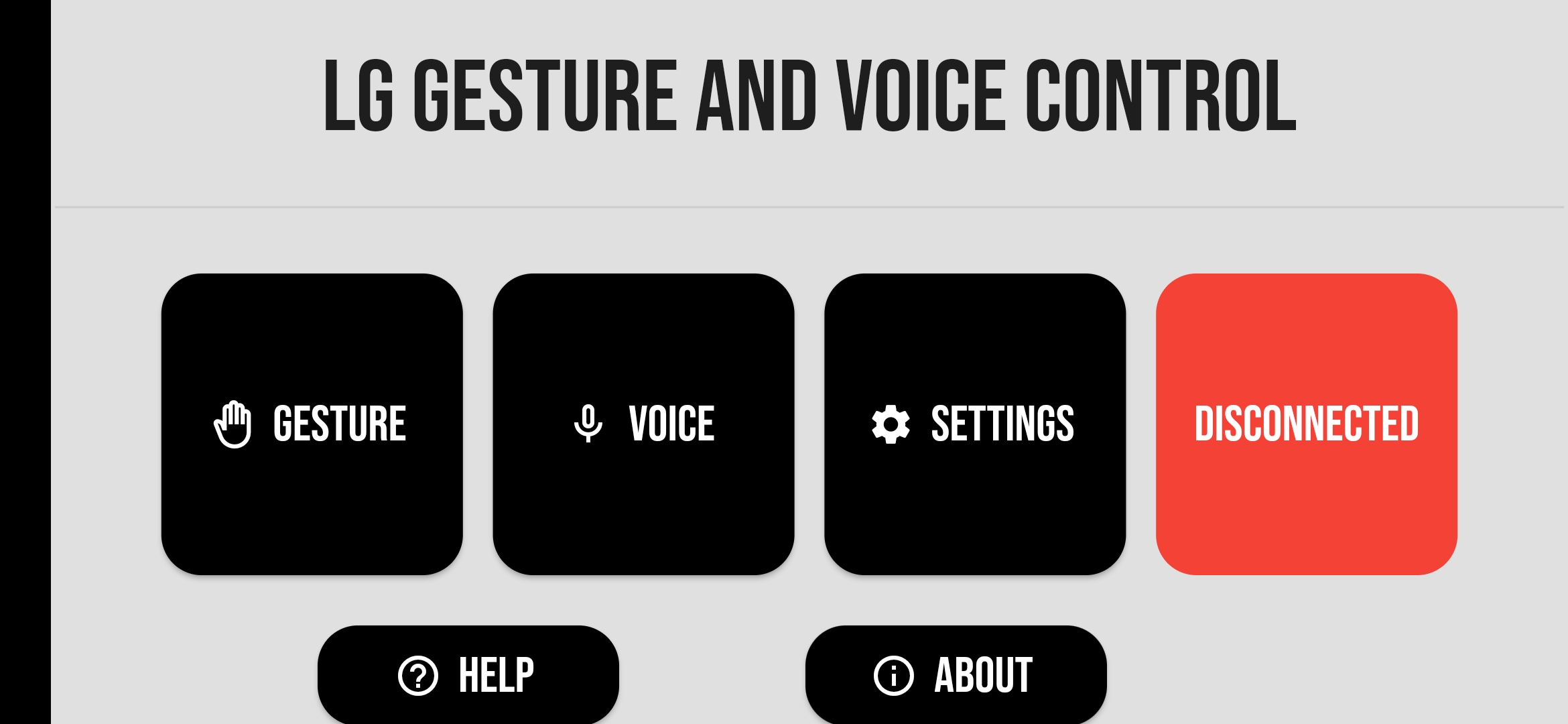
- User-friendly interface with straightforward navigation for effortless gesture and voice control.
- Prioritizes visual appeal and ease of use to enhance user experience.
2. **Comprehensive Help Section:**
- Extensive help and support resources catering to all user levels.
- Voice and Gesture samples to assist users in navigating the application with ease.
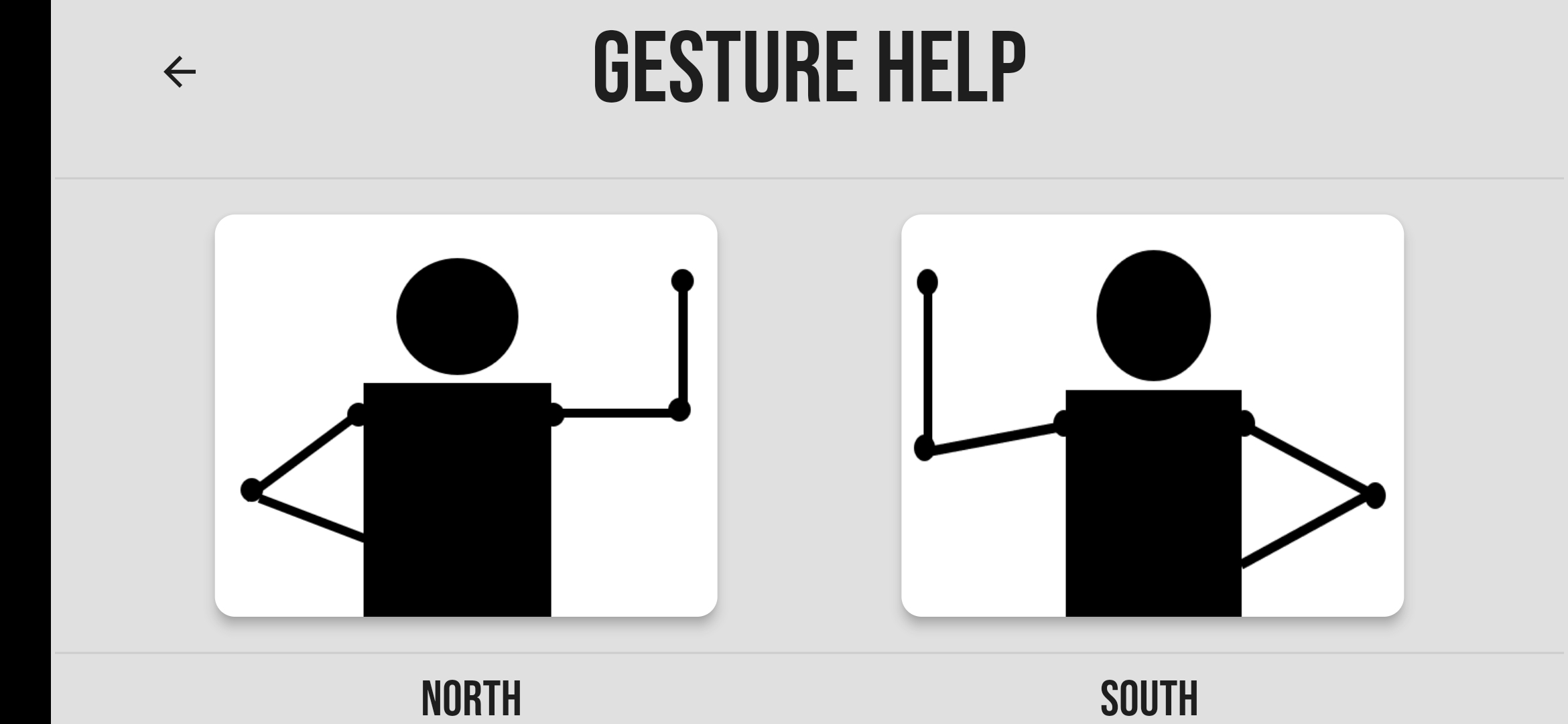
3. **Sample Commands and Gestures:**
- Diverse collection of voice samples and gestures showcasing app capabilities.
- Highlights applications of gesture and voice controls in the Liquid Galaxy environment.
## How to Use
To start using the app, follow these steps:
1. Open the app on your device.
2. Navigate to the "Settings" section.
3. Provide the following details to connect to a Liquid Galaxy system:
- IP Address
- Username
- Password
- Number of Screens
4. Once connected, you can use the app in two ways:
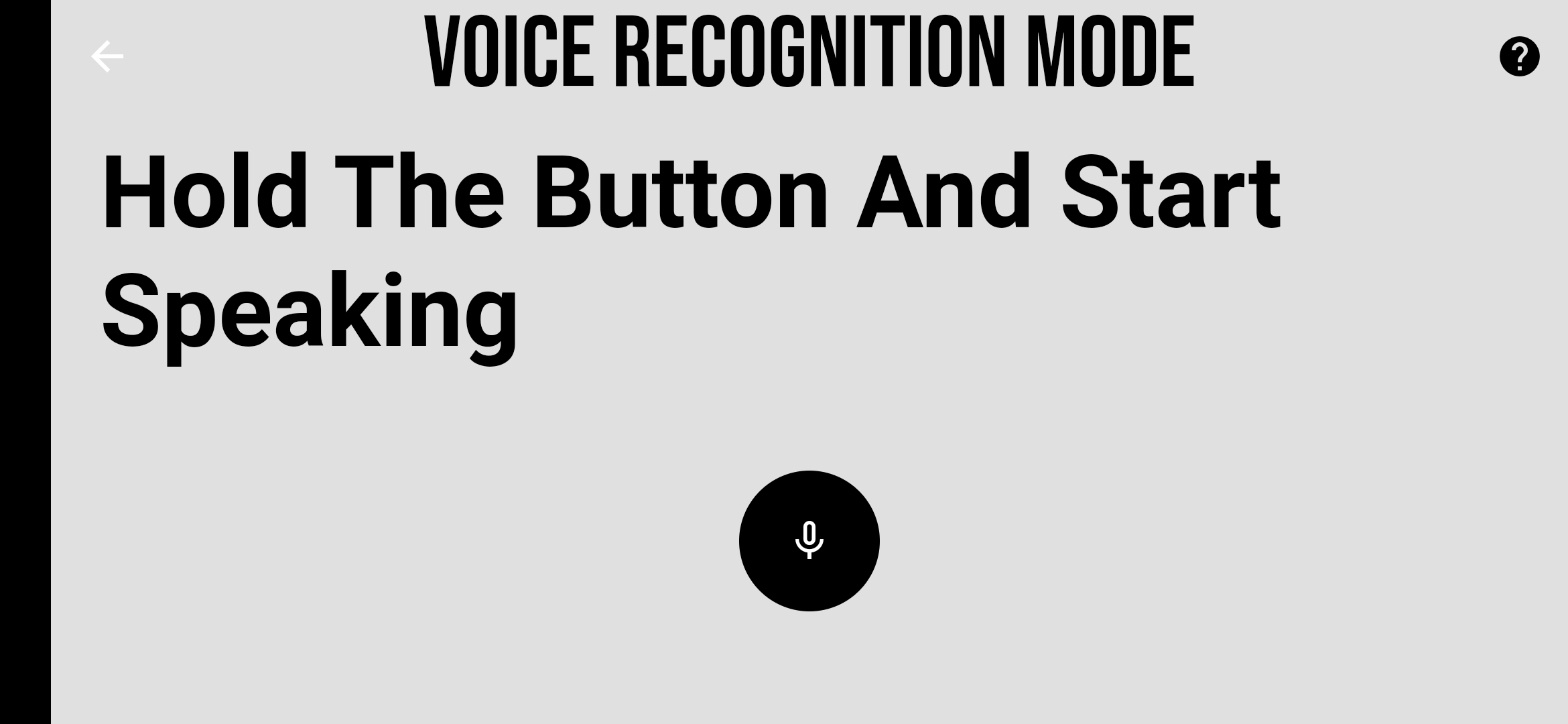
- Voice Recognition: Access the "Voice" section to control the Liquid Galaxy Rig using voice commands.
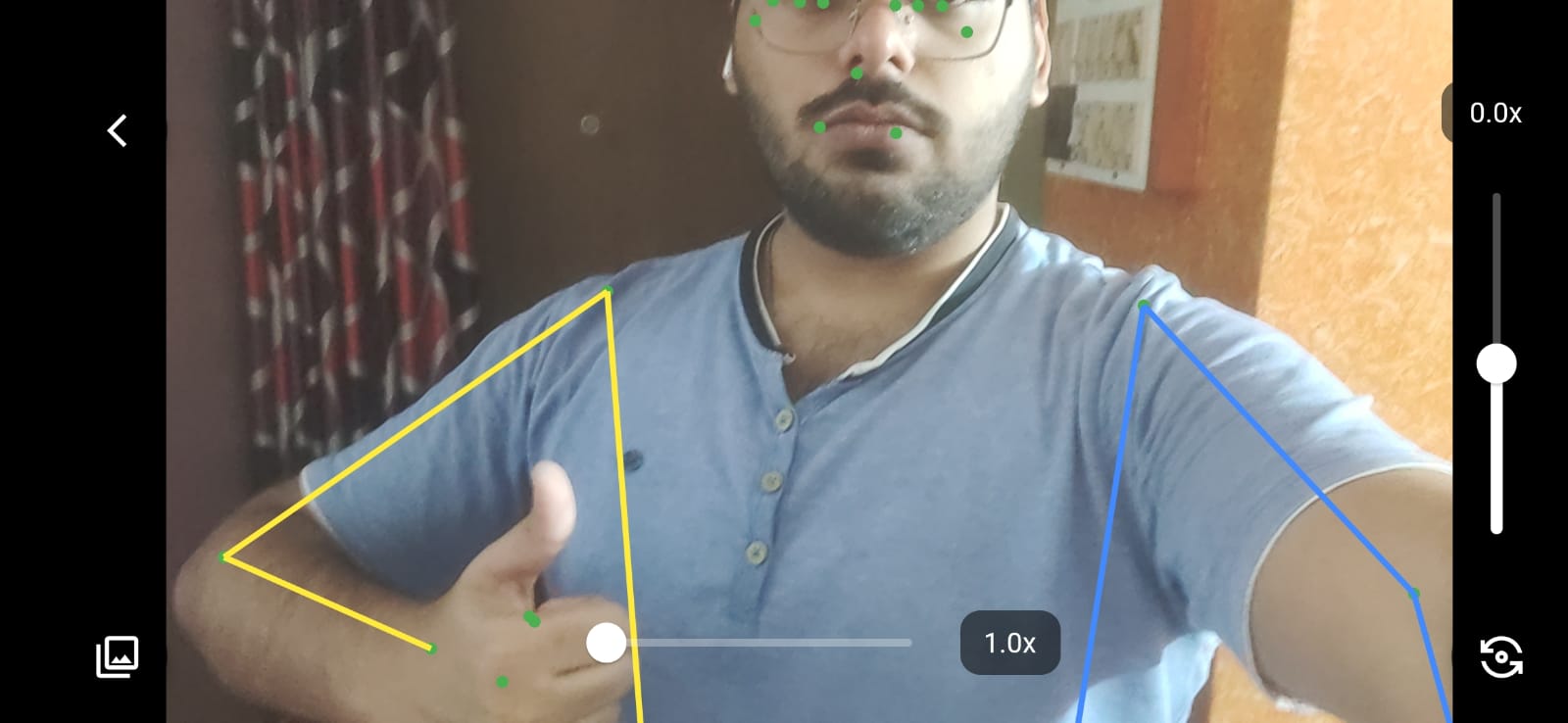
- Gesture Recognition: Navigate to the "Gesture" section and use intuitive hand gestures to control the system.
## Download
You can download the latest version of the app from the following sources:
- [Download from Google Play Store](https://play.google.com/store/apps/details?id=com.LiquidGalaxyProject.lg_gesture_and_voice_control&hl=en_IN&gl=US)
# Work Done
## Week 1 (June 12 — June 18)
- Worked on the initial build of the LG Gesture And Voice Control project.
- Developed the UI for the landing page of the LG Gesture And Voice Control App.
- Implemented the Splash Screen for the app.
- Established the LG Rig connection using the ssh2 package.
- Researched common LG functions like orbit, fly to, and LG commands for shutdown, reboot, relaunch, and KML clearing.
- Added screen overlay for logos to be displayed on the LG view.
## Week 2 (June 19 — June 25)
- Enhanced the User Interface (UI) of the Help and Menu pages for the LG Gesture And Voice Control App.
- Worked on connecting LG Rig using the ssh2 package.
- Implemented UI changes for the connection screen and About page.
- Created a button that changes color on successful LG Rig connection.
- Added error detection functions for SSH connection in case of misconnection.
- Implemented additional alert messages and dialog boxes on successful LG Rig connection.
- Developed a state manager for the app and integrated it with LG Rig.
## Week 3 (June 26 — July 02)
- Finished implementing the state manager for the LG Gesture And Voice Control App.
- Added KML commands for changing the LG Rig's location when connected to the app.
- Created Splash Screen and Logos screen to be displayed when connected to the LG Rig via the app.
- Began working on the AI architecture and proper routes for the app after connecting to LG Rig.
- Added required dependencies to LG Rig for voice recognition purposes.
- Integrated voice recognition functionalities into the app to understand human voice.
- Highlighted specific voice commands made to the app.
- Altered permissions and build to accommodate LG Rig changes, updated GitHub progress.
## Week 4 (July 03 — July 09)
- Worked on connecting voice commands to appropriate KMLs.
- Created functions for LG Rig rebooting, relaunching, and shutting down from the app.
- Developed and integrated a State Manager for the LG App.
- Connected the LG Rig to the Statemanager for better control.
- Added KML commands for connecting voice commands to appropriate LG Rig actions.
- Created UI for the connection status of the app to the LG Rig.
- Successfully connected the LG Rig to the app.
- Created functions for voice commands related to LG Rig movements.
- Updated UI for voice detection page and Settings Page.
## Week 5 (July 10 — July 16)
- Debugged and fixed errors in the app based on Lab Testers' feedback.
- Created Playstore material for the app and uploaded it to Drive.
- Added remaining commands for LG Rig orbit to the app.
- Tested application and analyzed gesture detector performance.
- Optimized gesture detector and analyzed remaining bugs.
## Week 6 (July 17 — July 23)
- Worked on optimizing gesture recognition for better performance.
- Implemented remaining error fixes and optimization in the gesture detector.
- Tested optimized gesture recognition on a local machine.
- Adjusted gesture detector speed to improve performance.
- Worked on the integration of gesture detection with the app.
- Debugged and fixed errors mentioned by Lab Testers.
## Week 7 (July 24 — July 30)
- Made UI improvements for the Home Page and About Page.
- Debugged and fixed errors mentioned by Lab Testers.
- Continued updating documentation and ensuring completeness of code.
## Week 8 (July 31 — August 06)
- Continued debugging and addressing any remaining errors.
- Analyzed the performance of gesture detection.
- Tested app thoroughly and updated GitHub with progress.
- Completed integration of gesture detection and voice commands with the app.
- Finished updating documentation and rechecked for any missing codes or dependencies.
## Week 9 (August 07 — August 13)
- Continued working on debugging and finalizing the app.
- Focused on optimizing gesture detection and UI elements.
- Resolved any remaining bugs or issues.
## Week 10 (August 14 — August 20)
- Made final adjustments to the app's functionalities.
- Completed final testing and ensured smooth operation.
- Prepared for the closing and finalization phase.
## Closing and Finalization (August 21- August 28)
- Reviewed the entire project for any last-minute errors.
- Ensured that all features were working correctly.
- Finalized and submitted the project.
## Credits
I extend my heartfelt gratitude to the following individuals, organization as well as to the Lab Testers at Lleida Lab for their invaluable contributions to this app:
- Liquid Galaxy Labs
- Organization Administrator: Andreu Ibanez
- Main Mentor: Merul Dhiman
- Sub Mentors: Gabry and Alejandro Illán Marcos
Your guidance and support have been crucial in completing this project.
## License
This project is licensed under the [Apache License 2.0](https://www.apache.org/licenses/LICENSE-2.0).
[](https://www.apache.org/licenses/LICENSE-2.0)
[Back to Top](#table-of-contents)