# Coucou
**A tiny friend that lives in your Mac's notch — or at the top of your screen on Windows and Linux — and keeps an eye on your AI coding agent sessions. And now on your iPhone too.**
Approve permissions, watch your agents work, drop a file, chat with Claude — all without leaving what you're doing. Walk away from your Mac and Mochi follows you to your iPhone: Lock Screen, Dynamic Island, widgets, Siri.
[](https://github.com/Louis-CFM/coucou/releases)







---
## Why
Some studios showed off gorgeous notch companions… and never let anyone use them.
**Coucou is the open version.** Every line of code is open source under the MIT License: read it, fork it, learn from it. The Coucou name, Mochi and the sounds stay © Louis Raillé (see [License](#license)).
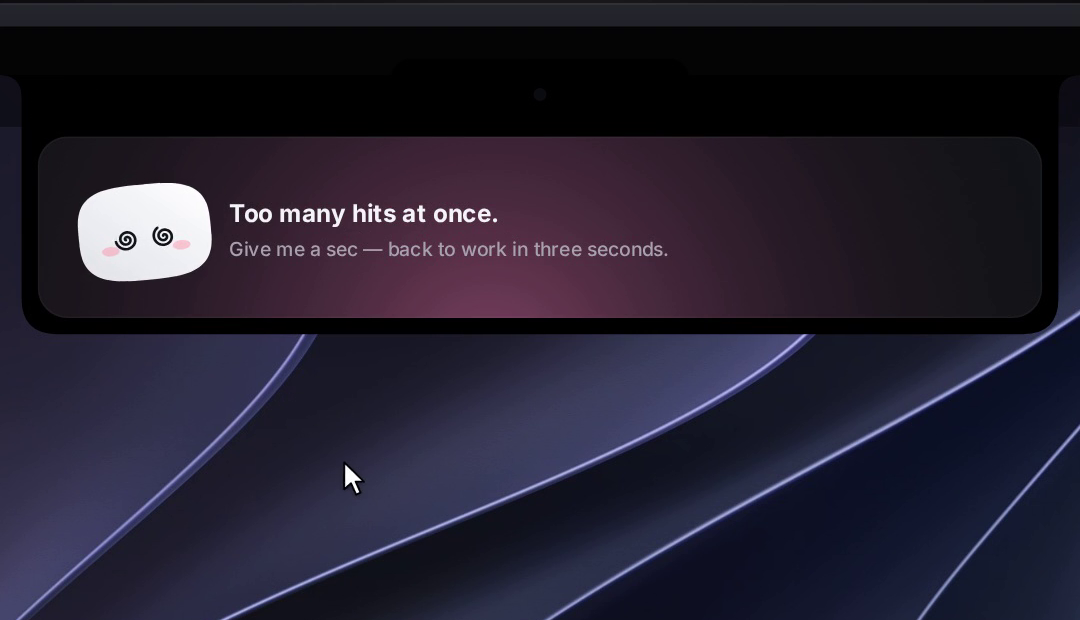
Meet **Mochi**: a soft little squircle with big eyes that pops out of your notch, waves hello, follows your cursor with its eyes, gets annoyed when you poke it (and dizzy if you insist), and tells you the moment Claude Code needs you.
## Features
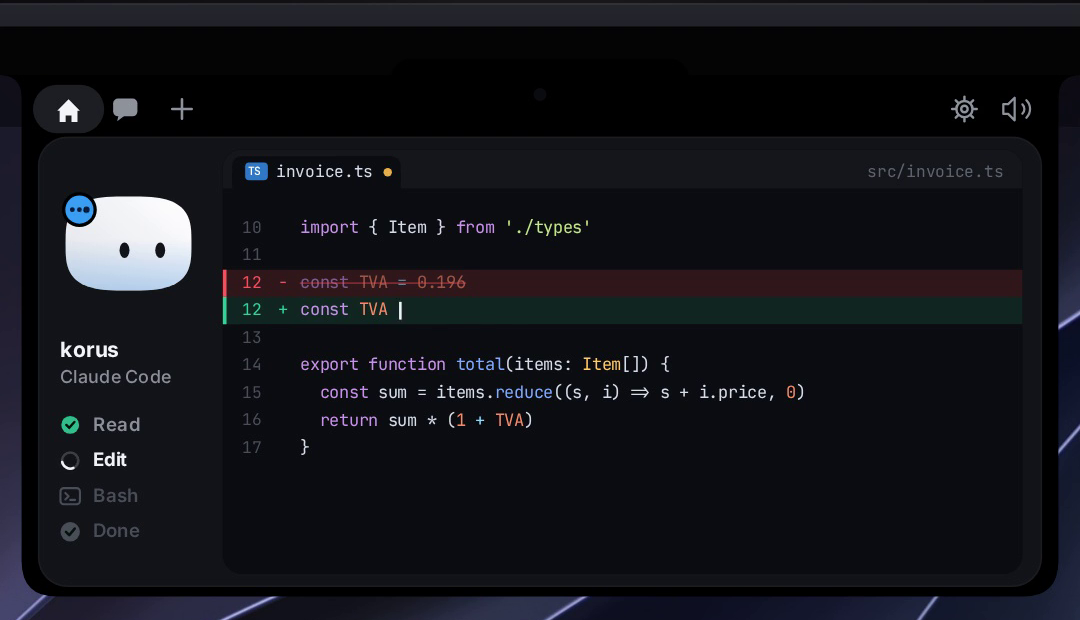
- 🤖 **Claude Code, Cursor, Codex, Gemini CLI, Antigravity, Copilot CLI, Muse Code, OpenCode, Amp, Hermes, Claude Desktop and other agents, live** — see every session in your notch: what it reads, edits and runs, step by step. Tag a hook payload with `coucou_agent` to give any agent its own pill (see [`docs/AGENTS.md`](docs/AGENTS.md)). Finished? Mochi does a happy little jump.
- See what Claude is editing, live in the notch: each file modification shows the file name and +N −M counts in the ticker, tap to read the full diff
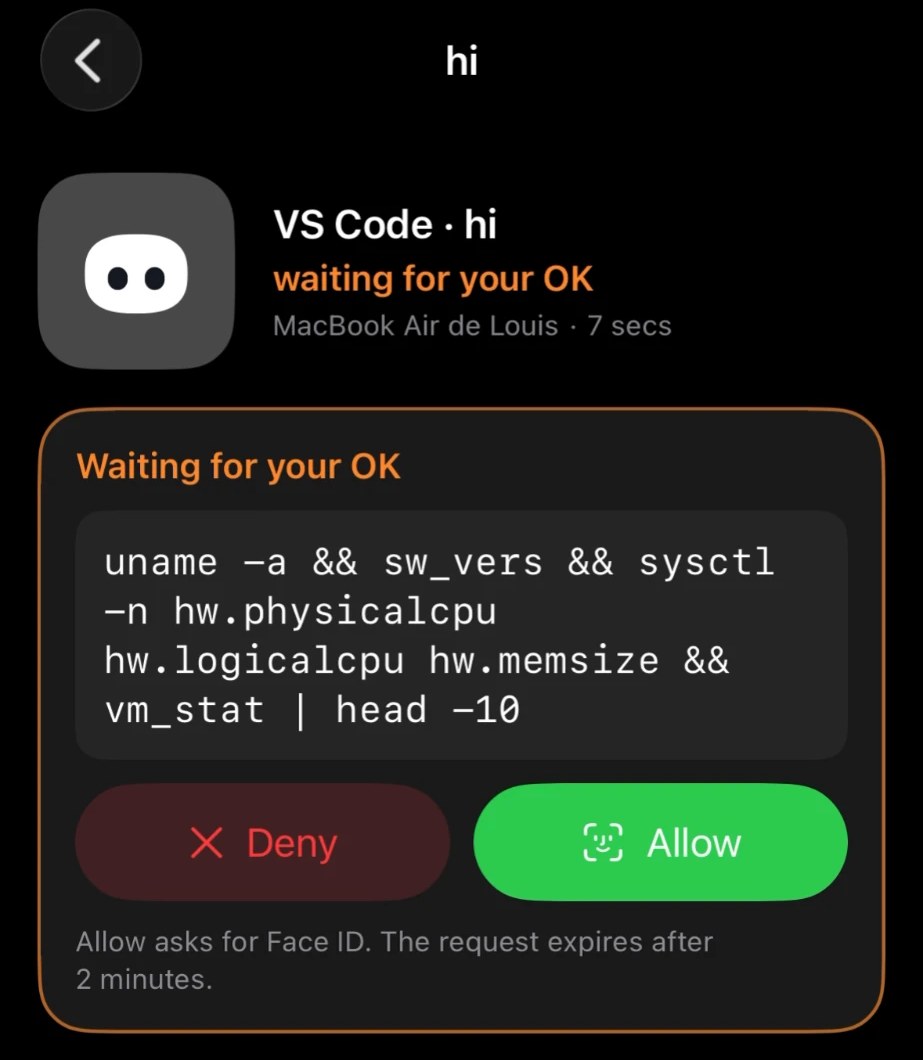
- ✅ **Approve and answer from the notch** — Claude Code permission requests show up with **Allow / Deny / Always**; `AskUserQuestion` prompts show the choices right in the notch (single or multi-select, up to 4 questions). One click, or "Reply in terminal" to fall back to the CLI. Codex also gets Allow / Deny.
- 🧑💻 **Jump to the right terminal** — open the exact terminal window of a session *(macOS)*.
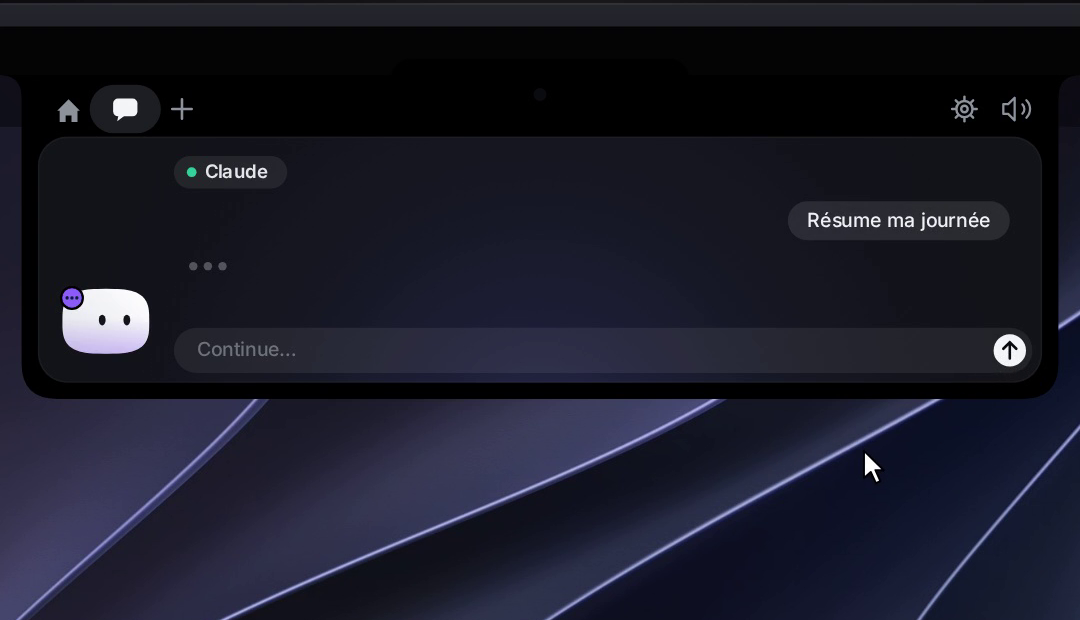
- 💬 **Chat with Claude, Gemini, OpenAI, or a local model (Ollama / LM Studio)** — click the model name above the chat box to switch provider and pick a model. Cloud providers use your own API key; local providers connect to a server running on your Mac. *(Gemini, OpenAI and local models: macOS)*
- 📊 **Claude plan usage** *(macOS, GitHub build)* — a small pill in the notch header shows your 5-hour and weekly Claude plan limits. Enable it from Settings → Agents → Plan usage. Pro and Max plans only.
- 📊 **Codex plan usage** *(macOS, GitHub build)* — a Codex pill next to it shows your Codex limits and how many free resets you have left, read from the Codex CLI. Turn it on in Settings → Agents → Plan usage.
- 📋 **Declare the tools you use** — open Settings → Active pills and pick your main workspace tool (VS Code, Cursor, Codex or Antigravity), then toggle up to 4 more: Gemini CLI, Anthropic, Google AI, OpenAI, Ollama, LM Studio and service integrations *(macOS)*.
- 📎 **Drop a file on the notch** — Mochi turns into a box and swallows it, then ask a question about it or send it by email *(email: macOS, Mail.app)*.
- 🖥️ **Mochi on the desktop** — drag Mochi out of the island to set him loose on your desktop: he floats as a 120 pt companion, follows your cursor, wears his outfit, reacts to alerts by flying home and flying back, and comes back where you left him on next launch.
- 🪟 **Drag Mochi onto any window** — attach that window as context for Claude *(macOS)*.
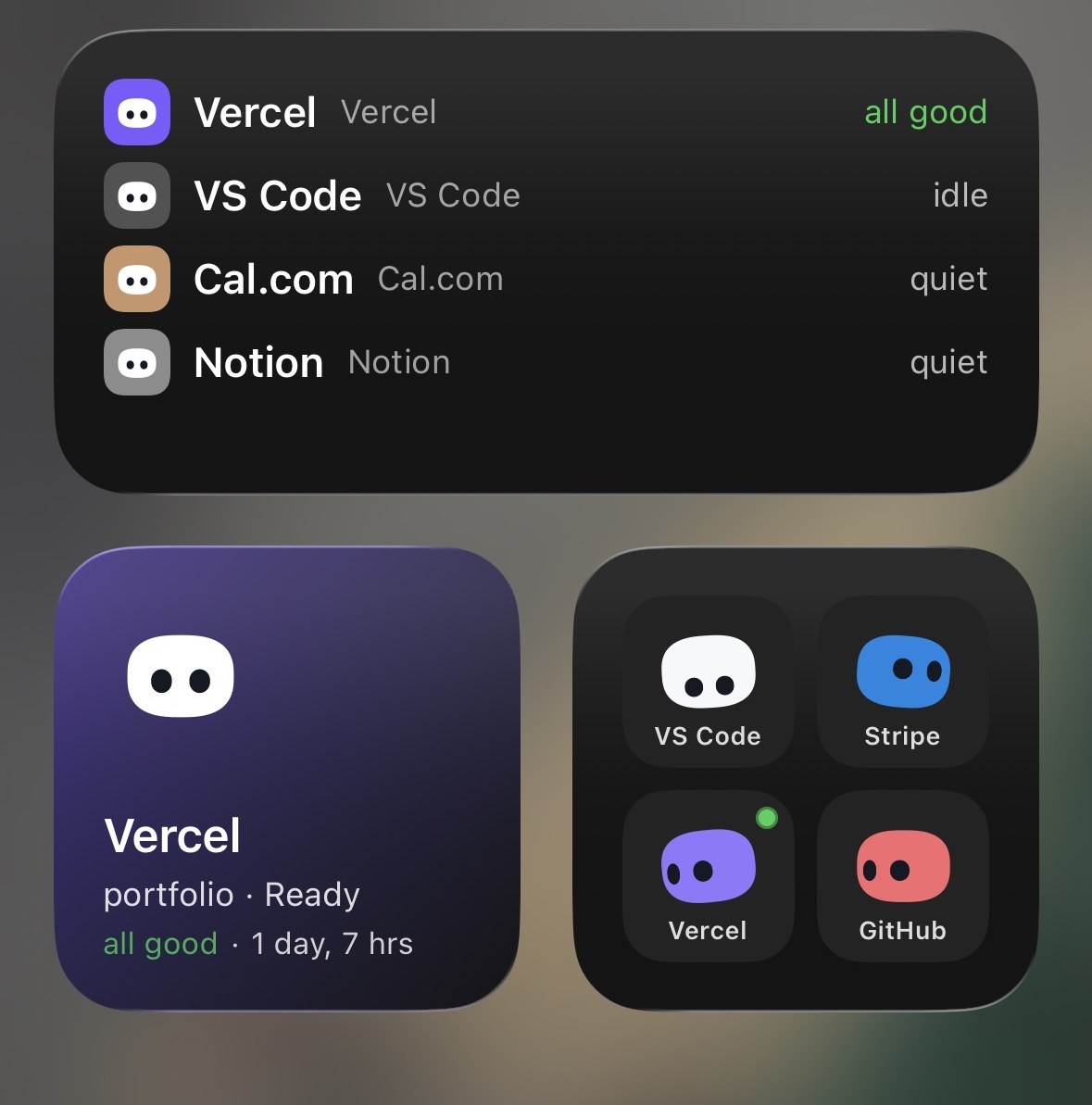
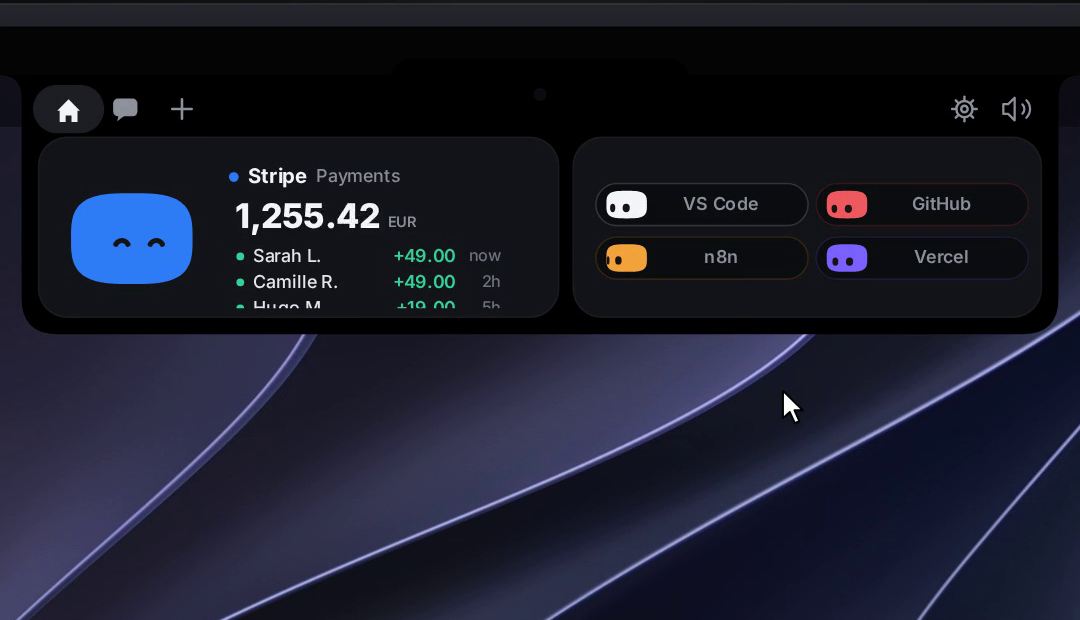
- 🔌 **Integrations** — Stripe payments, n8n workflows, GitHub (open PRs, reviews requested, CI status), Vercel deployments, Resend emails, Notion, Cal.com. Each one gets its own little colored Mochi.
- 🎵 **Apple Music pill** *(macOS, GitHub build)* — add the Apple Music pill in Settings → Active pills to see what's playing and control playback from the notch; Mochi dances while it plays.
- 🎧 **Spotify pill** *(macOS, GitHub build)* — add the Spotify pill in Settings → Active pills: album cover, title and artist, a progress bar you drag to seek, play/pause, previous/next, shuffle, repeat and volume, right from the notch; Mochi dances while it plays.
- 👗 **Dress Mochi up** — right-click him for the wardrobe. He also dresses up for the seasons on his own.
- ⌨️ **Keyboard shortcuts** — open the chat, jump to an alert or a terminal, switch pills, mute, send Mochi to the desktop or open the wardrobe from anywhere; all customizable in Settings → Shortcuts.
- 🎭 **A real character** — idle breathing, blinks, eyes on a sphere that follow your mouse, emotes, 28 handcrafted sounds, a greeting on launch.
- 🔊 **Your own sounds** *(macOS)* — drop a file named like one of Mochi's sounds (`finish.wav`, `approval.mp3`…) in Settings → General → Sound → **Open sounds folder** to replace it.
- 🗣️ **« OK Coucou »** *(macOS, GitHub build)* — talk to Mochi like Jarvis. Say « OK Coucou », then ask: « how much did I make on Stripe today? », « swap GitHub for Stripe », « play some Daft Punk », « who won the game last night? », « send an email to Enzo to tell him the image is ready ». Claude is the brain (your own Anthropic API key, set in Settings → Chat); speech recognition runs on your Mac, and only your words and the data Coucou reads to answer go to Anthropic, never audio. Mochi listens, thinks and answers out loud; emails open in the notch and leave only when you click Send. Settings → Voice.
- 🎙️ **Dictate in the chat** *(macOS, GitHub build)* — click the mic next to the chat field and talk in any of your languages (Coucou picks the one you spoke, or right-click the mic to choose); speech recognition runs on your Mac when it supports it.
- 🫥 **Invisible when idle** — hides away when nothing is running, peeks out when you hover the notch (the top edge of the screen on Windows and Linux).
- 🖥️ **Any Mac, notch or not** — on an iMac, a Mac mini, or a MacBook with its lid closed on an external display, Mochi sits in a small bar at the top of the screen. With several displays, pick his screen in Settings → General, or let him follow your mouse *(macOS)*.
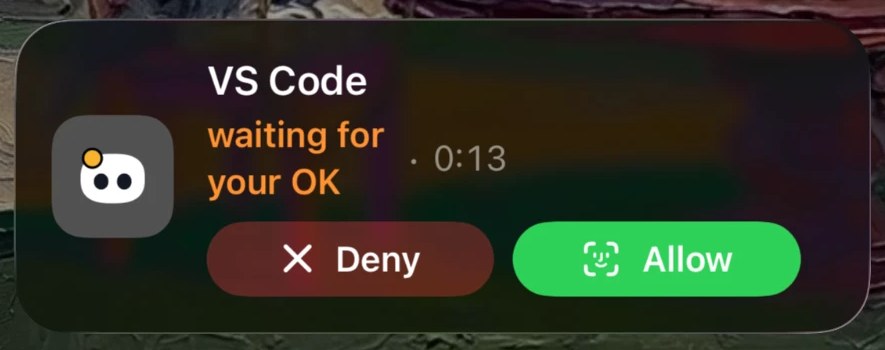
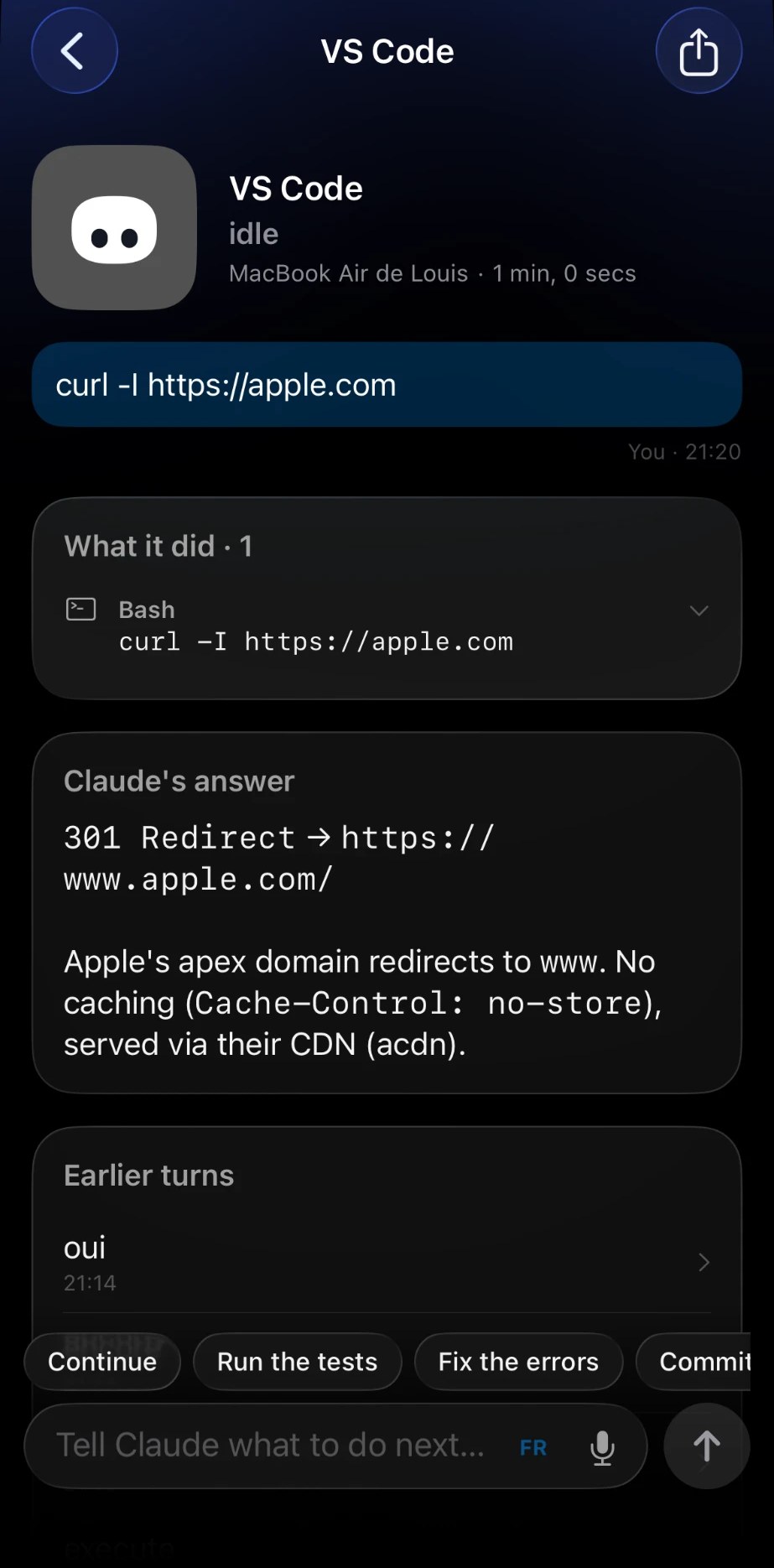
- 📱 **Coucou on iPhone** — your sessions, approvals and services in your pocket, with Live Activities, widgets and Siri. See [Coucou on iPhone](#coucou-on-iphone).
- 📅 **Weekly recap** *(macOS)* — every Monday morning Coucou shows a summary of the past week: time coding, sessions, files, lines changed, commands, permissions, top agent and project, busiest day and longest session. Share it as a 1080 × 1920 image with Mochi — project names optional. All local, no sync.
- 🌍 **10 languages** — English, 中文, हिन्दी, Español, العربية, Français, বাংলা, Português, Русский, Bahasa Indonesia. Pick one in Settings → General → Language; community translations welcome.
- 🔒 **Private by design** — no telemetry, no account. Keys live in your macOS Keychain, Windows Credential Manager or Linux Secret Service (GNOME Keyring, KWallet). The app only talks to the services you plug in.
## Coucou on iPhone
The Mac app does the work; the iPhone app keeps you in the loop when you step away. It goes as far into the Apple ecosystem as a dev tool can: