Dependency managers



Features | Installation | Usage | Customization
StatusAlert is an iOS framework that displays status alerts similar to Apple's system self-hiding alerts. It is well suited for notifying user without interrupting user flow in iOS-like way. It looks very similar to the alerts displayed in Podcasts, Apple Music and News apps. 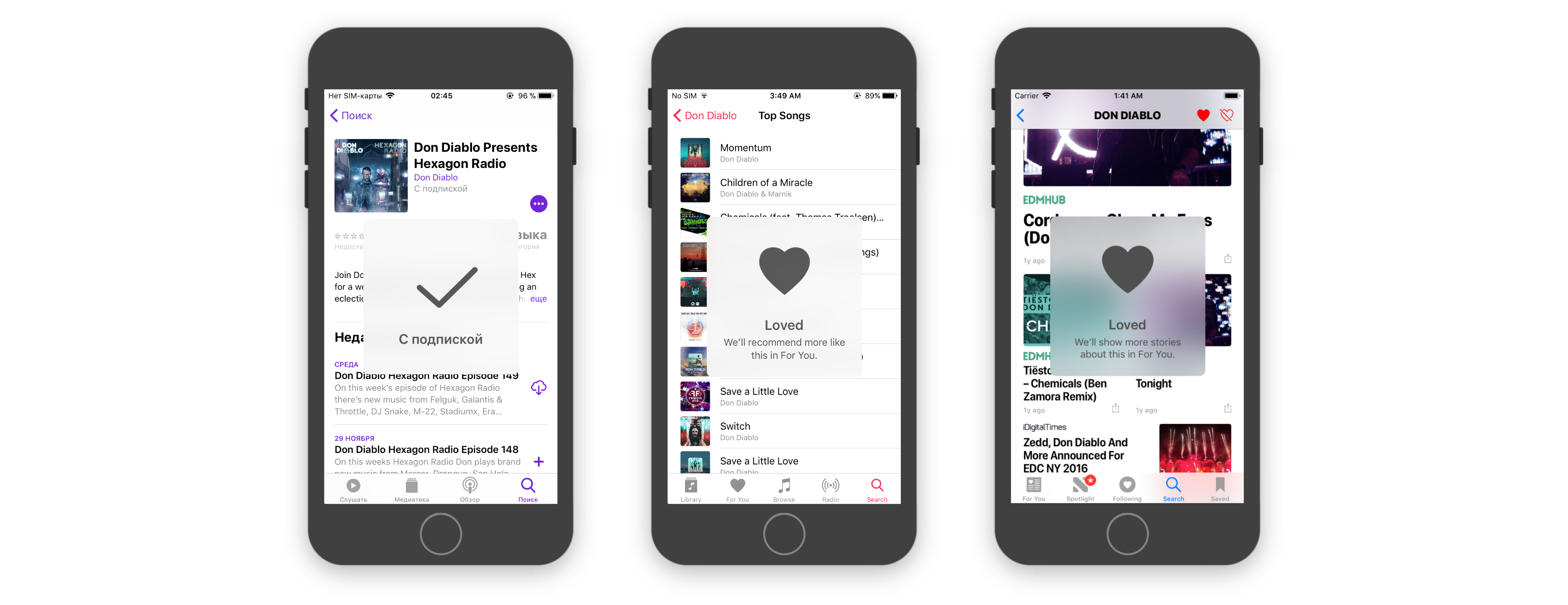 ## Features * System-like look and feel * Reduce transparency mode support * VoiceOver support * Safe Areas support * Universal (iPhone & iPad) * Objective-C support ## Requirements * Xcode 9.0 or later * iOS 9.0 or later * Swift 3.2 or later ## Installation ### CocoaPods To install StatusAlert using [CocoaPods](http://cocoapods.org), add the following line to your `Podfile`: ```ruby pod 'StatusAlert', '~> 1.1.1' ``` ### Carthage To install StatusAlert using [Carthage](https://github.com/Carthage/Carthage), add the following line to your `Cartfile`: ```ruby github "LowKostKustomz/StatusAlert" ~> 1.1.1 ``` ### Swift Package Manager To install StatusAlert using [Swift Package Manager](https://github.com/apple/swift-package-manager) add this to your dependencies in a `Package.swift` file: ```swift dependencies: [ .package(url: "https://github.com/LowKostKustomz/StatusAlert.git", .exact("1.1.1")) ] ``` ### Manual installation You can also add this project: * as git submodule * simply download and copy source files to your project ### Objective-C integration StatusAlert is fully compatible with Objective-C. To import it to your project just add the following line: ```objectiveс @import StatusAlert; ``` ## Demo Demo application is included in the `StatusAlert` workspace. To run it clone the repo. 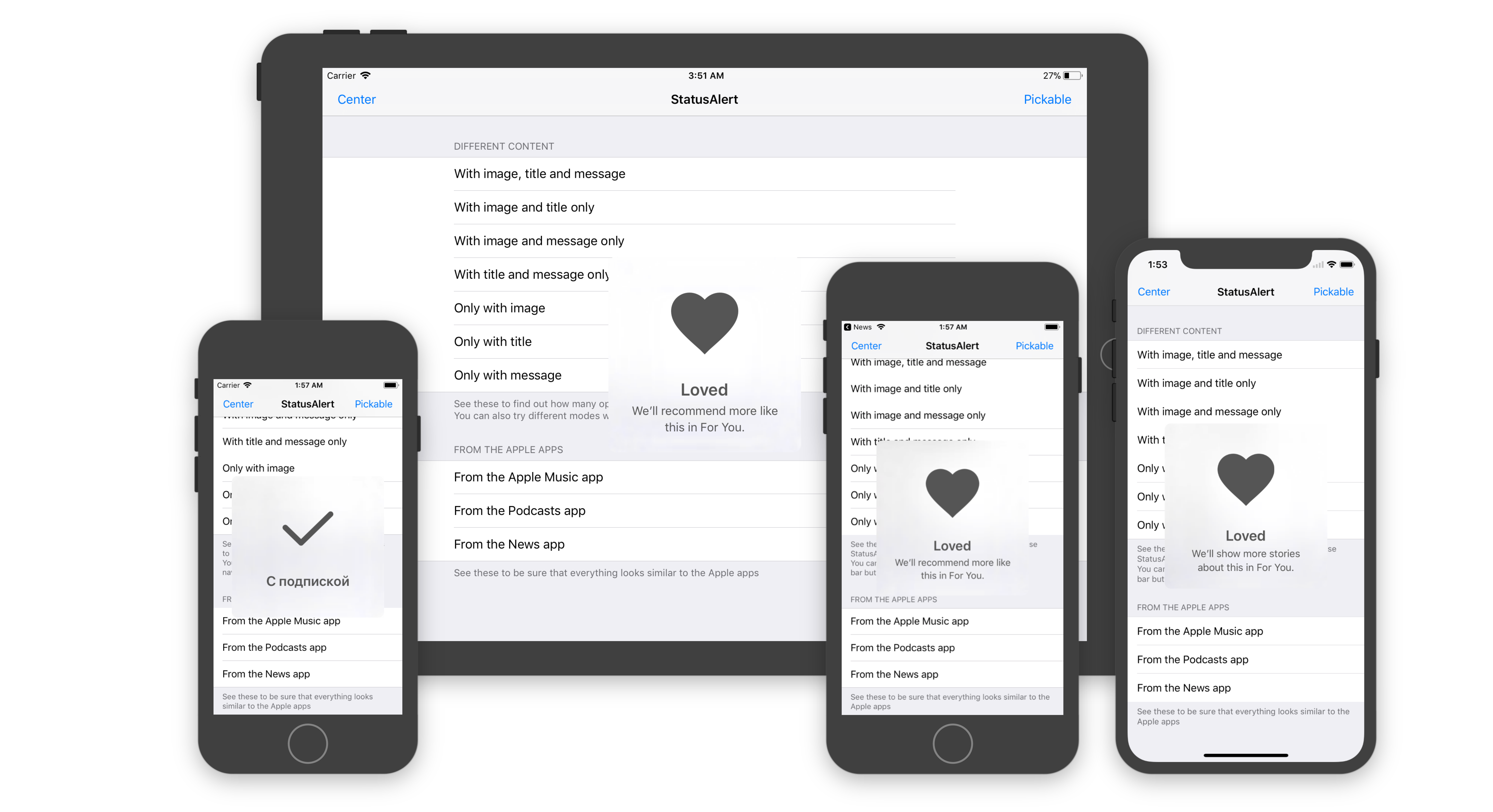 ## Usage ```swift // Importing framework import StatusAlert // Creating StatusAlert instance let statusAlert = StatusAlert() statusAlert.image = UIImage(named: "Some image name") statusAlert.title = "StatusAlert title" statusAlert.message = "Message to show beyond title" statusAlert.canBePickedOrDismissed = isUserInteractionAllowed // Presenting created instance statusAlert.showInKeyWindow() ``` > All the alert components (`image`, `title`, `message`) are optional, but at least one should be present. Otherwise `show()` method will be ignored. > > **IMPORTANT** > > The alert must be presented only from the main thread, otherwise application will crash with an appropriate error. ## Customization > [Wiki](https://github.com/LowKostKustomz/StatusAlert/wiki) with more content and examples available ### Different configurations Present alert with any set of image, title and message ### Vertical position Display alert anywhere you want, either on the top, in the center or at the bottom of the view, and with any offset. ### Appearance You can customize a single alert's appearance via the `StatusAlert`'s `appearance` property or for all alerts at once with `StatusAlert.Appearance`'s `common` property ```swift var titleFont: UIFont var messageFont: UIFont var tintColor: UIColor var backgroundColor: UIColor var blurStyle: UIBlurEffect.Style ``` ### Dismissal Alert will hide itself after 2 seconds timeout. You can change alert showing duration by setting `alertShowingDuration` property. You also can set `canBePickedOrDismissed` property to `true`. After that you will be able to dismiss the alert manually by tapping it and delay dismissal by long tapping the alert. ## Apps Using _StatusAlert_ [BitxfyAppStoreLink]: https://bitxfy.com [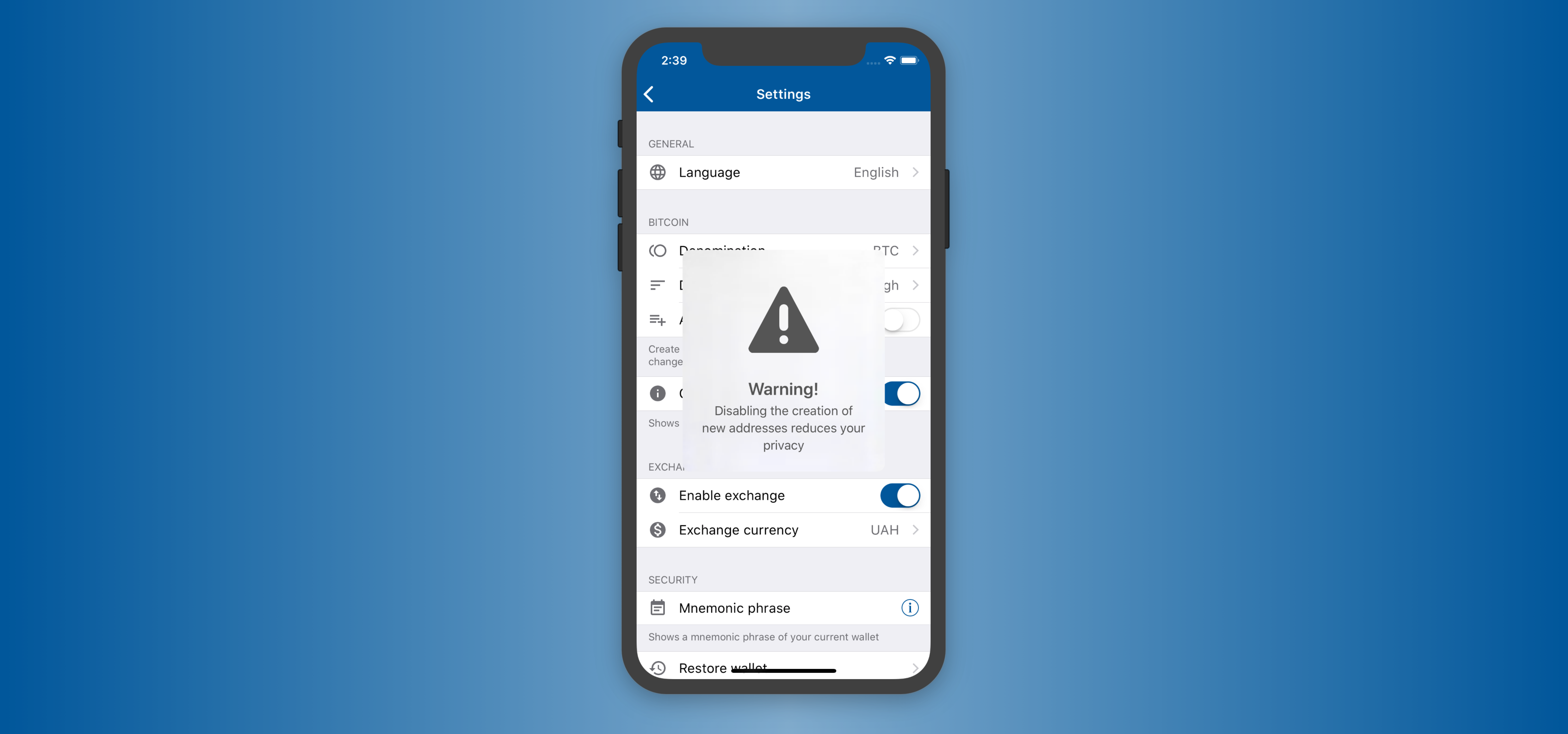][BitxfyAppstoreLink] [NotifyMeAppStoreLink]: https://apps.apple.com/us/app/notifyme-remind-alert-push/id1512269708?ls=1 [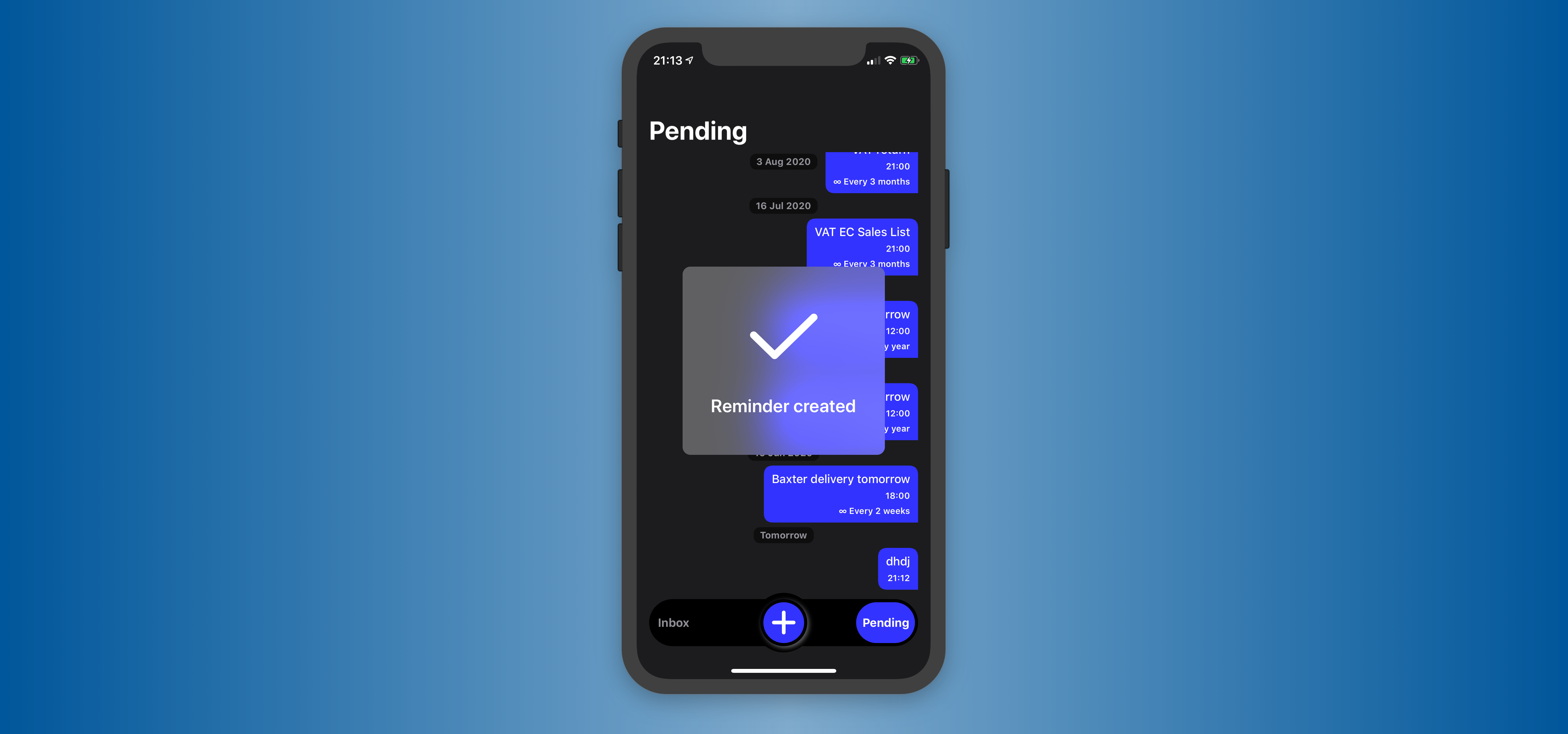][NotifyMeAppStoreLink] > Feel free to submit pull request if you are using this framework in your apps. ## Author [FrameworksRepo]: https://github.com/LowKostKustomz/Frameworks [][FrameworksRepo]