Lumina Finance is a self-hosted personal finance app that helps you understand your spending behaviour, track expenses, and set budgets while keeping you in control of your data.
Join the community at [r/LuminaFinance](https://www.reddit.com/r/LuminaFinance/) to ask questions, share feedback and discuss releases.
## DISCLAIMER
THIS APPLICATION IS PROVIDED “AS IS” AND “AS AVAILABLE,” WITHOUT WARRANTIES OF ANY KIND. THIS APPLICATION IS A SOFTWARE TOOL ONLY AND DOES NOT PROVIDE FINANCIAL, INVESTMENT, TAX, LEGAL, ACCOUNTING, OR OTHER PROFESSIONAL ADVICE. ANY CALCULATIONS, ESTIMATES, PROJECTIONS, SUMMARIES, OR OTHER OUTPUTS MAY BE INACCURATE OR INCOMPLETE AND SHOULD NOT BE RELIED ON AS A SUBSTITUTE FOR PROFESSIONAL JUDGMENT. YOU ARE SOLELY RESPONSIBLE FOR REVIEWING ALL OUTPUTS AND FOR ANY DECISIONS YOU MAKE. USE OF THIS APPLICATION IS AT YOUR OWN RISK.
## Demo
https://github.com/user-attachments/assets/947d678e-509d-4459-809d-96e006e16554
## Features
Lumina Finance gives you one place to track accounts, transactions, budgets, and financial trends while you keep your data under your control.
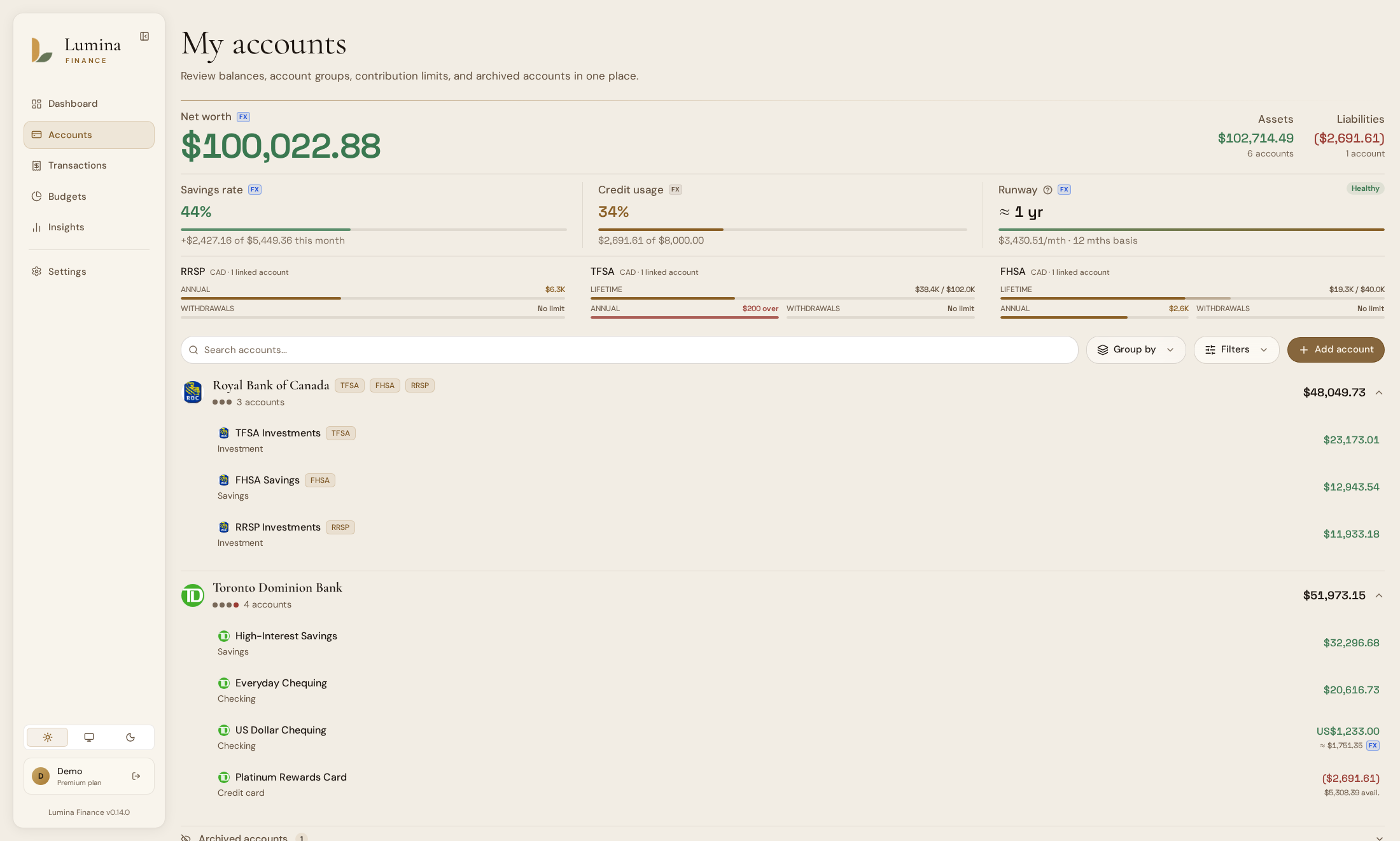
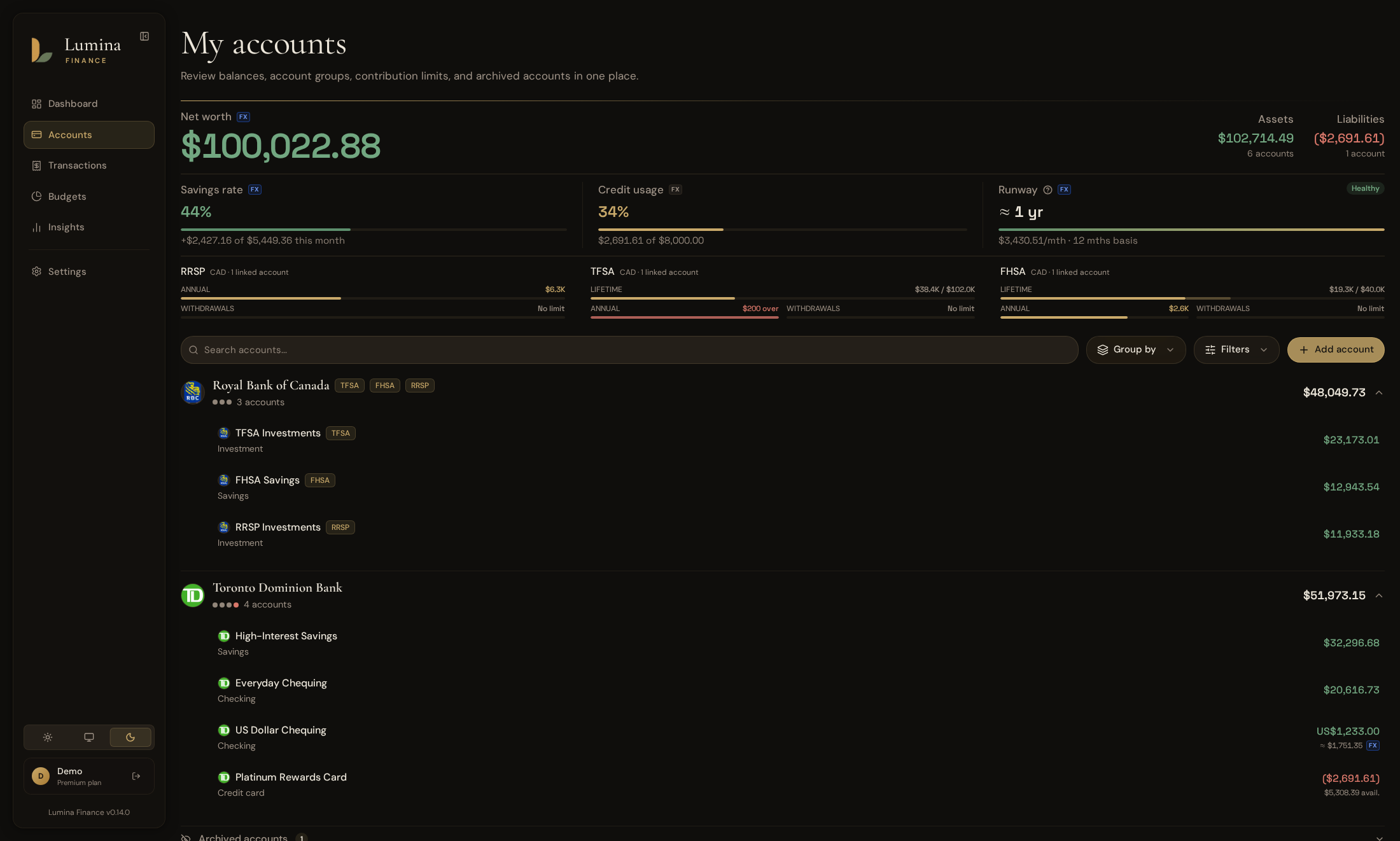
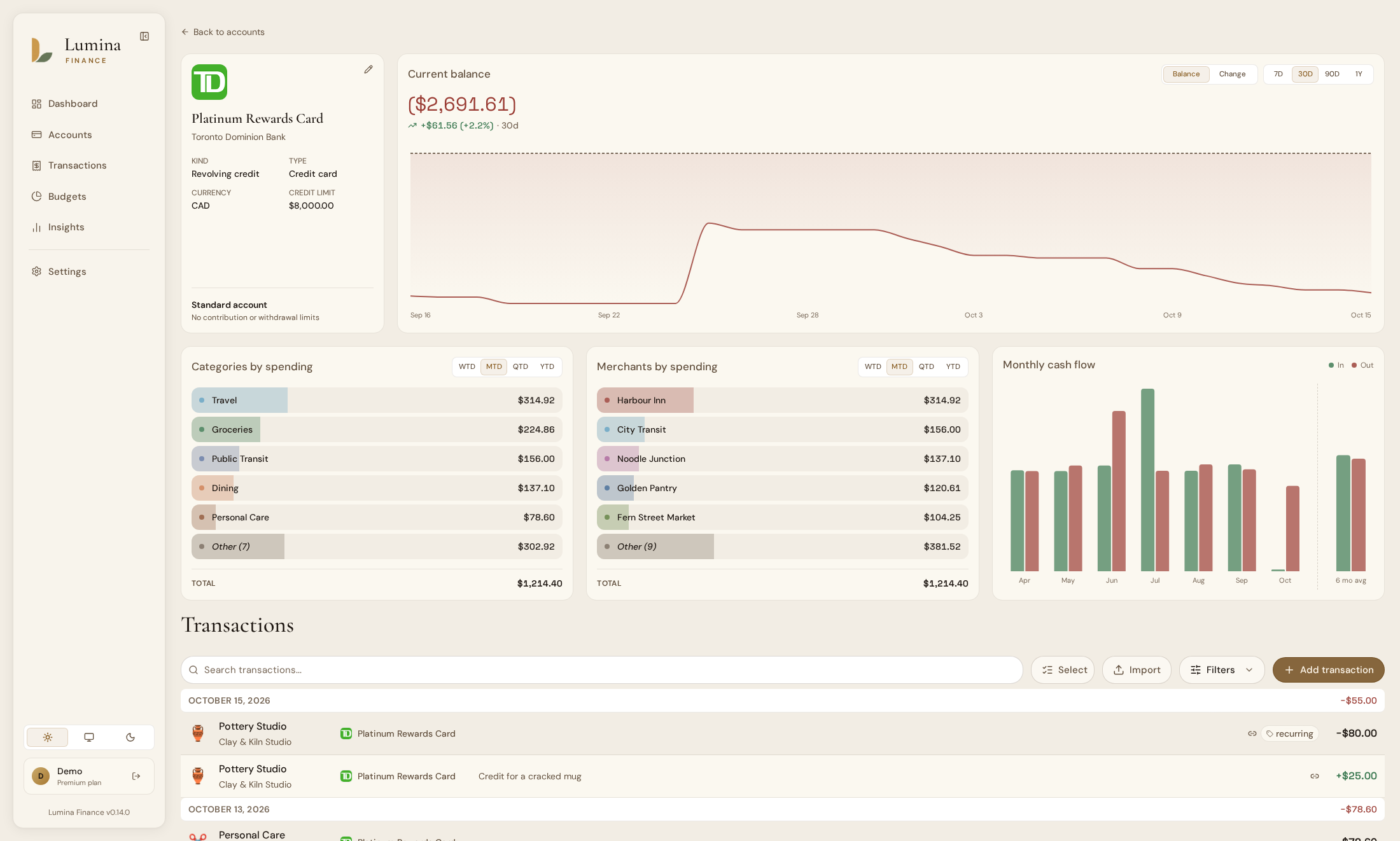
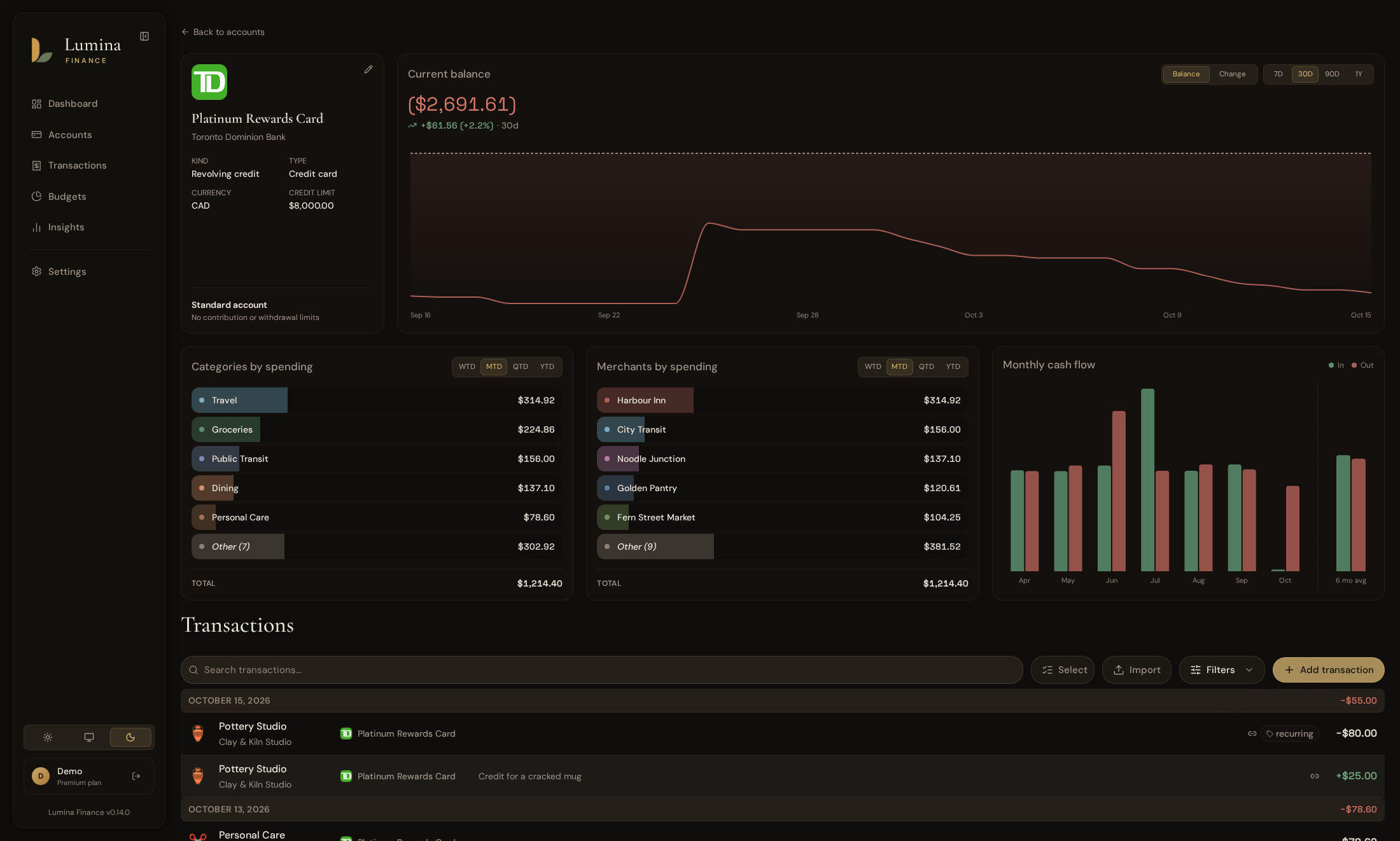
- **Accounts** - Lumina Finance helps you track cash, credit, savings, and every other account type, with a detailed view and balance history for each. You can group accounts by institution or account type and add notes to each one. Archived accounts can be hidden when you don't need to see them.
- **Multi-currency** - Exchange rate conversions help you follow accounts and activity in different currencies across dashboards, budgets, runway, and insights.
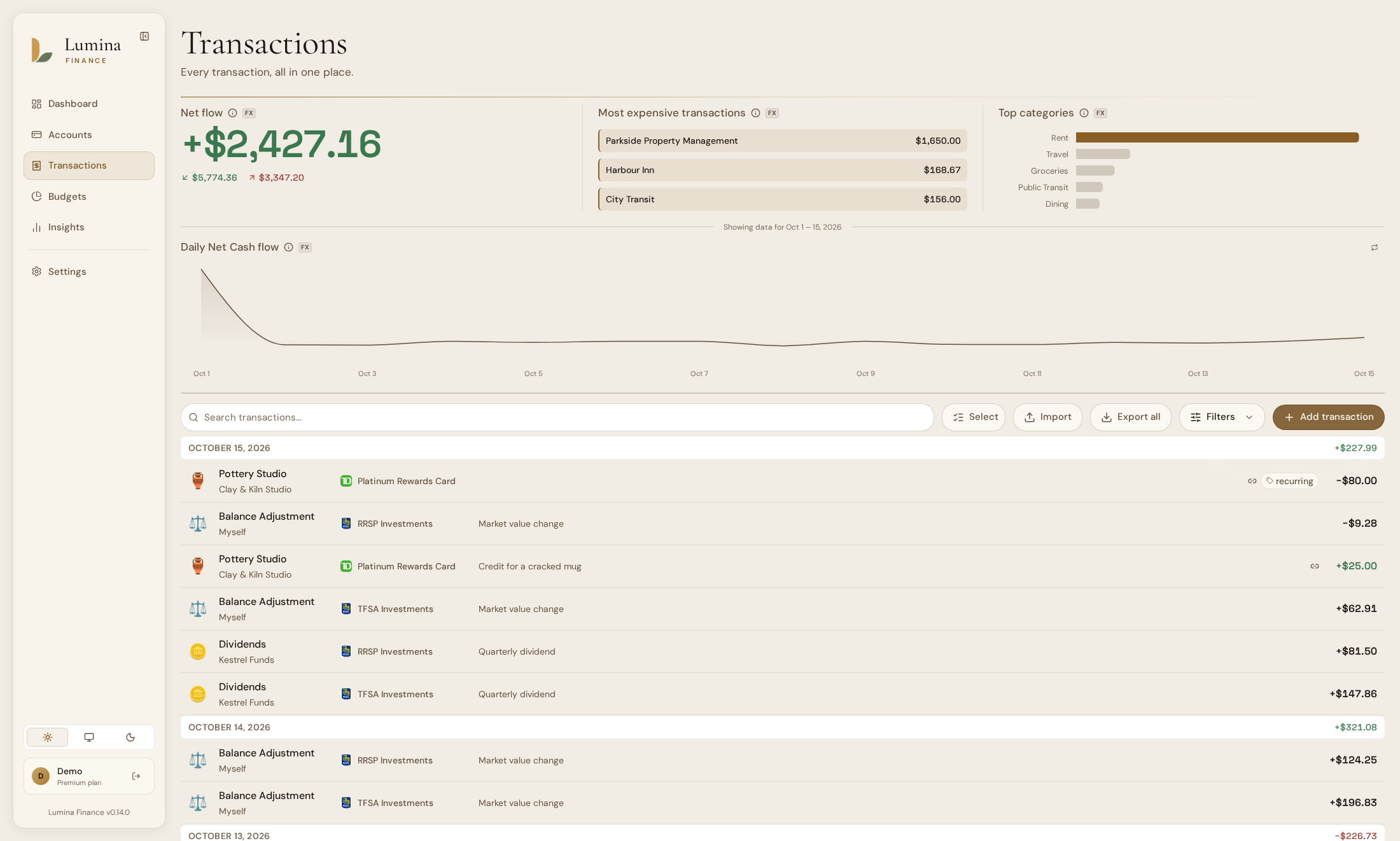
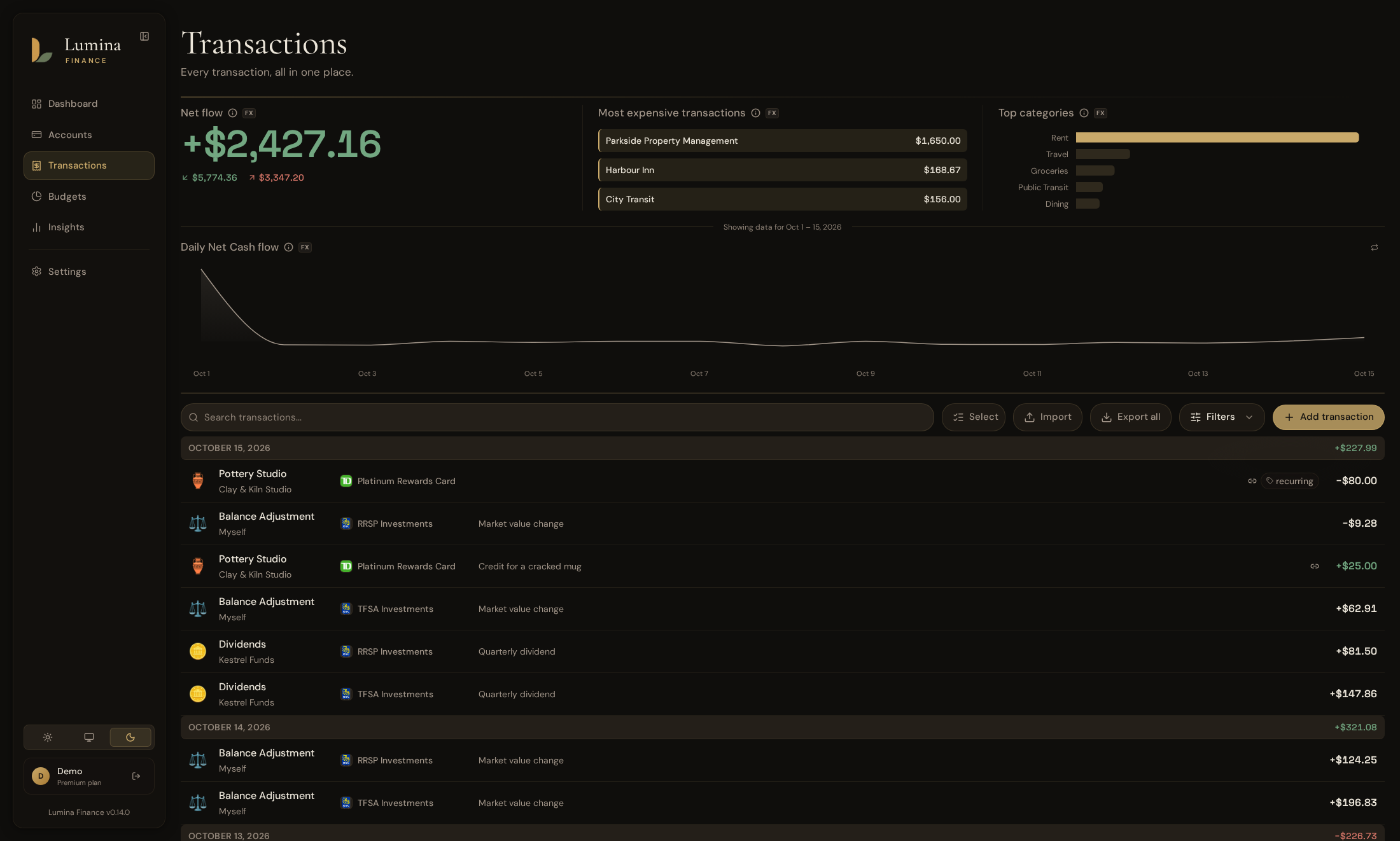
- **Transactions** - You can add transactions and organize them with merchants, categories, tags, and notes to keep your records clear. Keyboard shortcuts let you add a transaction without touching the mouse. Refunds can be linked to the expense they repay, and the list can be exported as a CSV file.
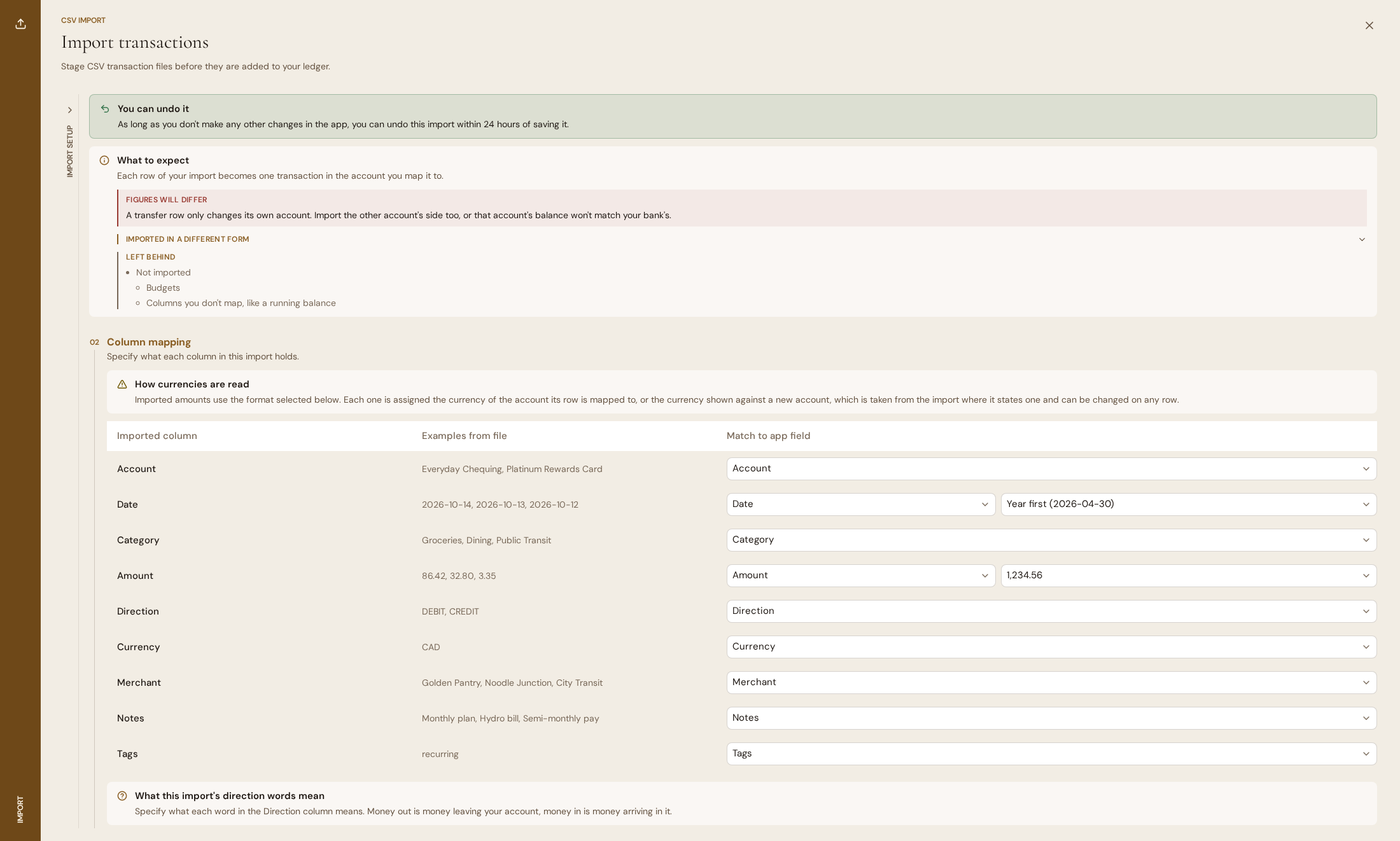
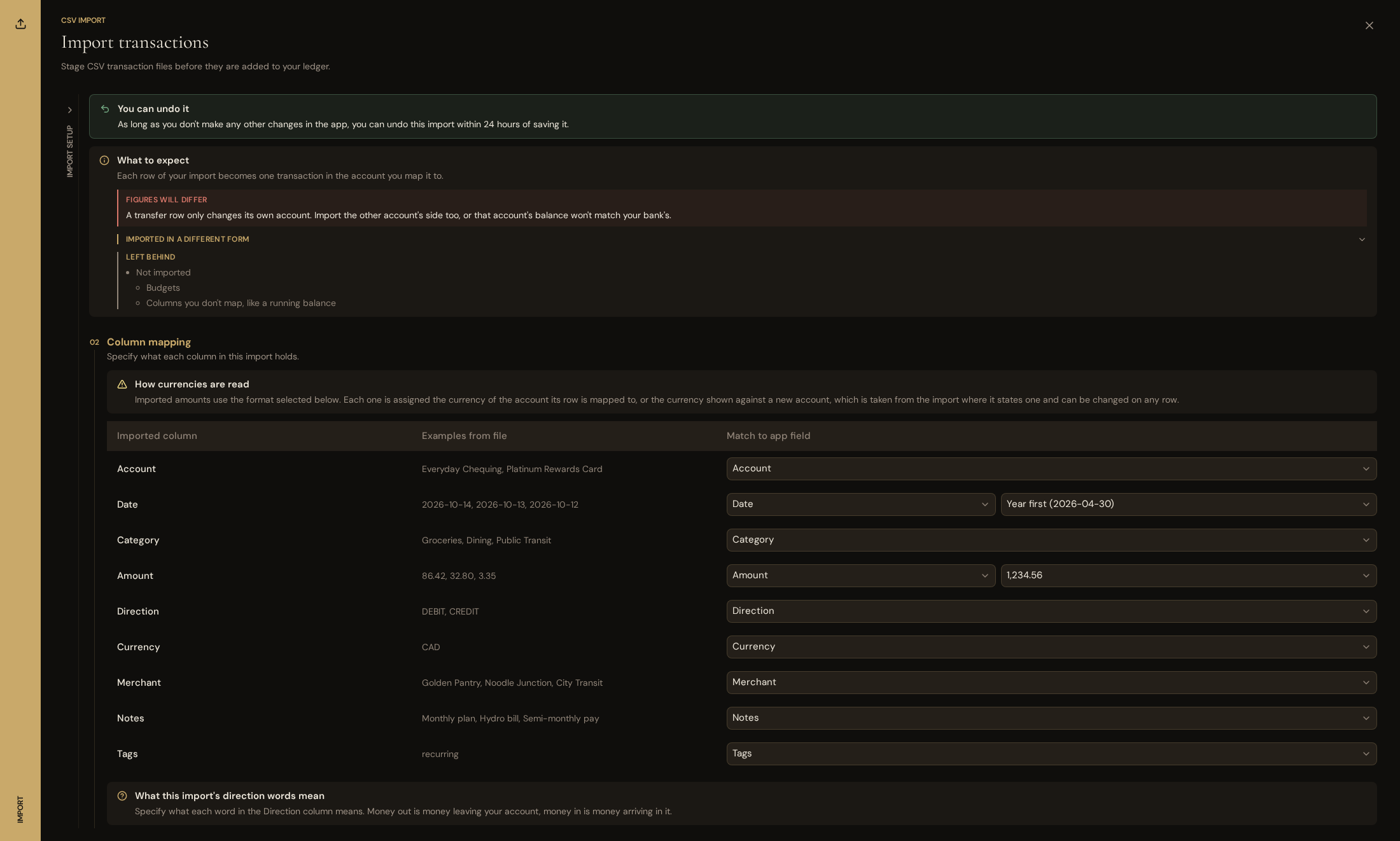
- **Imports** - CSV files and OFX or QFX bank statements bring in new transactions from your bank as you go, several files at a time, and statements skip the transactions you've already imported. App-specific importers help you move your history over from another app.
- **Tax-advantaged accounts** - Accounts with the same tax-advantaged structure can be grouped together, helping you track their contribution and withdrawal limits in one place.
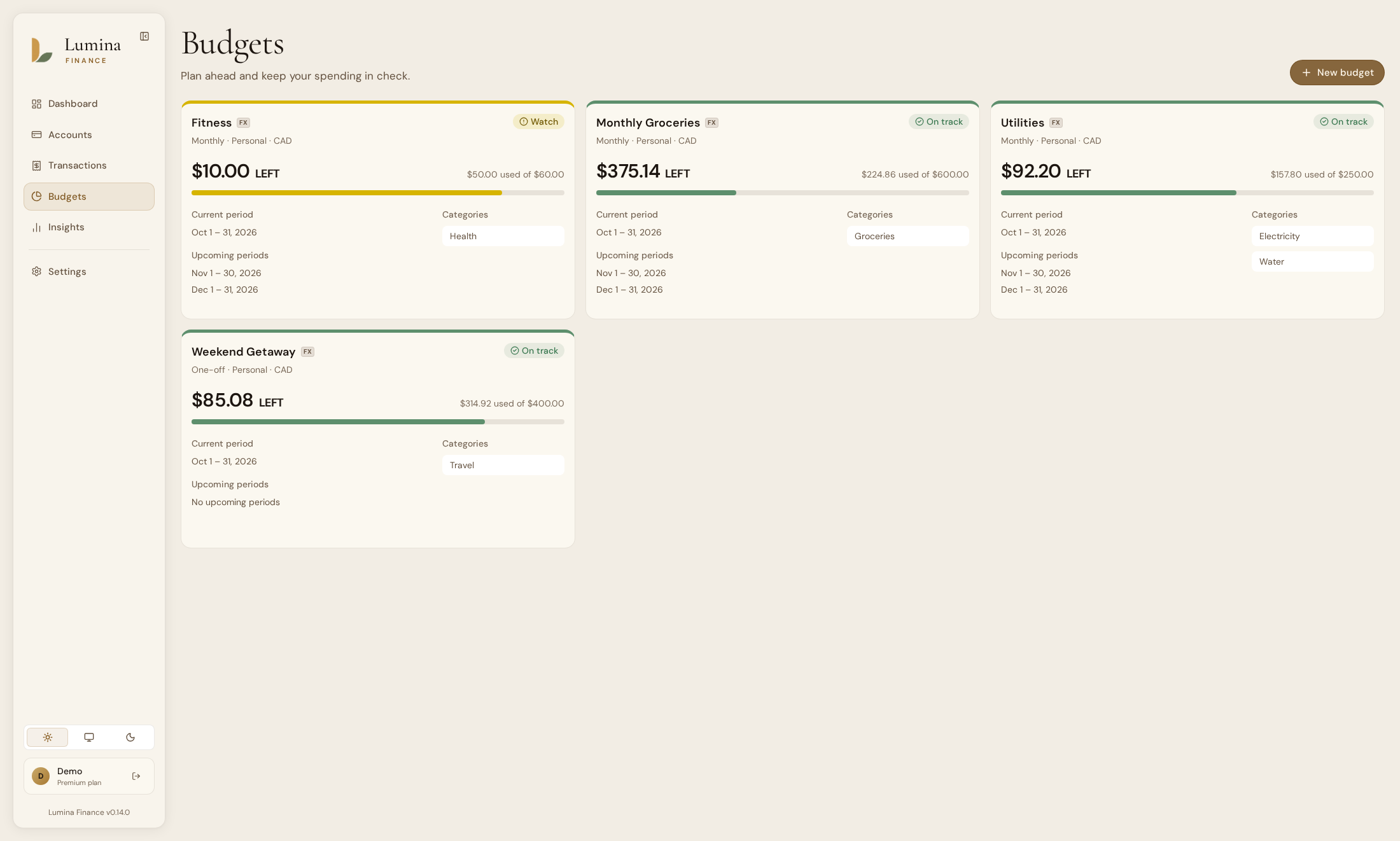
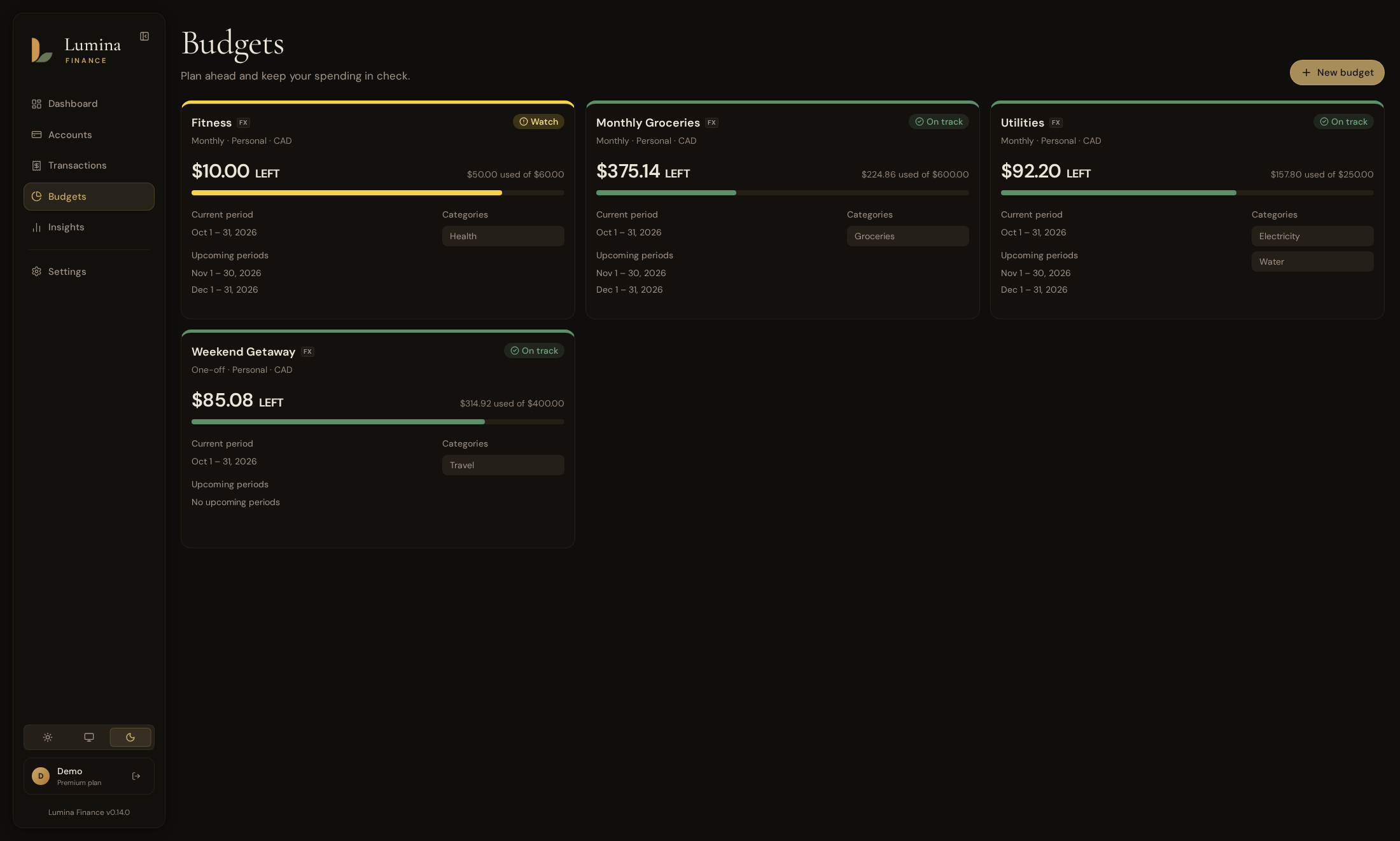
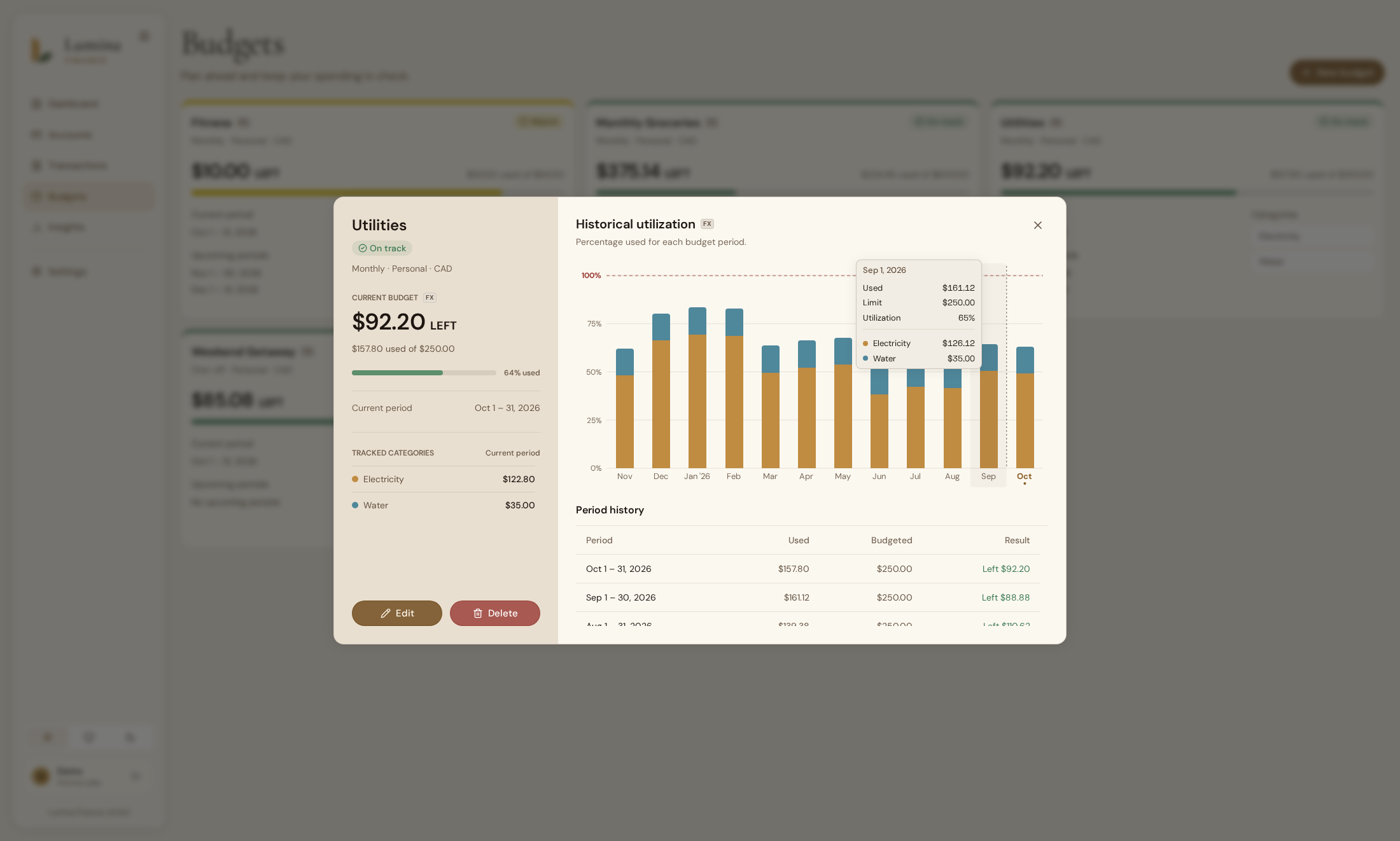
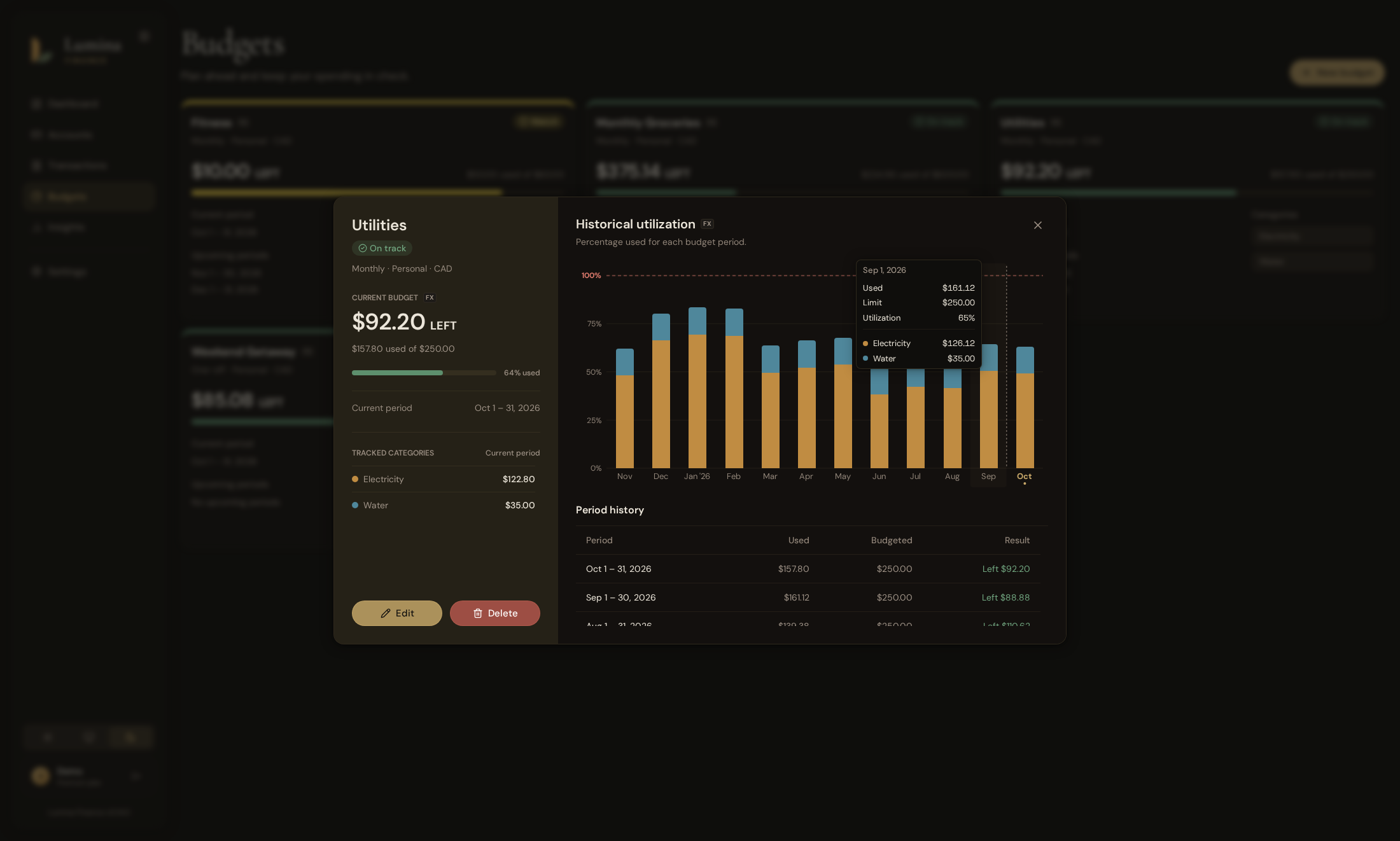
- **Budgets** - Recurring and one-time budgets help you compare your spending against the amounts you set for each category. Their history stays available after you archive them.
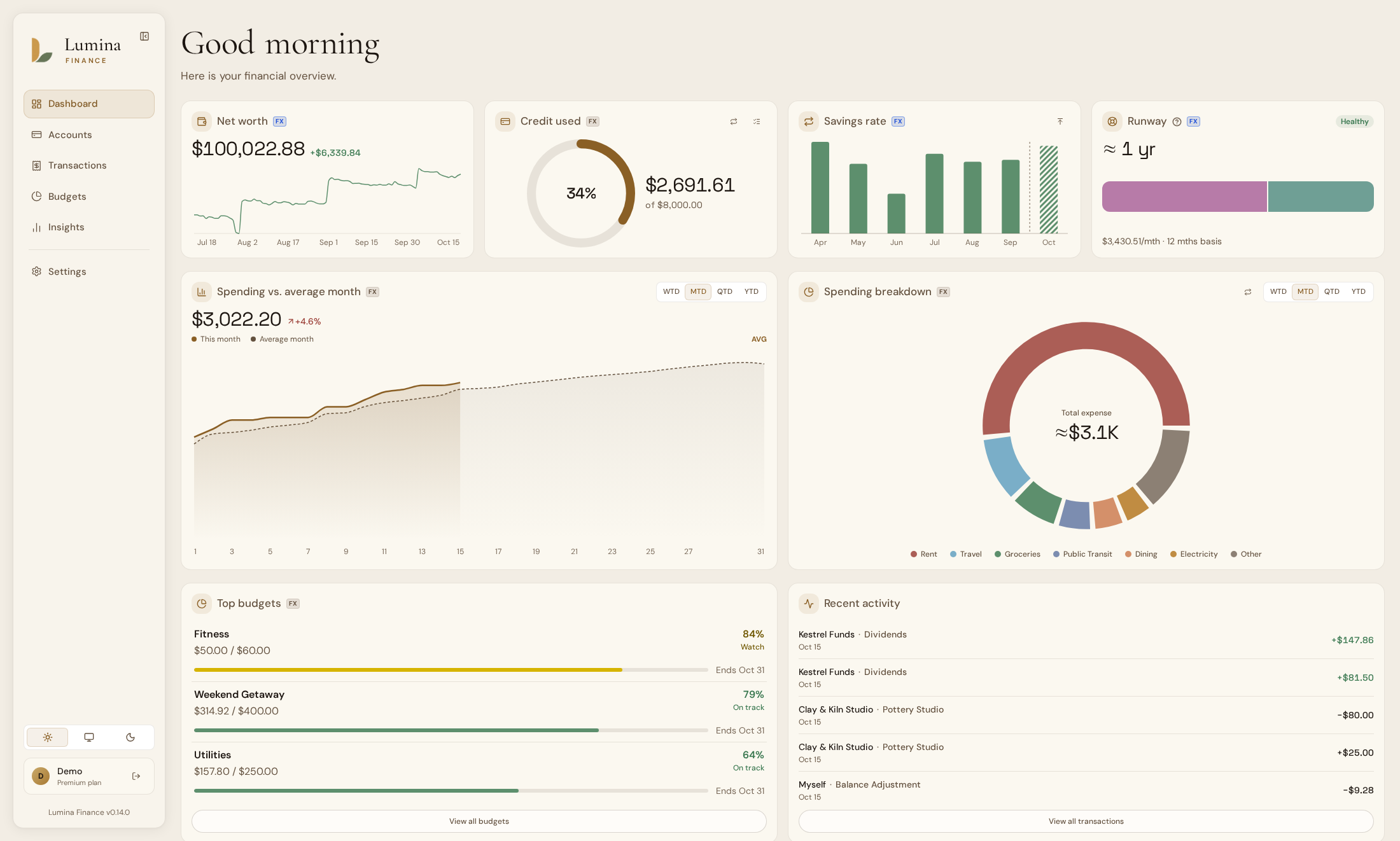
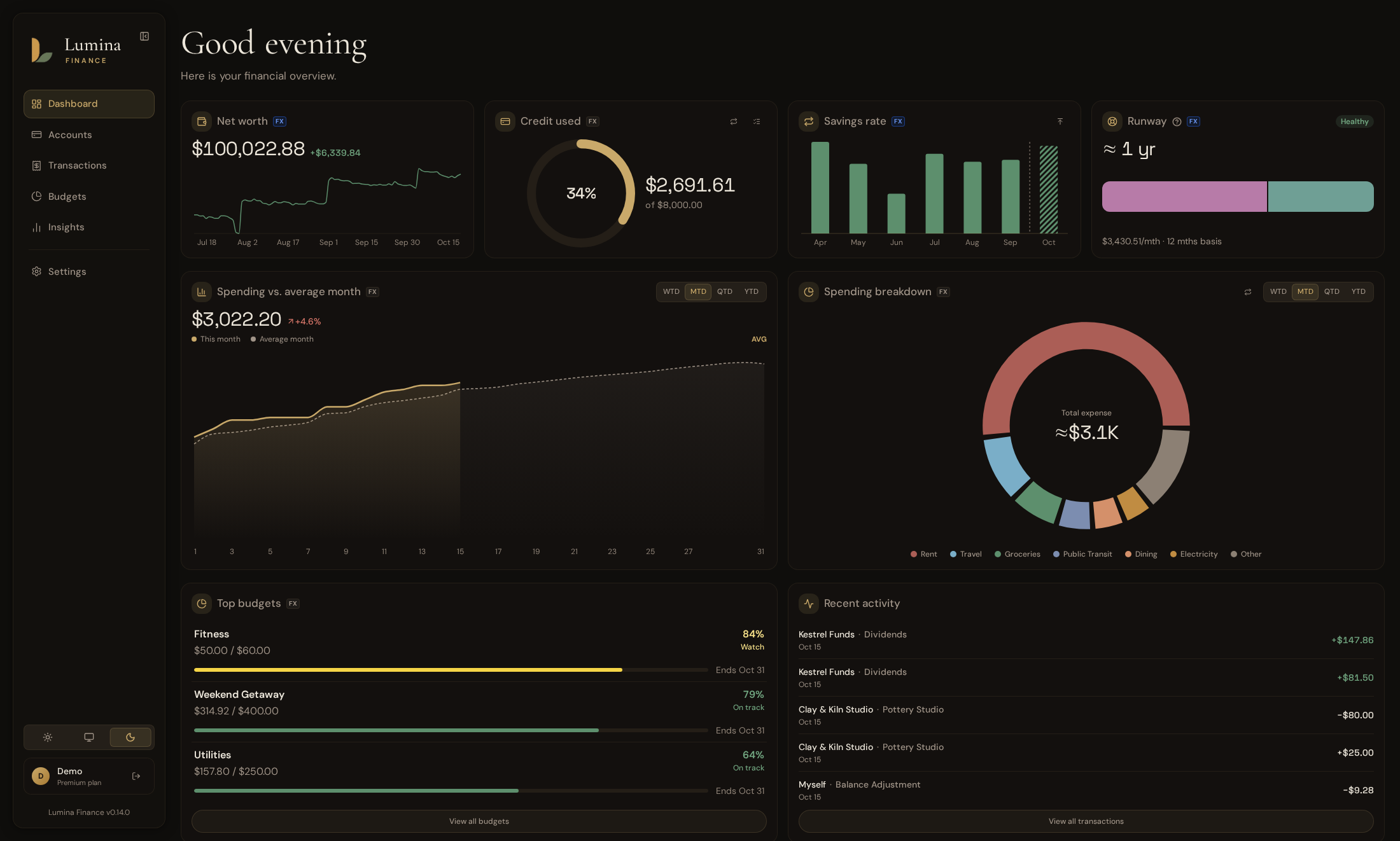
- **Dashboard** - The dashboard brings your net worth, credit usage across the cards you choose, spending compared with the previous period or your average, savings rate, recent activity, and top budgets together in one beautifully presented view.
- **Runway** - The runway view estimates how many months the accounts you choose could cover your spending if your income stopped.
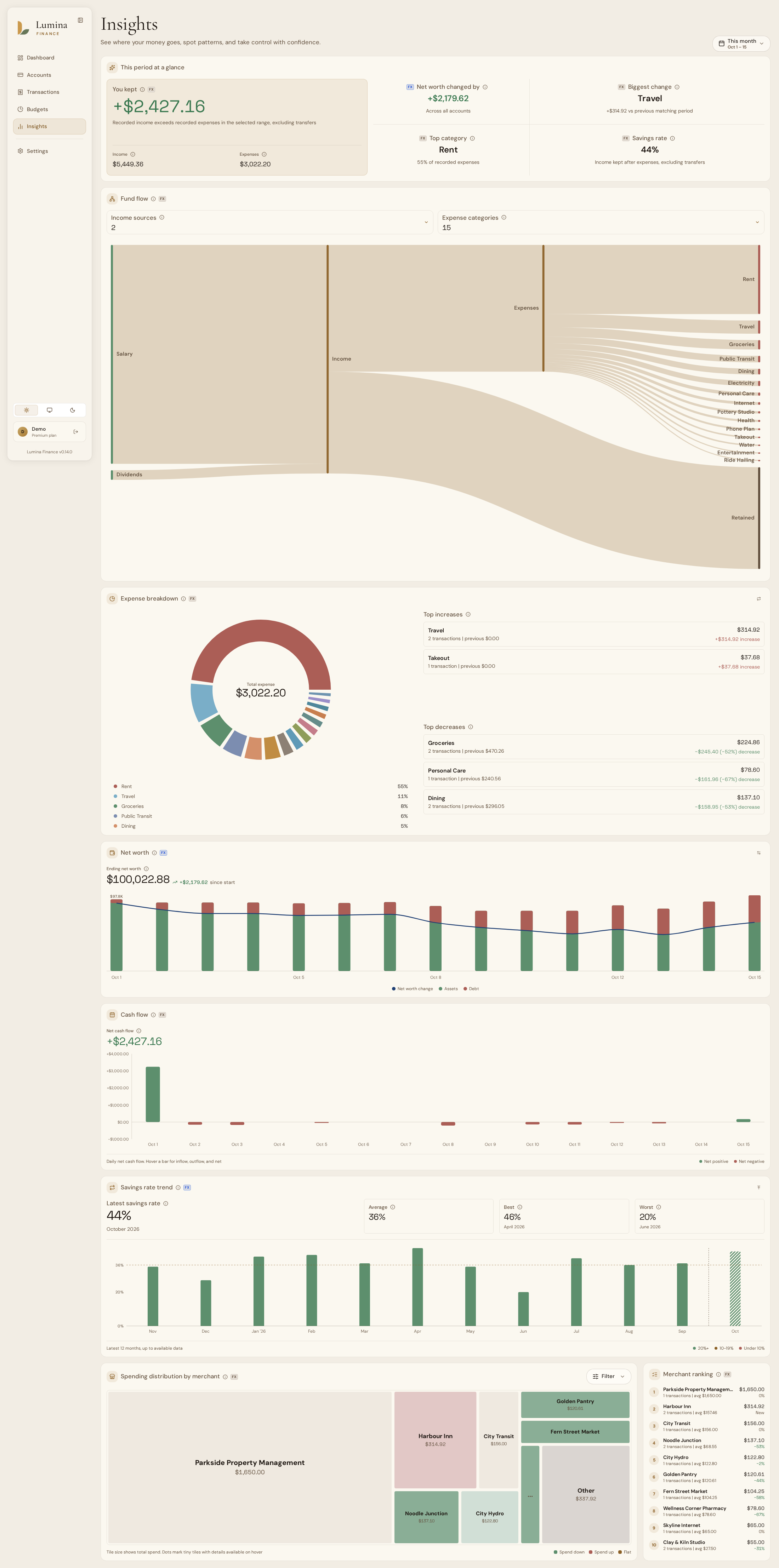
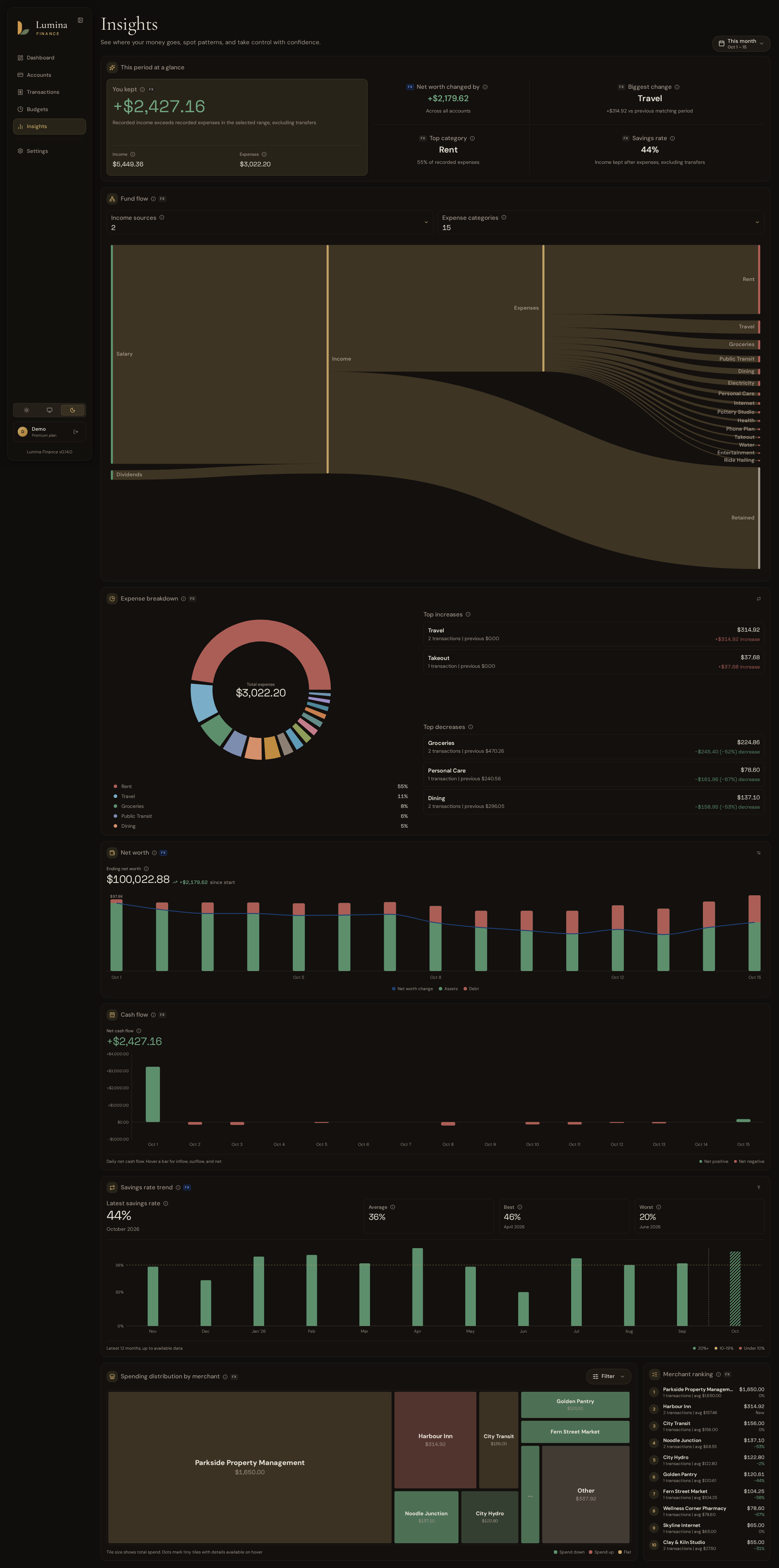
- **Insights** - Cash flow reports, income and expense breakdowns, and merchant patterns help you understand your finances, alongside trends in your net worth and savings rate.
- **Account security** - Two-factor authentication protects your sign-in through an authenticator app or passkeys, with recovery codes as a fallback. Email password resets help you regain access if you forget your password.
- **Single sign-on** - You can sign in through your own OpenID Connect provider, or link it to an existing account and manage it from settings.
- **Self-hostable** - Running Lumina Finance locally with Docker keeps you in full control of your data.
### Importers
The app-specific importers are in beta. The Actual Budget and Firefly III importers are tested every week against each app's latest release.
| Importer | Used for | Status |
|-|-|-|
| CSV | Everyday imports from your bank | |
| OFX and QFX | Everyday imports from your bank's statements | |
| Quicken 3.0 (QIF) | Moving over from Quicken 3.0 | Beta |
| Actual Budget | Moving over from Actual Budget | Beta |
| Firefly III | Moving over from Firefly III | Beta |
### Roadmap
This roadmap may change as Lumina Finance evolves based on user feedback, technical constraints, and project priorities.
Shipped
- [X] Insights tab for deeper reports and trends
- [X] Multi-currency support
- [X] Row-level security for per-user data isolation
- [X] Application security improvements and fixes
- [X] OIDC and WebAuthN support
- [X] Refunds linked to the expenses they repay
- [X] Importers for Actual Budget, Firefly III and Quicken (QIF)
- [X] Group accounts by institution or account type
#### Near Term
In no particular order:
- [ ] SimpleFIN support (in progress)
- [ ] Docs site (in progress)
- [X] self-hosting documentation
- [ ] user guides
- [ ] Internationalization and multi-language support (in progress; [#92](https://github.com/Lumina-Finance/lumina-finance/discussions/92), [#77](https://github.com/Lumina-Finance/lumina-finance/discussions/77))
- [ ] Goals ([#75](https://github.com/Lumina-Finance/lumina-finance/discussions/75))
- [ ] Plaid support
- [ ] SaaS development and testing
- [ ] Extend bank sync to other regions (**all TBD**, e.g. Akahu for New Zealand, Basiq for Australia, Open Banking for Europe). We aim to support as many regions as possible in addition to North America, so if you have any suggestions, please feel free to submit a feature request!
#### Long Term
- [ ] Basic investment tracker (bring your own data)
- [ ] Native iOS and macOS app
- [ ] Android app
- [ ] A few quite ambitious features we are not quite ready to spoil yet :)
## Screenshots
Every page is fully optimized for desktop, tablet, and mobile.
More screenshots
## Self-hosting
Lumina Finance runs with Docker Compose on a 64-bit host. Images are published for `linux/amd64` and `linux/arm64`.
To start a fresh instance with the example [compose file](docker/compose.yml) and [`.env`](docker/.env.example):
```sh
cd docker
cp .env.example .env
docker compose up -d
```
Set `DB_PASSWORD` in `.env` to a password of your own before the first start. The app is then available at `http://localhost:8080`. The [getting started guide](https://docs.luminafinance.co/self-hosting/getting-started/) covers the rest of the setup.
## Documentation
Setup, configuration and answers to common questions are on the docs site at [docs.luminafinance.co](https://docs.luminafinance.co):
- [Getting started](https://docs.luminafinance.co/self-hosting/getting-started/)
- [Setting instance URL](https://docs.luminafinance.co/self-hosting/instance-url/)
- [Email](https://docs.luminafinance.co/self-hosting/email/)
- [Automatic update checks](https://docs.luminafinance.co/self-hosting/update-checks/)
- [Closing registration](https://docs.luminafinance.co/self-hosting/closing-registration/)
- [Signing keys and JWKS](https://docs.luminafinance.co/self-hosting/signing-keys/)
- [Single sign-on](https://docs.luminafinance.co/self-hosting/single-sign-on/)
- [Encryption and hash keys](https://docs.luminafinance.co/self-hosting/encryption-keys/)
- [Database role passwords](https://docs.luminafinance.co/self-hosting/database-role-passwords/)
- [Fail2ban integration](https://docs.luminafinance.co/self-hosting/blocking-abuse/)
- [Environment variables](https://docs.luminafinance.co/self-hosting/environment-variables/)
- [FAQ](https://docs.luminafinance.co/self-hosting/faq/)
## Support the project
Lumina Finance is fully bootstrapped. If you would like to support its development, please consider donating to the project.
You can also show your support by starring the project on GitHub!
---





 |
| Firefly III | Moving over from Firefly III | Beta
 |
### Roadmap
This roadmap may change as Lumina Finance evolves based on user feedback, technical constraints, and project priorities.

 Lumina Finance runs with Docker Compose on a 64-bit host. Images are published for `linux/amd64` and `linux/arm64`.
To start a fresh instance with the example [compose file](docker/compose.yml) and [`.env`](docker/.env.example):
```sh
cd docker
cp .env.example .env
docker compose up -d
```
Set `DB_PASSWORD` in `.env` to a password of your own before the first start. The app is then available at `http://localhost:8080`. The [getting started guide](https://docs.luminafinance.co/self-hosting/getting-started/) covers the rest of the setup.
## Documentation
Setup, configuration and answers to common questions are on the docs site at [docs.luminafinance.co](https://docs.luminafinance.co):
- [Getting started](https://docs.luminafinance.co/self-hosting/getting-started/)
- [Setting instance URL](https://docs.luminafinance.co/self-hosting/instance-url/)
- [Email](https://docs.luminafinance.co/self-hosting/email/)
- [Automatic update checks](https://docs.luminafinance.co/self-hosting/update-checks/)
- [Closing registration](https://docs.luminafinance.co/self-hosting/closing-registration/)
- [Signing keys and JWKS](https://docs.luminafinance.co/self-hosting/signing-keys/)
- [Single sign-on](https://docs.luminafinance.co/self-hosting/single-sign-on/)
- [Encryption and hash keys](https://docs.luminafinance.co/self-hosting/encryption-keys/)
- [Database role passwords](https://docs.luminafinance.co/self-hosting/database-role-passwords/)
- [Fail2ban integration](https://docs.luminafinance.co/self-hosting/blocking-abuse/)
- [Environment variables](https://docs.luminafinance.co/self-hosting/environment-variables/)
- [FAQ](https://docs.luminafinance.co/self-hosting/faq/)
## Support the project
Lumina Finance is fully bootstrapped. If you would like to support its development, please consider donating to the project.