Manic EMU

All-in-one retro game emulation for iOS, with a clean interface and broad platform support.

Status: active Platform: iOS 15+ and iPadOS Distribution: App Store, StikStore, SideStore License: AGPL v3

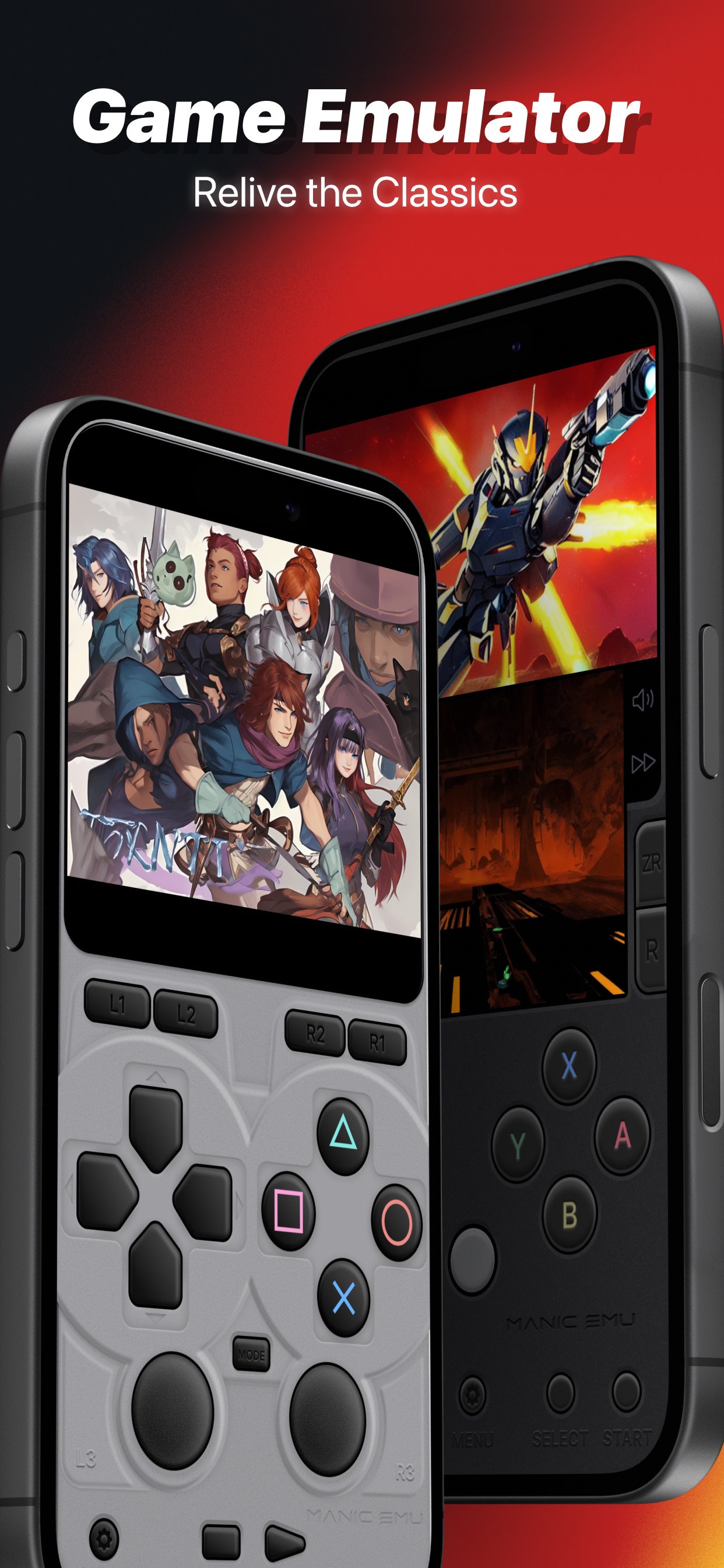
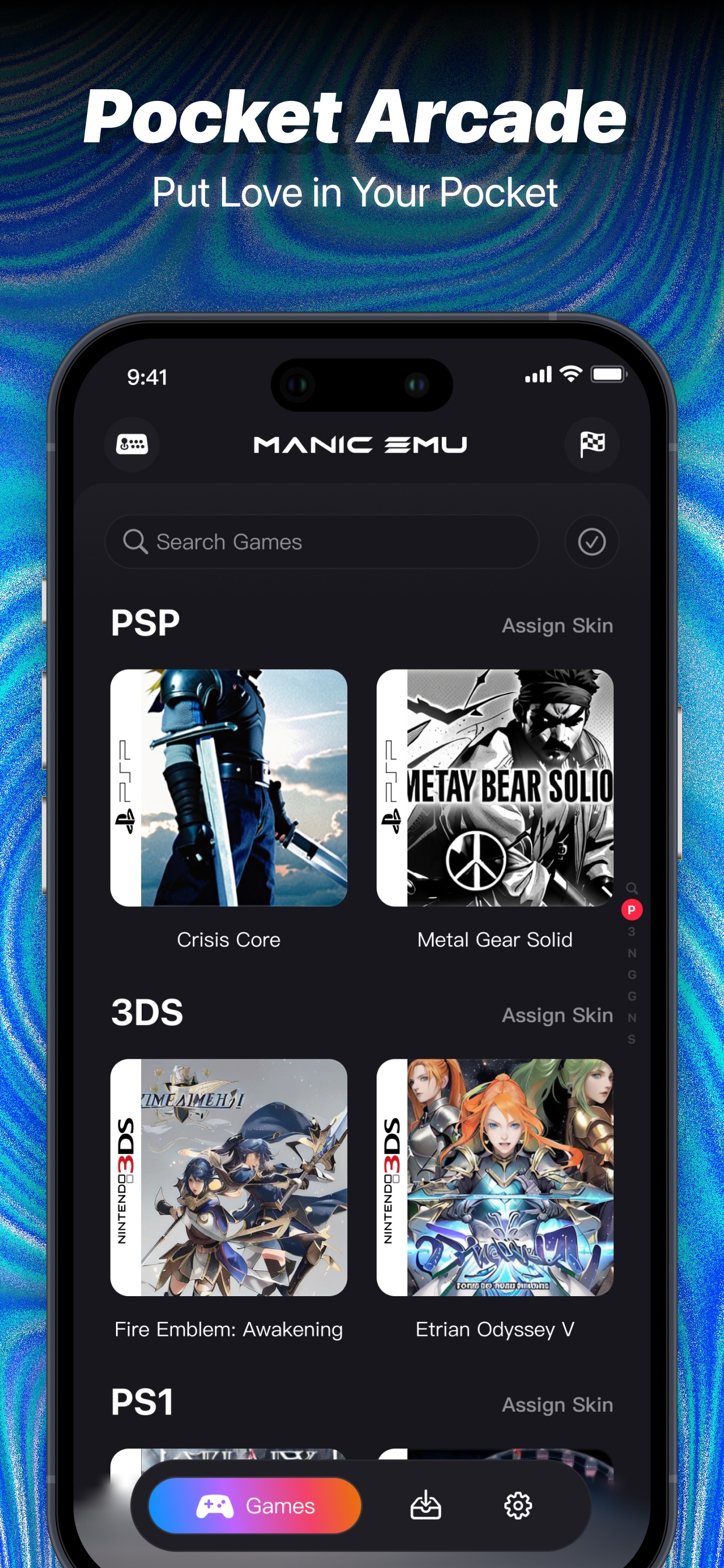
Manic EMU is an all-in-one retro game emulator for iOS. It brings console, arcade, computer, and mobile Java systems into one app while keeping a clean, sleek UI and smooth gameplay-focused controls. The sections below keep the app details up front, then connect availability, features, development notes, related documentation, repository layout, and licensing in one place. > Manic EMU does not include ROMs, ISOs, BIOS files, or copyrighted game data. > Use legally owned backups, homebrew, and public-domain software only. See > the upstream [anti-piracy policy](https://github.com/Manic-EMU/ManicEMU/blob/main/ANTI_PIRACY.md) > for the full project position.

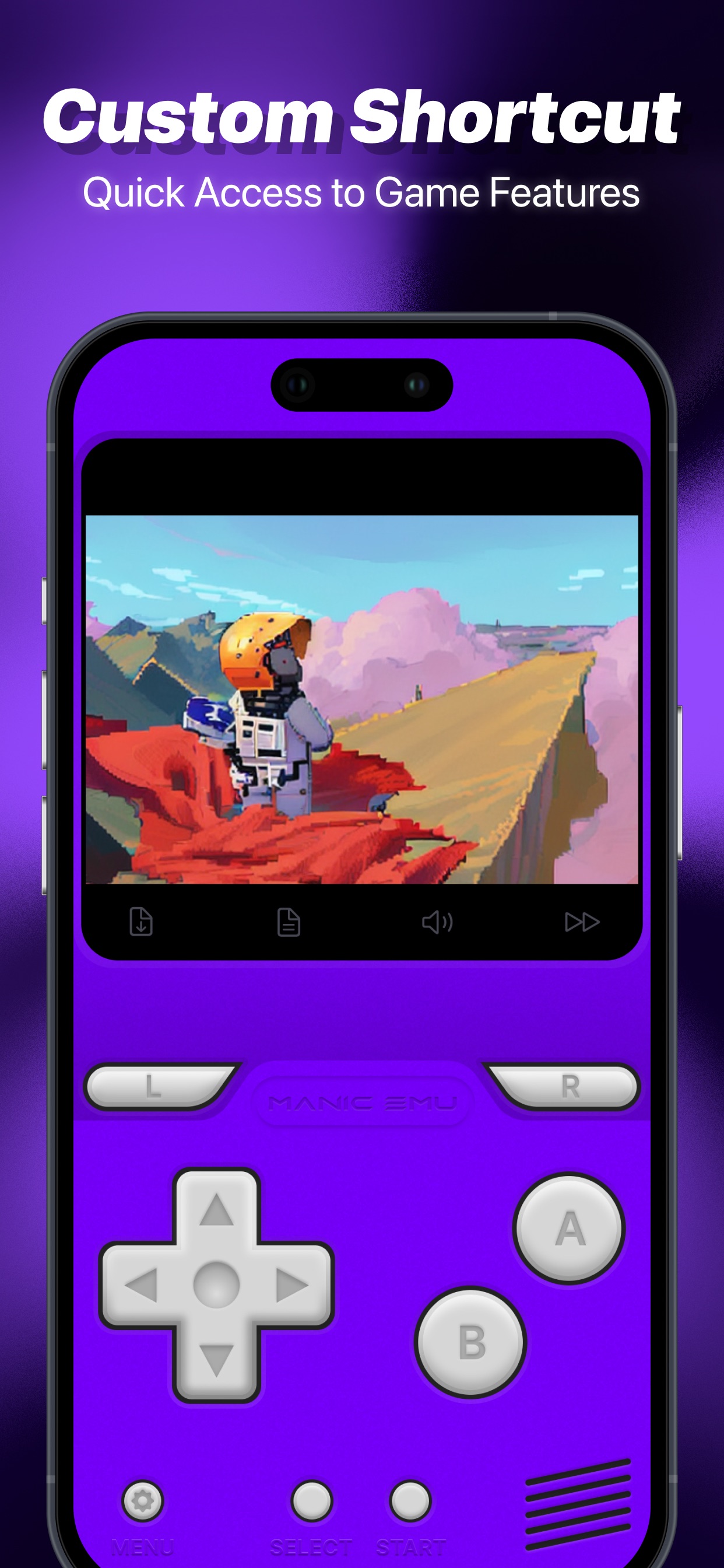
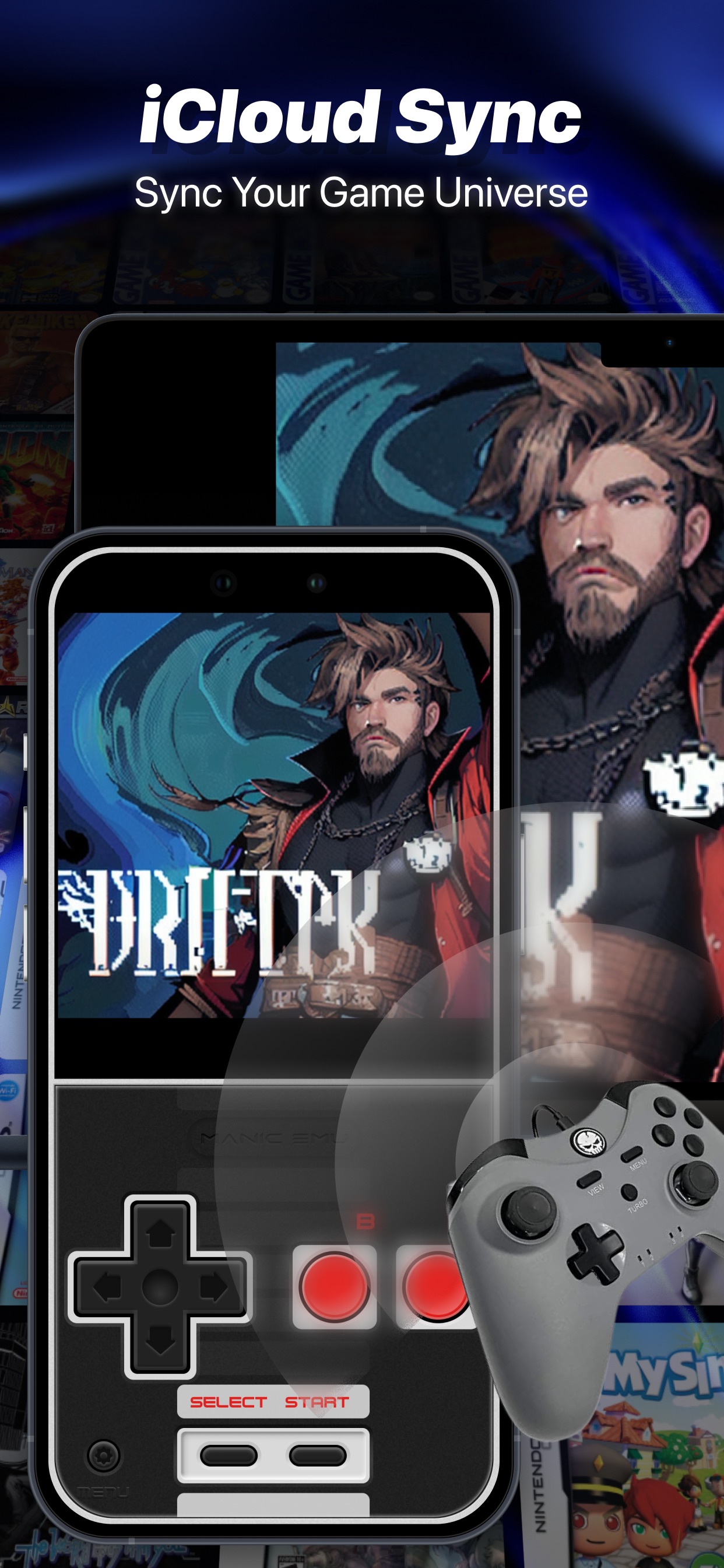
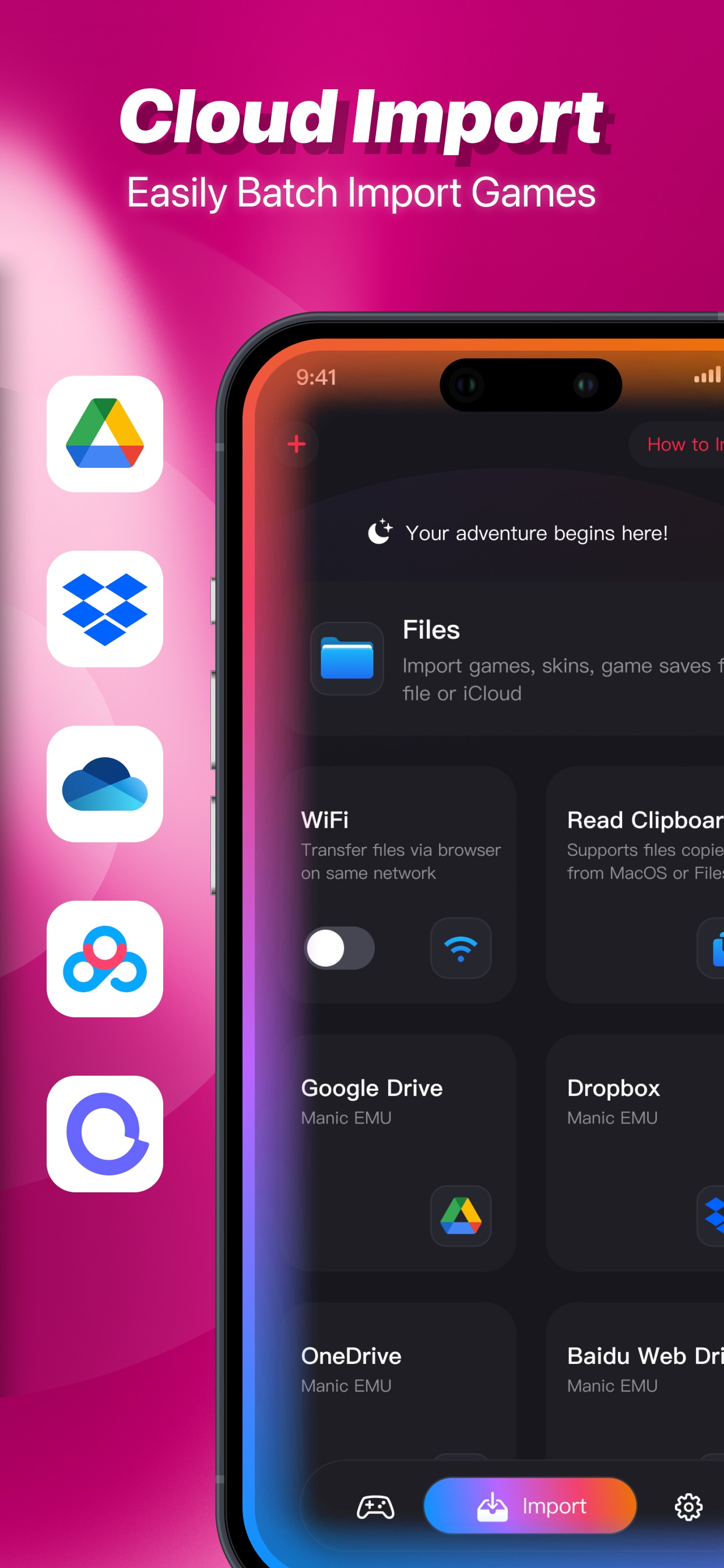
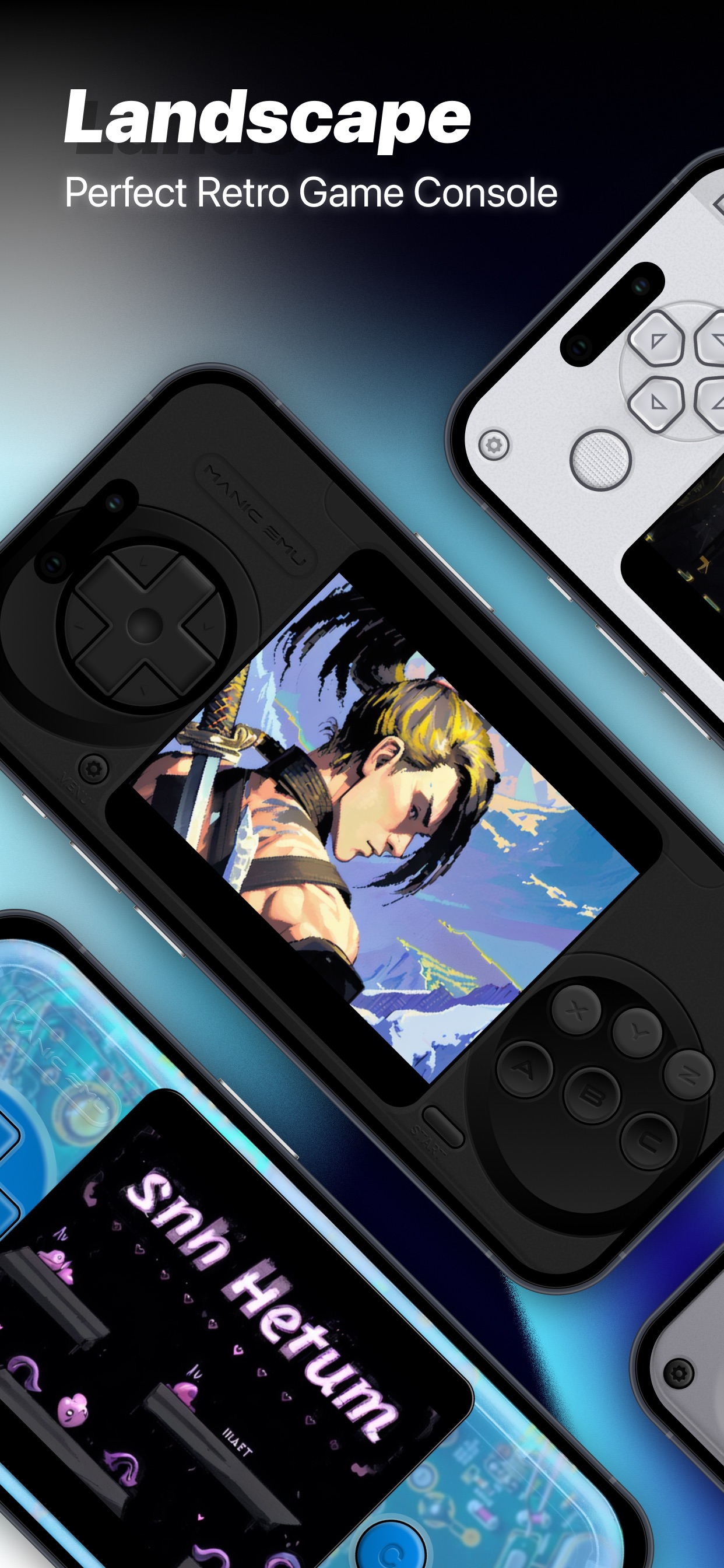
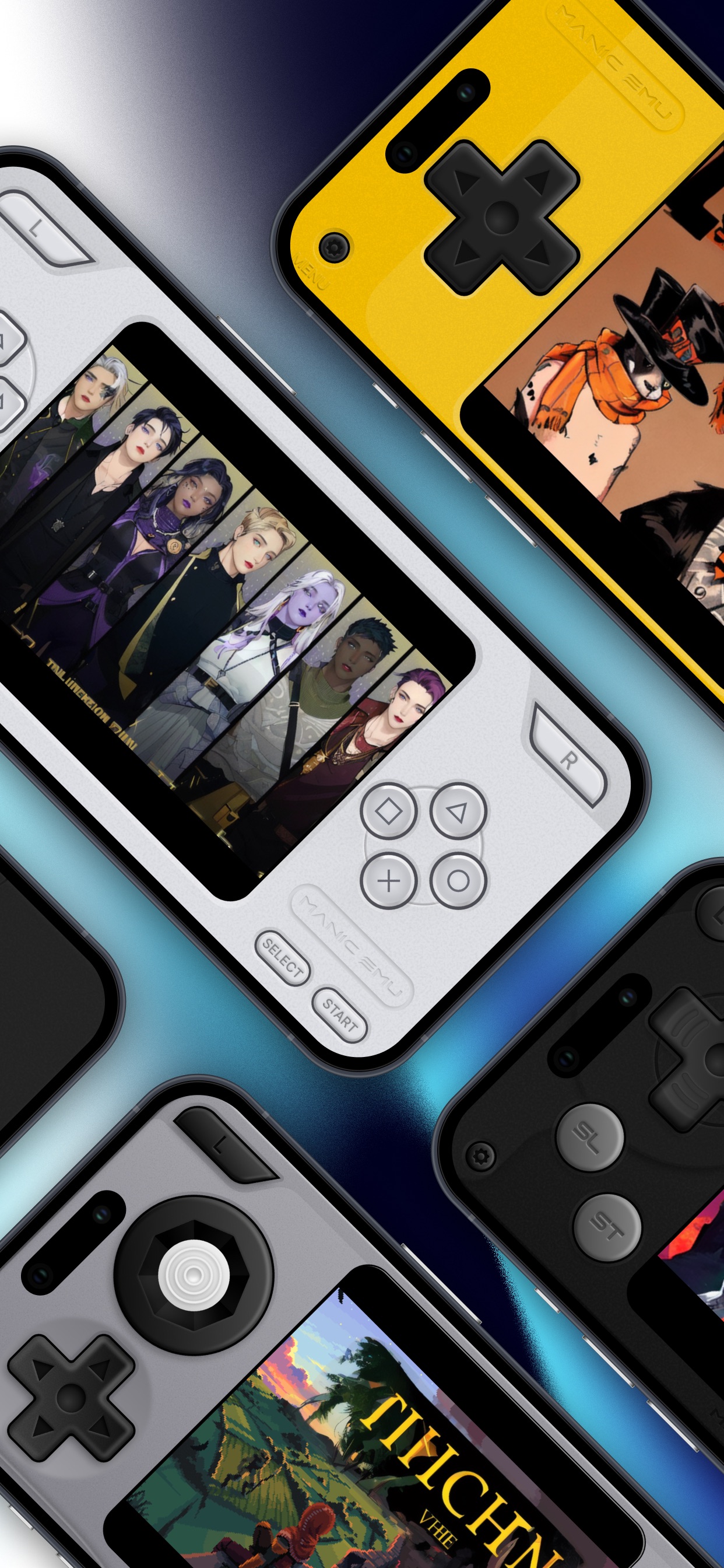
Manic EMU screenshot 1 Manic EMU screenshot 2 Manic EMU screenshot 3 Manic EMU screenshot 4 Manic EMU screenshot 5 Manic EMU screenshot 6 Manic EMU screenshot 7

## At a Glance - App distribution: App Store, StikStore, and SideStore. - Source target: iOS app built with Xcode 16+, iOS SDK 15+, and Swift 5.9+. - Emulator model: multiple emulator cores, including Libretro-based frameworks and dedicated cores. - User experience: game library, custom skins, saves, cheats, filters, screenshots, landscape mode, and custom shortcuts. - Sync and import: iCloud sync plus Google Drive, Dropbox, OneDrive, Baidu Cloud, Aliyun, WebDAV, and SMB import paths. - Online and big-screen play: RetroAchievements, select online-capable cores, AirPlay mirroring, and controller support. - Project stance: open source, community-driven, and anti-piracy. ## Availability Manic EMU is available through Apple's App Store and through sideloading channels including StikStore and SideStore.

Download on the App Store Available on StikStore Available on SideStore

Compatibility and performance vary by device, iOS version, emulator core, game, and JIT availability. App Store builds and sideloaded builds may differ where Apple services, signing, or JIT workflows are involved. ## Supported Platforms | Category | Platforms | | --- | --- | | Nintendo | Nintendo 3DS\*, Nintendo 64, Nintendo DS\*, Game Boy Advance, Game Boy Color, Game Boy, NES, Famicom Disk System, SNES, Virtual Boy, Pokemon Mini | | Sony | PlayStation, PlayStation Portable\* | | Sega | Dreamcast\*, Saturn, Master System, Game Gear, SG-1000, Genesis 32X/Super 32X, Sega CD/Mega-CD, Genesis/MegaDrive | | Atari | Jaguar, Lynx, 7800, 5200, 2600 | | Arcade | MAME, FBneo | | Microsoft | MS-DOS | | Sun Microsystems | J2ME | \* Marked consoles support online play. Some online functions require Third-Party Services. More platforms are planned upstream. ## Features | Category | Details | | --- | --- | | Saves | Manual saves plus 50 auto-save slots. | | Gameplay controls | 5x speed control, cheat-code support, custom shortcuts, and landscape mode. | | Visuals | Retro filters, screenshot capture, and custom third-party-compatible skins. | | Achievements | RetroAchievements integration with Hardcore Mode support. A RetroAchievements account is required. | | Sync | iCloud sync for games, saves, and settings, with encrypted storage and cloud backups. | | Cloud import | Google Drive, Dropbox, OneDrive, Baidu Cloud, Aliyun, WebDAV, and SMB support. | | Controllers | Native Joy-Con, DUALSHOCK, Xbox, Bluetooth controller, keyboard, Mac, and multi-controller support. | | Cross-screen play | AirPlay mirroring and phone-to-TV play for big-screen sessions. | ## Development Notes ### Runtime - iPhone or iPad hardware capable of running the selected emulator core. - Legally obtained game backups and any required system files. - Optional RetroAchievements account for achievement tracking. - Optional cloud provider accounts for cloud import and sync workflows. ### Build - macOS with Xcode 16 or newer. - iOS SDK 15 or newer. - Swift 5.9 or newer. - Git LFS for binary cores and bundled system assets. - Apple Developer Program account for services such as App Groups, In-App Purchases, and iCloud. These capabilities must be configured by the builder or removed before compiling. - Third-party API keys for services configured through `Cipher.swift`, when those services are enabled. ### Build Steps 1. Install Git LFS: ```sh brew install git-lfs git lfs install ``` 2. Clone the upstream Manic EMU repository: ```sh git clone --recursive https://github.com/Manic-EMU/ManicEMU.git ``` 3. Open the Xcode project: ```sh open ManicEMU/ManicEmu/ManicEmu.xcodeproj ``` 4. Update the developer team and bundle identifier in the ManicEmu target's Signing & Capabilities settings. 5. Wait for Swift Package Manager to finish resolving packages, then run the app with `Cmd+R`. Some cores are integrated as binary frameworks, while most cores are built from upstream source code without modifications. Upstream core changes are tracked through the [Daiuno repositories](https://github.com/Daiuno?tab=repositories). ## Documentation - [Manic EMU upstream README](https://github.com/Manic-EMU/ManicEMU/blob/main/README.md) - [Anti-piracy policy](https://github.com/Manic-EMU/ManicEMU/blob/main/ANTI_PIRACY.md) - [Contributing guide](https://github.com/Manic-EMU/ManicEMU/blob/main/CONTRIBUTING.md) - [Code of conduct](https://github.com/Manic-EMU/ManicEMU/blob/main/CODE_OF_CONDUCT.md) - [Security policy](https://github.com/Manic-EMU/ManicEMU/blob/main/SECURITY.md) - [Third-party notices](https://github.com/Manic-EMU/ManicEMU/blob/main/THIRD_PARTY_NOTICES.md) - [AGPL-3.0 license](https://github.com/Manic-EMU/ManicEMU/blob/main/LICENSE) ## Community

Manic EMU website Manic EMU Discord Support Manic EMU on Ko-fi

## Repository Layout The upstream Manic EMU repository is organized around the native iOS app, bundled emulator cores, runtime assets, and supporting project documentation: | Path | Purpose | | --- | --- | | `ManicEmu/` | The Xcode project and iOS app source. | | `Cores/` | Emulator core frameworks, including Git LFS-managed binary assets. | | `System.core/` | Runtime system assets used by emulator cores. | | `Dependencies/` | App dependencies. | | `Scripts/` | Build and maintenance scripts. | | `ANTI_PIRACY.md` | Project policy for legal game backups, BIOS files, homebrew, and public-domain content. | | `CONTRIBUTING.md` | Contributor setup, issue-reporting, pull-request, and commit-message guidance. | | `THIRD_PARTY_NOTICES.md` | Notices for bundled open-source components and dependencies. | ## Acknowledgements Manic EMU is made possible by many open-source emulator projects and community toolchains, including emulator core maintainers, the architectural influence of DeltaCore, Libretro community tooling, and additional Swift Package Manager dependencies listed in Xcode. ## Upstream And Licensing Manic EMU source is licensed under AGPL-3.0 in the upstream [ManicEMU repository](https://github.com/Manic-EMU/ManicEMU). Additional notices for bundled emulator cores, app dependencies, and supporting projects are maintained in [THIRD_PARTY_NOTICES.md](https://github.com/Manic-EMU/ManicEMU/blob/main/THIRD_PARTY_NOTICES.md). Manic EMU is not affiliated with Apple, Nintendo, Sony, Sega, Atari, Microsoft, Sun Microsystems, Libretro, or any console manufacturer or game publisher.