# konstrukt
A simple commandline tool to generate SVGs roughly fitting the area of [concrete art](https://en.wikipedia.org/wiki/Concrete_art).
## Getting started
The `konstrukt` binary can be downloaded from [releases](https://github.com/MarcelMue/konstrukt/releases) section of this repository.
It is contained together with the [LICENSE](LICENSE) in a `.tar.gz` or `.zip` depending on the target operating system.
You can interact with `konstrukt` through your native [command line interface](https://en.wikipedia.org/wiki/Command-line_interface).
If you are unfamiliar with a command line then these examples should give you some guidance:
Using Windows
First download the latest `.zip` release from the [releases](https://github.com/MarcelMue/konstrukt/releases) page.
Unzip the archived files in a location of your choice (e.g. your `Downloads` folder).
Open a command line of your choice (e.g. `cmd.exe`).
Navigate tp the location of the unpacked `konstrukt` binary (e.g. `cd C:\Users\SomeUser\Downloads`).
Display the help text of `konstrukt` by calling it without arguments (`konstrukt.exe`).
The output should look like this:
```
Command line tool for generating konstruktive art.
Usage:
konstrukt [flags]
konstrukt [command]
Available Commands:
gen Generate files.
help Help about any command
Flags:
-h, --help help for konstrukt
Use "konstrukt [command] --help" for more information about a command.
```
Now you should be able to experiment with the usage examples below just remember to use `konstrukt.exe`!
Using Linux/MacOS
First download the correct `.tar.gz` release depending on your operating system from the [releases](https://github.com/MarcelMue/konstrukt/releases) page.
Unpack the `.tar.gz` in a location of your choice (e.g. your `Downloads` folder).
Open a terminal of your choice.
Navigate to the location of the unpacked `konstrukt` binary (e.g. `cd ~/Downloads`).
Display the help text of `konstrukt` by calling it without arguments (`./konstrukt`).
The output should look like this:
```
Command line tool for generating konstruktive art.
Usage:
konstrukt [flags]
konstrukt [command]
Available Commands:
gen Generate files.
help Help about any command
Flags:
-h, --help help for konstrukt
Use "konstrukt [command] --help" for more information about a command.
```
Now you should be able to experiment with the usage examples below!
## Usage
All commands allow for the following flags:
```
--filename string Name of the output file.
--height int Height of the output file in pixels. (default 500)
-h, --help help
--randomize Randomize all colors in the pattern, ignore other color flags.
--width int Width of the output file in pixels. (default 500)
```
Other flags for coloring patterns can be explored in the individual usage examples below.
### Shining
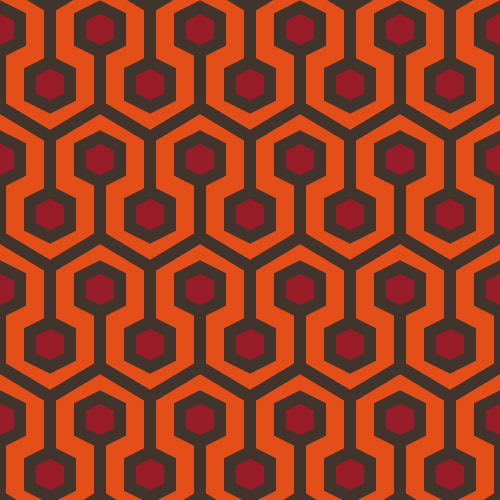
The pattern and default implementation is inspired by a carpet design by [David Nightingale Hicks](https://en.wikipedia.org/wiki/David_Nightingale_Hicks) commonly known as "Hicks' Hexagon".
It became known in popular culture as the pattern of the carpet in [The Shining](https://en.wikipedia.org/wiki/The_Shining_(film)).
The code for the pattern was initially implemented [here.](https://github.com/ajstarks/svgo-workshop/blob/master/code/svgplay-samples/shining.go)
Usage examples
The original output can be generated with:
```
konstrukt gen shining
```
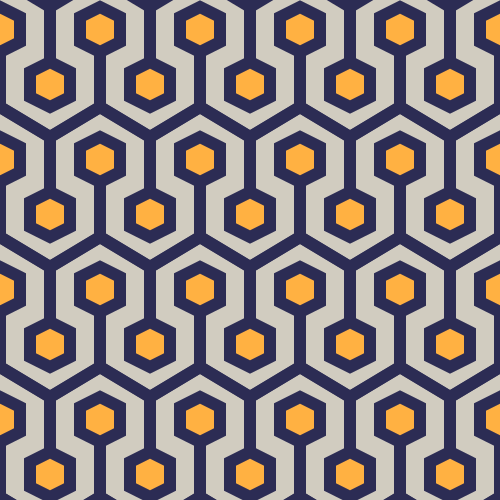
Changing the colors can be easily done like this:
```
konstrukt gen shining --color3 "#2c2c54" --color2 "#d1ccc0" --color1 "#ffb142" --filename shining-es.svg
```
### Interruptions
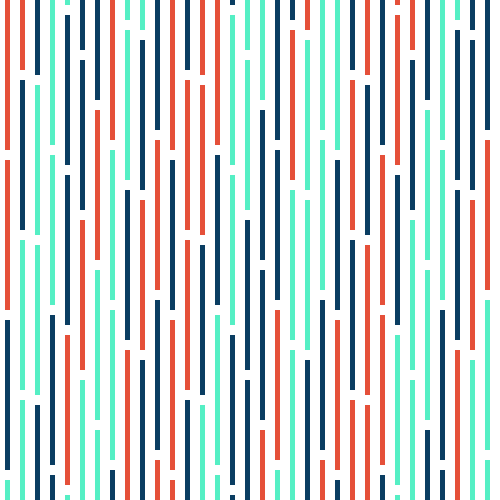
The pattern and default implementation is inspired by [Horst Bartnigs](https://de.wikipedia.org/wiki/Horst_Bartnig) collection of works titled `72 Unterbrechungen`.
Usage examples
The default can be generated with:
```
konstrukt gen interruptions
```
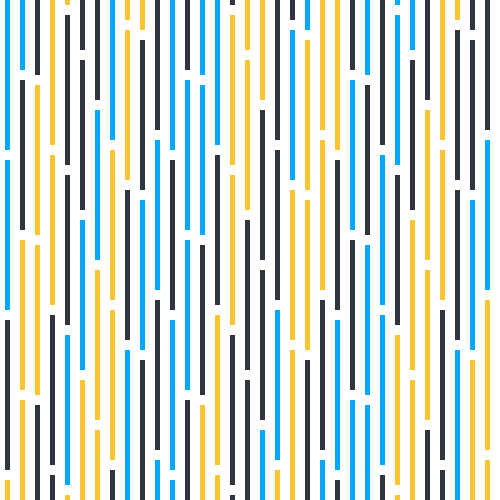
Changing the colors can be easily done like this:
```
konstrukt gen interruptions --color1 "#00a8ff" --color2 "#2f3640" --color3 "#fbc531" --filename interruptions-br.svg
```
### Quadrat
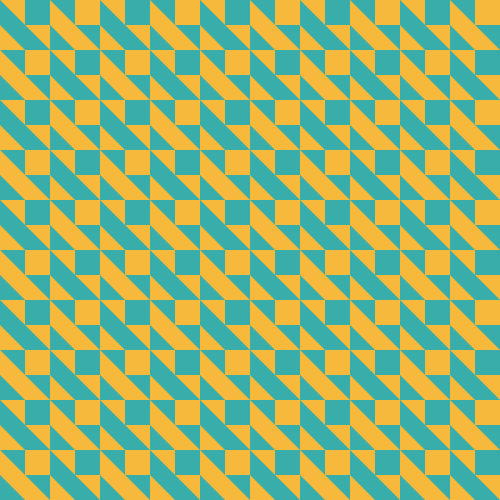
The pattern and default implementation is inspired by [Horst Bartnigs](https://de.wikipedia.org/wiki/Horst_Bartnig) work titled `8 blaue und 8 schwarze Quadrate`.
Usage examples
The default can be generated with:
```
konstrukt gen quadrat
```
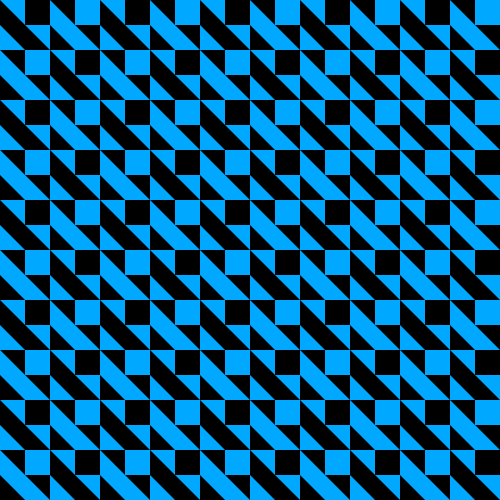
Changing the colors can be easily done like this:
```
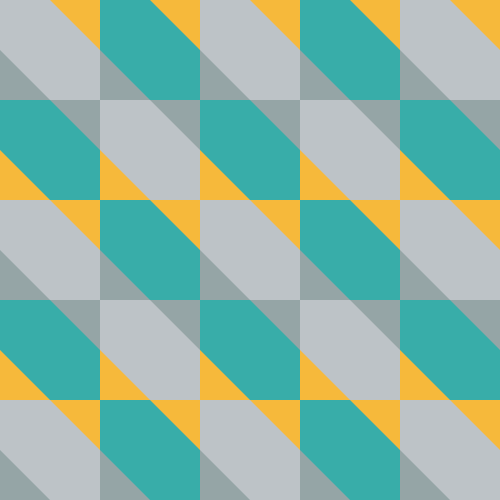
konstrukt gen quadrat --color1 "#f6b93b" --color2 "#38ada9" --filename quadrat-fr.svg
```
### Janein
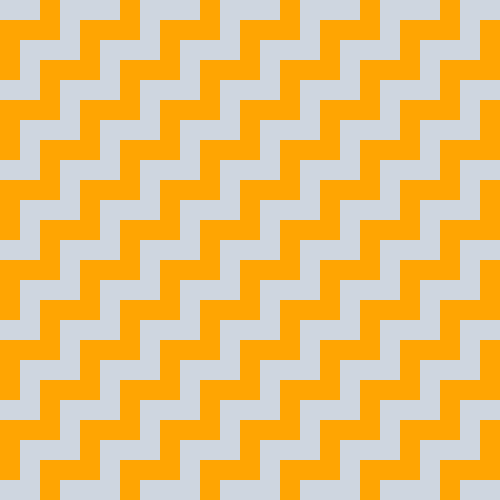
The pattern and default implementation is inspired by [Wolfgang Bosses](https://kulturanalyse.de//wolfgang_bosse/index.html) work titled `JA-NEIN`.
Usage examples
The default can be generated with:
```
konstrukt gen janein
```
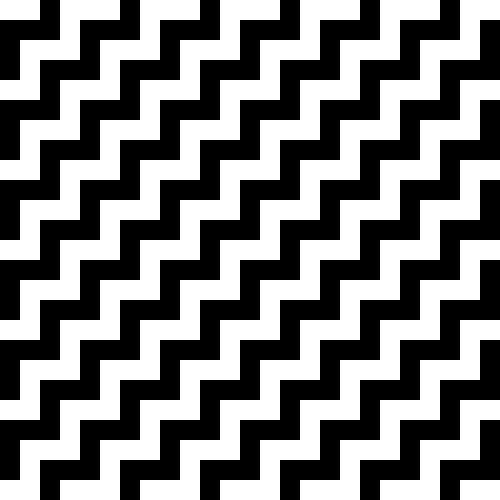
Changing the colors can be easily done like this:
```
konstrukt gen janein --color1 "#ced6e0" --color2 "#ffa502" --filename janein-cn.svg
```
### Fiftyfive
The pattern and default implementation is inspired by [Julia Breunigs](https://juliaskonkretekunst.wordpress.com/) work titled `Bild Nr. 55`.
Usage examples
The default can be generated with:
```
konstrukt gen fiftyfive
```
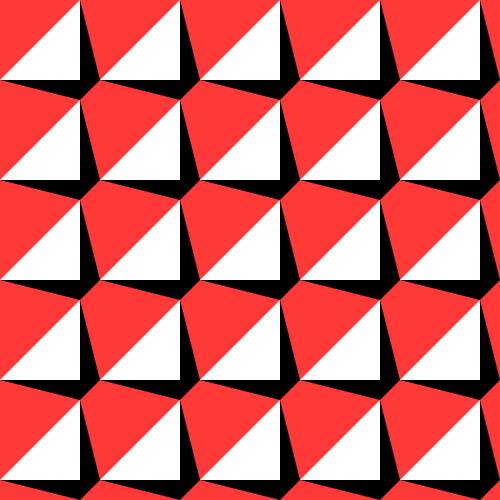
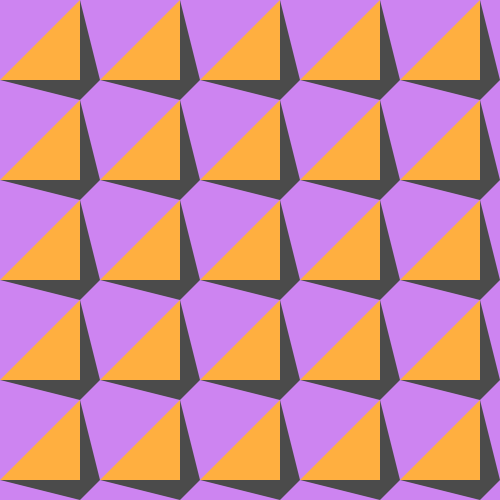
Changing the colors can be easily done like this:
```
konstrukt gen fiftyfive --color1 "#cd84f1" --color2 "#4b4b4b" --color3 "#ffaf40" --filename fiftyfive-tr.svg
```
### Ladysweat
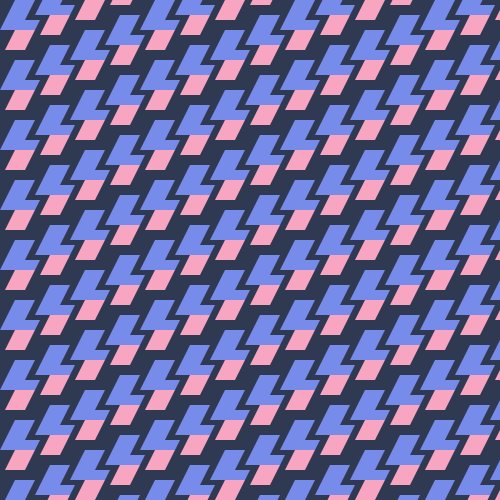
The pattern and default implementation is inspired by [Joshua Blankenships](https://blankenship.xyz/) work titled `Lady Sweat Repeating Pattern`.
Usage examples
The default can be generated with:
```
konstrukt gen ladysweat
```

Changing the colors can be easily done like this:
```
konstrukt gen ladysweat --color1 "#303952" --color2 "#f8a5c2" --color3 "#778beb" --filename ladysweat-ru.svg
```
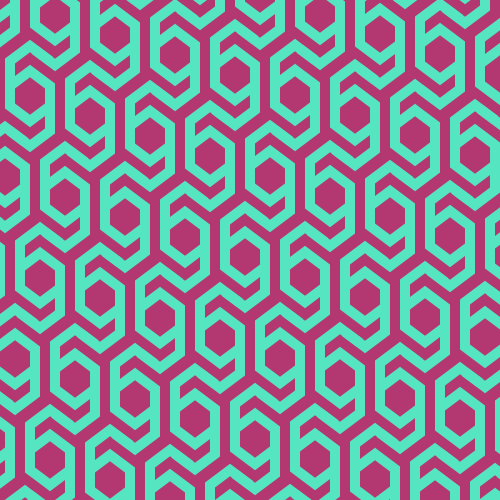
### Modernhive
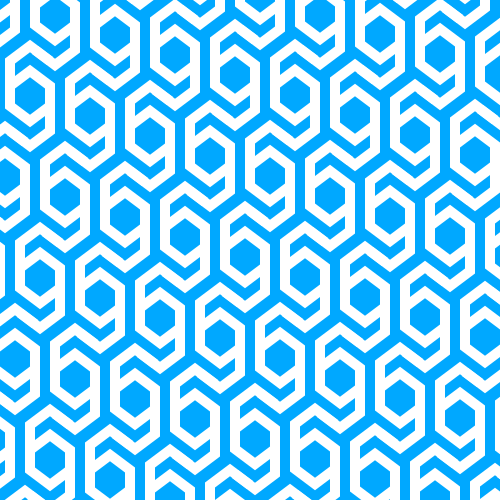
The pattern and default implementation is inspired by [Emma Methods](http://www.emmamethod.com/) work titled `modern hive`.
Usage examples
The default can be generated with:
```
konstrukt gen modernhive
```
Changing the colors can be easily done like this:
```
konstrukt gen modernhive --color1 "#B33771" --color2 "#55E6C1" --filename modernhive-in.svg
```
### Swiss16
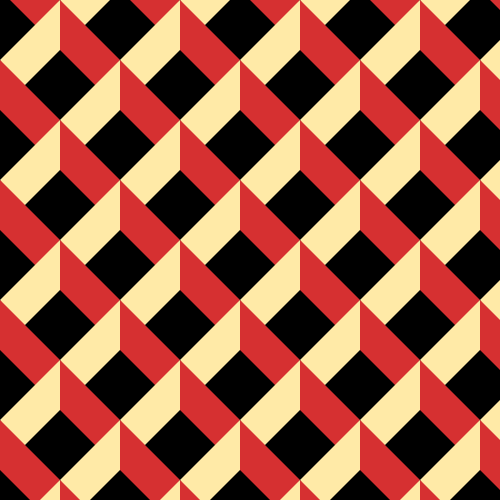
The pattern and default implementation is inspired by [Neo Geometrics](https://dribbble.com/vladikkk09) work titled `swiss-16`.
Usage examples
The default can be generated with:
```
konstrukt gen swiss16
```
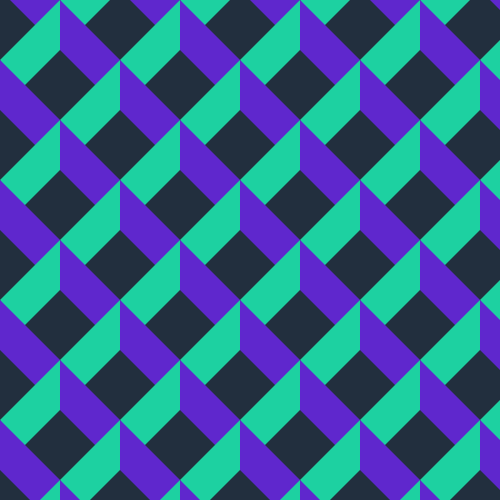
Changing the colors can be easily done like this:
```
konstrukt gen swiss16 --color1 "#222f3e" --color2 "#5f27cd" --color3 "#1dd1a1" --filename swiss16-ca.svg
```
### Interlocking
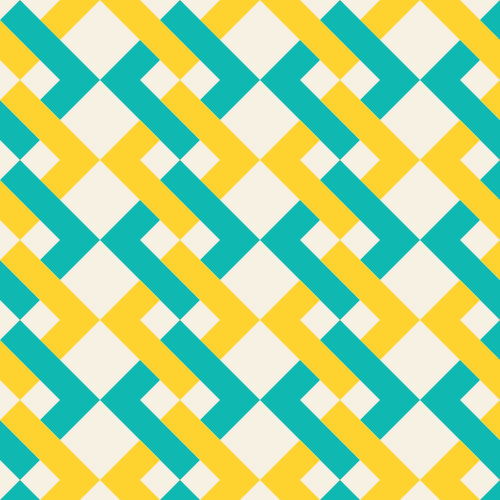
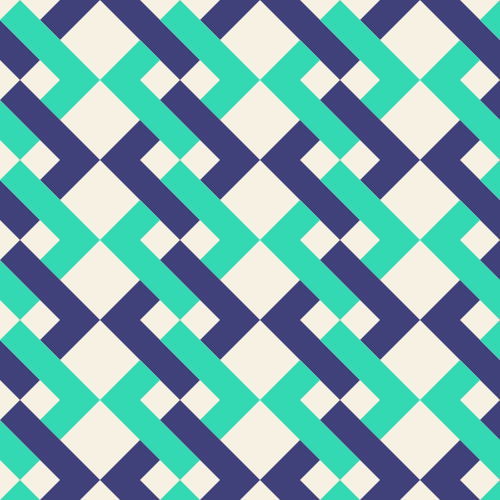
The pattern and default implementation is inspired by [Cami Dobrins](https://camidraws.com/) work titled `Interlocking Abstract Pattern Background`.
Usage examples
The default can be generated with:
```
konstrukt gen interlocking
```
Changing the colors can be easily done like this:
```
konstrukt gen interlocking --color1 "#f7f1e3" --color2 "#40407a" --color3 "#33d9b2" --filename interlocking-es.svg
```
### Whitegold
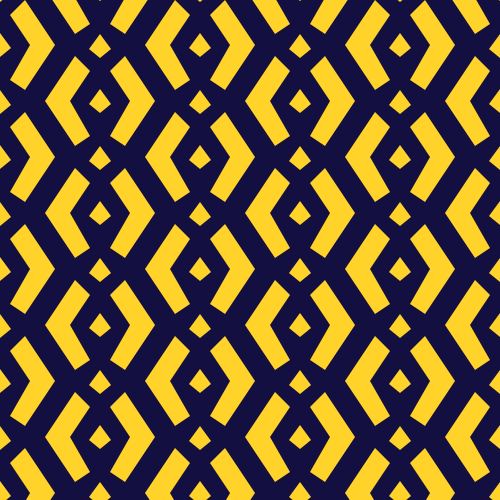
The pattern and default implementation is [MarcelMues](https://github.com/MarcelMue) work titled `whitegold`.
Usage examples
The default can be generated with:
```
konstrukt gen whitegold
```
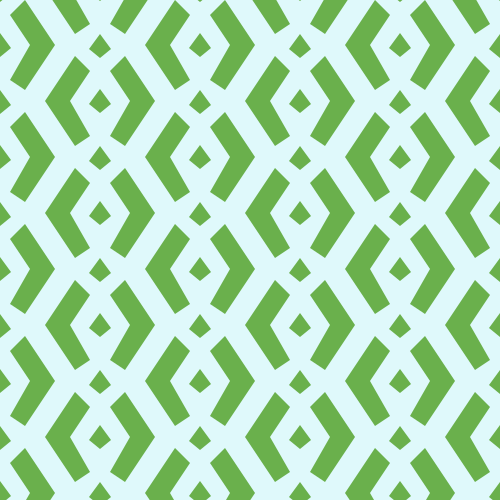
Changing the colors can be easily done like this:
```
konstrukt gen whitegold --color1 "#dff9fb" --color2 "#6ab04c" --filename whitegold-au.svg
```
### Fallingdaggers
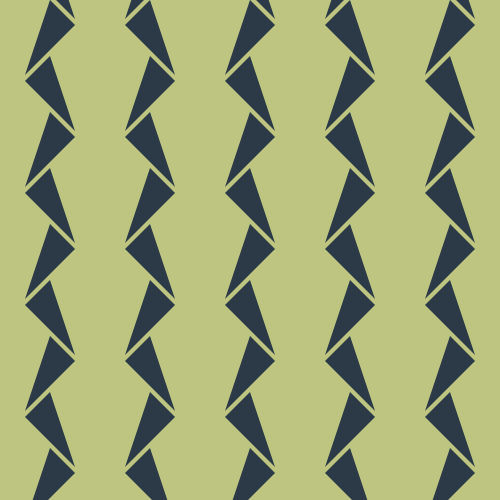
The pattern and default implementation is [MarcelMues](https://github.com/MarcelMue) work titled `fallingdaggers`.
Usage examples
The default can be generated with:
```
konstrukt gen fallingdaggers
```
Changing the colors can be easily done like this:
```
konstrukt gen fallingdaggers --color1 "#e55039" --color2 "#f39c12" --filename fallingdaggers-in.svg
```

### Whitegold2
The pattern and default implementation is [MarcelMues](https://github.com/MarcelMue) work titled `whitegold2`.
Usage examples
The default can be generated with:
```
konstrukt gen whitegold2
```
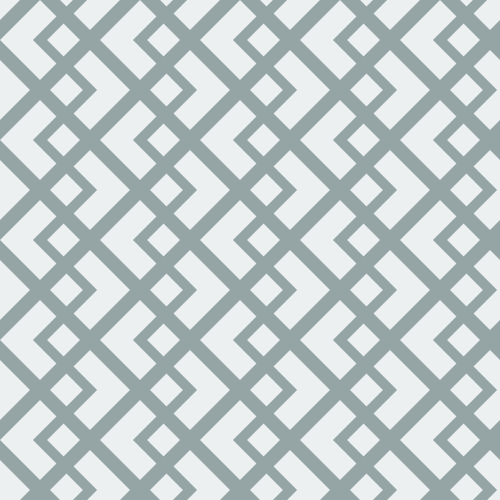
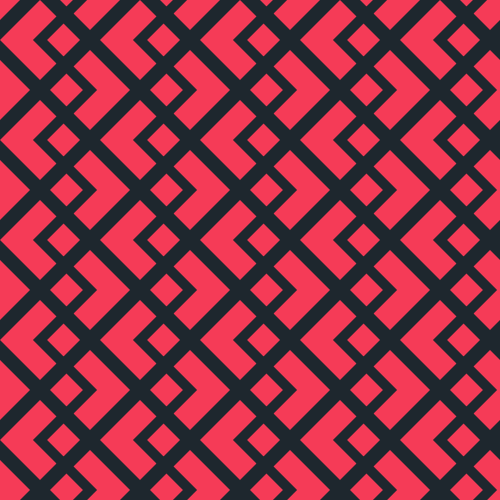
Changing the colors can be easily done like this:
```
konstrukt gen whitegold2 --color1 "#1e272e" --color2 "#f53b57" --filename whitegold2-se.svg
```
### Blockplay
The pattern is inspired by [Sophie Adams-Foster](https://www.instagram.com/sharp.line.hunter/) work titled `blockplay`.
Usage examples
The default can be generated with:
```
konstrukt gen blockplay
```
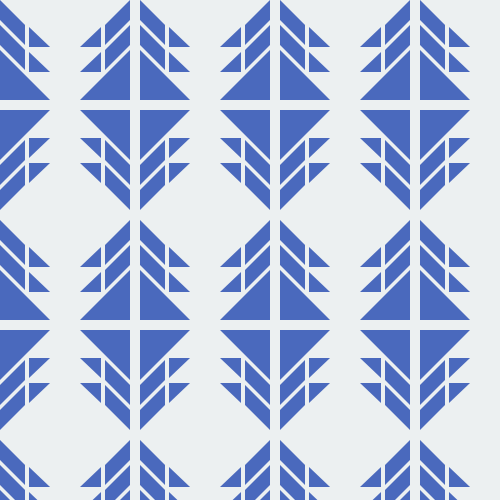
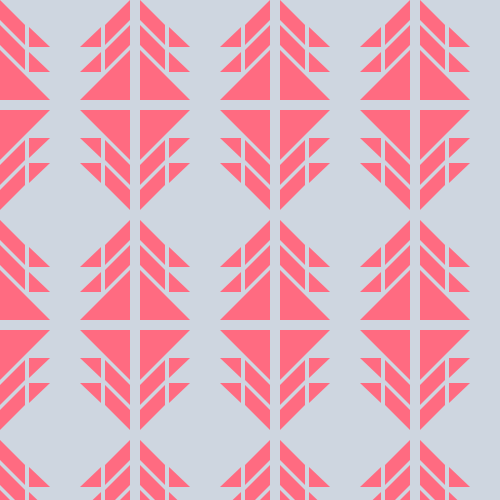
Changing the colors can be easily done like this:
```
konstrukt gen blockplay --color1 "#ced6e0" --color2 "#ff6b81" --filename blockplay-cn.svg
```
### Blockplay2
The pattern is inspired by [Sophie Adams-Foster](https://www.instagram.com/sharp.line.hunter/) work titled `blockplay`.
Usage examples
The default can be generated with:
```
konstrukt gen blockplay2
```
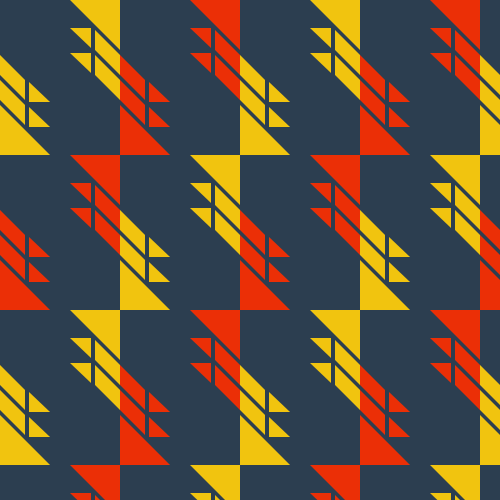
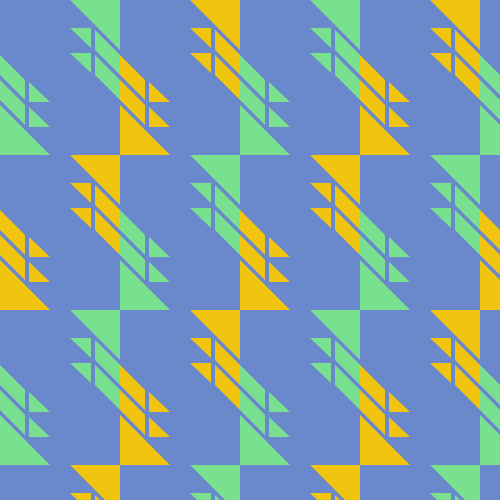
Changing the colors can be easily done like this:
```
konstrukt gen blockplay2 --color1 "#ced6e0" --color2 "#ff6b81" --filename blockplay2-cn.svg
```
### Octolines
The pattern and default implementation is [MarcelMues](https://github.com/MarcelMue) work titled `octolines`.
Usage examples
The default can be generated with:
```
konstrukt gen octolines
```
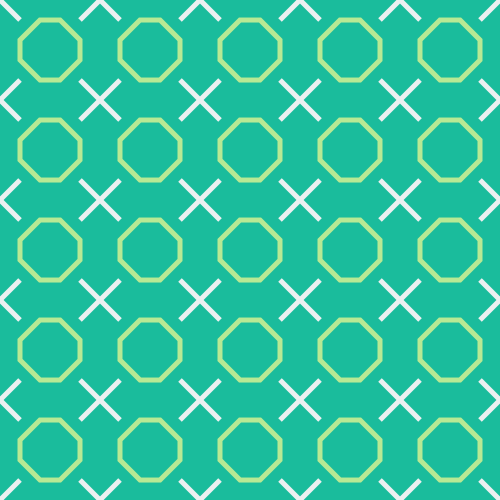
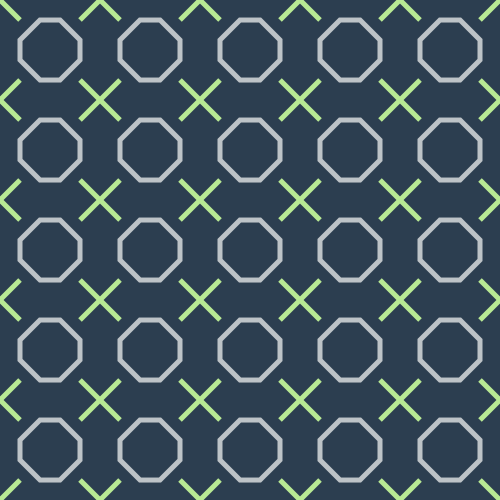
Changing the colors can be easily done like this:
```
konstrukt gen octolines --color1 "#2c3e50" --color2 "#bdc3c7" --color3 "#b8e994" --filename octolines-cn.svg
```
### Qbert
The pattern is inspired by the game [Q-bert](https://en.wikipedia.org/wiki/Q*bert) which is a variattion of [Rhombille Tiling](https://en.wikipedia.org/wiki/Rhombille_tiling).
Usage examples
The default can be generated with:
```
konstrukt gen qbert
```
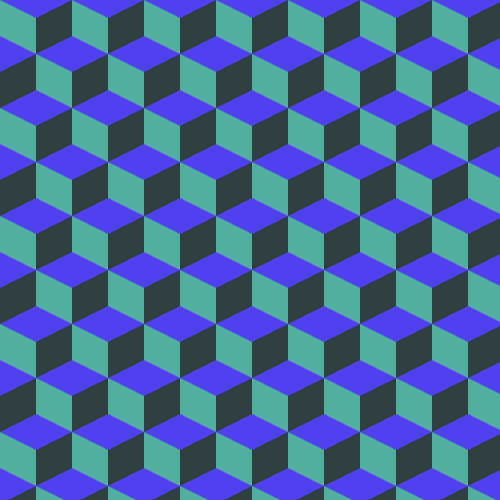
Changing the colors can be easily done like this:
```
konstrukt gen qbert --color1 "#1abc9c" --color2 "#f39c12" --color3 "#079992" --filename qbert-ca.svg
```

### Hourglass
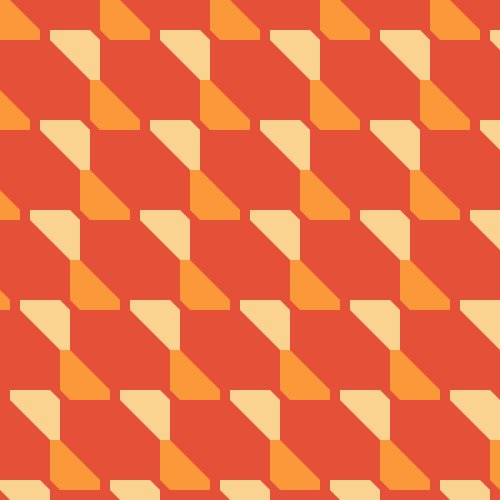
The pattern and default implementation is [MarcelMues](https://github.com/MarcelMue) work titled `hourglass`.
Usage examples
The default can be generated with:
```
konstrukt gen hourglass
```
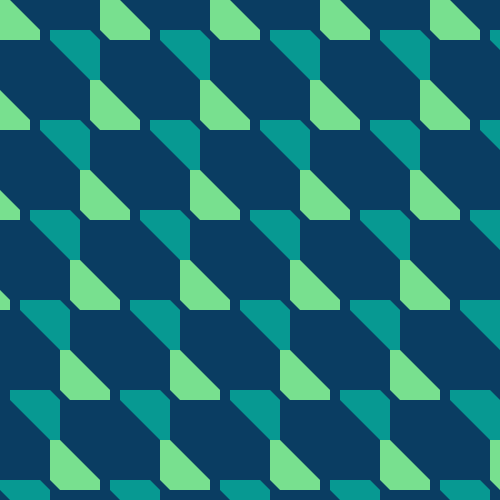
Changing the colors can be easily done like this:
```
konstrukt gen hourglass --color1 "#e55039" --color2 "#fa983a" --color3 "#fad390" --filename hourglass-cn.svg
```
### Waves
The pattern and default implementation is [MarcelMues](https://github.com/MarcelMue) work titled `waves`.
Usage examples
The default can be generated with:
```
konstrukt gen waves
```
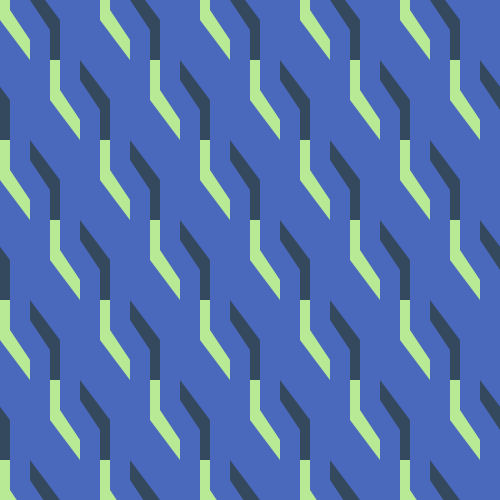
Changing the colors can be easily done like this:
```
konstrukt gen waves --color1 "#e55039" --color2 "#ecf0f1" --color3 "#fad390" --filename waves-ca.svg
```

### Riviera
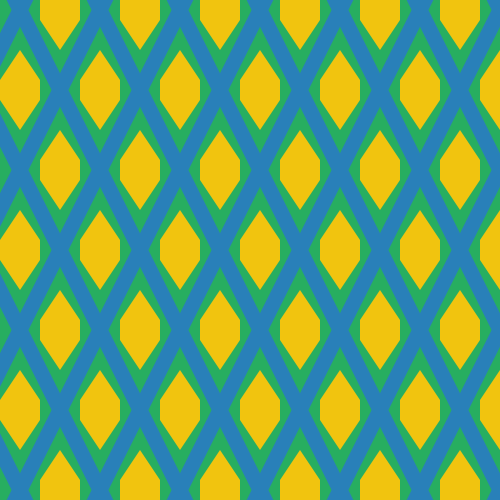
The pattern and default implementation is [MarcelMues](https://github.com/MarcelMue) work titled `riviera`.
Usage examples
The default can be generated with:
```
konstrukt gen riviera
```
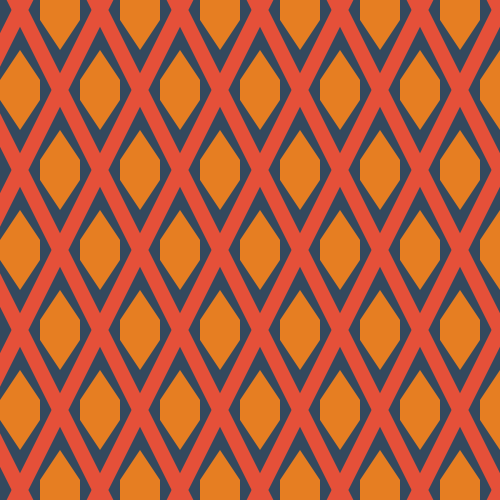
Changing the colors can be easily done like this:
```
konstrukt gen riviera --color1 "#27ae60" --color2 "#2980b9" --color3 "#f1c40f" --filename riviera-ca.svg
```
### Nolock
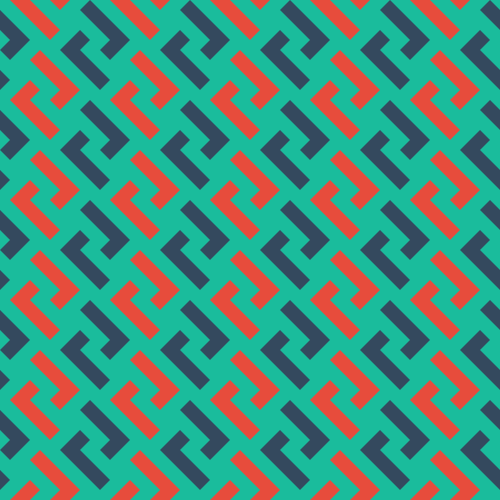
The pattern and default implementation is [MarcelMues](https://github.com/MarcelMue) work titled `nolock`.
Usage examples
The default can be generated with:
```
konstrukt gen nolock
```
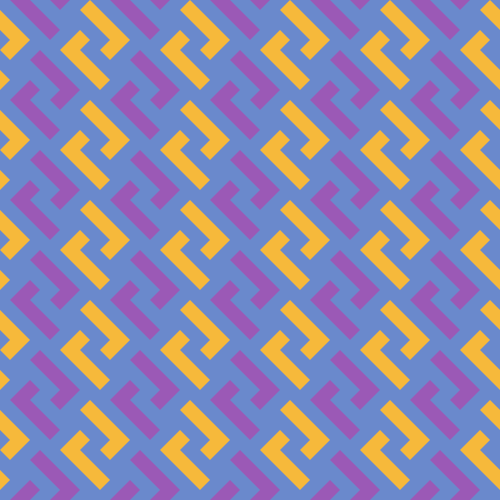
Changing the colors can be easily done like this:
```
konstrukt gen nolock --color1 "#6a89cc" --color2 "#f6b93b" --color3 "#9b59b6" --filename nolock-ca.svg
```
### Pantheon
The pattern and default implementation is [MarcelMues](https://github.com/MarcelMue) work titled `pantheon`.
Usage examples
The default can be generated with:
```
konstrukt gen pantheon
```
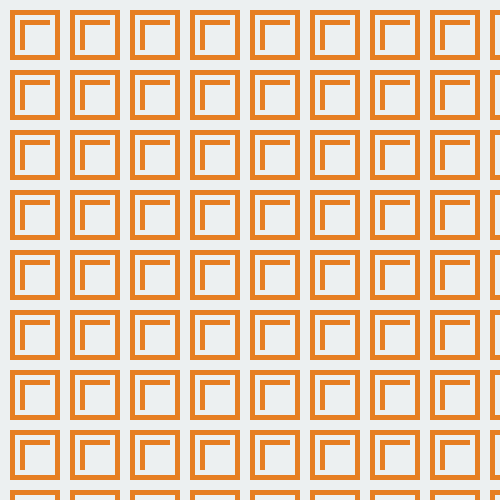
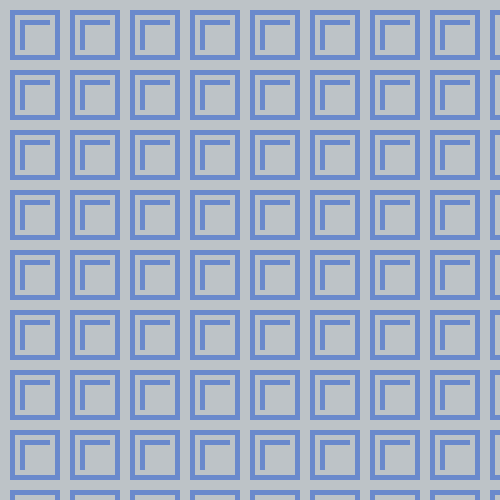
Changing the colors can be easily done like this:
```
konstrukt gen pantheon --color1 "#bdc3c7" --color2 "#f6b93b" --color3 "#6a89cc" --filename pantheon-au.svg
```
### Hex22
The pattern and default implementation is [MarcelMues](https://github.com/MarcelMue) work titled `hex22`.
Usage examples
The default can be generated with:
```
konstrukt gen hex22
```
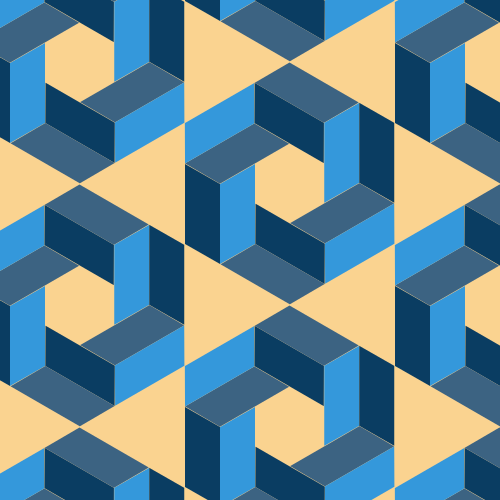
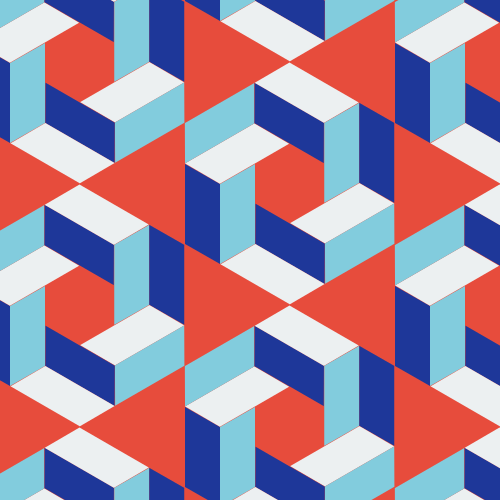
Changing the colors can be easily done like this:
```
konstrukt gen hex22 --color1 "#e74c3c" --color2 "#1e3799" --color3 "#82ccdd" --color4 "#ecf0f1" --filename hex22-cv.svg
```
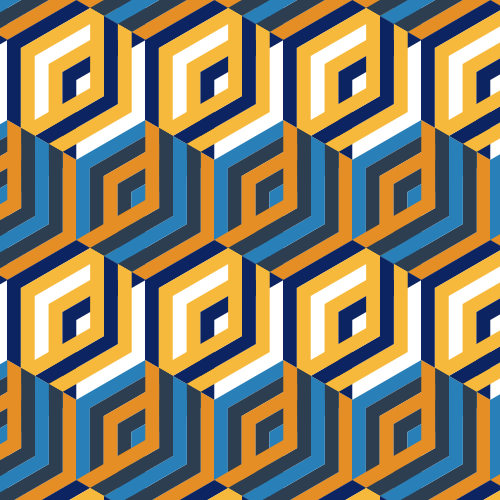
### Euphonic
The pattern is inspired by `johal_geometrics` work title `Euphonic Colour No. 8` and implemented by [MarcelMues](https://github.com/MarcelMue).
Usage examples
The default can be generated with:
```
konstrukt gen euphonic
```

Changing the colors can be easily done like this:
```
konstrukt gen euphonic --color1 "#2980b9" --color2 "#2c3e50" --color3 "#e58e26" --color4 "#d35400" --color5 "#f6b93b" --color6 "#0c2461" --filename euphonic-cv.svg
```
### Woozoo
The pattern and default implementation is [MarcelMues](https://github.com/MarcelMue) work titled `woozoo`.
Usage examples
The default can be generated with:
```
konstrukt gen woozoo
```
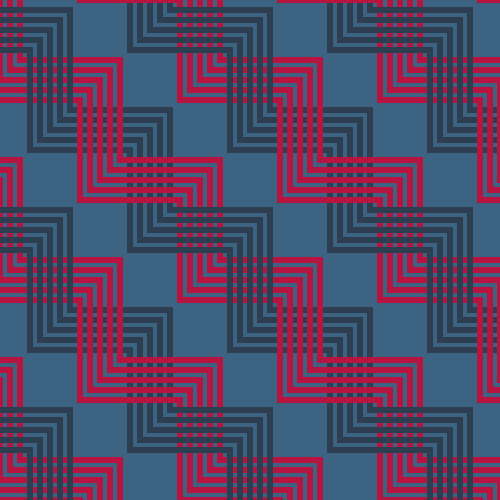
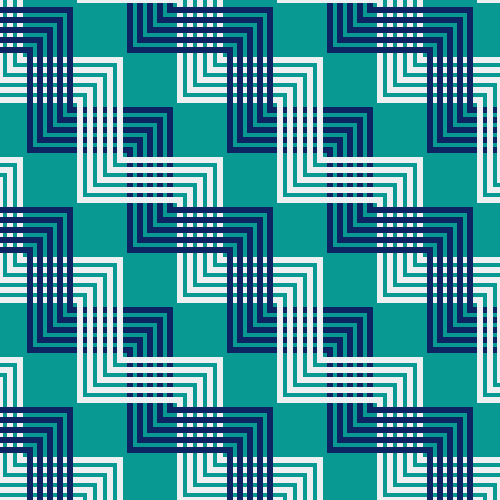
Changing the colors can be easily done like this:
```
konstrukt gen woozoo --color1 "#079992" --color2 "#ecf0f1" --color3 "#0c2461" --filename woozoo-cv.svg
```
### Triangles
The pattern and default implementation is [MarcelMues](https://github.com/MarcelMue) work titled `triangles`.
Usage examples
The default can be generated with:
```
konstrukt gen triangles
```
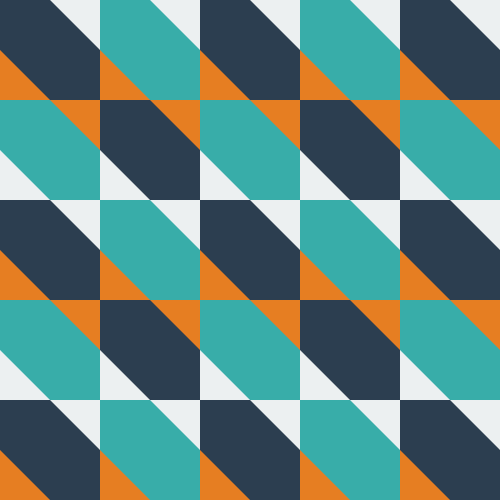
Changing the colors can be easily done like this:
```
konstrukt gen triangles --color1 "#079992" --color2 "#ecf0f1" --color3 "#0c2461" --filename triangles-ca.svg
```
## Guidelines
Additions to this project should follow these guidelines:
- Patterns should be repeatable and scaleable.
- Patterns should be constant across the generated SVG (e.g. no convex pattern).
- All patterns should be made up of low count polygons (no curves or similar).
- Accurate citation should be given if a pattern was inspired by an artwork or artist.