# Mind over Recomp
**An unofficial native PC port of *Crash: Mind over Mutant***
Xbox 360 · 2008 · Radical Entertainment — statically recompiled, then rebuilt piece by piece with native code
[](https://github.com/Maxilure/MindOver-Recomp/releases/latest)
[](#-download-and-play)
[](#-download-and-play)
[](LICENSE)
[](https://github.com/rexglue/rexglue-sdk)
**[Download](#-download-and-play)** · **[Features](#-features)** · **[Going native](#-going-native)** · **[Building](#%EF%B8%8F-building-from-source)** · **[Docs](#-documentation)**
|
### 🎨 Its own renderer
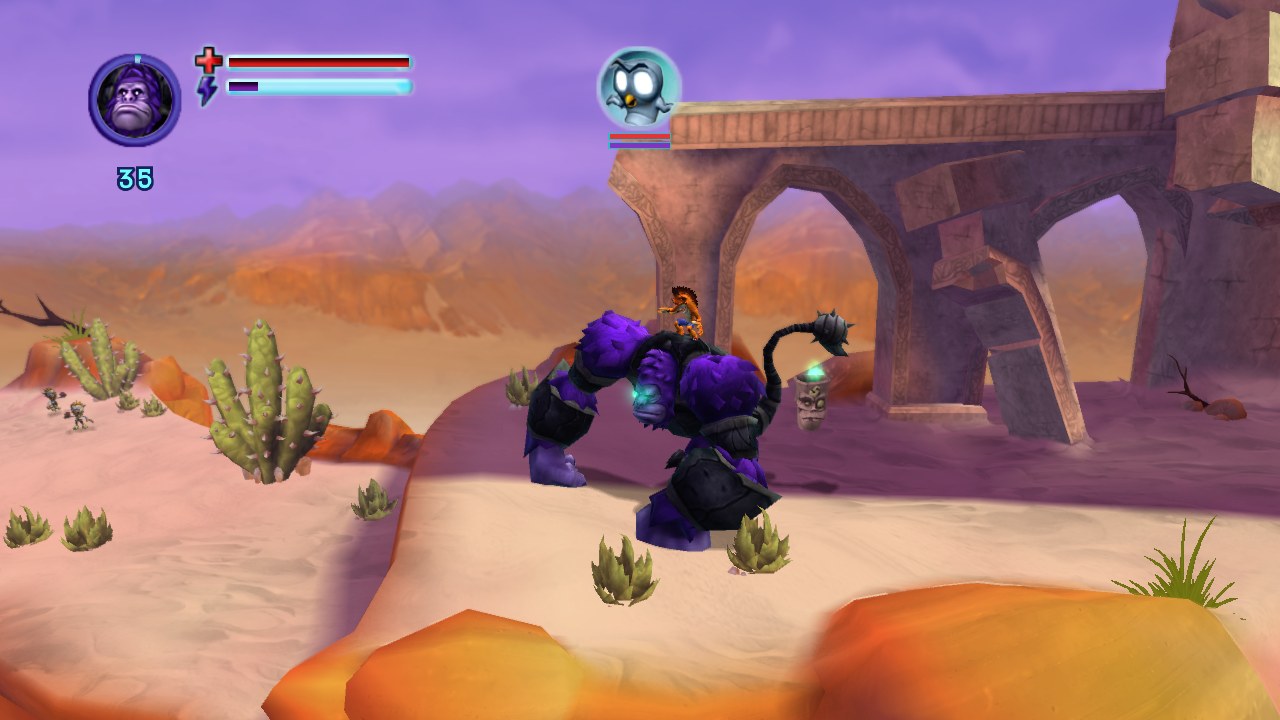
A native Vulkan renderer draws the game itself, effect by effect: lighting, water, reflections, depth of field, anti-aliasing. It matches the original's look and runs far lighter than emulating the Xbox's GPU.
|
### ⚡ 60 fps and beyond
Runs at **60 fps** with the original game speed. 120, 144 and uncapped work too *(experimental)*, plus V-sync and a frame-rate counter.
|
|
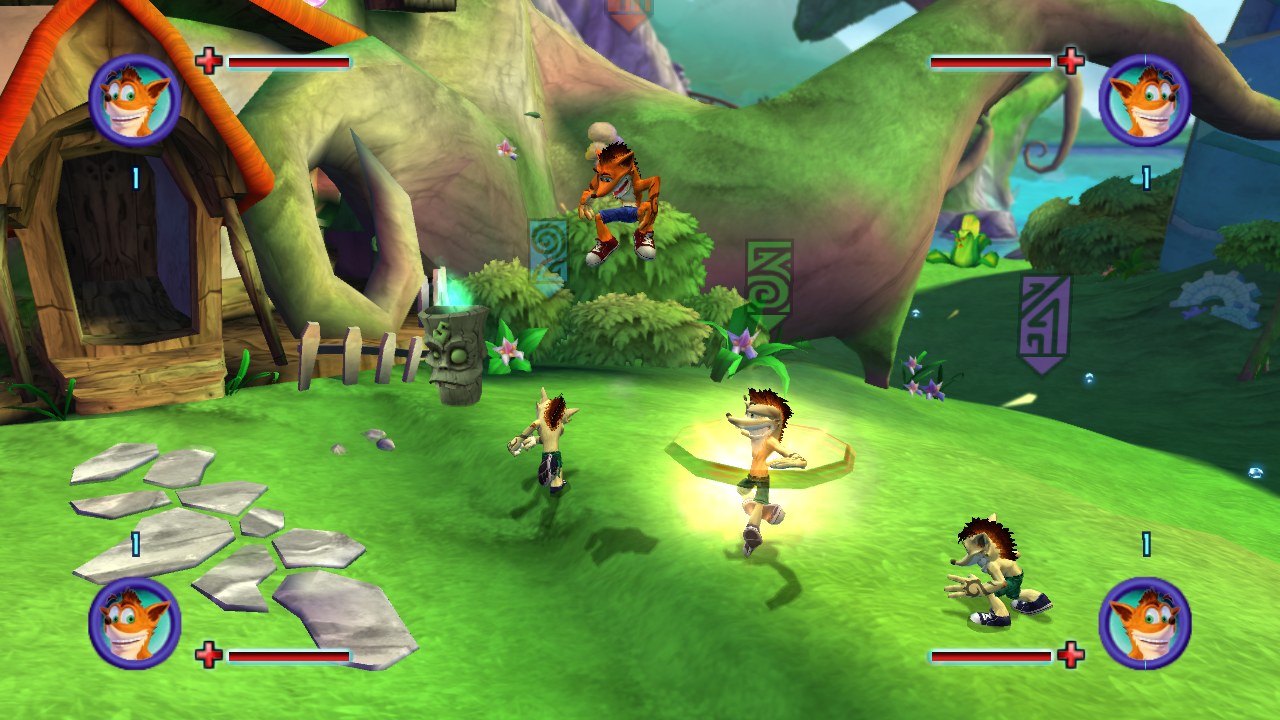
### 👥 Up to four players
Co-op for **four** instead of two: HUDs, markers and loading screens for players 3 and 4, and a co-op camera that keeps everyone in view *(experimental)*.
|
### 💾 Unlimited, named saves
One scrolling list in the game's own save screen: as many saves as you like, renamed with the game's own keyboard, deleted safely. Every save is a plain `.sav` file.
|
|
### ⌨️ Keyboard, mouse and any controller
Every key rebindable (**F6**), menus with keys of their own, any controller SDL knows, both at once or one per player. The game's button prompts show your keys and mouse buttons whenever you play on the keyboard.
|
### ⚙️ Options in the game's own look
Pause → **Options**: frame rate, renderer, brightness, V-sync, anti-aliasing, texture sharpness, motion blur and depth of field, audio, controls and camera, all live, built from the game's own menu pieces.
|
### **[⬇ Download the latest release](https://github.com/Maxilure/MindOver-Recomp/releases/latest)**
| | Windows | Linux |
|---|---|---|
| **System** | Windows 10 / 11, 64-bit | x86-64 with glibc 2.39+ (Ubuntu 24.04, Fedora 40, Mint 22, Arch, or newer) |
| **Download** | `MindOverRecomp-…-windows-x86_64.zip` | `MindOverRecomp-…-linux-x86_64.tar.gz` |
| **Note** | an NTFS drive, not a OneDrive folder | |
Both need a **Vulkan** graphics card (only NVIDIA tested so far), **16 GB RAM** recommended, **~25 GB** free disk space, and internet for the first setup.
1. **Unpack** the download into a folder with enough space (on Windows, a short path such as `C:\Games\`).
2. **Start the launcher**, *Mind over Recomp*. Windows may warn about an unknown program: **More info → Run anyway**.
3. In the **Setup** tab, install the tools it lists, pick your `.iso`, and press **Set up everything**. The first time downloads ~550 MB and builds the game on your computer.
4. Press **Play**. Next time, **Continue** jumps straight into your last save.
The launcher also lists your saves, edits settings, shows a live game log and keeps the port up to date (your saves and settings stay).
> [!TIP]
> Something not working? See **[Troubleshooting](docs/06-troubleshooting.md)** and the [known issues](docs/06-troubleshooting.md#known-issues). Found a bug? **Report a problem...** in the launcher packs your log and settings and opens the [bug form](https://github.com/Maxilure/MindOver-Recomp/issues/new/choose) already filled in.
## 🎮 Controls
| Action | Keyboard and mouse | Controller |
|---|---|---|
| Move / walk |