# EasySocialButton
An easy way to create beautiful social authentication buttons
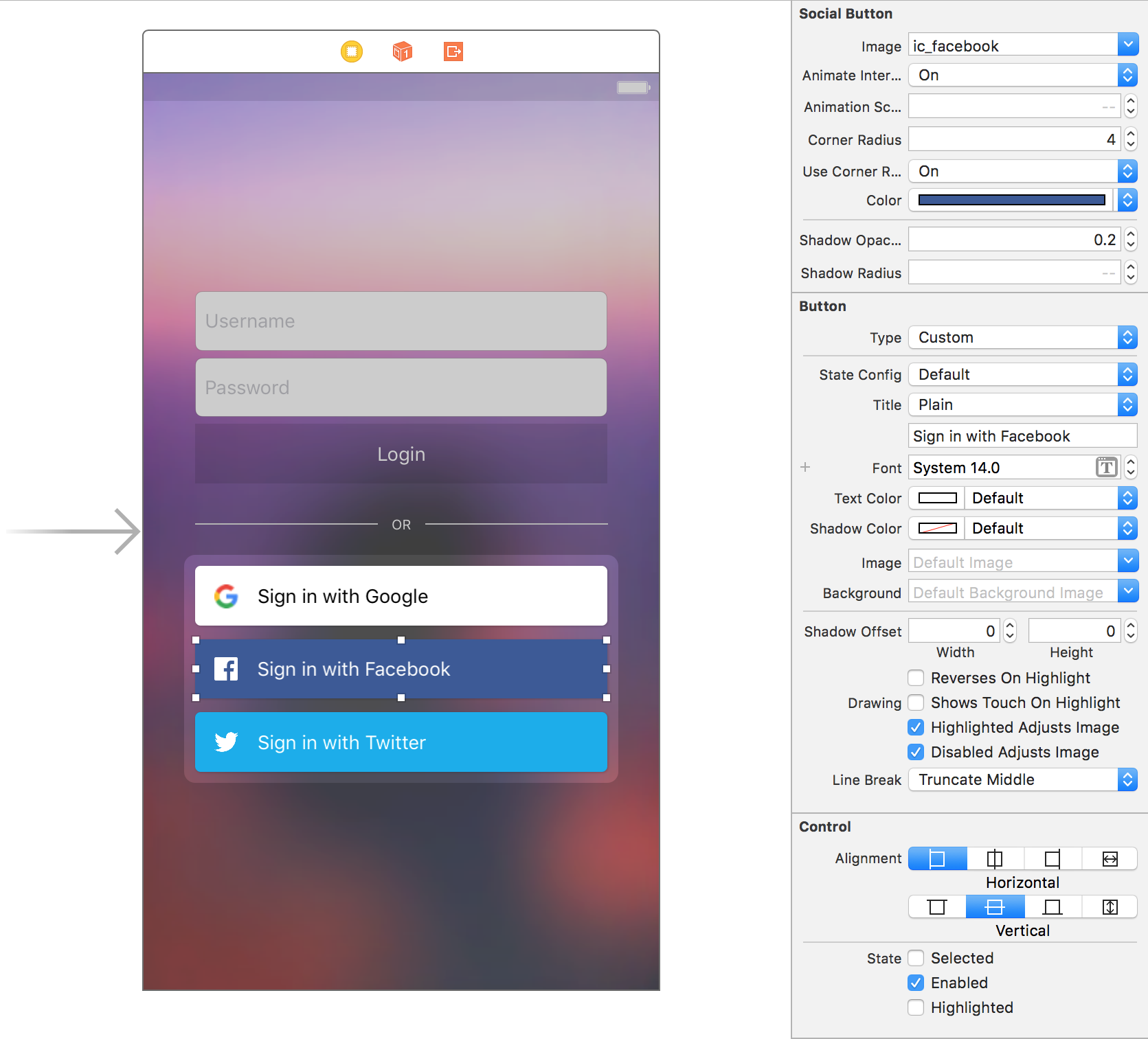
## Screenshots

 ## Installation
### Cocoa Pods
```bash
pod 'EasySocialButton'
```
### Manual
Drag and drop ```AZSocialButton.swift``` to your project.
## Usage
### Interface Builder
Simply add a UIButton, and in the Identity Inspector change the class to `AZSocialButton`.
### Programmatically
```swift
let socialButton = AZSocialButton(frame: CGRect(x: 20, y: 20, width: 200, height: 40))
socialButton.animateInteraction = true
socialButton.useCornerRadius = true
socialButton.cornerRadius = 5
socialButton.highlightOnTouch = false
socialButton.image = #imageLiteral(resourceName: "ic_google")
socialButton.setTitle("Sign in with Google", for: [])
socialButton.setTitleColor(.black, for: [])
socialButton.titleLabel?.font = UIFont.systemFont(ofSize: 15)
socialButton.onClickAction = { (button) in
print("do social login stuff")
}
view.addSubview(socialButton)
```
## Installation
### Cocoa Pods
```bash
pod 'EasySocialButton'
```
### Manual
Drag and drop ```AZSocialButton.swift``` to your project.
## Usage
### Interface Builder
Simply add a UIButton, and in the Identity Inspector change the class to `AZSocialButton`.
### Programmatically
```swift
let socialButton = AZSocialButton(frame: CGRect(x: 20, y: 20, width: 200, height: 40))
socialButton.animateInteraction = true
socialButton.useCornerRadius = true
socialButton.cornerRadius = 5
socialButton.highlightOnTouch = false
socialButton.image = #imageLiteral(resourceName: "ic_google")
socialButton.setTitle("Sign in with Google", for: [])
socialButton.setTitleColor(.black, for: [])
socialButton.titleLabel?.font = UIFont.systemFont(ofSize: 15)
socialButton.onClickAction = { (button) in
print("do social login stuff")
}
view.addSubview(socialButton)
```