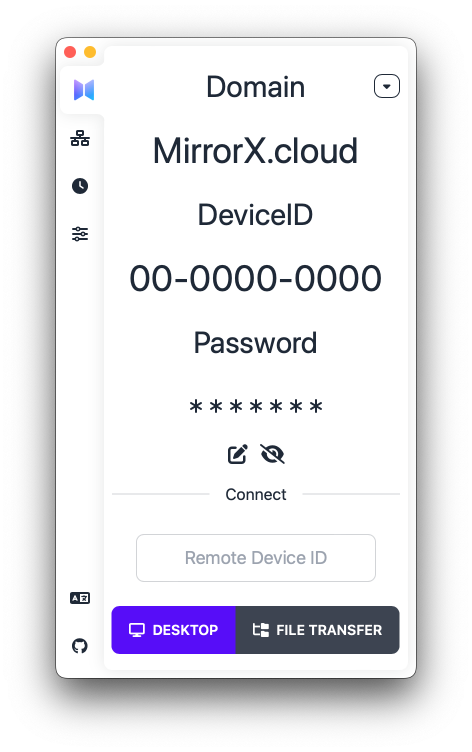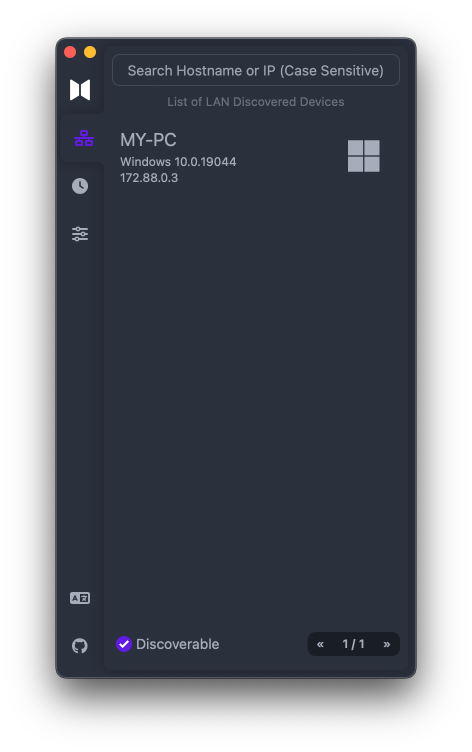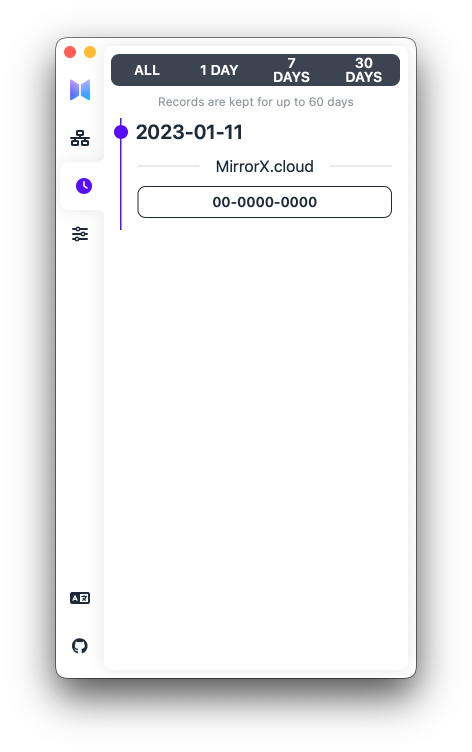



### **OPEN** MirrorX is an open-source remote desktop solution, designed for enterprises, teams and individuals. ### **TRANSPARENCY** Everything is under your control, allows you to deploy on-prem and/or in the Cloud, and also supports end-to-end encryption. ### **HIGH-PERFORMANCE** GPU acceleration, 4K resolution, 60 FPS... make you feel like a "local desktop". ---- Features like video and audio pass-through, file transfer, cross-platform, mobile device support and so on are really essential, and more features are coming soon. > **Note: MirrorX is in the early stage of development, please be aware that backward compatibility is not guaranteed.** ## Component - [MirrorX Client](https://github.com/MirrorX-Desktop/MirrorX) - [MirrorX Portal Server](https://github.com/MirrorX-Desktop/portal) - [MirrorX Relay Server](https://github.com/MirrorX-Desktop/relay) ## Free Public Servers > The servers are provided by the community, please do not abuse them. | Location | Specification | | :------: | :------------: | | Seoul | 1vCPU & 1G RAM | ## Available Platforms - [x] macOS - [x] Windows - [ ] Linux (WIP) - [ ] Android (WIP) - [ ] iOS (WIP) - [ ] Web (WIP) ## How to build ### Prerequisites 1. Install `nodejs && yarn(v3)`. 2. Install `tauri-cli`. ```console cargo install tauri-cli ``` ### Steps 1. Download pre-built media libraries artifacts from [MirrorX-Desktop/media_libraries_auto_build](https://github.com/MirrorX-Desktop/media_libraries_auto_build) Release. 2. Unzip artifacts to anywhere you'd like to put in. 3. **Add unzipped artifacts path to your Environment Variables** - For MacOS ```console $ export MIRRORX_MEDIA_LIBS_PATH=your artifacts unzip destination path ``` - For Windows **(run As Administrator)** ```PowerShell PS > [Environment]::SetEnvironmentVariable('MIRRORX_MEDIA_LIBS_PATH', 'your artifacts unzip destination path' , 'Machine') ``` 4. Run as Debug Mode ```console cargo tauri dev ``` ## About Pre-built Media Libraries To speed up the build process, we made [MirrorX-Desktop/media_libraries_auto_build](https://github.com/MirrorX-Desktop/media_libraries_auto_build) to automatically and transparently build external libraries. Includes [FFmpeg](https://git.ffmpeg.org/ffmpeg.git), libx264([Windows](https://github.com/ShiftMediaProject/x264.git), [MacOS](https://code.videolan.org/videolan/x264.git)), libx265([Windows](https://github.com/ShiftMediaProject/x265.git), [MacOS](https://bitbucket.org/multicoreware/x265_git.git)), libopus([Windows](https://github.com/ShiftMediaProject/opus.git), [MacOS](https://github.com/xiph/opus.git)) and MFXDispatch([Windows](https://github.com/ShiftMediaProject/mfx_dispatch.git) only). For more details, you can look through [Workflows](https://github.com/MirrorX-Desktop/media_libraries_auto_build/tree/main/.github/workflows) on [MirrorX-Desktop/media_libraries_auto_build](https://github.com/MirrorX-Desktop/media_libraries_auto_build). Of course, you can completely built those libraries by yourself according to our [Workflows](https://github.com/MirrorX-Desktop/media_libraries_auto_build/tree/main/.github/workflows). ## Screenshots