English · 简体中文
# DSH Plugin A/B Test
> Test a DSH plugin change on the same tasks before you ship it.
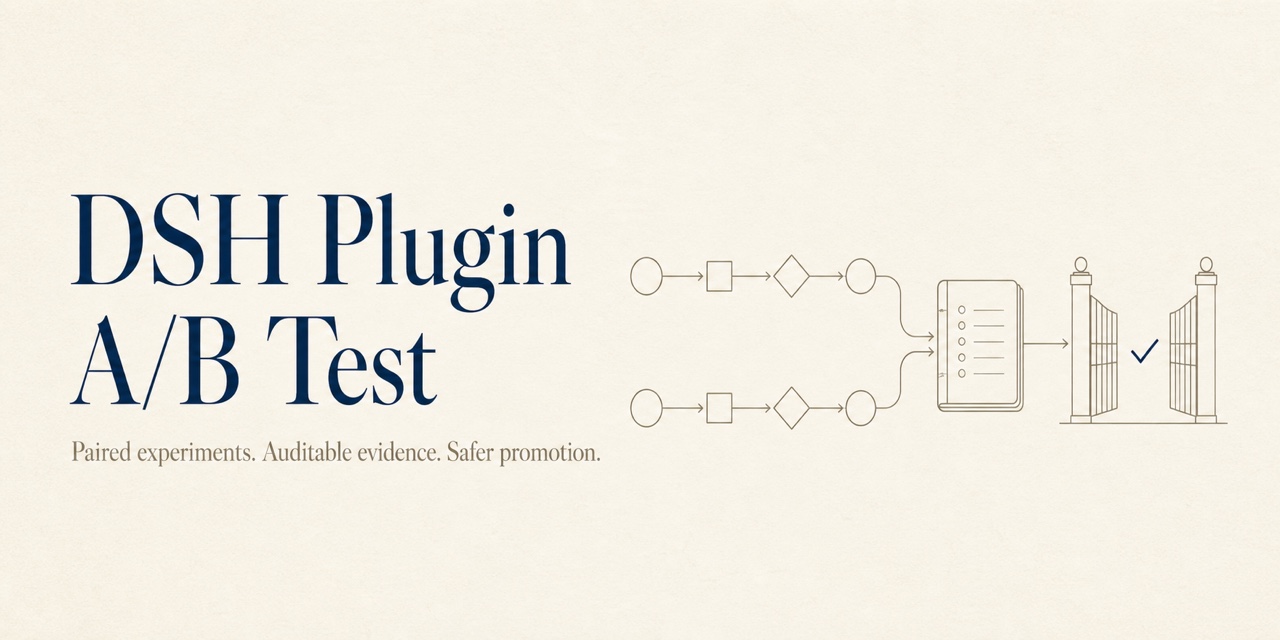
DSH Plugin A/B Test runs your current plugin (Control) and proposed change (Candidate) in isolated DSH environments, pairs their results case by case, and produces evidence you can review before release.
It helps answer three practical questions:
- Did the Candidate improve task success?
- Did that improvement come with a meaningful regression in tokens, latency, or tool errors?
- Can someone else reproduce the result from the same inputs?
Every experiment ends with one of four deterministic outcomes: `PROMOTE`, `REVIEW`, `REJECT`, or `INCONCLUSIVE`. Even `PROMOTE` is an offline recommendation only—this project never changes your real DSH profile or publishes a plugin for you.
## See the decision first
This is a real result from the repository's offline example, with unrelated fields omitted:
```json
{
"outcome": "PROMOTE",
"validPairCount": 2,
"invalidPairCount": 0,
"triggeredRules": ["primary.superiority"]
}
```
Alongside the decision, you get raw session evidence, assertion results, pair-level deltas, and reports in JSON, Markdown, and HTML. The model does not choose the outcome; deterministic rules from the experiment manifest do.
## Quick start
The current MVP runs from source and requires Node.js `^22.19.0 || >=24.0.0` and pnpm `11.19.0`. The starter experiment uses an offline scripted provider, so no model API key is required.
```bash
pnpm install --frozen-lockfile
node --import tsx src/cli/bin.ts init --output ./my-experiment --json
node --import tsx src/cli/bin.ts freeze --manifest ./my-experiment/experiment.yml --output ./evidence --json
node --import tsx src/cli/bin.ts run --manifest ./my-experiment/experiment.yml --output ./evidence --json
node --import tsx src/cli/bin.ts decision --manifest ./my-experiment/experiment.yml --output ./evidence --json
node --import tsx src/cli/bin.ts report --manifest ./my-experiment/experiment.yml --output ./evidence --json
```
Open `./evidence//report.html` to view the static report. To test your own plugin, edit `experiment.yml`, `evals/cases.yml`, and the two variant configurations created by `init`.
## Understand the outcome
| Outcome | What it means | Typical next step |
| --- | --- | --- |
| `PROMOTE` | Evidence is sufficient, quality meets the target, and guardrails pass | Continue through your human release process |
| `REVIEW` | Results improved, but cost, latency, error rate, or variance needs judgment | Review the pair-level evidence |
| `REJECT` | A hard gate failed, a critical case regressed, or the gain was too small | Fix the Candidate and rerun |
| `INCONCLUSIVE` | There were too few valid pairs, exposure was not proven, or environments were not comparable | Complete the evidence instead of treating it as a failure |
Task success is the default primary metric. You can also guard token usage, P95 latency, and tool error rate. Thresholds, minimum valid pairs, repetitions, and concurrency all live in the manifest. See the [manifest reference](docs/manifest.md) and [decision rules](docs/decisions.md) for details.
## Why the evidence is trustworthy
- **Paired tasks:** Control and Candidate receive the same case, workspace fixture, and model parameters.
- **Balanced order:** Pair order alternates to reduce fixed first-run bias.
- **Isolated environments:** Each arm gets its own `DSH_HOME`, profile, workspace, session root, and frozen plugin artifact.
- **Traceable artifacts:** Sources may be a local directory, tarball, exact npm version, or pinned GitHub commit; hashes are checked again before execution.
- **Proven exposure:** Session events, tool calls, or plugin receipts show whether the target plugin actually participated.
- **Blind comparison:** An optional comparator sees anonymous A/B outputs; identity is revealed only after comparison.
- **Honest infrastructure failures:** Provider outages, corrupted sessions, and environment mismatches become invalid evidence or `INCONCLUSIVE`, not fake Candidate regressions.
Evidence is stored under one experiment directory:
```text