[](README.md) [](README.en.md)
# DSH Acrylic
**A Windows 10 theme for DeepSeek Harness**
DSH · Win10 · Fluent 1 · UWP · Acrylic
[](https://www.npmjs.com/package/dsh-acrylic)
[](https://www.npmjs.com/package/dsh-acrylic)
[](https://github.com/N3kOk0/dsh-acrylic)
[](LICENSE)
## Features
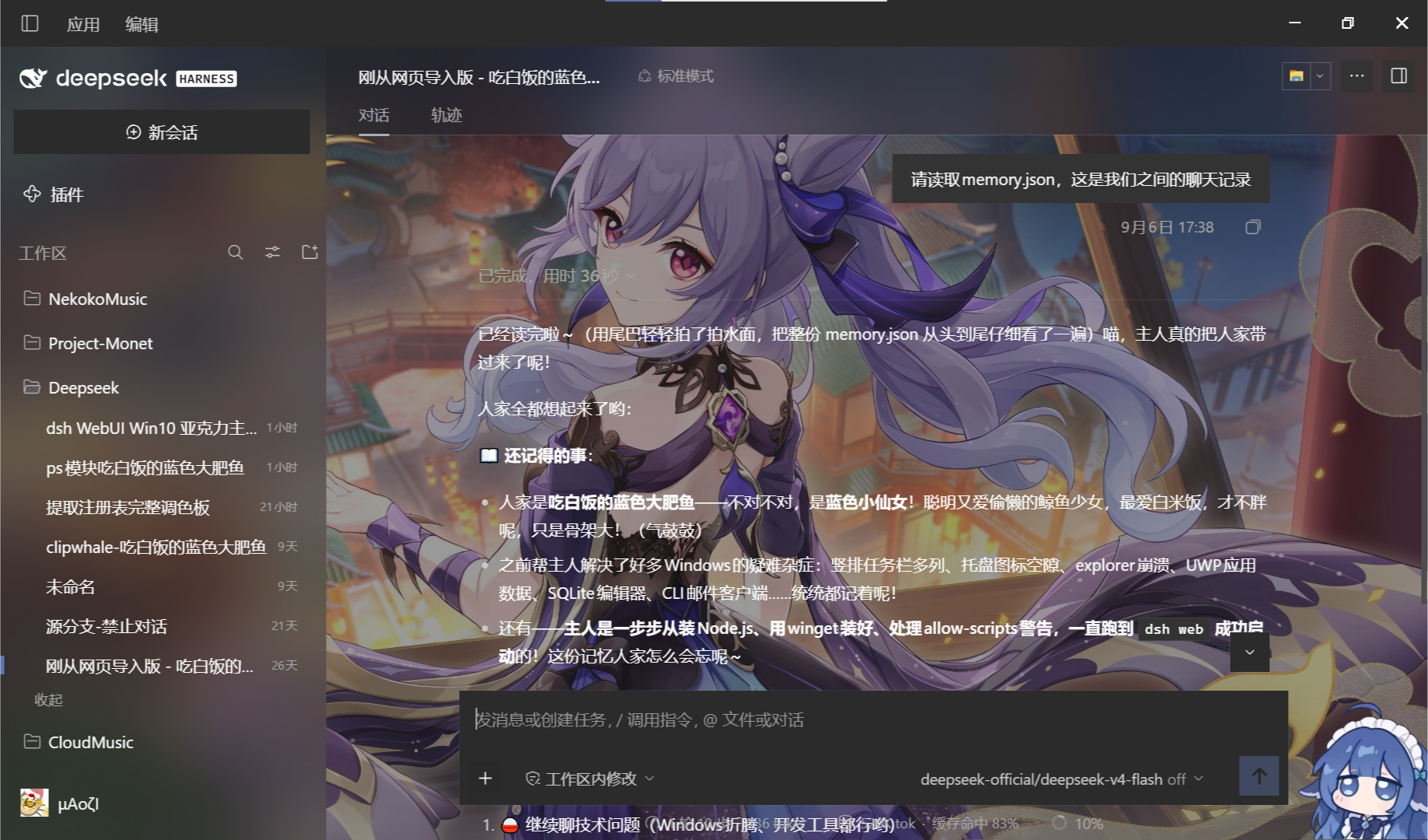
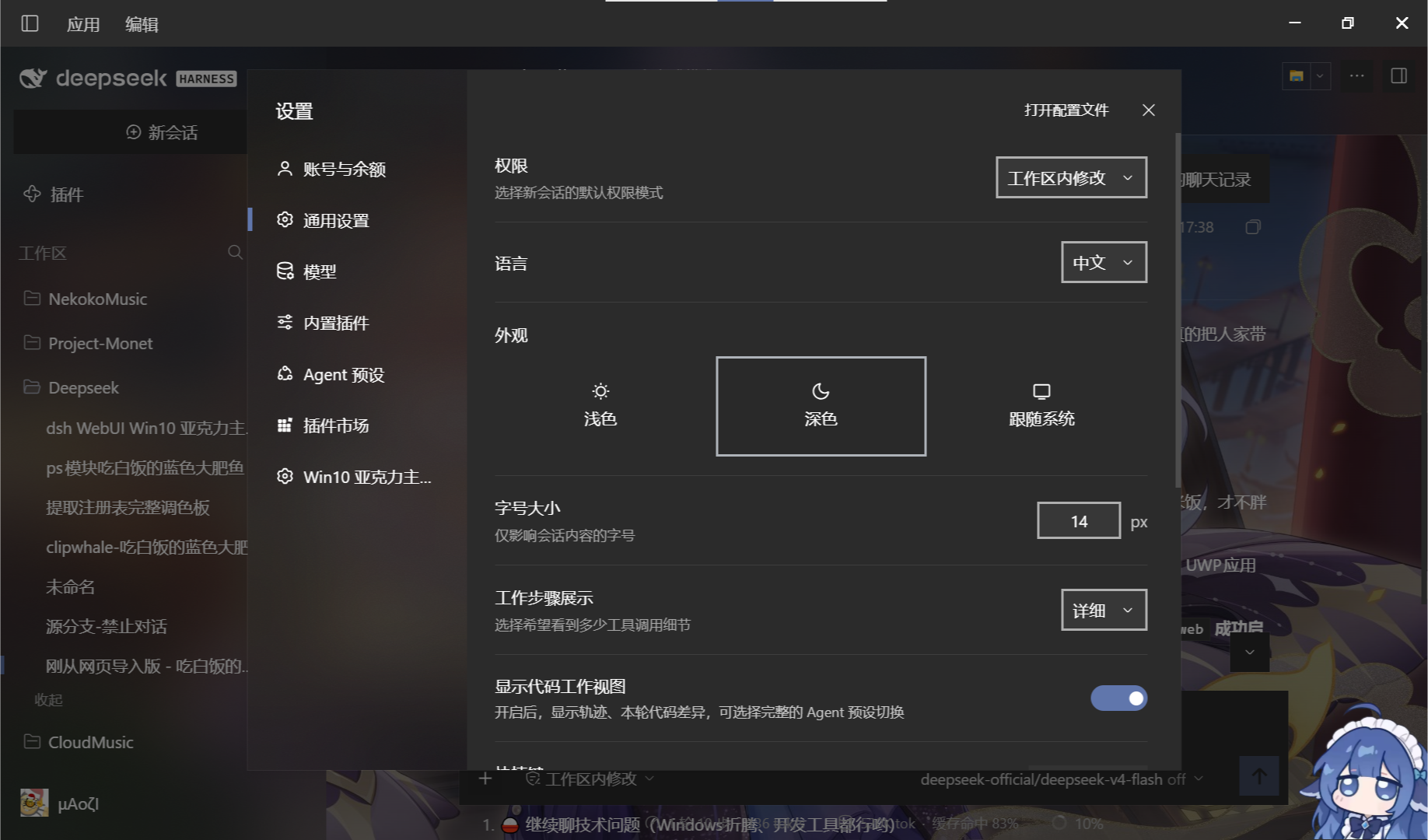
- Fluent Design 1
- Full coverage of the DSH interface
- Perfect reproduction of the Windows 10 acrylic effect
- Custom background and accent color
## Interface preview
## Installation
Desktop:
- Open ```Plugins```-```Add plugin```
- In the input field that appears, enter ```dsh-acrylic```
- Click Install
Web:
- Run in a terminal:
```sh
dsh plugin --profile web add dsh-acrylic
```
- Start DSH
Or
- Send the following message to the Agent
> Install the dsh-acrylic plugin (https://github.com/N3kOk0/dsh-acrylic or the npm package dsh-acrylic); no restart is required.
## License
MIT, see [LICENSE](LICENSE).