 # NeoFreeBird
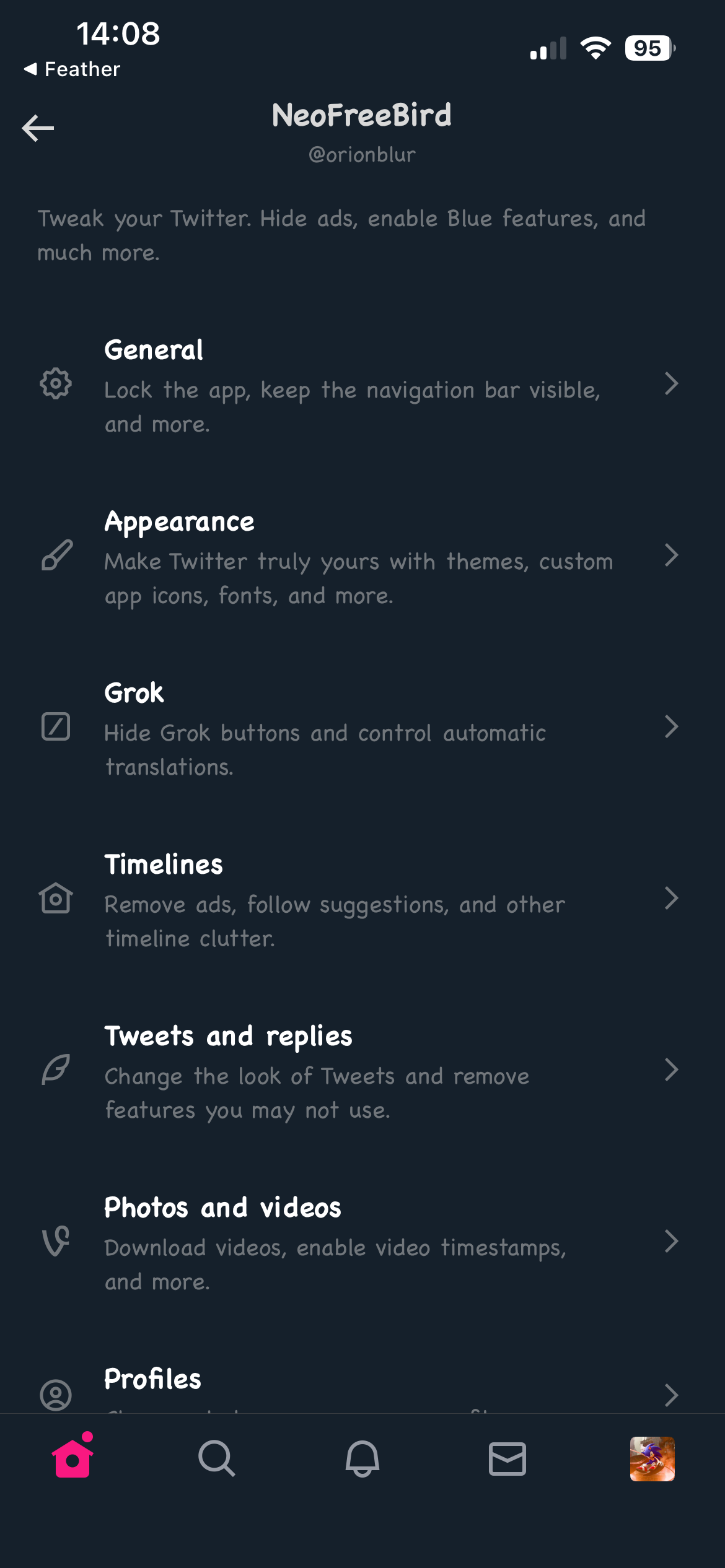
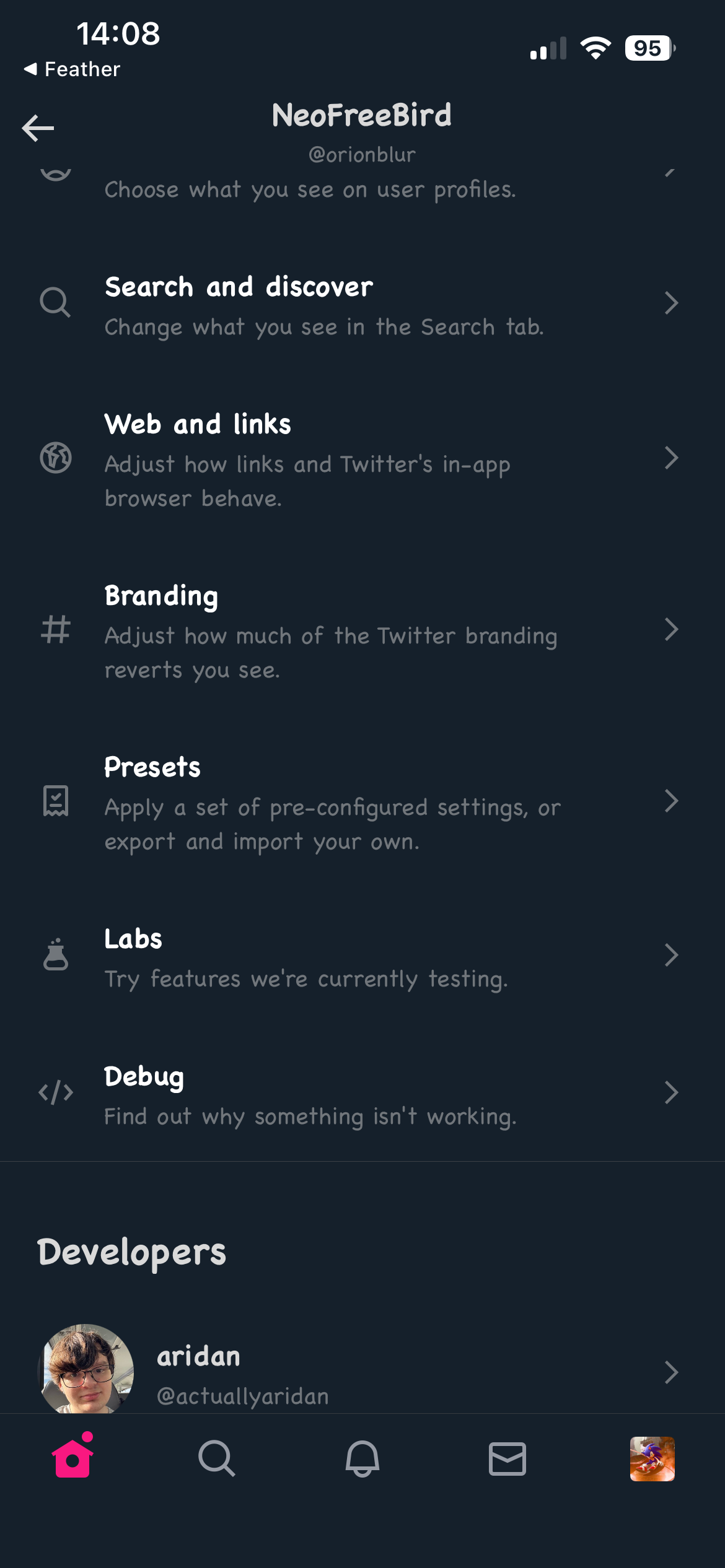
The ultimate way to tweak your Twitter/X experience.
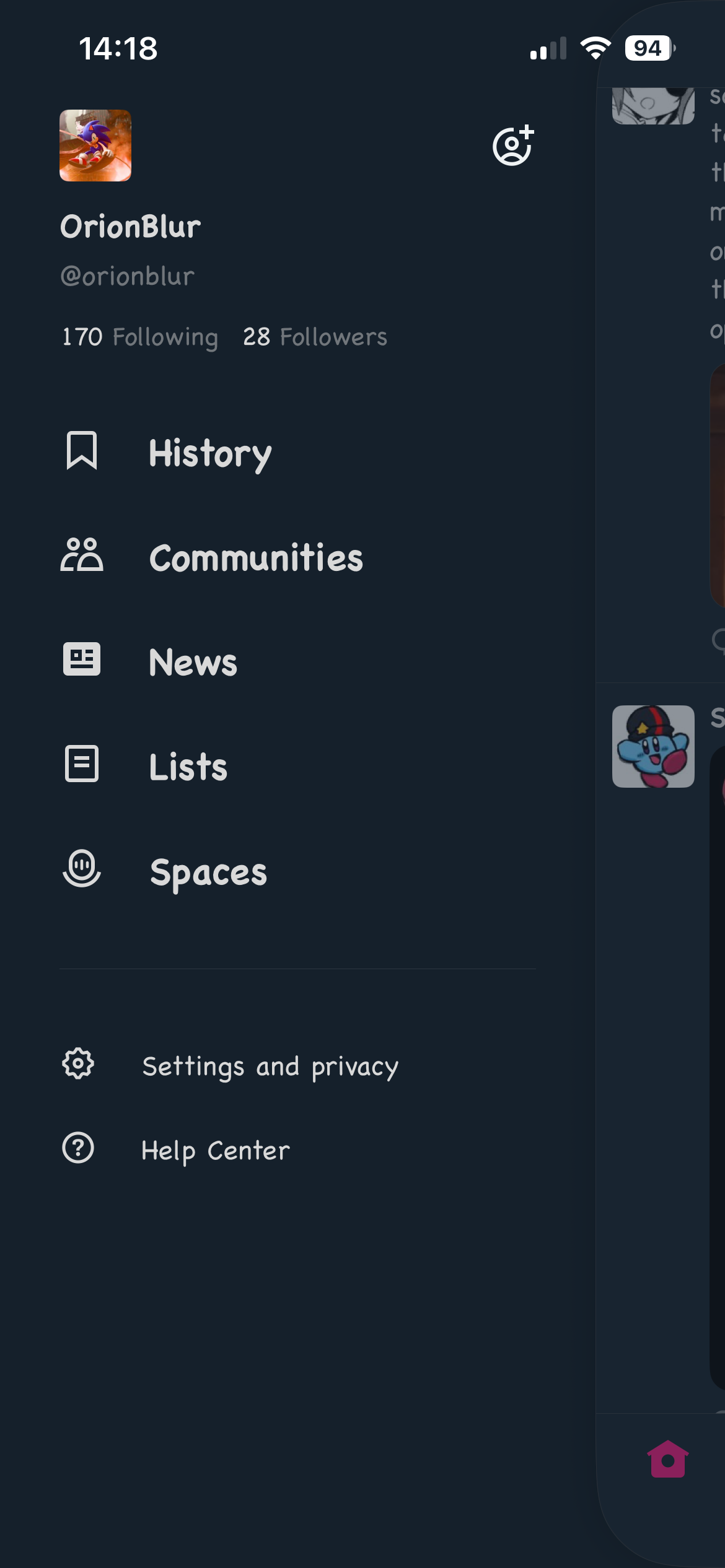
Open the NeoFreeBird settings by holding the Twitter/X icon at the top of the main feed. See [Opening the settings](#opening-the-settings).
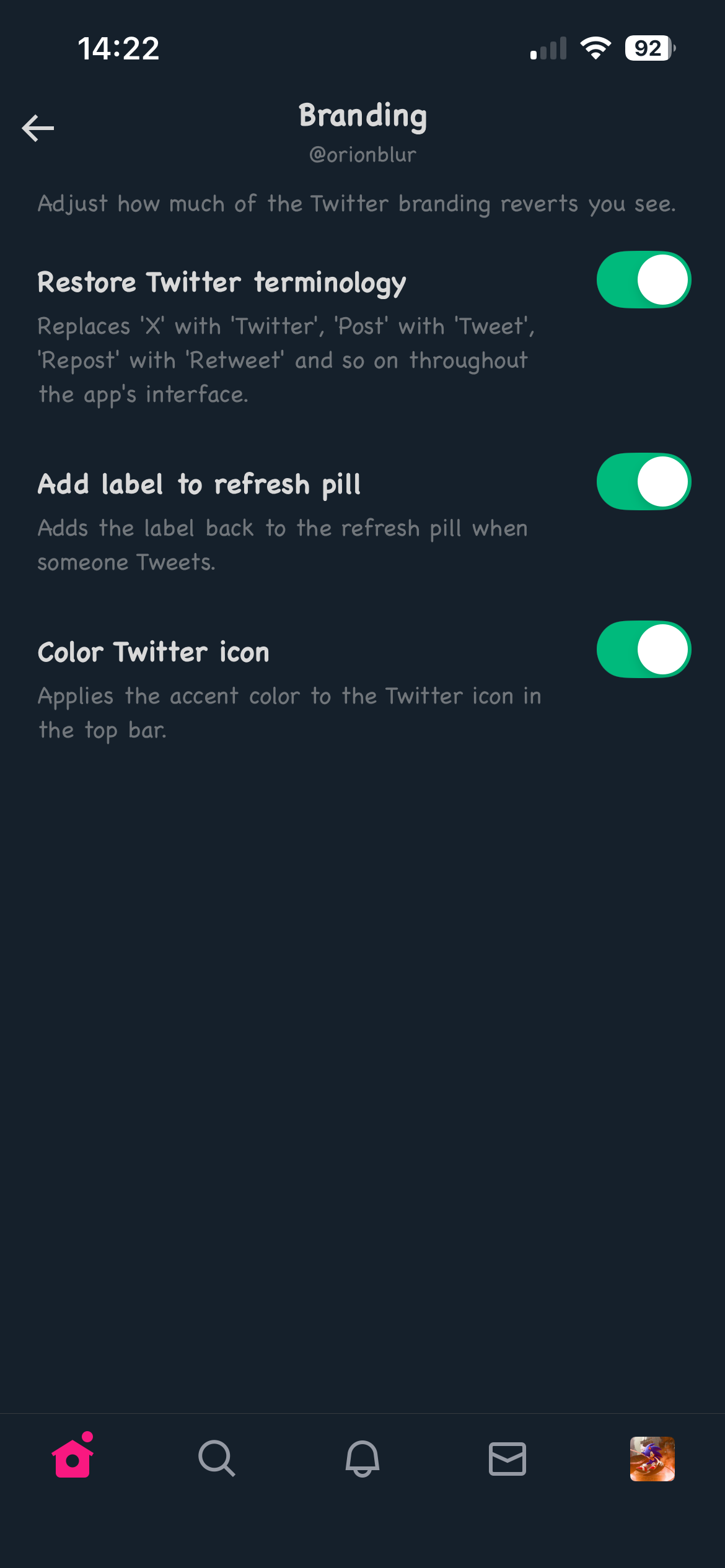
## Twitter Branding
# NeoFreeBird
The ultimate way to tweak your Twitter/X experience.
Open the NeoFreeBird settings by holding the Twitter/X icon at the top of the main feed. See [Opening the settings](#opening-the-settings).
## Twitter Branding



 # NeoFreeBird
The ultimate way to tweak your Twitter/X experience.
Open the NeoFreeBird settings by holding the Twitter/X icon at the top of the main feed. See [Opening the settings](#opening-the-settings).
## Twitter Branding
# NeoFreeBird
The ultimate way to tweak your Twitter/X experience.
Open the NeoFreeBird settings by holding the Twitter/X icon at the top of the main feed. See [Opening the settings](#opening-the-settings).
## Twitter Branding
 |
| |
| |
| |
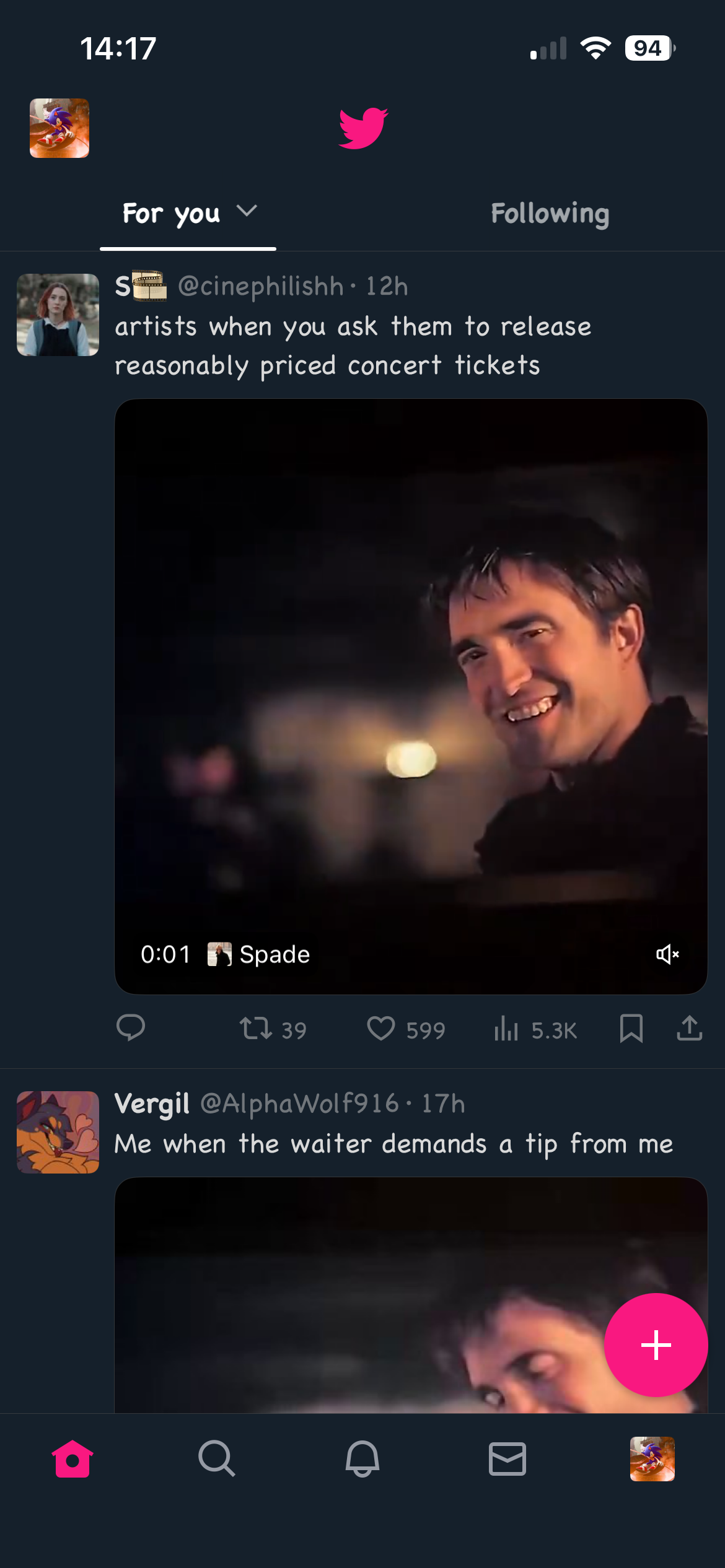
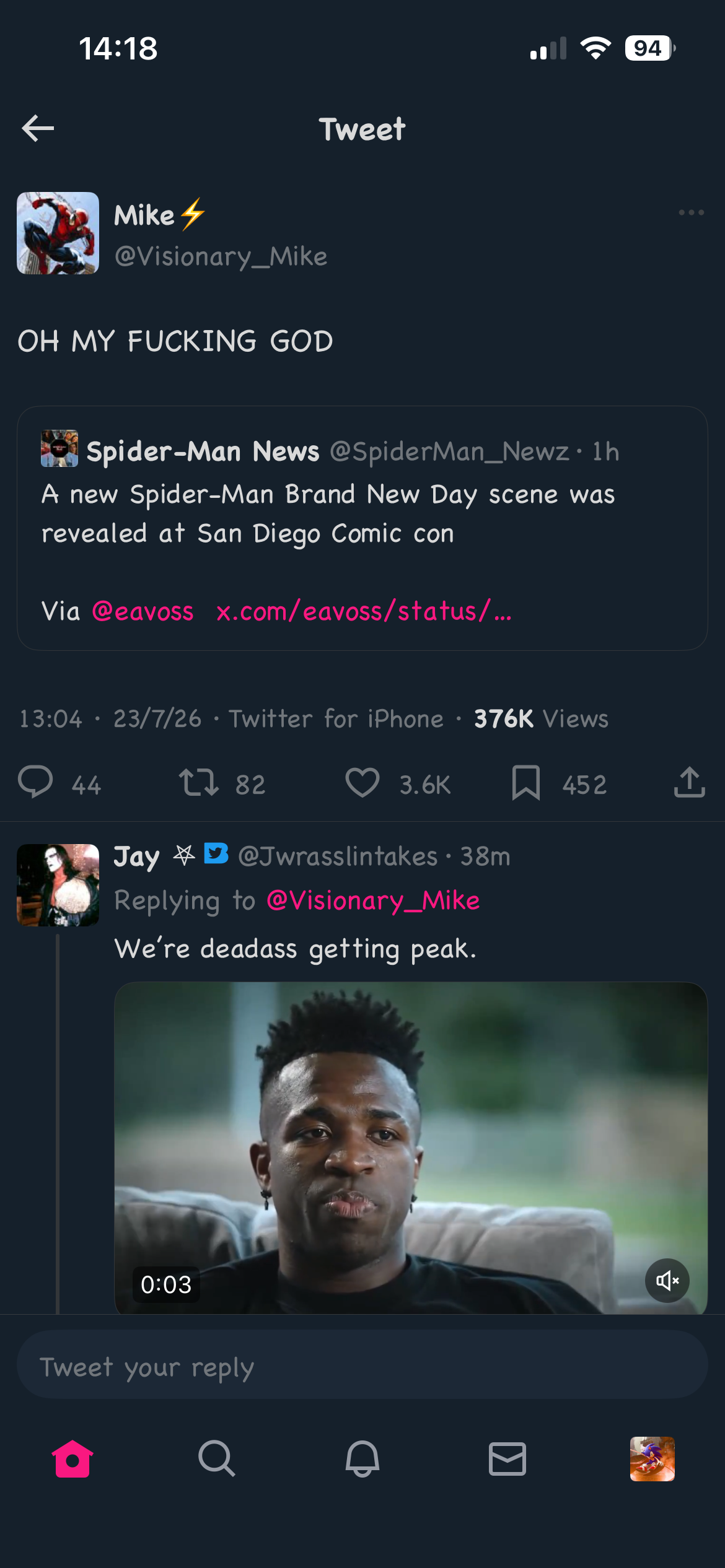
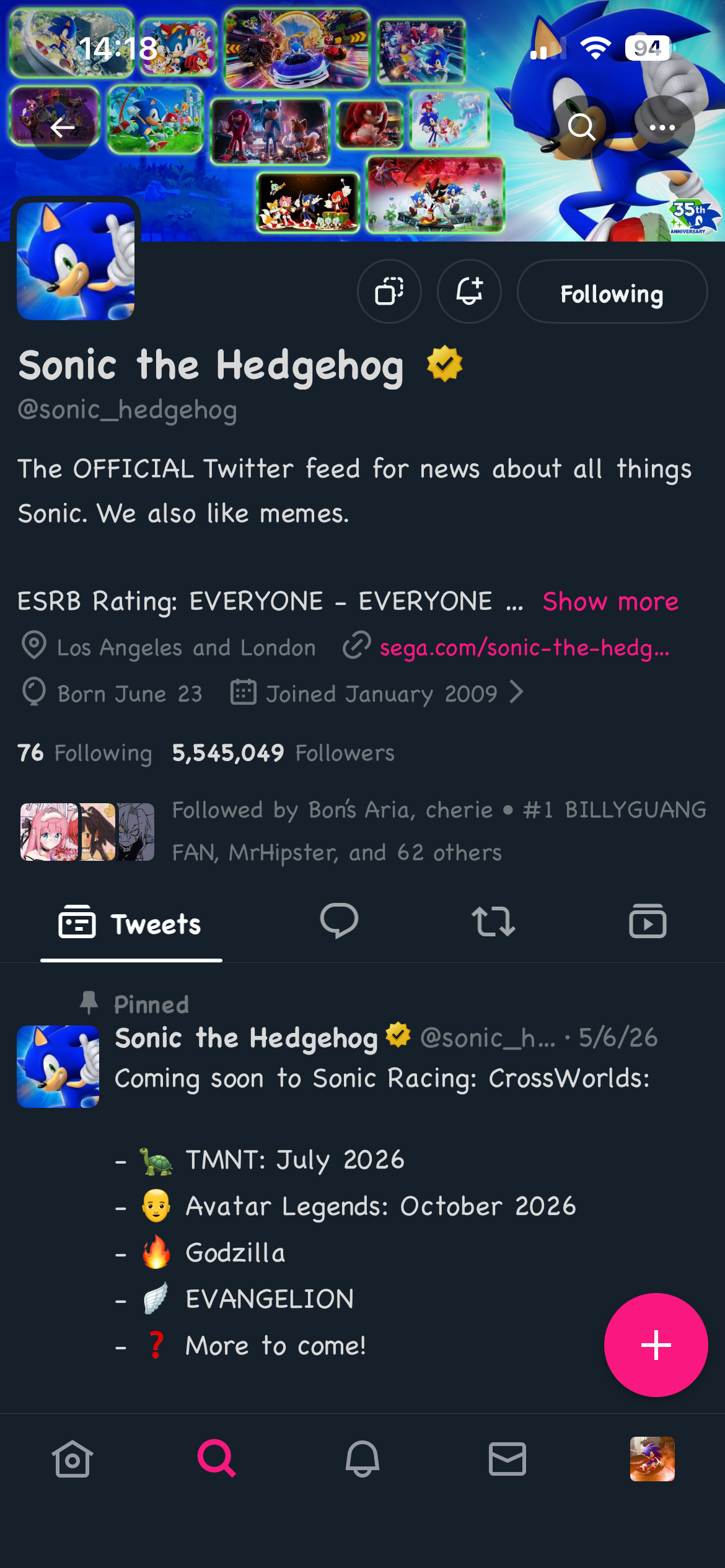
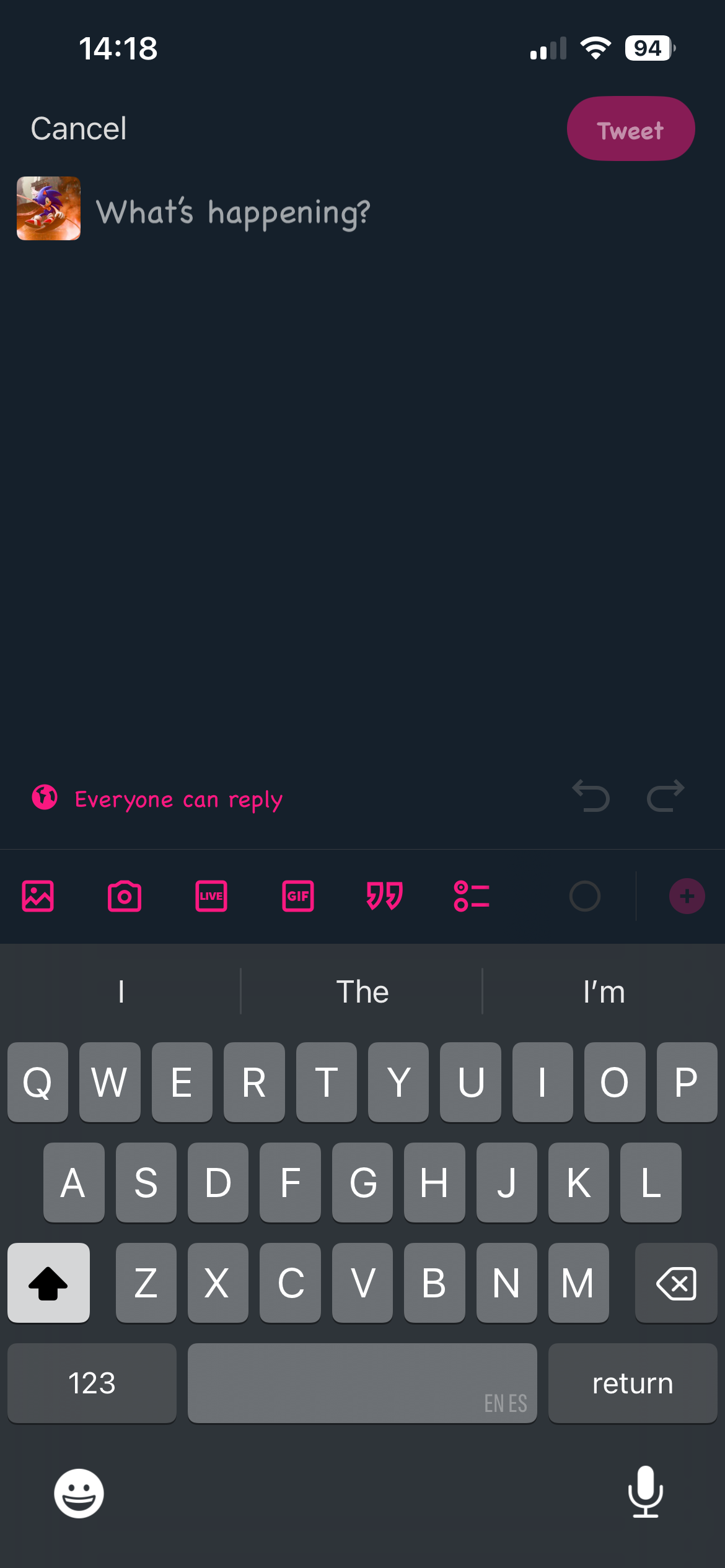
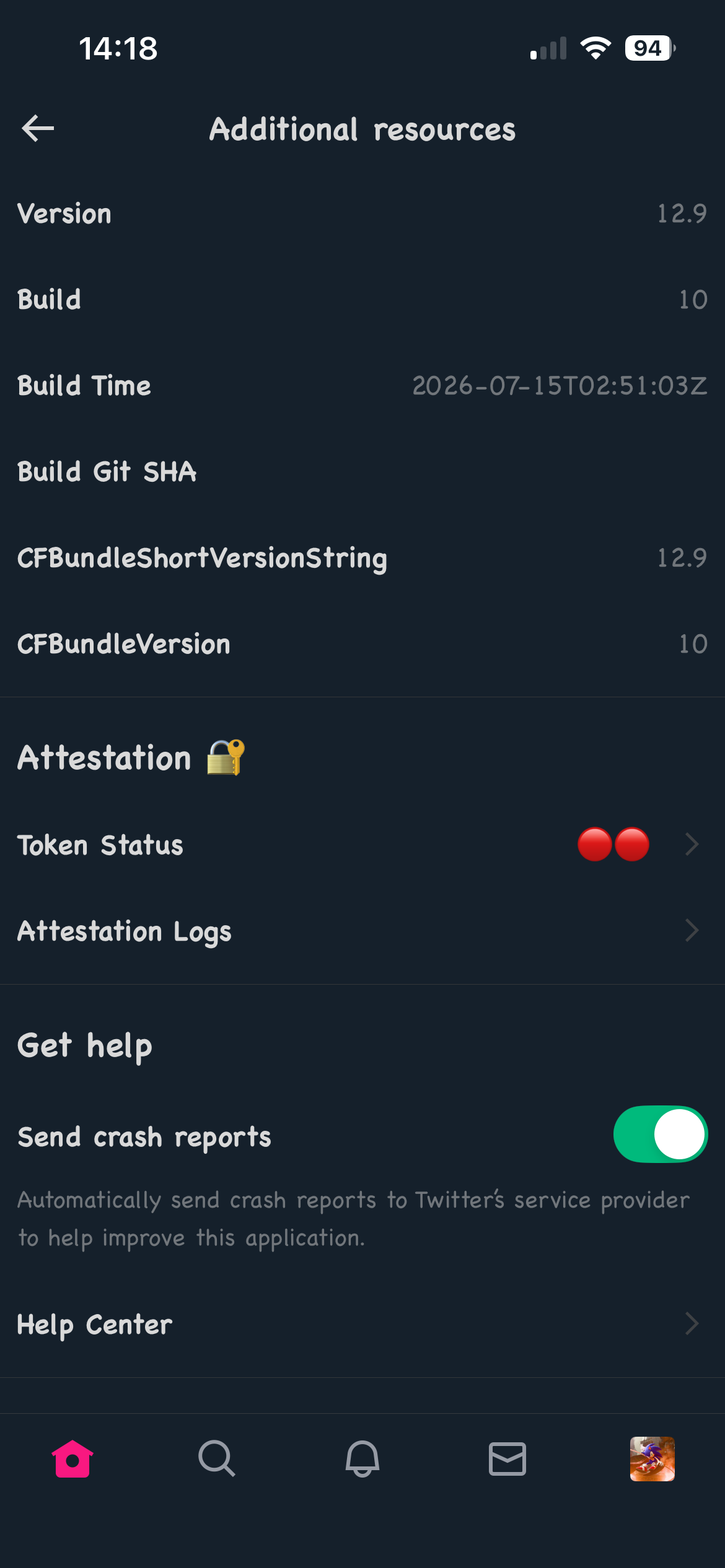
# Preview
| | | |
|:-------------------------:|:-------------------------:|:-------------------------:|
|
|
# Preview
| | | |
|:-------------------------:|:-------------------------:|:-------------------------:|
| |
| |
| |
|
|
| |
| |
| |
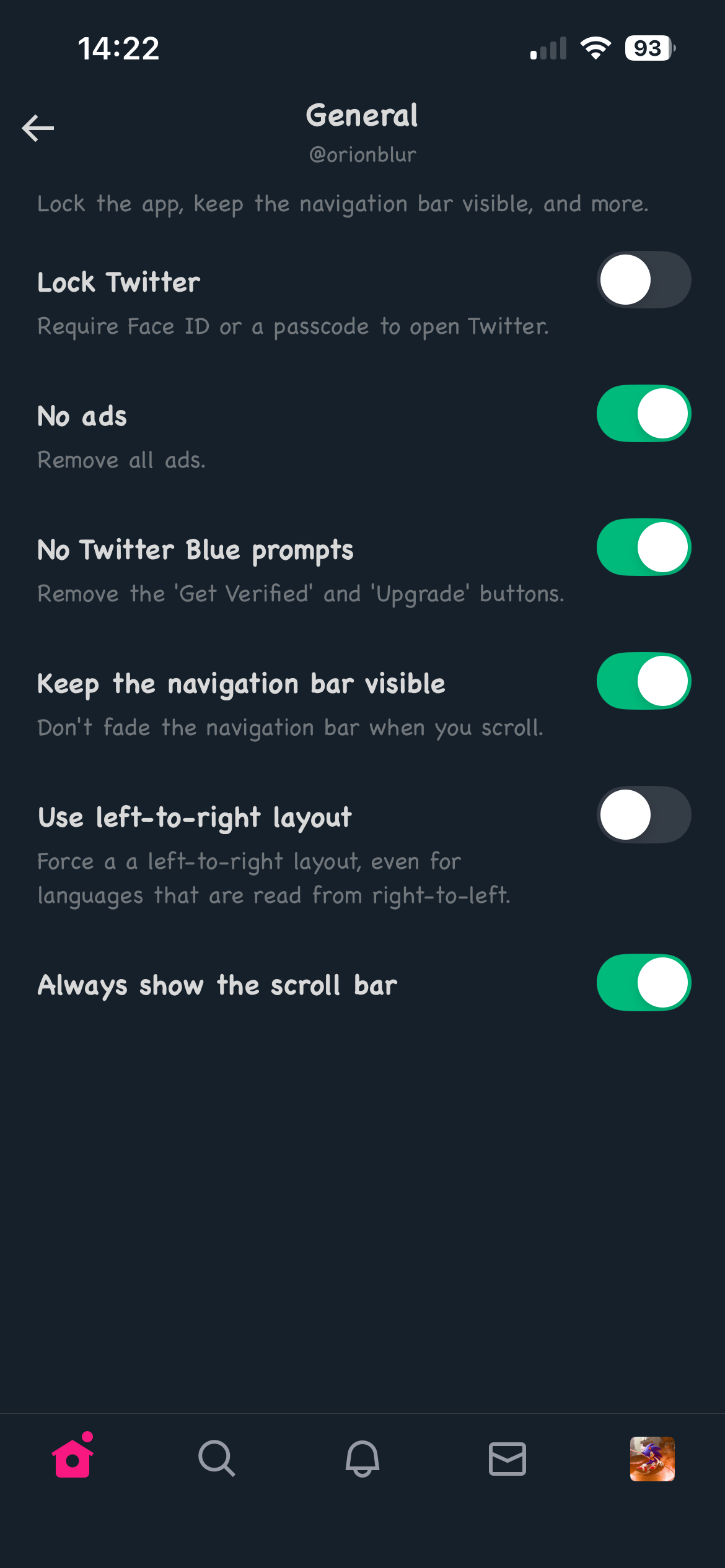
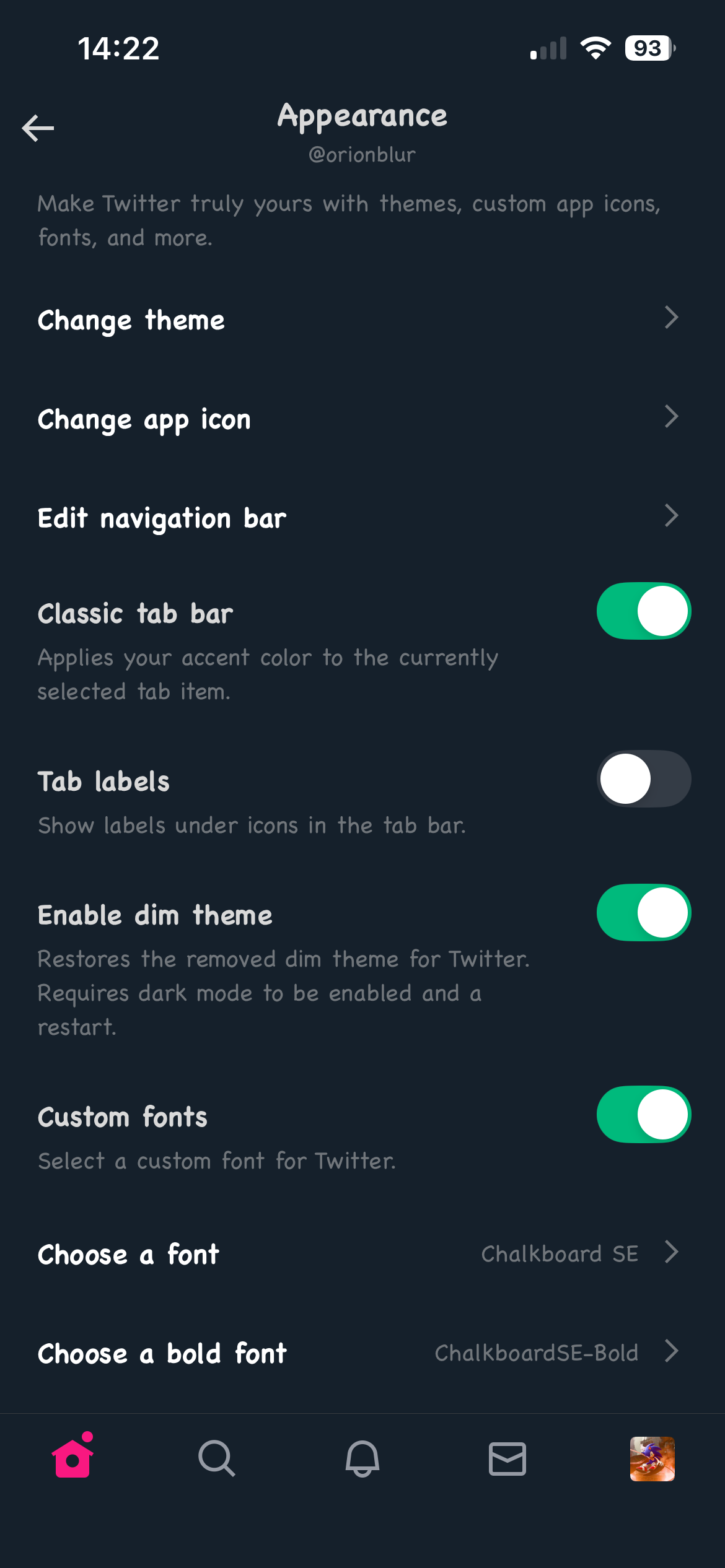
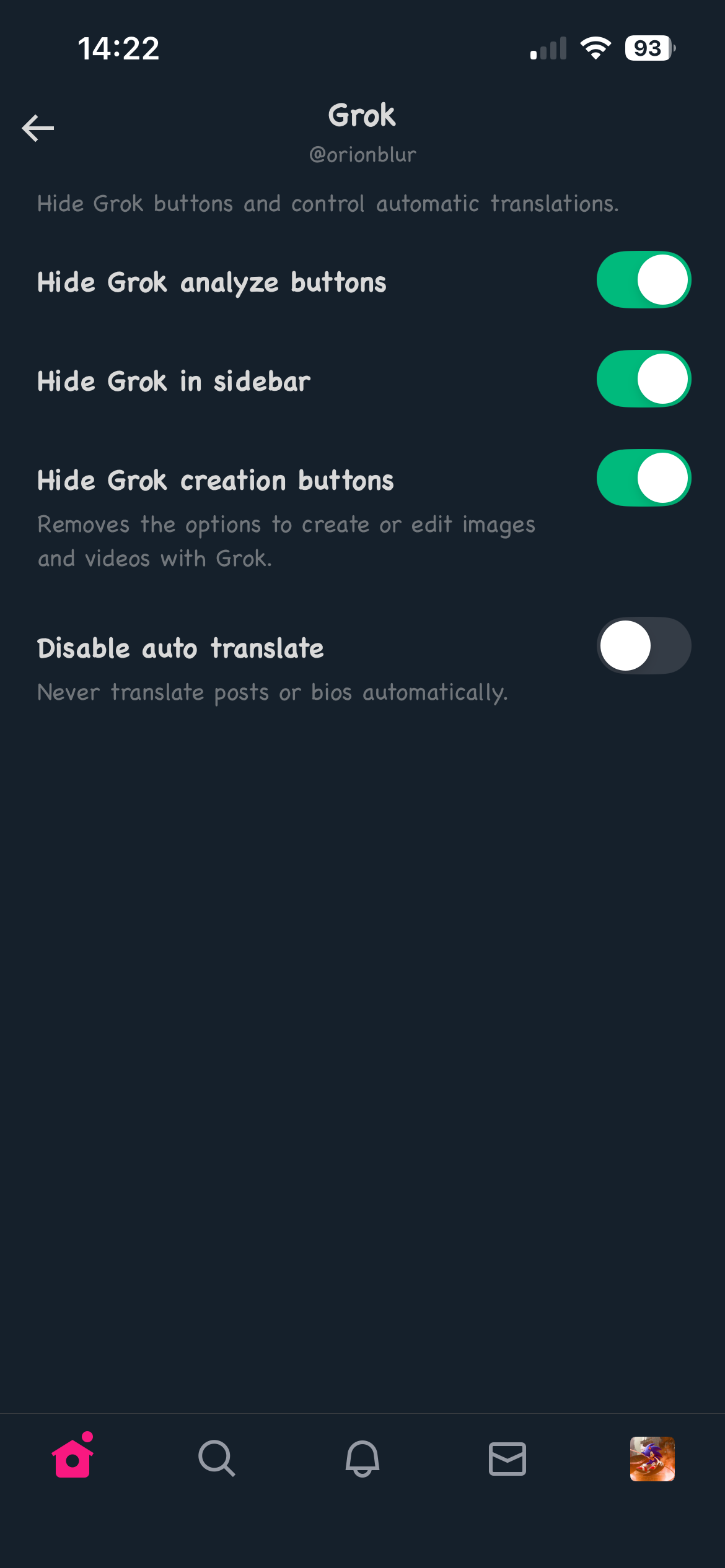
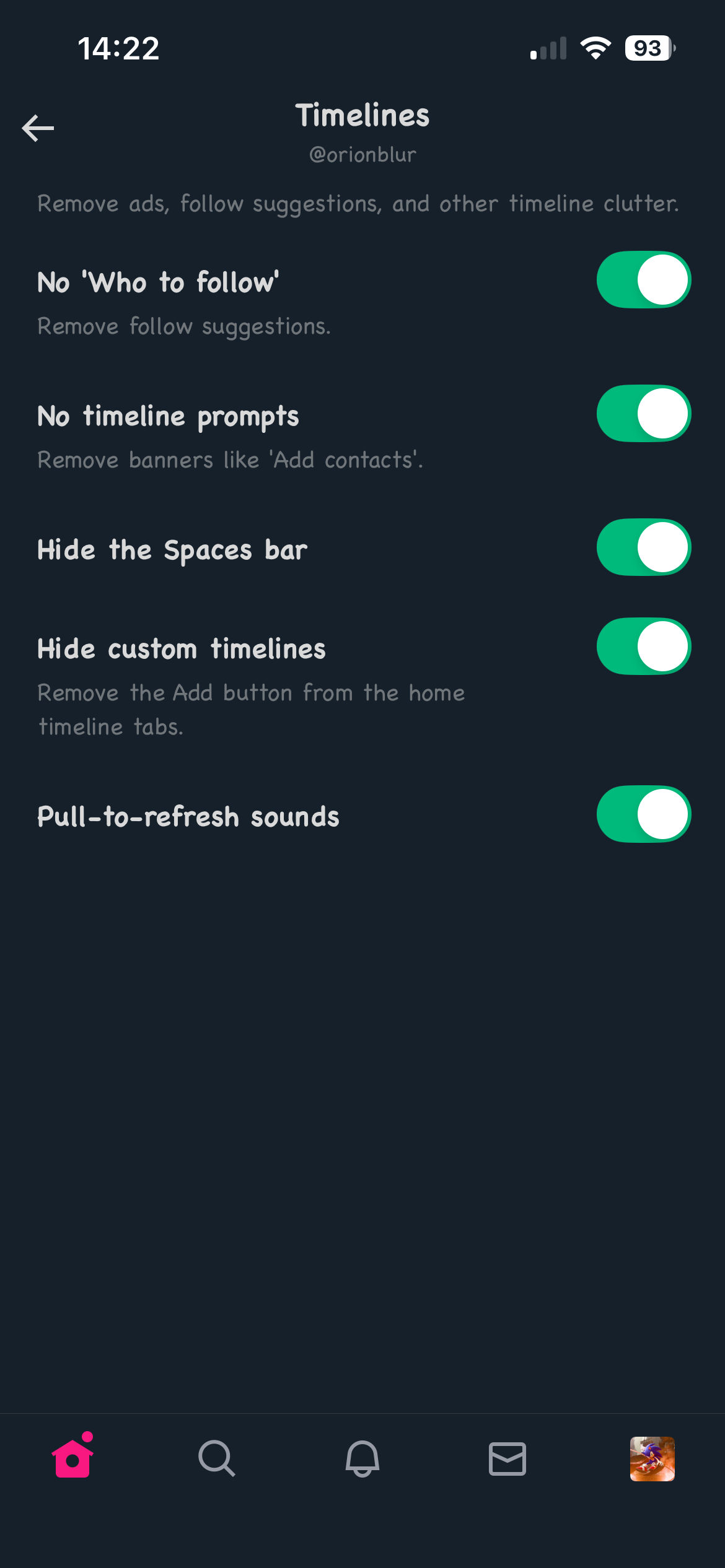
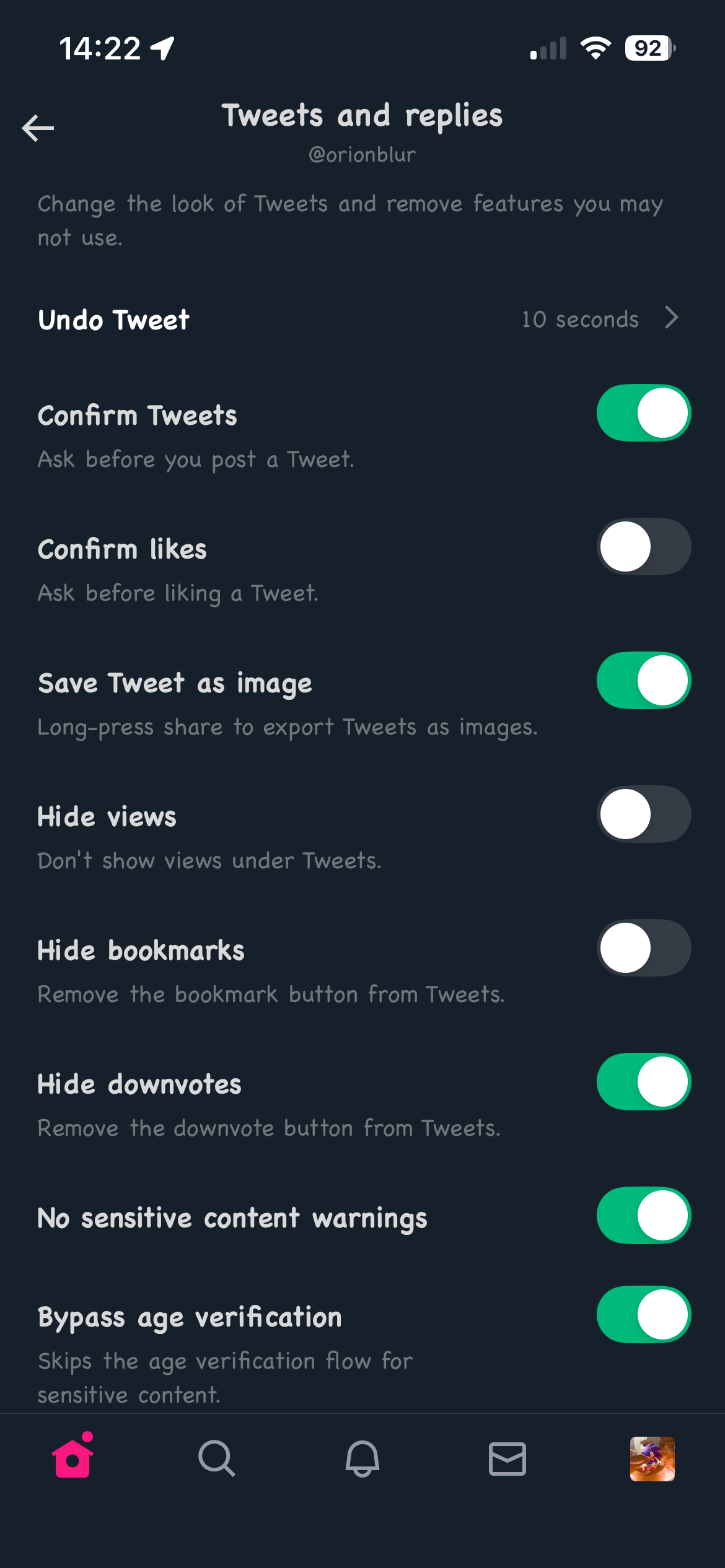
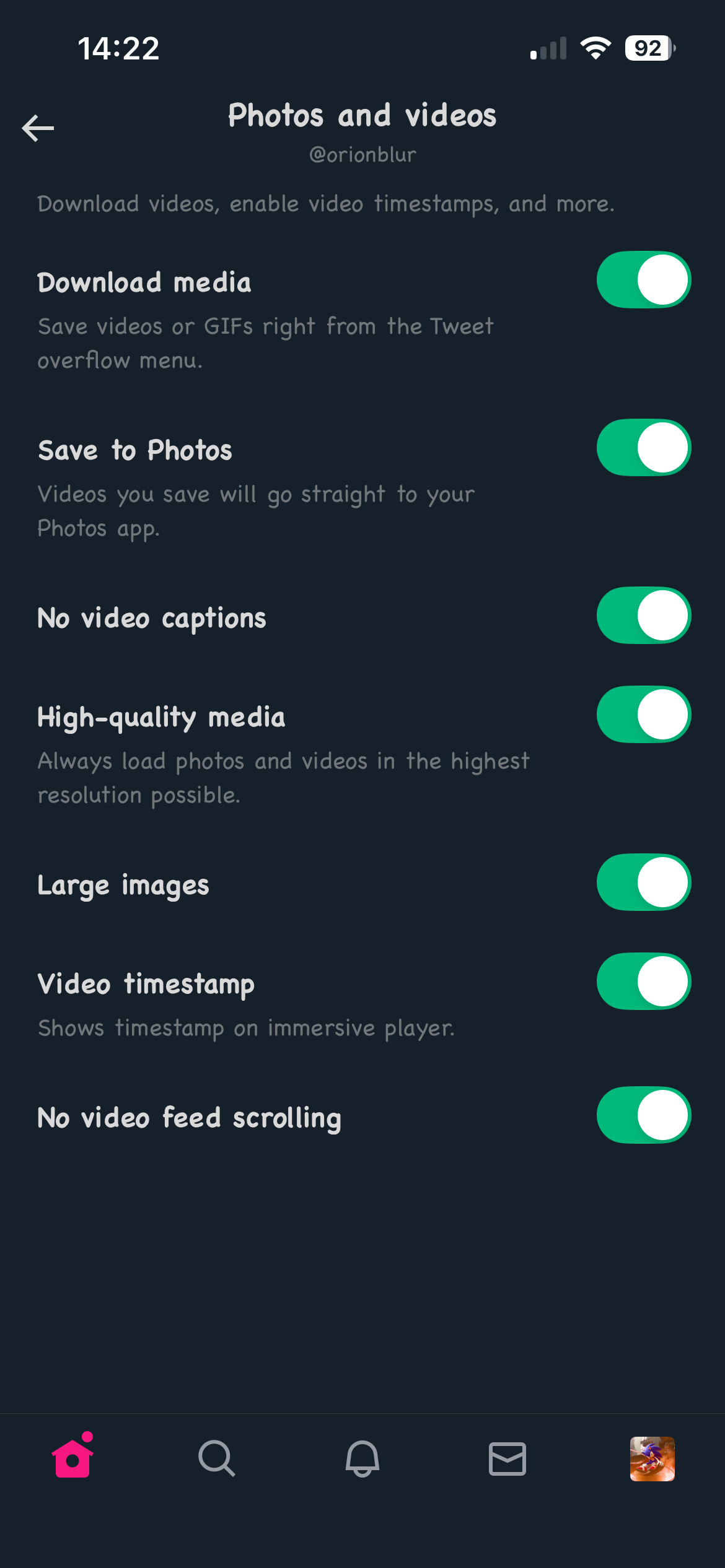
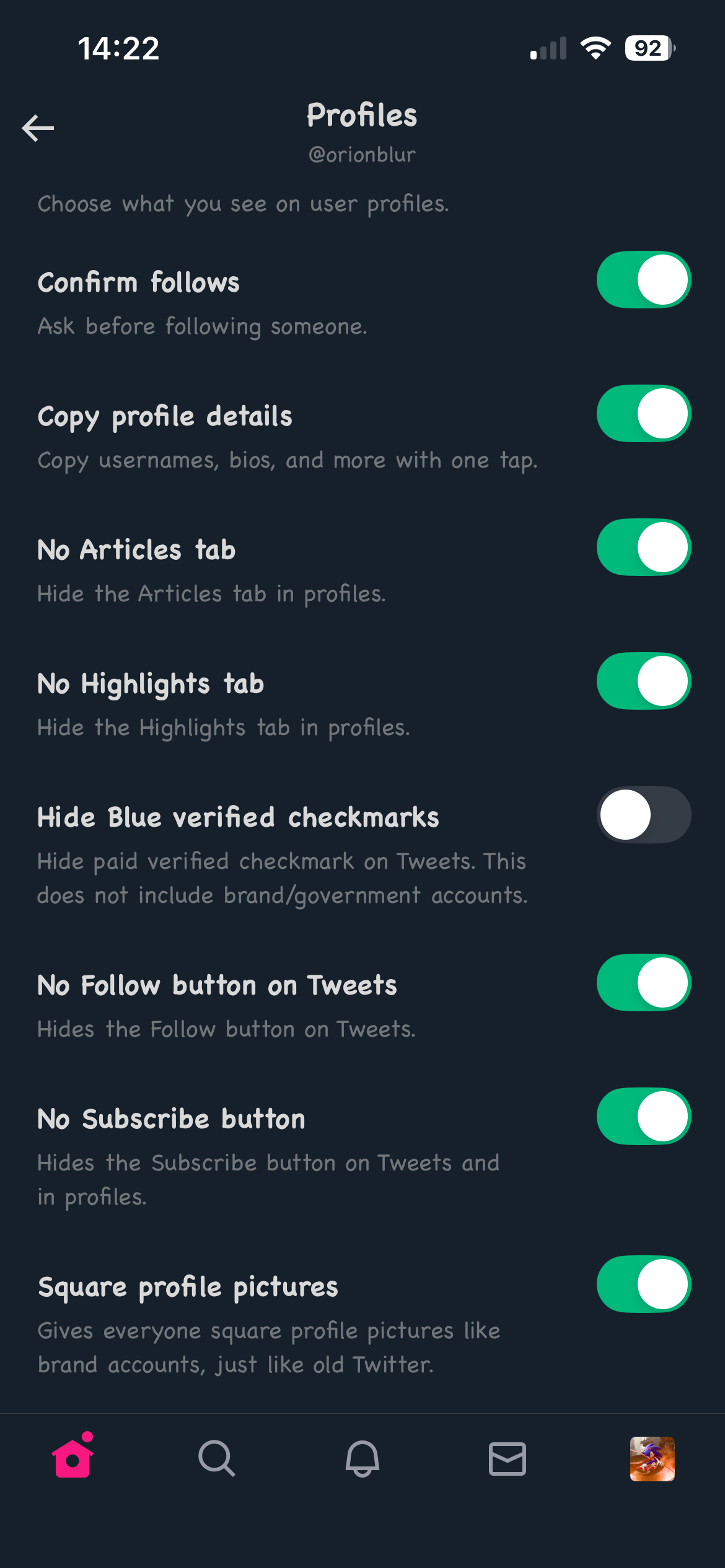
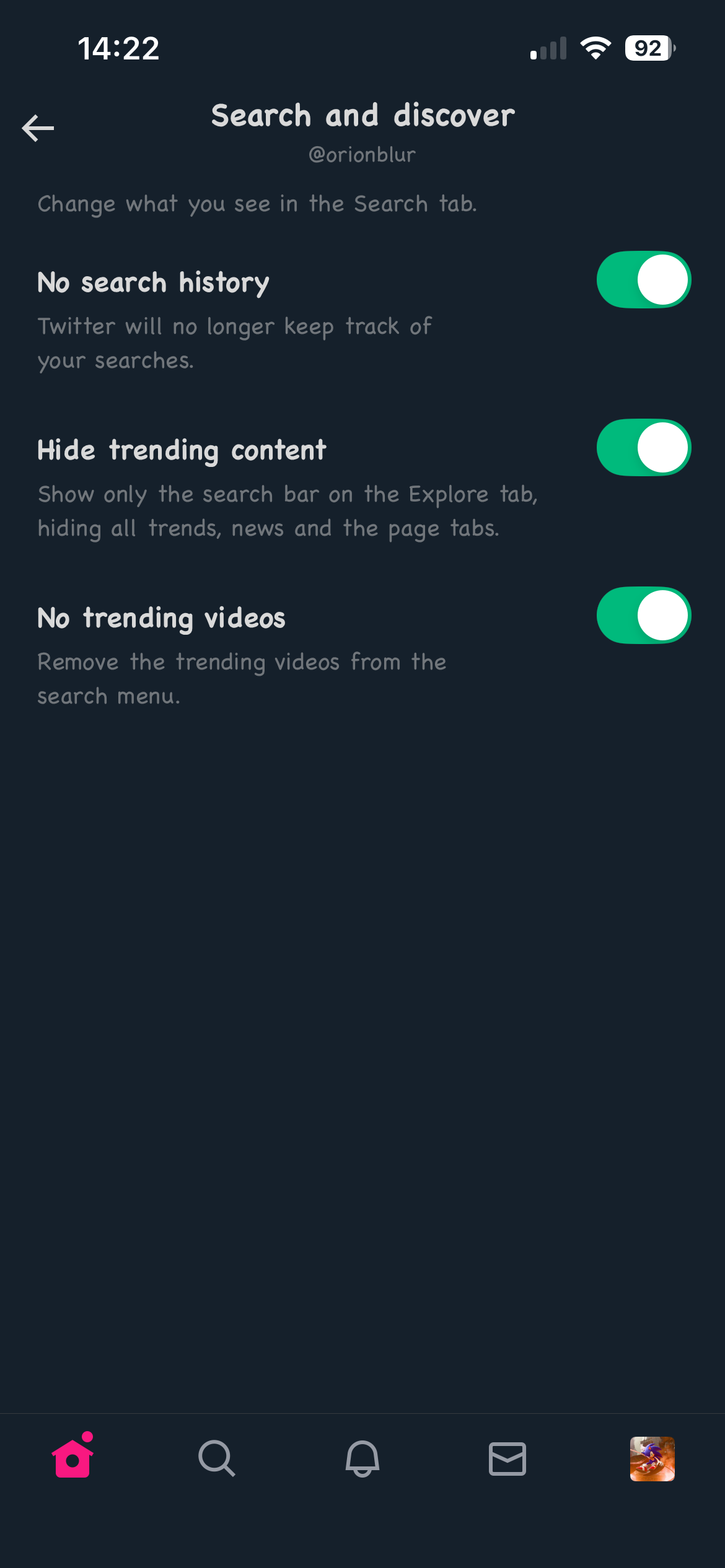
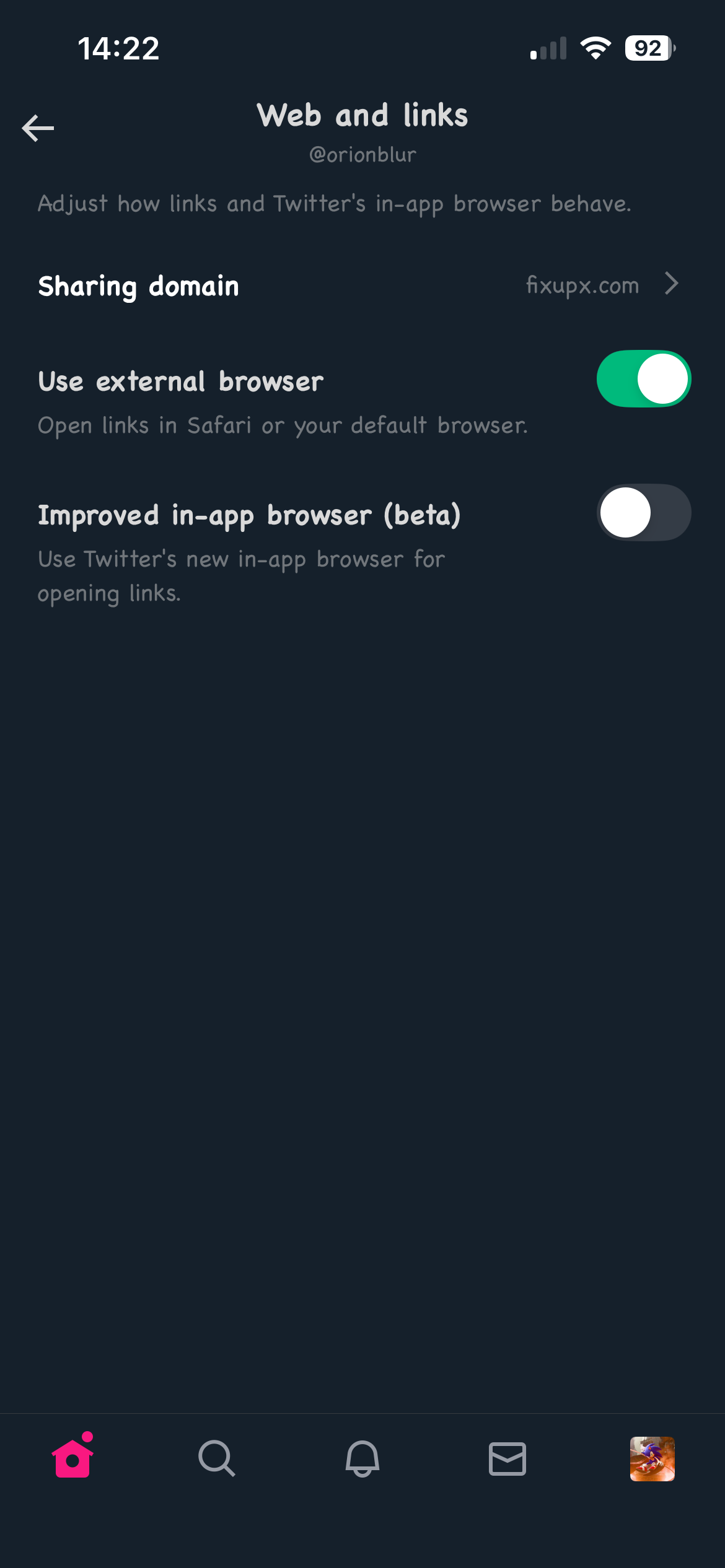
# Features
| | | |
|:-------------------------:|:-------------------------:|:-------------------------:|
|
|
# Features
| | | |
|:-------------------------:|:-------------------------:|:-------------------------:|
| |
| |
| |
|
|
| |
| |
| |
|
|
| |
| |
| |
|
|
| |
| |
| |
|
|
| |
| |
| |
# Downloading
Go to the [Releases](https://github.com/NeoFreeBird/app/releases) page to download the latest version of NeoFreeBird. You can also build it yourself by following the instructions below.
# Supporting the Project
I welcome all help on NeoFreeBird! Translations, bug fixes, and new features are all welcome. If you do see any issues with the app, feel free to open an issue and follow the templates provided. I also have a Ko-Fi linked in the repo if you wish to support me directly, but by no means is it required! NeoFreeBird will always be open-source and free to use.
# Compiling NeoFreeBird
## Using your computer
1. Install [Theos](https://github.com/theos/theos).
> Note for Linux users: the current toolchain that ships with Theos is too outdated to build successfully ("Undefined symbols for architecture arm64"). Download the latest toolchain for your distro from [here](https://github.com/L1ghtmann/swift-toolchain-linux/releases/latest) and replace `$THEOS/toolchain/linux` with its contents.
2. Install [cyan](https://github.com/asdfzxcvbn/pyzule-rw) if you want sideload or TrollStore builds.
3. Clone the NeoFreeBird repository:
```bash
git clone --recursive https://github.com/NeoFreeBird/app
cd app
```
4. Make the build script executable:
```bash
chmod +x ./build.sh
```
5. Run the script with your preferred option:
```bash
./build.sh [OPTIONS]
```
Available options:
```
--sideloaded: for sideloading.
--trollstore: for TrollStore users.
--rootless: for rootless jailbreaks.
--rootfull: for rootful jailbreaks.
--help: for help
```
## Using GitHub Actions
1. Fork this repository.
2. Open the "Actions" tab and enable workflows.
3. Choose "Release".
4. Click "Run workflow" and provide:
- A decrypted IPA URL for sideloaded/TrollStore builds.
- Any value for rootful/rootless builds.
5. Check the "Releases" tab once the build completes.
# Examples
## Build for Sideloading
1. Get a decrypted IPA for Twitter/X.
2. Rename it to `com.atebits.Tweetie2.ipa` and move it to the `packages` folder.
```bash
./build.sh --sideloaded
```
Result: `NeoFreeBird-sideloaded.ipa` inside `packages`.
## Build for TrollStore
Follow the same steps as sideloading, then run:
```bash
./build.sh --trollstore
```
Result: `NeoFreeBird-trollstore.tipa` inside `packages`.
## Build for Rootless Jailbreaks
Just run:
```bash
./build.sh --rootless
```
Result: a rootless `.deb` (`iphoneos-arm64`) inside `packages`.
## Build for Rootful Jailbreaks
Just run:
```bash
./build.sh --rootfull
```
Result: a rootful `.deb` (`iphoneos-arm`) inside `packages`.
# Rebranding
`rebrand.sh` applies name and icon branding to an IPA. This can be done before or after patching with the tweak.
Resource packs work on both macOS and Linux via [scar](https://github.com/theacrat/scar), which rebuilds the app's asset catalogs, and [resvg](https://github.com/linebender/resvg), which rasterizes a pack's `svgs/` glyphs into them. Both are downloaded automatically if they aren't in `PATH` (or set `NFB_SCAR` / `NFB_RESVG` to a binary). The Pillow package they need is installed automatically into a cached venv on first use. There is a GitHub Actions workflow if you'd rather not run it locally.
```bash
./rebrand.sh [-t | --twitter-branding] [--resource-pack ZIP] [-o OUTPUT] IPA
```
At least one branding option is required:
```
-t, --twitter-branding: sets the app's display name to Twitter.
--resource-pack ZIP: applies a theme pack ZIP.
```
By default the IPA is rebranded in place. Pass `-o`/`--output` to write a rebranded copy instead:
```bash
./rebrand.sh -t --resource-pack theme.zip -o packages/Twitter-rebranded.ipa packages/NeoFreeBird-sideloaded.ipa
```
|
# Downloading
Go to the [Releases](https://github.com/NeoFreeBird/app/releases) page to download the latest version of NeoFreeBird. You can also build it yourself by following the instructions below.
# Supporting the Project
I welcome all help on NeoFreeBird! Translations, bug fixes, and new features are all welcome. If you do see any issues with the app, feel free to open an issue and follow the templates provided. I also have a Ko-Fi linked in the repo if you wish to support me directly, but by no means is it required! NeoFreeBird will always be open-source and free to use.
# Compiling NeoFreeBird
## Using your computer
1. Install [Theos](https://github.com/theos/theos).
> Note for Linux users: the current toolchain that ships with Theos is too outdated to build successfully ("Undefined symbols for architecture arm64"). Download the latest toolchain for your distro from [here](https://github.com/L1ghtmann/swift-toolchain-linux/releases/latest) and replace `$THEOS/toolchain/linux` with its contents.
2. Install [cyan](https://github.com/asdfzxcvbn/pyzule-rw) if you want sideload or TrollStore builds.
3. Clone the NeoFreeBird repository:
```bash
git clone --recursive https://github.com/NeoFreeBird/app
cd app
```
4. Make the build script executable:
```bash
chmod +x ./build.sh
```
5. Run the script with your preferred option:
```bash
./build.sh [OPTIONS]
```
Available options:
```
--sideloaded: for sideloading.
--trollstore: for TrollStore users.
--rootless: for rootless jailbreaks.
--rootfull: for rootful jailbreaks.
--help: for help
```
## Using GitHub Actions
1. Fork this repository.
2. Open the "Actions" tab and enable workflows.
3. Choose "Release".
4. Click "Run workflow" and provide:
- A decrypted IPA URL for sideloaded/TrollStore builds.
- Any value for rootful/rootless builds.
5. Check the "Releases" tab once the build completes.
# Examples
## Build for Sideloading
1. Get a decrypted IPA for Twitter/X.
2. Rename it to `com.atebits.Tweetie2.ipa` and move it to the `packages` folder.
```bash
./build.sh --sideloaded
```
Result: `NeoFreeBird-sideloaded.ipa` inside `packages`.
## Build for TrollStore
Follow the same steps as sideloading, then run:
```bash
./build.sh --trollstore
```
Result: `NeoFreeBird-trollstore.tipa` inside `packages`.
## Build for Rootless Jailbreaks
Just run:
```bash
./build.sh --rootless
```
Result: a rootless `.deb` (`iphoneos-arm64`) inside `packages`.
## Build for Rootful Jailbreaks
Just run:
```bash
./build.sh --rootfull
```
Result: a rootful `.deb` (`iphoneos-arm`) inside `packages`.
# Rebranding
`rebrand.sh` applies name and icon branding to an IPA. This can be done before or after patching with the tweak.
Resource packs work on both macOS and Linux via [scar](https://github.com/theacrat/scar), which rebuilds the app's asset catalogs, and [resvg](https://github.com/linebender/resvg), which rasterizes a pack's `svgs/` glyphs into them. Both are downloaded automatically if they aren't in `PATH` (or set `NFB_SCAR` / `NFB_RESVG` to a binary). The Pillow package they need is installed automatically into a cached venv on first use. There is a GitHub Actions workflow if you'd rather not run it locally.
```bash
./rebrand.sh [-t | --twitter-branding] [--resource-pack ZIP] [-o OUTPUT] IPA
```
At least one branding option is required:
```
-t, --twitter-branding: sets the app's display name to Twitter.
--resource-pack ZIP: applies a theme pack ZIP.
```
By default the IPA is rebranded in place. Pass `-o`/`--output` to write a rebranded copy instead:
```bash
./rebrand.sh -t --resource-pack theme.zip -o packages/Twitter-rebranded.ipa packages/NeoFreeBird-sideloaded.ipa
```