OpenFamily
The open-source, self-hosted family organizer
Keep full control of your family's data — run it on your own server.
The open-source, self-hosted family organizer
Keep full control of your family's data — run it on your own server.
 |
|  |
| 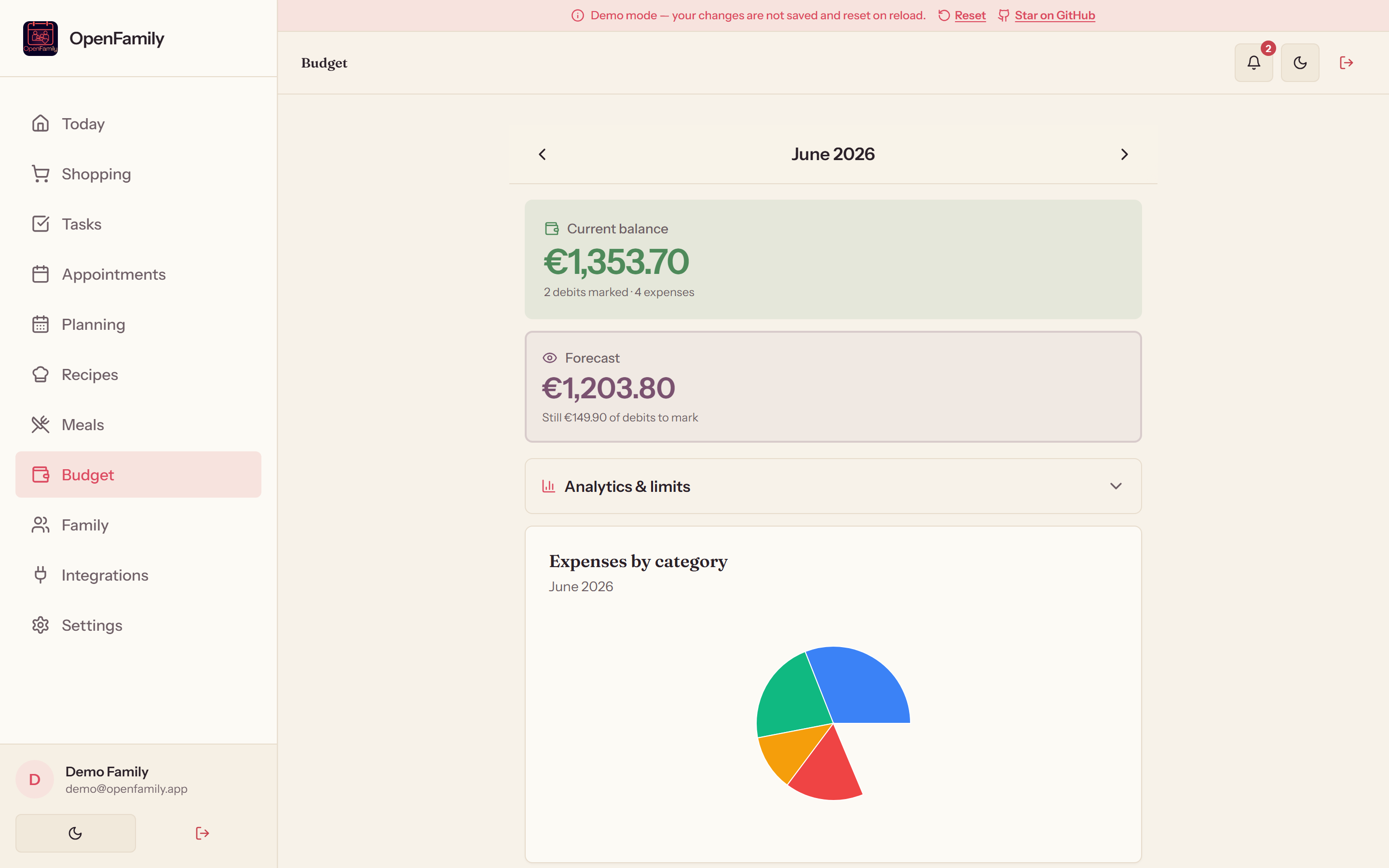 |
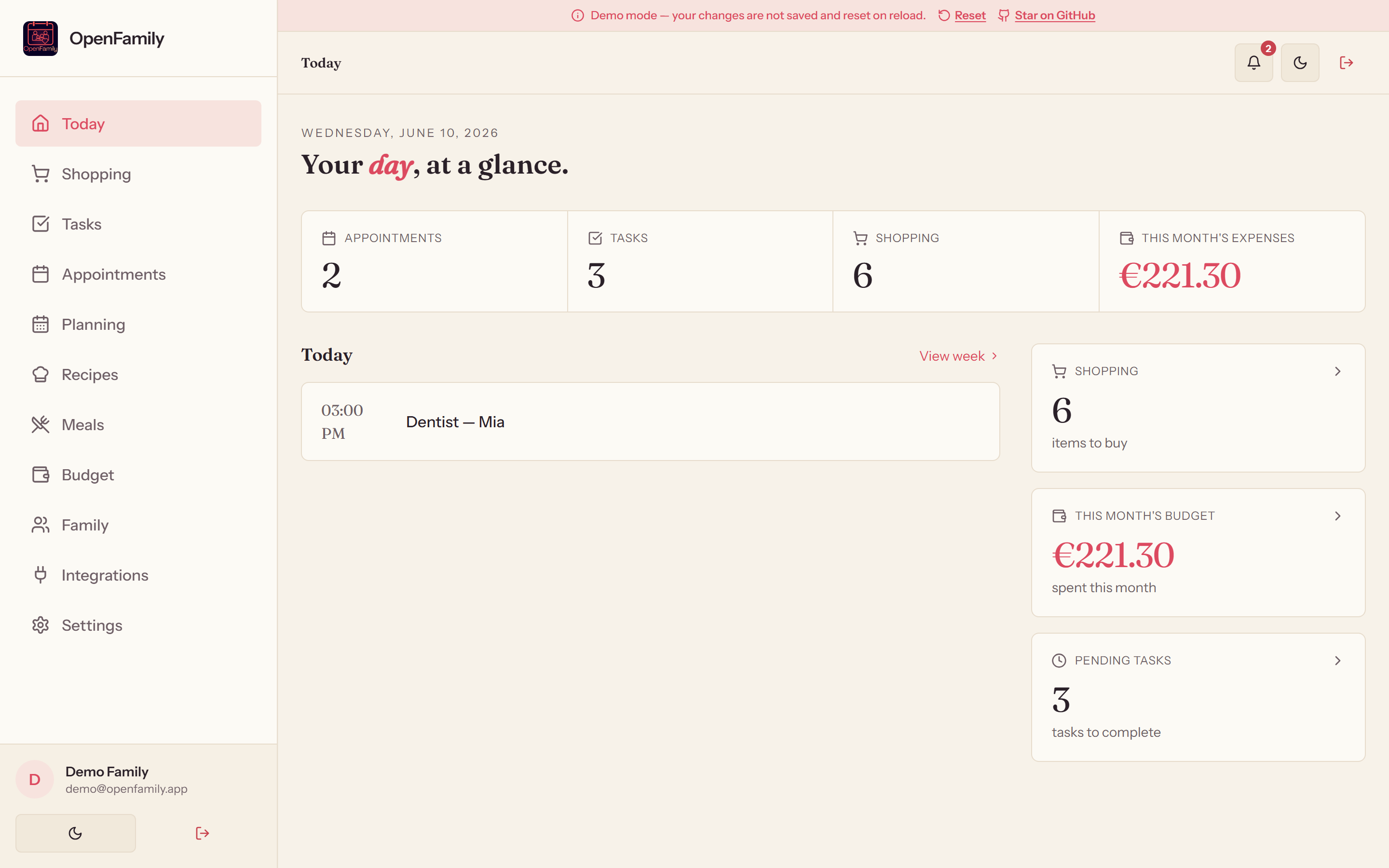
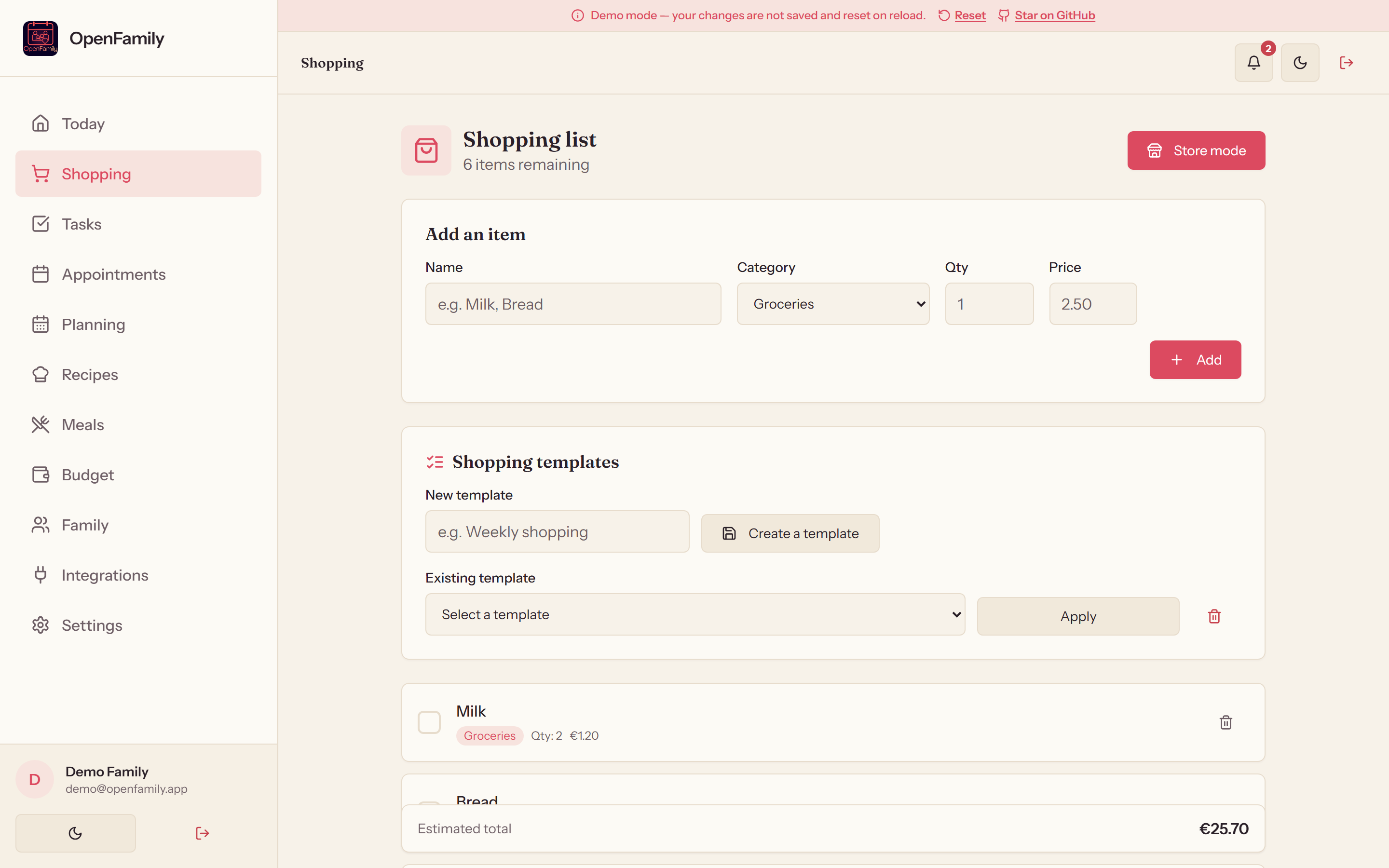
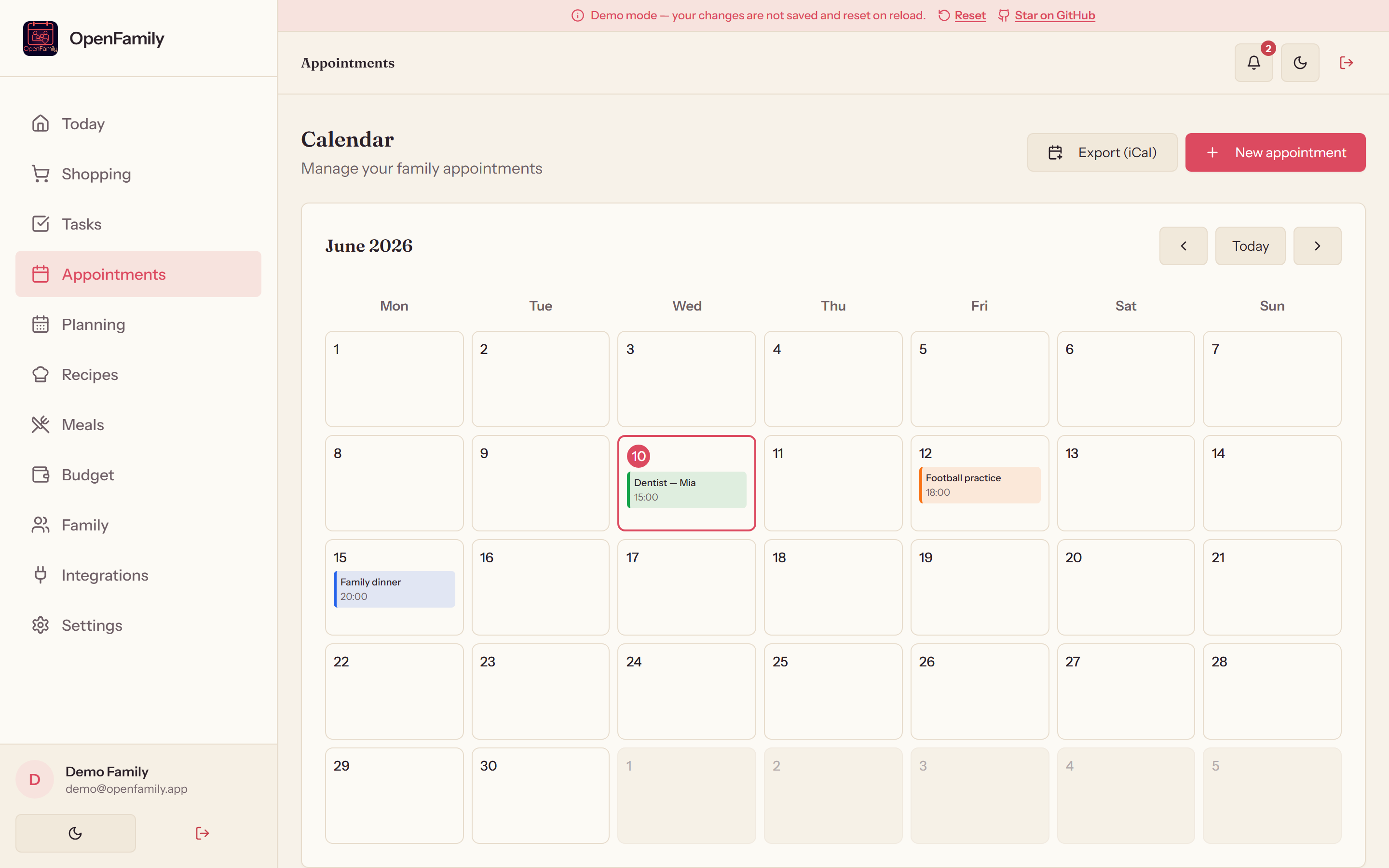
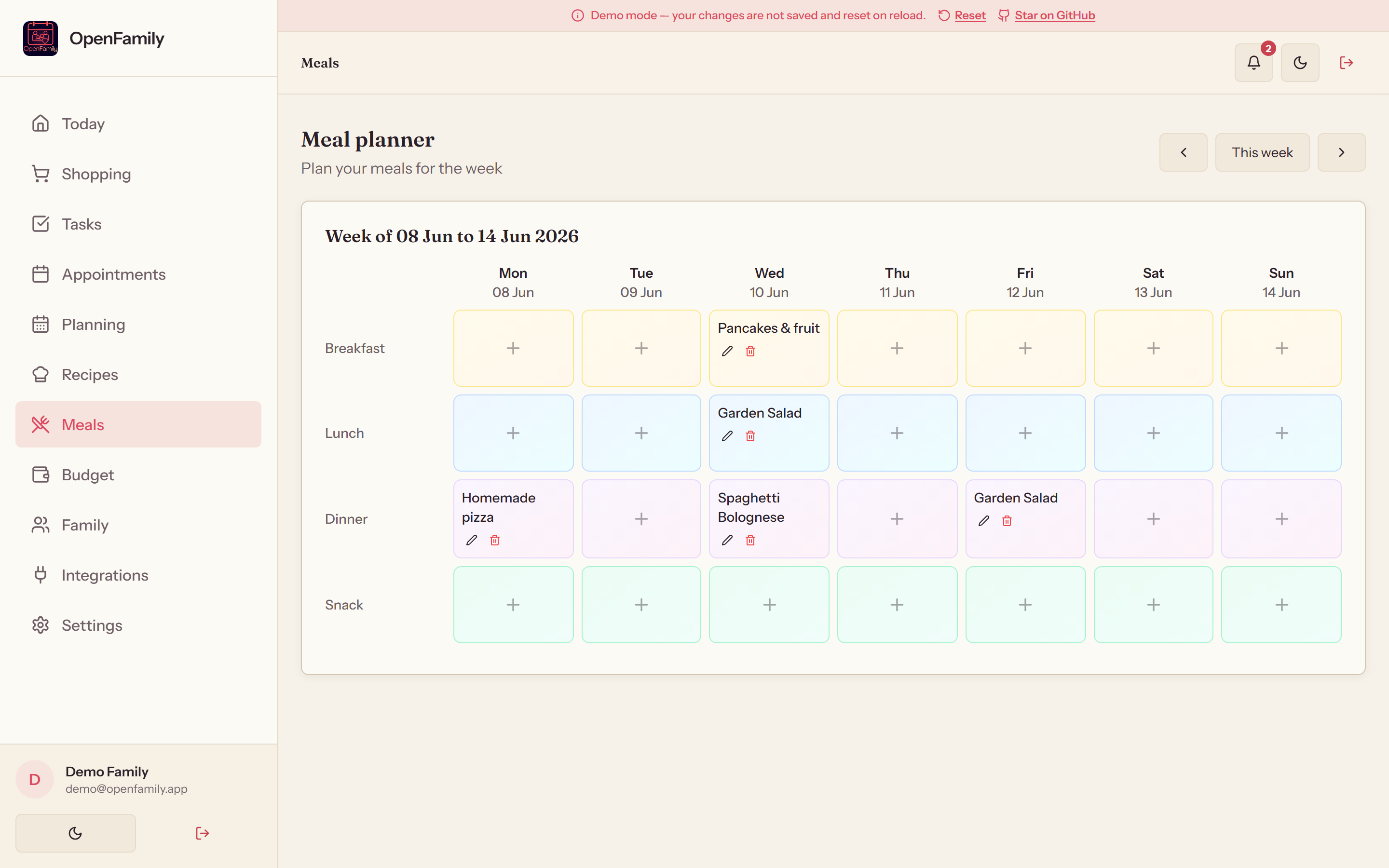
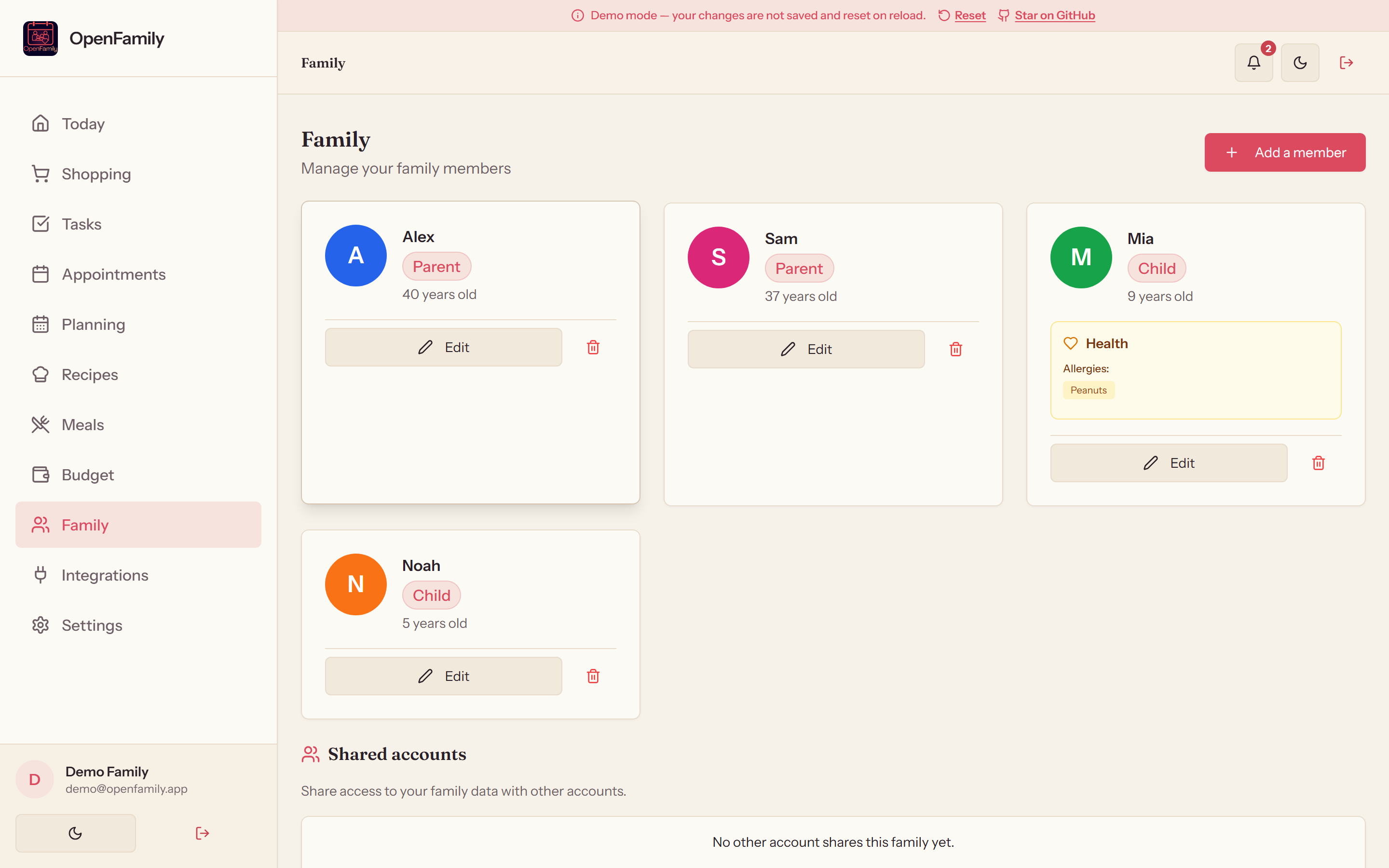
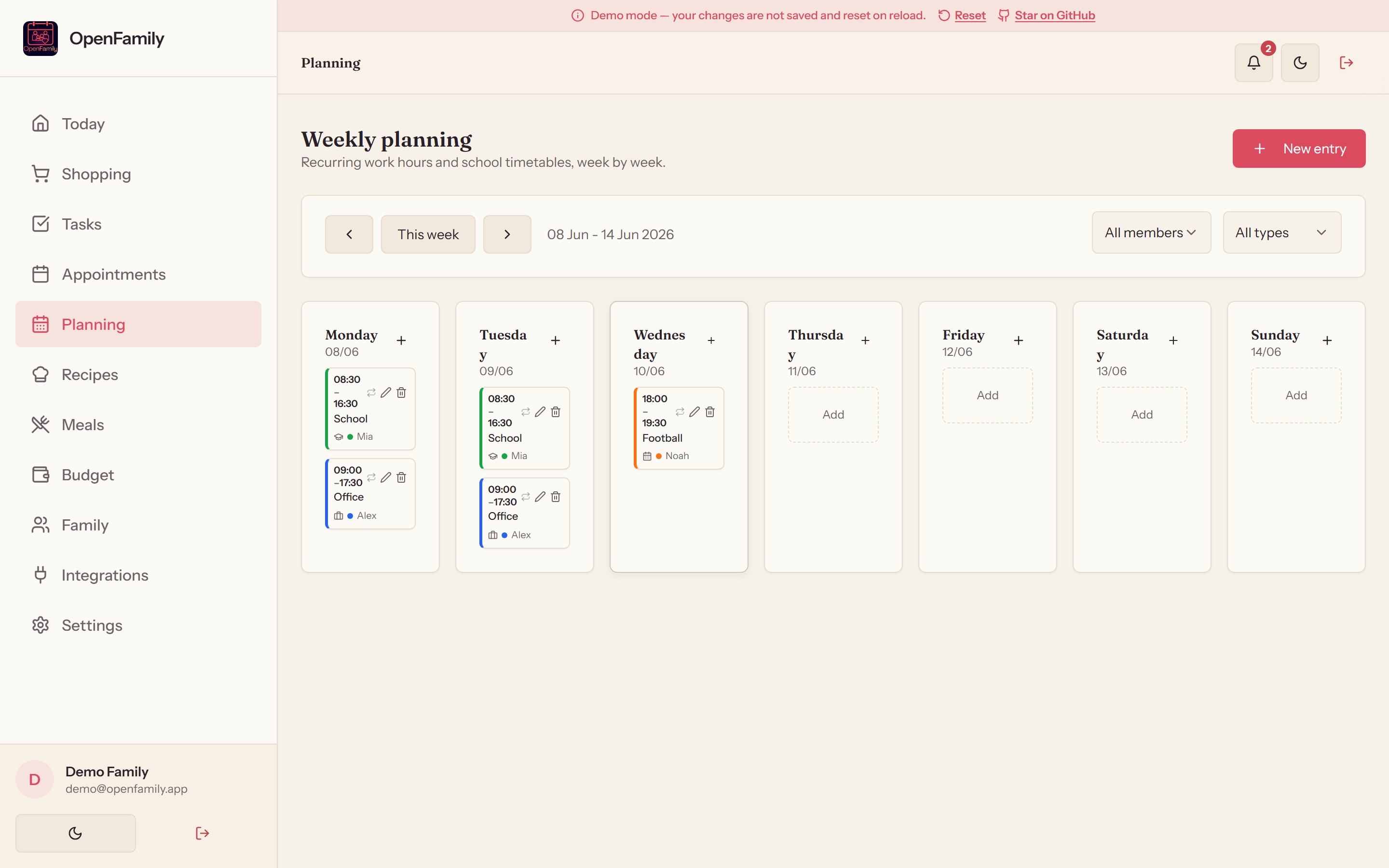
| Meal planner | Family | Weekly planning |
|---|---|---|
|
|
| Meal planner | Family | Weekly planning |
|---|---|---|
|  |
|  |
|  |
## 🔗 Third-party integrations
Connect OpenFamily to your self-hosted ecosystem in one click — no config files to edit.
| App | Type | What is synced |
|---|---|---|
| **Mealie** | 🍲 Recipes | Automatic import of all recipes (pagination, API v1 & v2) |
| **Tandoor** | 🌿 Recipes | Import via the Django REST API |
| **Home Assistant** | 🏠 Shopping | Shopping-list sync over WebSocket (modern `todo` entities + legacy) |
| **Grocy** | 🥦 Shopping & stock | Shopping list and stock synchronization |
| **Nextcloud** | ☁️ Calendar | CalDAV import with auto-discovery and per-UID deduplication |
> 🎬 Thanks to **[Makernix](https://www.youtube.com/@Makernix)** — the idea of connecting
> OpenFamily to the self-hosted family ecosystem (Mealie, Grocy, Home Assistant, Nextcloud)
> emerged from a direct exchange with him.
## 🚀 Quick start
### 🪟 Windows installer (.exe) — the easiest path
For Windows users, **NexaFlow** provides an all-in-one graphical installer: Node.js and
PostgreSQL are bundled — **no Docker, no configuration** required.
|
## 🔗 Third-party integrations
Connect OpenFamily to your self-hosted ecosystem in one click — no config files to edit.
| App | Type | What is synced |
|---|---|---|
| **Mealie** | 🍲 Recipes | Automatic import of all recipes (pagination, API v1 & v2) |
| **Tandoor** | 🌿 Recipes | Import via the Django REST API |
| **Home Assistant** | 🏠 Shopping | Shopping-list sync over WebSocket (modern `todo` entities + legacy) |
| **Grocy** | 🥦 Shopping & stock | Shopping list and stock synchronization |
| **Nextcloud** | ☁️ Calendar | CalDAV import with auto-discovery and per-UID deduplication |
> 🎬 Thanks to **[Makernix](https://www.youtube.com/@Makernix)** — the idea of connecting
> OpenFamily to the self-hosted family ecosystem (Mealie, Grocy, Home Assistant, Nextcloud)
> emerged from a direct exchange with him.
## 🚀 Quick start
### 🪟 Windows installer (.exe) — the easiest path
For Windows users, **NexaFlow** provides an all-in-one graphical installer: Node.js and
PostgreSQL are bundled — **no Docker, no configuration** required.

