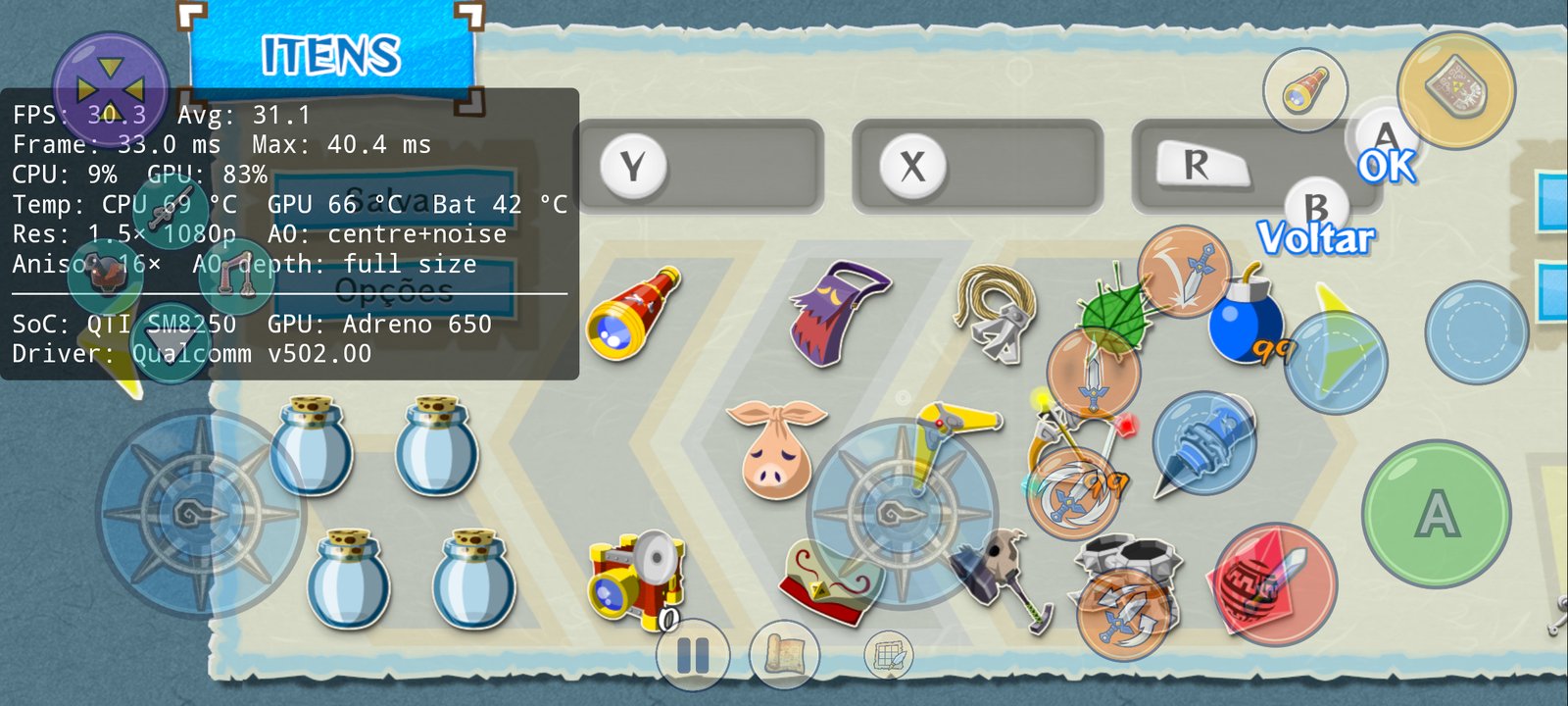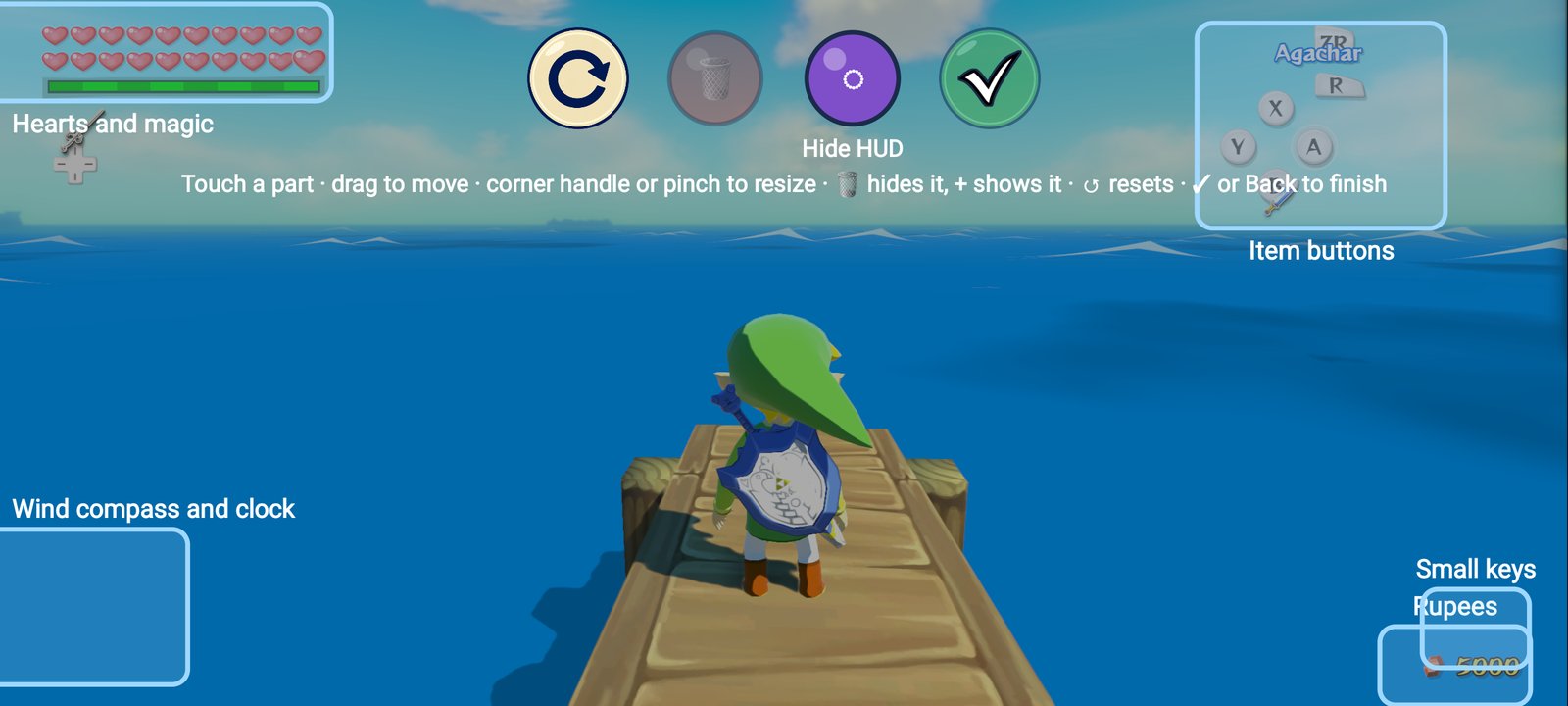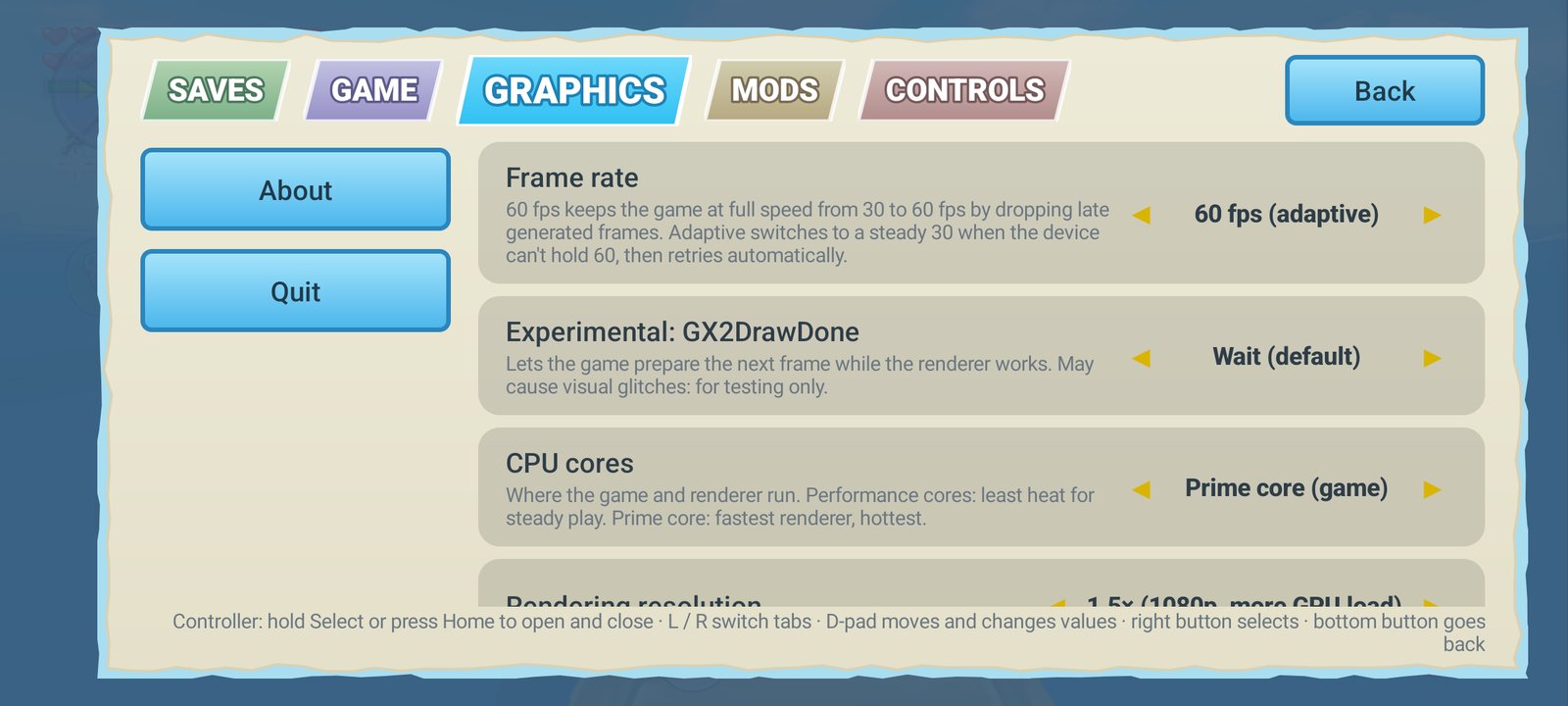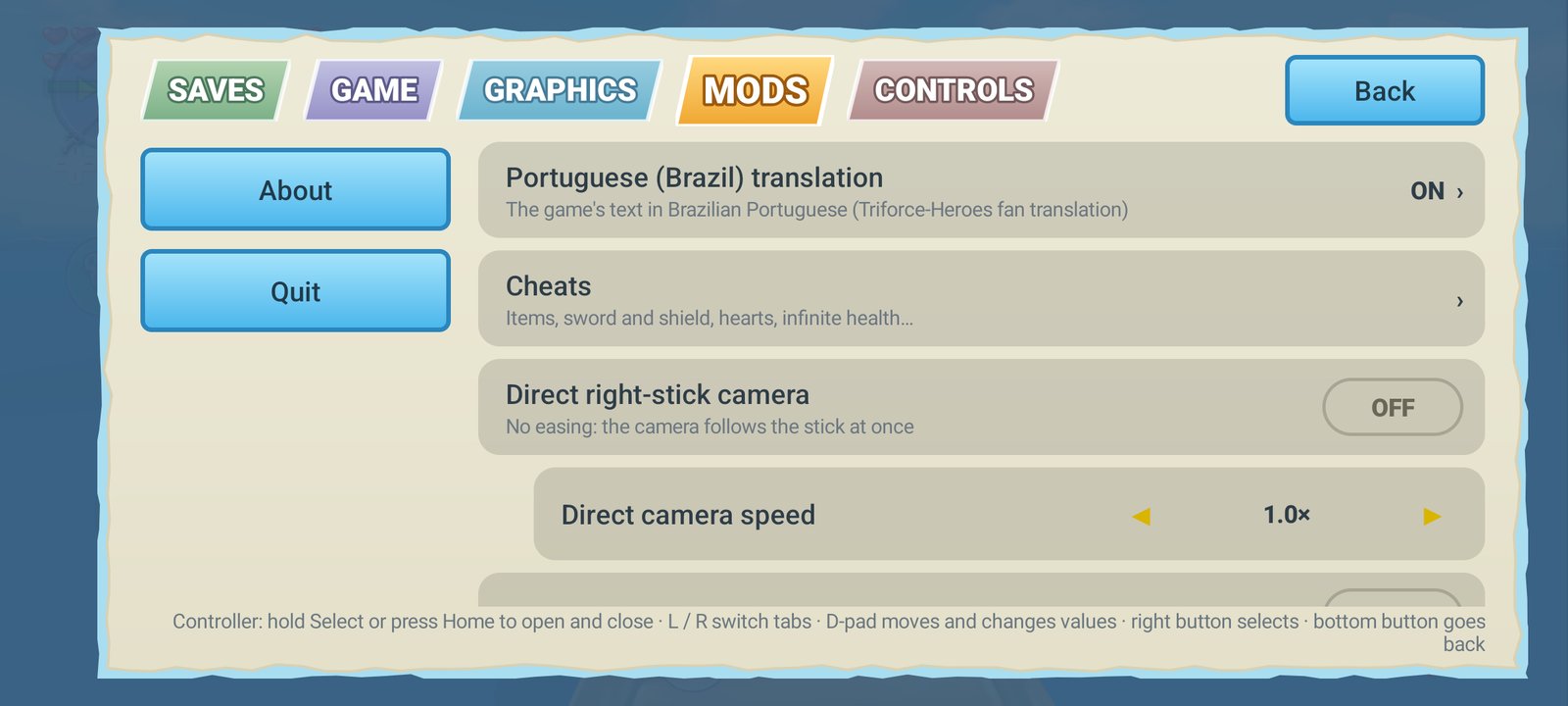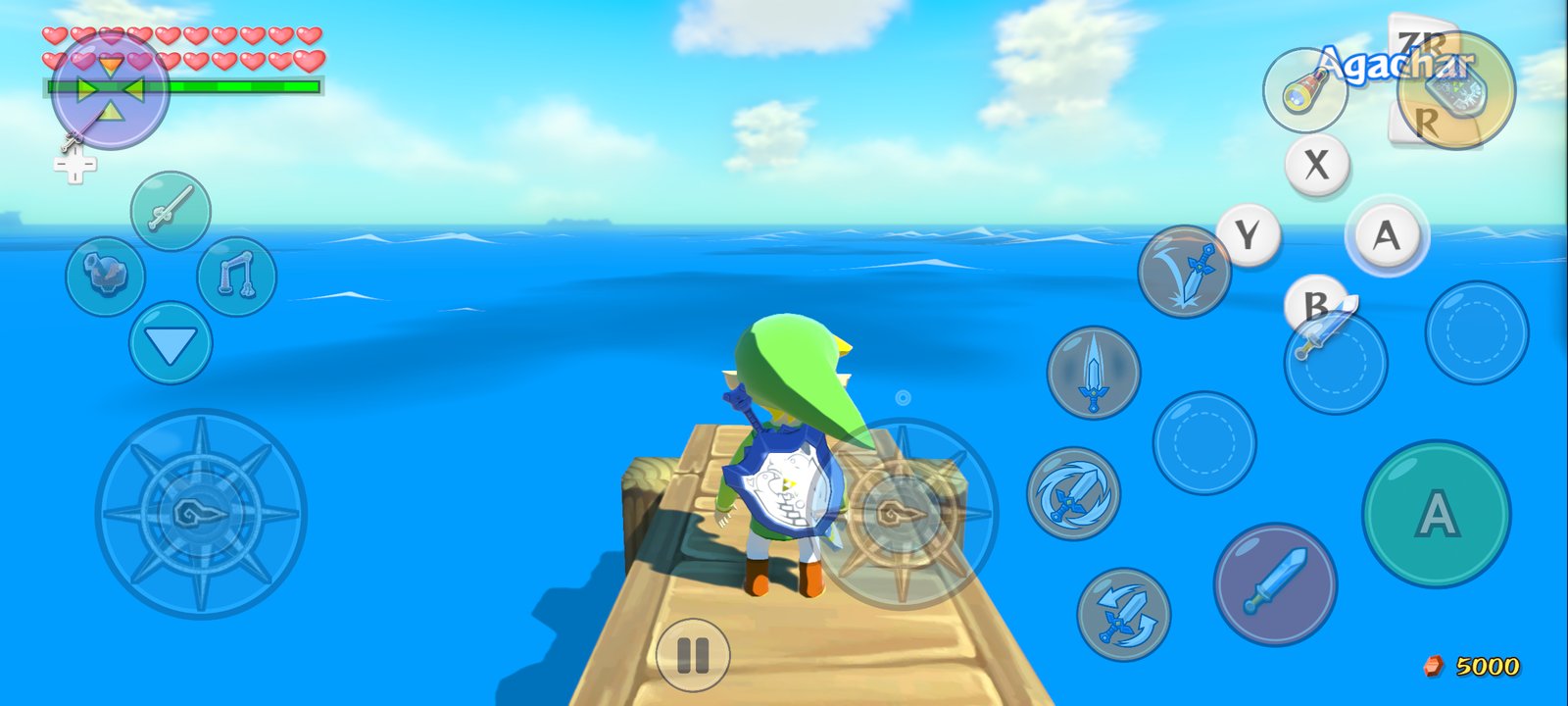
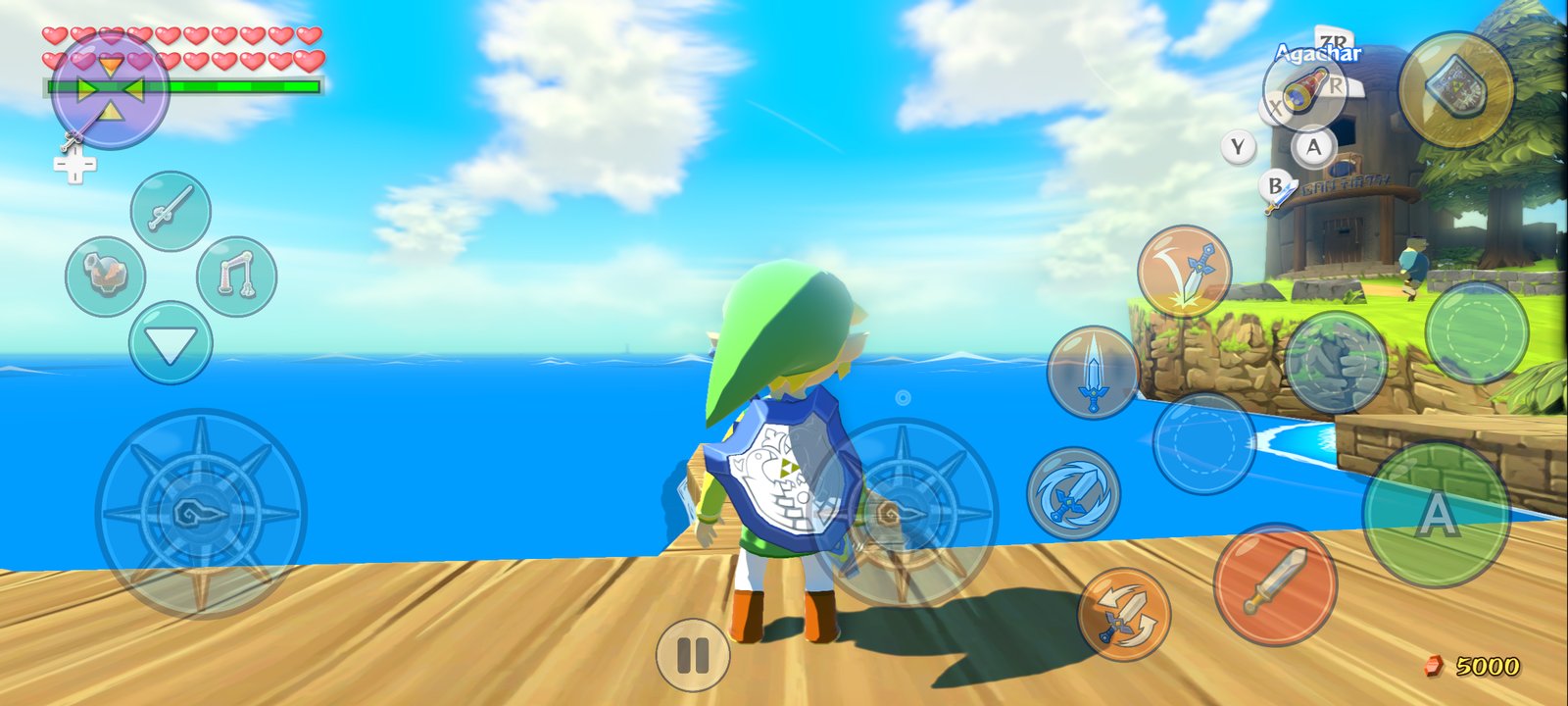
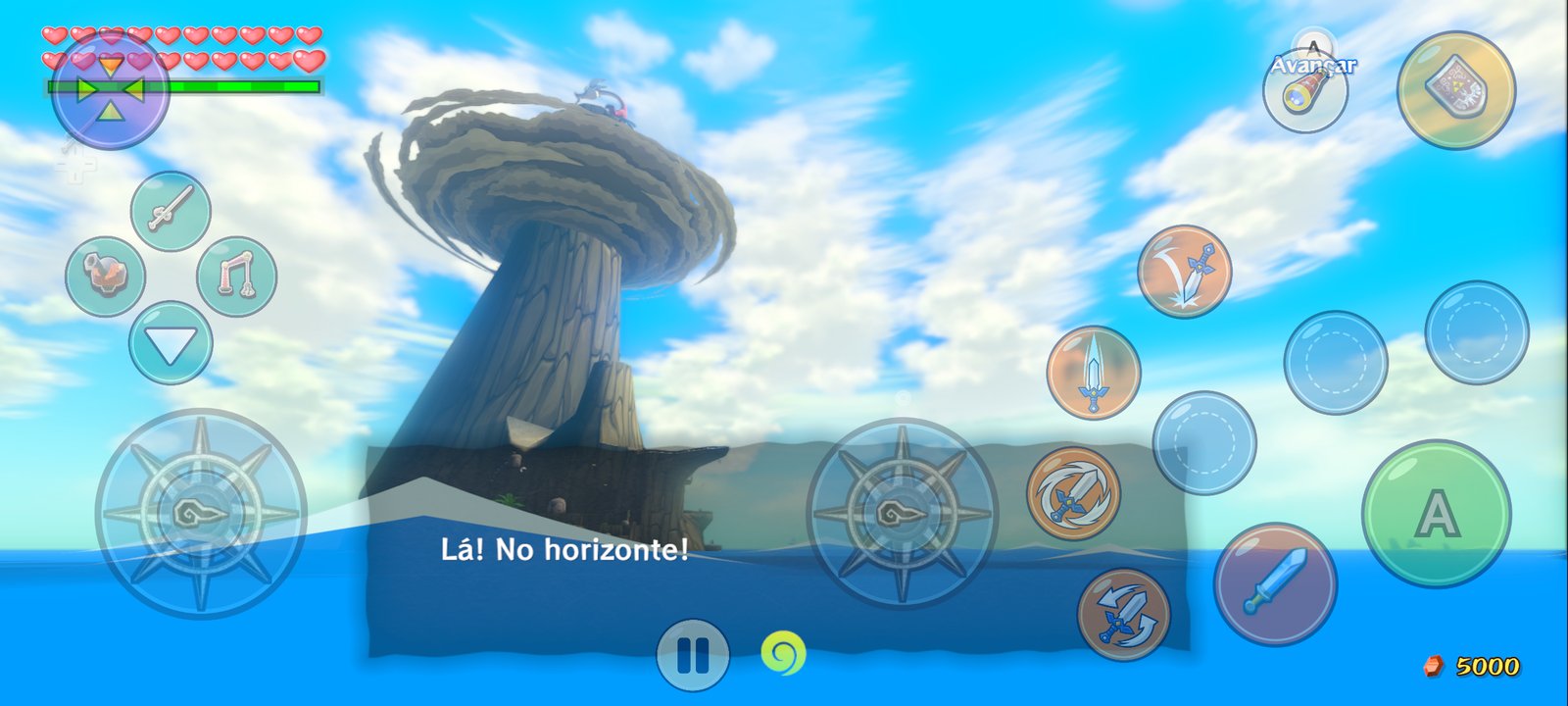
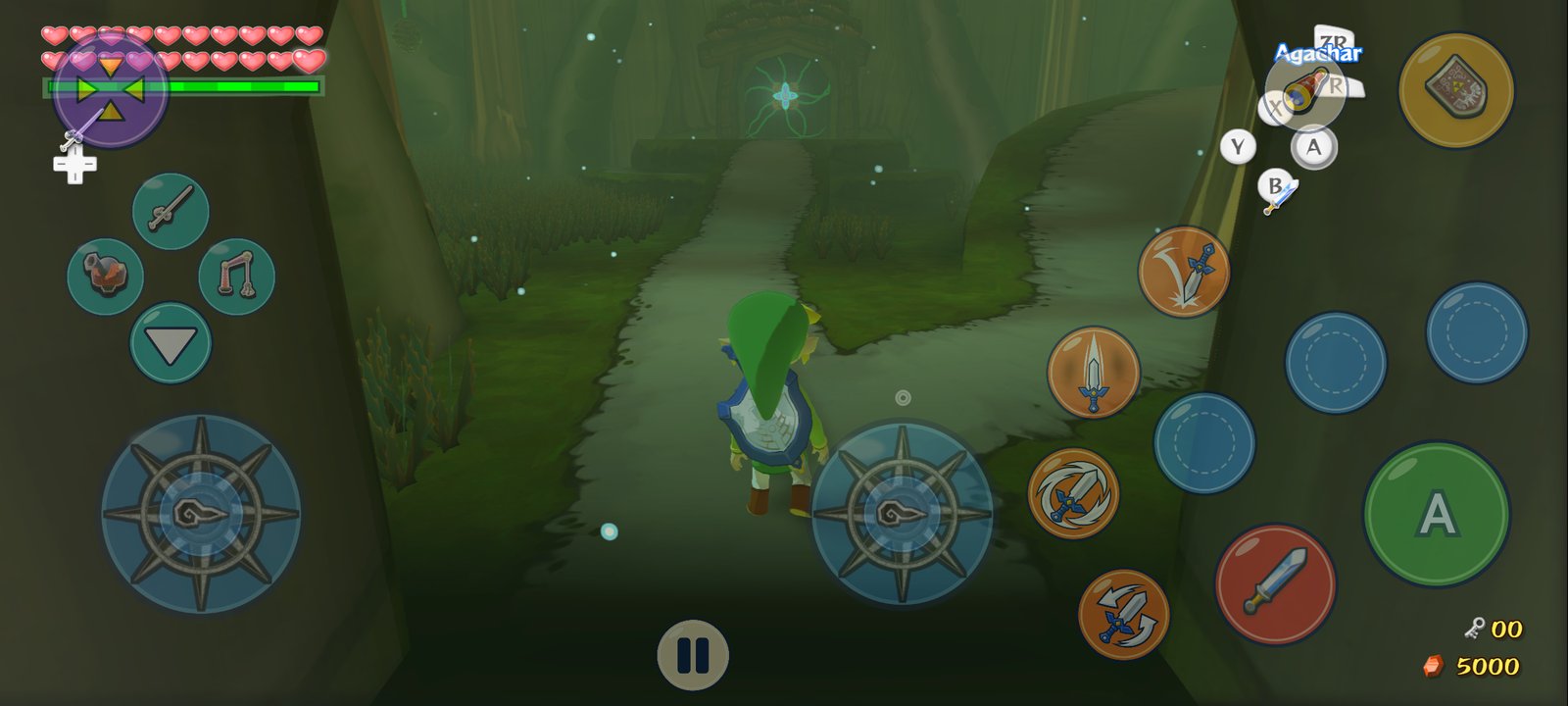
Screenshots taken on a Samsung Galaxy S20 FE 5G (Snapdragon 865), full screen at 2400 × 1080.
--- ## Contents - [Download](#download) - [What's new in Plus](#whats-new-in-plus) - [Getting started](#getting-started) - [How to play](#how-to-play) - [Settings guide](#settings-guide) - [Performance](#performance) - [Troubleshooting](#troubleshooting) - [Building from source](#building-from-source) - [Credits](#credits) - [Legal notice](#legal-notice) --- ## Download Get the latest APK from the **[Releases page](../../releases/latest)**. **Requirements** - Android 11 or newer, 64-bit ARM (arm64-v8a) - A GPU with Vulkan 1.1 (Adreno, Mali, Xclipse, PowerVR) - About 2 GB of free storage (the extracted game) and 2 GB of free RAM for the one-time setup - Your own copy of The Wind Waker HD for Wii U: USA, Europe or Japan --- ## What's new in Plus ### 🆕 New in v1.11.1: Beedle's shop no longer closes the game, a steady 60 fps (generated), a round telescope - **Leaving Beedle's Shop Ship no longer closes the game** (and the game starts normally again): on the way out the game sails you back to the sea room it noted on the way in, and halts if that room is missing (its own check, `d_stage.cpp`). The room is now made sure of when you go in and when you come out (from the ship's position on the sea when the game has none). Tested going in, talking or not, walking out, going in again and out again. - **60 fps (generated) without trembling**: the in-between frame now decides, for every 4x4 pixels, whether that part of the picture stays still in the world, follows the camera (Link, his boat, the title's boat) or moves on its own, by checking each against the previous picture. Deciding it per 16x16 block split objects in two (the title's dragon came out torn and shaking). On the title screen the depth of Outset was also lost (the game draws the boat over a cleared depth buffer): it is now kept, so the cliffs and the bridge move exactly half-way in the in-between frame. The same GPU time as before. - **The telescope's round view is round again** with a widescreen picture (it was stretched into an ellipse with the rest of the first-person view's frame). - No more message about tapping the menus in Pro Controller mode. ### 🆕 New in v1.11: 16% less GPU work, a cleaner 60 fps, saves that survive updates, a real autosave, clean screen edges - **60 fps (generated) redone: no torn objects in fast camera turns, no halos around the HUD.** The in-between frame used to look, for each pixel, for the scene's pixel that lands there; where something near stands in front of something far that search has two answers, and in a fast turn thin parts (the King of Red Lions' fins, railings, leaves) came out torn into strips or doubled at the screen's edge. The scene is now moved as a mesh (a point every 2-3 pixels, each moved by the camera's and the object's own movement, with a depth test): what is near always covers what is far, and what a near object uncovers is filled from what is behind it. The HUD is no longer told apart by comparing pictures: every HUD draw also writes how much of the scene it covers, so the scene moves behind translucent icons, frames and glows too, while the HUD itself stays still. It costs ~1.9 ms of GPU per generated frame more than before (S20 FE at 1.5x: 23.9 ms per pair of frames out of 33). - **The game no longer runs twice as fast at 120 Hz and above** with 60 fps (generated) on a phone whose screen runs at 120 Hz (the game's step was paced at the screen's refresh instead of 30 Hz). - **Autosave without the freeze**: an autosave held the game for 0.4-1.6 s (writing ~235 MB with the game stopped). The memory is now written ahead, while the game runs, and at the autosave only what changed since (a few MB) is taken: the game stops for 0.1-0.3 s, at a moment where it isn't felt (a menu, a dialogue, just after entering an area). The save threads also no longer crowd the one core the game runs on, which made every save state faster. - **Protection against a crash that comes back at every start**: a shader or pipeline the GPU driver crashes on is remembered and skipped the next time, so the game can't be stuck crashing on the loading screen (reported after entering Beedle's shop from the boat; it wasn't reproduced here, but whatever the driver crashed on is now left out at the next start). A crash log is still kept. - **A controller connected: touching the screen no longer brings the on-screen controls back.** With **Controls act as: Wii U GamePad** the controller works as the GamePad and the game's menus can be tapped as on the GamePad. In Pro Controller mode the game's menus don't take touches (as on the console); a touch in a menu says where to change it. - **Saves that are never lost again** (**Saves → Saves outside the app**): allow Android's **"All files access"** once and the app keeps a copy of your game save, **your save states** and your settings in the **`WindWakerHD Plus`** folder of your phone, updated as they change. That folder stays when the app is uninstalled, so an update signed with another key (which Android only installs after uninstalling the old app) or a reinstall **brings everything back by itself** the first time the game starts without a save. With the access the app also finds the automatic backups of earlier versions in `Download/WindWakerHD Saves`. - **Autosave on by default, and when you leave the game**: a state in the **Auto** slot every 5 minutes of play (1, 2, 5 or 10 in **Saves → Autosave**), and another one as you lock the phone or switch apps, where Android may close the game without a word. The game pauses once it is written. - **The controller select and file select screens no longer flicker at the edges**: their background, drawn to the TV and the GamePad at once, was now and then stretched over the wider picture for a frame (the screen each layout was last drawn to raced the render thread). - **No more dark band or glow along the screen edges**: the widened and half-size buffers were created a fraction of a pixel larger than what was drawn into them, so their last column (or row) kept an old picture or the clear colour, and the bloom, blur and ambient occlusion spread it into a dark or bluish band along the right and bottom edges (seen at 1x and 1.5x on a 20:9 screen). The 1-pixel bars beside a picture of almost the window's shape are gone too. - **The graphics rewritten for phone GPUs: −16% of GPU work per frame, the same picture.** On a Galaxy S20 FE at 1x (Outset at night, the same frame each time) the GPU now works **20.5 ms a frame instead of 24.4**, with nothing turned off: a frame rendered both ways is identical (2 of 1.15 million pixels differ by 1/255). - **The console's multiply without its cost** (−3.5 ms): the Wii U's GPU gives 0 × anything = 0, so every multiply in the translated shaders was a compare, a select and the multiply, ~16,000 of them in the game's shaders. The translator now proves, for each multiply, that neither operand can be infinite or NaN (a value only becomes one through a reciprocal, square root, log or exponential, integer bits read as a float, or a memory read; register by register, following the program's flow), and emits a plain multiply there. The reciprocals, roots, logs and exponentials themselves are kept finite (±2⁶⁴ instead of ±infinity, so 0 times them is still 0 as on the console). Pixel shaders: 8,699 emulated multiplies → 226; vertex shaders 8,487 → 471. The first start after updating prepares the shaders again (once). - **No more scene passes broken in the middle** (−0.5 ms): a texture drawn earlier in the frame and first read in the middle of the scene pass needed a layout change, which ended the pass: the GPU stored the whole scene (colour, its second target and depth, ~15 MB) and loaded it back, four times a frame. Each pass now remembers what it reads and gets it ready before it begins: the scene is drawn in 2 passes instead of 5. - Clears are done by the render pass that draws next instead of being written to memory and read back (saves a full write and read of each cleared target on GPUs that render in tiles: Mali, Turnip; Qualcomm's own driver already did this by itself). - The game's blur reads one tap at 1x on a 20:9 screen again (the area-sampled taps meant for higher resolutions were used for the widened buffers too). - **Dynamic resolution follows the GPU load too**: while the GPU can't keep up, the 3D resolution steps down (to 0.6x on weaker phones), and back up when there is room again. - **Graphics: Light** (**Graphics → Graphics**), for weaker GPUs: no ambient occlusion and no distant shadows (19.3 ms instead of 20.5 on the S20 FE). Adreno 5xx and the smaller 6xx, Mali G31–G72 and PowerVR start with it. - **Defaults for a new install**: **30 fps** (the game's own rate and the lightest; 60 fps generated is a choice in **Graphics → Frame rate**), Original resolution (720p), the phone's language for the app and the game. **Game → Game language** lists **Português (Brasil)** (the built-in translation). - **Release builds refuse to be signed with a debug key** (v1.10 was, which is why it couldn't be updated over v1.9 and v1.11 can't be installed over it). ### 🆕 New in v1.10: smooth area changes, no black flashes, save states that don't close the game, a cool phone in your pocket - **Much smoother when going from one area to another**: entering an area translated hundreds of shaders again for 2-4 frames (100-230 ms stutters), even in an area visited minutes before, and each time the result was the same. The shader key took in register state the translation never reads (an earlier shader's leftover vertex semantics, export IDs and pixel inputs, the blend and write-mask bits of the colour targets). On a Galaxy S20 FE, eight area changes twice over: 15,737 → 4,962 shaders, **none** translated when coming back to an area (~1,500 before), worst frame entering an area 226 → ~120 ms, coming back ≤ 77 ms. Less memory as well. - **No more black or flashing 3D picture**: a few pixels whose colour came out as NaN (the Wii U's GPU gives 0 for 0 × infinity, this one doesn't) were spread by the bloom and blur over the whole screen: the 3D picture went black for some frames while the HUD stayed (seen in a night storm at sea, 10% of the frames). Every pixel colour is kept finite now. The first start after updating compiles the shaders again (once). - **The game pauses when you lock the phone or switch apps**: before, it kept playing unseen (enemies and timers going on), drawing for no window and mixing sound nobody heard, a whole CPU core busy with the screen off. Now it waits where it is: **CPU in the background 100% → 4%**, much less battery and heat, and it continues exactly where you left it, without glitches. - **Save states no longer close the game a few seconds after saving**: saving held the whole state (~235 MB) in memory until it was written, and loading read the whole file into memory, so Android closed the game for low memory on 6 GB phones (and a state could seem impossible to load). Now the state is written as it is compressed and the file is read in place: ~45 MB extra instead of ~235 MB. Saving holds the game for about a second. - **Hybrid layout: the GamePad comes up for the Wind Waker's songs** (#14), as it does for the pause menu (thanks [jaimepa17](https://github.com/jaimepa17) for the detailed report). - **Rotation**: the app changes Android's rotation settings only where the system ignores the game's landscape. A lock screen or another app that turns the screen no longer fights with the game. ### 🧊 New in v1.9: no more closing between areas, shaders ready before you play, a cooler phone - **No more "crashes" when going from one area to another**: the game's GPU memory grew with every area visited (textures were never freed) until Android closed the game for low memory, without a crash log. Textures the game no longer uses are freed now, and upload memory is given back: on a Galaxy S20 FE, 44 areas in a row end at ~1.6 GB instead of being closed past 2.4 GB. - **Every shader prepared behind the loading screen** (**Graphics → Prepare all shaders at start**, on by default): the pipelines your cache knows are built before the game starts instead of a few per frame while you play, which caused stutters for the first minutes. - **A much lighter shader cache**: the same shader was kept as hundreds of thousands of variants. The first start after updating compacts it once (on the test phone: 335 MB → 11 MB, loading 17-24 s → under a second, ~550 MB less memory), and an area you visited before no longer translates hundreds of shaders as you enter it (100-450 ms hitches). - **Lower resolution when the phone gets hot** (**Graphics**, on by default): above 1x, the resolution steps down while the phone is hot and returns when it cools (Windfall at 1.5x on a hot S20 FE: GPU busy 81% → 56%). Less heat, less battery, no throttling. - **Save states survive updates and frame rate changes**: states saved by another version or session failed with "host function ... is not registered at the same address". Older states load now too. - **Autosave without the pause in the middle of the action**: it waits for a menu, a dialogue or the moment after entering an area. - **Controllers**: - **Select + Start** opens and closes the options menu. - Sticks that don't reach the edge of their range (Retroid Pocket 6 pushed up) now make Link run (#12). - A controller that reports motion sensors but sends nothing: the phone's gyro is used. - **Android 11 and 12**: the app no longer closes at start (#11, Huawei MatePad). - From the original project: a shader translation reserves 1 MB instead of 12 MB, and an allocation failure there no longer crashes. ### 🌐 New in v1.8: autosave, Spanish menus, any translation - **Autosave** (**Options → Saves → Autosave**): an **Auto** save-state slot, above slot 1, written every 1, 2, 5 or 10 minutes while you play a save file. Off by default. By [jaimepa17](https://github.com/jaimepa17) (#7). - **The app in Spanish**: every menu, dialog and setup screen, following the phone's language or chosen in **Game → App language**. By [jaimepa17](https://github.com/jaimepa17) (#6). - **HUD buttons and cheats after a heart piece**: the X/Y/R touch buttons and the cheats stopped working once Link's maximum health wasn't a whole number of hearts. Fixed by [jaimepa17](https://github.com/jaimepa17) (#8). - **Any fan translation of the game**: **Mods → Portuguese (Brazil) translation → Install another translation (any language)…** takes a translation's folder (Korean, say). The built-in Portuguese one no longer replaces it, and the button icon mod leaves the HUD's text alone when the translation's font lacks the characters it uses. - **Recompiled game code built with wrapping integer arithmetic** (as the original project's #172): a signed overflow in the game behaves as on the Wii U instead of being undefined. The game code is prepared again once after updating (about 10 minutes). ### 🔄 New in v1.7: up to date with both projects, Turnip without restarts, always landscape - **Up to date with the Enhanced fork (1.3–1.4) and the Android port (v0.9.3)**: - **Frame rates**: 120 fps on 120 Hz screens; 60 fps is now paced (frames that don't fit are left out and the game keeps its speed) and replaces the adaptive mode. 60 fps (generated) stays the default. - **Fewer GPU hangs with Qualcomm's older drivers** (v502 on Adreno 640/650, such as the Galaxy S20 FE's own): pipelines are created one at a time there. - **Save states with much less memory** (compressed while they are made) and **shaders using far less memory** after long sessions. - **Moon jump** cheat (hold L to fly), a loading screen while the shader cache loads, optional **console-accurate blur**, a **command recording thread** setting, fuller crash logs. - After a GPU hang, the next start **offers another GPU driver** (or the system's). - **Turnip (Mesa) drivers fixed on Adreno 6xx**: above 1x resolution, Turnip **restarted the whole phone** at the first frame on a Galaxy S20 FE (a fatal bus error in the chip). The app now turns off UBWC compression for Turnip on Adreno 6xx by itself: 1.5x and 2x run, and 1x is as fast. - **A driver that failed can be chosen again**: after a crash, choosing the same driver used to send the next start straight back to the system driver without trying it. A driver that crashes is now named when the game starts. - **Always landscape**: some ROMs ignore the game's orientation, and Samsung's game tools turn auto-rotate on when a game starts, so the game could show in a portrait strip. The app asks once for **"Modify system settings"** and then keeps the screen in landscape while you play (the side you hold the phone), giving your rotation settings back when you leave. - **Button icons: Wii U, Xbox or PlayStation** (**Mods → Button icons**): the touch controls and the game itself (the HUD's button guide and the icons in its text, "Press A") show the symbols of the controller you play with, in the game's own font, following the buttons you assigned (a remapped button shows its own symbol). The game's icons change after a restart. - **From the original project (ZeldaWWHDRecomp)**: - Frame pacing: a frame that misses its vsync is shown as soon as it is ready instead of a whole vsync later, and the 60 fps step follows the display's own refresh. - Faster recompiled game code (float compares, paired-single loads and stores): the game thread takes 7% less time per frame. - Minigame timers (letter sorting, auctions, boat race) no longer run twice as fast at 60 fps, Link no longer flickers in conversations, and sails and flags move smoothly at 60 fps. - **60 fps (generated) steadier**: Link and the title's boat no longer shake back and forth. - **Recommended Turnip for Adreno 650** (Galaxy S20 FE, Snapdragon 865): see [Performance](#performance). ### ⚡ New in v1.6: performance and safer saves - **60 fps (generated)**, the new default frame rate. The game runs at its own 30 fps and every other frame is made on the GPU from the last one. It uses the scene's depth and the camera's movement, plus a motion search for things that move by themselves, like Link and enemies. The HUD is kept exactly as the game drew it. On a Galaxy S20 FE it holds **~60 fps while moving even in the heaviest places** (Gohma's room, Forest Haven, Hyrule), where the 60 fps mode, which draws every frame, drops to 53–55. The game's speed is unchanged: it never speeds up or slows down. - **Steadier 60 fps mode**: one frame of buffering in the game's vsync wait, so a single slow frame no longer drops the game into a run of 30 fps frames (Outset Island, standing: 51 → 60 fps). - **Less GPU work per frame** (−8 to −14%, Gohma's room 24.4 → 22.4 ms): - Half-size bloom. - Post-processing buffers stay at native size when you raise the resolution. - The hidden GamePad picture is no longer drawn. - Fewer render passes. - A new **Graphics → Distant shadows** option skips the far shadow cascade on weak GPUs. - **Fewer stutters from the CPU side**: game files are decompressed natively with a cache, and the game's busy-wait loops yield the CPU. - **Saves you don't lose**: - **Automatic backup** of your game save to `Download/WindWakerHD Saves` on your phone. It survives uninstalling the app and is updated whenever the game saved; you can turn it off in **Saves**. - On a fresh install with no save, the app **offers to restore it** from there. - Export and import still work for any folder (and for saves from Cemu). - **Item menu arrows fixed** in widescreen: the first page no longer shows a left arrow and the last page no longer shows a right arrow. - **Permanent release key**: from v1.6 on, every update installs over the previous version and keeps your saves and settings. ### 🇧🇷 Brazilian Portuguese - **Built-in translation of the game** by [Triforce-Heroes](https://triforce-heroes.com.br) (v2025.08.05, 100%). The APK carries only the translated texts and the changed font glyphs, as a 470 KB patch. On the first start the app builds the translated message pack from **your own** game files and checks it against the original. Turn it on or off in **Mods → Portuguese (Brazil) translation**. It is on by default when your phone is set to Portuguese. - **The whole app in Portuguese**: every menu, dialog and setup screen. It follows your phone's language, or choose it in **Game → App language**. ### 🎮 Controls - **Camera stick**: a fixed right analog stick for the camera. You can still swipe on the right side of the screen. - **Skip button in cutscenes**: during story scenes the touch controls disappear and a single **Skip ▶▶** button appears. It presses + twice, as the game asks, in both GamePad and Pro Controller modes. - **External controllers**: Xbox, PlayStation (DualSense, DualShock 4), 8BitDo, Switch Pro and generic gamepads. The right stick and the triggers are detected per controller, so generic layouts no longer swap them. **The touch controls hide as soon as a controller connects.** - **Motion controls from the controller**: gyro aiming with the controller's own sensors (DualSense, DualShock 4, Switch Pro, 8BitDo in Switch mode). If the controller has none (Xbox), the phone's sensors are used. **Controls → Motion controls** shows which sensors are in use. ### 🖥️ Display and HUD - **HUD layout editor** (**Graphics → HUD layout**): drag, resize and hide the hearts, rupees, item buttons, small keys and wind compass over the running game. You can also hide the whole HUD for a clean screen. - **Full screen beside the camera cutout**: the game fills the whole display (2400 × 1080 on a Galaxy S20 FE, instead of 2312). - **Widescreen item menu fixed**: with *Screen shape*, the pause and item menu and every page of it now render correctly. - **Menus that fit any phone**, with a *Menu size* setting. ### 📦 Game setup - **`.wua` archives** (Cemu's compressed format) as a game source. They need no keys; an update or DLC in the archive is skipped. ### 🛡️ Stability - **GPU safe mode**: if the game closes because of the GPU driver, the next start turns on a safe level by itself, tells you, and can be changed in **Graphics → GPU safe mode**. - **Fixed a GPU hang at the title screen** on Adreno 650 with Qualcomm's driver (Galaxy S20 / Snapdragon 865). - **Fixed save states closing the app** on phones with 6 GB of RAM. - **Faster game thread**: the game's main thread runs on the prime core by default, and wake-ups that nobody waits for are skipped. ### And everything from Enhanced and the Android port Floating movement stick, context buttons that follow your items, one-touch combat moves, a touch layout editor, native widescreen, 60 fps by frame interpolation, fixed shadows, pinch-to-zoom camera, save states, cheats, gameplay mods (quick doors, fast scenes, climb any wall, faster running…), custom GPU drivers on Adreno, frame generation and more. See [docs/enhanced-readme.md](docs/enhanced-readme.md) and [docs/android-port-readme.md](docs/android-port-readme.md).