Open Interpreter
低コストモデル向けに最適化されたコーディングエージェント。ブログ記事 ↗
English • Español • 简体中文 • 日本語



> [!NOTE]
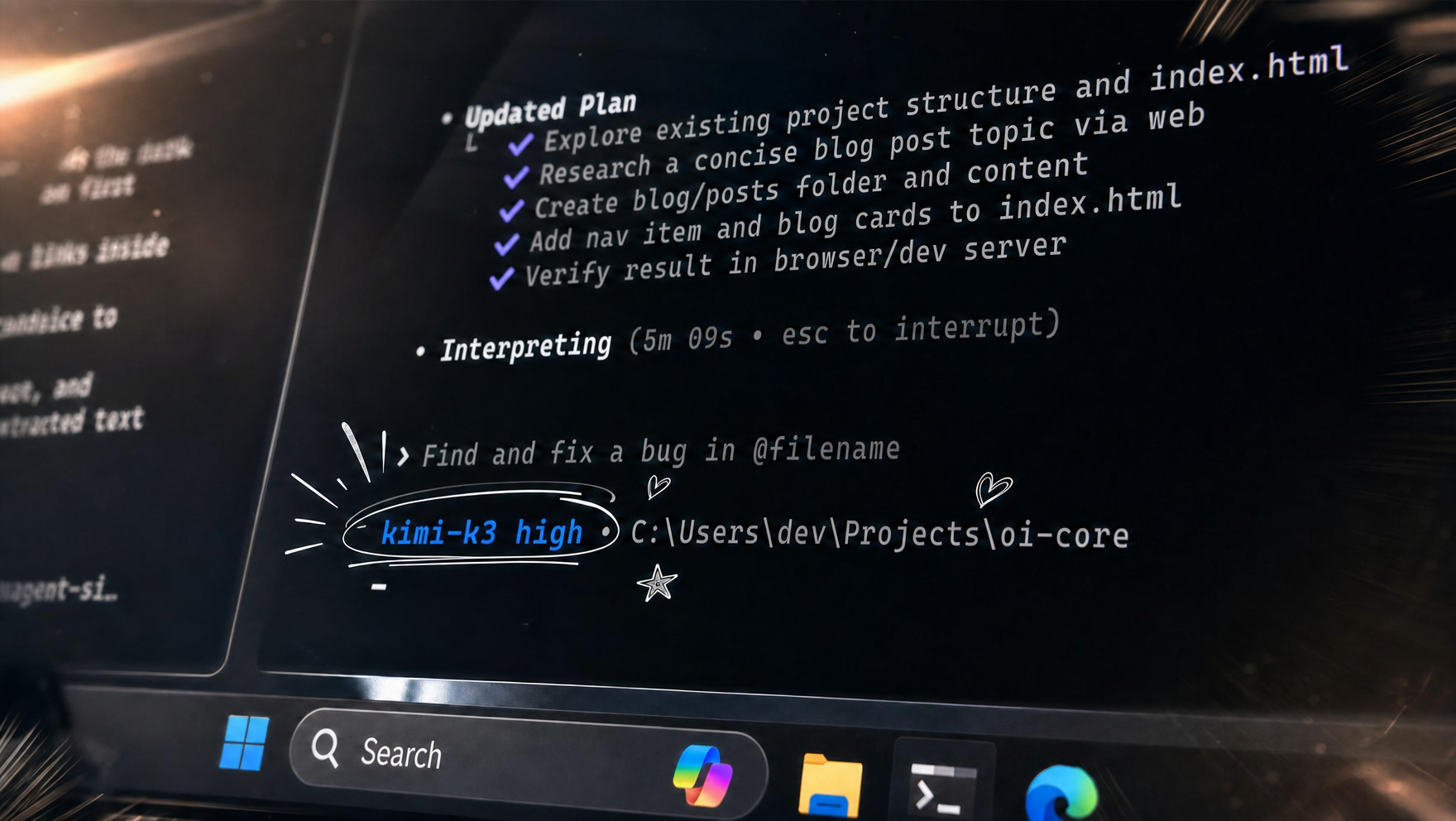
> **本日、Kimi K3 が登場しました。** プロバイダーが推奨する
> [Kimi Code](https://www.kimi.com/coding/en) ハーネスを Rust で再実装し、
> Codex ライクなインターフェースで K3 の性能を最大限に引き出せるようにしました。
> [**Kimi ドキュメント →**](https://www.openinterpreter.com/docs/terminal/kimi-k3?utm_source=github&utm_medium=referral&utm_campaign=readme&utm_content=kimi_k3_note)
## インストール
macOS と Linux:
```bash
curl -fsSL https://www.openinterpreter.com/install | sh
```
Windows:
```powershell
irm https://www.openinterpreter.com/install.ps1 | iex
```
インストール後、ターミナルで `i` または `interpreter` と入力するとセッションが始まります。
## ハーネスエミュレーション
Open Interpreter は OpenAI の Codex のフォークであり、低コストモデルの性能を最大限に引き出すエージェントハーネスのエミュレーションに重点を置いています。
`/harness` を使うと、有効なハーネスを切り替えられます:
```text
> /harness
native
claude-code
claude-code-bare
zcode
kimi-code
kimi-cli
qwen-code
deepseek-tui
swe-agent
minimal
```
詳しくは[ハーネスのドキュメント](https://www.openinterpreter.com/docs/terminal/harness?utm_source=github&utm_medium=referral&utm_campaign=readme&utm_content=harness_docs)と[プロバイダー設定ガイド](https://www.openinterpreter.com/docs/terminal/providers?utm_source=github&utm_medium=referral&utm_campaign=readme&utm_content=provider_guides)をご覧ください。
## ACP 互換、Codex 互換
Open Interpreter は [ACP 互換のエディターやクライアント](https://agentclientprotocol.com/get-started/clients)で動作します。クライアント側で `interpreter acp` を起動するように設定してください。例は [ACP ガイド](https://www.openinterpreter.com/docs/terminal/acp)にあります。
すでに OpenAI の Codex SDK で開発していますか? SDK はそのままに、
バイナリを 1 行で上書きできます:
```diff
-const codex = new Codex();
+const codex = new Codex({ codexPathOverride: "interpreter" });
```
Open Interpreter は Codex と同じ exec プロトコルを話します。[SDK ガイド](https://www.openinterpreter.com/docs/terminal/sdk)を参照し、`scripts/test-codex-sdk-compat.sh` を実行すると、プロバイダー不要でローカルに互換性を確認できます。
Open Interpreter 用の小さなウェブチャットを作るには、[ローカルのストリーミングチャットガイド](docs/streaming-web-chat.md)をご覧ください。デスクトップ、ブラウザー、ヘッドレスのフル機能クライアントには、[Interpreter Workstation](https://github.com/openinterpreter/interpreter-workstation)を利用してください。
## デフォルトでポータブル
Open Interpreter は、既存のエージェント環境を Open Interpreter 専用の形式に
閉じ込めるのではなく、その中に自然に収まることを目指しています。プロダクトの
目標は、共有された、ツールに依存しない標準とディレクトリを優先し、ユーザーが
作成したデータを読みやすいファイルで保持し、他の互換エージェントとの間を
簡単に行き来できるようにすることです。
現時点では、リポジトリの `AGENTS.md`、共有の `.agents/skills` ディレクトリ、
MCP、ACP、そして Codex exec プロトコルがこれに含まれます。`~/.openinterpreter`
以下のプロダクト固有のストレージは、実用的な共有標準がまだ存在しない設定や
ランタイム状態のために予約されています。従来のプロダクト固有のスキル
ディレクトリは互換性のために引き続き読み込まれますが、新しいスキルは
`.agents/skills` または `~/.agents/skills` に置いてください。
現在の境界と、それを発展させるためのルールについては[ポータビリティガイド](docs/portability.md)をご覧ください。
## コンピュータ操作
Open Interpreter には、あらゆるモデルがインターフェースを操作・テストできる QA スキルが同梱されています。[agent-browser](https://github.com/vercel-labs/agent-browser) を使って実際のブラウザで Web アプリを操作したり、[trycua](https://github.com/trycua/cua) を使ってネイティブアプリを操作・テストしたりできます。
## 機能
- macOS、Linux、Windows のネイティブなサンドボックス内でコマンドを実行します。
- `/model` で TUI からプロバイダーとモデルを切り替えられます。
- `interpreter --chat-completions` または `interpreter exec --chat-completions` で、
選択した任意の OpenAI 互換プロバイダーを Chat Completions 経由で実行します。
- `/harness` で Rust ネイティブのモデルハーネスを確認・切り替えできます。
- 組み込みの QA スキルで Web アプリとネイティブアプリをテストします。
- `interpreter acp` により、エディター向けの [Agent Client Protocol](https://agentclientprotocol.com/) エージェントとして動作します。
- 共有の `AGENTS.md` の指示と `.agents/skills` ディレクトリを再利用します。
- プロダクト専用の設定とセッション状態は `~/.openinterpreter` 以下にローカル保存します。
- `exec`、MCP、スキル、フック、パーミッション、`AGENTS.md` に対応しています。
## ドキュメント
- [ターミナルのドキュメント](https://www.openinterpreter.com/docs/terminal?utm_source=github&utm_medium=referral&utm_campaign=readme&utm_content=terminal_docs)
- [クイックスタート](https://www.openinterpreter.com/docs/terminal/quickstart?utm_source=github&utm_medium=referral&utm_campaign=readme&utm_content=quickstart)
- [インストールガイド](https://www.openinterpreter.com/docs/terminal/install?utm_source=github&utm_medium=referral&utm_campaign=readme&utm_content=install_guide)
- [設定](https://www.openinterpreter.com/docs/terminal/config?utm_source=github&utm_medium=referral&utm_campaign=readme&utm_content=configuration)
- [CLI リファレンス](https://www.openinterpreter.com/docs/terminal/cli-reference?utm_source=github&utm_medium=referral&utm_campaign=readme&utm_content=cli_reference)
- [ハーネス](https://www.openinterpreter.com/docs/terminal/harness?utm_source=github&utm_medium=referral&utm_campaign=readme&utm_content=harnesses)
- [モデルプロバイダーガイド](https://www.openinterpreter.com/docs/terminal/providers?utm_source=github&utm_medium=referral&utm_campaign=readme&utm_content=provider_guides)
- [Kimi K3](https://www.openinterpreter.com/docs/terminal/kimi-k3?utm_source=github&utm_medium=referral&utm_campaign=readme&utm_content=kimi_k3_docs)
- [DeepSeek](https://www.openinterpreter.com/docs/terminal/deepseek?utm_source=github&utm_medium=referral&utm_campaign=readme&utm_content=deepseek_docs)
- [Z.AI、GLM、ZCode](https://www.openinterpreter.com/docs/terminal/zai-glm?utm_source=github&utm_medium=referral&utm_campaign=readme&utm_content=zai_glm_docs)
- [Agent Client Protocol](https://www.openinterpreter.com/docs/terminal/acp)
- [Codex SDK](https://www.openinterpreter.com/docs/terminal/sdk)
- [ポータビリティ](https://github.com/openinterpreter/openinterpreter/blob/main/docs/portability.md)
- [サンドボックスと承認](https://www.openinterpreter.com/docs/terminal/sandbox?utm_source=github&utm_medium=referral&utm_campaign=readme&utm_content=sandbox_approvals)
- [ディストリビューションフォークのブランディング](FORK_BRANDING.md)
プロバイダーとモデルの一覧は Rust のリストとして手動管理されるのではなく、
生成されます。`codex-rs` から、`python3 scripts/write_provider_catalog.py` を
実行するとホストされている全プロバイダーを更新できます。`--provider
` を繰り返し指定すれば、選択したプロバイダーのエントリだけを
更新できます。ライブのモデルソースを利用するには、[プロバイダーのドキュメント](https://www.openinterpreter.com/docs/terminal/providers?utm_source=github&utm_medium=referral&utm_campaign=readme&utm_content=provider_catalog_generation)に記載されているプロバイダーの認証情報が必要です。
> [!NOTE]
> これは Codex をベースにした Open Interpreter の新しい Rust 版です。オリジナルの Python プロジェクトをお探しですか? コミュニティによってメンテナンスされているフォーク [endolith/open-interpreter](https://github.com/endolith/open-interpreter) として存続しています。
## ライセンス
Apache-2.0