ContextWeave: A Real-World Workflow Benchmark



## Overview
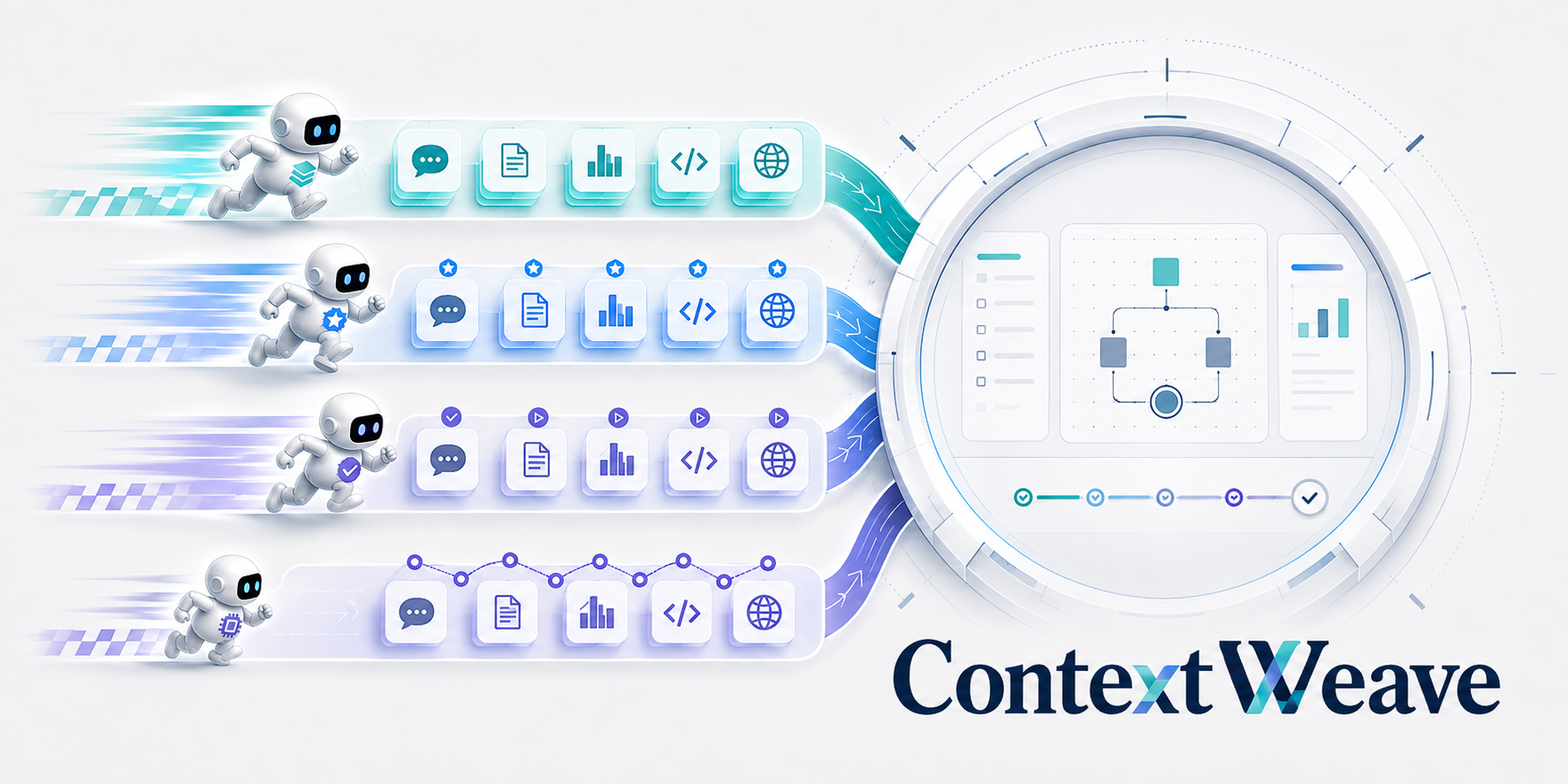
ContextWeave evaluates memory systems for coding agents on long-horizon personal worklog tasks. Each task provides a reference workspace state, reference message history, task metadata, and evaluation rubrics. A memory component is injected before the agent runs, then the benchmark compares the resulting behavior with the no-memory baseline and reference records.
## Contents
- [Overview](#overview)
- [Repository Layout](#repository-layout)
- [Getting Started](#getting-started)
- [Environment Setup](#environment-setup)
- [Data Preparation](#data-preparation)
- [Docker Images](#docker-images)
- [Running the Benchmark](#running-the-benchmark)
- [Run a Memory Component](#run-a-memory-component)
- [Run Metrics](#run-metrics)
- [Memory Diagnostics](#memory-diagnostics)
- [Workspace Metrics](#workspace-metrics)
- [Memory Components](#memory-components)
- [Data Format](#data-format)
- [Typical Workflow](#typical-workflow)
- [Citation](#citation)
## Repository Layout
```text
data/
task_data.tar.zst Compressed benchmark data archive.
README.md Data extraction instructions.
tasks/ Task metadata, reference traces, resources, and image references.
meetings/ Meeting and context resources used by selected tasks.
metrics/
preference/ Global preference rubrics by person.
relevance/ Reference historical excerpts by person.
docker/
images.json Reference Docker image manifest.
download_images.py Pull and tag required reference images.
check_images.py Verify required local images exist.
contextweave/
run_component.sh Run a memory component on benchmark tasks.
run_metrics.sh Run preference, memory, and workspace metrics.
plugins/ Built-in memory components and extension interface.
runner/ Benchmark runner implementation.
metrics/ Metric implementations and prompts.
outputs/ Local run outputs.
```
## Getting Started
### Environment Setup
Use Python 3.11 or newer:
```bash
cd /path/to/contextweave
uv sync
source .venv/bin/activate
```
The core install includes the runner, metrics, Docker workflow,
OpenAI-compatible client support, and basic local-service dependencies. Remote
service components such as `memos`, `supermemory`, and `memu`, together with the
local `simple-text` example, can run from this environment.
Some memory components need extra dependencies. Install the component groups you want to run:
```bash
uv sync --group a-mem
```
You can also install all built-in component dependencies into the same environment:
```bash
uv sync --group mem0 --group langmem --group reme --group a-mem --group memorybank
```
Install Codex CLI for running the coding agent and workspace metrics:
```bash
npm install -g @openai/codex@0.135.0
codex --version
```
Create a local `.env` file for API keys and model endpoints:
```bash
cp .env.example .env
```
Edit `.env` with the services you want to use. Existing shell environment variables take precedence over values in `.env`, so you can override a setting for one run without editing the file.
### Data Preparation
Benchmark data is included as a compressed archive:
```text
data/task_data.tar.zst
```
Extract it once before running the benchmark:
```bash
cd data
tar --zstd -xf task_data.tar.zst
cd ..
```
After extraction, the runner reads task metadata, reference message logs,
resources, preference rubrics, and relevance excerpts from:
```text
data/tasks/
data/meetings/
data/metrics/
```
### Docker Images
The benchmark starts each subtask from a reference Docker image. Download the required images before running tasks:
```bash
python docker/download_images.py
```
Download images for one person:
```bash
python docker/download_images.py --person heyifan
```
Check whether all required local images are available:
```bash
python docker/check_images.py
```
The workflow files use local image names such as `reference:base` and `reference-heyifan:state_0001`. `download_images.py` pulls the remote GHCR images and tags them to these local names.
## Running the Benchmark
### Run a Memory Component
Run both `with_recall` and `without_recall` for one person:
```bash
PERSON=heyifan \
MEMORY_SYSTEM=memos \
bash contextweave/run_component.sh
```
Run one subtask:
```bash
PERSON=heyifan \
MEMORY_SYSTEM=memos \
SUBTASK_ID=subtask_0003 \
bash contextweave/run_component.sh
```
Useful environment variables:
```text
PERSON Person/task set to run.
MEMORY_SYSTEM Memory component name, such as memos, memorybank, a-mem, or simple-text.
RECALL_MODE both, with_recall, or without_recall. Default: both.
SUBTASK_ID Run one subtask.
START_SUBTASK_ID Start from this subtask.
END_SUBTASK_ID Stop at this subtask.
CODEX_BASE_URL OpenAI-compatible endpoint for the agent. Default: http://127.0.0.1:8787/v1.
CODEX_API_KEY API key for the agent endpoint. Default: dummy.
CODEX_MODEL Agent model name. Default: gpt-5.5.
CODEX_REASONING_EFFORT Agent reasoning effort. Default: none.
OUTPUT_ROOT Output directory. Default: ./outputs.
FORCE Set to 1 to rerun completed subtasks.
COMMIT_IMAGES Set to 0 to skip committing result Docker images.
```
Outputs are written under:
```text
outputs////with_recall/
outputs///without_recall_baseline/without_recall/
```
Use `MEMORY_SYSTEM=none` to run the no-memory path directly.
### Run Metrics
Run all metrics after component outputs exist:
```bash
PERSON=heyifan \
MEMORY_SYSTEM=memos \
bash contextweave/run_metrics.sh
```
Run selected metric modules:
```bash
PERSON=heyifan \
MEMORY_SYSTEM=memos \
MODULES="preference memory" \
bash contextweave/run_metrics.sh
```
Run selected subtasks:
```bash
PERSON=heyifan \
MEMORY_SYSTEM=memos \
SUBTASKS="subtask_0003 subtask_0004" \
bash contextweave/run_metrics.sh
```
Metric judge configuration:
```text
JUDGE_BASE_URL OpenAI-compatible judge endpoint. Default: http://127.0.0.1:8787/v1.
JUDGE_API_KEY Judge API key. Default: dummy.
JUDGE_MODEL Judge model. Default: gpt-5.5.
JUDGE_ENDPOINT responses or chat-completions.
MEMORY_EMBEDDING_BASE_URL Embedding endpoint for semantic relevance. Required for the memory module.
MEMORY_EMBEDDING_API_KEY API key for the embedding endpoint. Required for the memory module.
MEMORY_EMBEDDING_MODEL Embedding model. Default: text-embedding-3-small.
```
#### Memory Diagnostics
The memory module reports four groups of diagnostics: relevance (LLM score and
embedding-based similarity, recall, and precision), continuity (environment
familiarity and tool-call purpose), solvability (unresolved no-recall problems
that the actual recall can solve), and hallucination robustness (LLM score and
memory-induced execution problems). Reference excerpts used by relevance are
released under `data/metrics/relevance/`; their private construction pipeline is
not required to reproduce metric computation.
The implementation follows the same four-part layout:
```text
contextweave/metrics/memory/
relevance/ Relevance score and semantic matching.
continuity/ Environment familiarity and tool-call purpose.
solvability/ No-recall problem extraction and recall solvability.
hallucination/ Hallucination robustness and memory-induced problems.
common.py Shared trace parsing and judge helpers.
run.py Unified runner and summary generation.
```
Per-task metric outputs are stored under
`outputs////metrics/memory/runs//`.
Each dimension writes named,
validated JSON files such as `semantic_relevance.json`,
`tool_call_purpose.json`, and `problem_solvability.json`; raw API request and
response payloads are not stored. No-recall problem and tool-call annotations
are cached once under
`outputs///without_recall_baseline/metrics/memory/shared_no_recall//`
and reused by all memory components.
#### Workspace Metrics
Workspace metrics use Codex to inspect Docker images. Configure it with:
```text
CODEX_BASE_URL
CODEX_API_KEY
CODEX_MODEL
METRICS_CODEX_REASONING_EFFORT
```
By default, workspace grading resolves reference images as
`reference-:state_`, matching the local tags created by
`docker/download_images.py`.
## Memory Components
Built-in components live in:
```text
contextweave/plugins/plugins//
```
All released components set their `_MAX_CONTENT` value to `none`, so
individual message contents are passed to the memory component without the old
8,000-character truncation. Component-specific recall-output limits remain
separate settings.
Each component is registered by a `component.json` manifest. See [contextweave/plugins/README.md](contextweave/plugins/README.md) for the extension interface.
## Data Format
For each person, `data/tasks//` contains:
```text
workflow.json Subtask start images.
message_logs/ Reference message logs, one JSON file per subtask.
task/ Task instructions, annotations, and reference document changes.
_resources/ Files and middleware resources used by subtasks.
```
`data/metrics/preference/.json` contains the global preference rubrics.
`data/metrics/relevance/.json` contains the task IDs and excerpt text
required by semantic relevance evaluation.
`workflow.json` contains local Docker image names only. Example:
```json
{
"subtasks": {
"subtask_0001": {"source_image": "reference:base"},
"subtask_0002": {"source_image": "reference-heyifan:state_0001"}
}
}
```
## Typical Workflow
```bash
python docker/download_images.py --person heyifan
python docker/check_images.py
PERSON=heyifan MEMORY_SYSTEM=simple-text SUBTASK_ID=subtask_0003 bash contextweave/run_component.sh
PERSON=heyifan MEMORY_SYSTEM=simple-text SUBTASKS="subtask_0003" bash contextweave/run_metrics.sh
```
Before running the `memory` metric module, set `MEMORY_EMBEDDING_BASE_URL` and
`MEMORY_EMBEDDING_API_KEY` in `.env`. Semantic relevance uses an embedding
endpoint independently of the LLM judge endpoint.
## Citation
If you use ContextWeave in your work, please cite our [paper](http://arxiv.org/abs/2608.04830):
```bibtex
@article{wang2026contextweave,
title={ContextWeave: A Real-World Workflow Benchmark},
author={Wang, Bo and Yao, Yuqian and Wang, Enxi and Jin, Luozhijie and Liu, Yang and Suo, Yiran and Cai, Yuxuan and Zhou, Enyu and Gao, Yufei and Guo, Honglin and Huai, Tianyu and Ji, Li and Lei, Zhikai and Li, Bufan and Lin, Lizhi and Liu, Jinxiu and Yang, Jie and Zhou, Jiazheng and Zhou, Maosen and Qian, Pengfang and Liu, Shichun and Liu, Guanshan and Zheng, Hao and Yu, Yunhao and Yan, Hang and Kang, Jihua and Chen, Xinchi and Qiu, Xipeng},
journal={arXiv preprint arXiv:2608.04830},
year={2026}
}
```