` (optional override: `--config ...`)
- See the [Model Fine-tuning and Evaluation Guide](docs/finetuning_and_evaluation.md).
#### Documentation Index
- **English**: [`README_EN.md`](docs/README_EN.md) - Complete English documentation index
- **中文**: [`README_ZH.md`](docs/README_ZH.md) - 完整中文文档索引
### 📦 Download Task Suites
#### Method 1: Using CLI Tool (Recommended)
After installation, you can use the following commands to view and download task suites:
```bash
# View installed tasks
uv run --project envs/base vla-arena.download-tasks installed
# List available task suites
uv run --project envs/base vla-arena.download-tasks list --repo vla-arena/tasks
# Install a single task suite
uv run --project envs/base vla-arena.download-tasks install distractor_dynamic_distractors --repo vla-arena/tasks
# Install multiple task suites at once
uv run --project envs/base vla-arena.download-tasks install safety_hazard_avoidance safety_state_preservation --repo vla-arena/tasks
# Install all task suites (recommended)
uv run --project envs/base vla-arena.download-tasks install-all --repo vla-arena/tasks
```
#### Method 2: Using Python Script
```bash
# View installed tasks
uv run --project envs/base python -m scripts.download_tasks installed
# Install all tasks
uv run --project envs/base python -m scripts.download_tasks install-all --repo vla-arena/tasks
```
### 🔧 Custom Task Repository
If you want to use your own task repository:
```bash
# Use custom HuggingFace repository
uv run --project envs/base vla-arena.download-tasks install-all --repo your-username/your-task-repo
```
### 📝 Create and Share Custom Tasks
You can create and share your own task suites:
```bash
# Package a single task
uv run --project envs/base vla-arena.manage-tasks pack path/to/task.bddl --output ./packages
# Package all tasks
uv run --project envs/base python scripts/package_all_suites.py --output ./packages
# Upload to HuggingFace Hub
uv run --project envs/base vla-arena.manage-tasks upload ./packages/my_task.vlap --repo your-username/your-repo
```
## Leaderboard
### Performance Evaluation of VLA Models on the VLA-Arena Benchmark
We compare VLA models across four dimensions: **Safety**, **Distractor**, **Extrapolation**, and **Long Horizon**. Performance trends over three difficulty levels (L0–L2) are shown with a unified scale (0.0–1.0) for cross-model comparison. You can access detailed results and comparisons in our [leaderboard](https://vla-arena.github.io/#leaderboard).
---
## Sharing Research Results
VLA-Arena provides a series of tools and interfaces to help you easily share your research results, enabling the community to understand and reproduce your work. This guide will introduce how to use these tools.
### 🤖 Sharing Model Results
To share your model results with the community:
1. **Evaluate Your Model**: Evaluate your model on VLA-Arena tasks
2. **Submit Results**: Follow the [submission guidelines](https://github.com/vla-arena/vla-arena.github.io#contributing-your-model-results) in our leaderboard repository
3. **Create Pull Request**: Submit a pull request containing your model results
### 🎯 Sharing Task Designs
Share your custom tasks through the following steps, enabling the community to reproduce your task configurations:
1. **Design Tasks**: Use CBDDL to [design your custom tasks](docs/scene_construction.md)
2. **Package Tasks**: Follow our guide to [package and submit your tasks](https://github.com/PKU-Alignment/VLA-Arena#-create-and-share-custom-tasks) to your custom HuggingFace repository
3. **Update Task Store**: Open a [Pull Request](https://github.com/vla-arena/vla-arena.github.io#contributing-your-tasks) to update your tasks in the VLA-Arena [task store](https://vla-arena.github.io/#taskstore)
## Contributing
- **Report Issues**: Found a bug? [Open an issue](https://github.com/PKU-Alignment/VLA-Arena/issues)
- **Improve Documentation**: Help us make the docs better
- **Feature Requests**: Suggest new features or improvements
---
## Citing VLA-Arena
If you find VLA-Arena useful, please cite it in your publications.
```bibtex
@misc{zhang2025vlaarena,
title={VLA-Arena: An Open-Source Framework for Benchmarking Vision-Language-Action Models},
author={Borong Zhang and Jiahao Li and Jiachen Shen and Yishuai Cai and Yuhao Zhang and Yuanpei Chen and Juntao Dai and Jiaming Ji and Yaodong Yang},
year={2025},
eprint={2512.22539},
archivePrefix={arXiv},
primaryClass={cs.RO},
url={https://arxiv.org/abs/2512.22539}
}
```
---
## License
This project is licensed under the Apache 2.0 license - see [LICENSE](LICENSE) for details.
## Acknowledgments
- **RoboSuite**, **LIBERO**, and **VLABench** teams for the framework
- **OpenVLA**, **UniVLA**, **Openpi**, and **lerobot** teams for pioneering VLA research
- All contributors and the robotics community
---
VLA-Arena: An Open-Source Framework for Benchmarking Vision-Language-Action Models
Made with ❤️ by the VLA-Arena Team









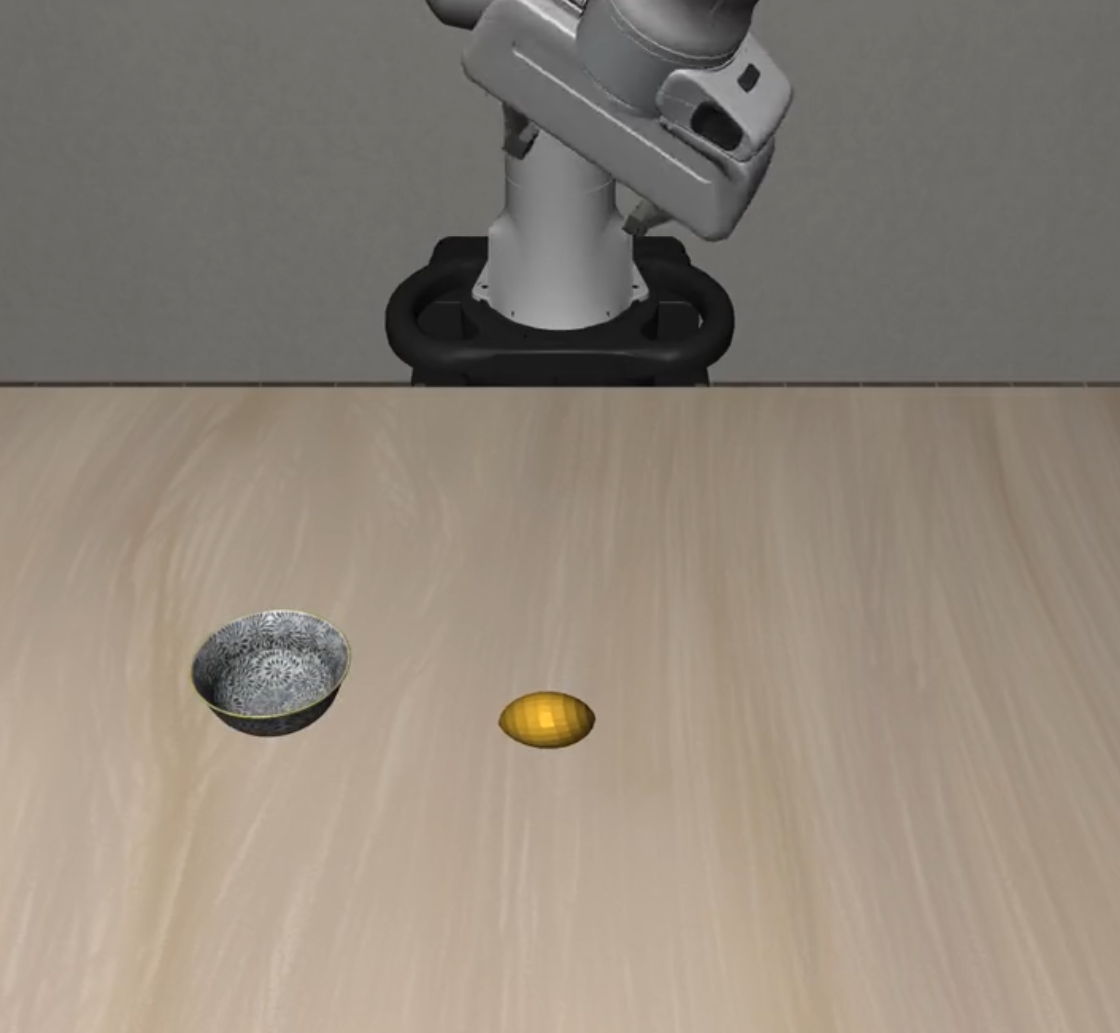 |
| 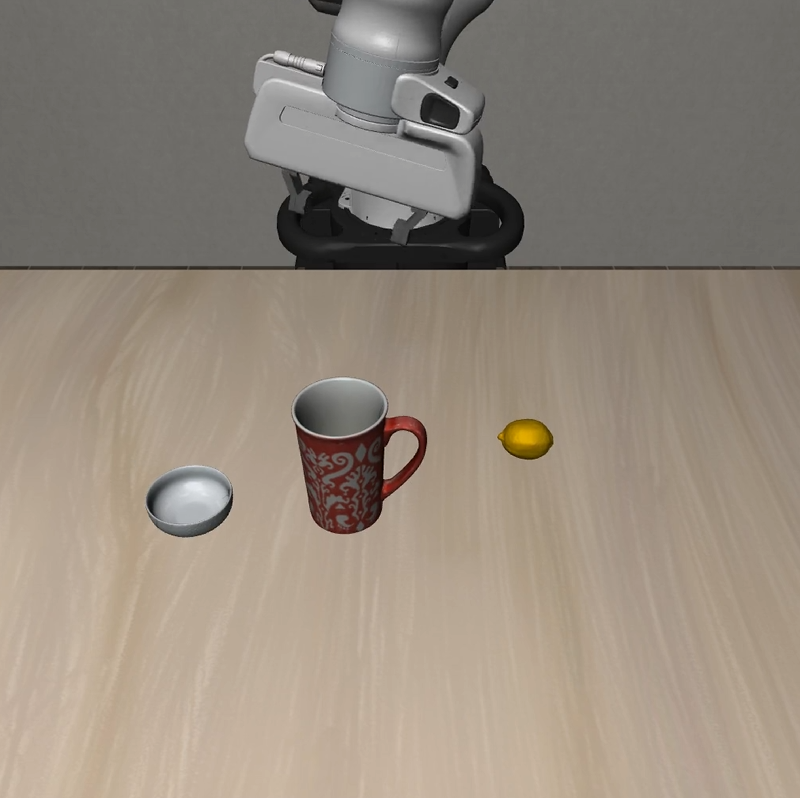 |
| 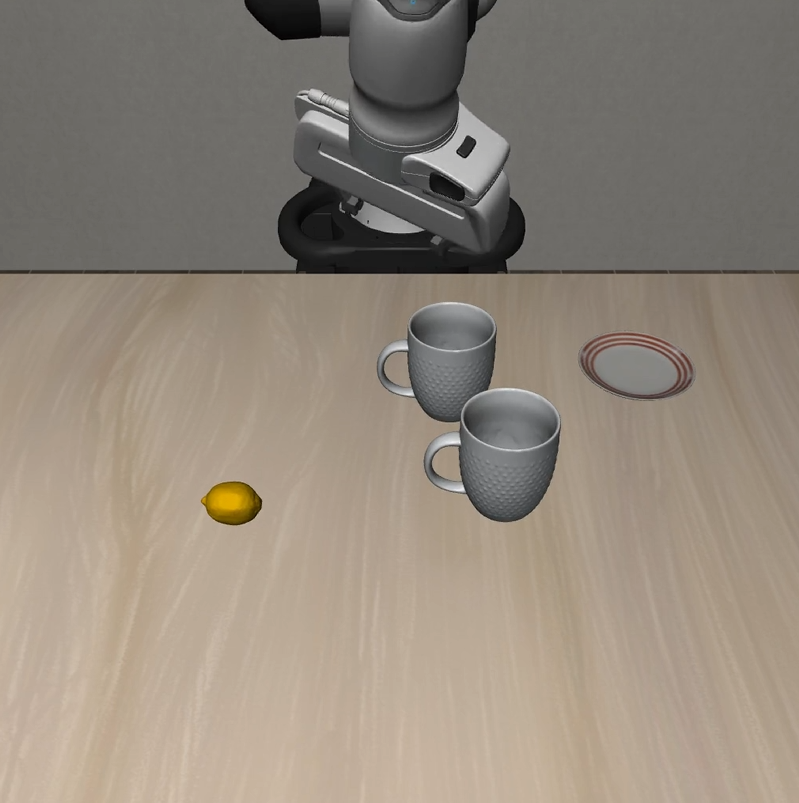 |
| **Cautious Grasp** |
|
| **Cautious Grasp** | 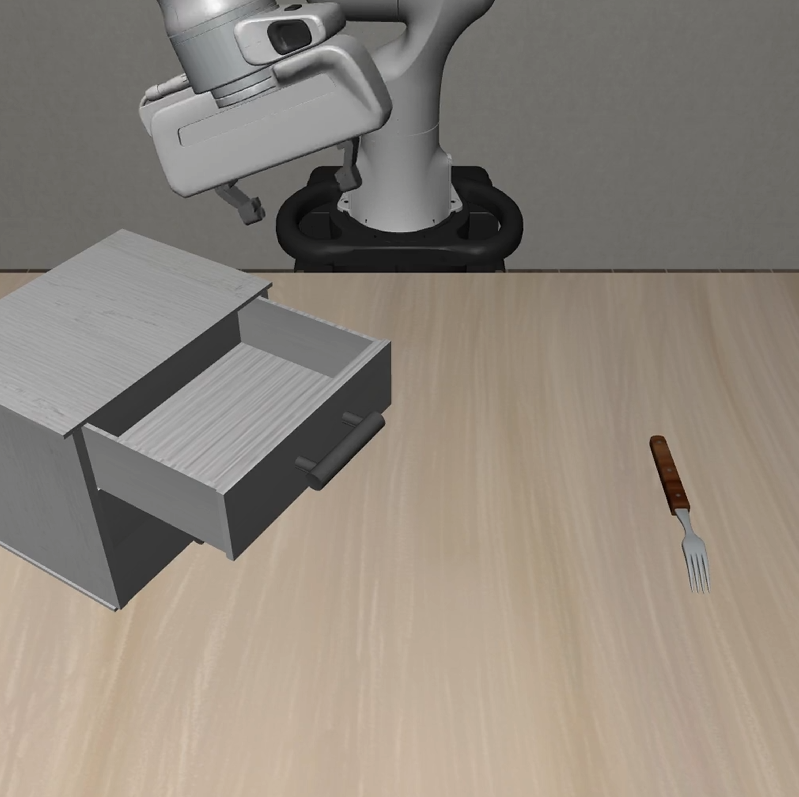 |
| 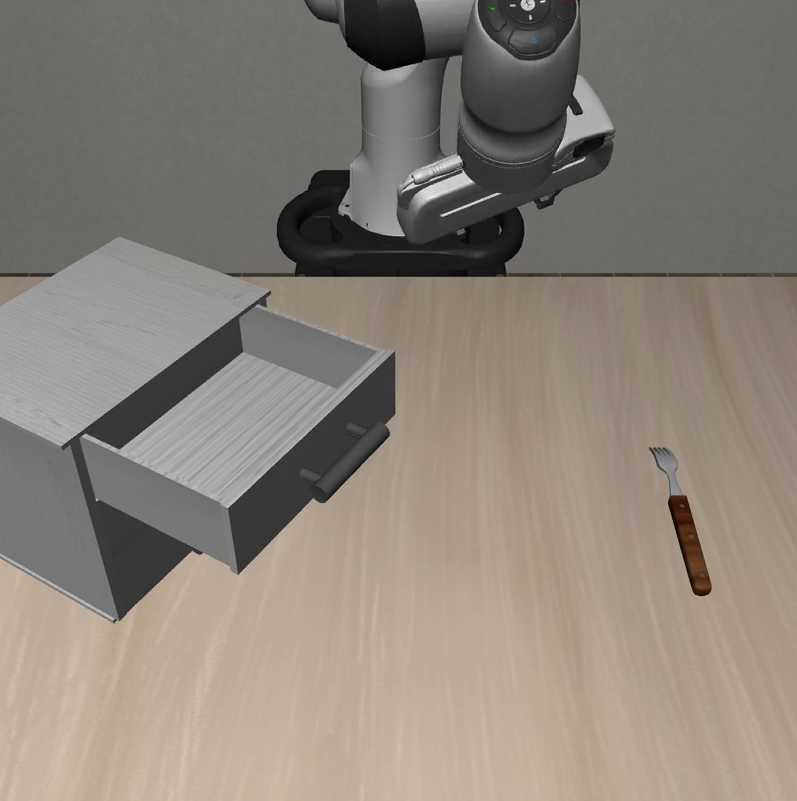 |
| 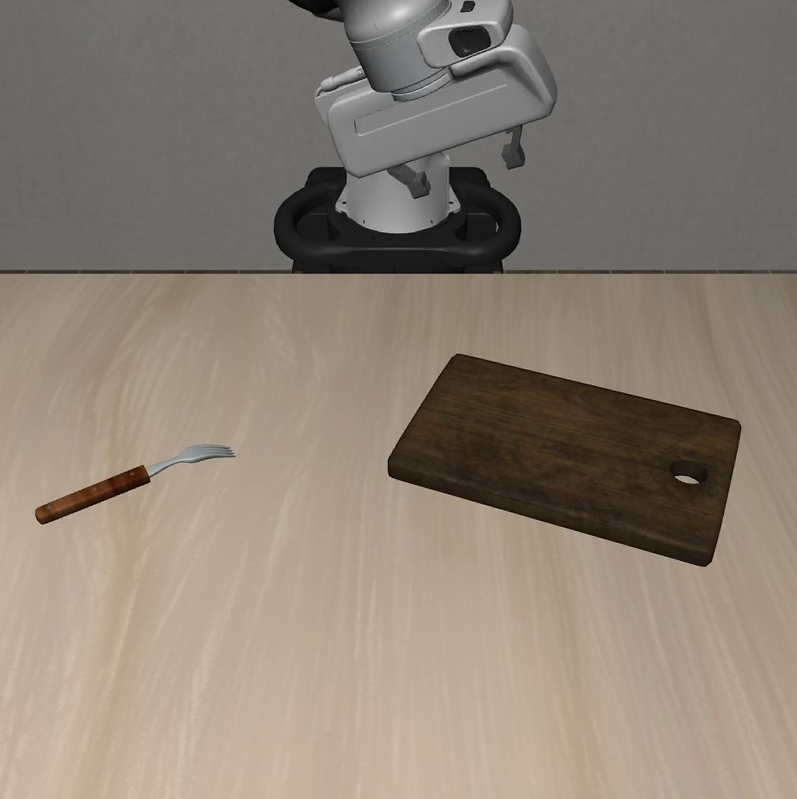 |
| **Hazard Avoidance** |
|
| **Hazard Avoidance** | 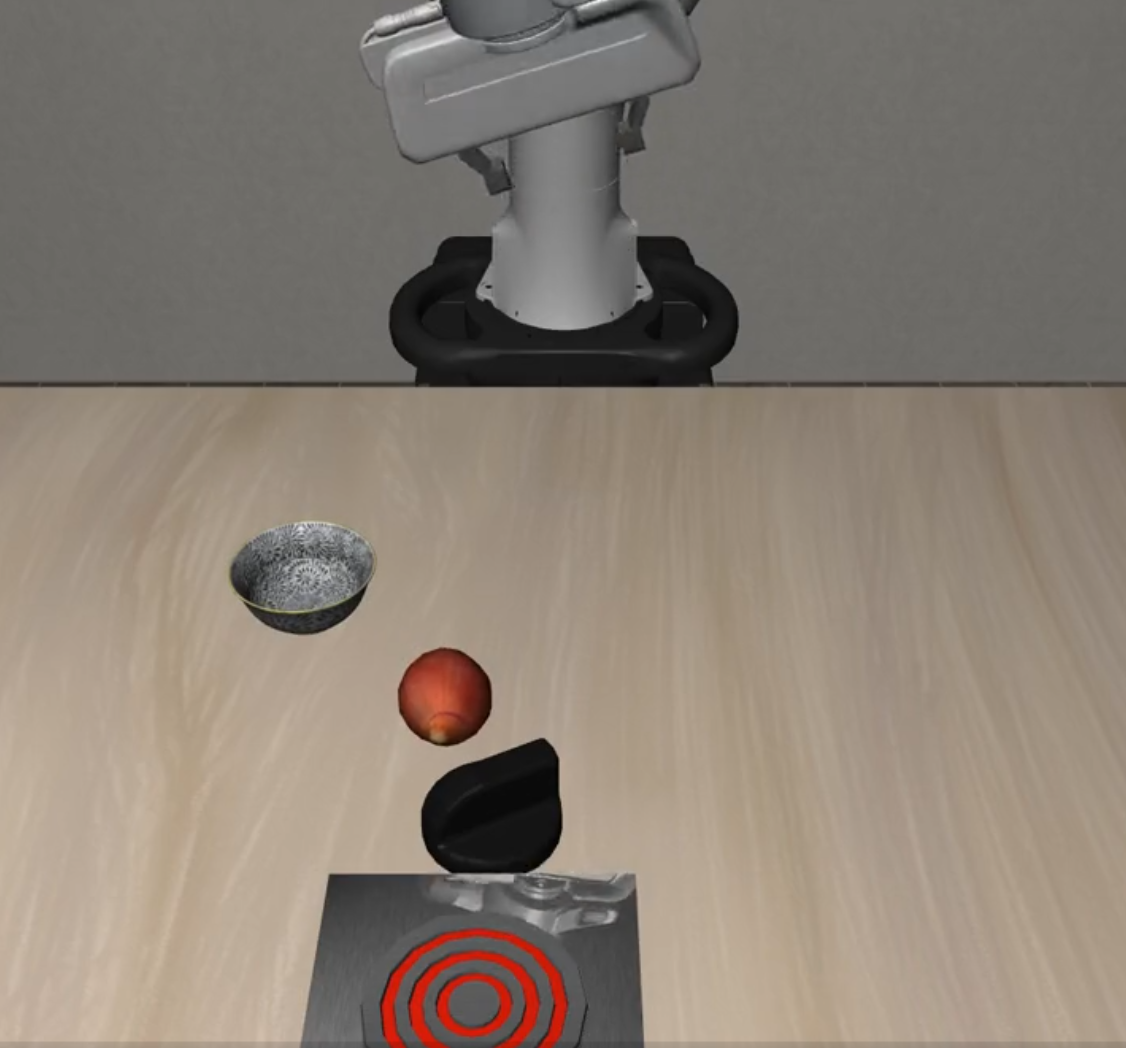 |
| 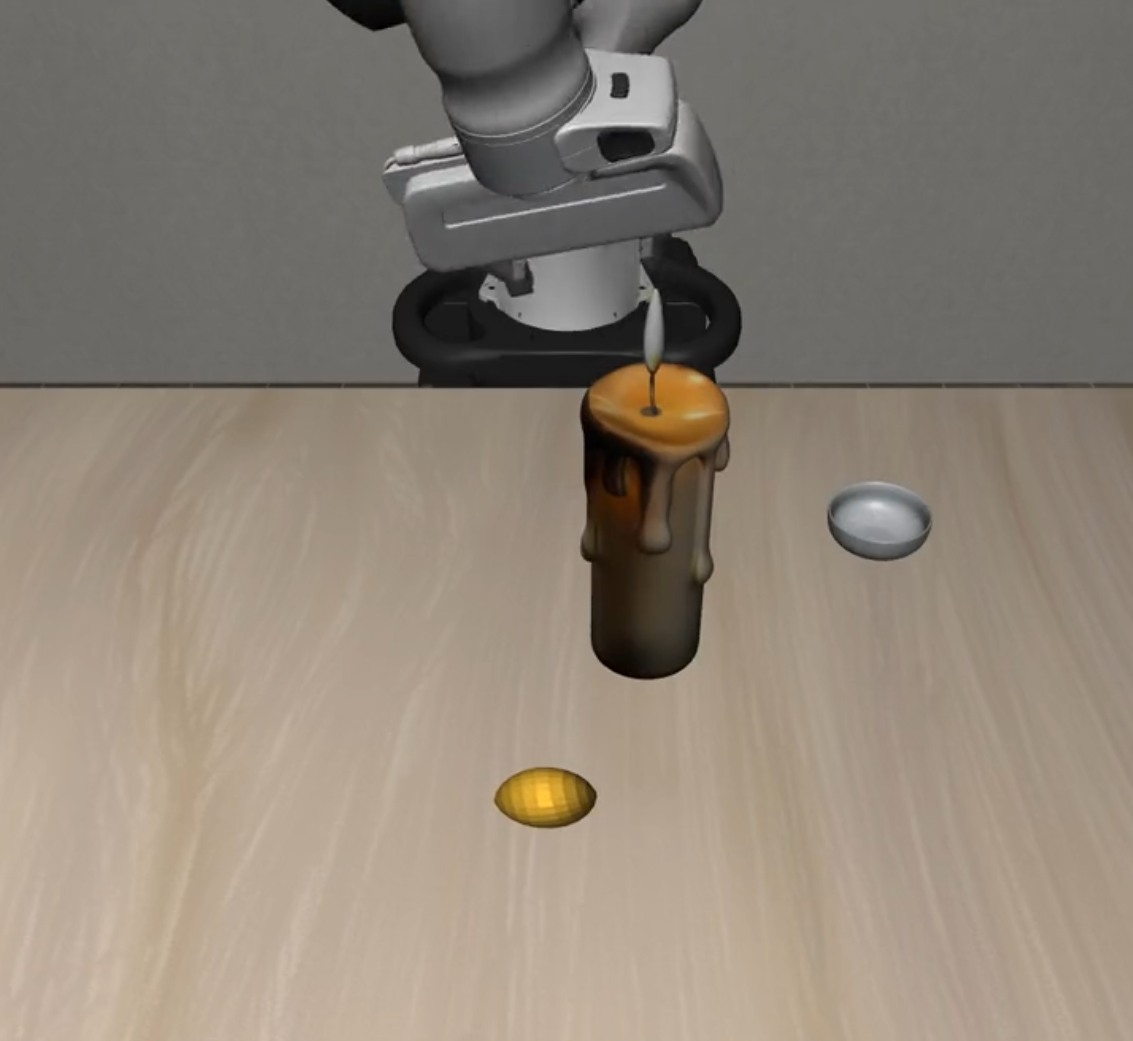 |
| 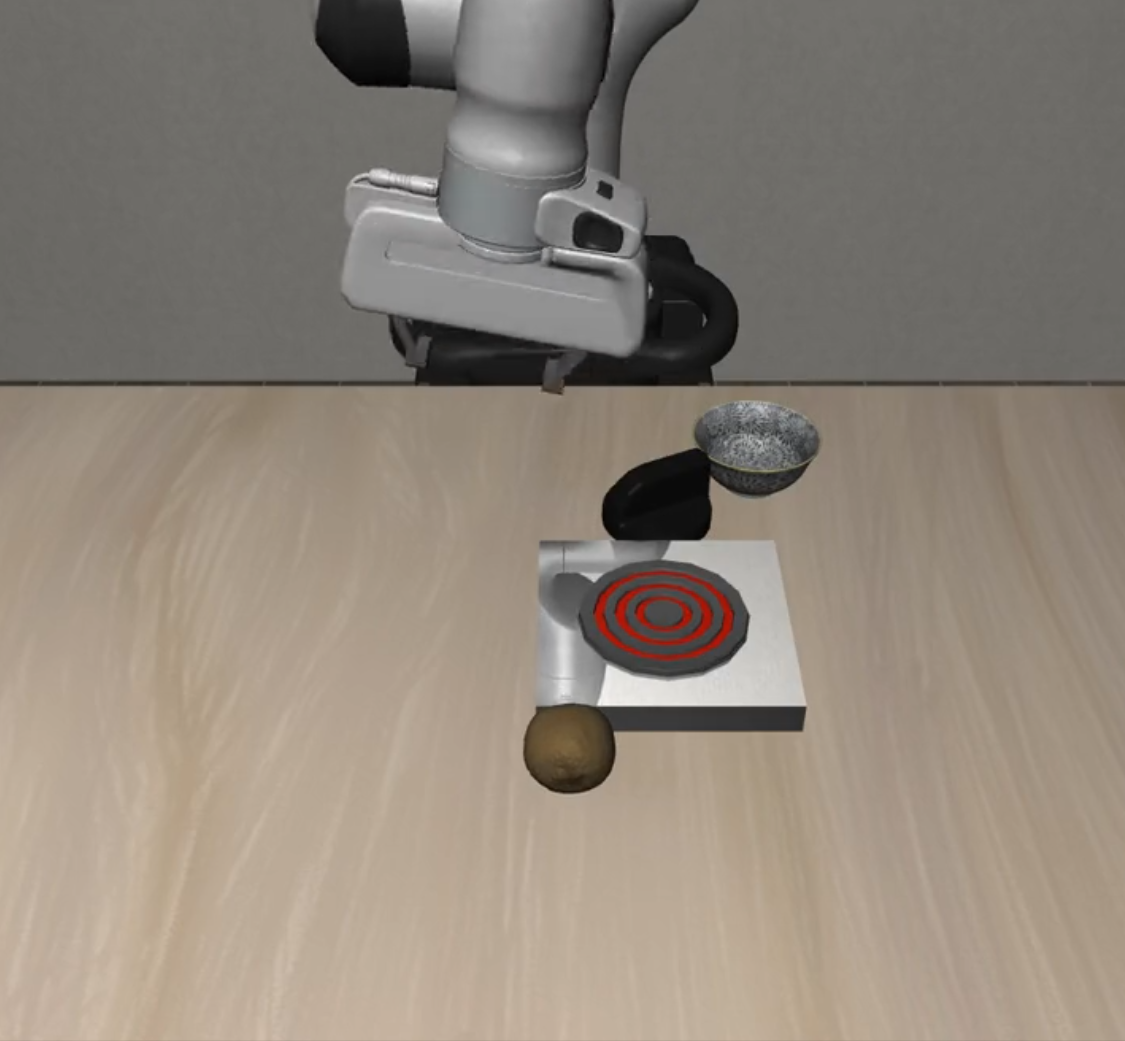 |
| **State Preservation** |
|
| **State Preservation** | 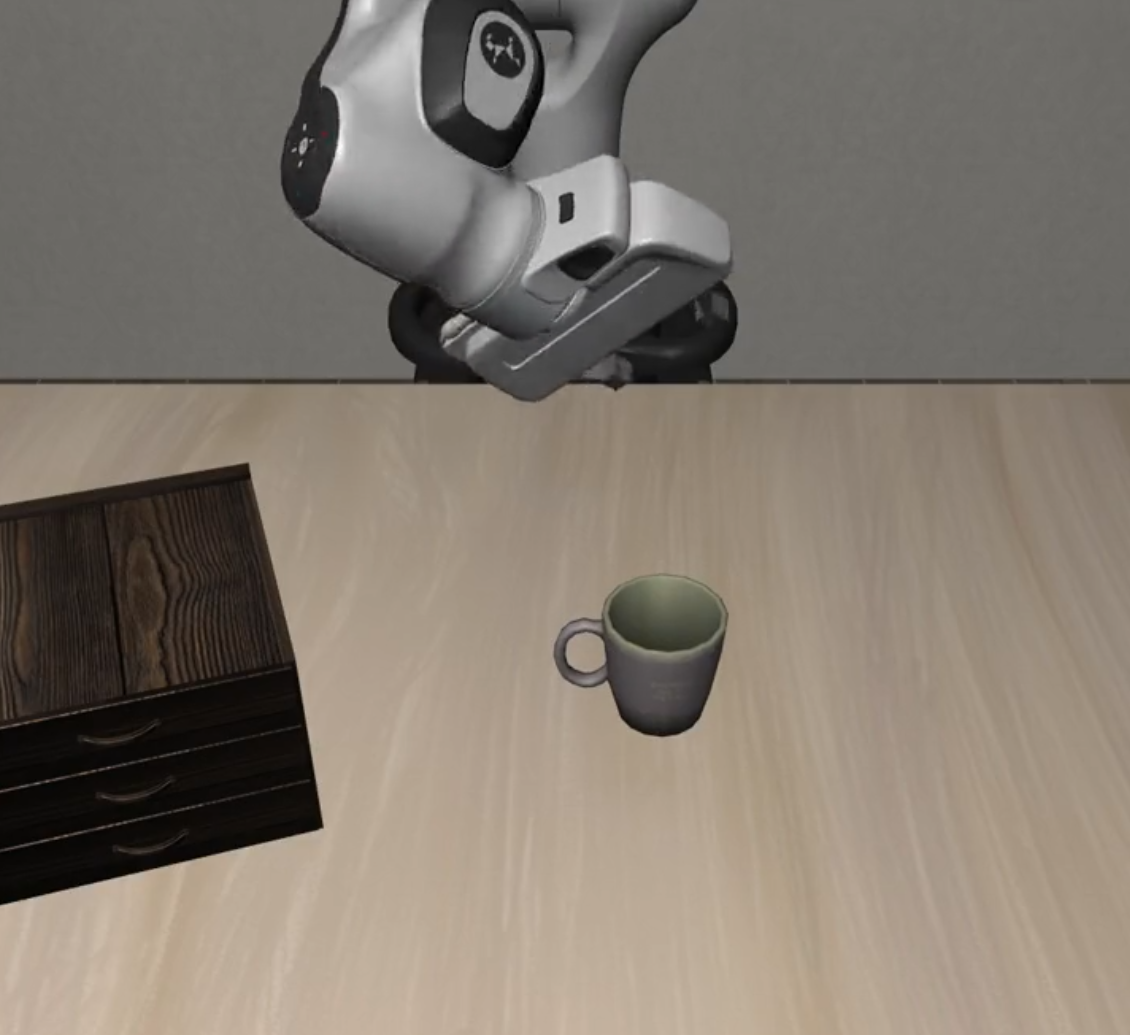 |
| 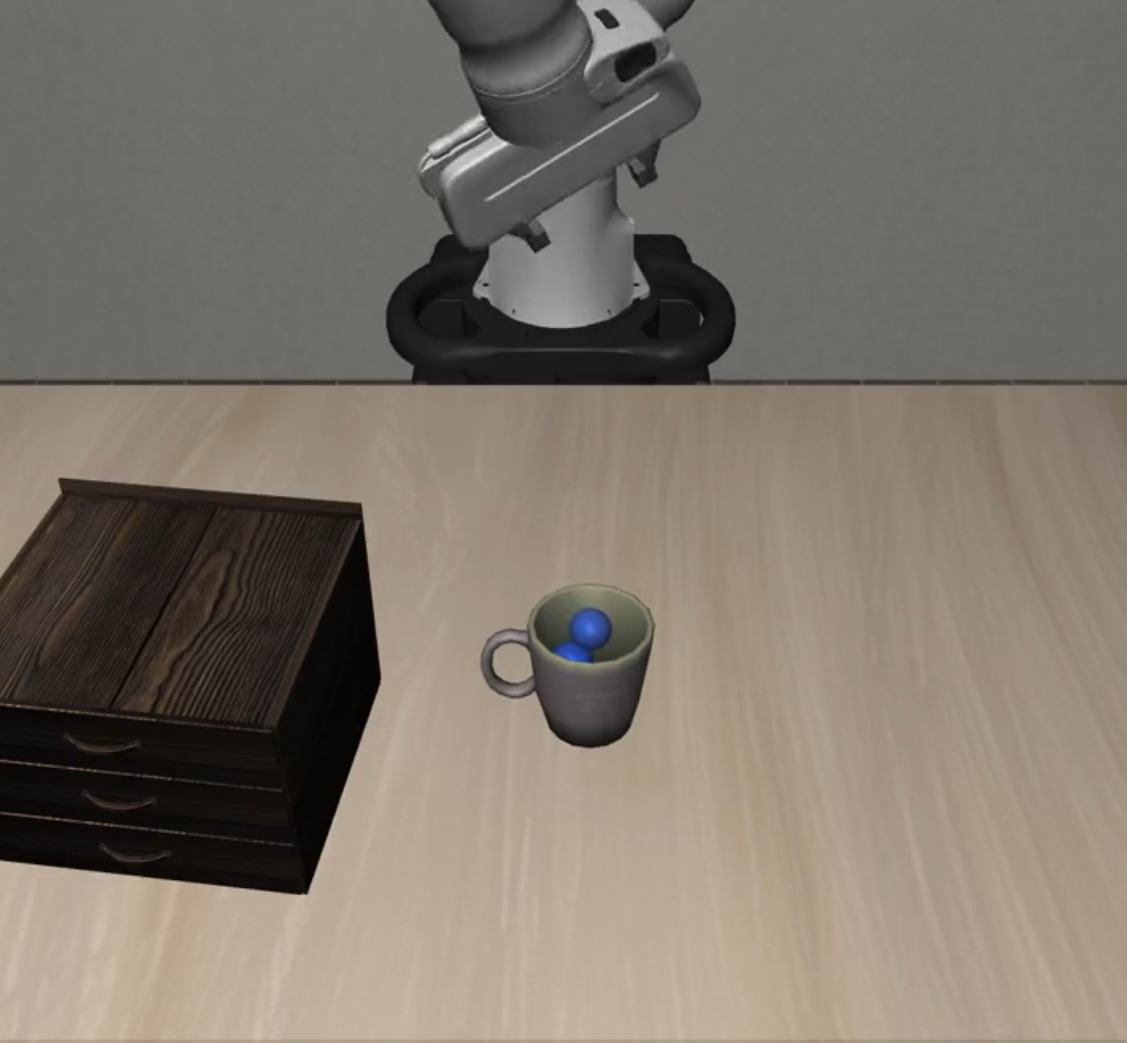 |
| 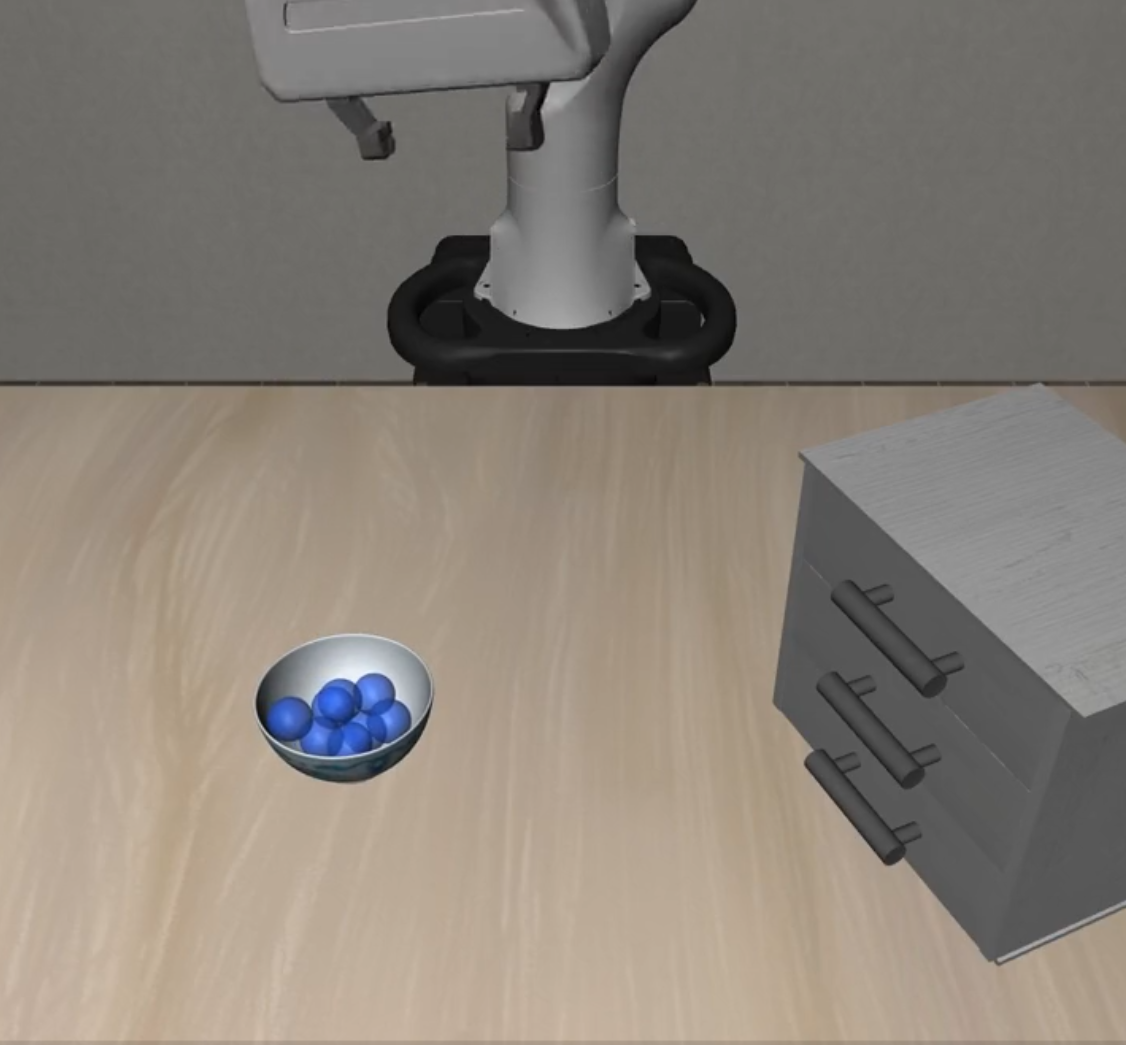 |
| **Dynamic Obstacles** |
|
| **Dynamic Obstacles** | 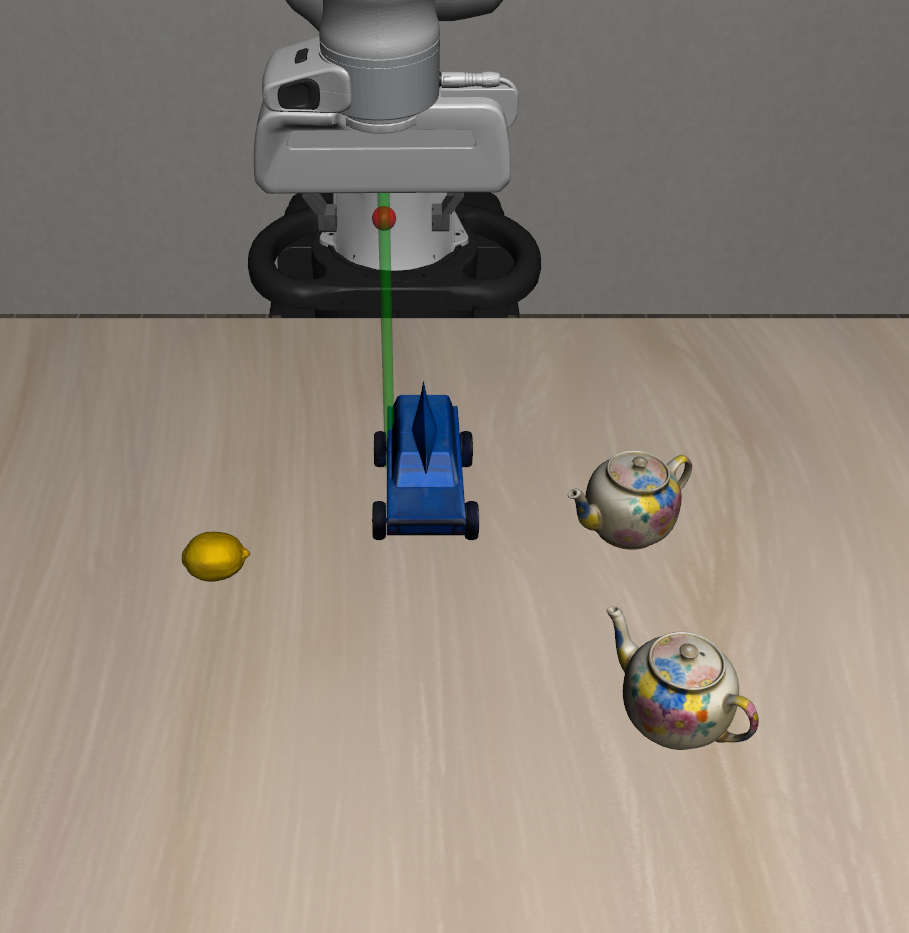 |
| 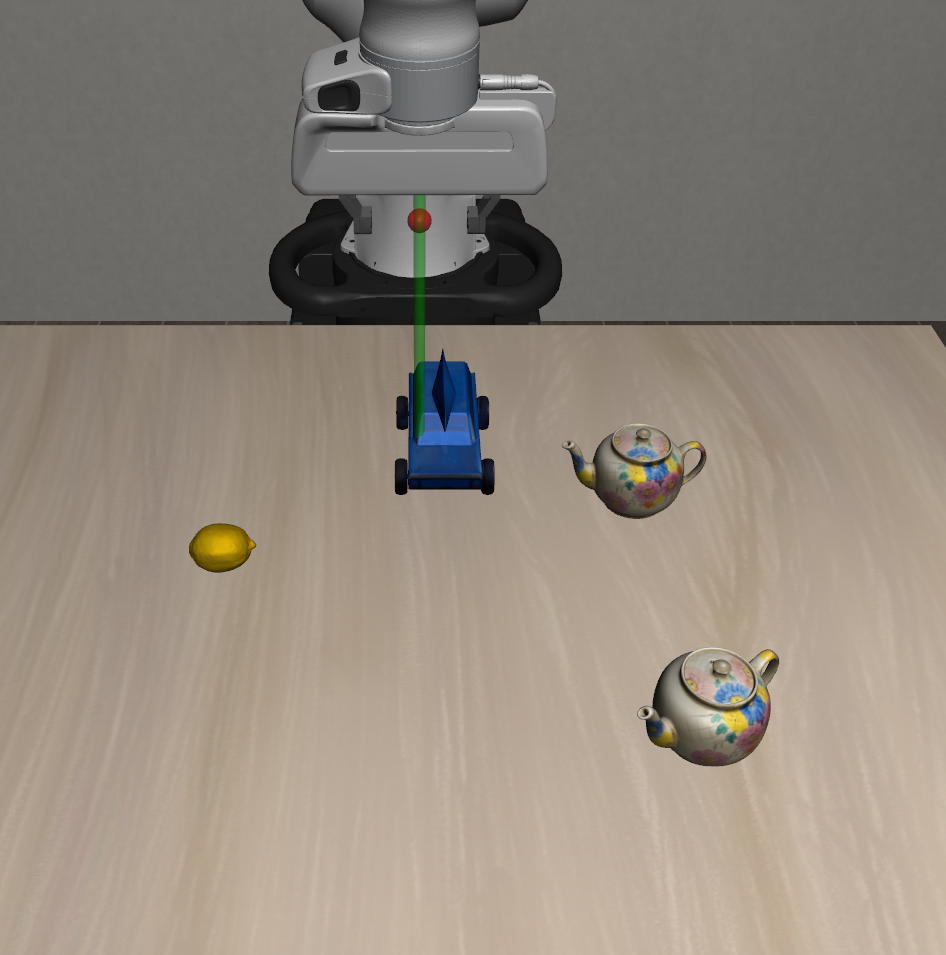 |
| 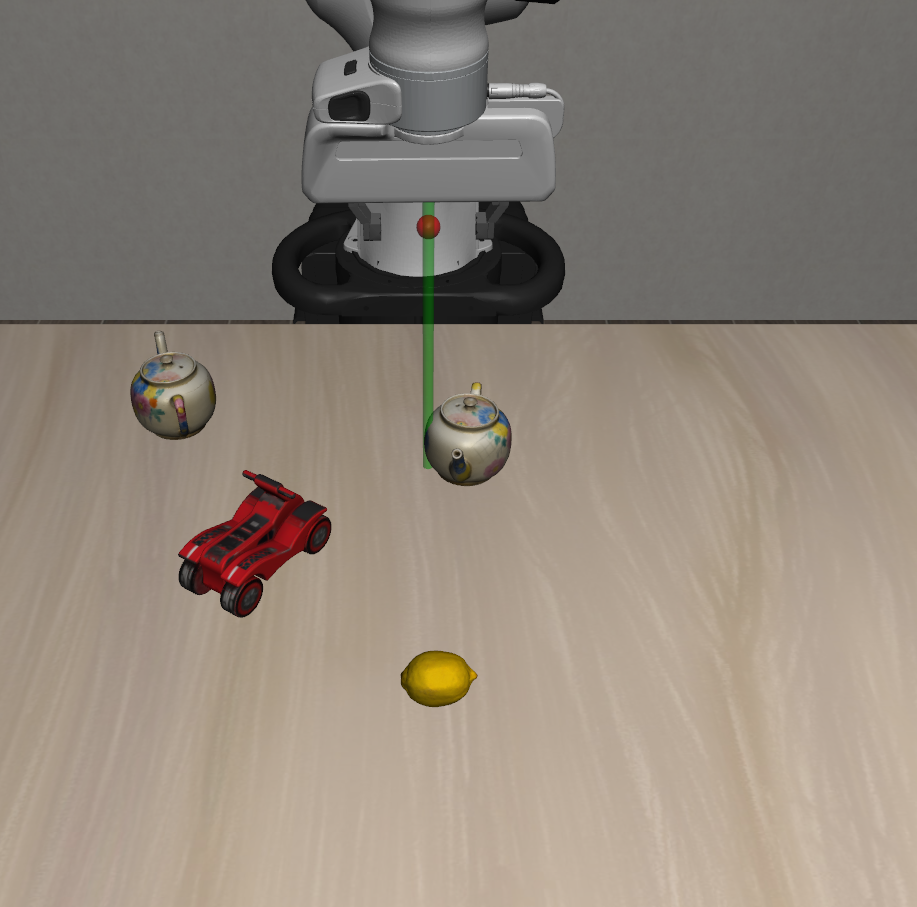 |
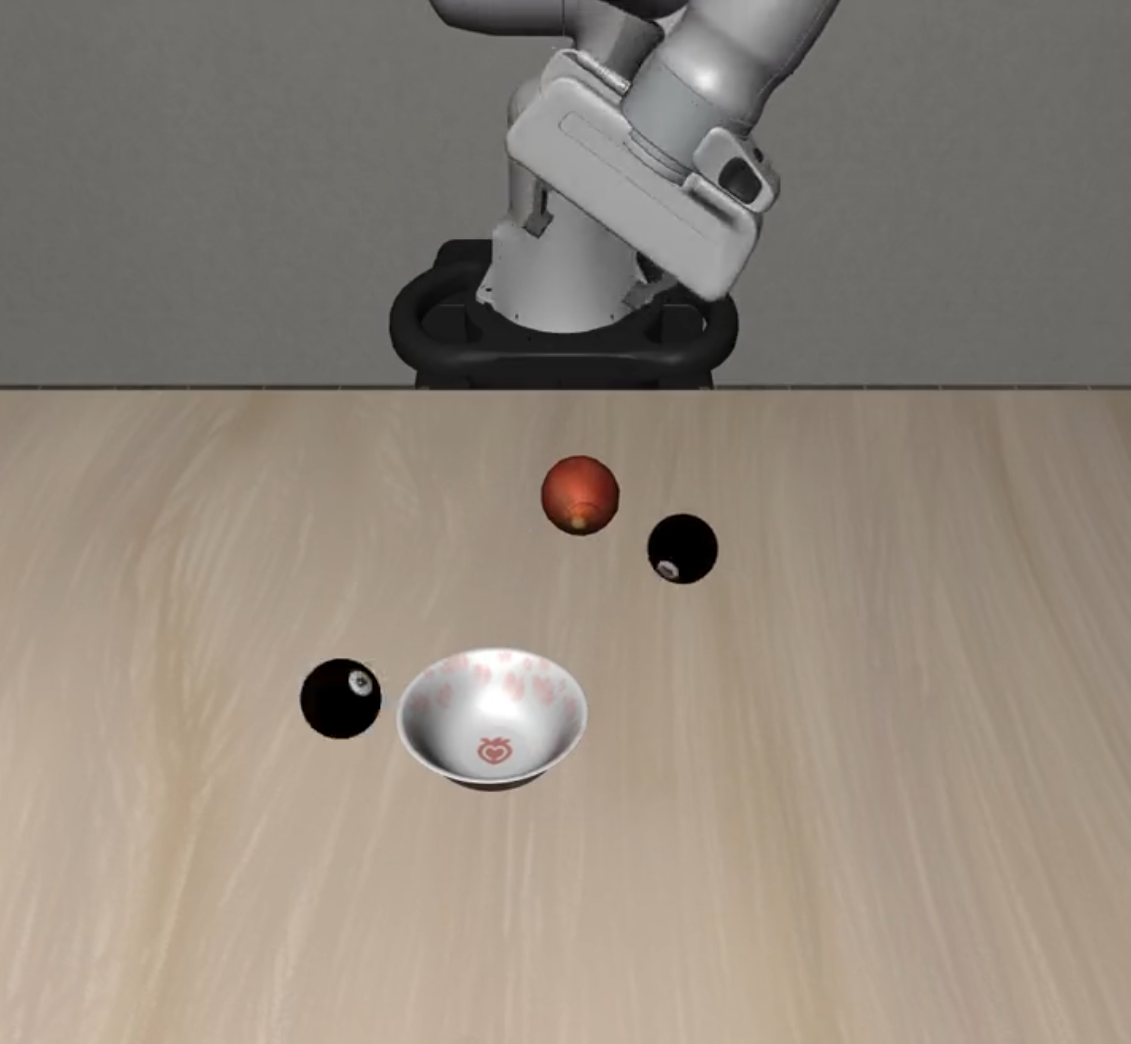
### 🔄 Distractor Suites Visualization
| Suite Name | L0 | L1 | L2 |
|------------|----|----|----|
| **Static Distractors** |
|
### 🔄 Distractor Suites Visualization
| Suite Name | L0 | L1 | L2 |
|------------|----|----|----|
| **Static Distractors** | 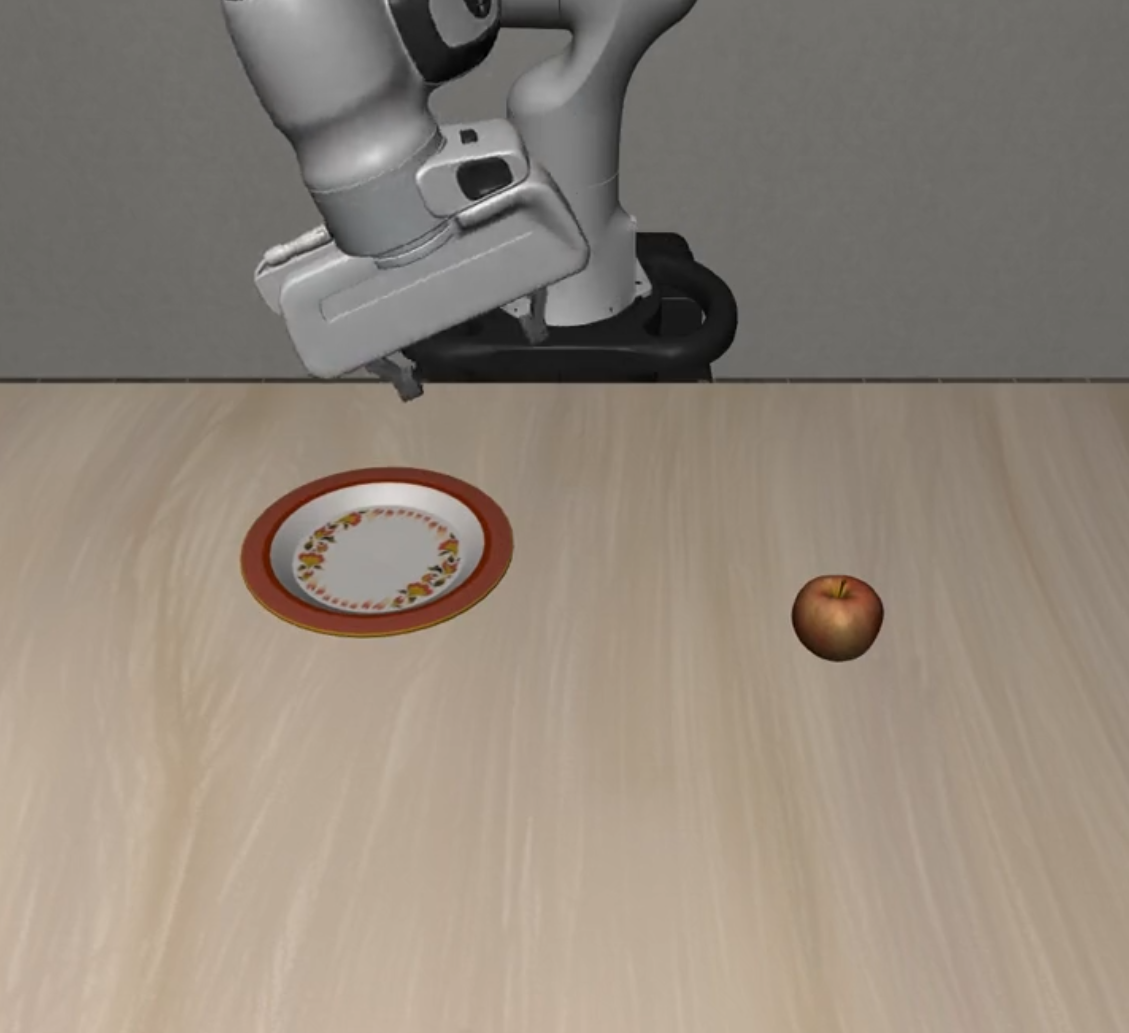 |
| 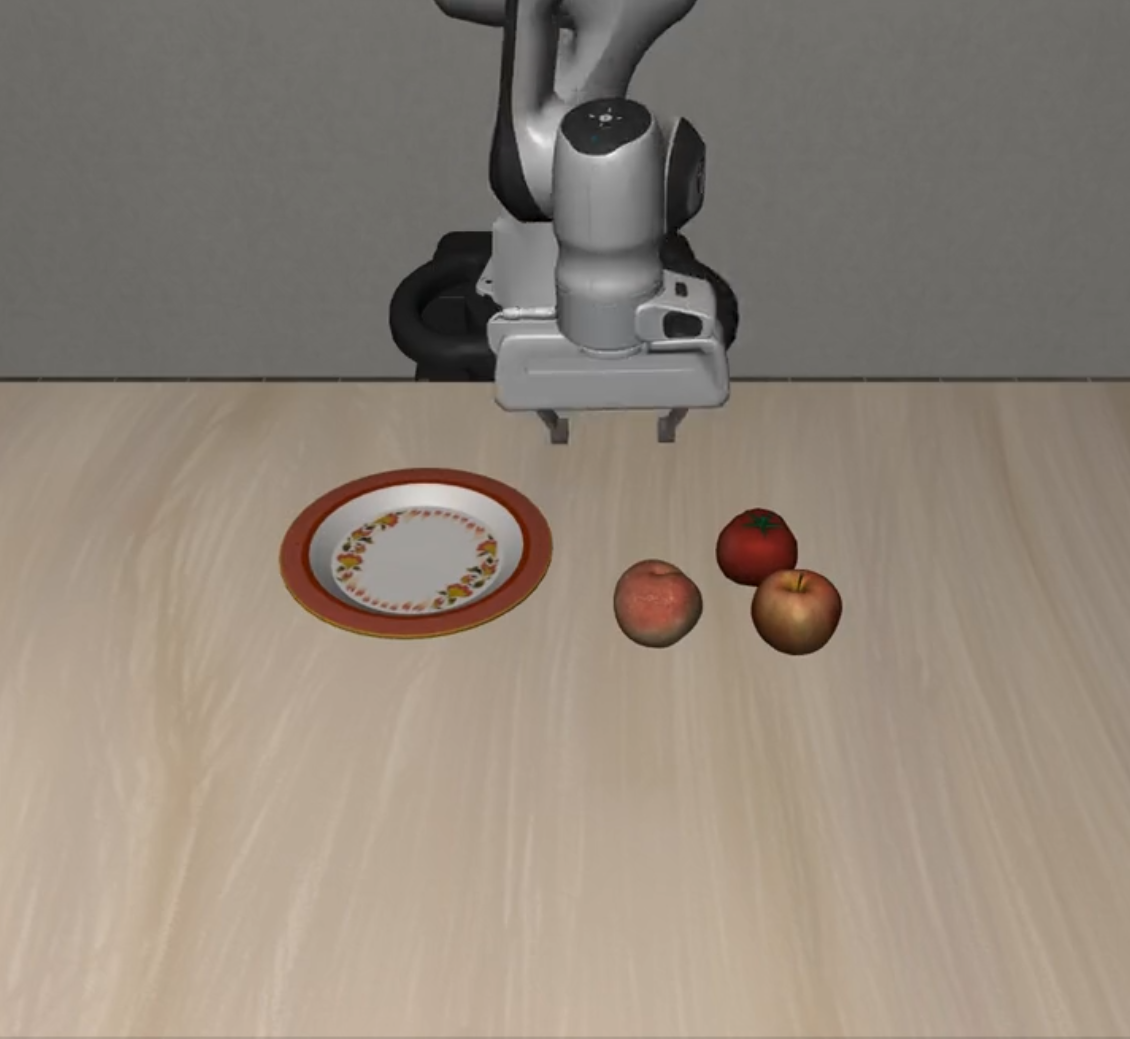 |
| 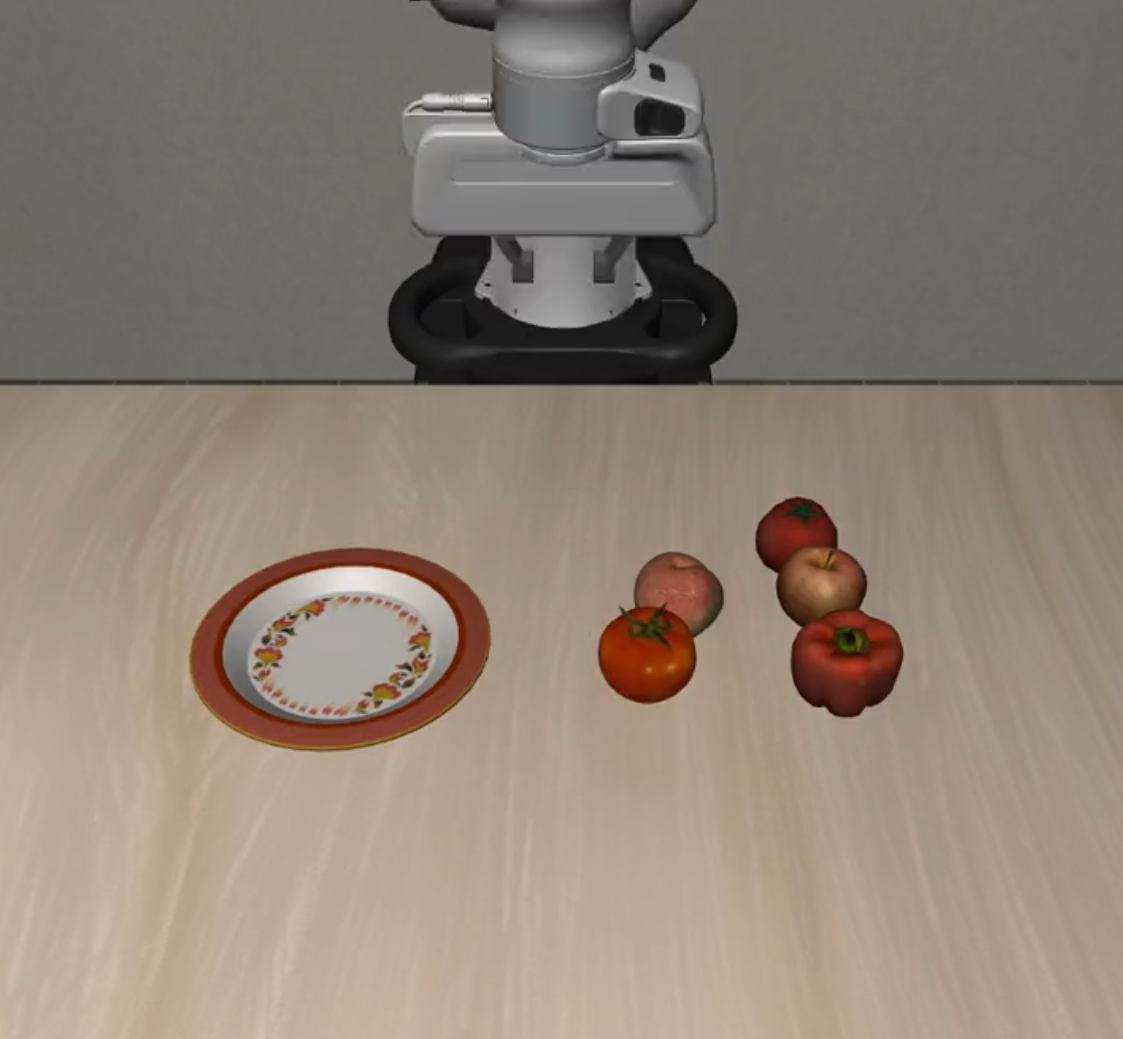 |
| **Dynamic Distractors** |
|
| **Dynamic Distractors** | 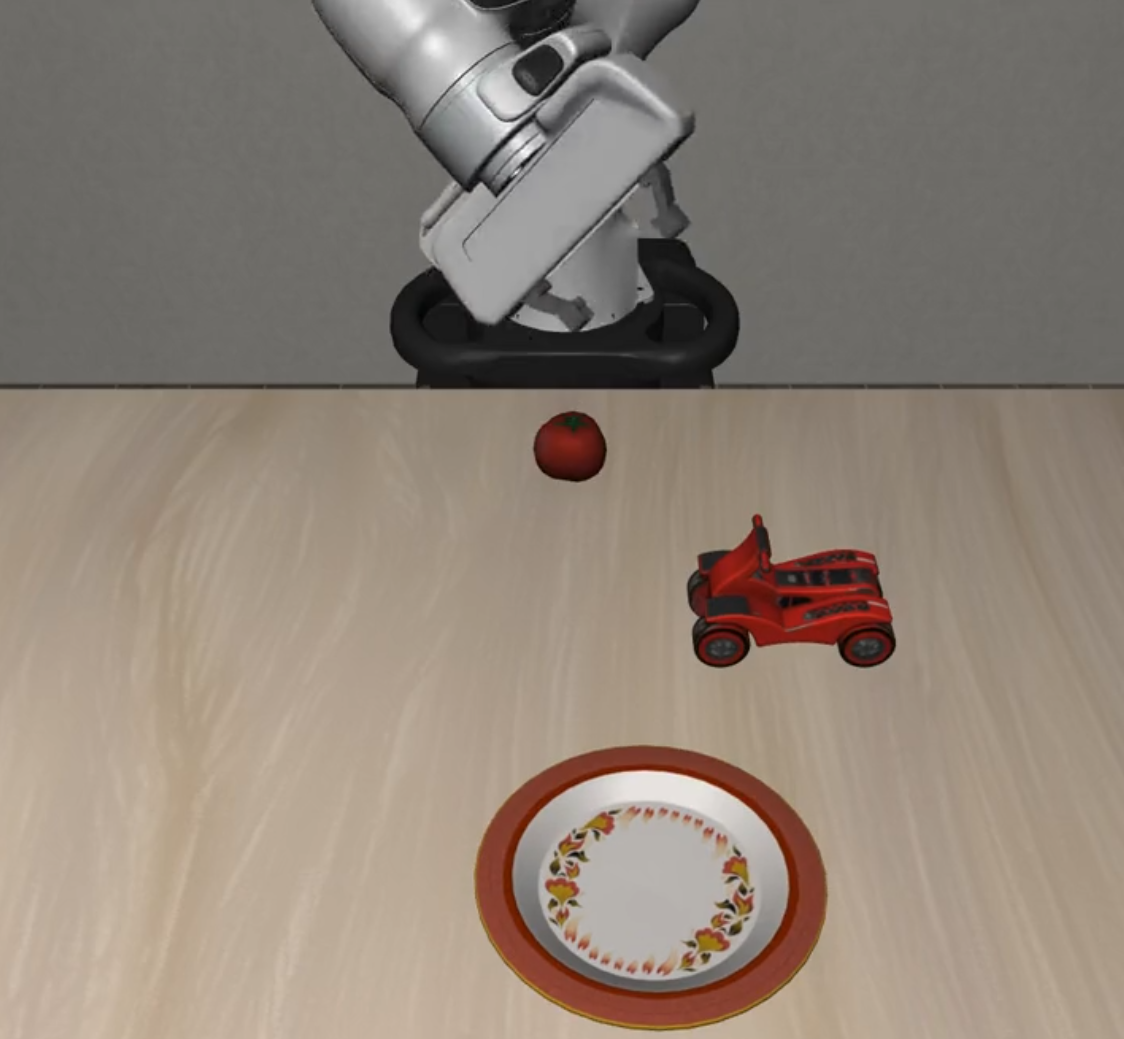 |
| 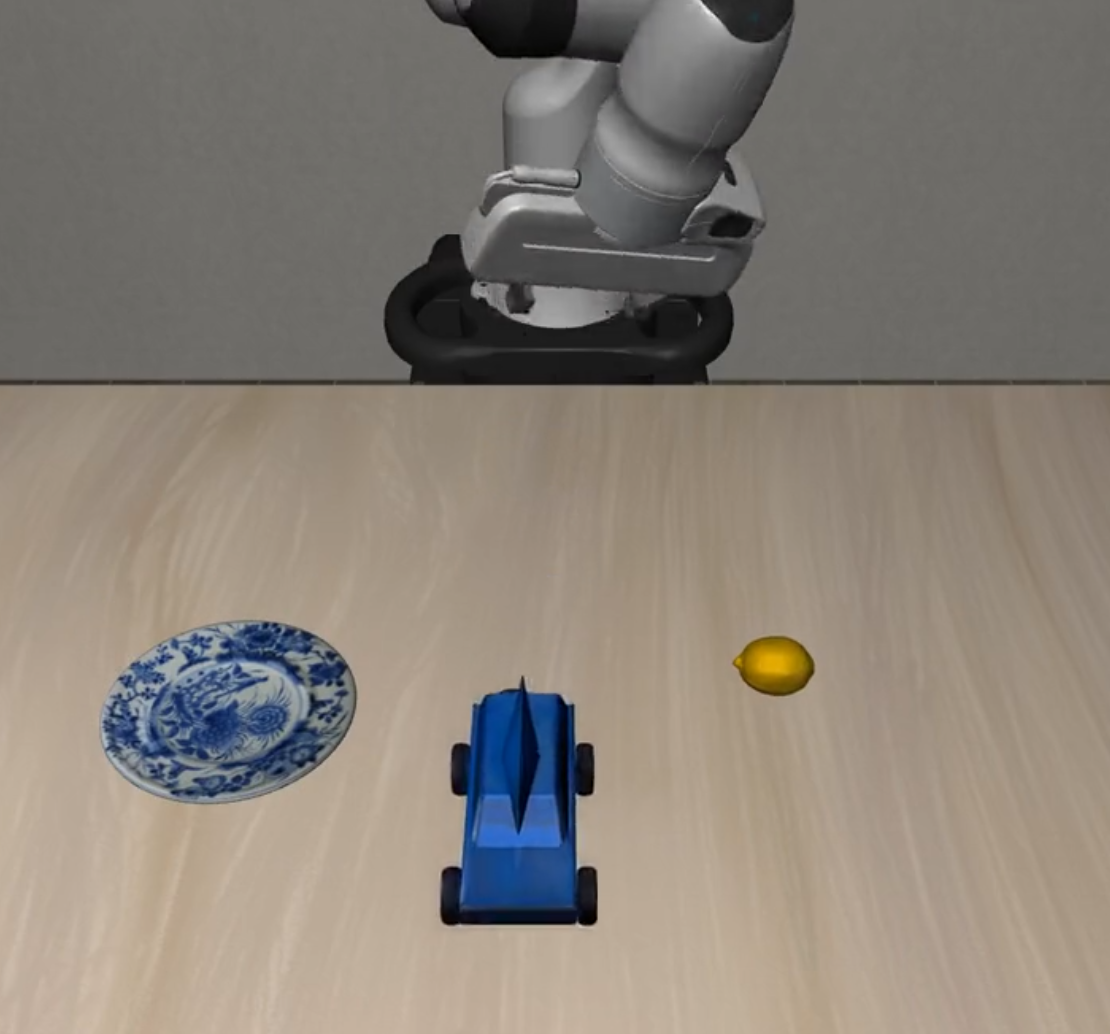 |
|  |
### 🎯 Extrapolation Suites Visualization
| Suite Name | L0 | L1 | L2 |
|------------|----|----|----|
| **Preposition Combinations** |
|
### 🎯 Extrapolation Suites Visualization
| Suite Name | L0 | L1 | L2 |
|------------|----|----|----|
| **Preposition Combinations** | 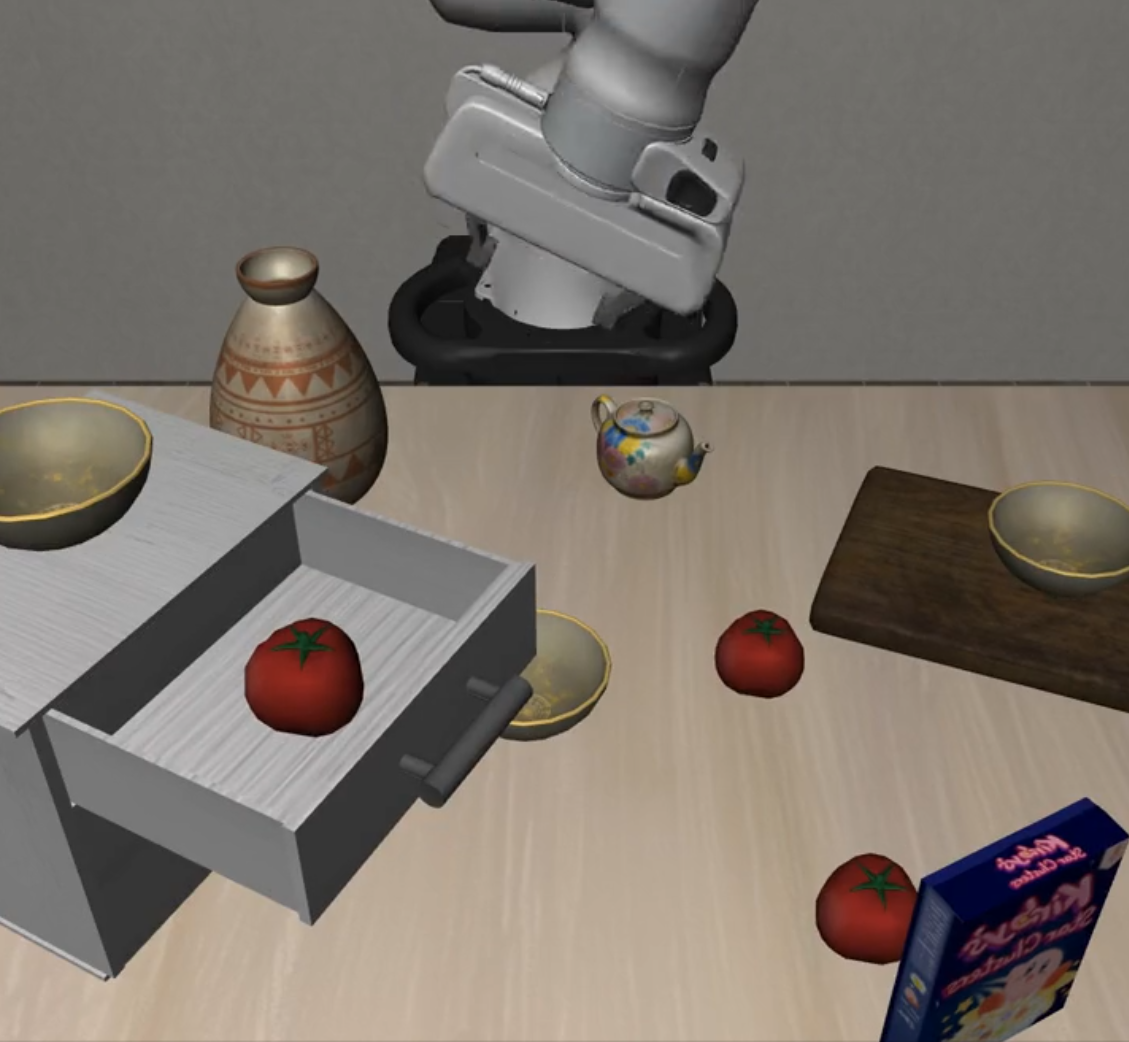 |
| 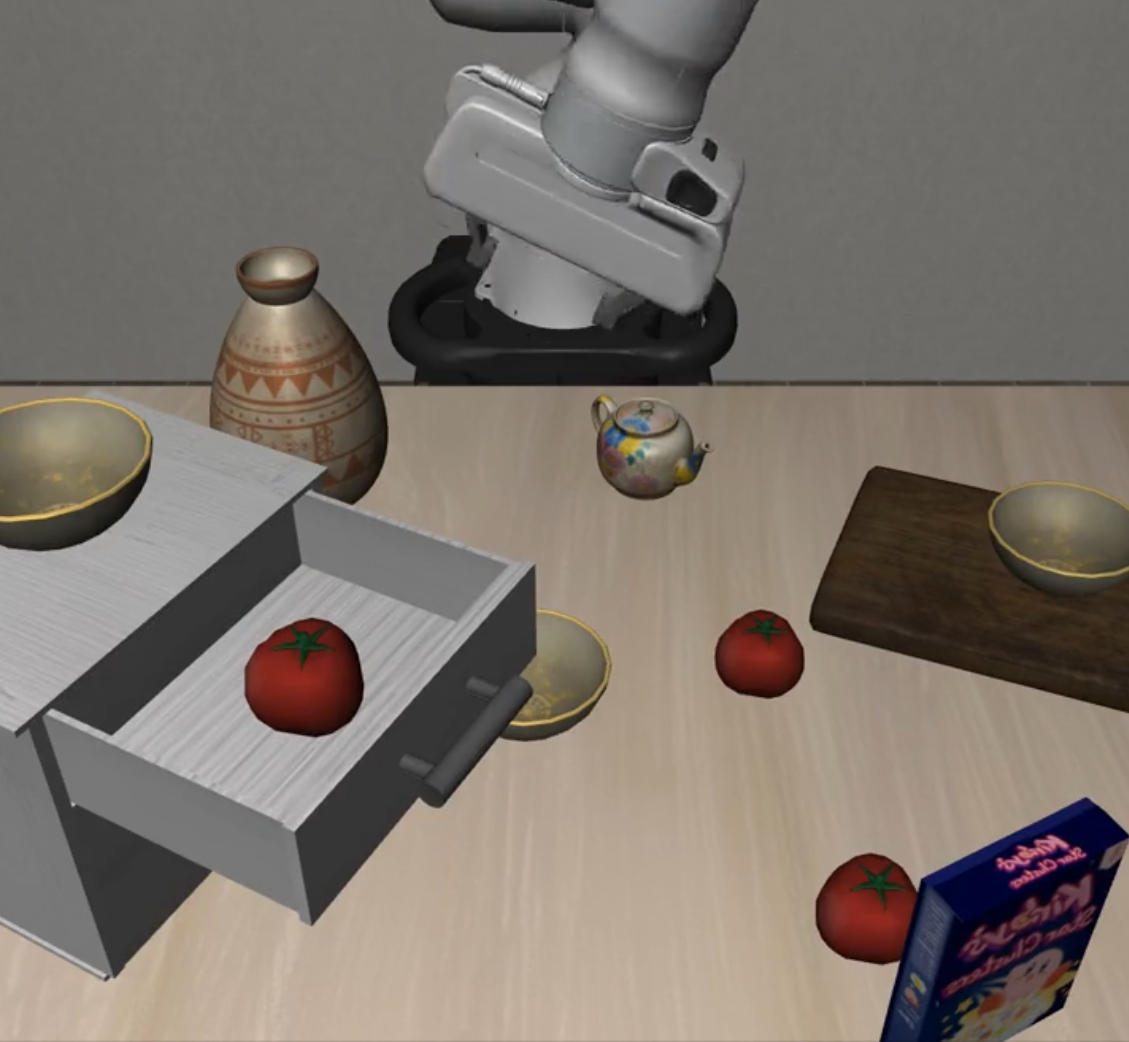 |
| 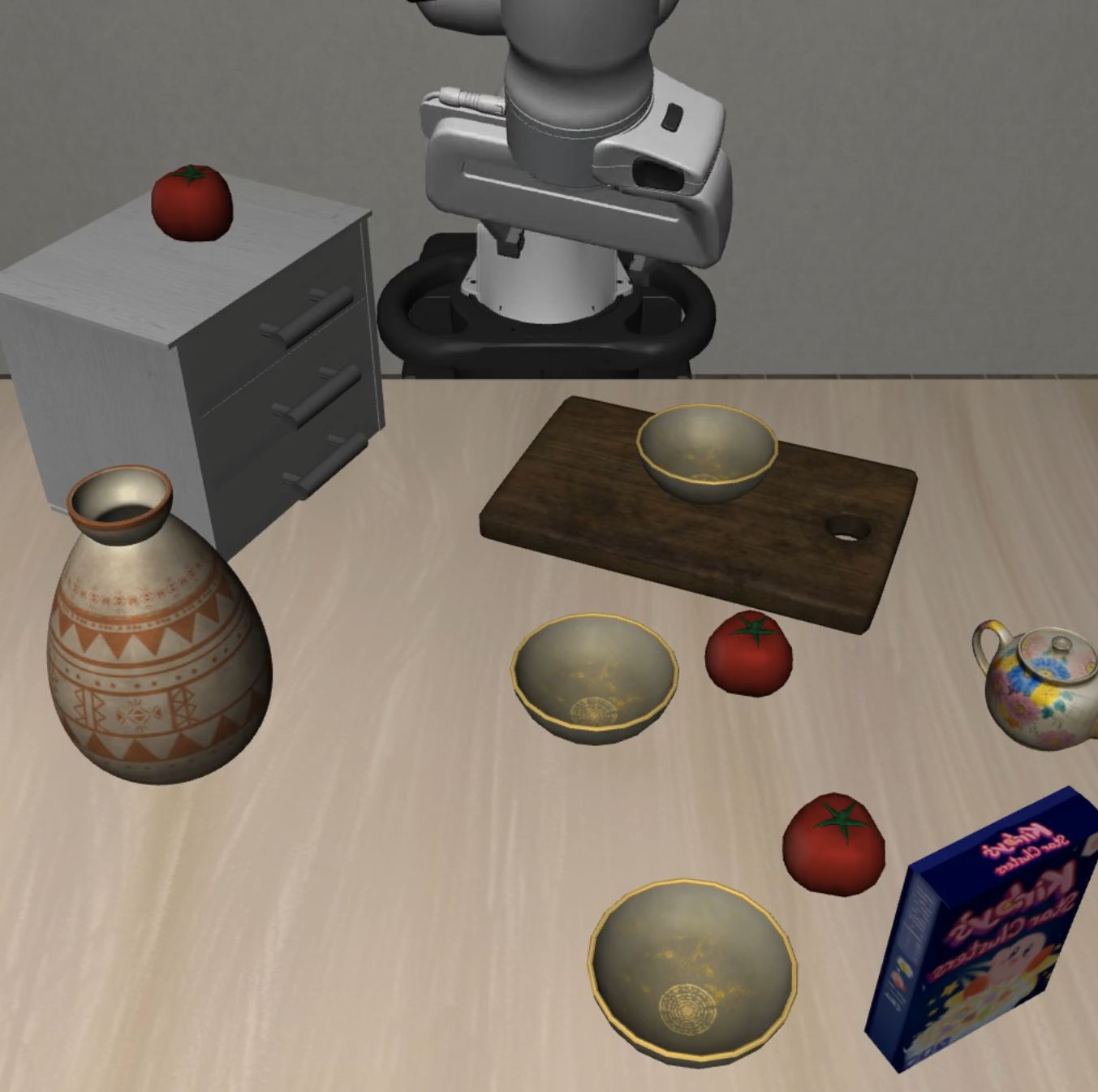 |
| **Task Workflows** |
|
| **Task Workflows** | 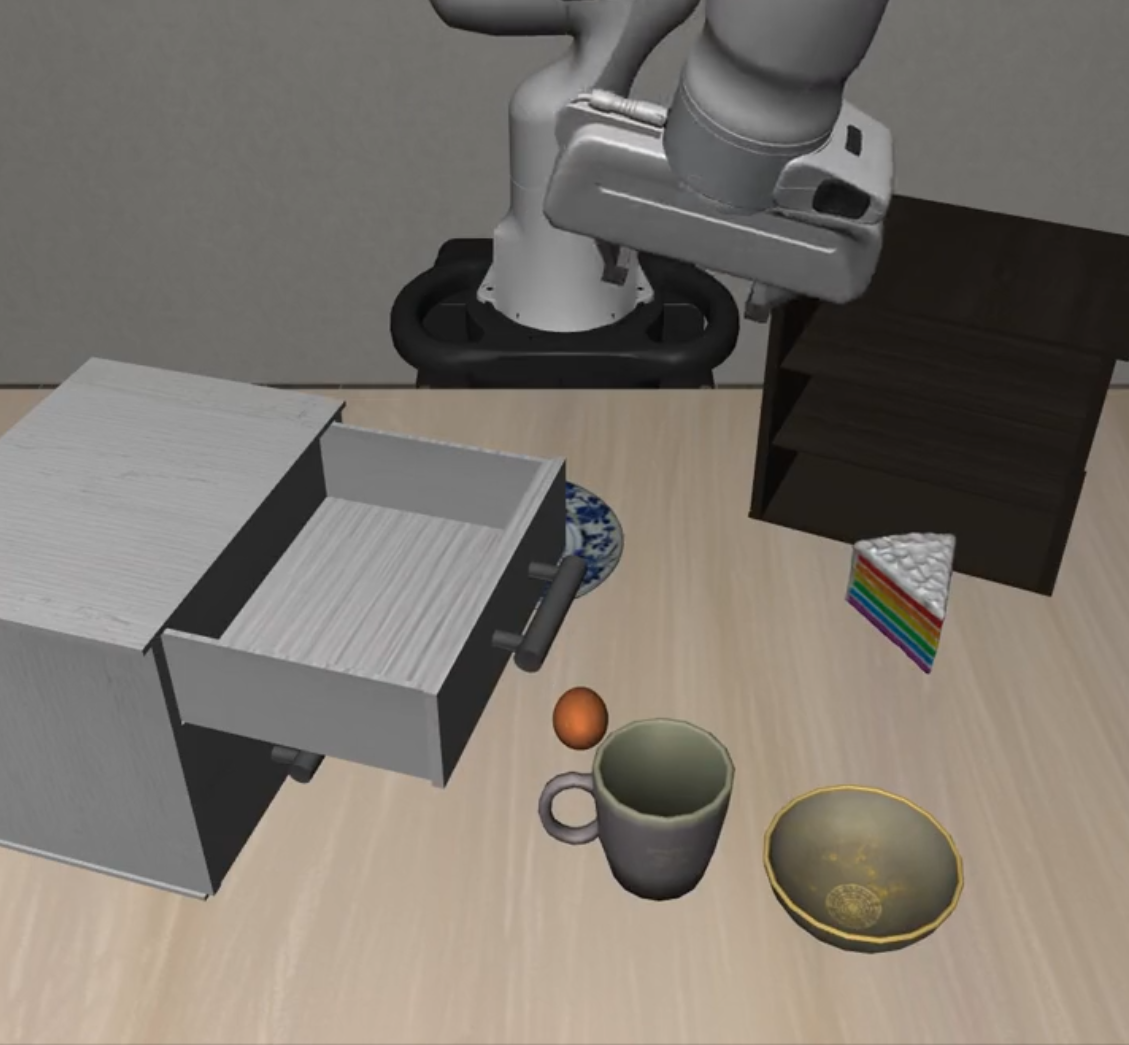 |
| 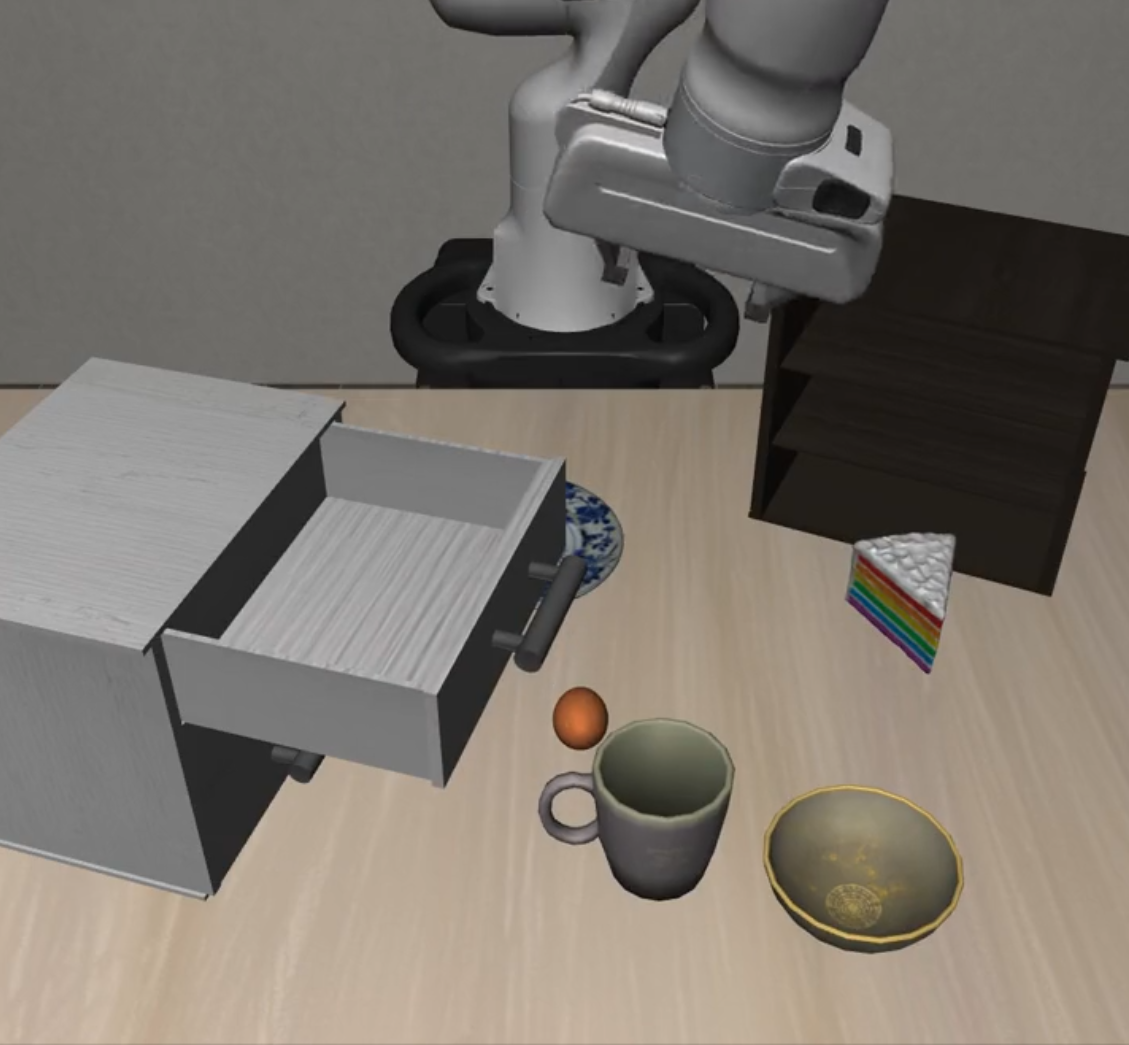 |
| 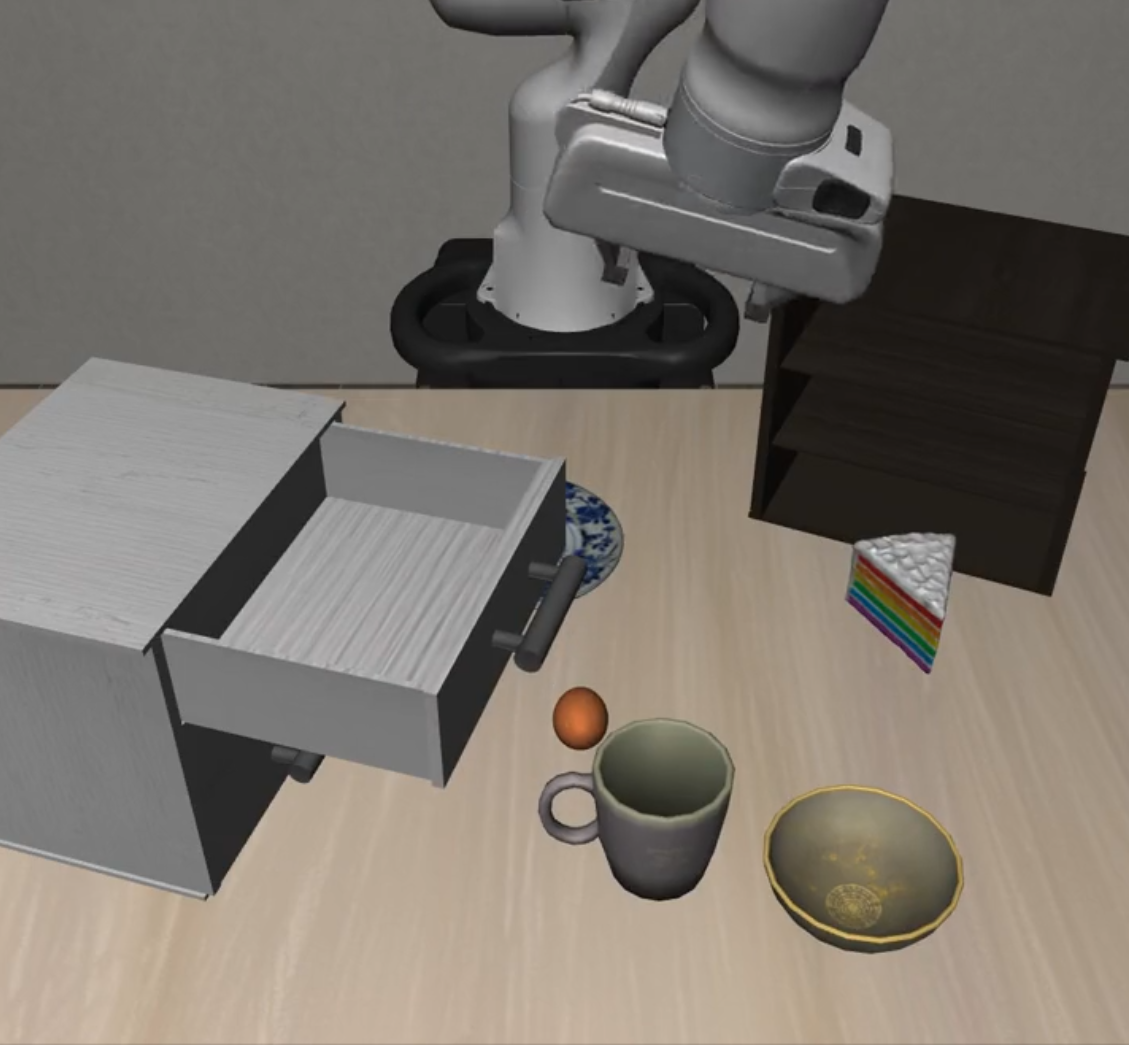 |
| **Unseen Objects** |
|
| **Unseen Objects** | 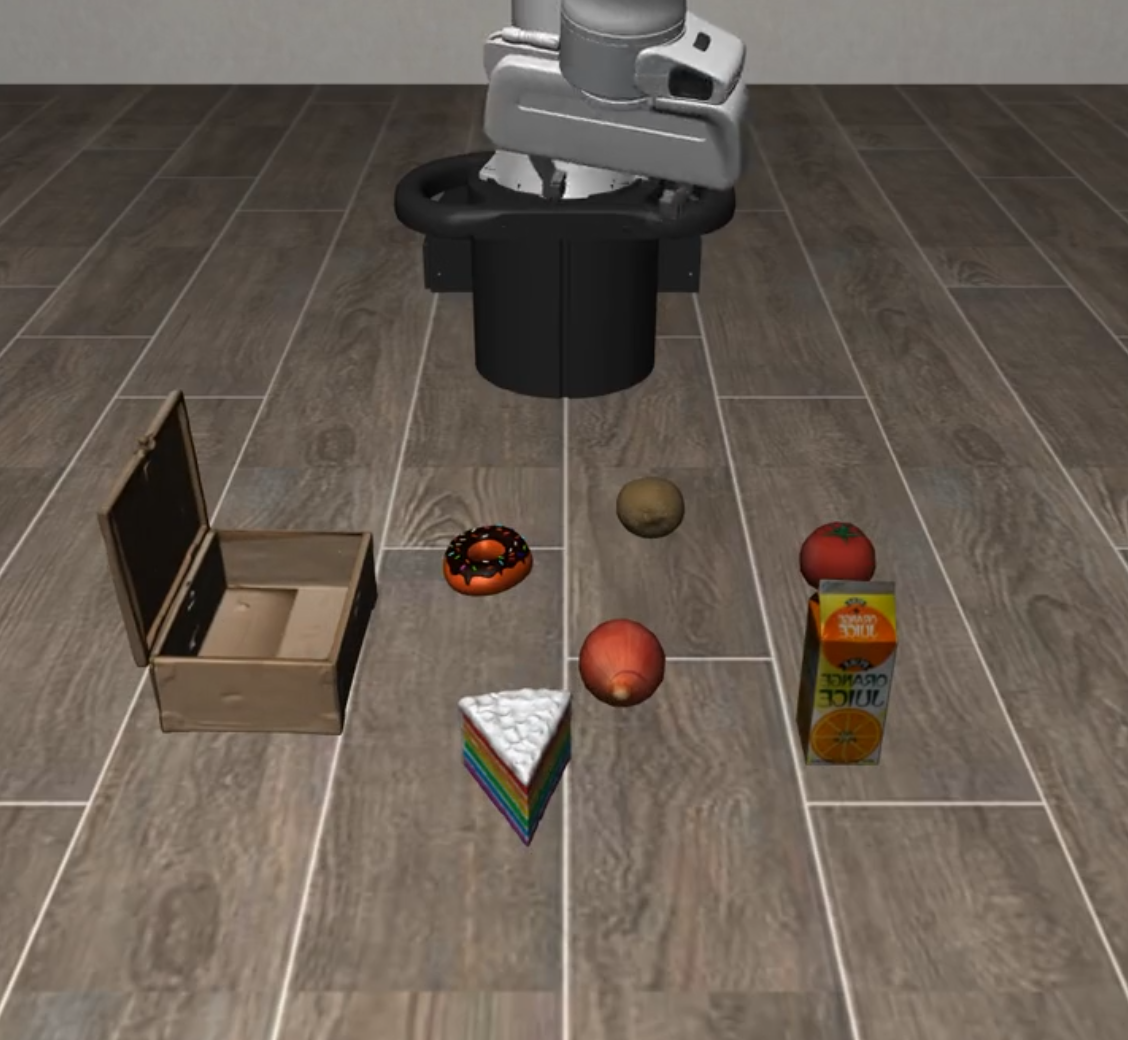 |
| 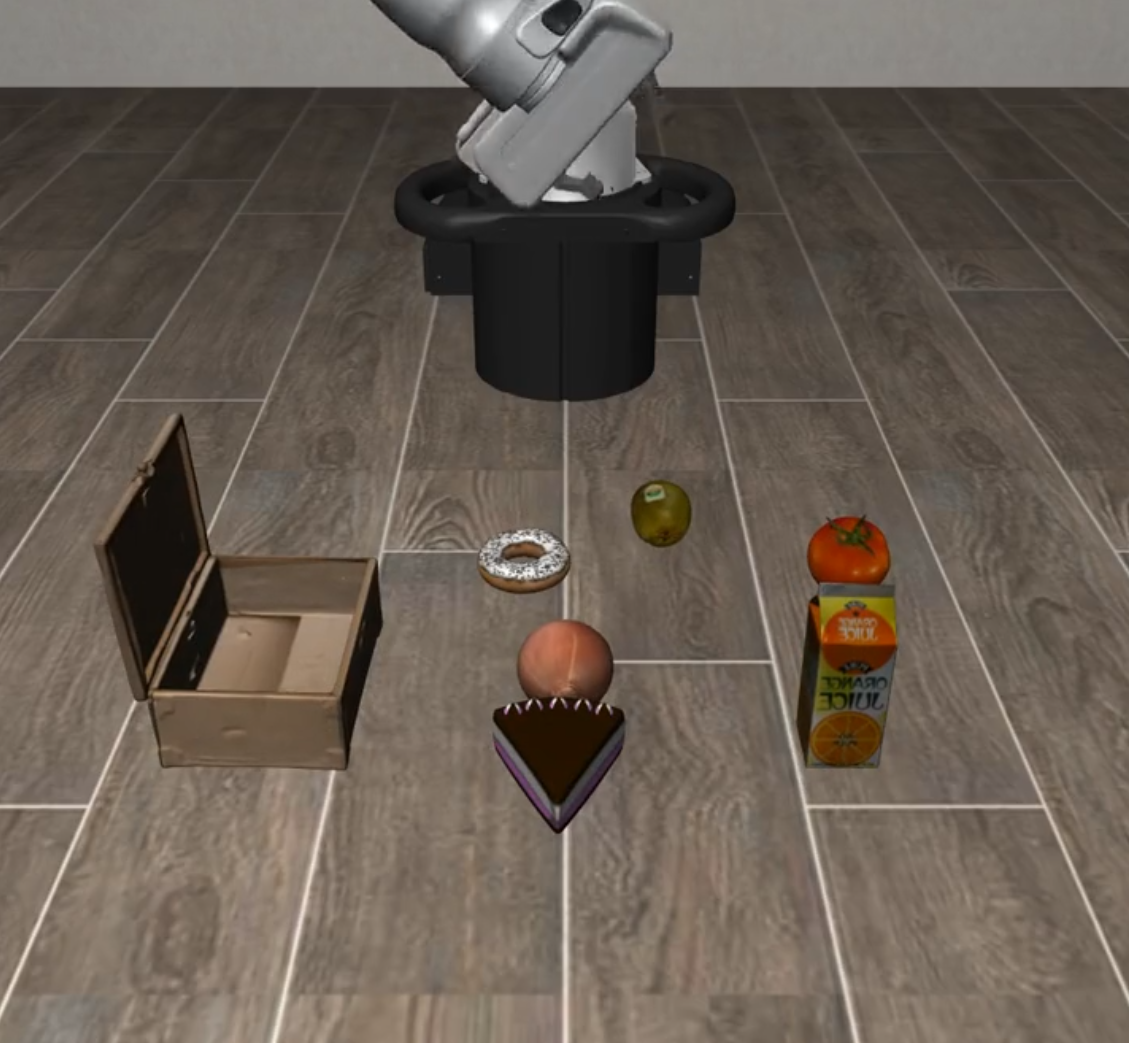 |
| 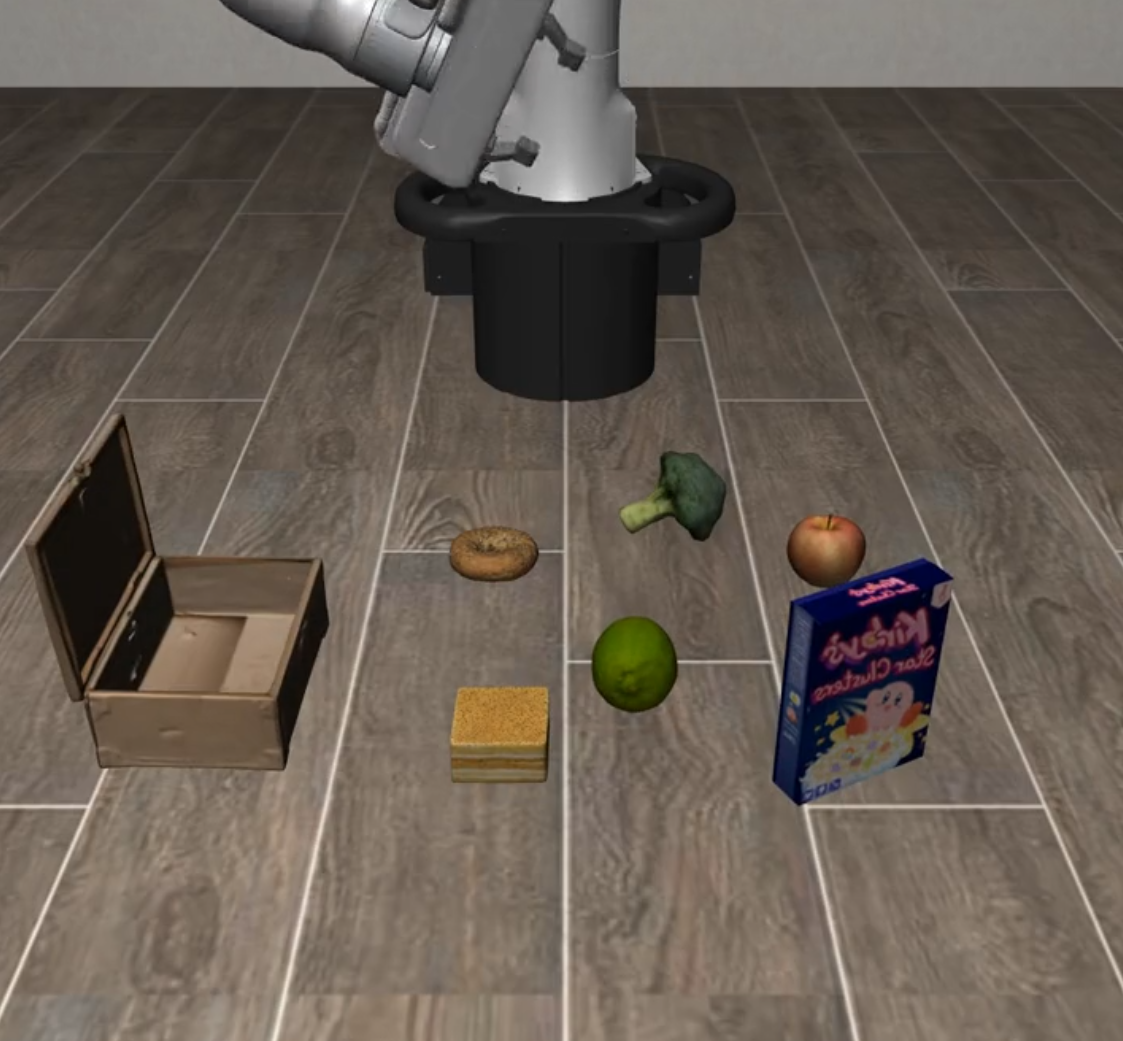 |
### 📈 Long Horizon Suite Visualization
| Suite Name | L0 | L1 | L2 |
|------------|----|----|----|
| **Long Horizon** |
|
### 📈 Long Horizon Suite Visualization
| Suite Name | L0 | L1 | L2 |
|------------|----|----|----|
| **Long Horizon** | 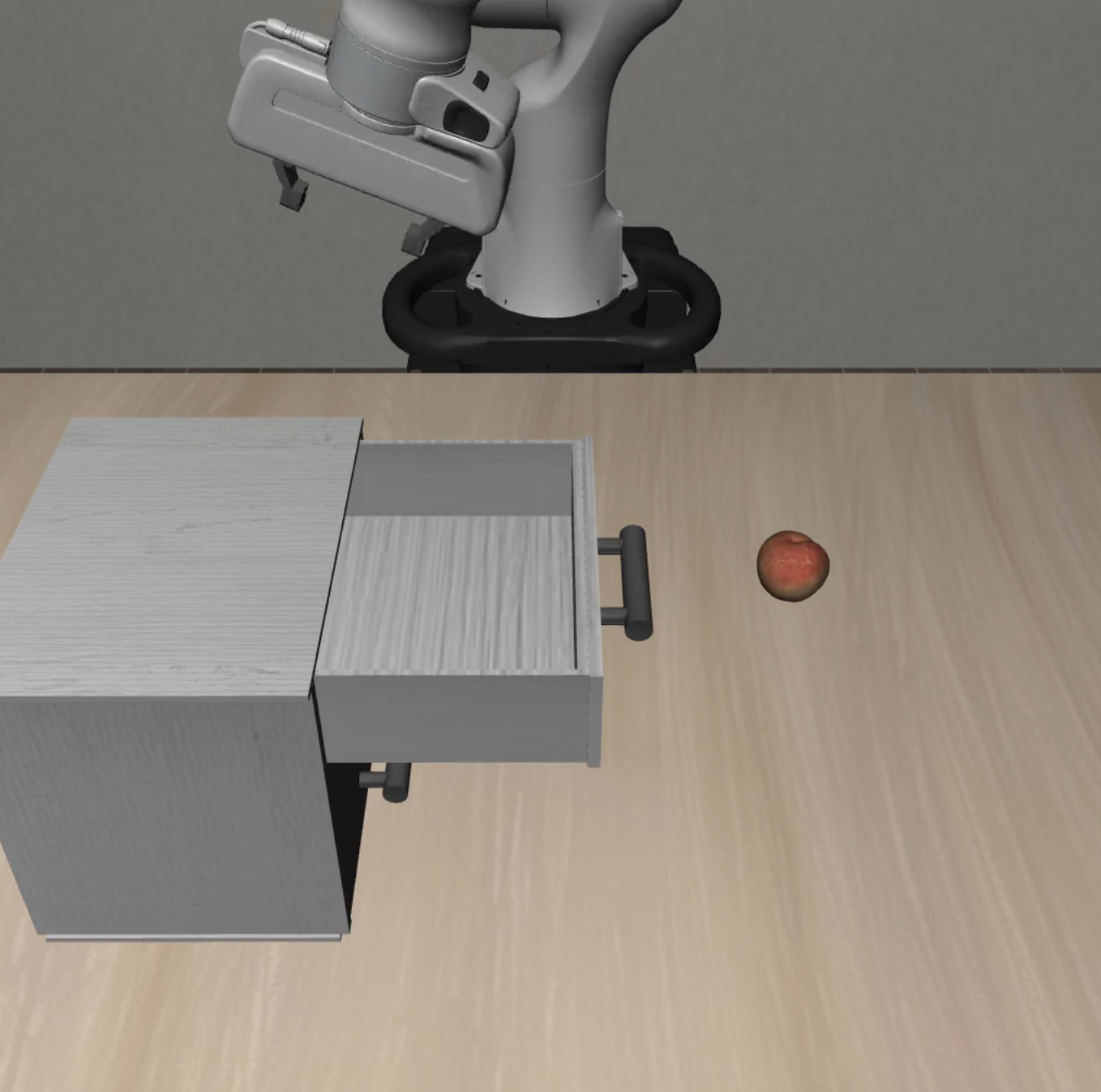 |
| 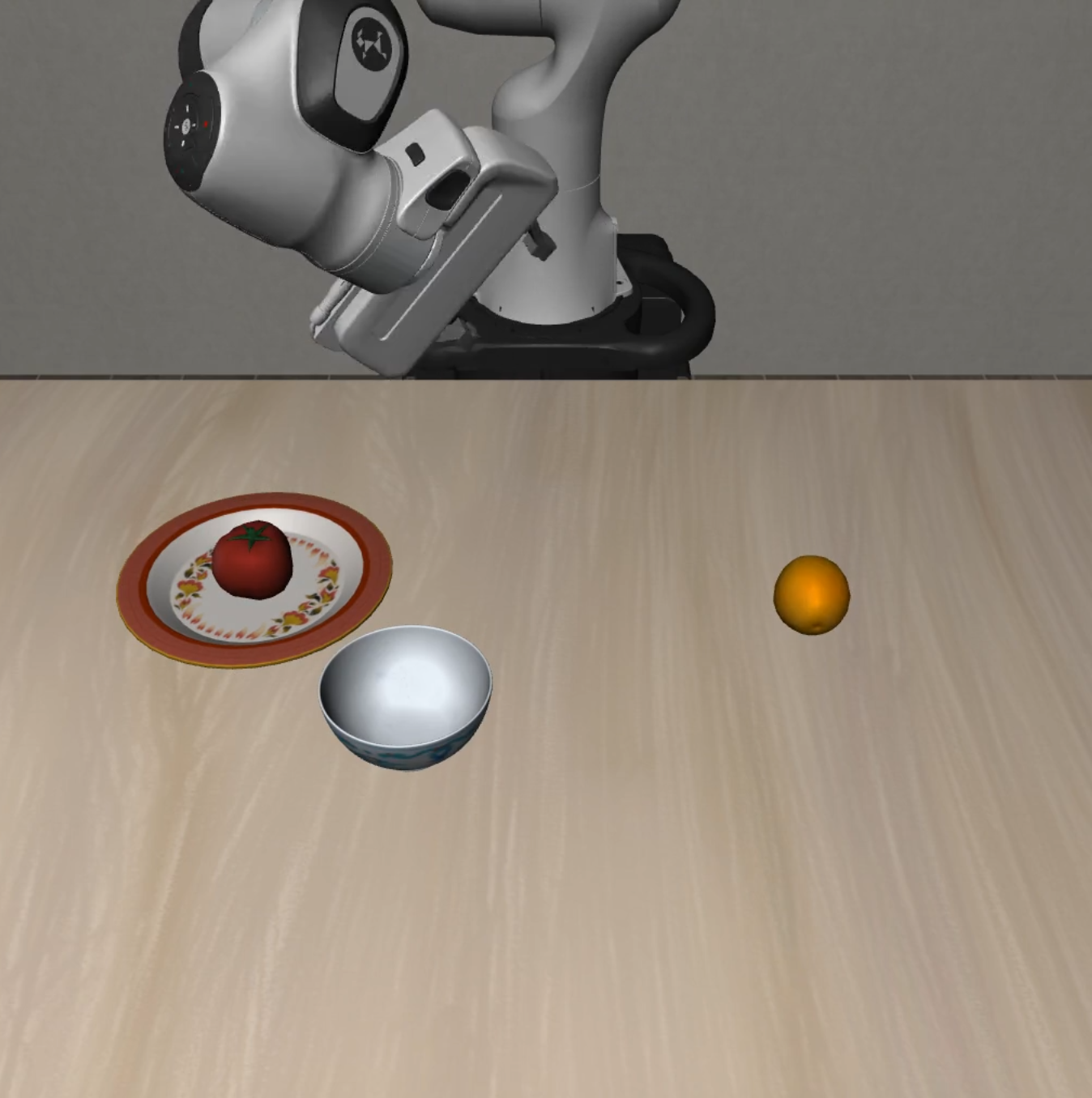 |
| 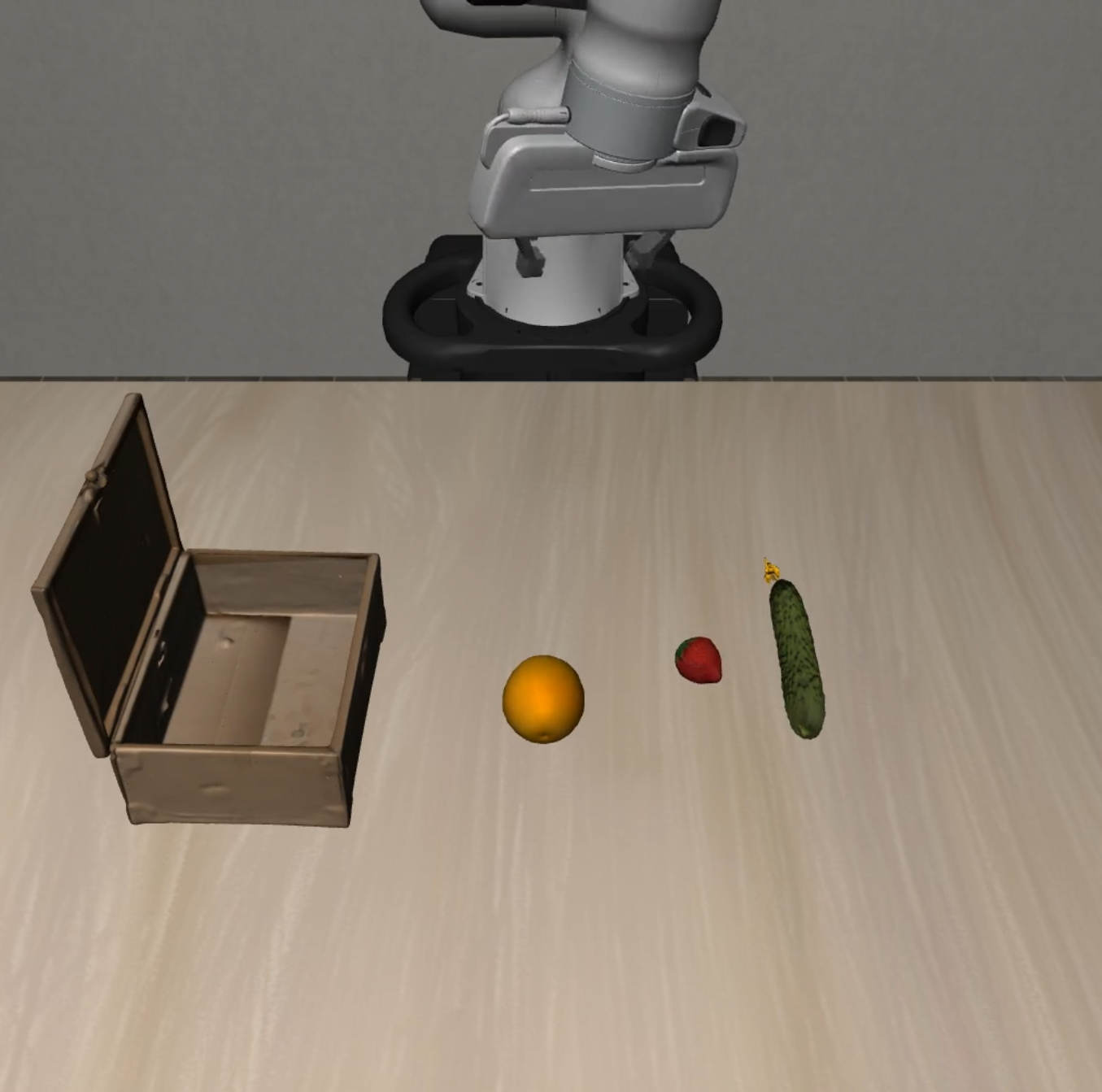 |
## Installation
### System Requirements
- **OS**: Ubuntu 20.04+ or macOS 12+
- **Python**: 3.11.x (`==3.11.*`)
- **CUDA**: 11.8+ (for GPU acceleration)
### Install from Source (Recommended)
```bash
# Clone repository
git clone https://github.com/PKU-Alignment/VLA-Arena.git
cd VLA-Arena
# Install uv: https://docs.astral.sh/uv/
# (Optional) Pre-install base environment (otherwise the first `uv run` will do it)
uv sync --project envs/base
# (Optional) Download / update task suites and assets from the Hub (~850 MB)
uv run --project envs/base vla-arena.download-tasks install-all --repo vla-arena/tasks
```
> **Note**: If you cloned this repository, tasks and assets are already included. You can skip the download step unless you want to update from the Hub.
### Install from PyPI (Alternative)
```bash
python3 -m pip install vla-arena
# One-time: initialize local uv projects (`envs/*`) and copy default configs
vla-arena.init-workspace --force
# (Optional) Download task suites / assets (~850 MB)
uv run --project envs/base vla-arena.download-tasks install-all --repo vla-arena/tasks
# One-line train / eval (config auto-defaults; override via --config if needed)
uv run --project envs/openvla vla-arena train --model openvla
uv run --project envs/openvla vla-arena eval --model openvla
```
For source checkout users, the existing `envs/
|
## Installation
### System Requirements
- **OS**: Ubuntu 20.04+ or macOS 12+
- **Python**: 3.11.x (`==3.11.*`)
- **CUDA**: 11.8+ (for GPU acceleration)
### Install from Source (Recommended)
```bash
# Clone repository
git clone https://github.com/PKU-Alignment/VLA-Arena.git
cd VLA-Arena
# Install uv: https://docs.astral.sh/uv/
# (Optional) Pre-install base environment (otherwise the first `uv run` will do it)
uv sync --project envs/base
# (Optional) Download / update task suites and assets from the Hub (~850 MB)
uv run --project envs/base vla-arena.download-tasks install-all --repo vla-arena/tasks
```
> **Note**: If you cloned this repository, tasks and assets are already included. You can skip the download step unless you want to update from the Hub.
### Install from PyPI (Alternative)
```bash
python3 -m pip install vla-arena
# One-time: initialize local uv projects (`envs/*`) and copy default configs
vla-arena.init-workspace --force
# (Optional) Download task suites / assets (~850 MB)
uv run --project envs/base vla-arena.download-tasks install-all --repo vla-arena/tasks
# One-line train / eval (config auto-defaults; override via --config if needed)
uv run --project envs/openvla vla-arena train --model openvla
uv run --project envs/openvla vla-arena eval --model openvla
```
For source checkout users, the existing `envs/