


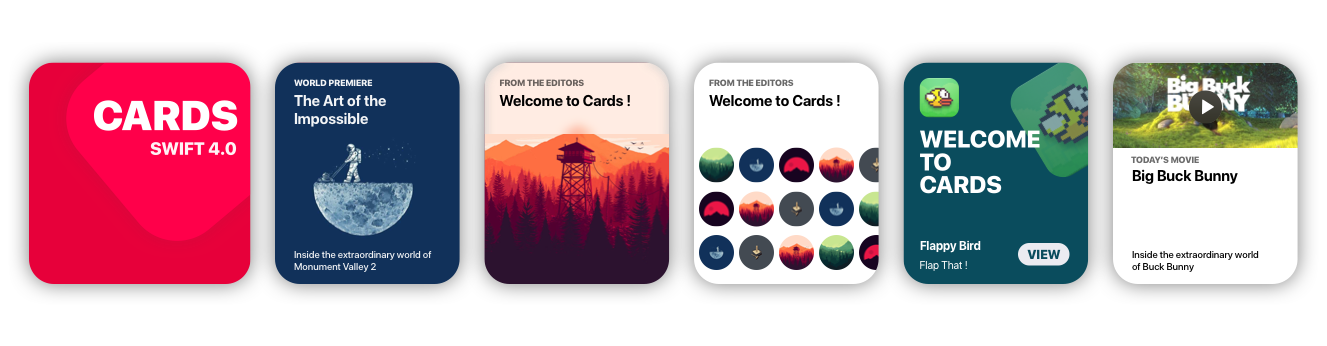
Cards brings to Xcode the card views seen in the new iOS XI Appstore.
## Getting Started
### Storyboard
- Go to **main.storyboard** and add a **blank UIView**
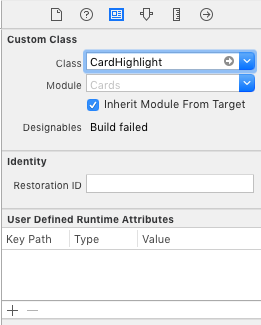
- Open the **Identity Inspector** and type '**CardHighlight**' the '**class**' field
- Make sure you have '**Cards**' selected in '**Module**' field
- Switch to the **Attributes Inspector** and **configure** it as you like.
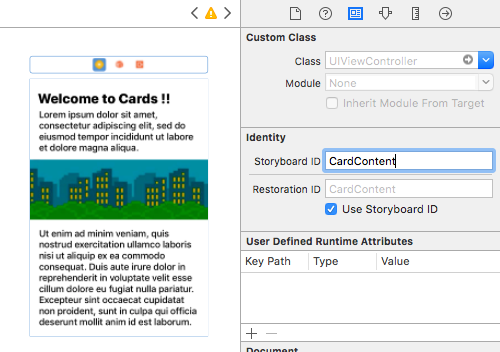
* Drag a blank **UIViewController** and design its view as you like
* Move to the **Identity inspector**
* Type '**CardContent**' in the **StoryboardID** field.
### Code
```swift
import Cards
// Aspect Ratio of 5:6 is preferred
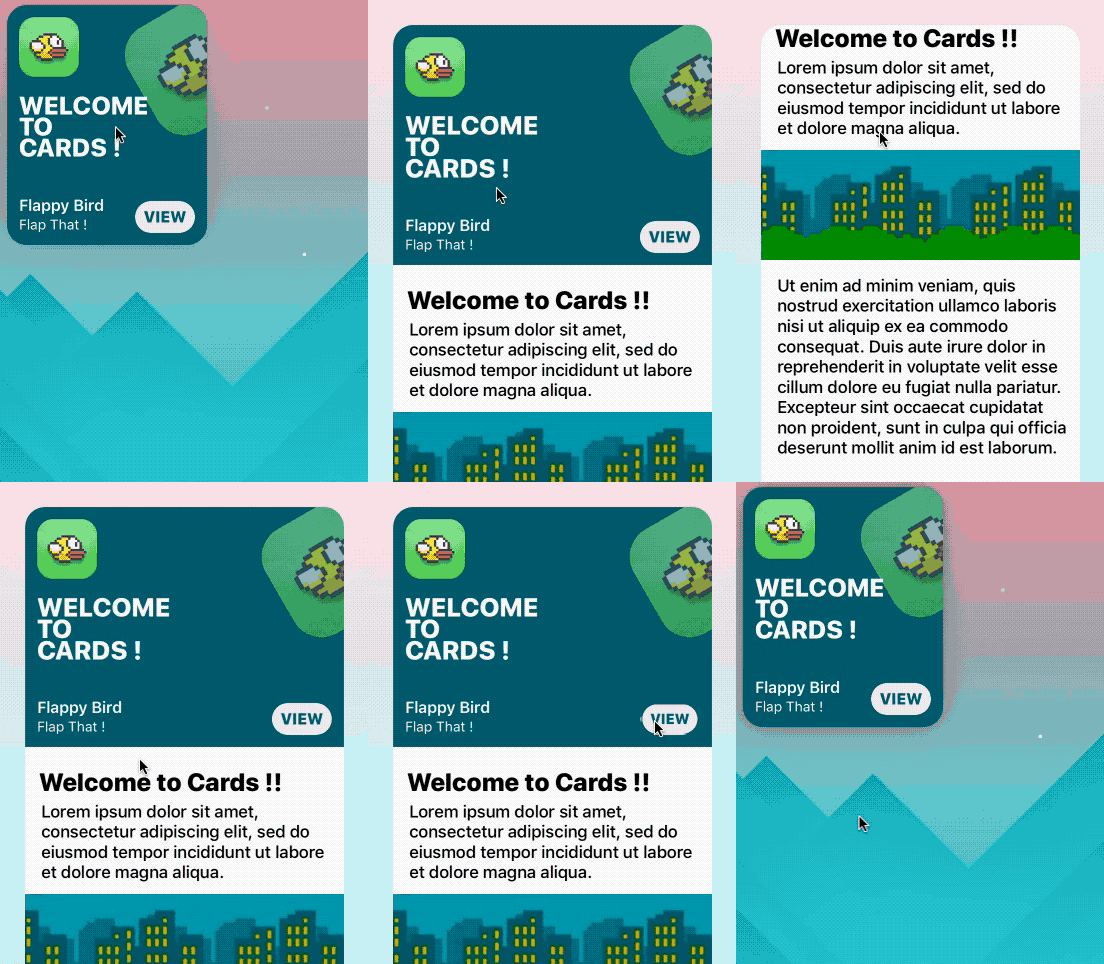
let card = CardHighlight(frame: CGRect(x: 10, y: 30, width: 200 , height: 240))
card.backgroundColor = UIColor(red: 0, green: 94/255, blue: 112/255, alpha: 1)
card.icon = UIImage(named: "flappy")
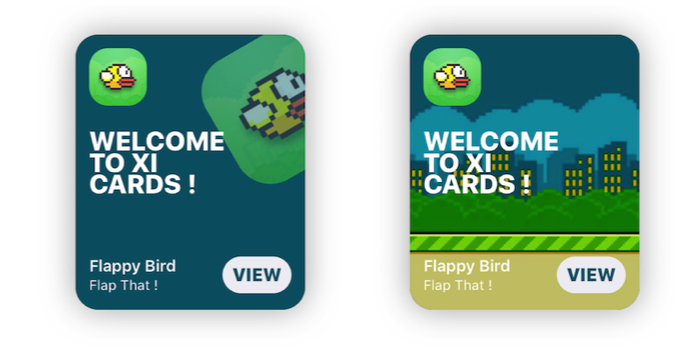
card.title = "Welcome \nto \nCards !"
card.itemTitle = "Flappy Bird"
card.itemSubtitle = "Flap That !"
card.textColor = UIColor.white
card.hasParallax = true
let cardContentVC = storyboard!.instantiateViewController(withIdentifier: "CardContent")
card.shouldPresent(cardContentVC, from: self, fullscreen: false)
view.addSubview(card)
```
## Prerequisites
- **Xcode 10.2** or newer
- **Swift 5.0**
## Installation
### Cocoapods
```ruby
use_frameworks!
pod 'Cards'
```
### Manual
- **Download** the repo
- ⌘C ⌘V the **'Cards' folder** in your project
- In your **Project's Info** go to '**Build Phases**'
- Open '**Compile Sources**' and **add all the files** in the folder
## Overview
## Customization
```swift
//Shadow settings
var shadowBlur: CGFloat
var shadowOpacity: Float
var shadowColor: UIColor
var backgroundImage: UIImage?
var backgroundColor: UIColor
var textColor: UIColor //Color used for the labels
var insets: CGFloat //Spacing between content and card borders
var cardRadius: CGFloat //Corner radius of the card
var icons: [UIImage]? //DataSource for CardGroupSliding
var blurEffect: UIBlurEffectStyle //Blur effect of CardGroup
```
## Usage
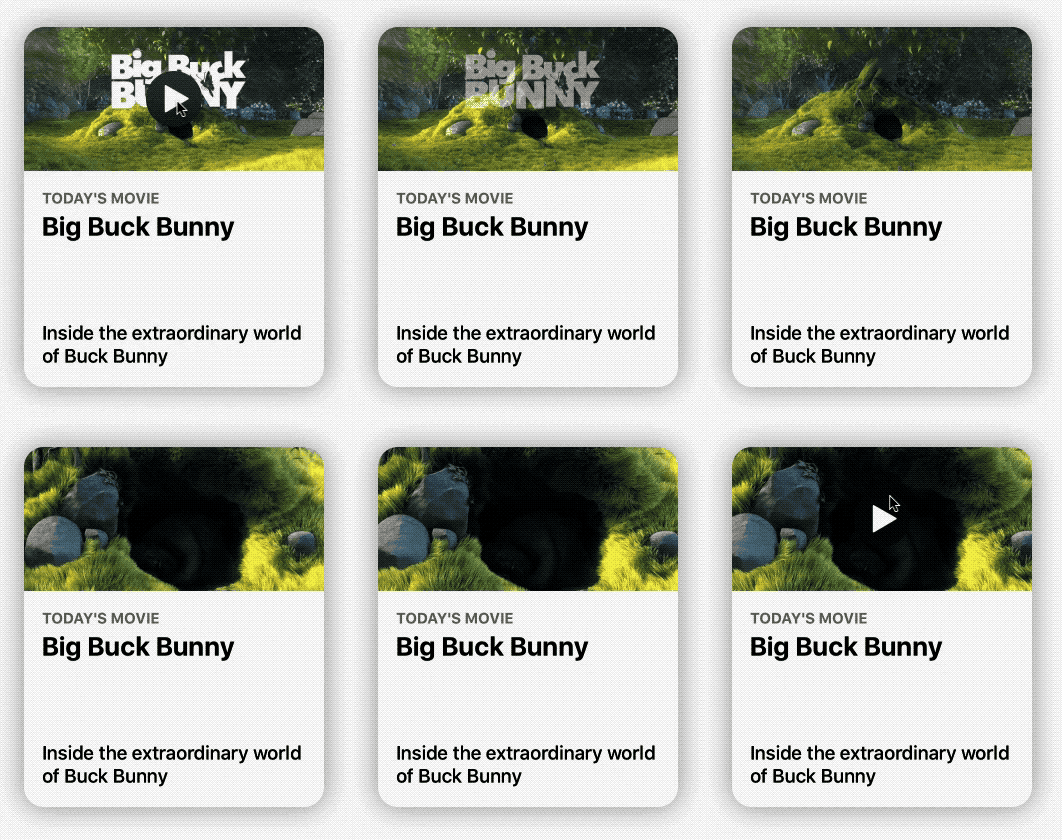
### CardPlayer
```swift
let card = CardPlayer(frame: CGRect(x: 40, y: 50, width: 300 , height: 360))
card.textColor = UIColor.black
card.videoSource = URL(string: "http://clips.vorwaerts-gmbh.de/big_buck_bunny.mp4")
card.shouldDisplayPlayer(from: self) //Required.
card.playerCover = UIImage(named: "mvBackground")! // Shows while the player is loading
card.playImage = UIImage(named: "CardPlayerPlayIcon")! // Play button icon
card.isAutoplayEnabled = true
card.shouldRestartVideoWhenPlaybackEnds = true
card.title = "Big Buck Bunny"
card.subtitle = "Inside the extraordinary world of Buck Bunny"
card.category = "today's movie"
view.addSubview(card)
```
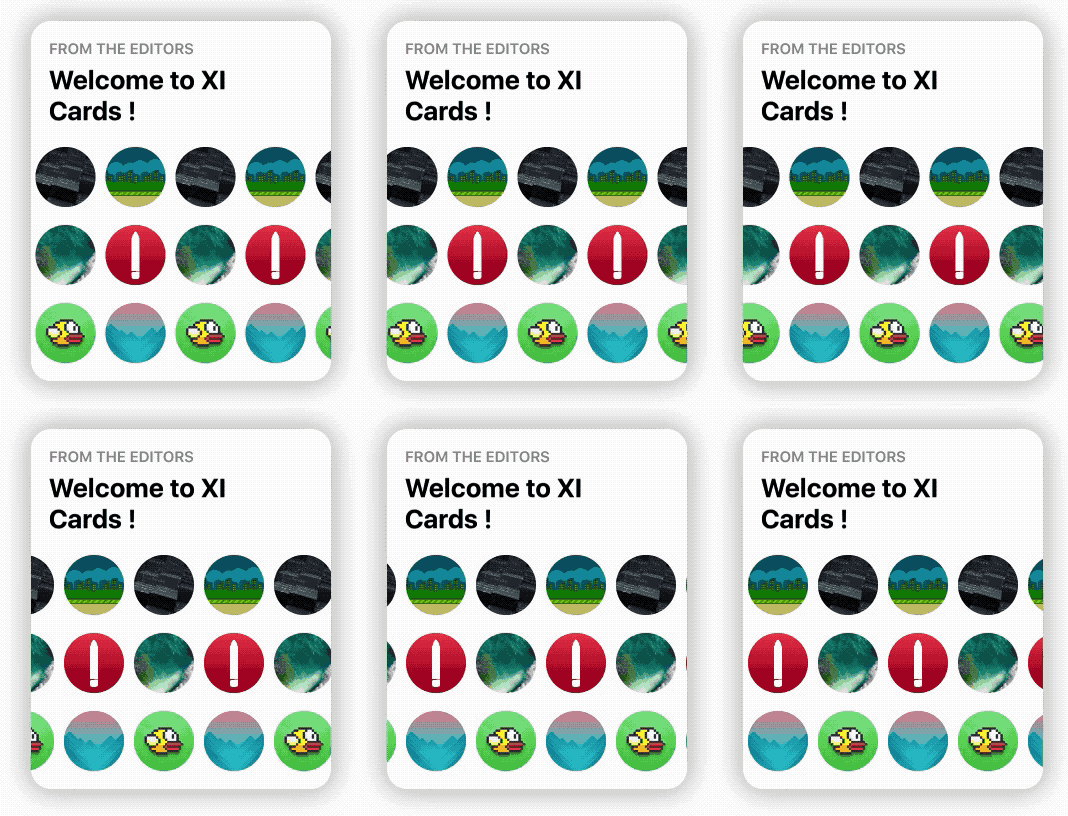
### CardGroupSliding
```swift
let icons: [UIImage] = [
UIImage(named: "grBackground")!,
UIImage(named: "background")!,
UIImage(named: "flappy")!,
UIImage(named: "flBackground")!,
UIImage(named: "icon")!,
UIImage(named: "mvBackground")!
] // Data source for CardGroupSliding
let card = CardGroupSliding(frame: CGRect(x: 40, y: 50, width: 300 , height: 360))
card.textColor = UIColor.black
card.icons = icons
card.iconsSize = 60
card.iconsRadius = 30
card.title = "from the editors"
card.subtitle = "Welcome to XI Cards !"
view.addSubview(card)
```
## Documentation
See the **Wiki**, to learn in depth infos about Cards.
[GO!](https://github.com/PaoloCuscela/Cards/wiki)
## Issues & Feature requests
If you encounter any problems or have any trouble using Cards, feel free to open an issue. I'll answer you as soon as I see it.
New features, or improvements to the framework are welcome (open an issue).
## Thanksto
- **Patrick Piemonte** - providing [Player](https://github.com/piemonte/Player) framework used in [CardPlayer.swift](https://raw.githubusercontent.com/PaoloCuscela/Cards/master/Cards/CardPlayer.swift)
- **Mac Bellingrath**
## License
Cards is released under the [MIT License](LICENSE).