# TransitionableTab
[](https://github.com/Carthage/Carthage)


[](http://cocoapods.org/pods/Hero)

[](https://github.com/lkzhao/Hero/blob/master/LICENSE?raw=true)
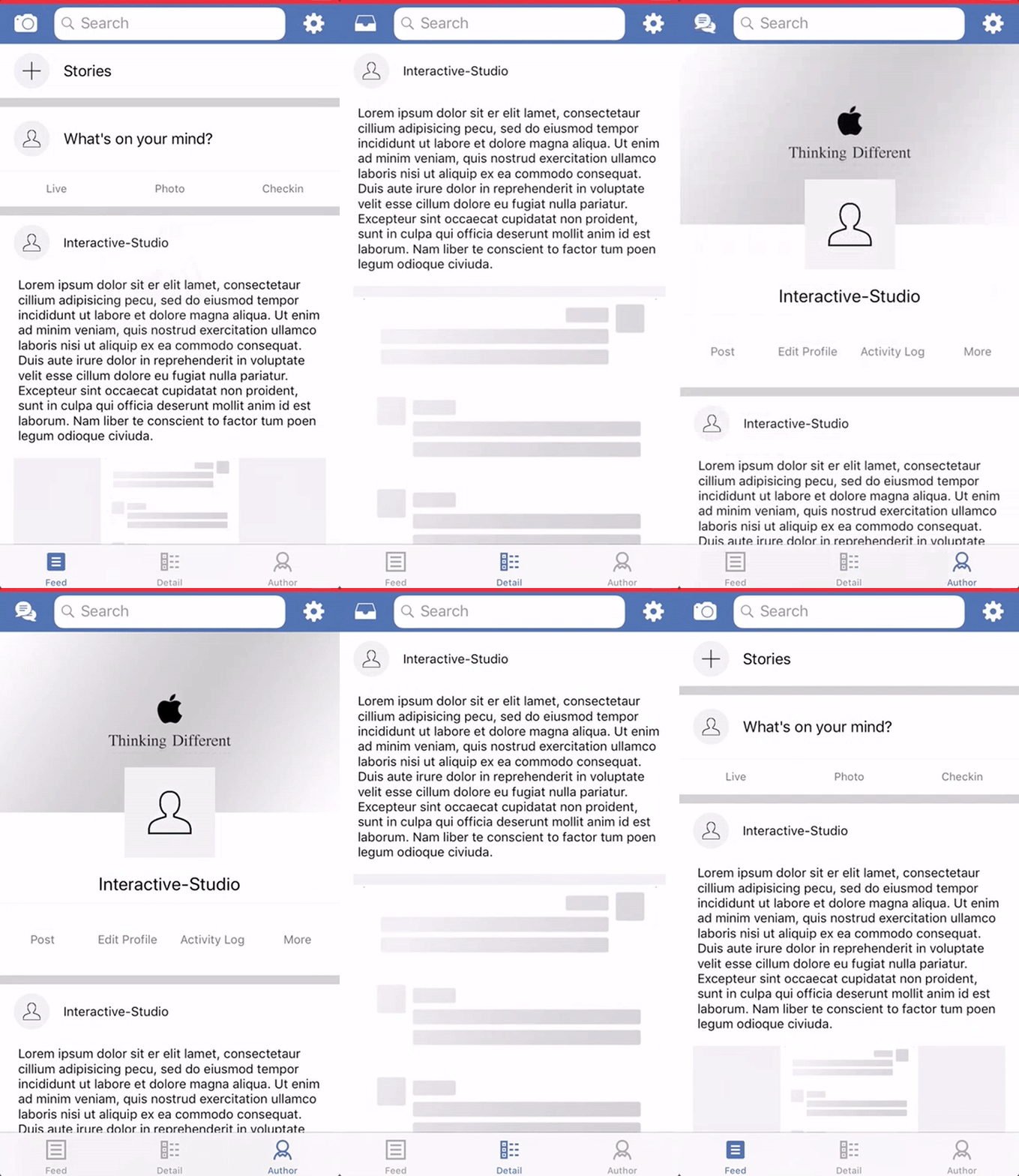
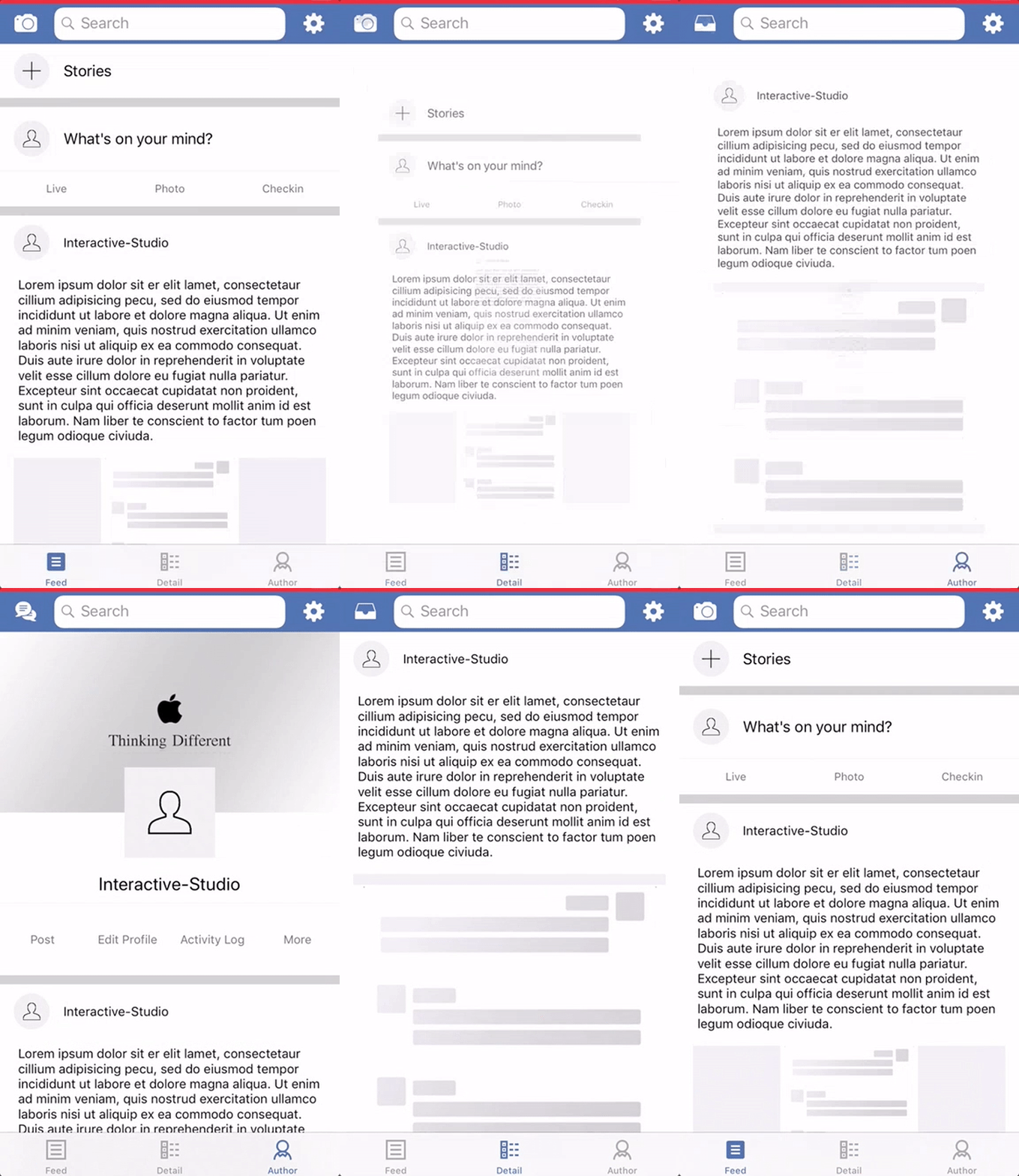
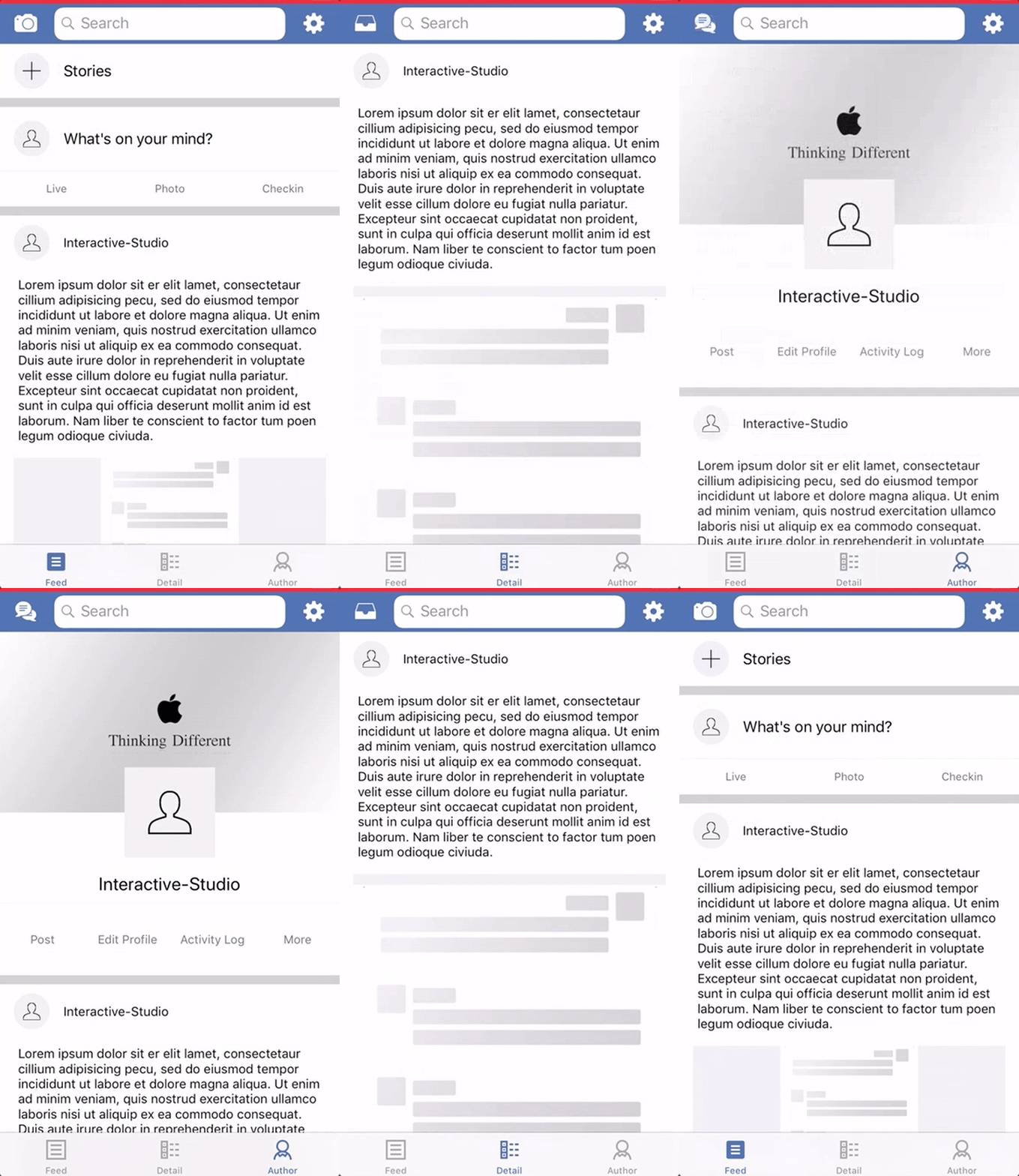
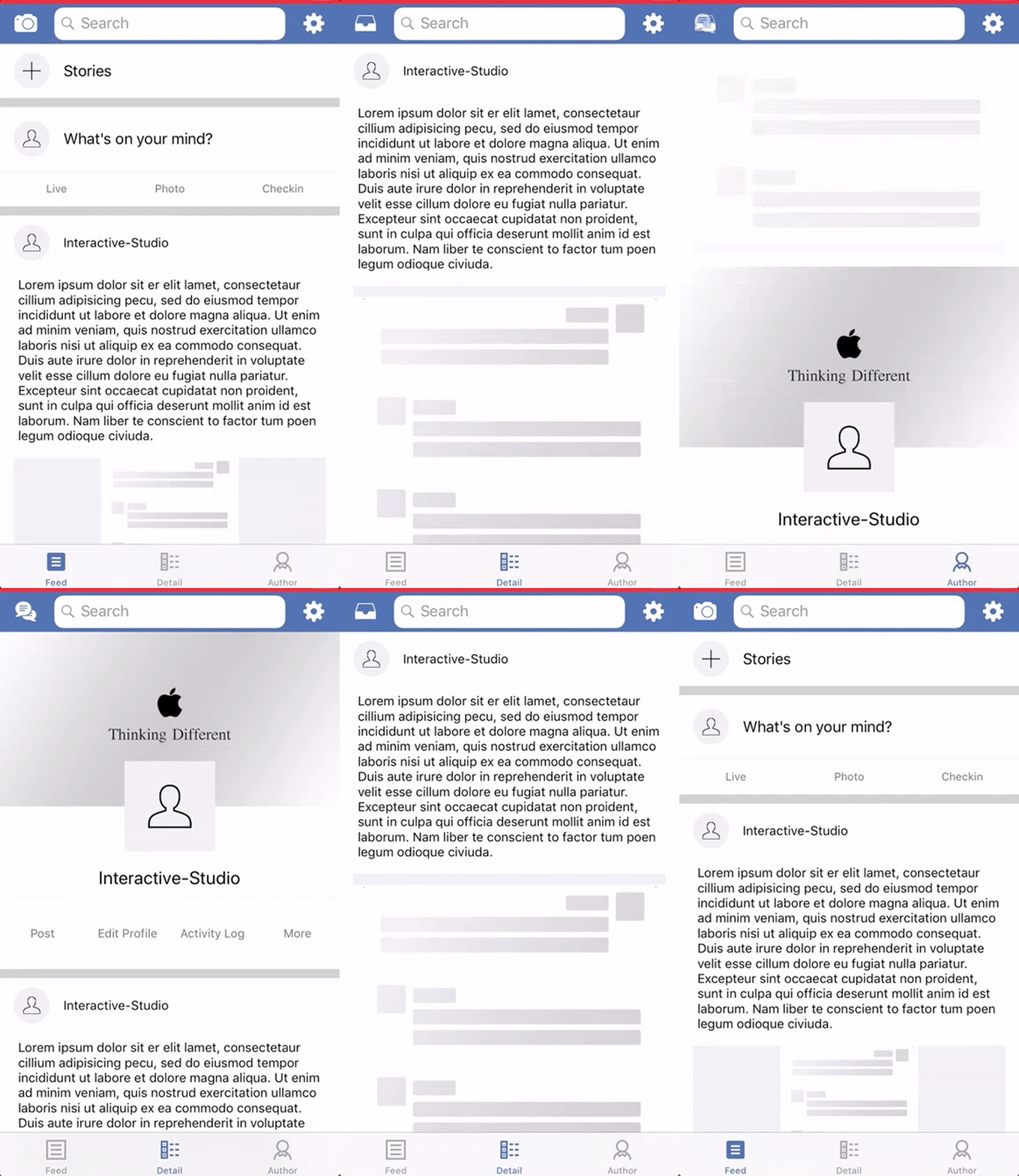
**TransitionableTab** makes it easy to animate when switching between tab .
## Contents
- [Requirements](#requirements)
- [Installation](#installation)
- [Preview](#preview)
- [Usage](#usage)
- [Communication](#communication)
- [Credits](#credits)
- [License](#license)
## Requirements
- iOS 8.0+
- Xcode 9.0+
- Swift 4.2 (use version 0.1.3 for Swift 4.0)
## Installation
### CocoaPods
[CocoaPods](http://cocoapods.org) is a dependency manager for Cocoa projects. You can install it with the following command:
```bash
$ gem install cocoapods
```
> CocoaPods 1.1+ is required to build TransitionableTab 4.2+.
To integrate TransitionableTab into your Xcode project using CocoaPods, specify it in your `Podfile`:
```ruby
source 'https://github.com/CocoaPods/Specs.git'
platform :ios, '8.0'
use_frameworks!
target '' do
pod 'TransitionableTab', '~> 0.2.0'
end
```
Then, run the following command:
```bash
$ pod install
```
### Carthage
[Carthage](https://github.com/Carthage/Carthage) is a decentralized dependency manager that builds your dependencies and provides you with binary frameworks.
You can install Carthage with [Homebrew](http://brew.sh/) using the following command:
```bash
$ brew update
$ brew install carthage
```
To integrate TransitionableTab into your Xcode project using Carthage, specify it in your `Cartfile`:
```ogdl
github "Interactive-Studio/TransitionableTab" ~> 0.2.0
```
Run `carthage update` to build the framework and drag the built `TransitionableTab.framework` into your Xcode project.
### Manually
If you prefer not to use either of the aforementioned dependency managers, you can integrate TransitionableTab into your project manually.
---
## Preview
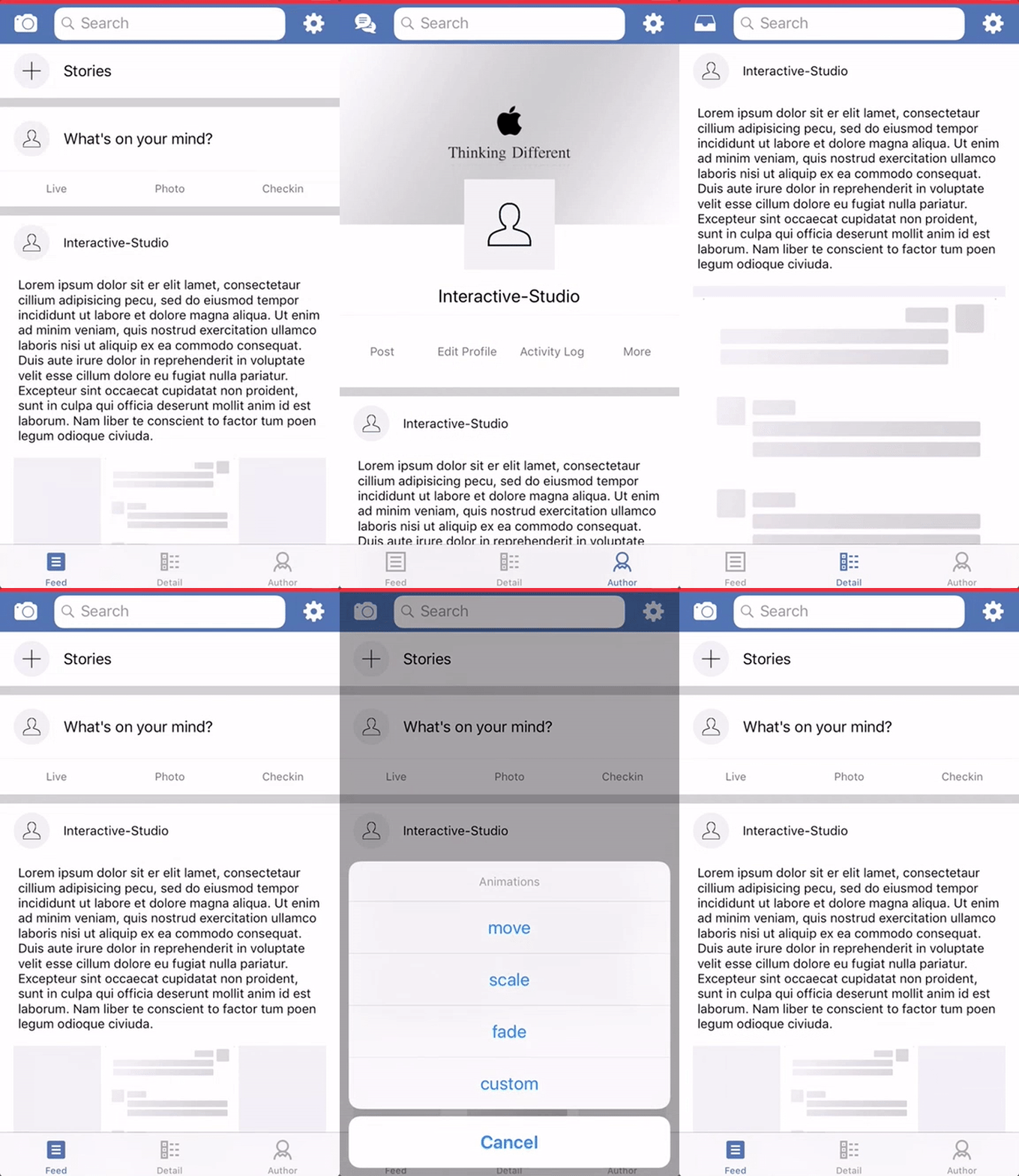 ## Usage
The usage of **TransitionableTab** is very simple
```swift
import TransitionableTab
class TabBarController: UITabBarController {
override func viewDidLoad() {
super.viewDidLoad()
self.delegate = self
}
}
extension TabBarController: TransitionableTab {
func tabBarController(_ tabBarController: UITabBarController, shouldSelect viewController: UIViewController) -> Bool {
return animateTransition(tabBarController, shouldSelect: viewController)
}
}
```
### Custom
```swift
public protocol TransitionableTab: UITabBarControllerDelegate {
func transitionTimingFunction() -> CAMediaTimingFunction
func transitionDuration() -> CFTimeInterval
func fromTransitionAnimation(layer: CALayer, direction: Direction) -> CAAnimation
func toTransitionAnimation(layer: CALayer, direction: Direction) -> CAAnimation
}
```
If you want to know more detailed usage, please refer to Example.
## Communication
- If you **found a bug**, open an issue.
- If you **have a feature request**, open an issue.
- If you **want to contribute**, submit a pull request.
## Credits
- GwangBeom Park ([@gwangbeom](https://github.com/ParkGwangBeom))
## License
TransitionableTab is released under the MIT license. See LICENSE for details.
## Usage
The usage of **TransitionableTab** is very simple
```swift
import TransitionableTab
class TabBarController: UITabBarController {
override func viewDidLoad() {
super.viewDidLoad()
self.delegate = self
}
}
extension TabBarController: TransitionableTab {
func tabBarController(_ tabBarController: UITabBarController, shouldSelect viewController: UIViewController) -> Bool {
return animateTransition(tabBarController, shouldSelect: viewController)
}
}
```
### Custom
```swift
public protocol TransitionableTab: UITabBarControllerDelegate {
func transitionTimingFunction() -> CAMediaTimingFunction
func transitionDuration() -> CFTimeInterval
func fromTransitionAnimation(layer: CALayer, direction: Direction) -> CAAnimation
func toTransitionAnimation(layer: CALayer, direction: Direction) -> CAAnimation
}
```
If you want to know more detailed usage, please refer to Example.
## Communication
- If you **found a bug**, open an issue.
- If you **have a feature request**, open an issue.
- If you **want to contribute**, submit a pull request.
## Credits
- GwangBeom Park ([@gwangbeom](https://github.com/ParkGwangBeom))
## License
TransitionableTab is released under the MIT license. See LICENSE for details.