
### Check out Piebald
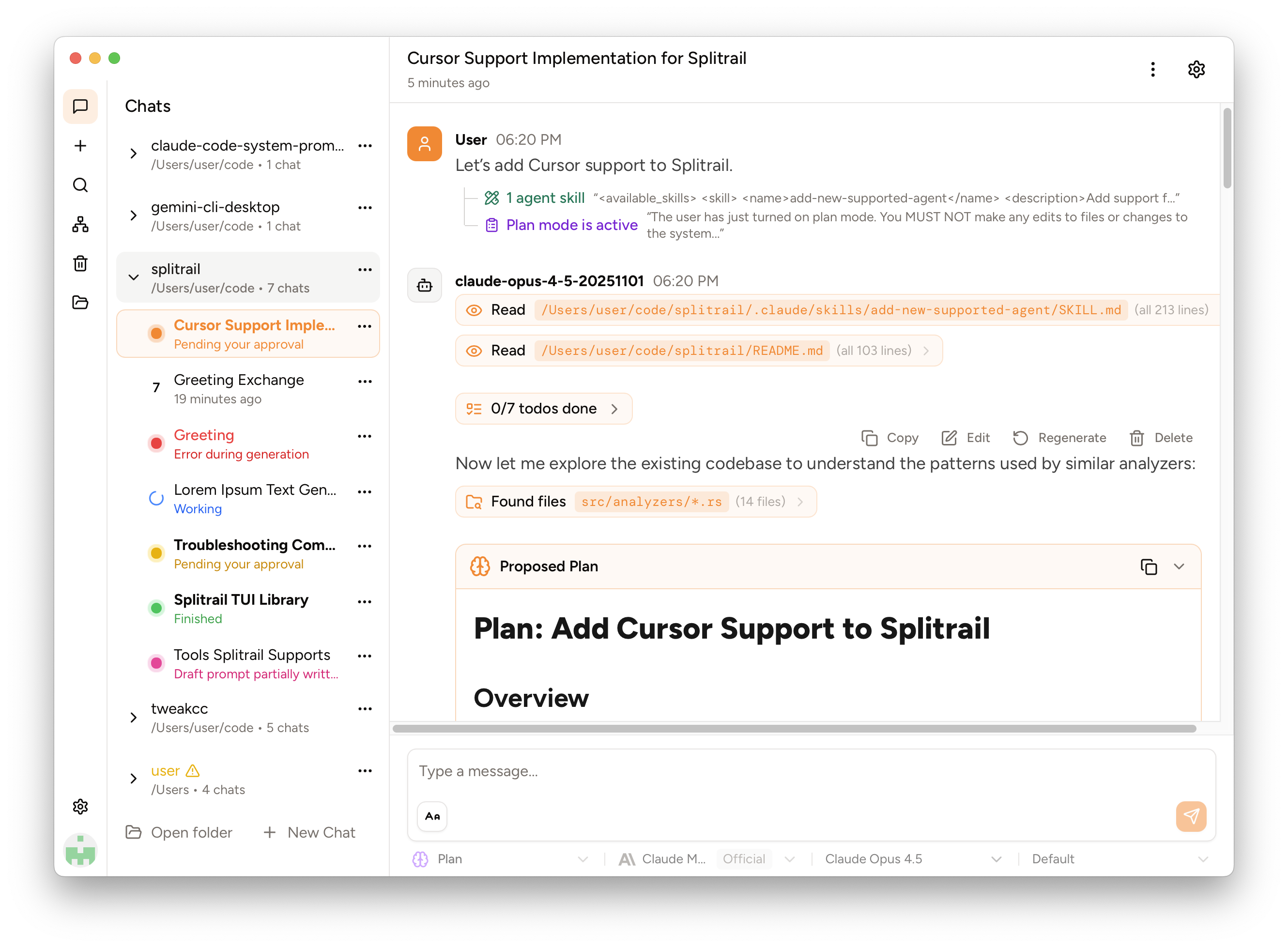
We've released **Piebald**, the ultimate agentic AI developer experience. \
Download it and try it out for free! **https://piebald.ai/**

 [**Scroll down for Splitrail.**](#splitrail) :point_down:
[**Scroll down for Splitrail.**](#splitrail) :point_down:
 **Piebald.**](https://piebald.ai/)
> [!note]
> ⭐ **If you find Splitrail useful, please consider [starring the repository](https://github.com/Piebald-AI/splitrail) to show your support!** ⭐
**Download the binary for your platform on the [Releases](https://github.com/Piebald-AI/splitrail/releases) page.**
## Screenshots
### [Splitrail CLI](https://splitrail.dev)
**Piebald.**](https://piebald.ai/)
> [!note]
> ⭐ **If you find Splitrail useful, please consider [starring the repository](https://github.com/Piebald-AI/splitrail) to show your support!** ⭐
**Download the binary for your platform on the [Releases](https://github.com/Piebald-AI/splitrail/releases) page.**
## Screenshots
### [Splitrail CLI](https://splitrail.dev)
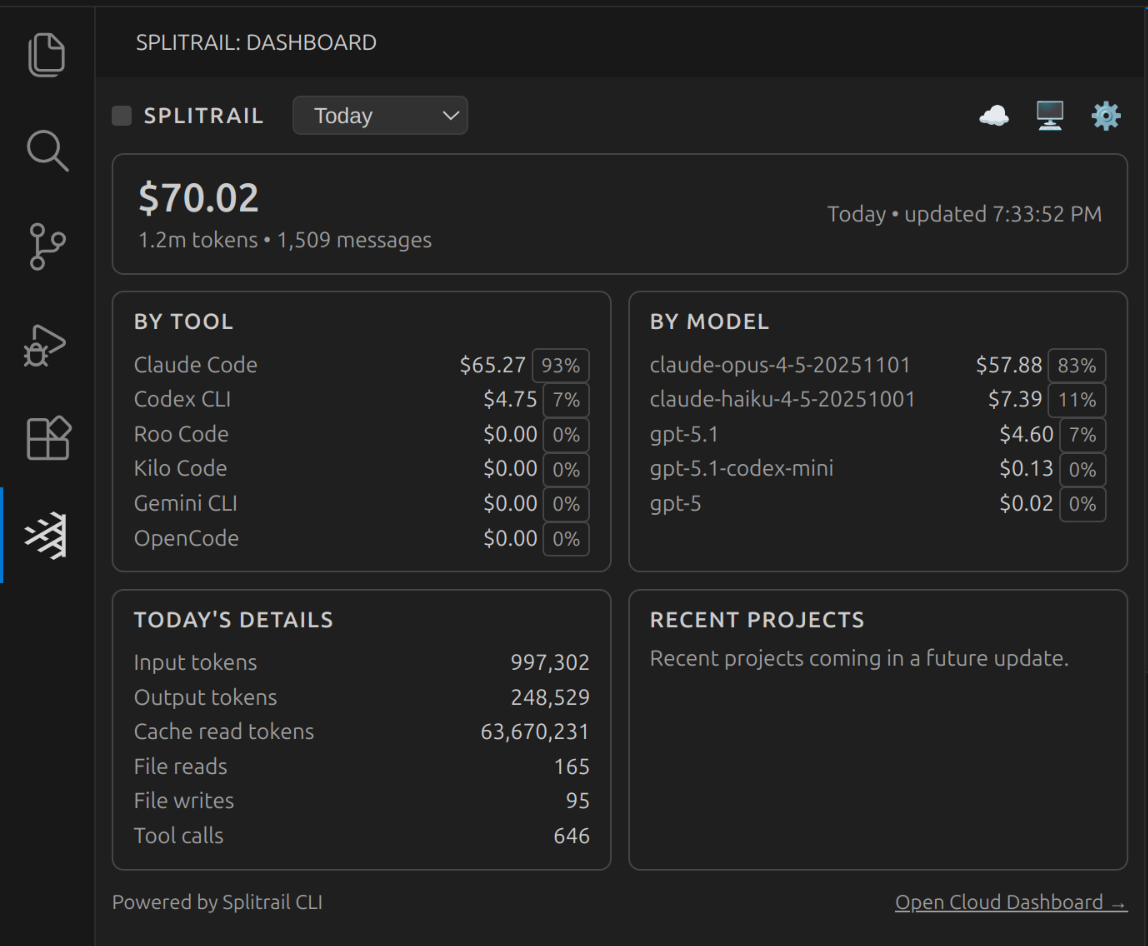
 ### [Splitrail VS Code Extension](https://splitrail.dev)
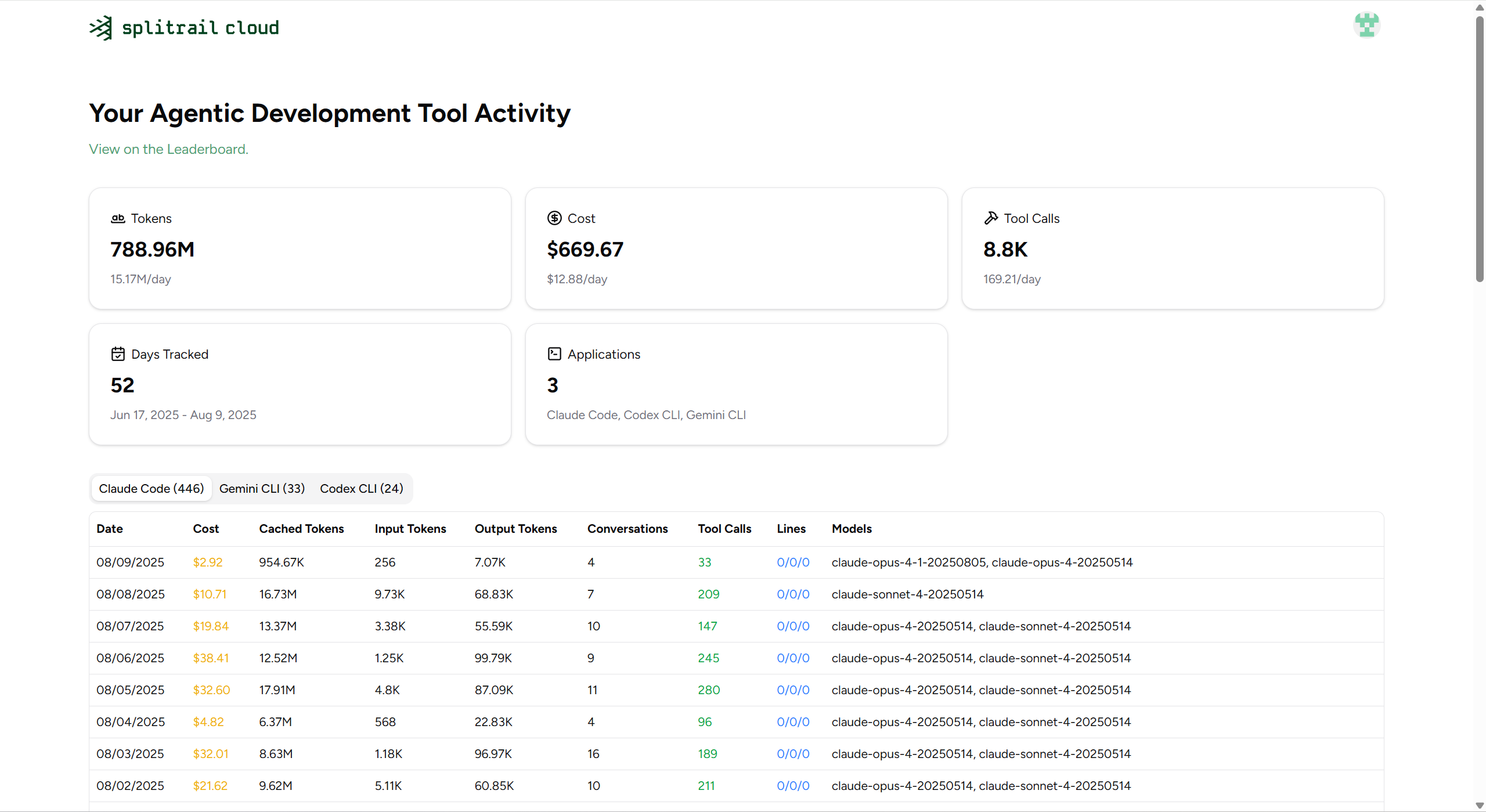
 ### [Splitrail Cloud](https://splitrail.dev)
 ## MCP Server
Splitrail can run as an [MCP (Model Context Protocol)](https://modelcontextprotocol.io/) server, allowing AI assistants to query your usage statistics programmatically.
```bash
splitrail mcp
```
### Available Tools
- `get_daily_stats` - Query usage statistics with date filtering
- `get_model_usage` - Analyze model usage distribution
- `get_cost_breakdown` - Get cost breakdown over a date range
- `get_file_operations` - Get file operation statistics
- `compare_tools` - Compare usage across different AI coding tools
- `list_analyzers` - List available analyzers
### Resources
- `splitrail://summary` - Daily summaries across all dates
- `splitrail://models` - Model usage breakdown
## Configuration
Splitrail stores its configuration at `~/.splitrail.toml`:
```toml
[server]
url = "https://splitrail.dev"
api_token = "your-api-token"
[upload]
auto_upload = false
upload_today_only = false
[formatting]
number_comma = false
number_human = false
locale = "en"
decimal_places = 2
```
## Development
### Windows
On Windows, we use `lld-link.exe` from LLVM to significantly speed up compilation, so you'll need to install it to compile Splitrail. Example for `winget`:
```shell
winget install --id LLVM.LLVM
```
Then add it to your system PATH:
```cmd
:: Command prompt
setx /M PATH "%PATH%;C:\Program Files\LLVM\bin\"
set "PATH=%PATH%;C:\Program Files\LLVM\bin"
```
or
```pwsh
# PowerShell
setx /M PATH "$env:PATH;C:\Program Files\LLVM\bin\"
$env:PATH = "$env:PATH;C:\Program Files\LLVM\bin\"
```
Then use standard Cargo commands to build and run:
```shell
cargo run
```
### macOS/Linux
Build as normal:
```
cargo run
```
-----
## License
[MIT](https://github.com/Piebald-AI/splitrail/blob/main/LICENSE)
Copyright © 2026 [Piebald LLC](https://piebald.ai).
## MCP Server
Splitrail can run as an [MCP (Model Context Protocol)](https://modelcontextprotocol.io/) server, allowing AI assistants to query your usage statistics programmatically.
```bash
splitrail mcp
```
### Available Tools
- `get_daily_stats` - Query usage statistics with date filtering
- `get_model_usage` - Analyze model usage distribution
- `get_cost_breakdown` - Get cost breakdown over a date range
- `get_file_operations` - Get file operation statistics
- `compare_tools` - Compare usage across different AI coding tools
- `list_analyzers` - List available analyzers
### Resources
- `splitrail://summary` - Daily summaries across all dates
- `splitrail://models` - Model usage breakdown
## Configuration
Splitrail stores its configuration at `~/.splitrail.toml`:
```toml
[server]
url = "https://splitrail.dev"
api_token = "your-api-token"
[upload]
auto_upload = false
upload_today_only = false
[formatting]
number_comma = false
number_human = false
locale = "en"
decimal_places = 2
```
## Development
### Windows
On Windows, we use `lld-link.exe` from LLVM to significantly speed up compilation, so you'll need to install it to compile Splitrail. Example for `winget`:
```shell
winget install --id LLVM.LLVM
```
Then add it to your system PATH:
```cmd
:: Command prompt
setx /M PATH "%PATH%;C:\Program Files\LLVM\bin\"
set "PATH=%PATH%;C:\Program Files\LLVM\bin"
```
or
```pwsh
# PowerShell
setx /M PATH "$env:PATH;C:\Program Files\LLVM\bin\"
$env:PATH = "$env:PATH;C:\Program Files\LLVM\bin\"
```
Then use standard Cargo commands to build and run:
```shell
cargo run
```
### macOS/Linux
Build as normal:
```
cargo run
```
-----
## License
[MIT](https://github.com/Piebald-AI/splitrail/blob/main/LICENSE)
Copyright © 2026 [Piebald LLC](https://piebald.ai).