> **Non-Affiliation & Trademark Disclaimer**
>
> **Obsidian Prism is an independent open-source project and is not affiliated with or endorsed by Google LLC.**
> References to “Antigravity” and “Google” are strictly for compatibility and descriptive purposes.
---
## Highlights
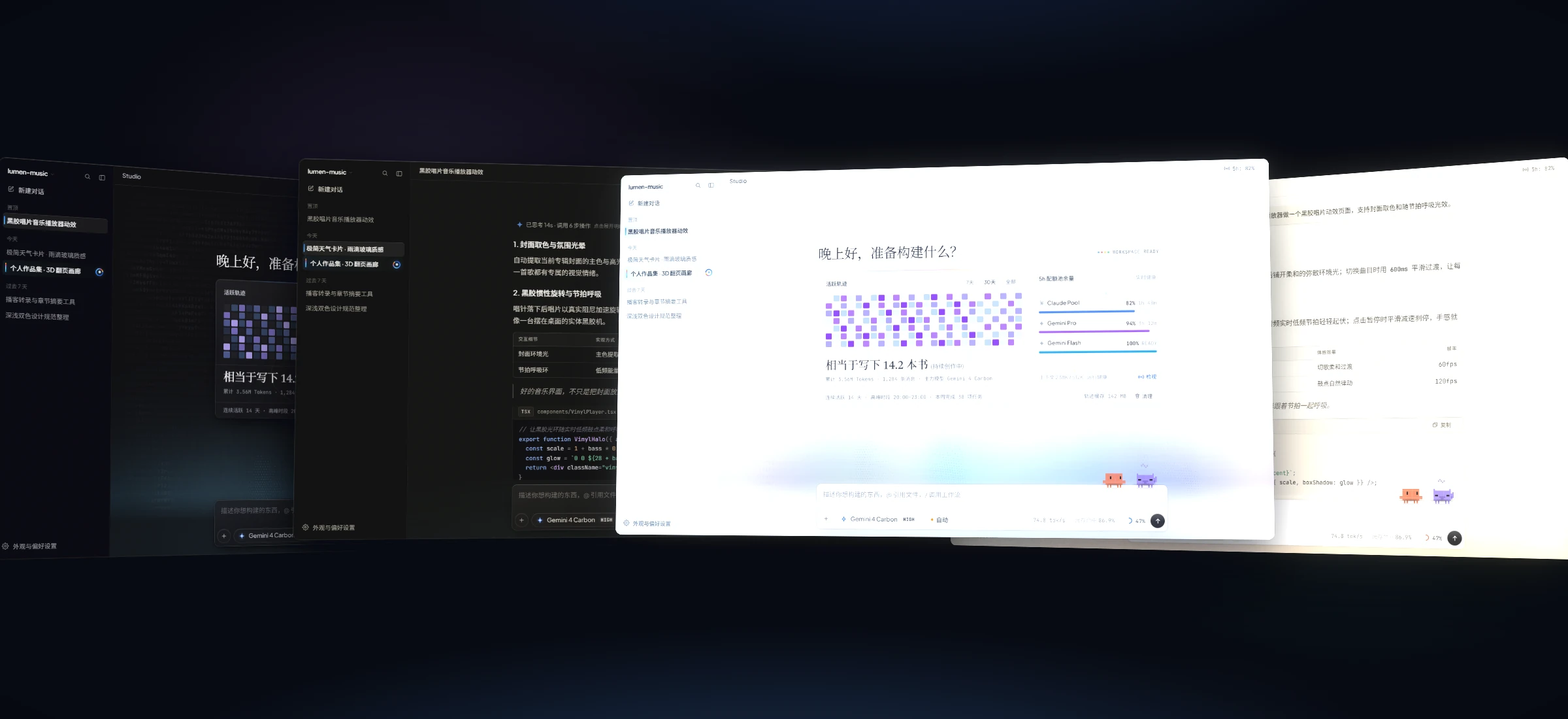
- **Four themes, one click**: Obsidian Dark and Warm Charcoal, plus Daylight Crystal and Warm Alabaster — with automatic light/dark following.
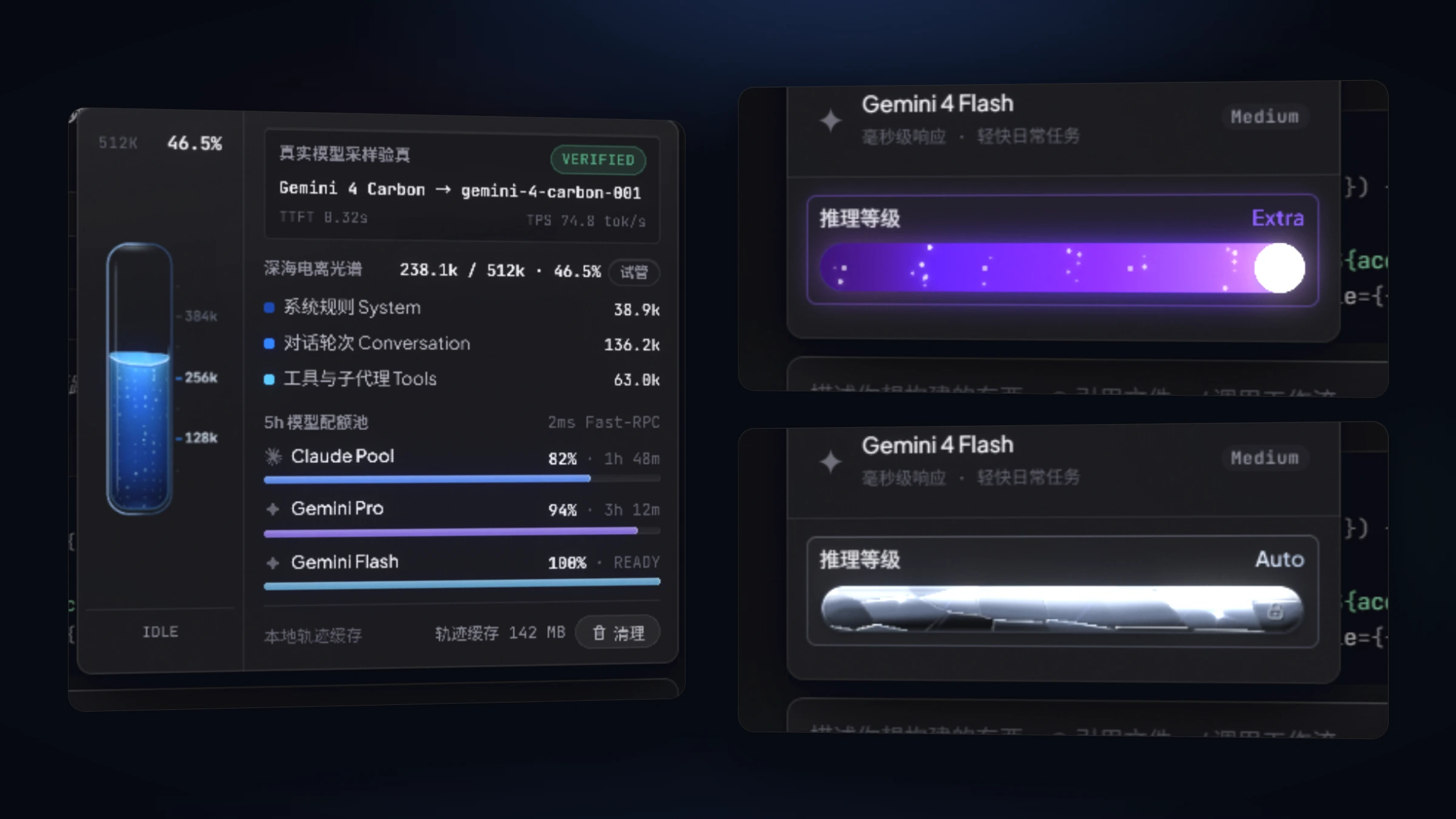
- **Context you can see**: A tiny vial next to the composer shows live 512K context usage; click it for a usage breakdown and quota forecasts.
- **Reasoning effort at your fingertips**: A starfield slider lives in the model menu; pick Orchestrator and it turns into a light-refracting cut-crystal bar.
- **Thinking & titles you can read**: Translate the model's thinking in real time (Immersive or Stacked Bilingual) with 1-Click Diagnose, manual HTTP/SOCKS5 proxy, and optional tool-summary & session-title translation.
- **Custom Static / Live Video Wallpaper (Beta)**: Located under Settings → **Beta**, off by default with zero overhead; loads local images and MP4/WebM videos read-only (experimental feature that may evolve across versions).
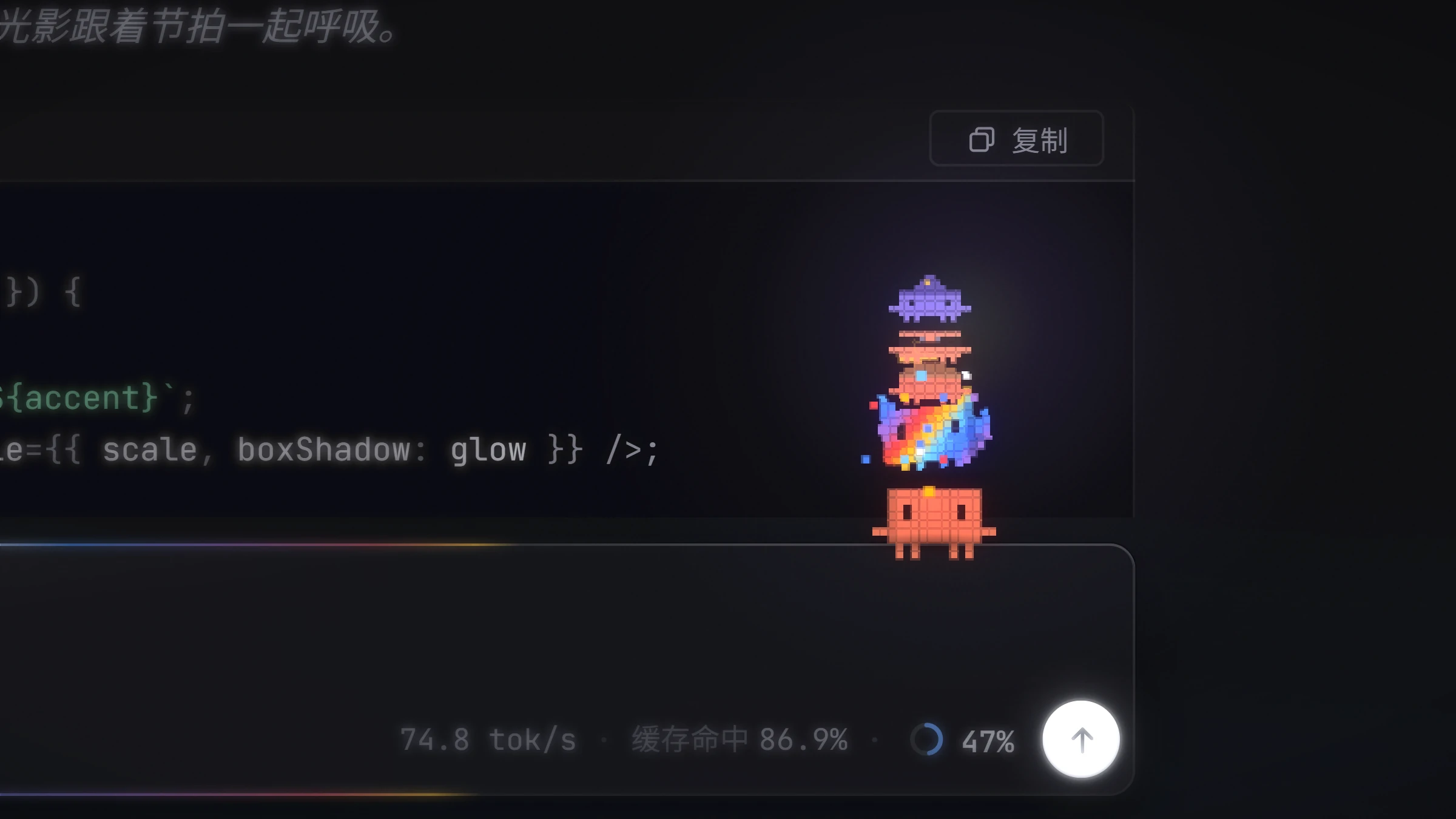
- **Pixel companions**: Clawd, a little purple cat and three mini crabs stack into a tower above the composer — with a hidden rainbow easter egg.
- **A friendlier workbench**: Built-in side-pane browser and large-file viewer, right-click actions, long code-block folding and conversation outline jumps.
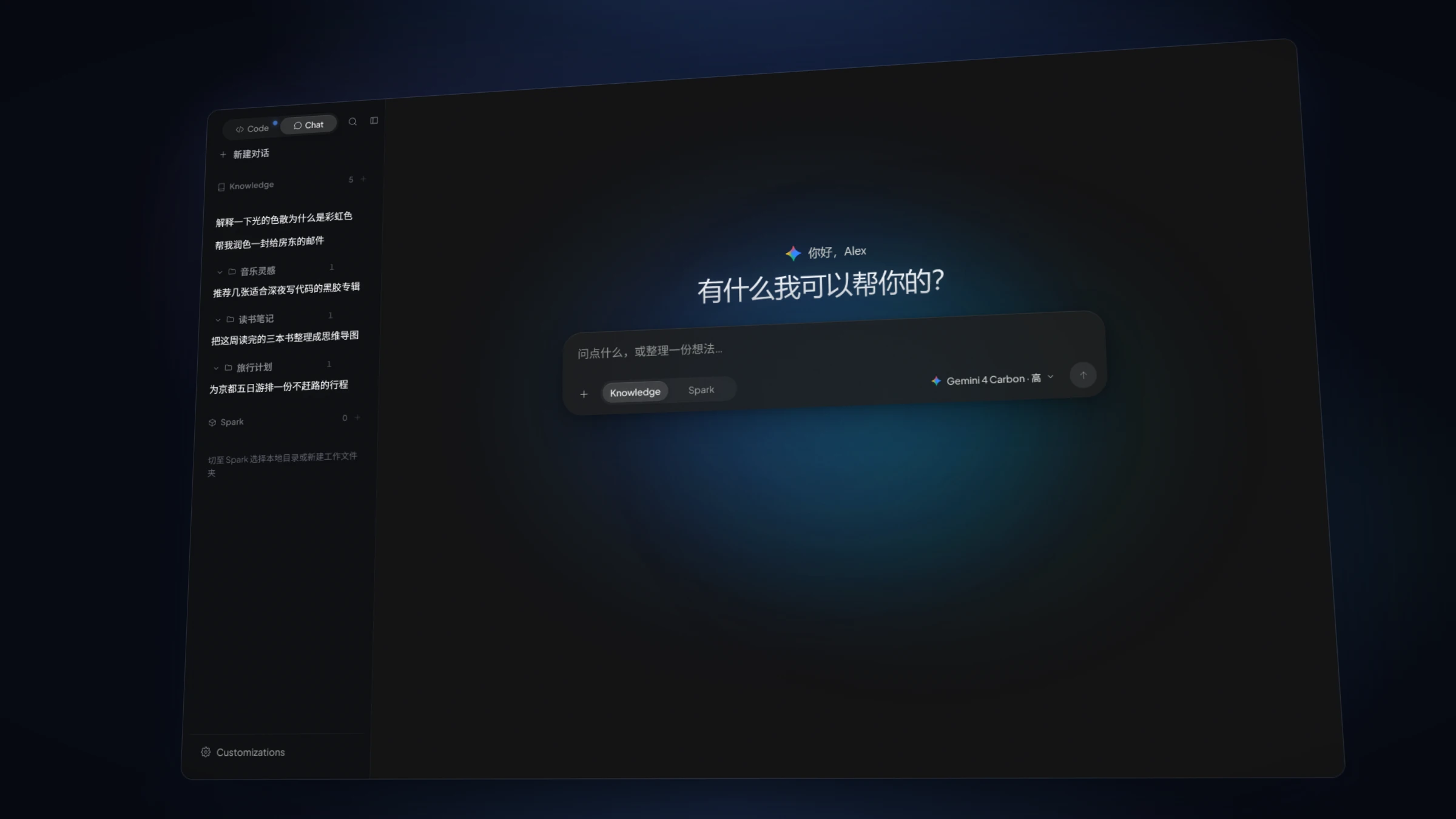
- **Chat Mode (Beta)**: A dedicated space for everyday chats and notes, kept separate from your coding workspace and its settings.
- **Light, fast and well-behaved**: Animations idle down to 0fps, local services listen on loopback only, settings apply in under 10 ms, and everything uninstalls cleanly.
---
## Visual Overview
### 1. Four Themes
 # Obsidian Prism
**A native optical UI suite for Google Antigravity**
Four dark & daylight themes · A living 512K context vial · Reasoning effort slider · Pixel companions · Custom Static / Video Wallpaper (Beta) · Chat Mode (Beta)
[**简体中文**](./README.md) · [**English**](./README.en.md) · [**Changelog**](./CHANGELOG.md) · [**Releases**](https://github.com/RMvdesi/obsidian-prism/releases) · [**Issues**](https://github.com/RMvdesi/obsidian-prism/issues)