# Notifai for Claude Code, Codex & more
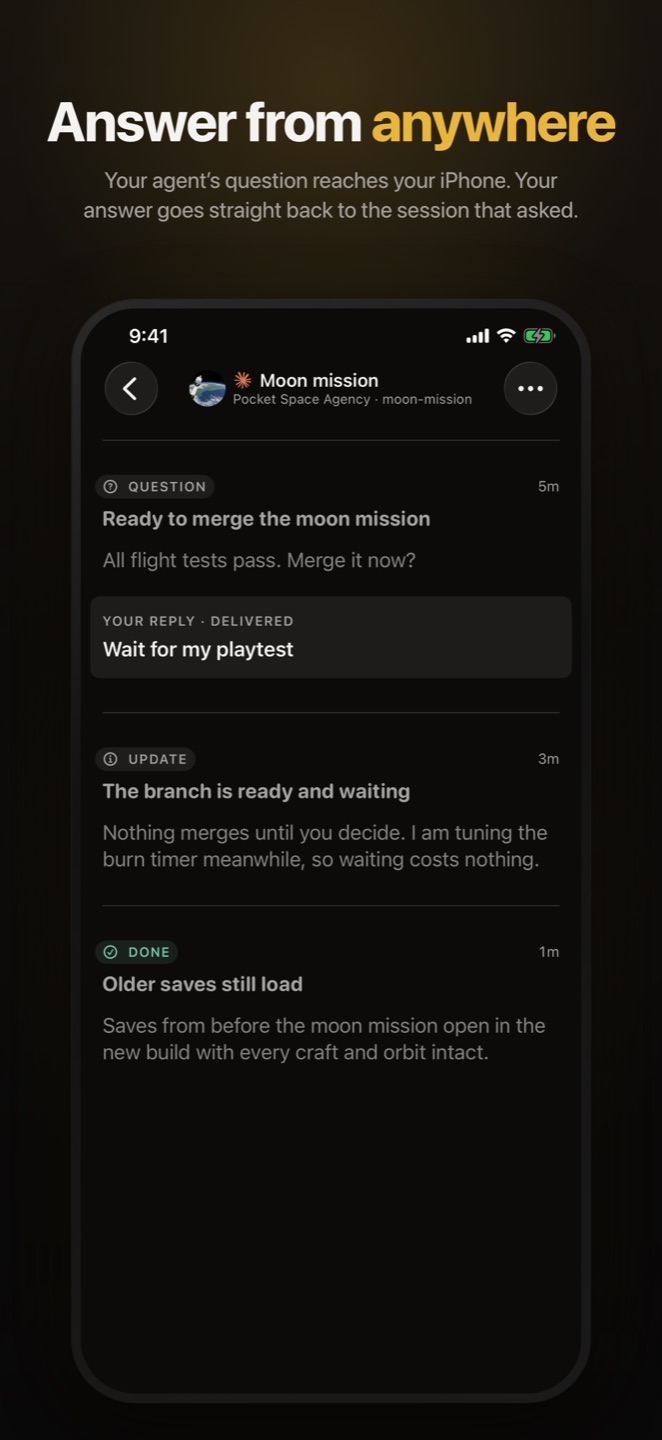
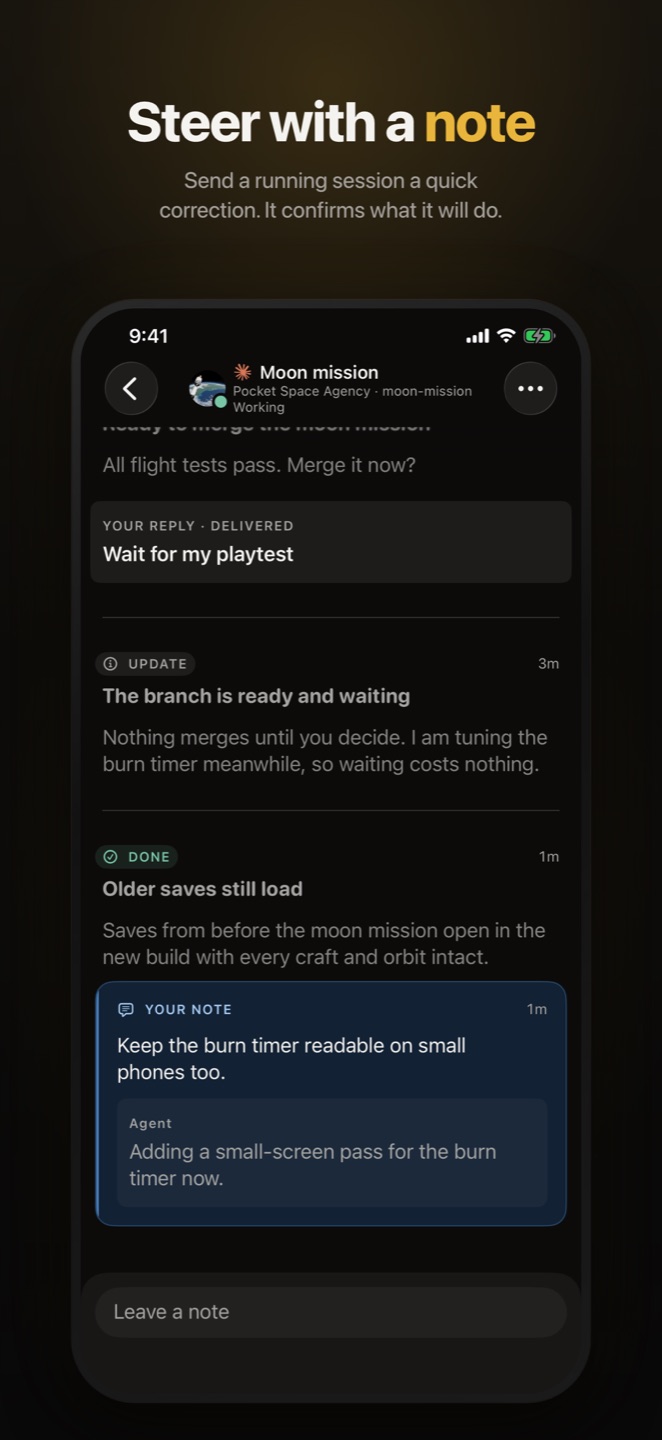
Your agents can reach you, and you can answer from your phone. The answer goes
back to the exact Agent Session that asked, in whichever harness it runs:
Claude Code, Codex (CLI, IDE or the ChatGPT app), Cursor, OpenCode, OpenClaw,
Hermes or Grok.
Works with

Claude Code |

Codex
incl. ChatGPT app |

Cursor |

OpenCode |

OpenClaw |

Hermes |

Grok |
Also works with
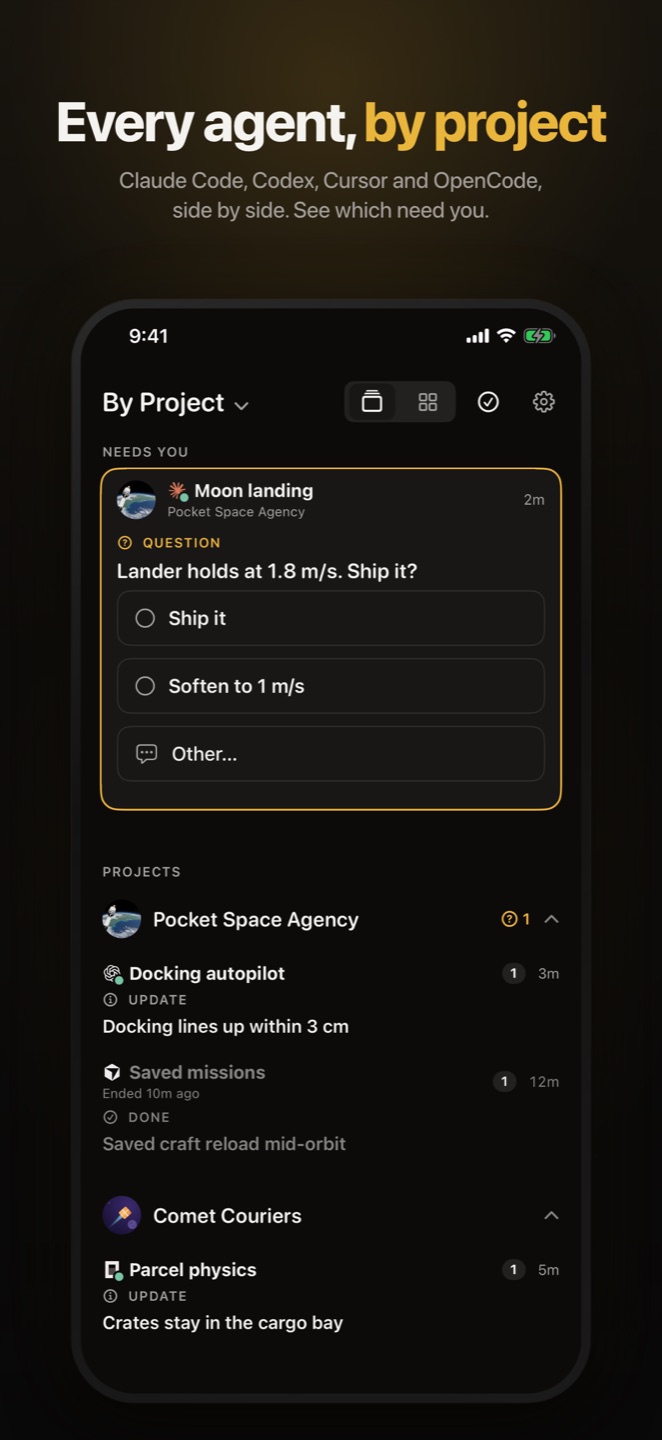
Know which one needs you. Notifications name the Project and Agent Session
they come from, so several agents at once never blur into one generic bell.
Your agent sets it up. Paste this into any agent:
```text
Set up Notifai: https://app.notifai.sh/setup.md
```
## Install it yourself
On macOS, Linux or WSL:
```sh
curl -fsSL https://notifai.sh/install.sh | sh
```
On Windows, in PowerShell:
```powershell
irm https://notifai.sh/install.ps1 | iex
```
The installer doesn't need Node.js. It installs the `notifai` command and runs
`notifai init`, which signs you in and connects your harnesses. Then get the
Companion App for [iPhone](https://app.notifai.sh/setup/companion?platform=iphone)
or [Mac](https://app.notifai.sh/download/mac), or
[join the free Android test](https://app.notifai.sh/test-android), and sign in
with the same Account.
## Pricing
Notifai is a paid subscription with a free trial. One plan covers the CLI and
every app. See [pricing](https://app.notifai.sh/pricing).
## More
- [Using Notifai](docs/USAGE.md): commands, questions, setup options and updates.
- [Harness support](docs/HARNESSES.md): what works in each harness, and what setup installs.
- [The agent skill](skills/notifai/SKILL.md) your agents read.
- [notifai.sh](https://notifai.sh), the [changelog](https://notifai.sh/changelog) and [support](https://app.notifai.sh/support).
Want to work on the CLI? See [CONTRIBUTING.md](CONTRIBUTING.md).
Apache-2.0. Current releases are `@raidiant/notifai` 14.7.4 and
`@raidiant/notifai-protocol` 9.2.0.