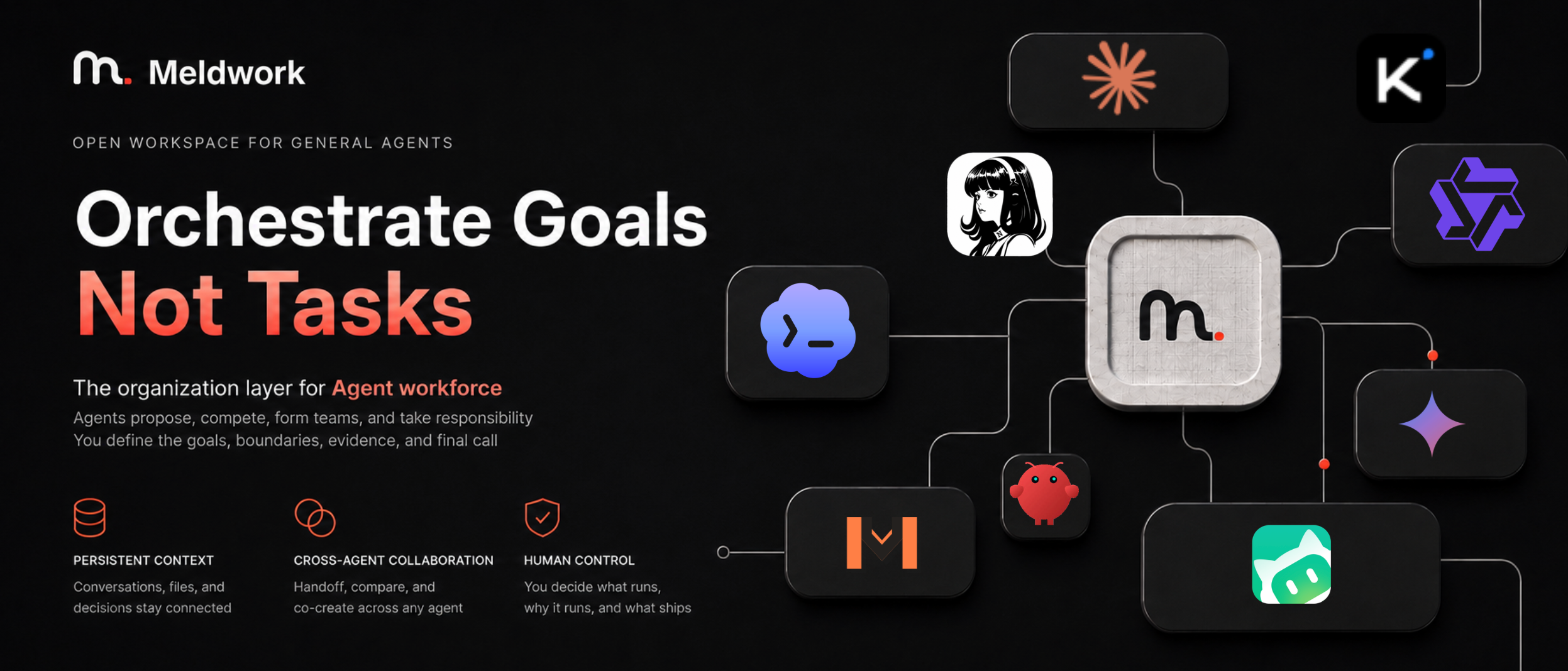
Meldwork README banner

English · 简体中文

# Meldwork — Let Agents collaborate to move tasks forward **Set the goal. Let Agents work together. Meldwork brings your existing Agents into one working group to share context, discuss approaches, carry out work, and check each other's results — with less relaying, prompting, and stitching outputs together.** Meldwork is a local-first multi-Agent collaboration workspace for the Agent tools you already use on your Mac. Once you choose the participants, goal, context, and permissions, Agents in Auto Discussion can build on each other's work, request contributions or reviews, and advance the task within the authorized scope. Direct conversations and independent concurrent responses also support research, analysis, writing, planning, review, and implementation. You do not need to direct every round, but you still set the goal, grant permissions, and make key decisions. Missing information, permission requests, or tradeoffs may require your input. Workspace writes are opt-in; collaboration history, run state, and deliverables stay local so you can revisit the work and continue it.

Download Meldwork V1.0.8 for Apple silicon macOS · Architecture · License

## What Meldwork is for Meldwork is useful when several Agents need to advance the same task and you want to spend less time passing context and coordinating next steps. Typical work includes: - research and information synthesis across local Agent tools and selected knowledge sources; - product, market, operational, and technical analysis; - writing, planning, review, and structured document work; - multimodal work with local documents, images, audio, video, PDFs, and code or configuration files; - implementation in an authorized workspace, with other Agents checking the deliverables and requesting revisions. ## How a task moves through Meldwork 1. **Select** the Agents that will work on the task together. 2. **Scope** the goal, working directory, context, attachments, Skills, knowledge sources, and permissions. 3. **Collaborate** in Auto Discussion: let Agents discuss approaches, carry out authorized work, and check results. Direct conversations and Concurrent Responses are also available. 4. **Decide** when the work needs information, permission, or a tradeoff resolved. 5. **Check the result** and request changes when more work is needed. ## Collaboration modes | Mode | What happens | Best for | | --- | --- | --- | | **Direct** | One selected Agent keeps its conversation and native session when supported. | Focused research, writing, analysis, or execution. | | **Concurrent Responses** | Selected Agents receive the same frozen task snapshot and return independent responses in stable order. | Comparing perspectives before choosing a path. | | **Auto Discussion V4** | Agents propose independently, discuss, request peer contributions, carry out authorized work, and check deliverables. A delivery owner judges progress and requests user decisions when needed. Native sessions continue when supported. | Multi-step collaboration with less manual coordination. | Participants are selected by the user. Automatic selection from a larger roster is outside the current preview. ## Revisit the process and continue the work Meldwork keeps task context, Agent replies, run state, and deliverables locally so you can see how work progressed, where it stalled, and what needs attention next. The Run Ledger preserves phase, participant, attempt, artifact, recovery, and Human Gate state. Diagnostic tool output and sensitive runtime details stay behind the Electron main-process boundary. These records help you inspect collaboration; they do not establish that every claim has been fact-checked. Peer review does not guarantee correctness, and important deliverables still need acceptance checks appropriate to their use. ## General Agent catalog Meldwork detects and invokes compatible locally installed Agent commands. The catalog currently includes:
Codex logo
Codex
Hermes logo
Hermes
OpenClaw logo
OpenClaw
WorkBuddy logo
WorkBuddy
Zcode logo
Zcode
Pi Agent logo
Pi Agent
Kimi Code logo
Kimi Code
MiMo Code logo
MiMo Code
Claude Code logo
Claude Code
Gemini CLI logo
Gemini CLI
OpenCode logo
OpenCode
Qwen Code logo
Qwen Code
OpenCodeReview logo
OpenCodeReview
Approved Agent Connectors and custom executable Agents use the desktop connector paths. The [desktop guide](desktop/README.md) contains the current adapter, installation, provider, and capability matrix. ## Context and local boundaries Meldwork runs as a local Electron application. Conversations, group configuration, run records, and app-owned attachments stay in the local user data directory. The renderer receives only validated snapshots through a narrow preload API; executable paths, credentials, native session references, Skill paths, and unrestricted shell access remain in the main process. Selected Agents may send prompts, attachments, or Skills to the model provider configured in their own CLI. Knowledge access is explicit and bounded: the current implementation supports local Obsidian retrieval and CLI-owned Feishu or DingTalk access modes. Local-first describes where Meldwork stores and coordinates work; it does not promise that an Agent's model provider is offline. ## Download V1.0.8 For Apple silicon macOS, download the [Meldwork V1.0.8 prerelease](https://github.com/Ryder-Sun/Meldwork/releases/tag/Meldwork-V1.0.8) and choose [`Meldwork-1.0.8-arm64.dmg`](https://github.com/Ryder-Sun/Meldwork/releases/download/Meldwork-V1.0.8/Meldwork-1.0.8-arm64.dmg). The release also includes a ZIP archive and SHA-256 manifest. Install at least one supported local Agent CLI before opening the app. The preview artifacts are ad-hoc signed and not notarized with an Apple Developer ID. macOS may require **Open Anyway** under **System Settings → Privacy & Security** on first launch. ## Run from source Prerequisites: Node.js `22.12+` and npm. ```bash npm --prefix frontend ci npm --prefix desktop ci npm --prefix desktop run dev ``` Before distributing a build: ```bash npm --prefix frontend test npm --prefix frontend run build npm --prefix frontend run build:desktop npm --prefix desktop test ``` ## V1.0.8 V1.0.8 keeps Kimi read-only queries in manual approval mode instead of forcing a planning cycle, preserves MiMo's final text chunks, forwards supported native CLI configuration, and retains the selected Auto Discussion mode after sending. Repetitive native output is cancelled with partial replies preserved. Zcode remains before Pi Agent with its official logo and native default configuration; WorkBuddy can reuse a configured desktop model selected in Meldwork. Real CLI acceptance covered all 13 installed Agents. A five-Agent unlimited discussion completed all 14 native calls through an isolated Magpie hotfix. The installed Magpie version can rewrite `stop` into `tool_calls` when `tool_calls` is null, causing OpenCode, MiMo, and Hermes to continue indefinitely; this Meldwork release does not install or restart Magpie. OpenClaw, Zcode, Gemini, Qwen, and OpenCodeReview also had native configuration or authentication failures in this audit. Detecting an installed CLI does not certify a working model connection. Regression validation includes 1,655 desktop tests, 370 frontend tests, web and desktop builds, and package validation. Unlimited discussion retains stalled-process detection and write permissions remain opt-in. Electron acceptance with the same isolated gateway also completed a separate five-Agent unlimited discussion: 19 native calls, no failed attempts or retries, about 12 minutes. Auto Discussion and No round limit remained selected after sending, completion, and leaving and reopening the group. This verifies the workflow, not a response-time guarantee or a repair to the user's installed gateway. ## Documentation - [Architecture and product boundary](architecture.md) - [Desktop setup and Agent matrix](desktop/README.md) - [Contributing](CONTRIBUTING.md) - [Security policy](SECURITY.md) ## License Meldwork is open source under the [Apache License 2.0](LICENSE). Commercial use, private use, modification, and redistribution are permitted under the license terms. No separate commercial authorization or license fee is required. Apache-2.0 does not grant trademark rights; see [COMMERCIAL_USE.md](COMMERCIAL_USE.md).