English · 简体中文
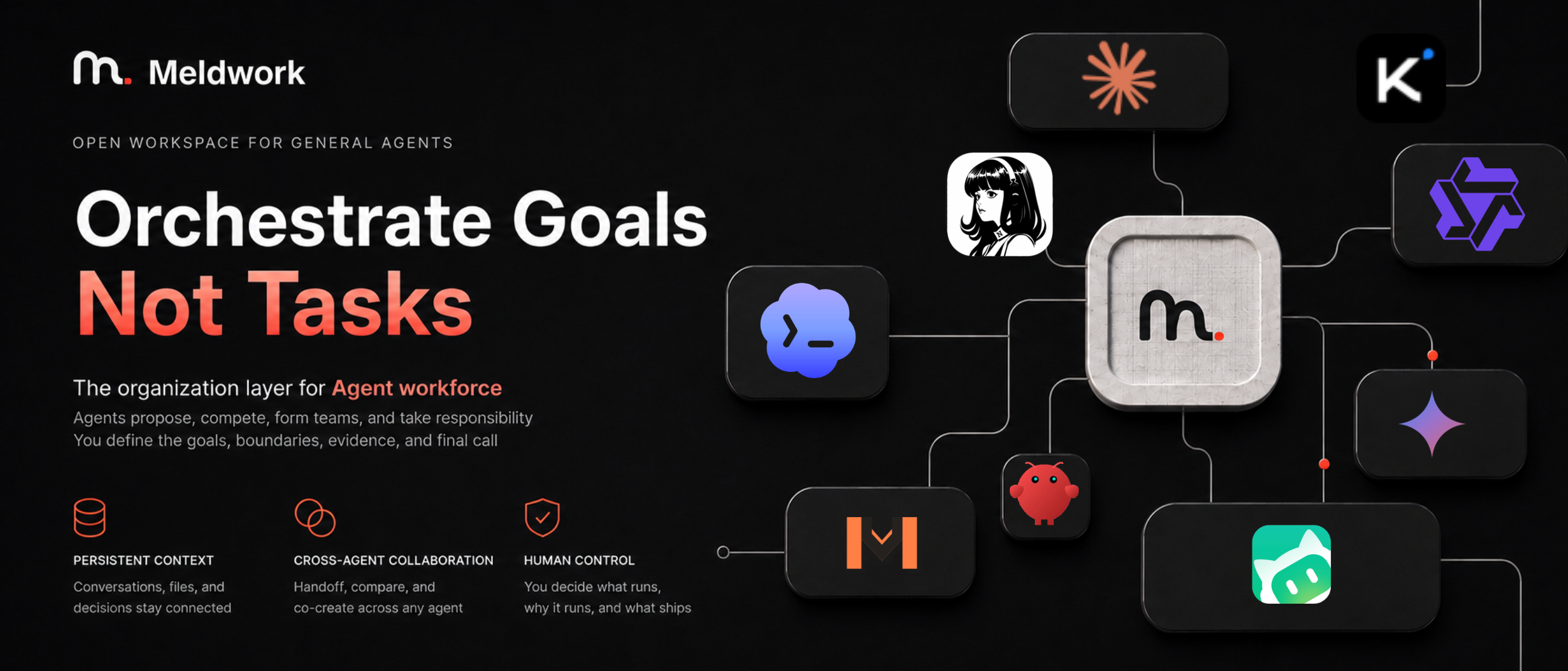
# Meldwork — Let Agents collaborate to move tasks forward **Set the goal. Let Agents work together. Meldwork brings your existing Agents into one working group to share context, discuss approaches, carry out work, and check each other's results — with less relaying, prompting, and stitching outputs together.** Meldwork is a local-first multi-Agent collaboration workspace for the Agent tools you already use on your Mac. Once you choose the participants, goal, context, and permissions, Agents in Auto Discussion can build on each other's work, request contributions or reviews, and advance the task within the authorized scope. Direct conversations and independent concurrent responses also support research, analysis, writing, planning, review, and implementation. You do not need to direct every round, but you still set the goal, grant permissions, and make key decisions. Missing information, permission requests, or tradeoffs may require your input. Workspace writes are opt-in; collaboration history, run state, and deliverables stay local so you can revisit the work and continue it.Download Meldwork V1.0.8 for Apple silicon macOS · Architecture · License
## What Meldwork is for Meldwork is useful when several Agents need to advance the same task and you want to spend less time passing context and coordinating next steps. Typical work includes: - research and information synthesis across local Agent tools and selected knowledge sources; - product, market, operational, and technical analysis; - writing, planning, review, and structured document work; - multimodal work with local documents, images, audio, video, PDFs, and code or configuration files; - implementation in an authorized workspace, with other Agents checking the deliverables and requesting revisions. ## How a task moves through Meldwork 1. **Select** the Agents that will work on the task together. 2. **Scope** the goal, working directory, context, attachments, Skills, knowledge sources, and permissions. 3. **Collaborate** in Auto Discussion: let Agents discuss approaches, carry out authorized work, and check results. Direct conversations and Concurrent Responses are also available. 4. **Decide** when the work needs information, permission, or a tradeoff resolved. 5. **Check the result** and request changes when more work is needed. ## Collaboration modes | Mode | What happens | Best for | | --- | --- | --- | | **Direct** | One selected Agent keeps its conversation and native session when supported. | Focused research, writing, analysis, or execution. | | **Concurrent Responses** | Selected Agents receive the same frozen task snapshot and return independent responses in stable order. | Comparing perspectives before choosing a path. | | **Auto Discussion V4** | Agents propose independently, discuss, request peer contributions, carry out authorized work, and check deliverables. A delivery owner judges progress and requests user decisions when needed. Native sessions continue when supported. | Multi-step collaboration with less manual coordination. | Participants are selected by the user. Automatic selection from a larger roster is outside the current preview. ## Revisit the process and continue the work Meldwork keeps task context, Agent replies, run state, and deliverables locally so you can see how work progressed, where it stalled, and what needs attention next. The Run Ledger preserves phase, participant, attempt, artifact, recovery, and Human Gate state. Diagnostic tool output and sensitive runtime details stay behind the Electron main-process boundary. These records help you inspect collaboration; they do not establish that every claim has been fact-checked. Peer review does not guarantee correctness, and important deliverables still need acceptance checks appropriate to their use. ## General Agent catalog Meldwork detects and invokes compatible locally installed Agent commands. The catalog currently includes: Codex |
 Hermes |
 OpenClaw |
 WorkBuddy |
 Zcode |
 Pi Agent |
 Kimi Code |
 MiMo Code |
 Claude Code |
 Gemini CLI |
 OpenCode |
 Qwen Code |
 OpenCodeReview |