 # Orchard
**Your YouTube Music library, with more control over how you listen.**
Adaptive mixes · Best Mix queues · Synced lyrics · Lossless audio · Orchard Connect
# Orchard
**Your YouTube Music library, with more control over how you listen.**
Adaptive mixes · Best Mix queues · Synced lyrics · Lossless audio · Orchard Connect




Download · Features · Android app · Getting started · Build
# Orchard
**Your YouTube Music library, with more control over how you listen.**
Adaptive mixes · Best Mix queues · Synced lyrics · Lossless audio · Orchard Connect
Download · Features · Android app · Getting started · Build
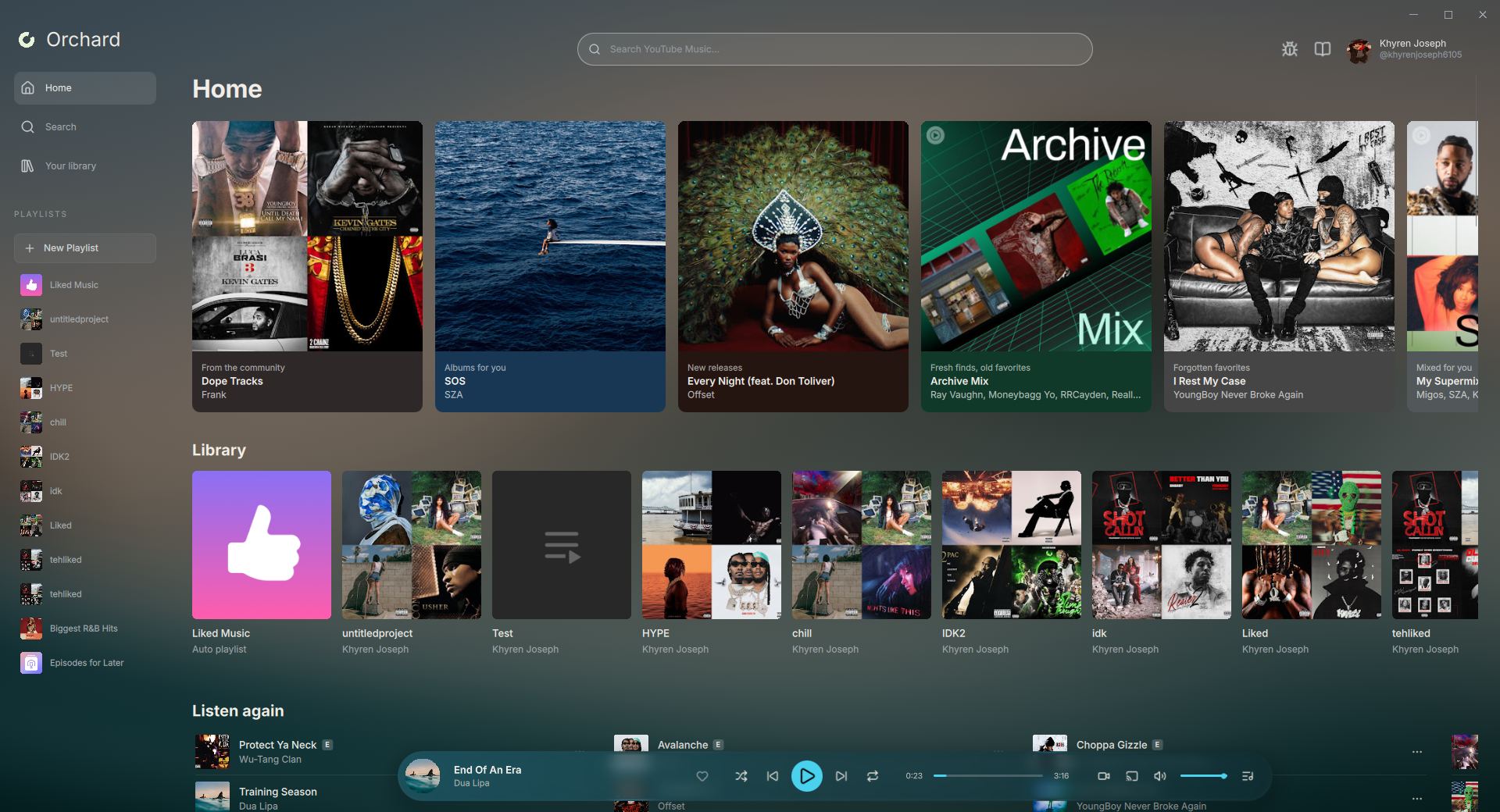
 |
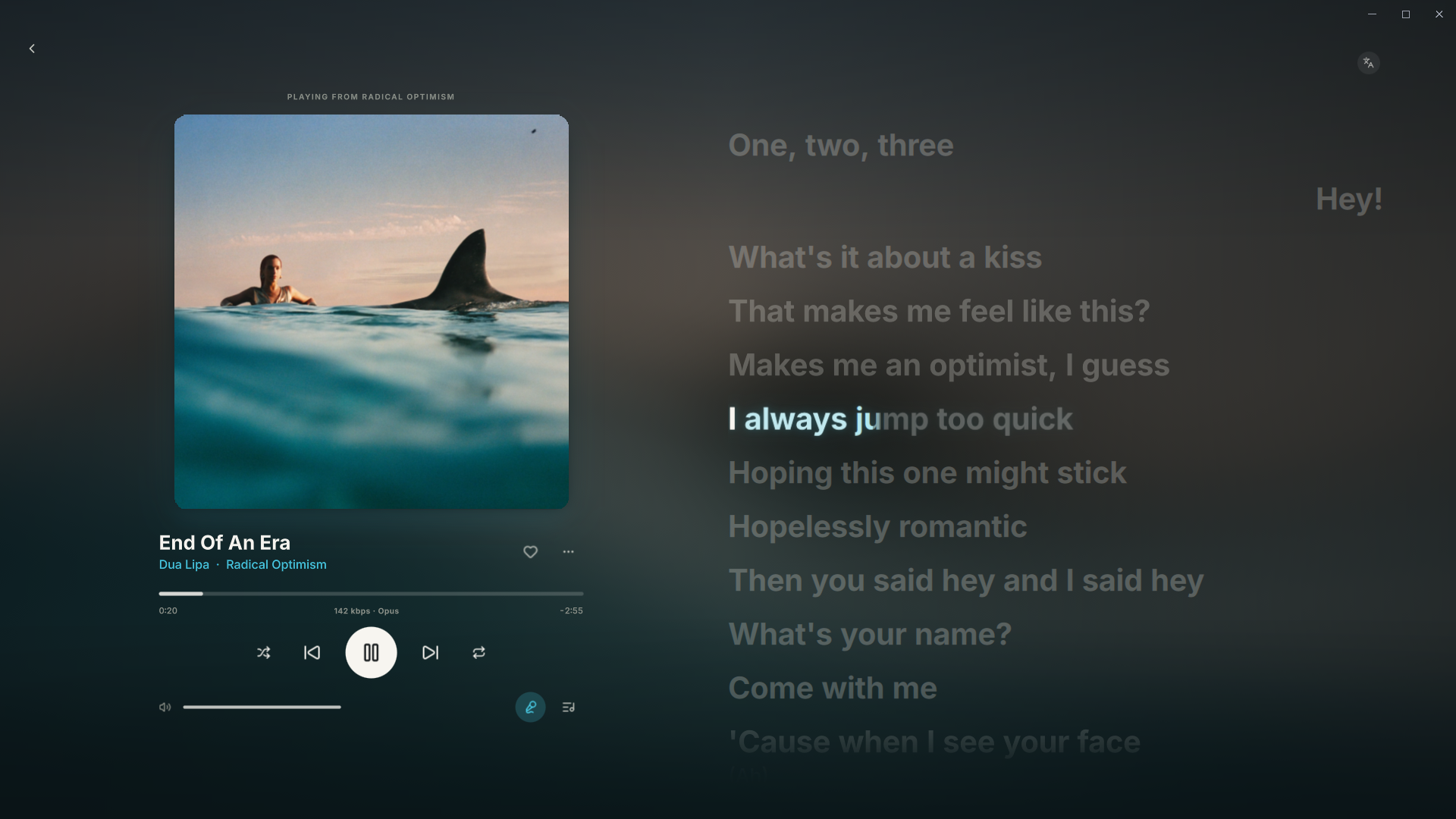 |
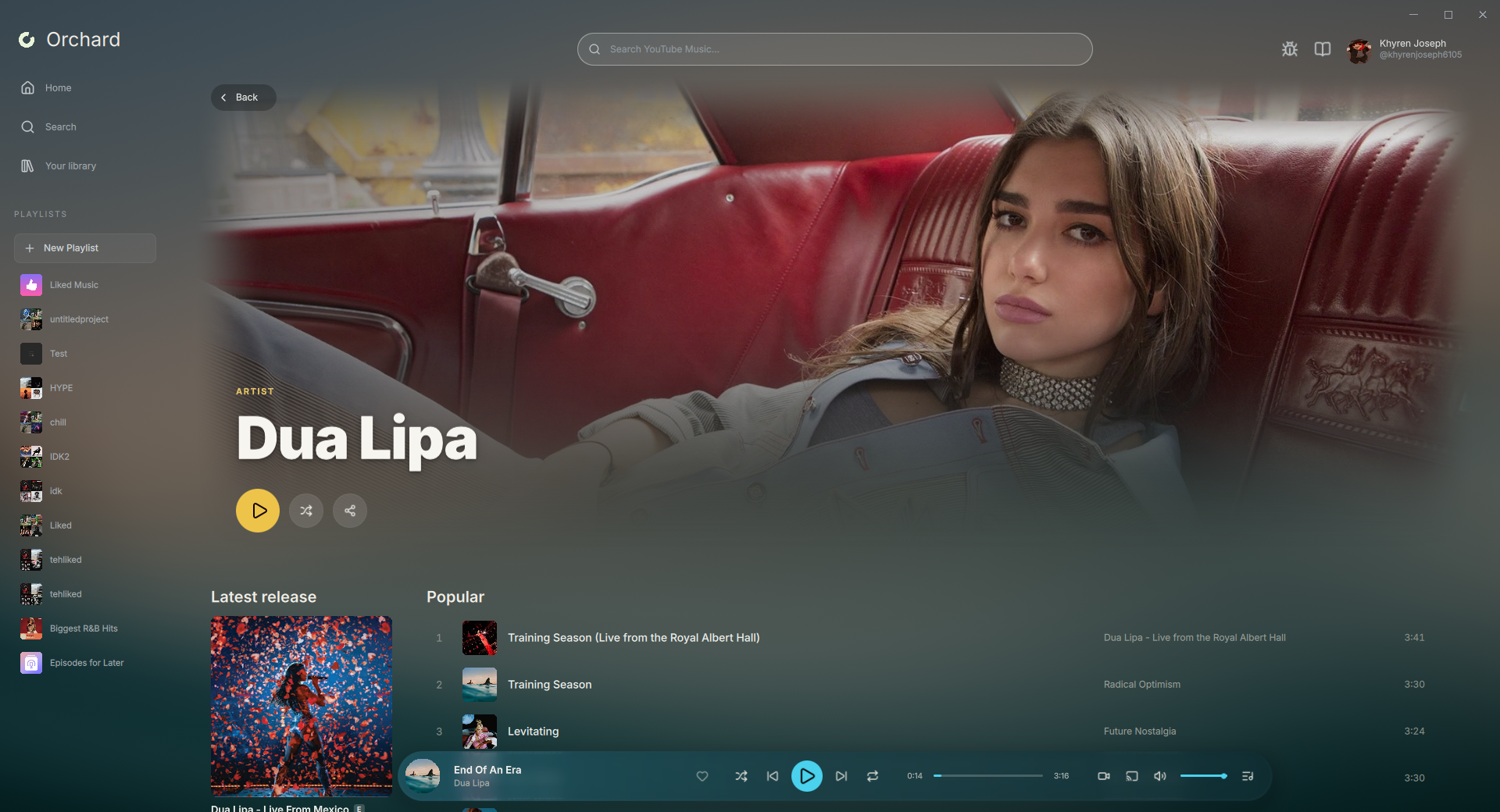
| Explore artists and their music | Follow along with synced lyrics |
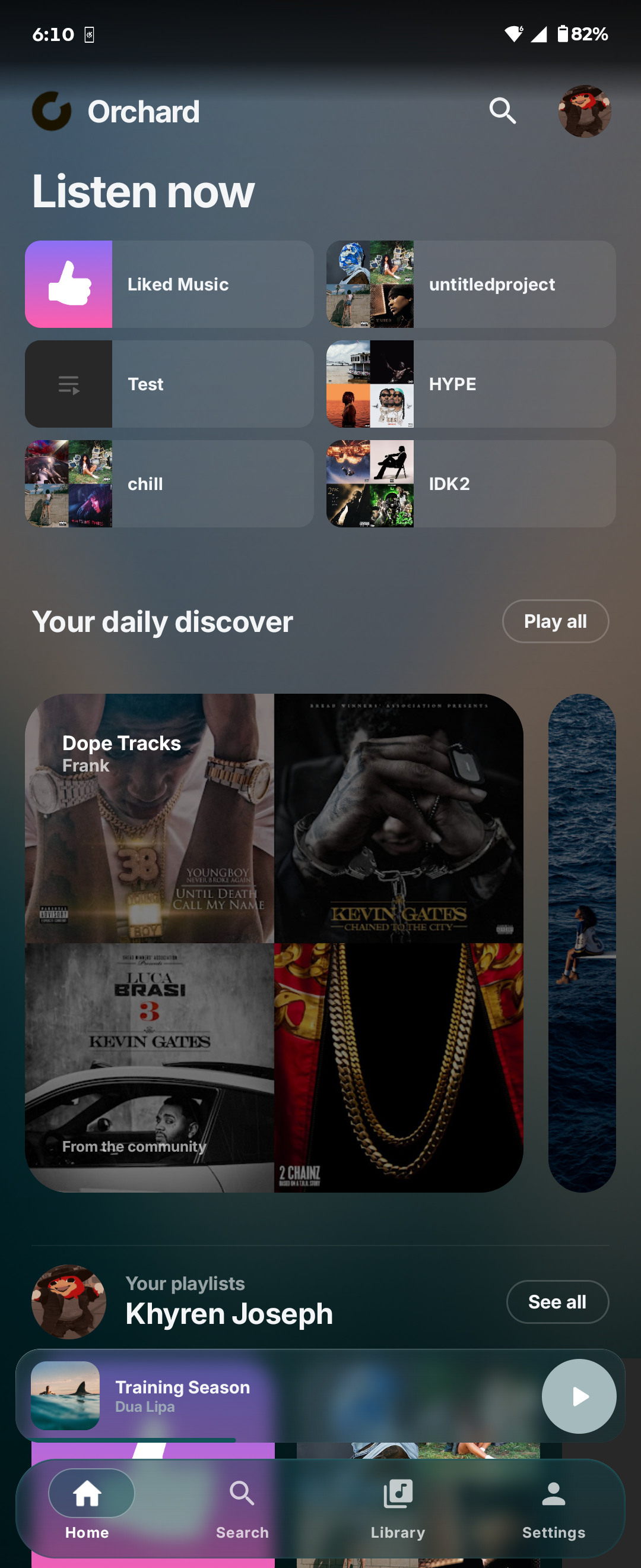
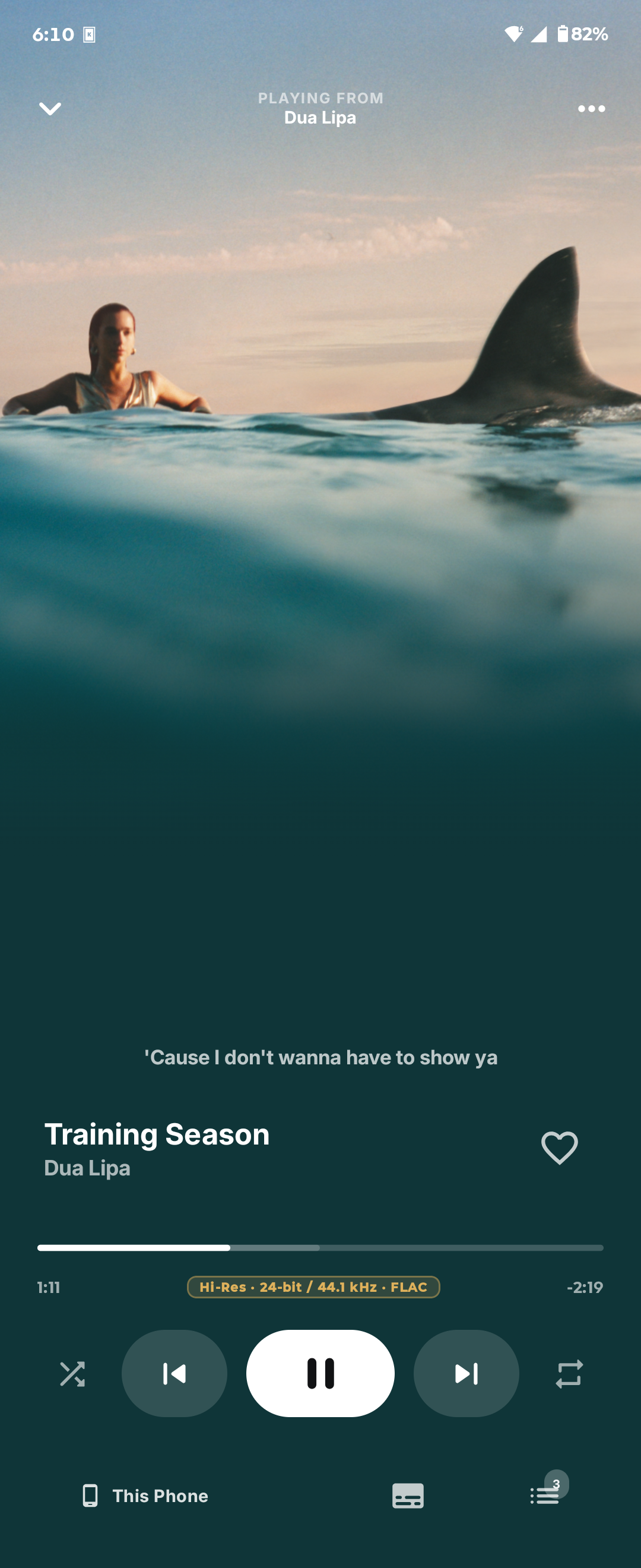
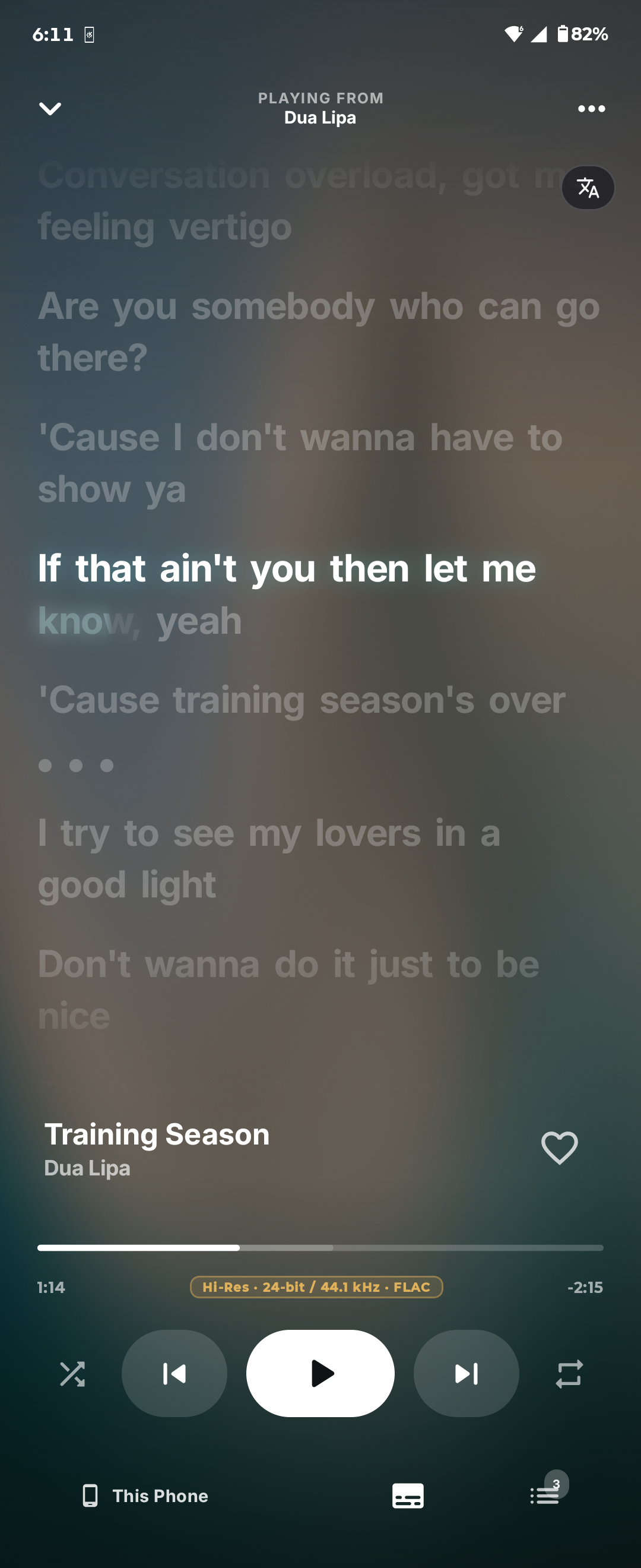
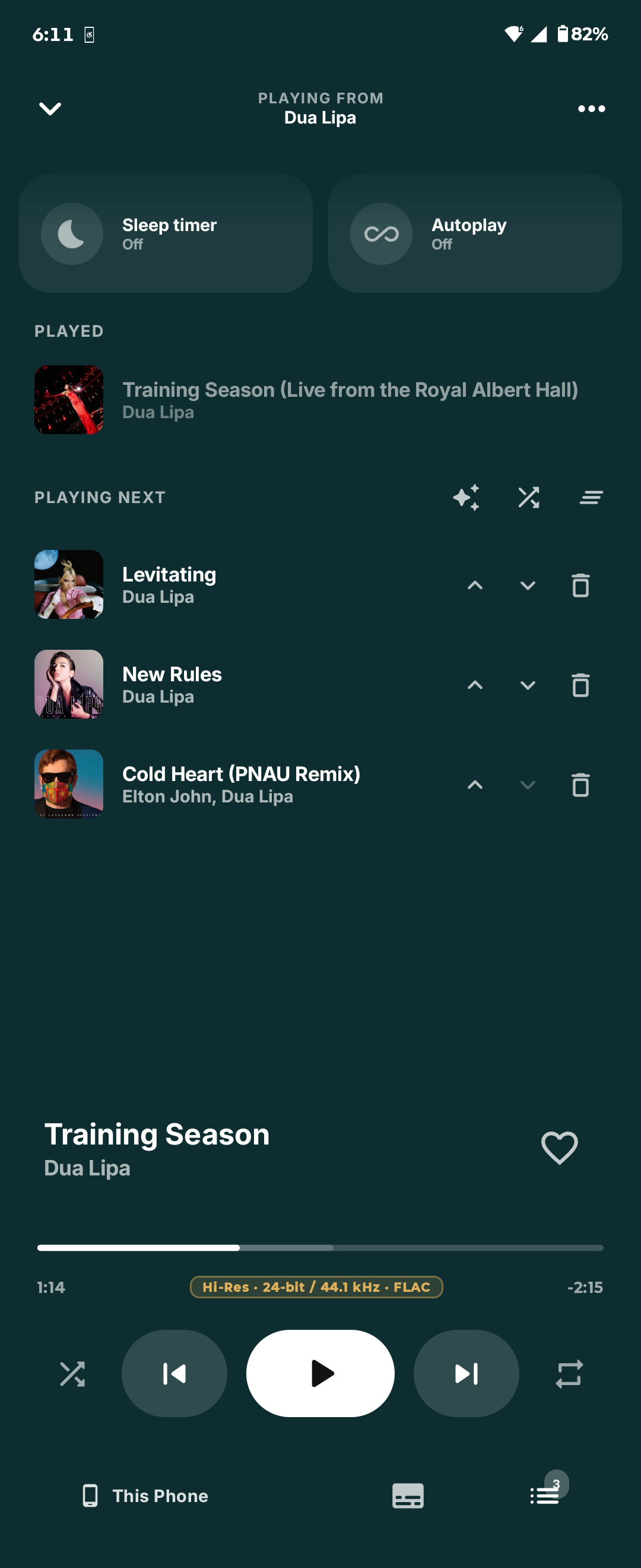
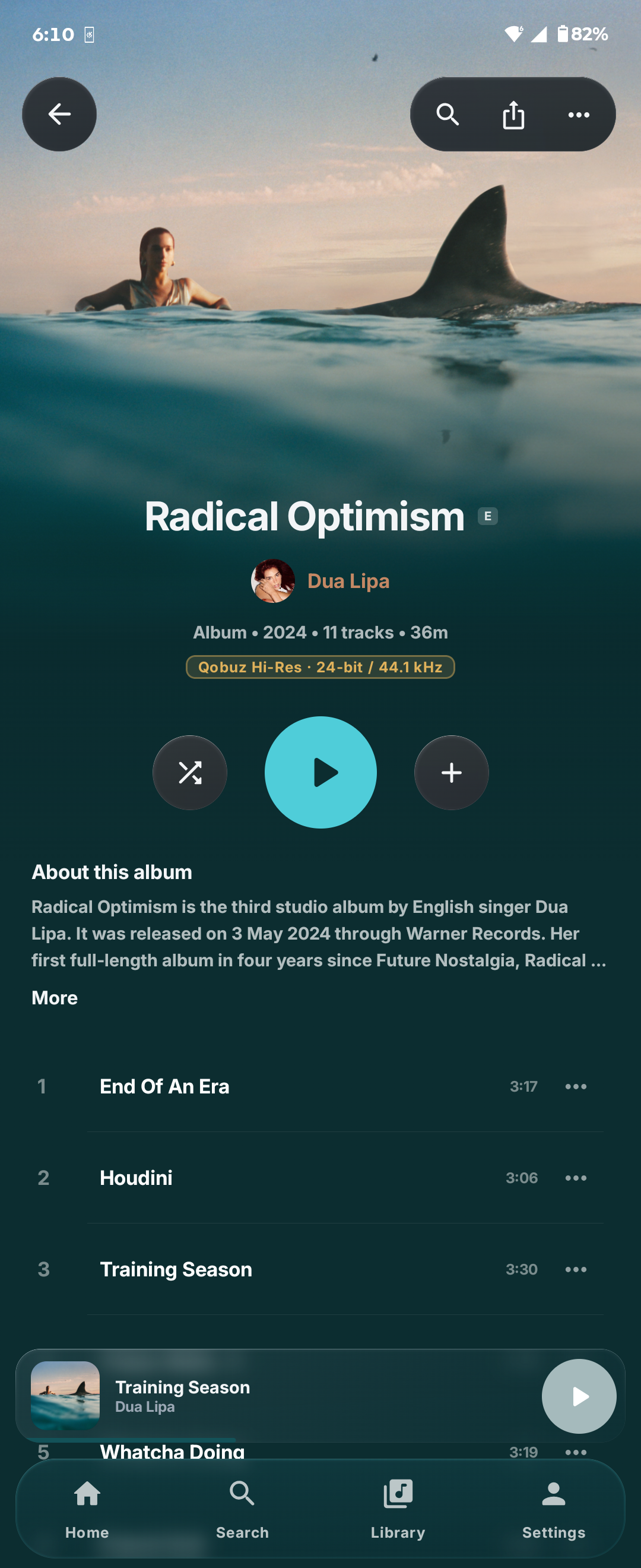
Download for Android · Mobile features and build instructions
To connect your phone and computer: 1. Open Orchard on both devices. 2. Sign in to the same **Orchard account** on both devices in Settings. 3. On desktop, select the cast button in the player bar. On Android, open the device picker in the full player. 4. Select the device you want to control. Your Orchard account connects the devices. Your YouTube Music and Qobuz sign-ins stay on their own device. See [Orchard Connect](docs/app/connect.md) for playback handoff and troubleshooting. ## Getting started 1. Install and open Orchard. 2. Select **Continue with Google** and finish signing in to YouTube Music. 3. Pick a song from **Home**, or search for an artist, album, or playlist. 4. Open **Settings** from your account button to choose playback quality, sound settings, and appearance. On desktop, click the cover art in the player bar, or press **F**, to open the fullscreen player. Press **Space** to play or pause, and **Esc** to close it. Select the **book icon** in the top bar to open the searchable in-app docs. You can also read the guides here: | I want to… | Guide | | :--- | :--- | | Find my way around | [Getting started](docs/app/getting-started.md) | | Find songs or open Settings quickly | [Search and Spotlight](docs/app/search.md) | | Manage my library and playlists | [Library and playlists](docs/app/library-and-playlists.md) | | Change the sound or transitions | [Audio Engine](docs/app/audio-engine.md) · [Crossfade](docs/app/crossfade.md) | | Fix a playback or sign-in problem | [Troubleshooting](docs/app/troubleshooting.md) | | Report a bug | [Report a bug](docs/app/report-a-bug.md) | ## Building from source Desktop builds require Meson 1.12+, CMake 3.24+, Ninja, Qt 6.8+, a C++20 toolchain, Node.js/npm, and Rust 1.96+. Qt must include the Quick, QML, Network, Multimedia, WebView, and WebEngine modules. Platform dependencies and sign-in backend setup are in the [development guide](docs/DEVELOPMENT.md). ```sh git clone --recurse-submodules https://github.com/SFG5453/orchard-v4.git cd orchard-v4 npm ci --prefix providers/youtube meson setup build/dev --buildtype debug meson compile -C build/dev ./build/dev/orchard ``` Run the desktop tests with: ```sh meson test -C build/dev --print-errorlogs ``` For cross compilation, provider checks, release publishing, and in-app documentation rules, see [Development](docs/DEVELOPMENT.md). Android build instructions are in the [mobile README](mobile/README.md). ## Contributing and support Bug reports, feature requests, and contributions are welcome. Use the in-app bug-report button or [GitHub Issues](https://github.com/SFG5453/orchard-v4/issues), and include your Orchard version, operating system, and steps to reproduce the problem. For code changes, follow [Contributing](contributing.md) and [AGENTS.md](AGENTS.md), and run the checks relevant to your changes. If you would like to support development, [buy me a coffee on Ko-fi](https://ko-fi.com/sfg545). ## License and acknowledgments Orchard is free software under the [GNU Affero General Public License v3.0 or later](LICENSE), with an [additional permission](LICENSE-EXCEPTION.md) for linking the engine. The adaptive mix engine is not covered by the AGPL. Earmark, the transition core and planner, the adaptive mix worker, the Android mix code, the C++ mix controllers and the crossfade planner scripts are under the [PolyForm Shield License 1.0.0](LICENSE-POLYFORM-SHIELD). Each of those files carries a PolyForm Shield header, and each Rust crate has its own `LICENSE`. The license allows using, building, modifying and sharing the engine for any purpose except providing a product that competes with Orchard. Orchard uses open-source libraries and models for playback, analysis, artwork, and connected listening. See [Third-party notices](THIRD_PARTY_NOTICES.md), [Adaptive mix](crates/orchard-adaptive-mix/README.md), and the [mobile credits](mobile/README.md#third-party-components) for licenses and model provenance.