Hello world
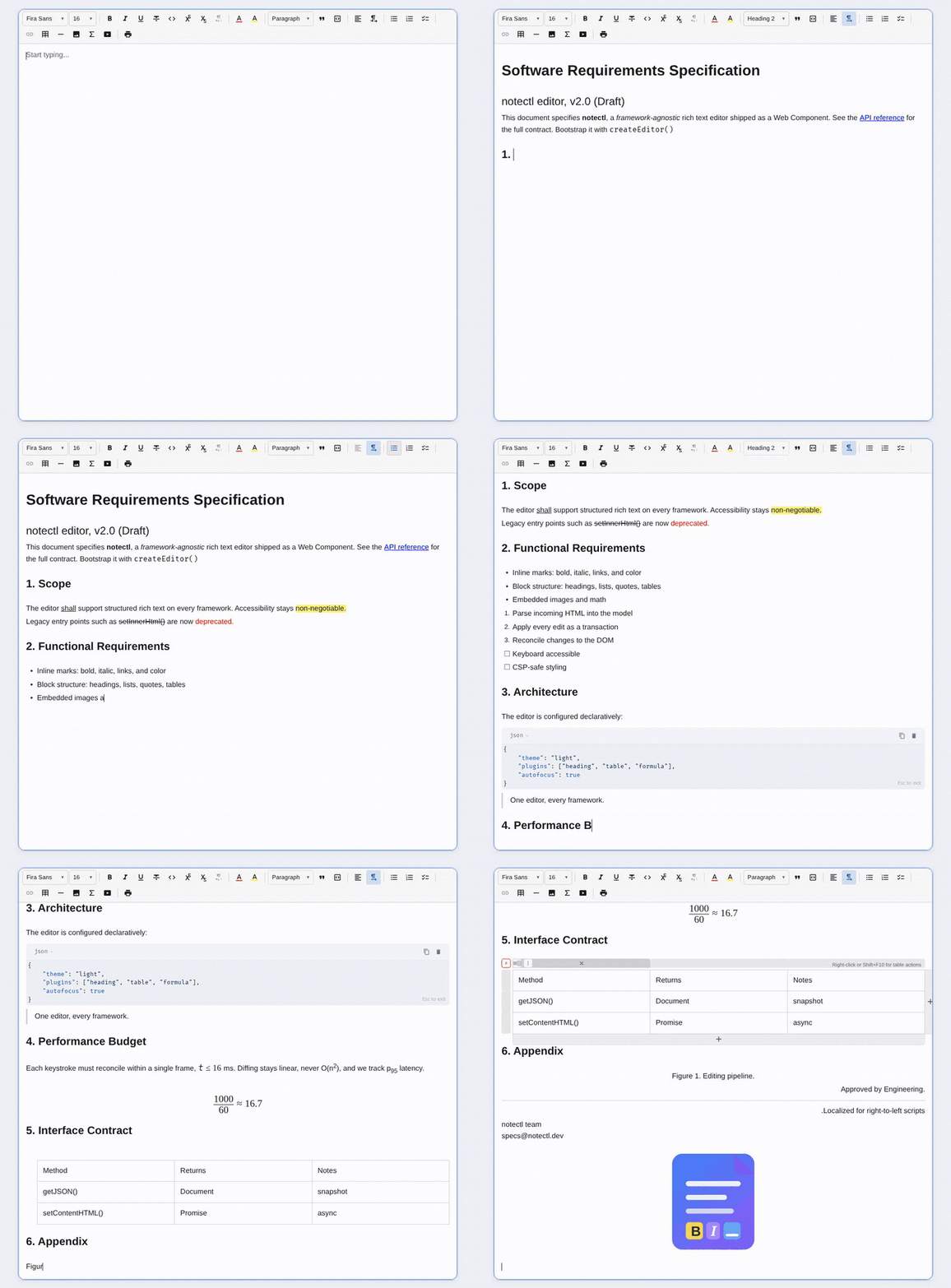
'); const html = await editor.getContentHTML(); const json = editor.getJSON(); const text = editor.getText(); const empty = editor.isEmpty(); ``` You can also react to lifecycle and state events: ```ts editor.on('ready', () => { console.log('Editor is ready'); }); editor.on('stateChange', ({ newState }) => { console.log('Document changed:', newState.doc); }); ``` ## Built-in plugins notectl ships plugins for: - Text formatting - Headings - Blockquotes - Bullet, ordered, and checklist lists - Links - Tables - Code blocks - Images - Math and formulas (MathML) - Video embeds - Text color and highlight - Alignment and text direction - Fonts and font sizes - Horizontal rules - Print layouts Full plugin reference: https://samyssmile.github.io/notectl/plugins/overview/ ## Why teams pick notectl - Works across frameworks because the editor is a Web Component at the core - Strong default path for quick setup, without giving up fine-grained plugin control later - CSP-friendly by design, without relying on inline styles - Single production dependency: `dompurify` - Immutable state and transaction-based updates make behavior predictable and testable ## Examples - Vanilla example: https://github.com/Samyssmile/notectl/tree/main/examples/vanillajs - Angular example: https://github.com/Samyssmile/notectl/tree/main/examples/angular ## Documentation - Getting started: https://samyssmile.github.io/notectl/getting-started/installation/ - Quick start: https://samyssmile.github.io/notectl/getting-started/quick-start/ - Angular guide: https://samyssmile.github.io/notectl/guides/angular/ - Plugin docs: https://samyssmile.github.io/notectl/plugins/overview/ - Architecture overview: https://samyssmile.github.io/notectl/architecture/overview/ ## Development ```bash pnpm install pnpm build pnpm test pnpm test:e2e pnpm lint pnpm typecheck ``` ## License MIT