---
title: ASP.NET Core Identity Auth
---
### ASP.NET Core Identity Auth now used in new Integrated Auth projects
ASP.NET Core Identity Auth is the default Auth Model adopted in new ServiceStack projects which closely follows the same
approach as the Microsoft Project Template it integrates ServiceStack with, e.g. the .NET 10
**Blazor** and **Blazor Vue** project templates adopts the exact same Auth configuration as Microsoft's default Blazor Project
Template configured with **Individual** Identity Auth, likewise with the **Bootstrap** and **Tailwind** styled **MVC** and
**Razor Pages** templates.
You can find ServiceStack Integrated Identity Auth Templates for each of ASP.NET Core's major Blazor, Razor Pages and MVC
Project Templates:
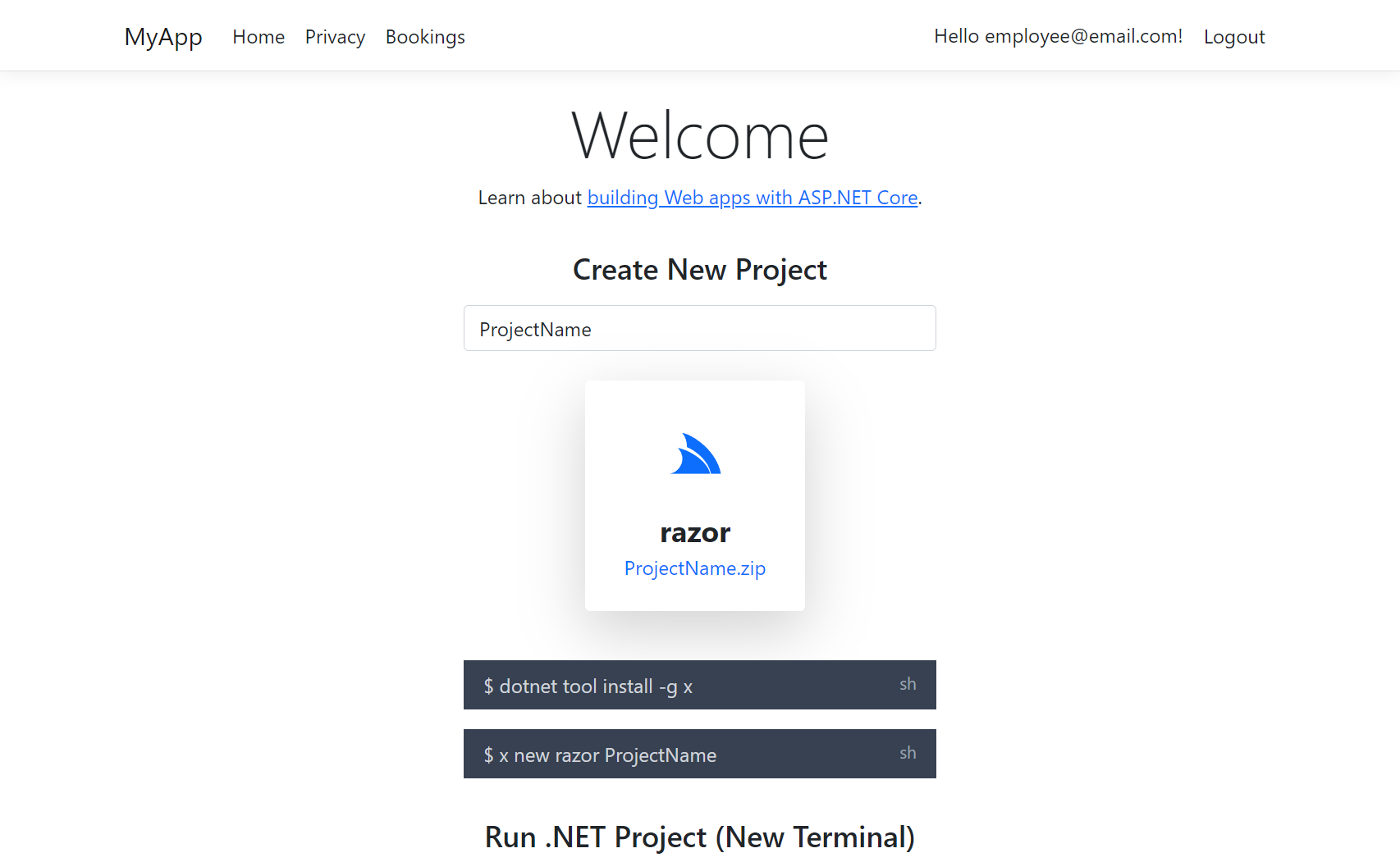
Create a Project with ASP.NET Identity Auth
### Identity Auth Template Live Demos
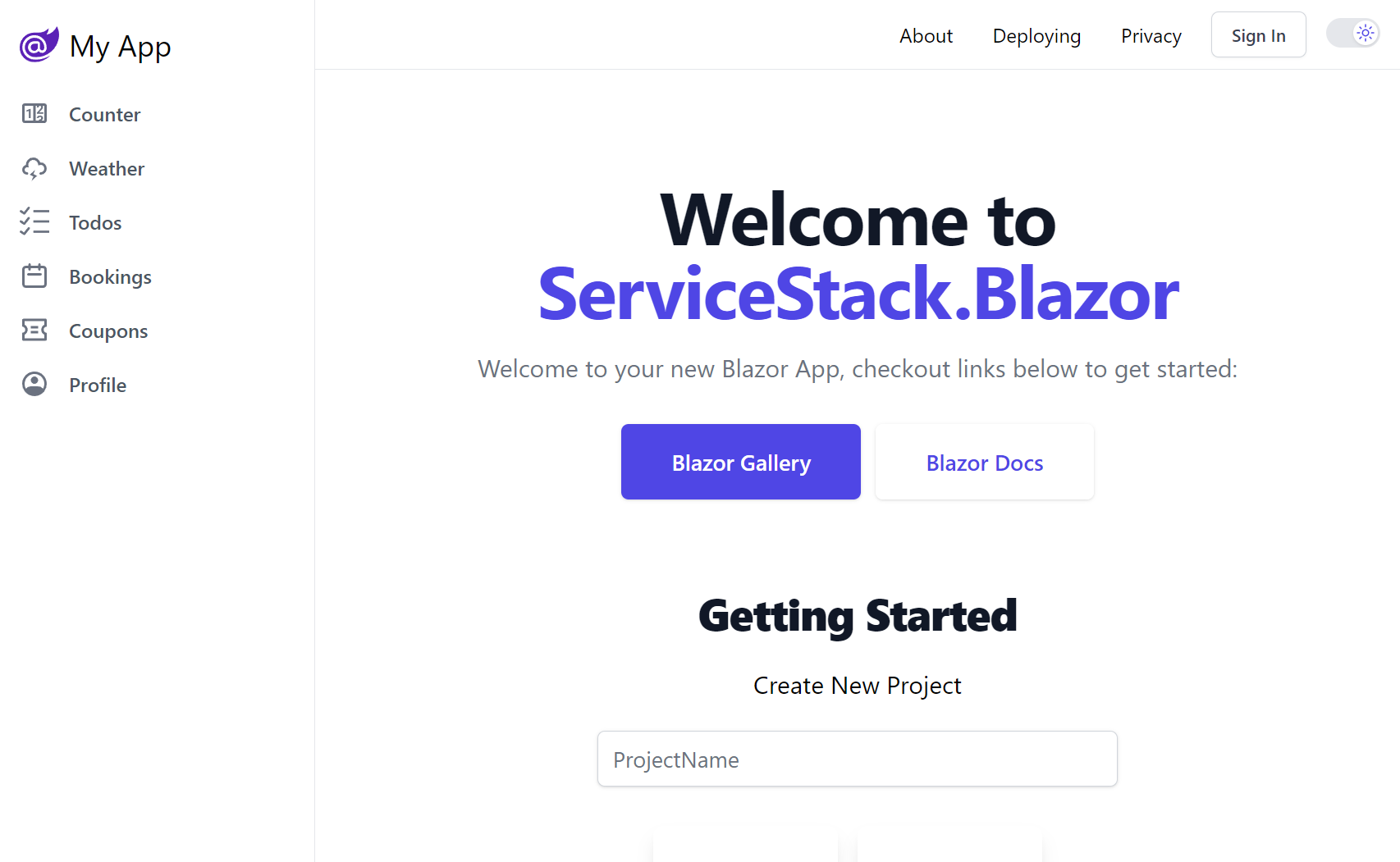
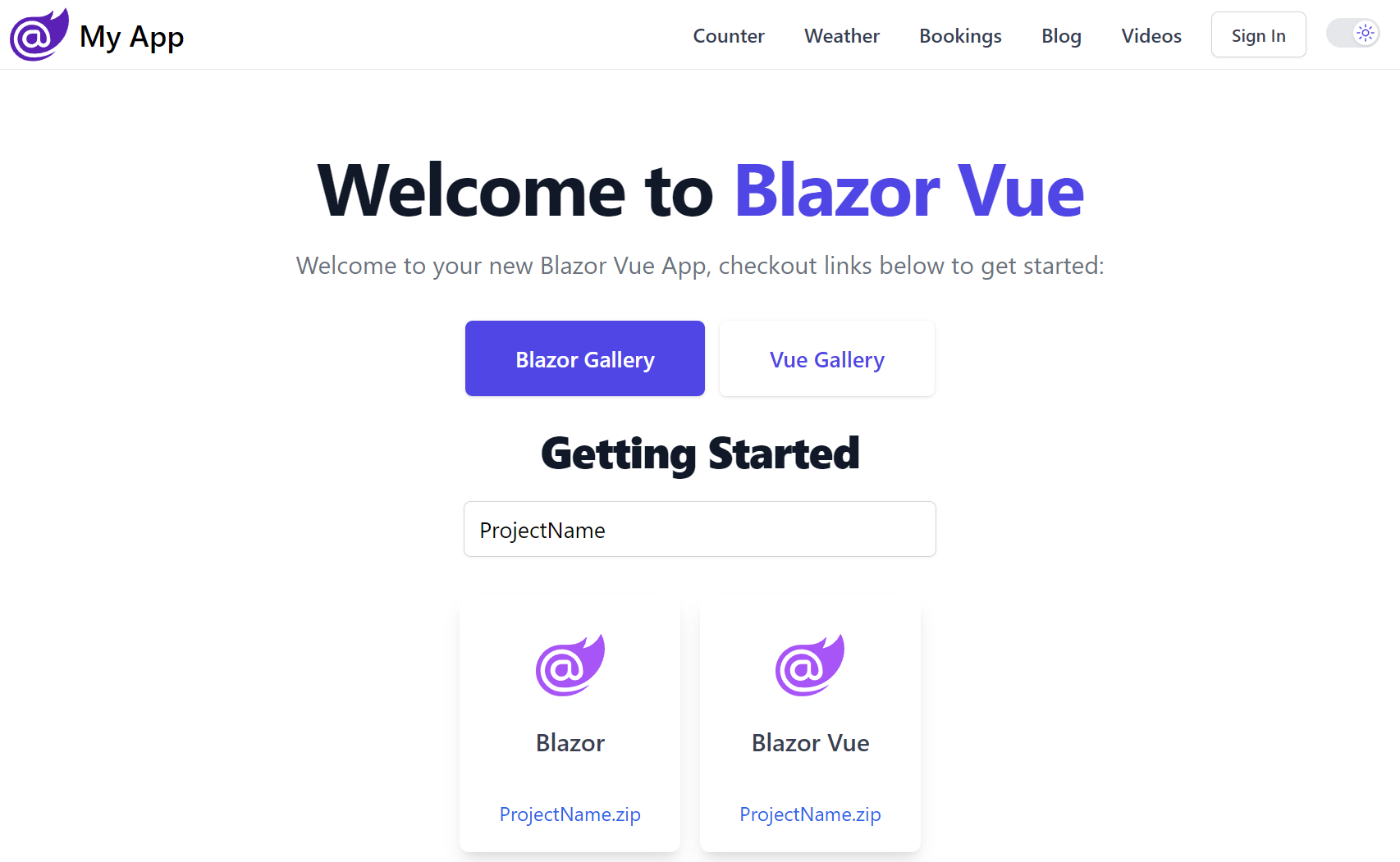
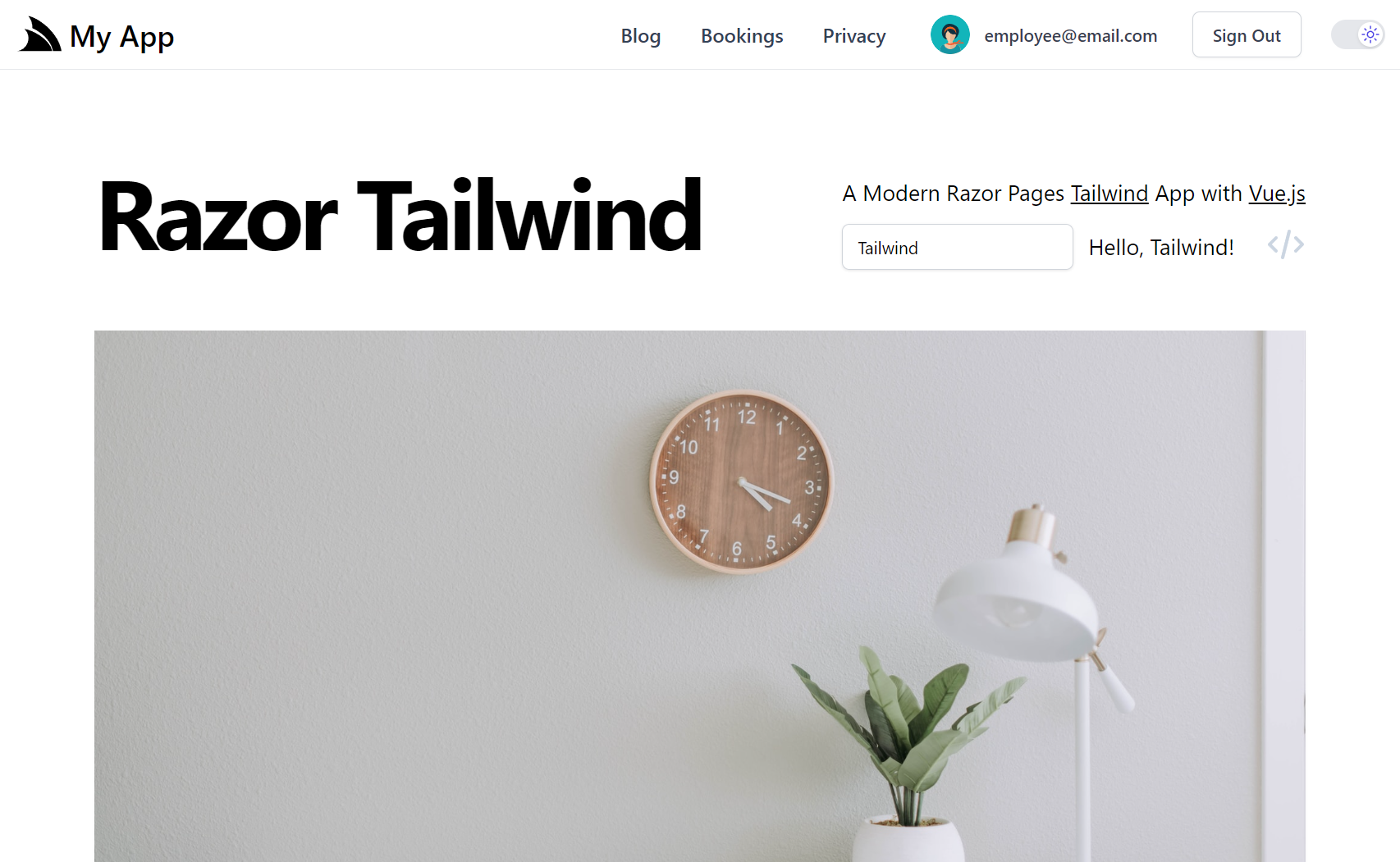
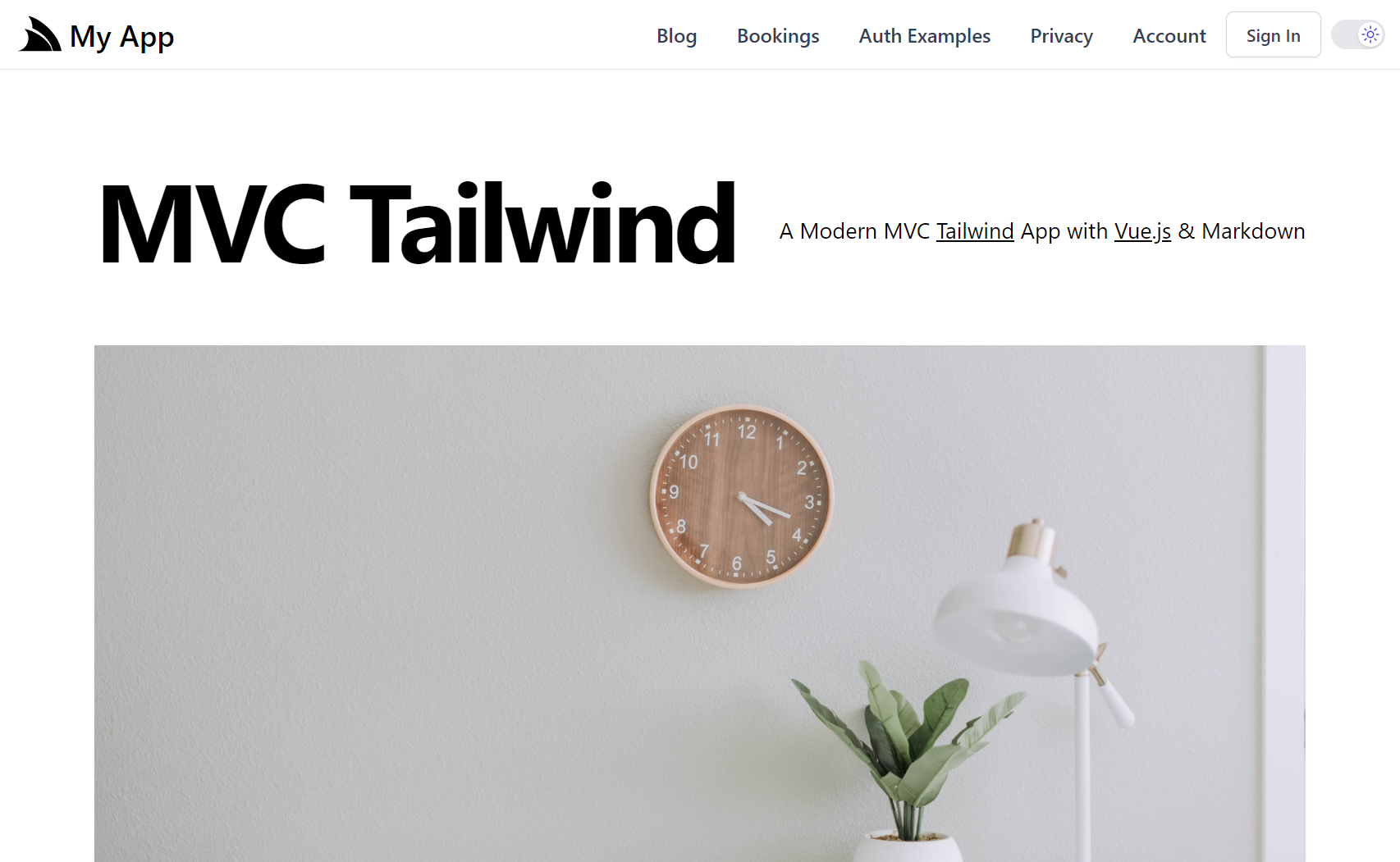
For a quick preview of what these look like, checkout out their Internet Hosted Live Demos:
The configuration and source code for the above projects are a good reference for how to configure ServiceStack with
Identity Auth in your own projects:
- [blazor](https://github.com/NetCoreTemplates/blazor)
- [blazor-vue](https://github.com/NetCoreTemplates/blazor-vue)
- [razor](https://github.com/NetCoreTemplates/razor)
- [mvc](https://github.com/NetCoreTemplates/mvc)
- [razor-bootstrap](https://github.com/NetCoreTemplates/razor-bootstrap)
- [mvc-bootstrap](https://github.com/NetCoreTemplates/mvc-bootstrap)
The **Bootstrap** versions use same Individual Identity Auth Pages that Microsoft's **Razor Pages** and **MVC** templates use,
whilst the **Tailwind** versions have been enhanced to use **Tailwind CSS** instead of Bootstrap,
includes a **visual QR Code** implementation that was missing and includes an
`IEmailSender` SMTP solution that's easily enabled via Configuration to use your preferred **SMTP Server**.
### Migrating to ASP.NET Core Identity Auth
Migrating from ServiceStack Auth to Identity Auth should be relatively straight-forward as ServiceStack uses a compatible
Identity v2 password hashing format, which should let you migrate your users to Identity Auth without them noticing.
## ServiceStack's Identity Auth Integration
ServiceStack's Identity Auth integration is focused on high compatibility so existing ServiceStack Customers
require minimal effort to migrate existing code bases to use the new Identity Auth integration, despite Identity Auth
being an entirely different Auth Provider model and implementation.
It does this by retaining a lot of the existing user-facing Authentication and Session abstractions that ServiceStack APIs
use for Authorization as well as existing endpoints and Request/Response DTOs that ServiceStack Clients use to Authenticate,
but replace their internal implementation to use ASP.NET Identity Auth instead.
The new Identity Auth integration is contained in the .NET 6+ **ServiceStack.Extensions** NuGet package:
```xml
```
Which at a minimum lets you configure ServiceStack to use Identity Auth by simply registering the existing `AuthFeature`
plugin with the Application's custom EF `ApplicationUser` Data Model:
```csharp
Plugins.Add(new AuthFeature(IdentityAuth.For()));
```
It requires minimal configuration as all Authorization is configured using ASP.NET Core's
standard APIs, any configuration in this plugin is then just used to customize Identity Auth's integration with ServiceStack.
There's also no new concepts to learn as all ASP .NET Core endpoints, pages and controllers continue to Authenticate against
the populated `ClaimsPrincipal` whilst all ServiceStack APIs continue to Authenticate against the populated typed
[User Session](https://docs.servicestack.net/auth/sessions).
The `AuthFeature` works by registering the following Identity Auth Providers:
### Identity Auth Providers
- [IdentityApplicationAuthProvider](https://github.com/ServiceStack/ServiceStack/blob/main/ServiceStack/src/ServiceStack.Extensions/Auth/IdentityApplicationAuthProvider.cs) - Converts an Identity Auth `ClaimsPrincipal` into a ServiceStack Session
- [IdentityCredentialsAuthProvider](https://github.com/ServiceStack/ServiceStack/blob/main/ServiceStack/src/ServiceStack.Extensions/Auth/IdentityCredentialsAuthProvider.cs) - Implements ServiceStack's `Authenticate` API using Identity Auth
- [IdentityJwtAuthProvider](https://github.com/ServiceStack/ServiceStack/blob/main/ServiceStack/src/ServiceStack.Extensions/Auth/IdentityJwtAuthProvider.cs) - Converts an Identity Auth JWT into an Authenticated ServiceStack Session
Only the `IdentityApplicationAuthProvider` is registered by default which is required to convert Identity Auth's `ClaimPrincipal`
into an Authenticated ServiceStack [Session](/auth/sessions). The other Auth Providers are required if you want to enable authentication with
ServiceStack's endpoints. E.g. ServiceStack's [Built-in UIs](https://servicestack.net/auto-ui) would require the Credentials Auth
to be enabled to authenticate via the built-in Sign In dialogs.
### Configuring Auth Providers
Which is what all the Blazor and MVC Identity Auth templates enable by default in
[Configure.Auth.cs](https://github.com/NetCoreTemplates/blazor/blob/main/MyApp/Configure.Auth.cs):
```csharp
public class ConfigureAuth : IHostingStartup
{
public void Configure(IWebHostBuilder builder) => builder
.ConfigureAppHost(appHost =>
{
appHost.Plugins.Add(new AuthFeature(IdentityAuth.For(
// Configure ServiceStack's Integration with Identity Auth
options => {
// options.SessionFactory = () => new CustomUserSession(); //optional
options.CredentialsAuth();
})
));
});
}
```
If you're using a `CustomUserSession` you'll also need to register it with the `SessionFactory` for it to be used.
### Configure Individual Auth Providers
Each of the Identity Auth Providers can also be customized individually:
```csharp
Plugins.Add(new AuthFeature(IdentityAuth.For(options => {
// Configure IdentityApplicationAuthProvider
options.ApplicationAuth(options => {});
// Configure IdentityCredentialsAuthProvider
options.CredentialsAuth(options => {});
// Configure IdentityJwtAuthProvider
options.JwtAuth(options => {});
})
));
```
### Enable Optional ServiceStack Auth Services
Typically you'll want to use the included Identity UI Pages and dependencies to register new users and assign roles,
but if you have any existing client integrations that use ServiceStack APIs they can also be enabled with:
```csharp
Plugins.Add(new AuthFeature(IdentityAuth.For(options => {
// Include ServiceStack's Register API
options.IncludeRegisterService = true;
// Include ServiceStack's AssignRoles and UnAssignRoles APIs
options.IncludeAssignRoleServices = true;
));
```
### Extending Identity Auth Cookies and User Sessions
By default all [well known Claim Names](https://github.com/ServiceStack/ServiceStack/blob/3ab3d23c85cf48435b8cd9386f25afab79fcb542/ServiceStack/src/ServiceStack.Extensions/Auth/IdentityApplicationAuthProvider.cs#L49)
are used to populate the User Session, but you can also include additional claims in the Identity Auth Cookie
and use them to populate the User Session by overriding `PopulateFromClaims()` in your
[CustomUserSession.cs](https://github.com/NetCoreTemplates/blazor/blob/main/MyApp.ServiceInterface/Data/CustomUserSession.cs), e.g:
```csharp
public class CustomUserSession : AuthUserSession
{
public override void PopulateFromClaims(IRequest httpReq, ClaimsPrincipal principal)
{
// Populate Session with data from Identity Auth Claims
ProfileUrl = principal.FindFirstValue(JwtClaimTypes.Picture);
}
}
// Add additional claims to the Identity Auth Cookie
public class AdditionalUserClaimsPrincipalFactory(UserManager userManager, RoleManager roleManager, IOptions optionsAccessor)
: UserClaimsPrincipalFactory(userManager, roleManager, optionsAccessor)
{
public override async Task CreateAsync(ApplicationUser user)
{
var principal = await base.CreateAsync(user);
var identity = (ClaimsIdentity)principal.Identity!;
var claims = new List();
// Add additional claims here
if (user.ProfileUrl != null)
{
claims.Add(new Claim(JwtClaimTypes.Picture, user.ProfileUrl));
}
identity.AddClaims(claims);
return principal;
}
}
```
### Custom Application User Primary Key
The default `IdentityUser` uses a `string` as the primary key populated with a `Guid`, but you could also change it to use an
`int` by having your EF IdentityUser Data Model inherit from `IdentityUser` instead:
```csharp
public class AppUser : IdentityUser
{
//...
}
```
You'll also need to specify the Key Type when registering the `AuthFeature` plugin:
```csharp
public class ConfigureAuth : IHostingStartup
{
public void Configure(IWebHostBuilder builder) => builder
.ConfigureAppHost(appHost => {
appHost.Plugins.Add(new AuthFeature(IdentityAuth.For(
options => {
options.SessionFactory = () => new CustomUserSession();
options.CredentialsAuth();
})
));
});
}
```
Which the new .NET 10 BlazorDiffusion App does in [Configure.Auth.cs](https://github.com/NetCoreApps/BlazorDiffusionVue/blob/main/BlazorDiffusion/Configure.Auth.cs)
to be compatible with its existing ServiceStack `UserAuth` tables which used an `int` primary key.
## Using Identity Auth in ServiceStack Apps
One of the primary benefits of adopting Identity Auth is the wealth of documentation and resources available for it,
which also applies to how you would use Identity Auth to secure your own Apps.
If you're new to Identity Auth we recommend starting with the official introduction from Microsoft:
- [Introduction to Identity on ASP.NET Core](https://learn.microsoft.com/en-us/aspnet/core/security/authentication/identity)
To learn about securing Blazor Apps, go to:
- [ASP.NET Core Blazor authentication and authorization](https://learn.microsoft.com/en-us/aspnet/core/blazor/security/)
### Declarative Validation Attributes
The recommended way to protect your ServiceStack APIs is to continue to use the [Declarative Validation](https://docs.servicestack.net/declarative-validation)
attributes which are decoupled from any implementation so be safely annotated on Request DTOs without adding
any implementation dependencies, where they're also accessible to Clients and UIs using the Request DTOs to invoke your APIs.
The available Typed Authorization Attributes include:
| Attribute | Description |
|-----------------------------|--------------------------------------------------------|
| `[ValidateIsAuthenticated]` | Restrict access toAuthenticated Users only |
| `[ValidateIsAdmin]` | Restrict access to Admin Users only |
| `[ValidateHasRole]` | Restrict access to only Users assigned with this Role |
| `[ValidateHasClaim]` | Restrict access to only Users assigned with this Claim |
| `[ValidateHasScope]` | Restrict access to only Users assigned with this Scope |
That can be annotated on **Request DTOs** to protect APIs:
```csharp
[ValidateIsAuthenticated]
[ValidateIsAdmin]
[ValidateHasRole(role)]
[ValidateHasClaim(type,value)]
[ValidateHasScope(scope)]
public class Secured {}
```
### Using Identity Auth in ServiceStack Clients
As ServiceStack Identity Auth integration registers replacements Auth Providers for ServiceStack's built-in Auth Providers,
existing ServiceStack Client integrations will continue to work without any changes, e.g:
```csharp
const client = new JsonApiClient(baseUrl);
var response = await client.ApiAsync(new Authenticate {
provider = "credentials",
UserName = userName,
Password = password,
});
```
The difference being that instead of returning an Authenticated ServiceStack Session Cookie, it instead returns an
ASP.NET's Identity `.AspNetCore.Identity.Application` Cookie which it will be used to perform Authenticated API requests.
This transparent re-implementation of ServiceStack Auth Providers and endpoints is also how ServiceStack's
[Built-in UIs](https://servicestack.net/auto-ui) was able to continue to work without any code changes.
### SMTP IEmailSender
The .NET 10 Templates also include a nice solution for sending Identity Auth emails through the `IEmailSender` interface
which drops the Email Request in the registered Background MQ in
[Configure.Mq.cs](https://github.com/NetCoreTemplates/blazor/blob/main/MyApp/Configure.Mq.cs)
which uses it to invoke the `SendEmail` API in
[EmailServices](https://github.com/NetCoreTemplates/blazor/blob/main/MyApp.ServiceInterface/EmailServices.cs) in a
managed background worker:
```csharp
public class EmailSender(IMessageService messageService) : IEmailSender
{
public Task SendEmailAsync(string email, string subject, string htmlMessage)
{
using var mqClient = messageService.CreateMessageProducer();
mqClient.Publish(new SendEmail
{
To = email,
Subject = subject,
BodyHtml = htmlMessage,
});
return Task.CompletedTask;
}
}
```
To enable it you'll need to register your preferred SMTP Server in your App's `appsettings.json`:
```json
{
"SmtpConfig": {
"Username": "username",
"Password": "password",
"Host": "smtp.mailtrap.io",
"Port": 587,
"FromEmail": "mail@example.org"
}
}
```
Then uncomment the `EmailSender` registration in your `Program.cs`
```csharp
services.AddSingleton();
```
### Send any App Email
The nice part about this solution is that it's not limited to just sending Identity Auth emails, you can also use it to send
any App Email, either by publishing a message to the registered MQ with `PublishMessage` or by using the
[Service Gateway](https://docs.servicestack.net/service-gateway) to invoke the API directly, e.g:
```csharp
public class MyServices : Service
{
public object Any(MyRequest request)
{
// Send Email in managed Background MQ Worker
PublishMessage(new SendEmail {
To = email,
Subject = subject,
BodyHtml = body,
});
// Block until Email is sent to SMTP Server
Gateway.Send(new SendEmail {
To = email,
Subject = subject,
BodyHtml = body,
});
}
}
```