---
slug: grpc-flutter
title: gRPC protoc Flutter Dart Client
---
[](https://youtu.be/t83gDzEGpac)
## Flutter protoc generated GrpcServiceClient Example
Install [x dotnet tool](/dotnet-tool):
:::sh
dotnet tool install --global x
:::
Create a new Flutter project with [Android Studio](https://developer.android.com/studio):
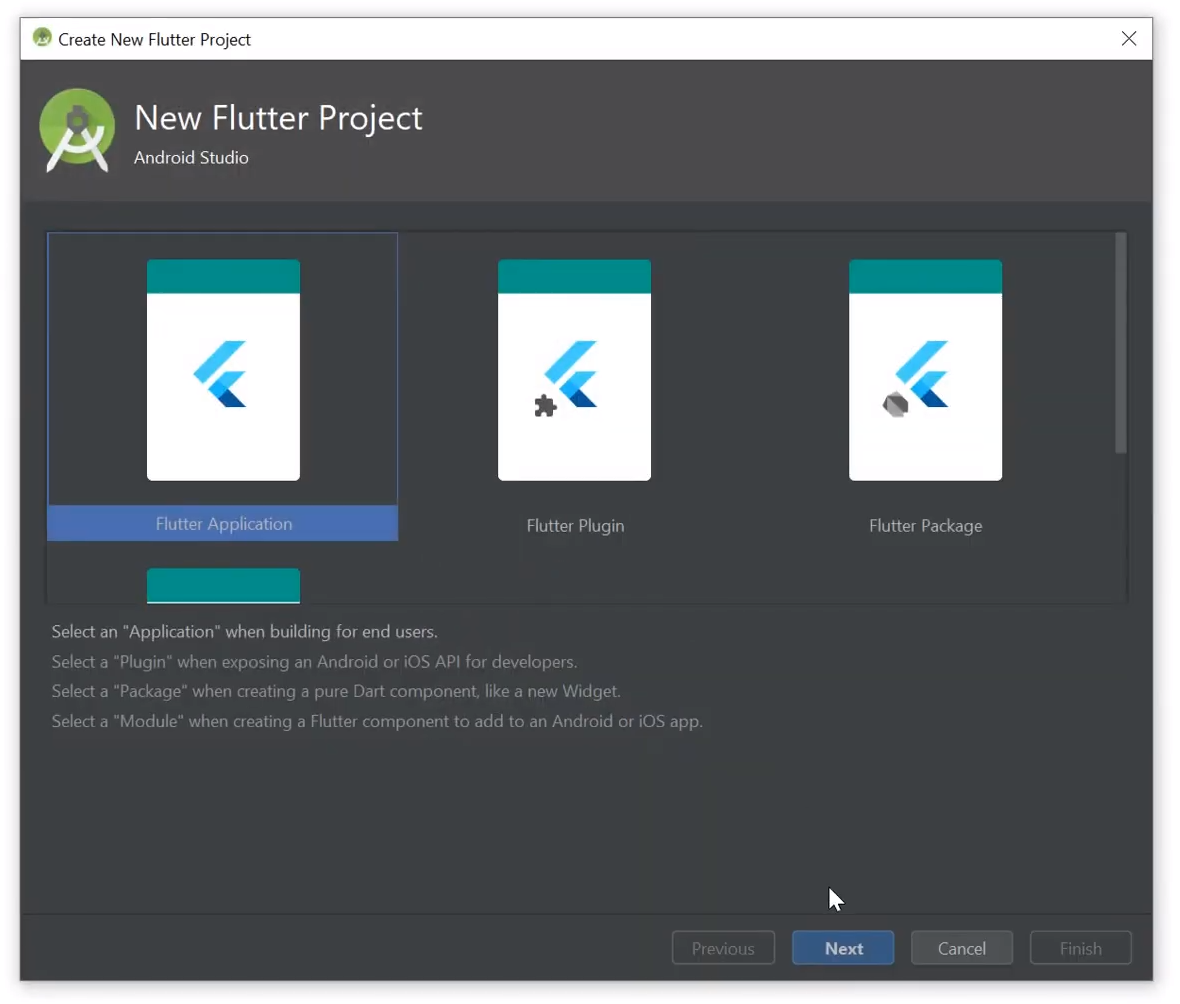
Add protoc generated TodoWorld DTOs and gRPC GrpcServiceClient to `lib/` folder:
:::sh
x proto-dart https://todoworld.servicestack.net -out lib
:::
Add required dependencies to **pubspec.yaml**:
```yaml
dependencies:
fixnum: ^0.10.11
async: ^2.2.0
protobuf: ^1.0.1
grpc: ^2.1.3
```
Install dependencies by running `pub get` or clicking on **Get Dependencies** link in the IDE:

### Flutter protoc gRPC insecure Example
Use protoc generated DTOs and `GrpcServiceClient` to call TodoWorld gRPC Service in `_MyHomePageState`
class in `bin/main.dart`:
```dart
import 'package:flutter/material.dart';
import 'package:flutter_grpc/services.pbgrpc.dart';
import 'package:grpc/grpc.dart';
//...
class _MyHomePageState extends State {
String result = '';
GrpcServicesClient client = GrpcServicesClient(
ClientChannel('todoworld.servicestack.net', port:50054,
options:ChannelOptions(credentials: ChannelCredentials.insecure())));
void _callGrpcService() async {
var response = await client.getHello(Hello()..name="Flutter gRPC");
setState(() {
result = response.result;
});
}
//...
}
```
Capture the result gRPC API request in the `result` String then change the Widget `build()` to
display that instead of `_counter` then update the `floatingActionButton` to call your `_callGrpcService`
method instead:
```dart
@override
Widget build(BuildContext context) {
return Scaffold(
appBar: AppBar(
title: Text(widget.title),
),
body: Center(
child: Column(
mainAxisAlignment: MainAxisAlignment.center,
children: [
Text(
'gRPC Service Example:',
),
Text(
'$result',
style: Theme.of(context).textTheme.display1,
),
],
),
),
floatingActionButton: FloatingActionButton(
onPressed: _callGrpcService,
tooltip: 'gRPC Service Example',
child: Icon(Icons.play_arrow),
),
);
}
```
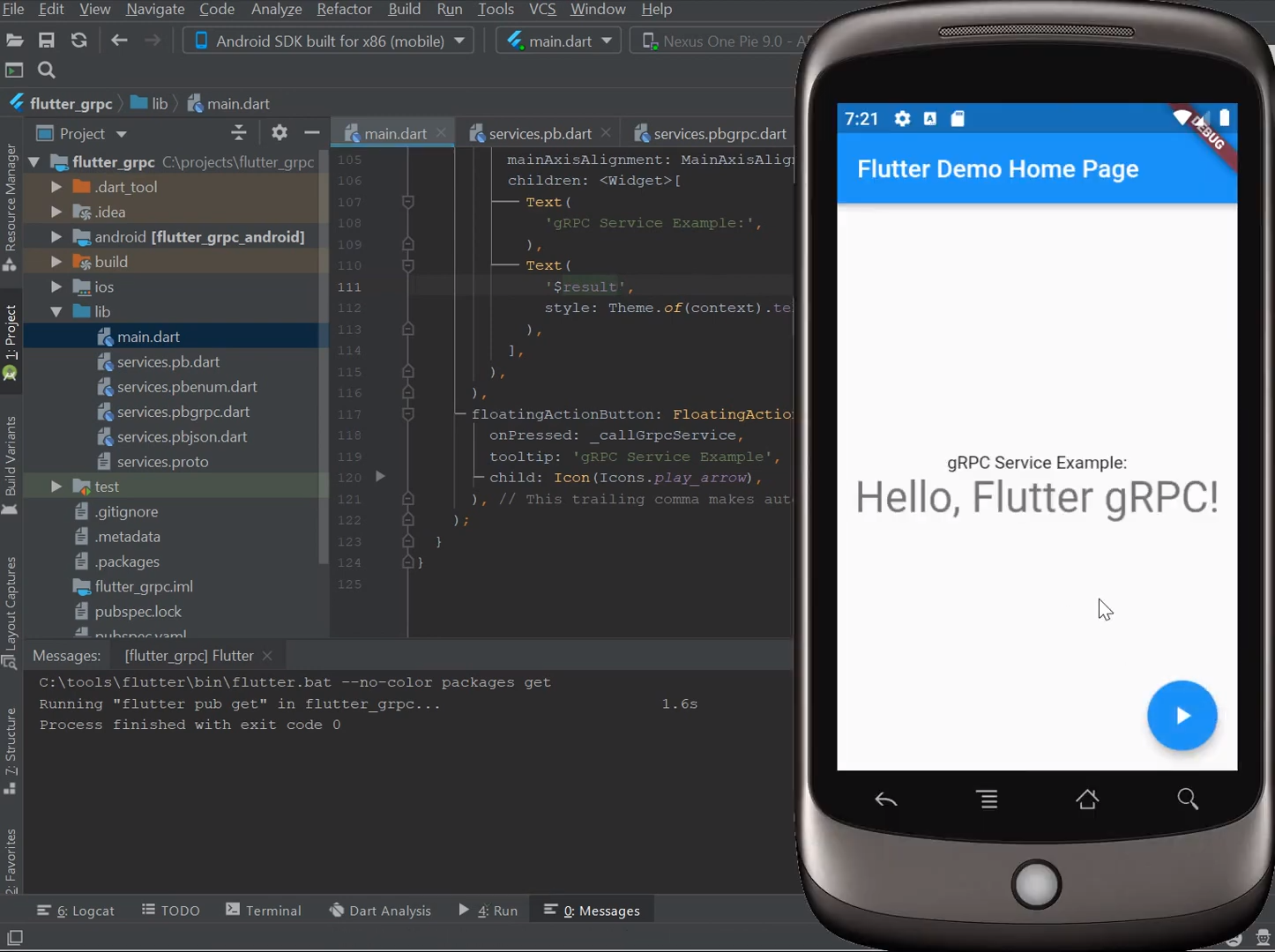
With Flutter's live-reload capability you should be able to see your changes instantly in the Android emulator
where clicking the icon should display the result of your plain-text gRPC Service Request:
### Flutter protoc gRPC SSL Example
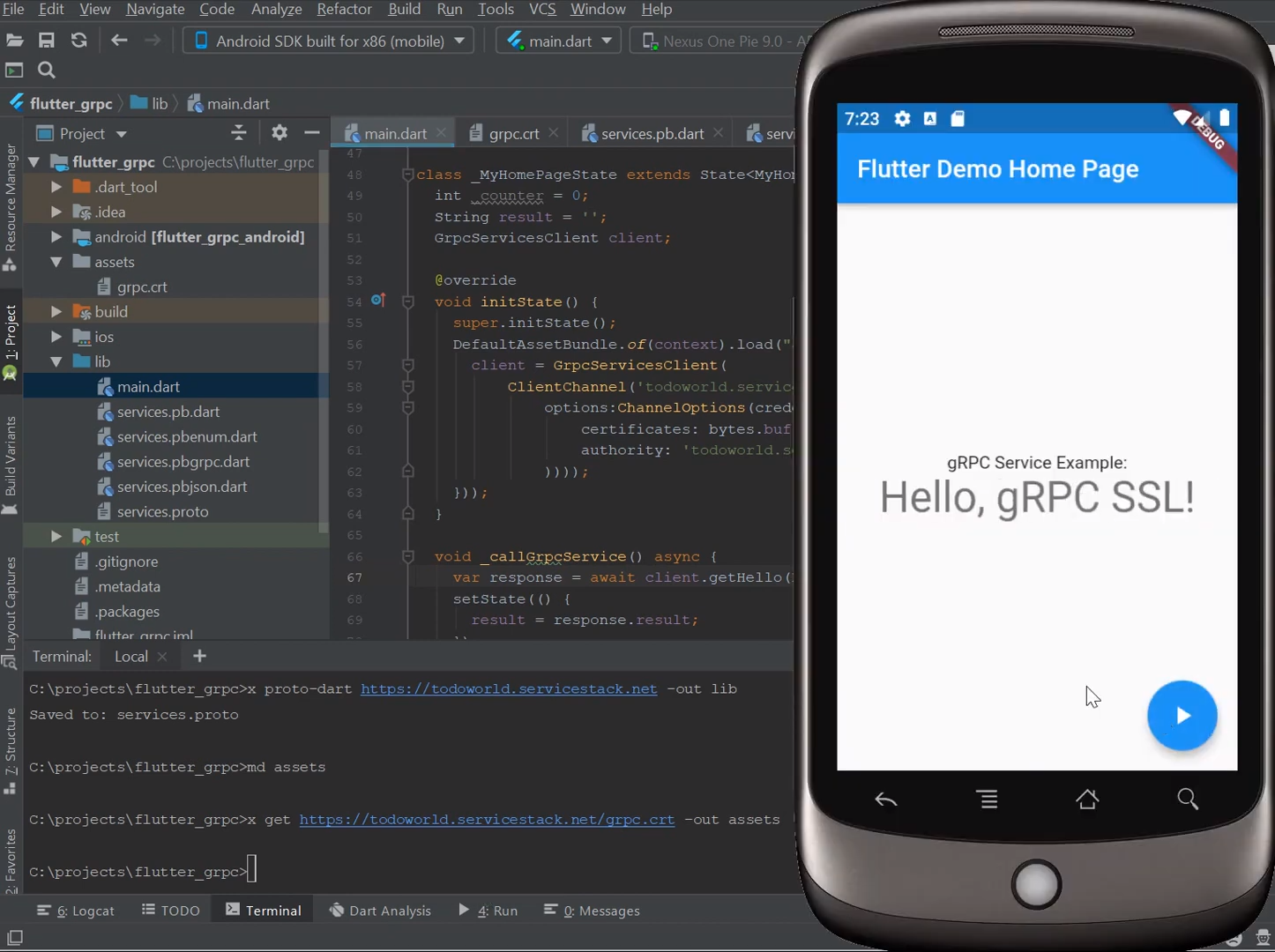
To use gRPC SSL we'll need a copy of our gRPC's Service SSL Certificate which we can make available to our
Flutter App by saving it to our App's `assets` directory:
```bash
mkdir assets
x get https://todoworld.servicestack.net/grpc.crt -out assets
```
As loading assets is an asynchronous operation we'll need to preload it either by loading it in `main()` and
passing it as an attribute down to all our components or we can load it in our State widget's `initState()`
method:
```dart
class _MyHomePageState extends State {
String result = '';
GrpcServicesClient client;
@override
void initState() {
super.initState();
DefaultAssetBundle.of(context).load("assets/grpc.crt").then((bytes) => setState(() {
client = GrpcServicesClient(
ClientChannel('todoworld.servicestack.net', port:50051,
options:ChannelOptions(credentials: ChannelCredentials.secure(
certificates: bytes.buffer.asUint8List(),
authority: 'todoworld.servicestack.net'
))));
}));
}
void _callGrpcService() async {
var response = await client.getHello(Hello()..name="gRPC SSL");
setState(() {
result = response.result;
});
}
//...
}
```
You'll also need to update the port to refer to the gRPC SSL endpoint, update your `Hello` request
so we can verify the result is from the new gRPC SSL request. Now after live-reload has completed,
clicking on the icon will show the response of a gRPC SSL Request:

Refer to [/mobile/flutter/flutter_grpc](https://github.com/NetCoreApps/todo-world/tree/master/mobile/flutter/flutter_grpc)
for a complete example project.