---
slug: javascript-server-events-client
title: JavaScript Server Events Client
---
Like ServiceStack's other JavaScript interop libraries, the client bindings for ServiceStack's Server Events is in ServiceStack's JavaScript client bindings [/js/ss-utils.js](https://github.com/ServiceStack/ServiceStack/blob/master/src/ServiceStack/js/ss-utils.js) that's embedded in `ServiceStack.dll` and available from any page with:
```html
```
To configure Server Sent Events on the client create a [native EventSource object](http://www.html5rocks.com/en/tutorials/eventsource/basics/) with:
```javascript
var source = new EventSource(
'/event-stream?channel=channel&t=' + new Date().getTime());
```
::: info
The default url `/event-stream` can be modified with `ServerEventsFeature.StreamPath`
:::
As this is the native `EventSource` object, you can interact with it directly, e.g. you can add custom error handlers with:
```javascript
source.addEventListener('error', function (e) {
console.log("ERROR!", e);
}, false);
```
The ServiceStack binding itself is just a thin jQuery plugin that extends `EventSource`, e.g:
```javascript
$(source).handleServerEvents({
handlers: {
onConnect: function (sub) {
console.log("You've connected! welcome " + sub.displayName);
},
onJoin: function (user) {
console.log("Welcome, " + user.displayName);
},
onLeave: function (user) {
console.log(user.displayName + " has left the building");
},
onMessage: function (msg, e) { // fired after every message
console.log(msg);
},
//... Register custom handlers
},
receivers: {
//... Register any receivers
},
});
```
ServiceStack Server Events has 4 built-in events sent during a subscriptions life-cycle:
- **onConnect** - sent when successfully connected, includes the subscriptions private `subscriptionId` as well as heartbeat and unregister urls that's used to automatically setup periodic heartbeats.
- **onJoin** - sent when a new user joins the channel.
- **onLeave** - sent when a user leaves the channel.
- **onUpdate** - sent when a users channels subscription was updated
::: info
The onJoin/onLeave/onUpdate events can be turned off with `ServerEventsFeature.NotifyChannelOfSubscriptions=false`
:::
All other messages can be handled with the catch-all:
- **onMessage** - fired when any other message is sent
## Selectors
A selector is a string that identifies what should handle the message, it's used by the client to route the message to different handlers. The client bindings in [/js/ss-utils.js](https://github.com/ServiceStack/EmailContacts/#servicestack-javascript-utils---jsss-utilsjs) supports 4 different handlers out of the box:
### Global Event Handlers
To recap [Declarative Events](https://github.com/ServiceStackApps/EmailContacts#declarative-events) allow you to define global handlers on a html page which can easily be applied on any element by decorating it with `data-{event}='{handler}'` attribute, eliminating the need to do manual bookkeeping of DOM events.
The example below first invokes the `paintGreen` handler when the button is clicked and fires the `paintRed` handler when the button loses focus:
```javascript
$(document).bindHandlers({
paintGreen: function(){
$(this).css("background","green");
},
paintRed: function(){
$(this).css("background","red");
},
});
```
```html
```
The selector to invoke a global event handler is:
```
cmd.{handler}
```
Where `{handler}` is the name of the handler you want to invoke, e.g `cmd.paintGreen`. When invoked from a server event the message (deserialized from JSON) is the first argument, the Server Sent DOM Event is the 2nd argument and `this` by default is assigned to `document.body`.
```javascript
function paintGreen(msg /* JSON object msg */, e /*SSE Event*/){
this // HTML Element or document.body
$(this).css("background","green");
},
```
#### Handling Messages with the Default Selector
All `IServerEvents` Notify API's includes [overloads for sending messages without a selector](https://github.com/ServiceStack/ServiceStack/blob/master/src/ServiceStack/ServerEventsFeature.cs#L743-L771) that by convention will take the format `cmd.{TypeName}`.
As they're prefixed with `cmd.*` these events can be handled with a handler **based on Message type name**, e.g:
```javascript
$(source).handleServerEvents({
handlers: {
CustomType: function (msg, e) { ... },
SetterType: function (msg, e) { ... }
},
});
```
Which will be called when messages are sent without a selector, e.g:
```csharp
public class MyServices : Service
{
public IServerEvents ServerEvents { get; set; }
public void Any(Request request)
{
ServerEvents.NotifyChannel("home", new CustomType { ... });
ServerEvents.NotifyChannel("home", new SetterType { ... });
}
}
```
### Postfix jQuery selector
All server event handler options also support a postfix jQuery selector for specifying what each handler should be bound to with a `$` followed by the jQuery selector, e.g:
```
cmd.{handler}${jQuerySelector}
```
A concrete example for calling the above API would be:
```
cmd.paintGreen$#btnPaint
```
Which will bind `this` to the `#btnSubmit` HTML Element, retaining the same behavior as if it were called with `data-click="paintGreen"`.
::: info
Spaces in jQuery selectors need to be encoded with `%20`
:::
### Modifying CSS via jQuery
As it's a popular use-case Server Events also has native support for modifying CSS properties with:
```
css.{propertyName}${jQuerySelector} {propertyValue}
```
Where the message is the property value, which roughly translates to:
```js
$({jQuerySelector}).css({propertyName}, {propertyValue})
```
When no jQuery selector is specified it falls back to `document.body` by default.
```
/css.background #eceff1
```
Some other examples include:
```
/css.background$#top #673ab7 // $('#top').css('background','#673ab7')
/css.font$li bold 12px verdana // $('li').css('font','bold 12px verdana')
/css.visibility$a,img hidden // $('a,img').css('visibility','#673ab7')
/css.visibility$a%20img hidden // $('a img').css('visibility','hidden')
```
### jQuery Events
A popular approach in building loosely-coupled applications is to have components interact with each other by raising events. It's similar to channels in Pub/Sub where interested parties can receive and process custom events on components they're listening on. jQuery supports this model by simulating DOM events that can be raised with [$.trigger()](http://api.jquery.com/trigger/).
You can subscribe to custom events in the same way as normal DOM events, e.g:
```javascript
$(document).on('customEvent', function(event, arg, msgEvent){
var target = event.target;
});
```
The selector to trigger this event is:
```
trigger.customEvent arg
trigger.customEvent$#btnPaint arg
```
Where if no jQuery selector is specified it defaults to `document`. These selectors are equivalent to:
```javascript
$(document).trigger('customEvent', 'arg')
$("#btnPaint").trigger('customEvent', 'arg')
```
### Receivers
In programming languages based on message-passing like Smalltalk and Objective-C invoking a method is done by sending a message to a receiver. This is conceptually equivalent to invoking a method on an instance in C# where both these statements are roughly equivalent:
```objc
// Objective-C
[receiver method:argument]
```
```csharp
// C#
receiver.method(argument)
```
Support for receivers is available in the following format:
```
{receiver}.{target} {msg}
```
### Registering Receivers
Registering a receiver can be either be done by adding it to the global `$.ss.eventReceivers` map with the object instance and the name you want it to be exported as. E.g. The `window` and `document` global objects can be setup to receive messages with:
```javascript
$.ss.eventReceivers = {
"window": window,
"document": document
};
```
Once registered you can set any property or call any method on a receiver with:
```
document.title New Window Title
window.location http://google.com
```
Where if `{target}` was a function it will be invoked with the message, otherwise its property will be set.
By default when no `{jQuerySelector}` is defined, `this` is bound to the **receiver** instance.
The alternative way to register a receiver is at registration with:
```javascript
$(source).handleServerEvents({
...
receivers: {
tv: {
watch: function (id) {
if (id.indexOf('youtu.be') >= 0) {
var v = $.ss.splitOnLast(id, '/')[1];
$("#tv").html(templates.youtube.replace("{id}", v)).show();
} else {
$("#tv").html(templates.generic.replace("{id}", id)).show();
}
},
off: function () {
$("#tv").hide().html("");
}
}
}
});
```
This registers a custom `tv` receiver that can now be called with:
```
tv.watch http://youtu.be/518XP8prwZo
tv.watch https://servicestack.net/img/logo-220.png
tv.off
```
### Un Registering a Receiver
As receivers are maintained in a simple map, they can be disabled at anytime with:
```javascript
$.ss.eventReceivers["window"] = null;
```
and re-enabled with:
```javascript
$.ss.eventReceivers["window"] = window;
```
Whilst Named Receivers are used to handle messages sent to a specific namespaced selector, the client also supports registering a **Global Receiver** for handling messages sent with the special `cmd.*` selector.
### UpdateSubscriber APIs
You can use any of the APIs below in the
[ss-utils JavaScript library](/ss-utils-js)
to update an active Subscriptions Channels:
```javascript
$.ss.updateSubscriber({
SubscribeChannels: "chan1,chan2",
UnsubscribeChannels: "chan3,chan4"
});
$.ss.subscribeToChannels(["chan1","chan2"], response => ..., error => ...);
$.ss.unsubscribeFromChannels(["chan3","chan4"], response => ..., error => ...);
```
# ServerEvent JavaScript Examples
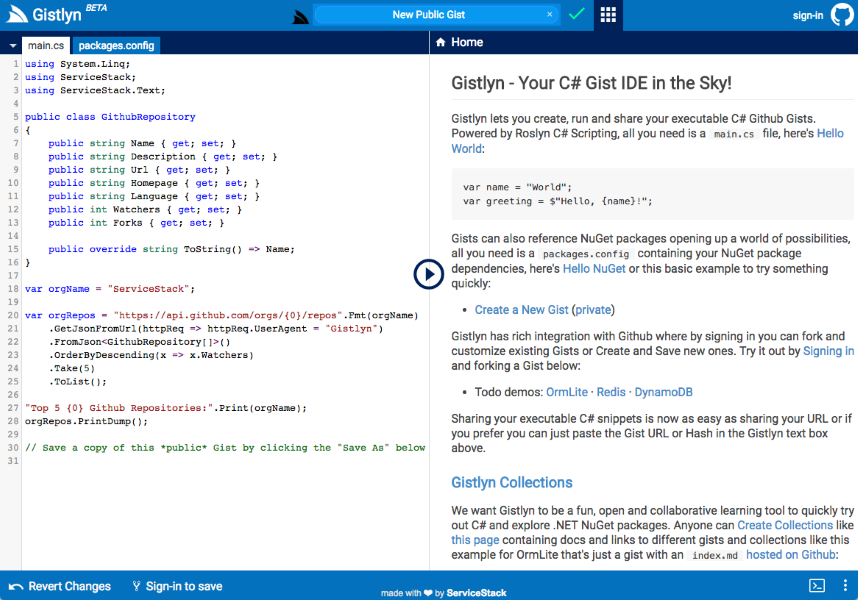
## [Gistlyn](https://github.com/ServiceStack/Gistlyn)
Gistlyn is a C# Gist IDE for creating, running and sharing stand-alone, executable C# snippets.
[](http://gistlyn.com)
> Live Demo: http://gistlyn.com
## [React Chat](https://github.com/ServiceStackApps/ReactChat)
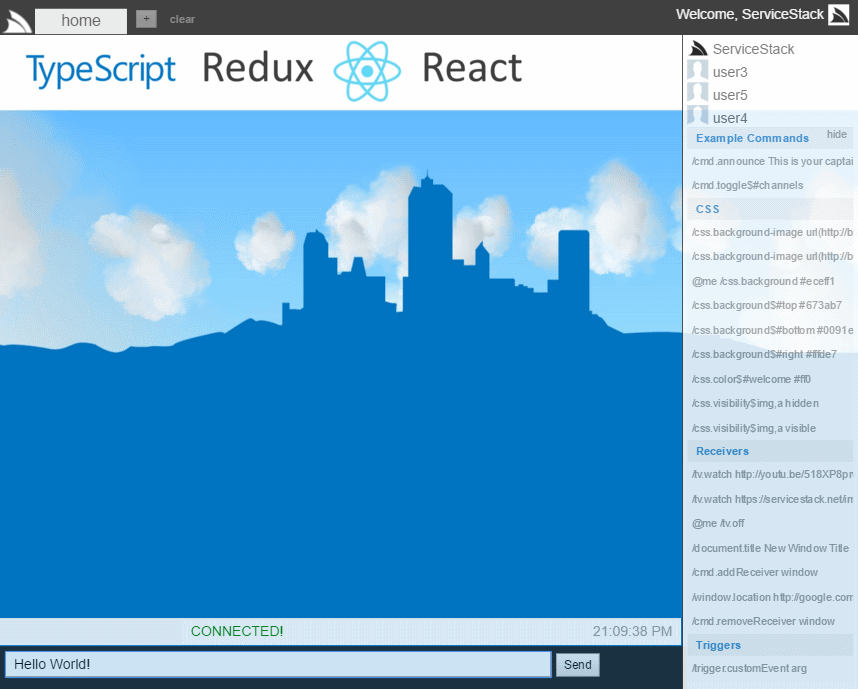
React Chat is a port of [ServiceStack Chat](https://github.com/ServiceStackApps/Chat) ES5, jQuery Server Events
demo into a [TypeScript](http://www.typescriptlang.org/), [React](http://facebook.github.io/react/) and
[Redux](https://github.com/reactjs/redux) App:
## [Networked Time Traveller Shape Creator](https://github.com/ServiceStackApps/typescript-redux#example-9---real-time-networked-time-traveller)
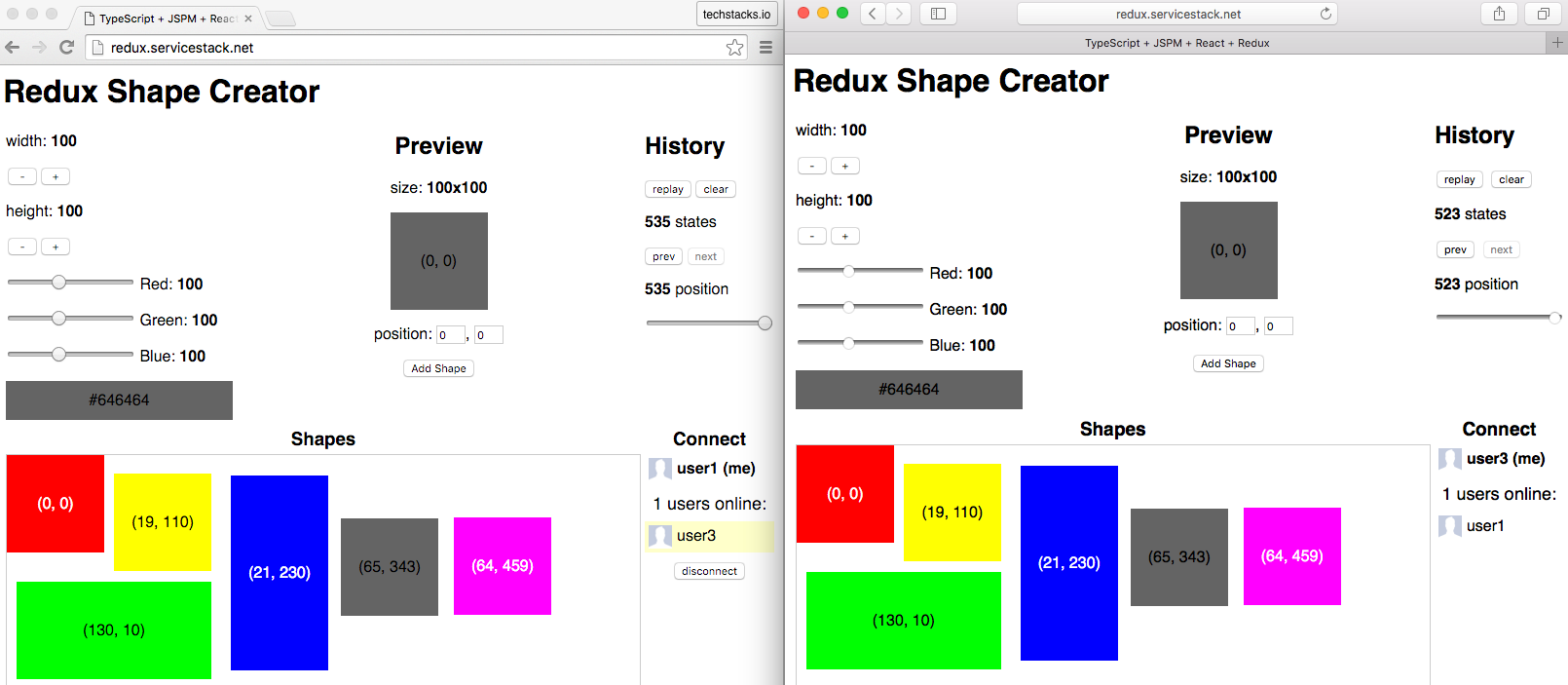
A network-enhanced version of the
[stand-alone Time Traveller Shape Creator](https://github.com/ServiceStackApps/typescript-redux#example-8---time-travelling-using-state-snapshots)
that allows users to **connect to** and **watch** other users using the App in real-time similar
to how users can use Remote Desktop to watch another computer's screen:
> Live demo: http://redux.servicestack.net
## [Chat](https://github.com/ServiceStackApps/Chat)
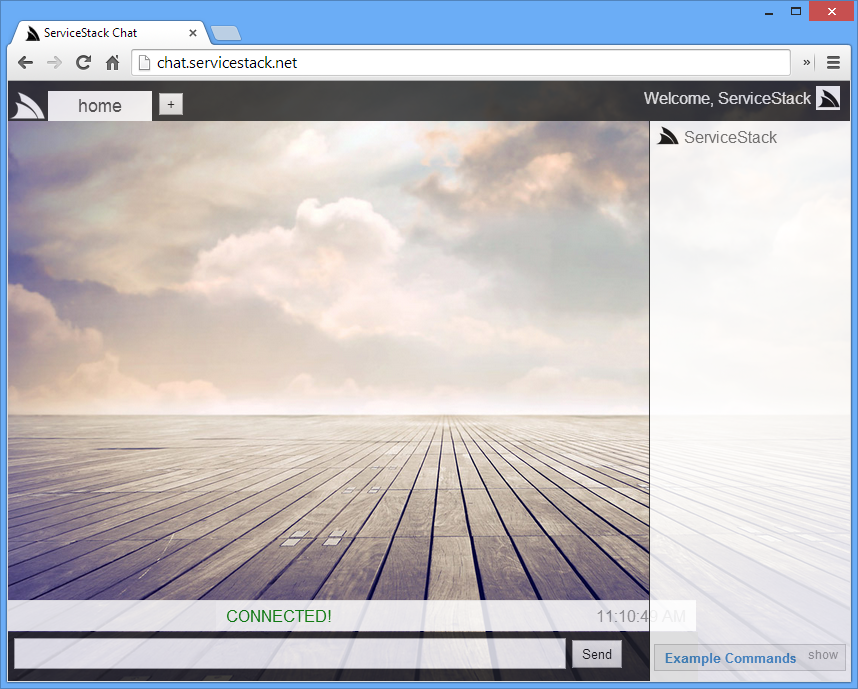
> Feature-rich Single Page Chat App, showcasing Server Events support in 170 lines of JavaScript!
[](http://chat.netcore.io)
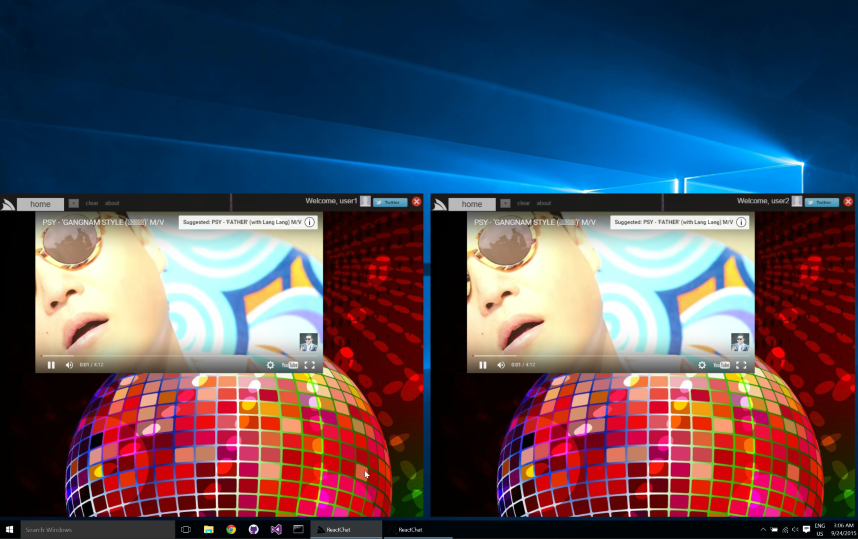
## [React Chat Desktop](https://github.com/ServiceStackApps/ReactChatApps)
> Built with [React Desktop Apps](https://github.com/ServiceStackApps/ReactDesktopApps)
VS.NET template and packaged into a native Desktop App for Windows and OSX - showcasing synchronized
real-time control of multiple Windows Apps:
[](https://youtu.be/-9kVqdPbqOM)
> Downloads for [Windows, OSX, Linux and Web](https://github.com/ServiceStackApps/ReactChatApps#downloads)