---
title: What is Razor Press?
---
Razor Press is a Razor Pages powered Markdown alternative to Ruby's Jekyll, Vue & VitePress that's ideal for
generating fast, static content-centric & documentation websites. Inspired by [VitePress](https://vitepress.dev),
it's designed to effortlessly create documentation around content written in Markdown, rendered using C# Razor Pages
and beautifully styled with [tailwindcss](https://tailwindcss.com) and [@tailwindcss/typography](https://tailwindcss.com/docs/typography-plugin).
The resulting statically generated HTML pages can easily be deployed anywhere, where it can be hosted by any HTTP Server or CDN.
By default it includes GitHub Actions to deploy it your GitHub Repo's **gh-pages** branch where it's hosted for FREE
on [GitHub Pages](https://pages.github.com) CDN which can be easily configured to use your
[Custom Domain](https://docs.github.com/en/pages/configuring-a-custom-domain-for-your-github-pages-site).
## Use Cases
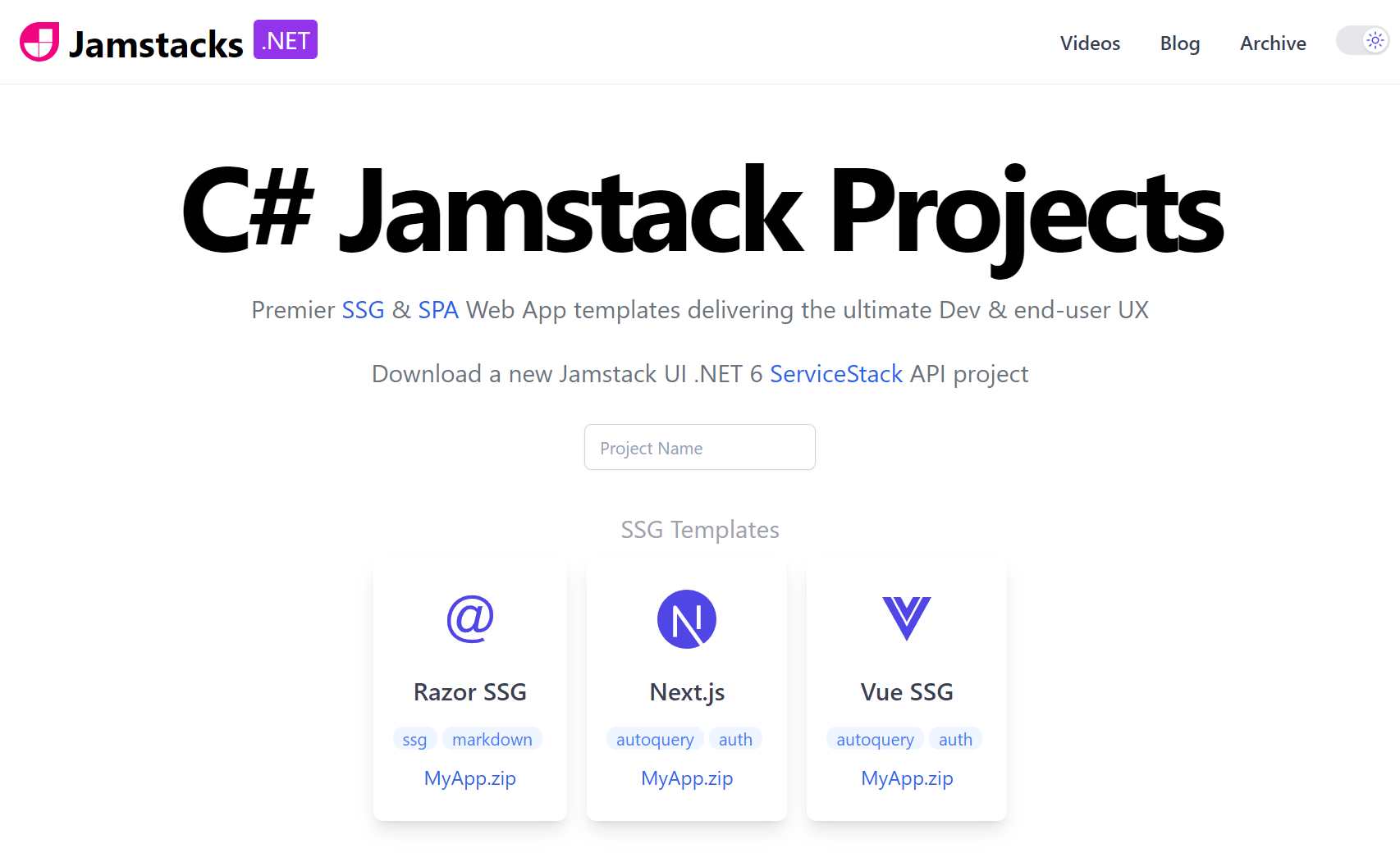
Razor Press utilizes the same technology as
[Razor SSG](https://razor-ssg.web-templates.io/posts/razor-ssg) which is the template we recommend for developing any
statically generated sites with Razor like Blogs, Portfolios, and Marketing Sites as it includes more Razor & Markdown
features like blogs and integration with [Creator Kit](https://servicestack.net/creatorkit/) - a companion OSS project
offers the necessary tools any static website can use to reach and retain users, from managing subscriber mailing lists to
moderating a feature-rich comments system.
Some examples built with Razor SSG include:
## Documentation
Razor Press is instead optimized for creating documentation and content-centric websites, with built-in features useful
for documentation websites including:
- Customizable Sidebar Menus
- Document Maps
- Document Page Navigation
- Autolink Headers
#### Markdown Extensions
- Markdown Content Includes
- Tip, Info, Warning, Danger sections
- Copy and Shell command widgets
But given **Razor Press** and **Razor SSG** share the same implementation, their features are easily transferable, e.g.
The [What's New](/whatsnew) and [Videos](/videos) sections are
[features copied](https://razor-ssg.web-templates.io/posts/razor-ssg#whats-new-feature) from Razor SSG as they can be
useful in Documentation websites.
## Customizable {#custom-anchor .custom}
The source code of all Markdown and Razor Pages features are included in the template with all Markdown extensions
implemented in the [Markdown*.cs](https://github.com/NetCoreTemplates/razor-press/tree/main/MyApp) files allowing for
easier inspection, debugging and customization.
To simplify updating Markdown features in future we recommend against modifying the included `Markdown.*` files and instead
add any Markdig pipeline extensions or custom containers using `MarkdigConfig` in `Configure.Ssg.cs`:
```csharp
MarkdigConfig.Set(new MarkdigConfig
{
ConfigurePipeline = pipeline =>
{
// Extend Markdig Pipeline
},
ConfigureContainers = config =>
{
config.AddBuiltInContainers();
// Add Custom Block or Inline containers
}
});
```
### Update Markdown Extensions & Dependencies
Updating to the latest JavaScript dependencies and Markdown extensions can be done by running:
:::sh
npm install
:::
Which as the template has no npm dependencies, is just an alias for running `node postinstall.js`
## Example
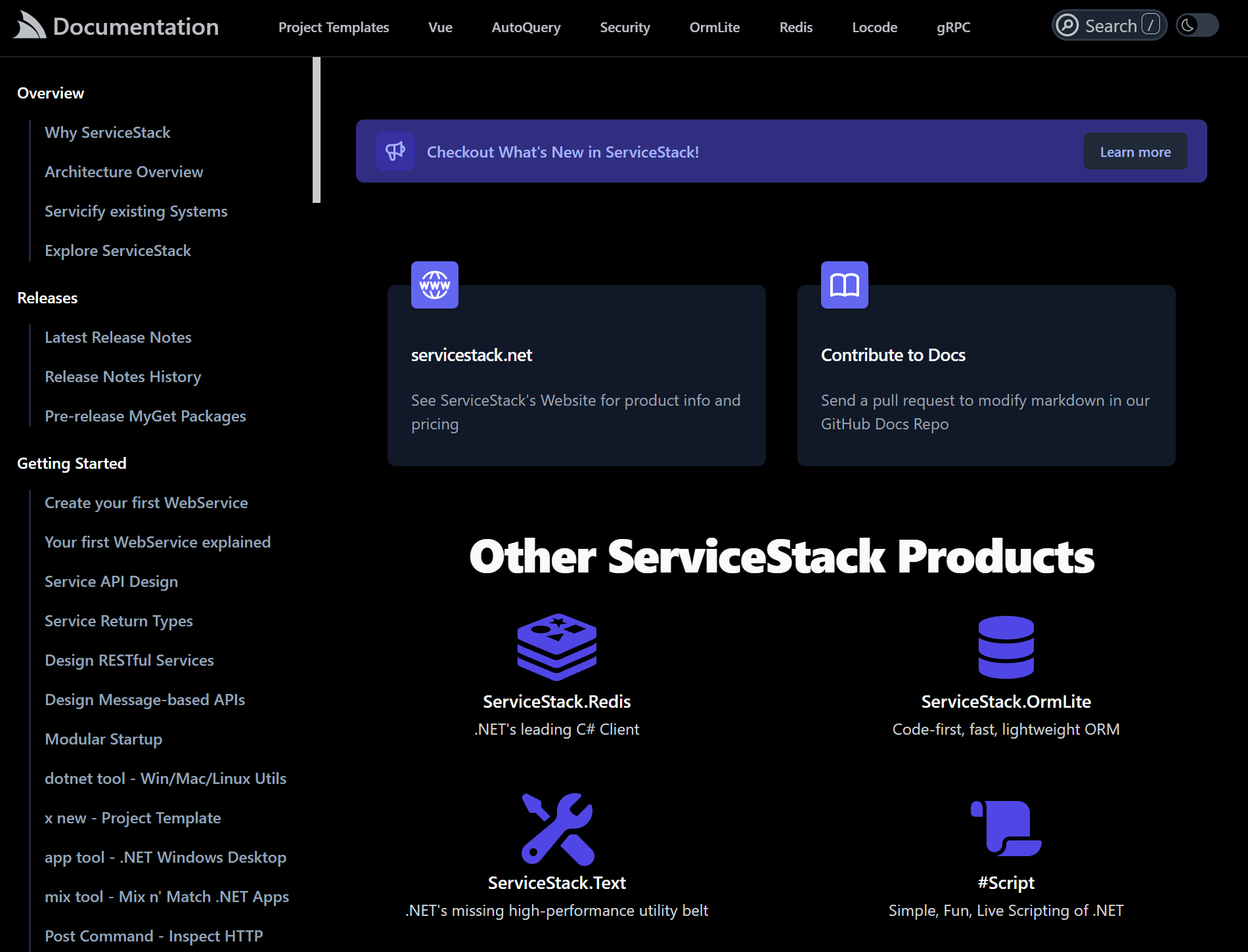
The largest website generated with Razor Press is currently the ServiceStack's documentation at
[docs.servicestack.net](https://docs.servicestack.net):
A **500+** pages documentation website ported from VitePress, which prompted the creation of Razor Press after
experiencing issues with VitePress's SSR/SPA model whose workaround became too time consuming to maintain.
The new Razor SSG implementation now benefits from Razor Pages flexible layouts and partials where pages can be optionally
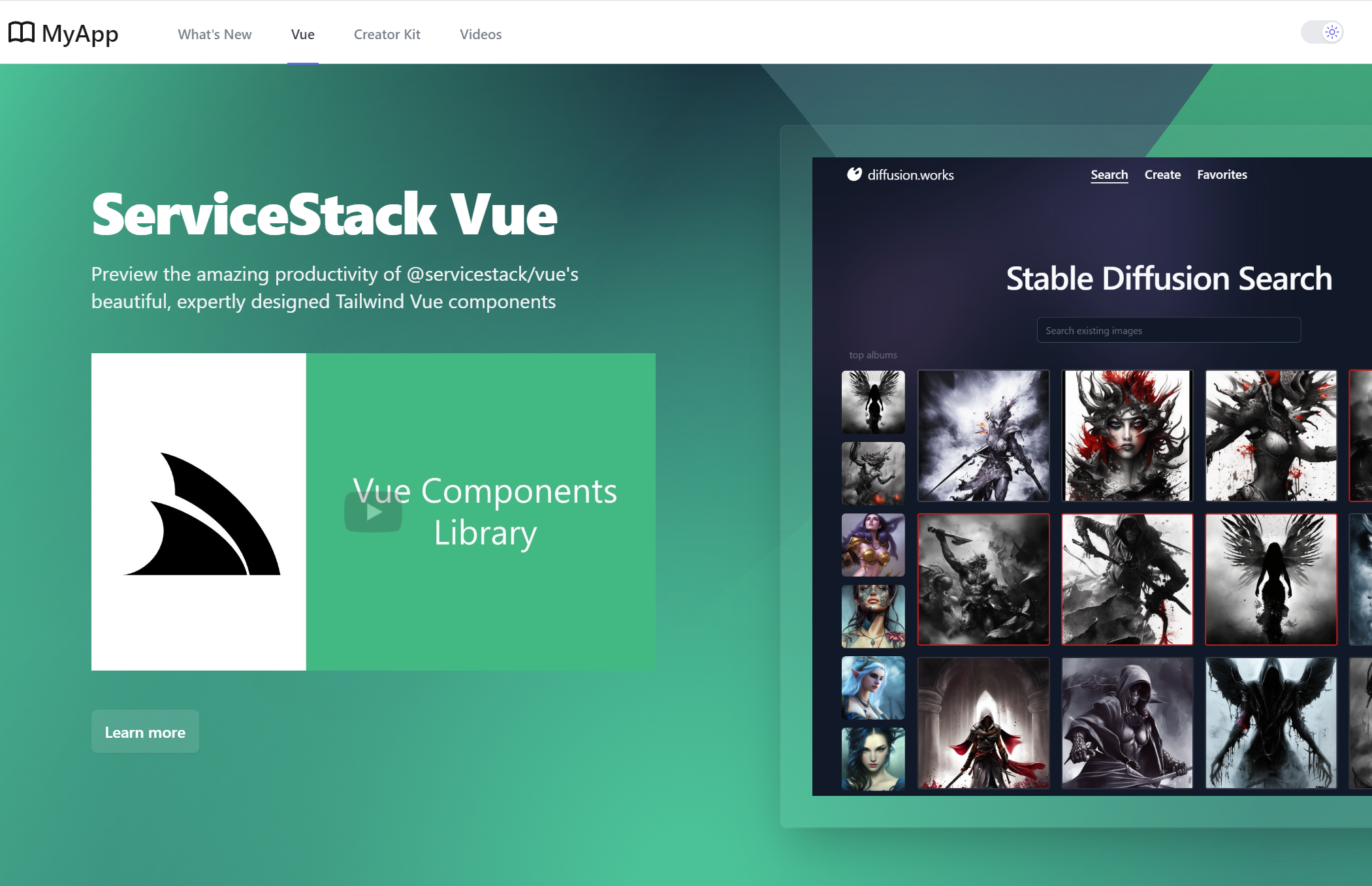
implemented in just markdown, Razor or a hybrid mix of both. The [Vue](/vue/) splash page is an example of this implemented in a custom
[/Vue/Index.cshtml](https://github.com/NetCoreTemplates/razor-press/blob/main/MyApp/Pages/Vue/Index.cshtml) Razor Page.
## Feedback & Feature Requests Welcome
Up to this stage [docs.servicestack.net](https://docs.servicestack.net) has been the primary driver for Razor Press
current feature-set, re-implementing all the previous VitePress features it used with C#, Razor Pages and Markdig extensions.
In future we'll look at expanding this template with generic Markdown features suitable for documentation or content-centric
websites, for which we welcome any feedback or new feature requests at: