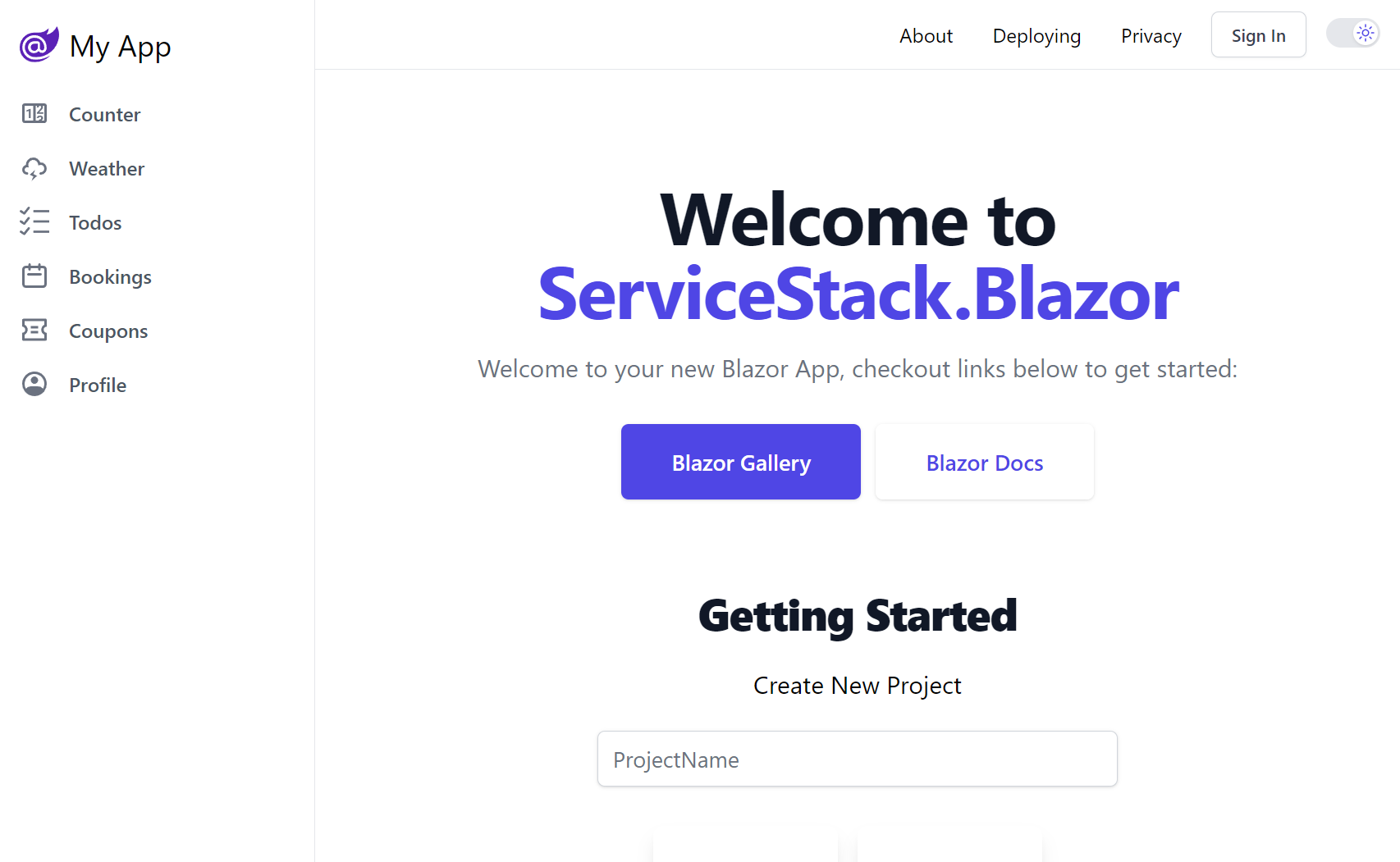
blazor.web-templates.io
Blazor Tailwind Templates
Rich Blazor templates with Tailwind CSS for building beautiful, responsive Apps
 > The initial load time for the `Interactive WASM` mode can be quite slow even for a minimal app
Our templates previously worked around this limitation with a custom Pre-Rendering solution, as the wait times were too long for a good user experience.
.NET 10's new `Interactive Auto` mode provides the best of both worlds as pre-rendering is now enabled by default.
> The initial load time for the `Interactive WASM` mode can be quite slow even for a minimal app
Our templates previously worked around this limitation with a custom Pre-Rendering solution, as the wait times were too long for a good user experience.
.NET 10's new `Interactive Auto` mode provides the best of both worlds as pre-rendering is now enabled by default.
 When the page is first loaded, it uses the `Interactive Server` mode, which is faster than `Interactive WASM` as it doesn't need to download WASM resources.
So the user can start interacting with the page straight away, but with a slight delay for each of their interactions due to having to perform round-trips to the server for each interaction.
In the background, the WASM resources are downloaded which can then be used to render the site on the client for subsequent visits.
## Using InteractiveAuto in your Blazor application
In Blazor for .NET 10, render modes can be set on both a per-page and per-component basis.
```html
@page "/counter"
@rendermode InteractiveAuto
When the page is first loaded, it uses the `Interactive Server` mode, which is faster than `Interactive WASM` as it doesn't need to download WASM resources.
So the user can start interacting with the page straight away, but with a slight delay for each of their interactions due to having to perform round-trips to the server for each interaction.
In the background, the WASM resources are downloaded which can then be used to render the site on the client for subsequent visits.
## Using InteractiveAuto in your Blazor application
In Blazor for .NET 10, render modes can be set on both a per-page and per-component basis.
```html
@page "/counter"
@rendermode InteractiveAuto
Blazor Gallery
Discover ServiceStack.Blazor Rich UI Components and Integrated Features
Preview the highly productive development model of the new Blazor Tailwind template showing how easy it is to utilize beautifully designed components
Blazor Components
Rich, themable UI Component Library with declarative contextual Validation

