Clearly
A native markdown editor for Mac and iPhone.
Mac App Store ·
Direct Download ·
Website ·
@Shpigford
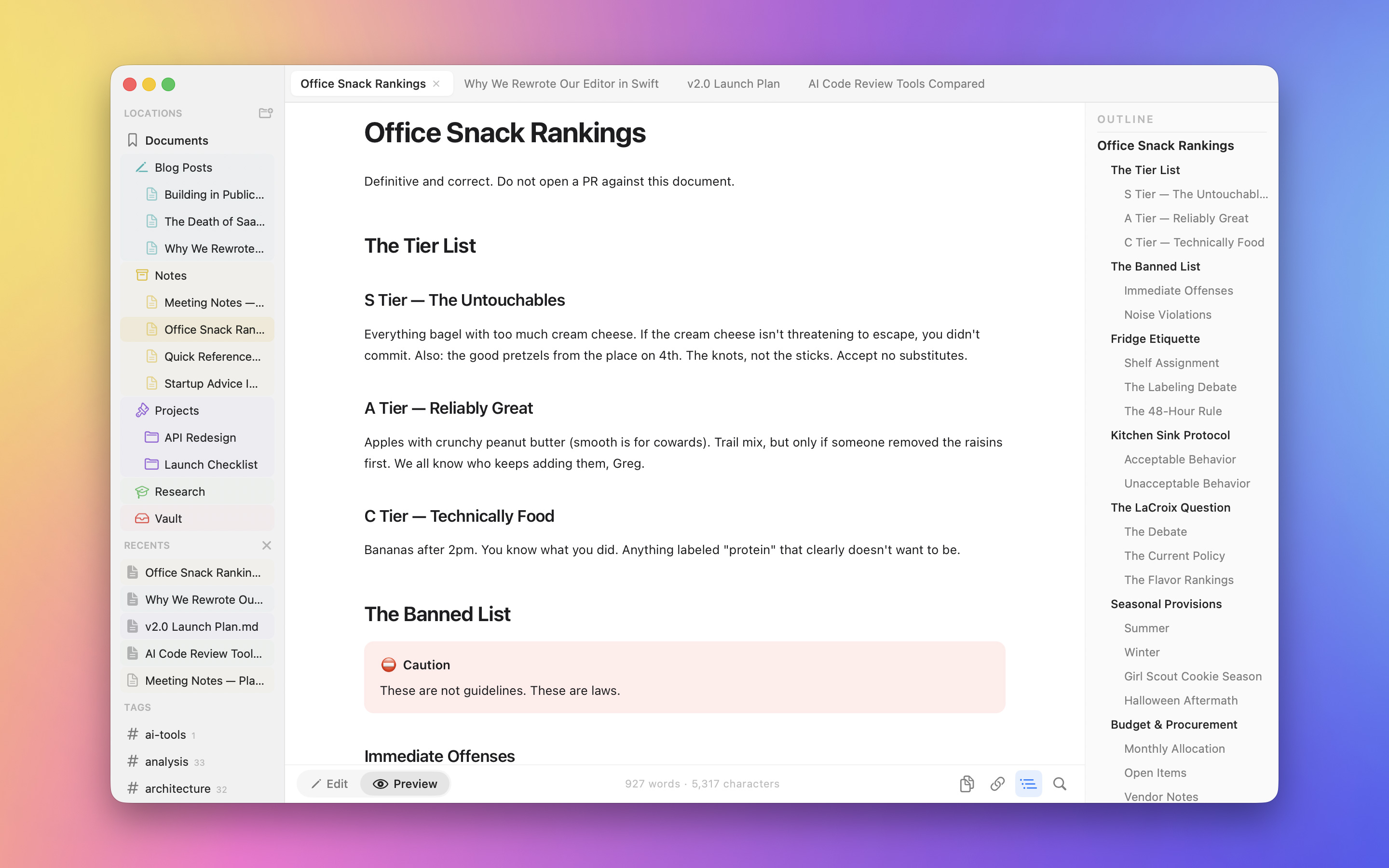
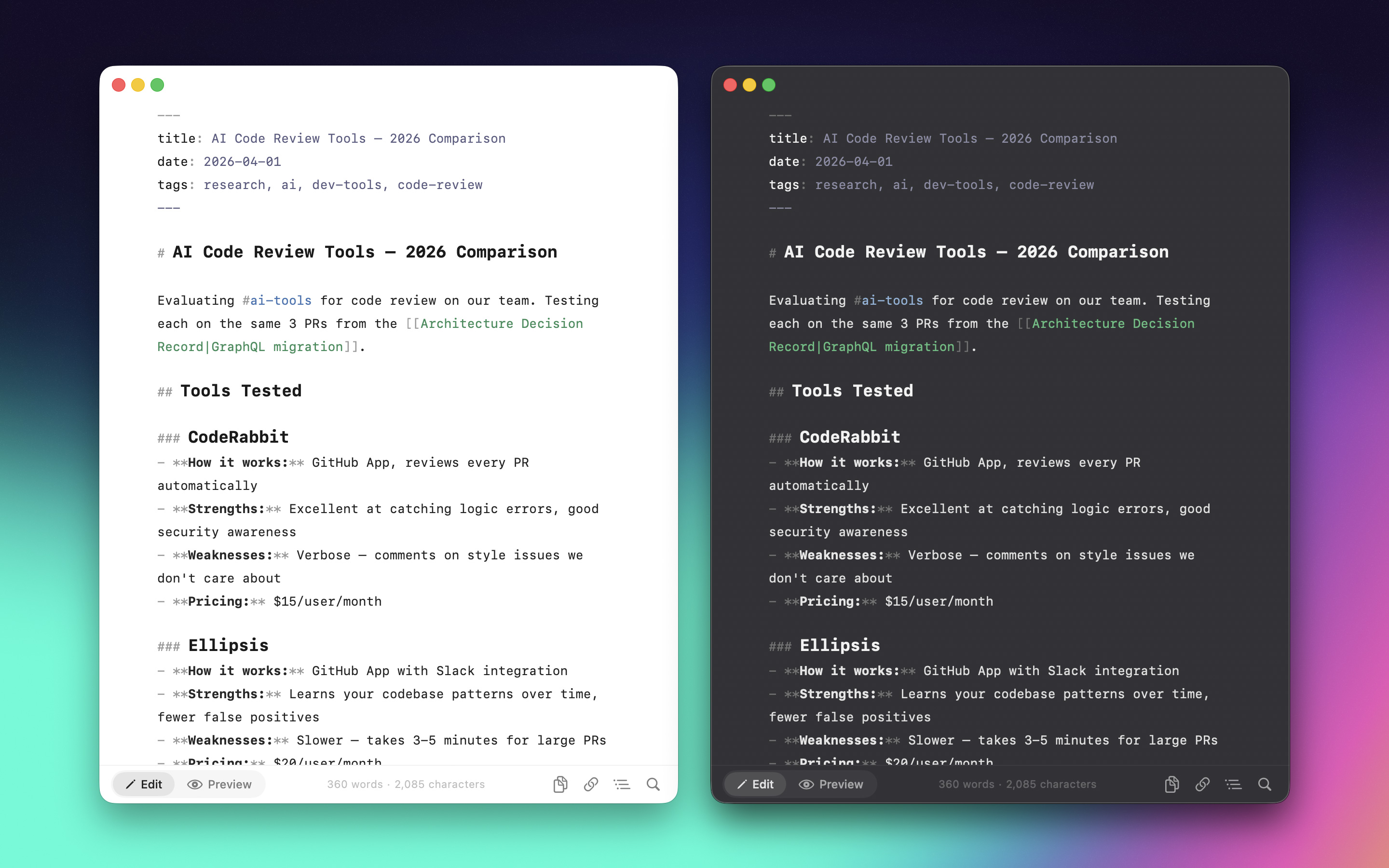
Open a `.md` file. Write with syntax highlighting. Toggle to preview. That's it. Native macOS and iOS, no Electron, no subscriptions, no telemetry.
## Features
### Writing
- **Syntax highlighting** — headings, bold, italic, links, code blocks, tables, highlighted as you type
- **Format shortcuts** — ⌘B bold, ⌘I italic, ⌘K links, plus a full Format menu
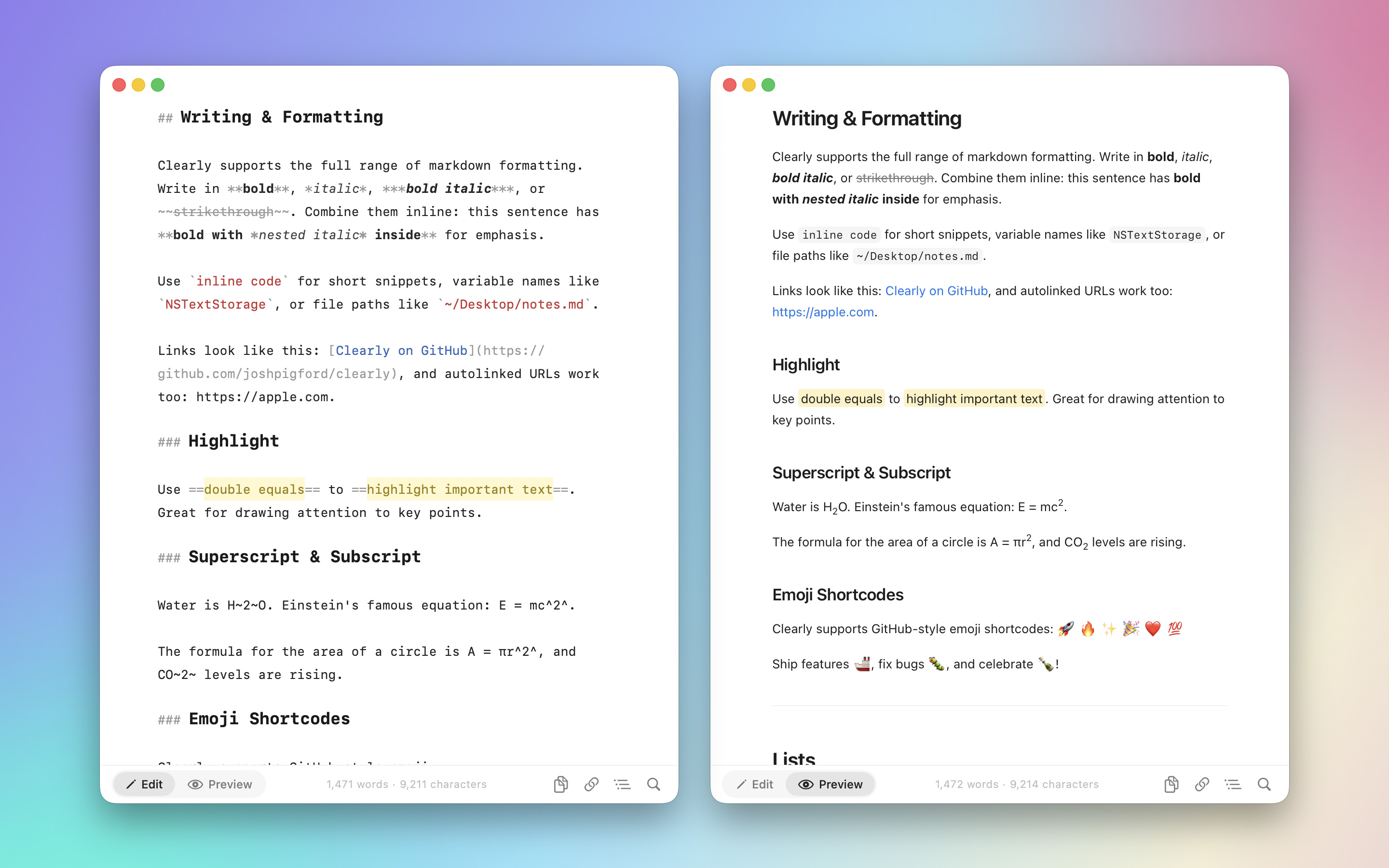
- **Extended markdown** — ==highlights==, ^superscript^, ~subscript~, :emoji: shortcodes, `[TOC]` generation
- **Document outline** — heading tree per document, click to jump
- **Find & replace** — ⌘F with regex and case-sensitive options
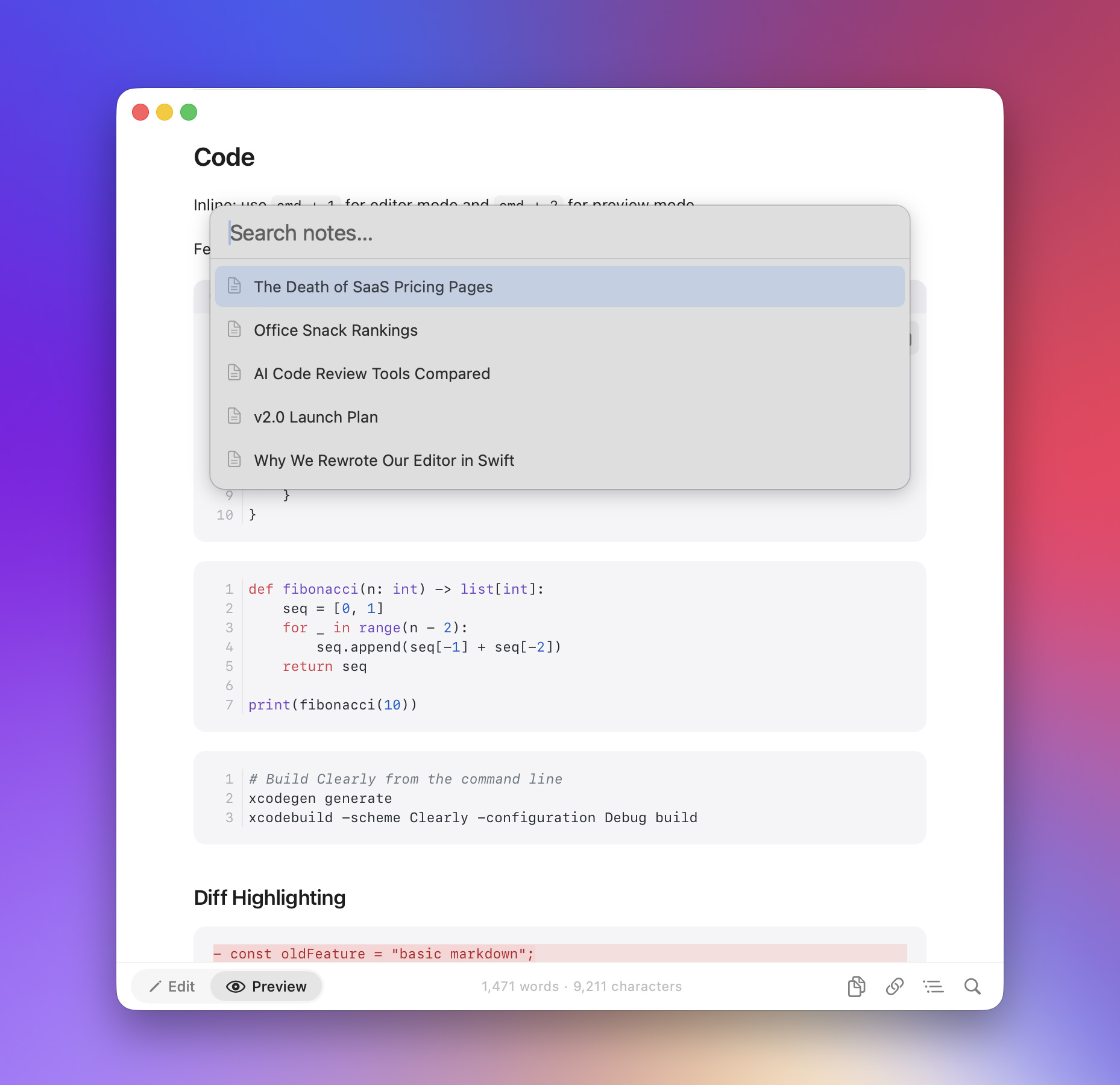
- **Scratchpad** — menu-bar floating notes with a global hotkey
### Preview
- **GFM rendering** — tables, task lists, footnotes, strikethrough
- **KaTeX math** — inline and block equations
- **Mermaid diagrams** — flowcharts, sequence diagrams from code blocks
- **Code blocks** — syntax-highlighted, line numbers, diff highlighting, one-click copy
- **Callouts** — NOTE, TIP, WARNING, and 15+ types, foldable
- **Interactive** — toggle checkboxes, zoom images, hover footnotes, double-click to jump to source
### Integration
- **QuickLook** — preview `.md` files in Finder with Space
- **PDF export** — export or print, page breaks handled
- **iOS** — same renderer, same syntax highlighter, opens any `.md` from the Files app
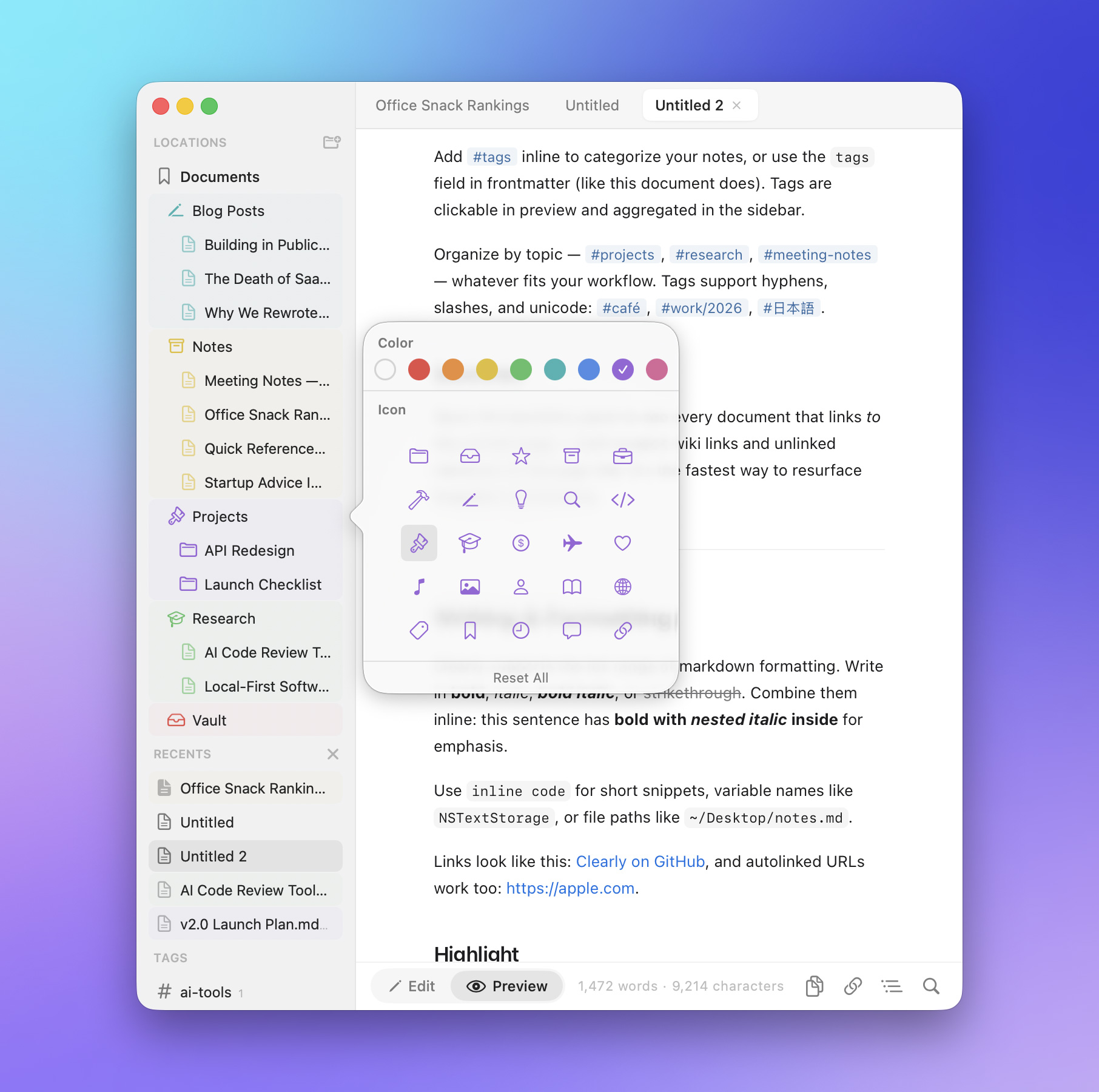
## Screenshots
## Prerequisites
- **macOS 15** (Sequoia) or later for the Mac app
- **iOS 17** or later for the iPhone app
- **Xcode 16+** with command-line tools (`xcode-select --install`)
- **Homebrew** ([brew.sh](https://brew.sh))
- **xcodegen** — `brew install xcodegen`
Dependencies (cmark-gfm, Sparkle, KeyboardShortcuts) are pulled automatically by Xcode via Swift Package Manager.
## Quick Start
```bash
git clone https://github.com/Shpigford/clearly.git
cd clearly
brew install xcodegen # skip if already installed
xcodegen generate # generates Clearly.xcodeproj from project.yml
open Clearly.xcodeproj # opens in Xcode
```
Then hit **⌘R** to build and run.
> The Xcode project is generated from `project.yml`. If you change `project.yml`, re-run `xcodegen generate`. Don't edit the `.xcodeproj` directly.
### CLI build
```bash
xcodebuild -scheme Clearly -configuration Debug build
xcodebuild -scheme Clearly-iOS -destination 'generic/platform=iOS Simulator' build
```
## Project Structure
```
Clearly/
├── ClearlyApp.swift # @main — DocumentGroup + menu commands (⌘1/⌘2)
├── MarkdownDocument.swift # FileDocument conformance for .md files (Mac + iOS)
├── ContentView.swift # Per-document scene root (Mac)
├── EditorView.swift # NSViewRepresentable wrapping NSTextView
├── ClearlyTextView.swift # Subclassed NSTextView with formatting actions
├── PreviewView.swift # NSViewRepresentable wrapping WKWebView
├── ScratchpadManager.swift # Menu-bar floating scratchpad windows
├── SettingsView.swift # General + About preferences
└── iOS/
├── ClearlyApp_iOS.swift # @main — DocumentGroup, system Files browser
├── DocumentDetailBody.swift # Per-document scene root (iOS)
├── EditorView_iOS.swift # UIViewRepresentable wrapping UITextView
├── ClearlyUITextView.swift # TextKit 1 UITextView subclass
└── PreviewView_iOS.swift # UIViewRepresentable wrapping WKWebView
ClearlyQuickLook/
├── PreviewProvider.swift # QLPreviewProvider for Finder previews
└── Info.plist
Packages/ClearlyCore/ # Local SwiftPM package, platform-agnostic
└── Sources/ClearlyCore/
├── Rendering/ # MarkdownRenderer, syntax highlighter, theme, mermaid/math/table support
├── State/ # OpenDocument, OutlineState, FindState, JumpToLineState, StatusBarState
├── Editor/ # ImagePasteService, ImageDownloader
├── Diagnostics/ # DiagnosticLog, BugReportURL
├── Stats/ # MarkdownStats (word counts)
└── Platform/ # PlatformFont/Color/Image typealiases
Shared/Resources/ # Bundled JS/CSS (KaTeX, Mermaid, Highlight.js), demo.md
website/ # Static site deployed to clearly.md
scripts/ # Release pipeline
project.yml # xcodegen config (source of truth)
```
## Architecture
**SwiftUI + AppKit/UIKit**, document-based on both platforms.
### Targets
1. **Clearly** (Mac) — `DocumentGroup` with `MarkdownDocument`. AppKit `NSTextView` editor + `WKWebView` preview, both bridged via `NSViewRepresentable`. Includes a menu-bar `MenuBarExtra` for floating scratchpads.
2. **Clearly-iOS** — `DocumentGroup`. UIKit `UITextView` editor + `WKWebView` preview, bridged via `UIViewRepresentable`. The system Files browser is the entry point.
3. **ClearlyQuickLook** — Finder extension for previewing `.md` files with Space, sharing `MarkdownRenderer` from `ClearlyCore`.
### Editor
Wraps platform text views (`NSTextView` on Mac, `UITextView` on iOS) via `NSViewRepresentable` / `UIViewRepresentable`. This provides native undo/redo, the system find UI, and `NSTextStorageDelegate`-based syntax highlighting on every keystroke. iOS stays on TextKit 1 because TextKit 2 makes `textStorage` effectively dead.
### Preview
`PreviewView` (Mac) and `PreviewView_iOS` both wrap `WKWebView` and render HTML via `MarkdownRenderer` (cmark-gfm). Post-processing pipeline: math → highlight marks → superscript/subscript → emoji → callouts → TOC → tables → code highlighting.
### Dependencies
| Package | Purpose |
|---------|---------|
| [cmark-gfm](https://github.com/brokenhandsio/cmark-gfm) | GitHub Flavored Markdown → HTML |
| [Sparkle](https://sparkle-project.org) | Auto-updates (direct distribution only) |
| [KeyboardShortcuts](https://github.com/sindresorhus/KeyboardShortcuts) | Global hotkey for the menu-bar scratchpad |
### Key Decisions
- **AppKit/UIKit bridge** — platform text views over `TextEditor` for undo, find, and `NSTextStorageDelegate` syntax highlighting
- **Dynamic theming** — all colors through `Theme.swift` with `NSColor(name:)` for automatic light/dark
- **Shared rendering** — `MarkdownRenderer` and `PreviewCSS` live in `ClearlyCore` and compile into Mac, iOS, and QuickLook
- **Dual distribution** — Sparkle for direct, App Store without. All Sparkle code wrapped in `#if canImport(Sparkle)`
- **No `.inspector()`** — outline panel uses `HStack` due to fullscreen safe area bugs
## Common Dev Tasks
### Change syntax highlighting
Edit `Packages/ClearlyCore/Sources/ClearlyCore/Rendering/MarkdownSyntaxHighlighter.swift`. Patterns are applied in order — code blocks first, then everything else.
### Modify preview styling
Edit `Packages/ClearlyCore/Sources/ClearlyCore/Rendering/PreviewCSS.swift`. Used by both in-app preview and QuickLook. Keep in sync with `Theme.swift` colors. Base styles must come before `@media (prefers-color-scheme: dark)` overrides.
### Add a preview feature
Follow the `MathSupport`/`MermaidSupport` pattern: create a `*Support.swift` enum in `ClearlyCore/Rendering/` with a static method that returns a `