 or selecting the menu item . (You can also press its keyboard shortcut .)
— For use with Sigil —
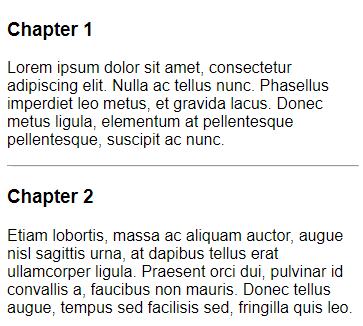
You can use PageEdit’s Split Marker function to insert Sigil split markers. Split markers are special tags with class attributes, which are shown as thin lines in PageEdit. For more information on split markers, see the Sigil User Guide.
You can insert a split marker at your cursor position immediately by clicking the Split At Cursor button or selecting the menu item . (You can also press its keyboard shortcut .)
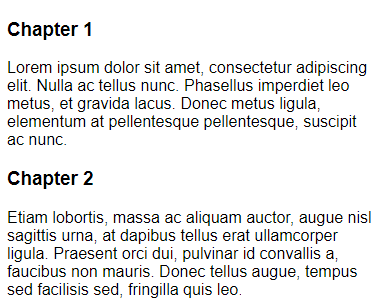
Simply click in your document exactly where you want the split marker to be inserted, e.g. at the beginning of a chapter name:
Then click to insert a Sigil split marker:
Save your HTML file before inserting split markers!