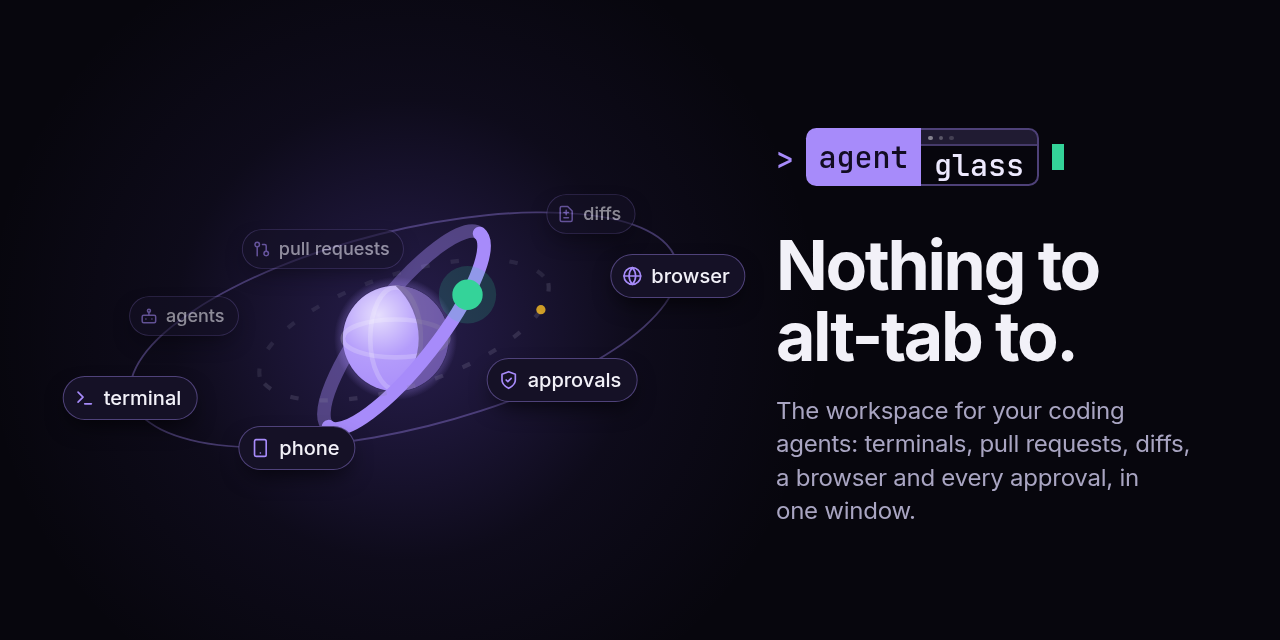
**The workspace for your coding agents: their terminals, pull requests, diffs, a browser they can drive and every approval they wait on, in one window on your own machine.**
[](https://sirallap.github.io/agentglass/demo/)
[](https://github.com/SirAllap/agentglass/releases/latest)
[](https://github.com/SirAllap/agentglass/releases/latest)
[](https://github.com/SirAllap/agentglass/stargazers)
[](LICENSE)

Running several agents means living in several apps: a terminal per agent, a
browser tab per pull request, an editor for the diff, a chat window for the
permission prompt, and the phone for the one that got stuck while you were
away. agentglass is one desktop window that holds all of it. Claude Code, Codex,
Gemini CLI and OpenCode keep running where they already run — in tmux, in your
repositories — and everything they touch comes to you there. Nothing to
alt-tab to.
**See it:** [the site](https://sirallap.github.io/agentglass/) walks through it,
and the [live demo](https://sirallap.github.io/agentglass/demo/) is the real
interface running in your browser on sample data.
## 🧰 Without leaving the window
- **Run your agents.** It attaches to the sessions already open in tmux, and it
can start them: a task or a GitHub issue becomes a worktree, a branch and an
agent working in it, several at once without colliding.
- **Seat an orchestrator.** One agent per project keeps the field in view and
hands work to workers under a policy you set in Settings: which engine sits
in the chair, which ones do the work, what a worker may touch, and the rules
that change that when a plan's quota runs low. Workers start narrow, a push
or a merge is never in their reach, and only you can change the policy. They
run as you, so it is a lock and not a sandbox: [SECURITY.md](SECURITY.md) says
where it stops.
- **Work in real terminals.** Real tmux panes, your tmux windows as tabs, the
project's `make` targets and `package.json` scripts one click away.
- **Answer what is waiting on you.** The **Lantern** leads with who needs you:
red for an agent stopped on a permission gate, amber for one that finished and
is waiting for you to type. A tool call you chose to gate is held until you
allow it, from the desk or the phone, and the queue is on disk, so a crash
cannot silently allow it.
- **Read what the agent wrote.** A diff viewer with word-level changes grouped
by agent and worktree, and a source-control panel to stage hunks, commit,
branch, stash and resolve conflicts.
- **Review pull requests to a verdict.** Checks, conversation, files and an
inline review composer, without opening a browser tab.
- **Give your agents a browser.** A browser panel your agents drive from a CLI
and an MCP server, already signed in to what you are signed in to.
- **Keep the rest in view.** Docker containers and logs, listening ports and
the checkout that owns each one, a file browser, CPU and memory, and what
every session costs and where its time goes.
- **Take it with you.** An Android app paired by a code you scan: the machine's
terminal panes, the approvals waiting on you, pull requests and a checkout's
changes, at a scope you grant.
- **Add what is missing.** Plugins are separate processes with a scoped,
revocable token, installed from an in-app catalogue.
Every view, and what each one is for: [**docs/WORKSPACE.md**](docs/WORKSPACE.md).
## 💻 Platforms
| Platform | Status | You want | Worth knowing |
| --- | --- | --- | --- |
| **Linux** | ✅ Working | `.AppImage` · `.deb` | The AppImage needs FUSE 2 (`libfuse2`); without it, start it with `scripts/run-appimage.sh` |
| **macOS** | ✅ Working, unsigned | `.dmg` — Apple silicon & Intel | One `xattr` command on first launch, below |
| **Windows** | 🧪 Not verified on real metal | `.exe` | Builds and passes CI; a confirmation on hardware is [wanted](https://github.com/SirAllap/agentglass/issues/231) |
| **Android** | ✅ Working | `.apk`, signed | Companion app, paired by a code you scan |
## ⬇️ Install
A desktop app with its own server inside it: nothing to run in a terminal, no
port to open in a browser. Take the build for your platform from
[**Releases**](https://github.com/SirAllap/agentglass/releases/latest) and
launch it.
On macOS the build is not signed yet, so Gatekeeper calls it damaged. It is
not: `xattr -dr com.apple.quarantine /Applications/agentglass.app`, once.
Or run it from source:
```bash
git clone https://github.com/SirAllap/agentglass && cd agentglass
bun install
AGENTGLASS_STATE_DIR=~/.local/state/agentglass-dev bun run dev # http://localhost:4000, its own database
python3 hooks/install_hooks.py # so Claude Code reports to it
```
Full instructions, every platform's caveats and the requirements it expects to
find: [**docs/INSTALL.md**](docs/INSTALL.md).
## 🔒 Local, and it stays that way
Your machine holds everything: a SQLite file on your own disk, no account, no
cloud, nothing phoned home. The phone reaches the desk over your own network,
paired by a code you scan, at a scope you choose — read, answer, or full.
Two paths leave the machine and both are opt-in and off by default: a webhook
you configure yourself, and the Explain button, which sends the hunks you point
at to a model. Read [**SECURITY.md**](SECURITY.md) before you install: what is
stored, what is exposed, what each token can do, and every switch that turns a
capability off.
## ❓ FAQ