# Alexandrie
**A self-hosted, open-source knowledge base with an extended Markdown editor.**
Organize, search, share and export your notes from any device, even offline.
[](https://github.com/Smaug6739/Alexandrie/stargazers)
[](https://github.com/Smaug6739/Alexandrie/releases)
[](https://github.com/Smaug6739/Alexandrie/blob/main/LICENSE)
[](https://discord.gg/UPsEg6egPj)
## Why Alexandrie?
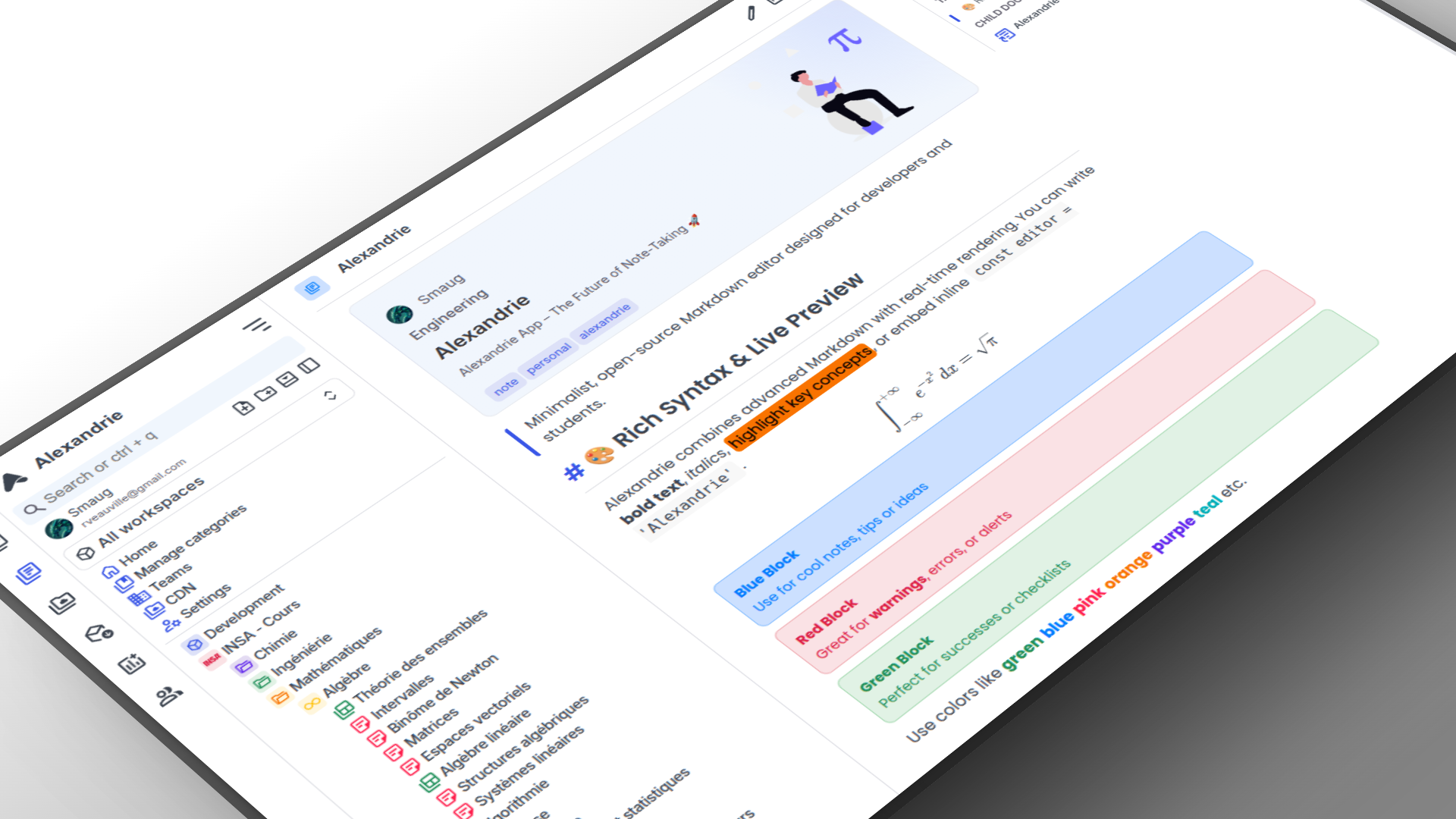
Alexandrie is an open-source self-hosted wiki and knowledge management platform built for teams and individuals. It combines a powerful Markdown editor, offline support, collaboration tools, and enterprise-grade permissions, making it an alternative to Notion, Confluence and Obsidian.
- **One-Command Deployment:** Bring up the entire full-stack application instantly using Docker.
- **Advanced Markdown Engine:** Native support for LaTeX, custom containers, interactive checkboxes, frames, snippets, and integrated diagram building.
- **Granular Organization:** Multi-tenant architecture supporting Teams, Workspaces, Categories, and nested Documents.
- **Offline-First PWA:** Install on any desktop or mobile device with full offline capabilities and seamless synchronization.
- **Production Ready:** Built-in OpenID Connect (OIDC) SSO providers, automated full-system backup/restore pipelines, and a robust media storage architecture.
## Core Features
### Advanced Writing & Rich Markdown
Alexandrie features an extended CodeMirror 6 environment tailored for technical writing. It handles complex academic blocks, custom styles, global theme alignment, and real-time scroll synchronization seamlessly.
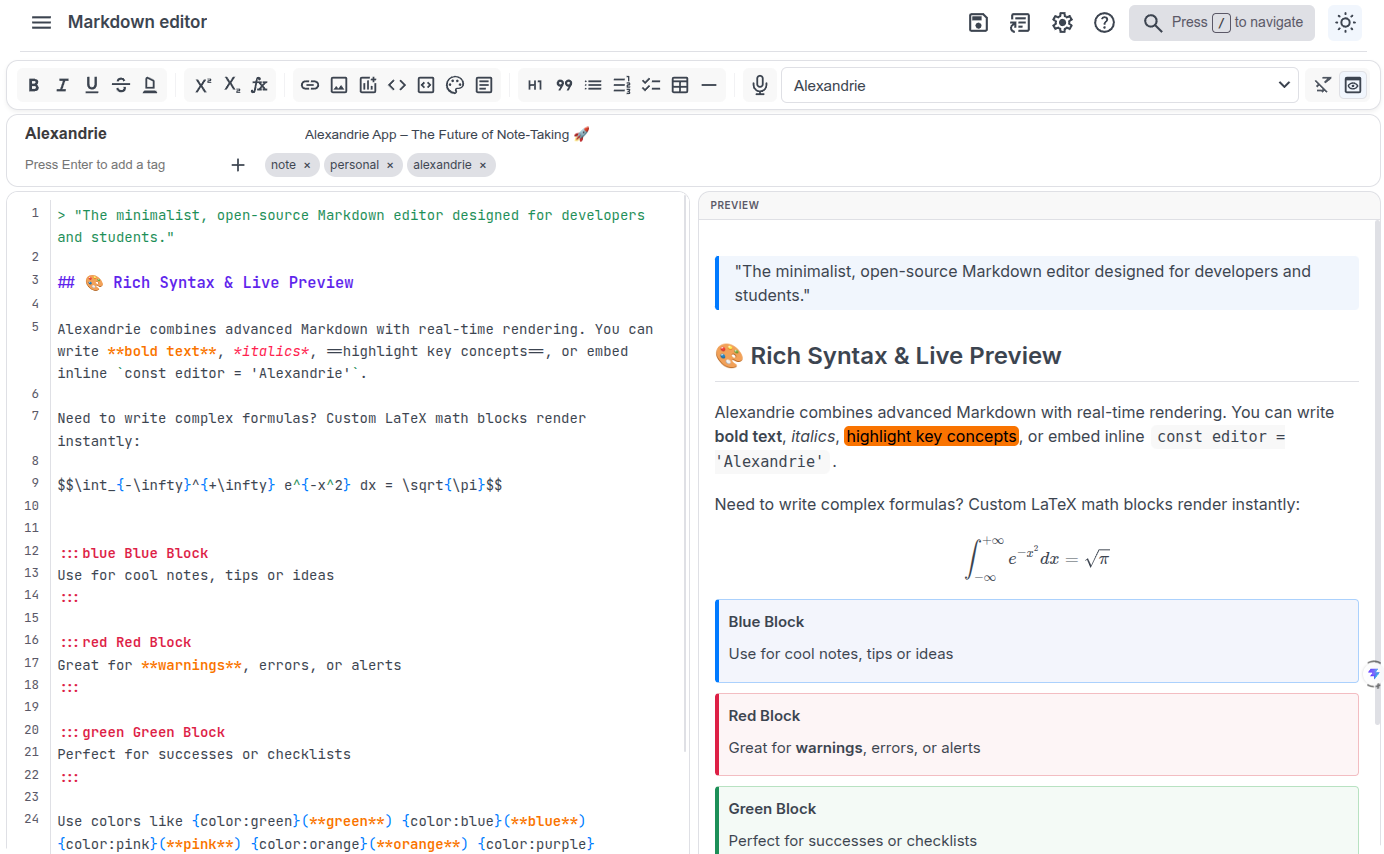
- Speech-to-Text: Dictate notes directly into your editor using integrated voice-recognition APIs.
- Native Diagrams: Create, edit, and render flowcharts or structural diagrams right inside your Markdown flow.
- Snippet Manager: Save, reuse, and import/export frequently used templates or code fragments.
### Team Workspaces & Access Control
Manage multi-user environments with clear hierarchy and strict isolation. Securely share knowledge across organizations through unique public links or granular group rules.
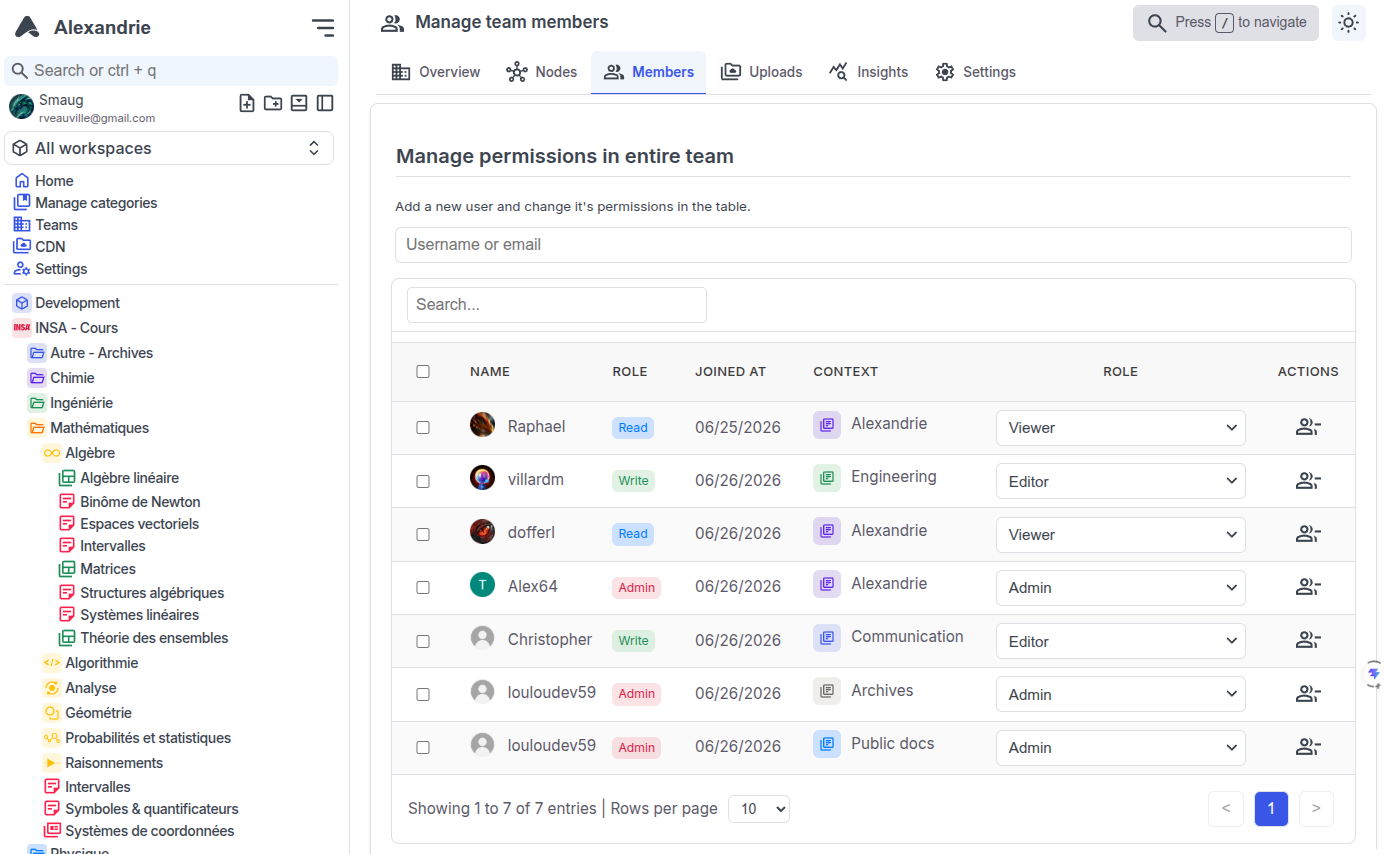
- 5-Level Access Model: Fine-tune user privileges from None, Read, Write, Admin, to Owner status per node or workspace.
- Enterprise Operations: Generate temporary invitation codes, configure custom scopes, and track team allocation tables instantly.
### Navigation & Discovery
Locate documents across complex hierarchies effortlessly with deep structural layouts and high-speed searching tools.
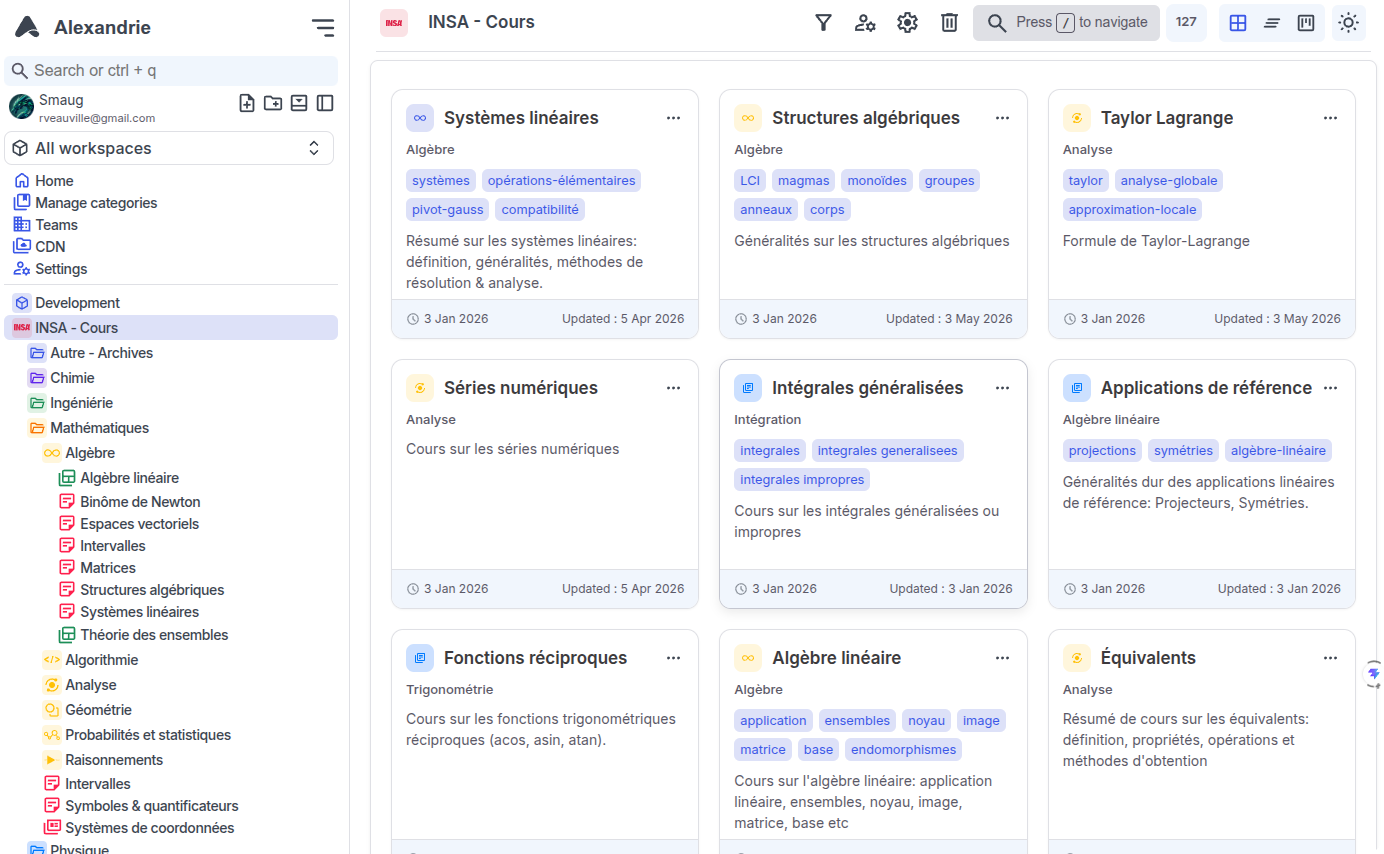
- Command Center (Ctrl + K): A keyboard-driven global overlay allowing you to navigate the app, execute actions, or trigger contextual operations instantly.
- Full-Text Indexing: Instant lookup with snippet highlights and precise relevancy sorting scores.
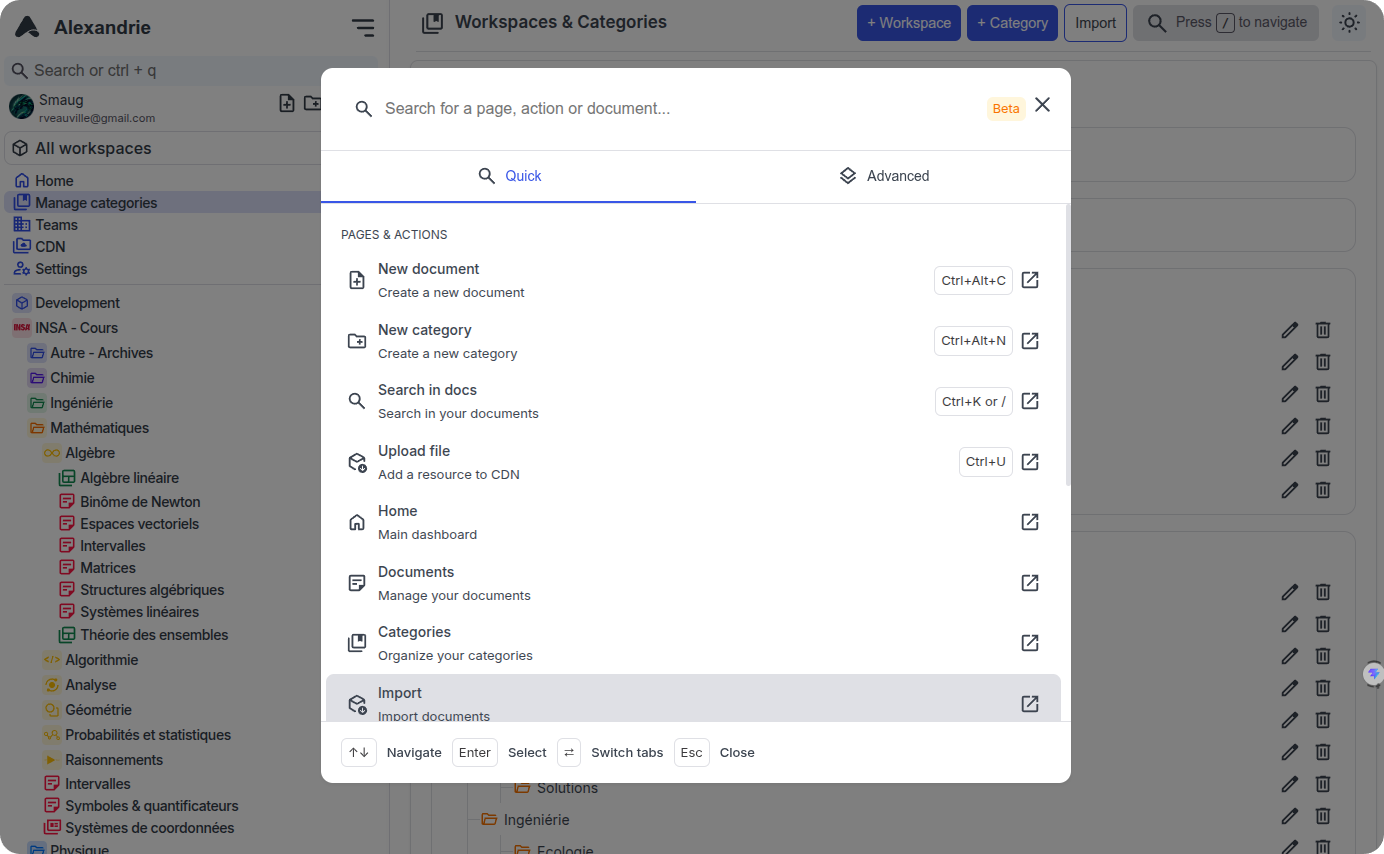
- Task Management: Every workspace includes integrated Kanban boards to organize objectives alongside your documentation.
### Sovereign Assets & Storage Pipelines
Maintain total ownership over your binaries, media streams, and backups. Alexandrie relies on decoupled storage engines to preserve performance without external analytics dependencies.
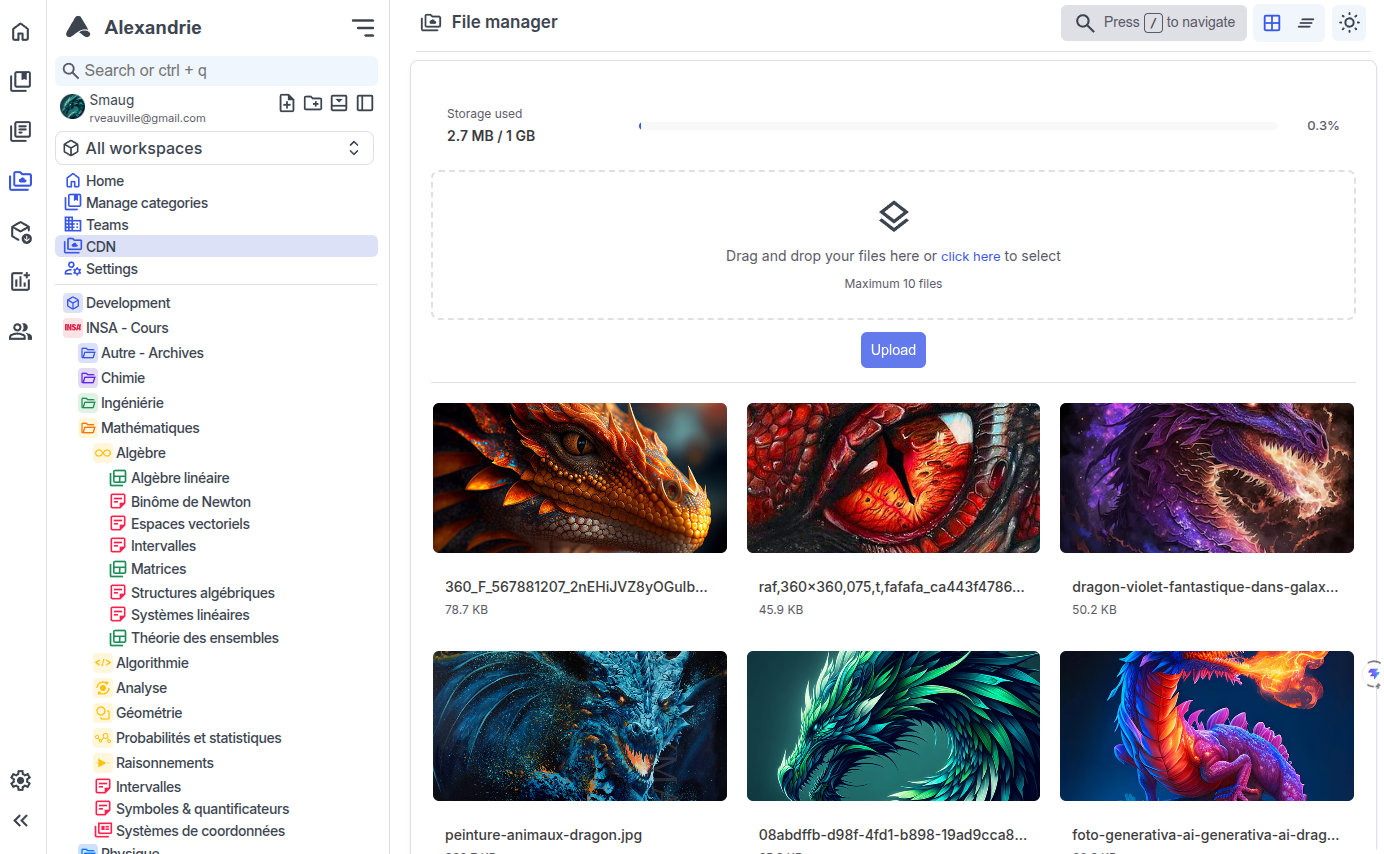
- S3 Integration: Native compatibility with decentralized modern object stores (such as RustFS, Garage, MinIO, or AWS).
- Media Sandbox: In-app PDF view rendering and multi-format previewing for over 30 image, audio, and video formats.
- Data Portability: Comprehensive ZIP import/export tools allow users to backup or restore selective nodes, metadata configurations, or entire platform states in a single action.
## Quick Start
Get your instance running in less than a minute:
```bash
# 1. Download the .env.example and docker-compose.yml files
curl -O https://raw.githubusercontent.com/Smaug6739/Alexandrie/main/.env.example
curl -O https://raw.githubusercontent.com/Smaug6739/Alexandrie/main/docker-compose.yml
# 2. Configure environments
cp .env.example .env
# 3. Launch the stack
docker compose up -d
```
Open