# Terraform
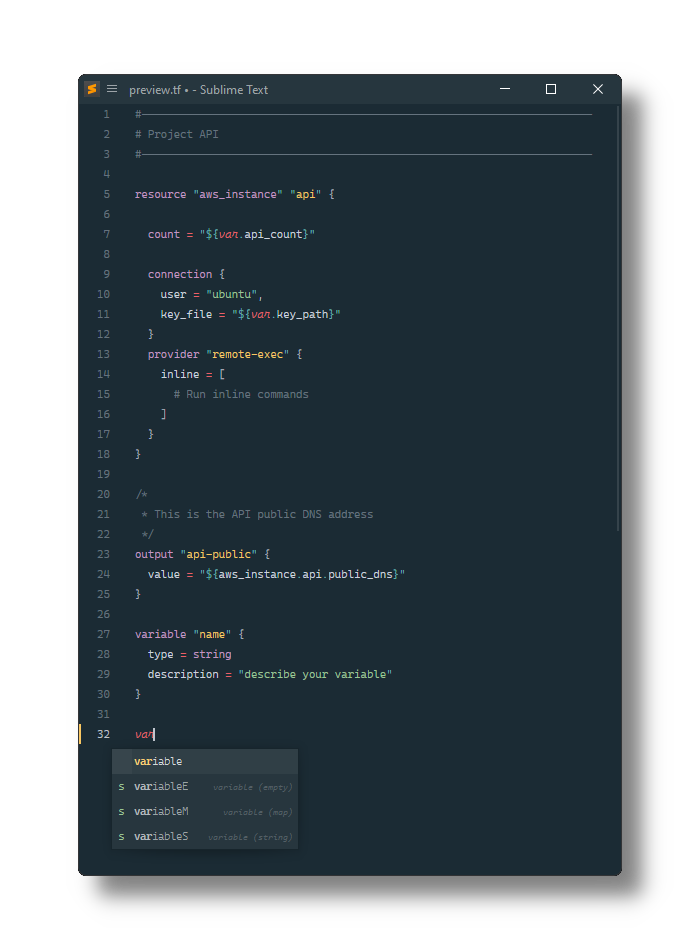
[Terraform][.tf] configuration file syntax definitions and snippets for [Sublime Text][].
## Installation
### Using Package Control
1. Install [Package Control][], if needed.
2. Open the palette by pressing:
- Windows, Linux: Ctrl+Shift+P
- MacOS: Cmd+Shift+P
3. Select _Package Control: Install Package_.
4. Select _Terraform_.
### Manually
1. Open the Sublime Text Packages folder:
- MacOS: `~/Library/Application Support/Sublime Text/Packages/`
- Windows: `%APPDATA%/Sublime Text/Packages/`
- Linux (Ubuntu/Debian): `~/.config/sublime-text/Packages/`
2. Clone this repo.
[sublime text]: https://sublimetext.com/
[.tf]: https://developer.hashicorp.com/terraform/language/syntax/configuration
[package control]: https://packagecontrol.io/installation