The supported batch request actions are:
- record create - `POST /api/collections/{collection}/records`
- record update -
`PATCH /api/collections/{collection}/records/{id}`
- record upsert - `PUT /api/collections/{collection}/records`
(the body must have `id` field)
- record delete -
`DELETE /api/collections/{collection}/records/{id}`
Each batch Request element have the following properties:
- `url path` _(could include query parameters)_
- `method` _(GET, POST, PUT, PATCH, DELETE)_
- `headers`
_(custom per-request `Authorization` header is not supported at the moment,_
_aka. all batch requests have the same auth state)_
- `body`
**NB!** When the batch request is send as
`multipart/form-data`, the regular batch action fields are expected to be
submitted as serialized json under the `@jsonPayload` field and file keys
need to follow the pattern `requests.N.fileField` or
`requests[N].fileField` _(this is usually handled transparently by the SDKs when their specific object_
_notation is used)_.
If you don't use the SDKs or prefer manually to construct the `FormData`
body, then it could look something like:
`const formData = new FormData();
formData.append("@jsonPayload", JSON.stringify({
requests: [
{
method: "POST",
url: "/api/collections/example/records?expand=user",
body: { title: "test1" },
},
{
method: "PATCH",
url: "/api/collections/example/records/RECORD_ID",
body: { title: "test2" },
},
{
method: "DELETE",
url: "/api/collections/example/records/RECORD_ID",
},
]
}))
// file for the first request
formData.append("requests.0.document", new File(...))
// file for the second request
formData.append("requests.1.document", new File(...))` | Responses 200 400 403 `[\ {\ "status": 200,\ "body": {\ "collectionId": "a98f514eb05f454",\ "collectionName": "demo",\ "id": "ae40239d2bc4477",\ "updated": "2022-06-25 11:03:50.052",\ "created": "2022-06-25 11:03:35.163",\ "title": "test1",\ "document": "file_a98f51.txt"\ }\ },\ {\ "status": 200,\ "body": {\ "collectionId": "a98f514eb05f454",\ "collectionName": "demo",\ "id": "31y1gc447bc9602",\ "updated": "2022-06-25 11:03:50.052",\ "created": "2022-06-25 11:03:35.163",\ "title": "test2",\ "document": "file_f514eb0.txt"\ }\ },\ ]` `{ "status": 400, "message": "Batch transaction failed.", "data": { "requests": { "1": { "code": "batch_request_failed", "message": "Batch request failed.", "response": { "status": 400, "message": "Failed to create record.", "data": { "title": { "code": "validation_min_text_constraint", "message": "Must be at least 3 character(s).", "params": { "min": 3 } } } } } } } }` `{ "status": 403, "message": "Batch requests are not allowed.", "data": {} }` ### [Auth record actions](https://pocketbase.io/docs/api-records/\#auth-record-actions) **[List auth methods](https://pocketbase.io/docs/api-records/#list-auth-methods)** Returns a public list with the allowed collection authentication methods. JavaScript Dart `import PocketBase from 'pocketbase'; const pb = new PocketBase('http://127.0.0.1:8090'); ... const result = await pb.collection('users').listAuthMethods();` `import 'package:pocketbase/pocketbase.dart'; final pb = PocketBase('http://127.0.0.1:8090'); ... final result = await pb.collection('users').listAuthMethods();` ###### API details **GET** /api/collections/ `collectionIdOrName`/auth-methods Path parameters | Param | Type | Description | | --- | --- | --- | | collectionIdOrName | String | ID or name of the auth collection. | Query parameters | Param | Type | Description | | --- | --- | --- | | fields | String | Comma separated string of the fields to return in the JSON response
_(by default returns all fields)_. Ex.:
`?fields=*,expand.relField.name`
`*` targets all keys from the specific depth level.
In addition, the following field modifiers are also supported:
- `:excerpt(maxLength, withEllipsis?)`
Returns a short plain text version of the field string value.
Ex.:
`?fields=*,description:excerpt(200,true)` | Responses 200 `{ "password": { "enabled": true, "identityFields": ["email"] }, "oauth2": { "enabled": true, "providers": [\ {\ "name": "github",\ "displayName": "GitHub",\ "state": "nT7SLxzXKAVMeRQJtxSYj9kvnJAvGk",\ "authURL": "https://github.com/login/oauth/authorize?client_id=test&code_challenge=fcf8WAhNI6uCLJYgJubLyWXHvfs8xghoLe3zksBvxjE&code_challenge_method=S256&response_type=code&scope=read%3Auser+user%3Aemail&state=nT7SLxzXKAVMeRQJtxSYj9kvnJAvGk&redirect_uri=",\ "codeVerifier": "PwBG5OKR2IyQ7siLrrcgWHFwLLLAeUrz7PS1nY4AneG",\ "codeChallenge": "fcf8WAhNI6uCLJYgJubLyWXHvfs8xghoLe3zksBvxjE",\ "codeChallengeMethod": "S256"\ }\ ] }, "mfa": { "enabled": false, "duration": 0 }, "otp": { "enabled": false, "duration": 0 } }` **[Auth with password](https://pocketbase.io/docs/api-records/#auth-with-password)** Authenticate a single auth record by combination of a password and a unique identity field (e.g. email). JavaScript Dart `import PocketBase from 'pocketbase'; const pb = new PocketBase('http://127.0.0.1:8090'); ... const authData = await pb.collection('users').authWithPassword( 'YOUR_USERNAME_OR_EMAIL', 'YOUR_PASSWORD', ); // after the above you can also access the auth data from the authStore console.log(pb.authStore.isValid); console.log(pb.authStore.token); console.log(pb.authStore.record.id); // "logout" the last authenticated record pb.authStore.clear();` `import 'package:pocketbase/pocketbase.dart'; final pb = PocketBase('http://127.0.0.1:8090'); ... final authData = await pb.collection('users').authWithPassword( 'YOUR_USERNAME_OR_EMAIL', 'YOUR_PASSWORD', ); // after the above you can also access the auth data from the authStore print(pb.authStore.isValid); print(pb.authStore.token); print(pb.authStore.record.id); // "logout" the last authenticated record pb.authStore.clear();` ###### API details **POST** /api/collections/ `collectionIdOrName`/auth-with-password Path parameters | Param | Type | Description | | --- | --- | --- | | collectionIdOrName | String | ID or name of the auth collection. | Body Parameters | Param | Type | Description | | --- | --- | --- | | Requiredidentity | String | Auth record username or email address. | | Requiredpassword | String | Auth record password. | | OptionalidentityField | String | A specific identity field to use (by default fallbacks to the first matching one). | Body parameters could be sent as _JSON_ or _multipart/form-data_. Query parameters | Param | Type | Description | | --- | --- | --- | | expand | String | Auto expand record relations. Ex.:
`?expand=relField1,relField2.subRelField`
Supports up to 6-levels depth nested relations expansion.
The expanded relations will be appended to the record under the
`expand` property (e.g. `"expand": {"relField1": {...}, ...}`).
Only the relations to which the request user has permissions to **view** will be expanded. | | fields | String | Comma separated string of the fields to return in the JSON response
_(by default returns all fields)_. Ex.:
`?fields=*,record.expand.relField.name`
`*` targets all keys from the specific depth level.
In addition, the following field modifiers are also supported:
- `:excerpt(maxLength, withEllipsis?)`
Returns a short plain text version of the field string value.
Ex.:
`?fields=*,record.description:excerpt(200,true)` | Responses 200 400 `{ "token": "eyJhbGciOiJIUzI1NiJ9.eyJpZCI6IjRxMXhsY2xtZmxva3UzMyIsInR5cGUiOiJhdXRoUmVjb3JkIiwiY29sbGVjdGlvbklkIjoiX3BiX3VzZXJzX2F1dGhfIiwiZXhwIjoyMjA4OTg1MjYxfQ.UwD8JvkbQtXpymT09d7J6fdA0aP9g4FJ1GPh_ggEkzc", "record": { "id": "8171022dc95a4ed", "collectionId": "d2972397d45614e", "collectionName": "users", "created": "2022-06-24 06:24:18.434Z", "updated": "2022-06-24 06:24:18.889Z", "username": "test@example.com", "email": "test@example.com", "verified": false, "emailVisibility": true, "someCustomField": "example 123" } }` `{ "status": 400, "message": "An error occurred while submitting the form.", "data": { "password": { "code": "validation_required", "message": "Missing required value." } } }` **[Auth with OAuth2](https://pocketbase.io/docs/api-records/#auth-with-oauth2)** Authenticate with an OAuth2 provider and returns a new auth token and record data. This action usually should be called right after the provider login page redirect. You could also check the [OAuth2 web integration example](https://pocketbase.io/docs/authentication#web-oauth2-integration). JavaScript Dart `import PocketBase from 'pocketbase'; const pb = new PocketBase('http://127.0.0.1:8090'); ... const authData = await pb.collection('users').authWithOAuth2Code( 'google', 'CODE', 'VERIFIER', 'REDIRECT_URL', // optional data that will be used for the new account on OAuth2 sign-up { 'name': 'test', }, ); // after the above you can also access the auth data from the authStore console.log(pb.authStore.isValid); console.log(pb.authStore.token); console.log(pb.authStore.record.id); // "logout" the last authenticated record pb.authStore.clear();` `import 'package:pocketbase/pocketbase.dart'; final pb = PocketBase('http://127.0.0.1:8090'); ... final authData = await pb.collection('users').authWithOAuth2Code( 'google', 'CODE', 'VERIFIER', 'REDIRECT_URL', // optional data that will be used for the new account on OAuth2 sign-up createData: { 'name': 'test', }, ); // after the above you can also access the auth data from the authStore print(pb.authStore.isValid); print(pb.authStore.token); print(pb.authStore.record.id); // "logout" the last authenticated record pb.authStore.clear();` ###### API details **POST** /api/collections/ `collectionIdOrName`/auth-with-oauth2 Path parameters | Param | Type | Description | | --- | --- | --- | | collectionIdOrName | String | ID or name of the auth collection. | Body Parameters | Param | Type | Description | | --- | --- | --- | | Requiredprovider | String | The name of the OAuth2 client provider (e.g. "google"). | | Requiredcode | String | The authorization code returned from the initial request. | | RequiredcodeVerifier | String | The code verifier sent with the initial request as part of the code\_challenge. | | RequiredredirectUrl | String | The redirect url sent with the initial request. | | OptionalcreateData | Object | Optional data that will be used when creating the auth record on OAuth2 sign-up.
The created auth record must comply with the same requirements and validations in the
regular **create** action.
_The data can only be in `json`, aka. `multipart/form-data` and_
_files upload currently are not supported during OAuth2 sign-ups._ | Body parameters could be sent as _JSON_ or _multipart/form-data_. Query parameters | Param | Type | Description | | --- | --- | --- | | expand | String | Auto expand record relations. Ex.:
`?expand=relField1,relField2.subRelField`
Supports up to 6-levels depth nested relations expansion.
The expanded relations will be appended to the record under the
`expand` property (e.g. `"expand": {"relField1": {...}, ...}`).
Only the relations to which the request user has permissions to **view** will be expanded. | | fields | String | Comma separated string of the fields to return in the JSON response
_(by default returns all fields)_. Ex.:
`?fields=*,record.expand.relField.name`
`*` targets all keys from the specific depth level.
In addition, the following field modifiers are also supported:
- `:excerpt(maxLength, withEllipsis?)`
Returns a short plain text version of the field string value.
Ex.:
`?fields=*,record.description:excerpt(200,true)` | Responses 200 400 `{ "token": "eyJhbGciOiJIUzI1NiJ9.eyJpZCI6IjRxMXhsY2xtZmxva3UzMyIsInR5cGUiOiJhdXRoUmVjb3JkIiwiY29sbGVjdGlvbklkIjoiX3BiX3VzZXJzX2F1dGhfIiwiZXhwIjoyMjA4OTg1MjYxfQ.UwD8JvkbQtXpymT09d7J6fdA0aP9g4FJ1GPh_ggEkzc", "record": { "id": "8171022dc95a4ed", "collectionId": "d2972397d45614e", "collectionName": "users", "created": "2022-06-24 06:24:18.434Z", "updated": "2022-06-24 06:24:18.889Z", "username": "test@example.com", "email": "test@example.com", "verified": true, "emailVisibility": false, "someCustomField": "example 123" }, "meta": { "id": "abc123", "name": "John Doe", "username": "john.doe", "email": "test@example.com", "isNew": false, "avatarURL": "https://example.com/avatar.png", "rawUser": {...}, "accessToken": "...", "refreshToken": "...", "expiry": "..." } }` `{ "status": 400, "message": "An error occurred while submitting the form.", "data": { "provider": { "code": "validation_required", "message": "Missing required value." } } }` **[Auth with OTP](https://pocketbase.io/docs/api-records/#auth-with-otp)** Authenticate a single auth record with an one-time password (OTP). Note that when requesting an OTP we return an `otpId` even if a user with the provided email doesn't exist as a very basic enumeration protection. JavaScript Dart `import PocketBase from 'pocketbase'; const pb = new PocketBase('http://127.0.0.1:8090'); ... // send OTP email to the provided auth record const req = await pb.collection('users').requestOTP('test@example.com'); // ... show a screen/popup to enter the password from the email ... // authenticate with the requested OTP id and the email password const authData = await pb.collection('users').authWithOTP(req.otpId, "YOUR_OTP"); // after the above you can also access the auth data from the authStore console.log(pb.authStore.isValid); console.log(pb.authStore.token); console.log(pb.authStore.record.id); // "logout" pb.authStore.clear();` `import 'package:pocketbase/pocketbase.dart'; final pb = PocketBase('http://127.0.0.1:8090'); ... // send OTP email to the provided auth record final req = await pb.collection('users').requestOTP('test@example.com'); // ... show a screen/popup to enter the password from the email ... // authenticate with the requested OTP id and the email password final authData = await pb.collection('users').authWithOTP(req.otpId, "YOUR_OTP"); // after the above you can also access the auth data from the authStore print(pb.authStore.isValid); print(pb.authStore.token); print(pb.authStore.record.id); // "logout" pb.authStore.clear();` ###### API details OTP Request OTP Auth **POST** /api/collections/ `collectionIdOrName`/request-otp Path parameters | Param | Type | Description | | --- | --- | --- | | collectionIdOrName | String | ID or name of the auth collection. | Body Parameters | Param | Type | Description | | --- | --- | --- | | Requiredemail | String | The auth record email address to send the OTP request (if exists). | Responses 200 400 429 `{ "otpId": "ZLid2YhLoy7h0Z8" }` `{ "status": 400, "message": "An error occurred while validating the submitted data.", "data": { "email": { "code": "validation_is_email", "message": "Must be a valid email address." } } }` `{ "status": 429, "message": "You've send too many OTP requests, please try again later.", "data": {} }` **POST** /api/collections/ `collectionIdOrName`/auth-with-otp Path parameters | Param | Type | Description | | --- | --- | --- | | collectionIdOrName | String | ID or name of the auth collection. | Body Parameters | Param | Type | Description | | --- | --- | --- | | RequiredotpId | String | The id of the OTP request. | | Requiredpassword | String | The one-time password. | Query parameters | Param | Type | Description | | --- | --- | --- | | expand | String | Auto expand record relations. Ex.:
`?expand=relField1,relField2.subRelField`
Supports up to 6-levels depth nested relations expansion.
The expanded relations will be appended to the record under the
`expand` property (e.g. `"expand": {"relField1": {...}, ...}`).
Only the relations to which the request user has permissions to **view** will be expanded. | | fields | String | Comma separated string of the fields to return in the JSON response
_(by default returns all fields)_. Ex.:
`?fields=*,record.expand.relField.name`
`*` targets all keys from the specific depth level.
In addition, the following field modifiers are also supported:
- `:excerpt(maxLength, withEllipsis?)`
Returns a short plain text version of the field string value.
Ex.:
`?fields=*,record.description:excerpt(200,true)` | Responses 200 400 `{ "token": "eyJhbGciOiJIUzI1NiJ9.eyJpZCI6IjRxMXhsY2xtZmxva3UzMyIsInR5cGUiOiJhdXRoUmVjb3JkIiwiY29sbGVjdGlvbklkIjoiX3BiX3VzZXJzX2F1dGhfIiwiZXhwIjoyMjA4OTg1MjYxfQ.UwD8JvkbQtXpymT09d7J6fdA0aP9g4FJ1GPh_ggEkzc", "record": { "id": "8171022dc95a4ed", "collectionId": "d2972397d45614e", "collectionName": "users", "created": "2022-06-24 06:24:18.434Z", "updated": "2022-06-24 06:24:18.889Z", "username": "test@example.com", "email": "test@example.com", "verified": false, "emailVisibility": true, "someCustomField": "example 123" } }` `{ "status": 400, "message": "Failed to authenticate.", "data": { "otpId": { "code": "validation_required", "message": "Missing required value." } } }` **[Auth refresh](https://pocketbase.io/docs/api-records/#auth-refresh)** Returns a new auth response (token and user data) for already authenticated auth record. _This method is usually called by users on page/screen reload to ensure that the previously_ _stored data in `pb.authStore` is still valid and up-to-date._ JavaScript Dart `import PocketBase from 'pocketbase'; const pb = new PocketBase('http://127.0.0.1:8090'); ... const authData = await pb.collection('users').authRefresh(); // after the above you can also access the refreshed auth data from the authStore console.log(pb.authStore.isValid); console.log(pb.authStore.token); console.log(pb.authStore.record.id);` `import 'package:pocketbase/pocketbase.dart'; final pb = PocketBase('http://127.0.0.1:8090'); ... final authData = await pb.collection('users').authRefresh(); // after the above you can also access the refreshed auth data from the authStore print(pb.authStore.isValid); print(pb.authStore.token); print(pb.authStore.record.id);` ###### API details **POST** /api/collections/ `collectionIdOrName`/auth-refresh Requires `Authorization:TOKEN` Path parameters | Param | Type | Description | | --- | --- | --- | | collectionIdOrName | String | ID or name of the auth collection. | Query parameters | Param | Type | Description | | --- | --- | --- | | expand | String | Auto expand record relations. Ex.:
`?expand=relField1,relField2.subRelField`
Supports up to 6-levels depth nested relations expansion.
The expanded relations will be appended to the record under the
`expand` property (e.g. `"expand": {"relField1": {...}, ...}`).
Only the relations to which the request user has permissions to **view** will be expanded. | | fields | String | Comma separated string of the fields to return in the JSON response
_(by default returns all fields)_. Ex.:
`?fields=*,record.expand.relField.name`
`*` targets all keys from the specific depth level.
In addition, the following field modifiers are also supported:
- `:excerpt(maxLength, withEllipsis?)`
Returns a short plain text version of the field string value.
Ex.:
`?fields=*,record.description:excerpt(200,true)` | Responses 200 401 403 404 `{ "token": "eyJhbGciOiJIUzI1NiJ9.eyJpZCI6IjRxMXhsY2xtZmxva3UzMyIsInR5cGUiOiJhdXRoUmVjb3JkIiwiY29sbGVjdGlvbklkIjoiX3BiX3VzZXJzX2F1dGhfIiwiZXhwIjoyMjA4OTg1MjYxfQ.UwD8JvkbQtXpymT09d7J6fdA0aP9g4FJ1GPh_ggEkzc", "record": { "id": "8171022dc95a4ed", "collectionId": "d2972397d45614e", "collectionName": "users", "created": "2022-06-24 06:24:18.434Z", "updated": "2022-06-24 06:24:18.889Z", "username": "test@example.com", "email": "test@example.com", "verified": false, "emailVisibility": true, "someCustomField": "example 123" } }` `{ "status": 401, "message": "The request requires valid record authorization token to be set.", "data": {} }` `{ "status": 403, "message": "The authorized record model is not allowed to perform this action.", "data": {} }` `{ "status": 404, "message": "Missing auth record context.", "data": {} }` **[Verification](https://pocketbase.io/docs/api-records/#verification)** Sends auth record email verification request. JavaScript Dart `import PocketBase from 'pocketbase'; const pb = new PocketBase('http://127.0.0.1:8090'); ... await pb.collection('users').requestVerification('test@example.com'); // --- // (optional) in your custom confirmation page: // --- await pb.collection('users').confirmVerification('VERIFICATION_TOKEN');` `import 'package:pocketbase/pocketbase.dart'; final pb = PocketBase('http://127.0.0.1:8090'); ... await pb.collection('users').requestVerification('test@example.com'); // --- // (optional) in your custom confirmation page: // --- await pb.collection('users').confirmVerification('VERIFICATION_TOKEN');` ###### API details Request verification Confirm verification **POST** /api/collections/ `collectionIdOrName`/request-verification Body Parameters | Param | Type | Description | | --- | --- | --- | | Requiredemail | String | The auth record email address to send the verification request (if exists). | Responses 204 400 `null` `{ "status": 400, "message": "An error occurred while validating the submitted data.", "data": { "email": { "code": "validation_required", "message": "Missing required value." } } }` **POST** /api/collections/ `collectionIdOrName`/confirm-verification Body Parameters | Param | Type | Description | | --- | --- | --- | | Requiredtoken | String | The token from the verification request email. | Responses 204 400 `null` `{ "status": 400, "message": "An error occurred while validating the submitted data.", "data": { "token": { "code": "validation_required", "message": "Missing required value." } } }` **[Password reset](https://pocketbase.io/docs/api-records/#password-reset)** Sends auth record password reset email request. On successful password reset all previously issued auth tokens for the specific record will be automatically invalidated. JavaScript Dart `import PocketBase from 'pocketbase'; const pb = new PocketBase('http://127.0.0.1:8090'); ... await pb.collection('users').requestPasswordReset('test@example.com'); // --- // (optional) in your custom confirmation page: // --- // note: after this call all previously issued auth tokens are invalidated await pb.collection('users').confirmPasswordReset( 'RESET_TOKEN', 'NEW_PASSWORD', 'NEW_PASSWORD_CONFIRM', );` `import 'package:pocketbase/pocketbase.dart'; final pb = PocketBase('http://127.0.0.1:8090'); ... await pb.collection('users').requestPasswordReset('test@example.com'); // --- // (optional) in your custom confirmation page: // --- // note: after this call all previously issued auth tokens are invalidated await pb.collection('users').confirmPasswordReset( 'RESET_TOKEN', 'NEW_PASSWORD', 'NEW_PASSWORD_CONFIRM', );` ###### API details Request password reset Confirm password reset **POST** /api/collections/ `collectionIdOrName`/request-password-reset Body Parameters | Param | Type | Description | | --- | --- | --- | | Requiredemail | String | The auth record email address to send the password reset request (if exists). | Responses 204 400 `null` `{ "status": 400, "message": "An error occurred while validating the submitted data.", "data": { "email": { "code": "validation_required", "message": "Missing required value." } } }` **POST** /api/collections/ `collectionIdOrName`/confirm-password-reset Body Parameters | Param | Type | Description | | --- | --- | --- | | Requiredtoken | String | The token from the password reset request email. | | Requiredpassword | String | The new password to set. | | RequiredpasswordConfirm | String | The new password confirmation. | Responses 204 400 `null` `{ "status": 400, "message": "An error occurred while validating the submitted data.", "data": { "token": { "code": "validation_required", "message": "Missing required value." } } }` **[Email change](https://pocketbase.io/docs/api-records/#email-change)** Sends auth record email change request. On successful email change all previously issued auth tokens for the specific record will be automatically invalidated. JavaScript Dart `import PocketBase from 'pocketbase'; const pb = new PocketBase('http://127.0.0.1:8090'); ... await pb.collection('users').authWithPassword('test@example.com', '1234567890'); await pb.collection('users').requestEmailChange('new@example.com'); // --- // (optional) in your custom confirmation page: // --- // note: after this call all previously issued auth tokens are invalidated await pb.collection('users').confirmEmailChange('EMAIL_CHANGE_TOKEN', 'YOUR_PASSWORD');` `import 'package:pocketbase/pocketbase.dart'; final pb = PocketBase('http://127.0.0.1:8090'); ... await pb.collection('users').authWithPassword('test@example.com', '1234567890'); await pb.collection('users').requestEmailChange('new@example.com'); ... // --- // (optional) in your custom confirmation page: // --- // note: after this call all previously issued auth tokens are invalidated await pb.collection('users').confirmEmailChange('EMAIL_CHANGE_TOKEN', 'YOUR_PASSWORD');` ###### API details Request email change Confirm email change **POST** /api/collections/ `collectionIdOrName`/request-email-change Requires `Authorization:TOKEN` Body Parameters | Param | Type | Description | | --- | --- | --- | | RequirednewEmail | String | The new email address to send the change email request. | Responses 204 400 401 403 `null` `{ "status": 400, "message": "An error occurred while validating the submitted data.", "data": { "newEmail": { "code": "validation_required", "message": "Missing required value." } } }` `{ "status": 401, "message": "The request requires valid record authorization token to be set.", "data": {} }` `{ "status": 403, "message": "The authorized record model is not allowed to perform this action.", "data": {} }` **POST** /api/collections/ `collectionIdOrName`/confirm-email-change Body Parameters | Param | Type | Description | | --- | --- | --- | | Requiredtoken | String | The token from the change email request email. | | Requiredpassword | String | The account password to confirm the email change. | Responses 204 400 `null` `{ "status": 400, "message": "An error occurred while validating the submitted data.", "data": { "token": { "code": "validation_required", "message": "Missing required value." } } }` **[Impersonate](https://pocketbase.io/docs/api-records/#impersonate)** Impersonate allows you to authenticate as a different user by generating a **nonrefreshable** auth token. Only superusers can perform this action. JavaScript Dart `import PocketBase from 'pocketbase'; const pb = new PocketBase('http://127.0.0.1:8090'); ... // authenticate as superuser await pb.collection("_superusers").authWithPassword("test@example.com", "1234567890"); // impersonate // (the custom token duration is optional and must be in seconds) const impersonateClient = pb.collection("users").impersonate("USER_RECORD_ID", 3600) // log the impersonate token and user data console.log(impersonateClient.authStore.token); console.log(impersonateClient.authStore.record); // send requests as the impersonated user impersonateClient.collection("example").getFullList();` `import 'package:pocketbase/pocketbase.dart'; final pb = PocketBase('http://127.0.0.1:8090'); ... // authenticate as superuser await pb.collection("_superusers").authWithPassword("test@example.com", "1234567890"); // impersonate // (the custom token duration is optional and must be in seconds) final impersonateClient = pb.collection("users").impersonate("USER_RECORD_ID", 3600) // log the impersonate token and user data print(impersonateClient.authStore.token); print(impersonateClient.authStore.record); // send requests as the impersonated user impersonateClient.collection("example").getFullList();` ###### API details **POST** /api/collections/ `collectionIdOrName`/impersonate/ `id` Requires `Authorization:TOKEN` Path parameters | Param | Type | Description | | --- | --- | --- | | collectionIdOrName | String | ID or name of the auth collection. | | id | String | ID of the auth record to impersonate. | Body Parameters | Param | Type | Description | | --- | --- | --- | | Optionalduration | Number | Optional custom JWT duration for the `exp` claim (in seconds).
If not set or 0, it fallbacks to the default collection auth token duration option. | Body parameters could be sent as _JSON_ or _multipart/form-data_. Query parameters | Param | Type | Description | | --- | --- | --- | | expand | String | Auto expand record relations. Ex.:
`?expand=relField1,relField2.subRelField`
Supports up to 6-levels depth nested relations expansion.
The expanded relations will be appended to the record under the
`expand` property (e.g. `"expand": {"relField1": {...}, ...}`).
Only the relations to which the request user has permissions to **view** will be expanded. | | fields | String | Comma separated string of the fields to return in the JSON response
_(by default returns all fields)_. Ex.:
`?fields=*,record.expand.relField.name`
`*` targets all keys from the specific depth level.
In addition, the following field modifiers are also supported:
- `:excerpt(maxLength, withEllipsis?)`
Returns a short plain text version of the field string value.
Ex.:
`?fields=*,record.description:excerpt(200,true)` | Responses 200 400 401 403 404 `{ "token": "eyJhbGciOiJIUzI1NiIsInR5cCI6IkpXVCJ9.eyJjb2xsZWN0aW9uSWQiOiJfcGJjX2MwcHdrZXNjcXMiLCJleHAiOjE3MzAzNjgxMTUsImlkIjoicXkwMmMxdDBueDBvanFuIiwicmVmcmVzaGFibGUiOmZhbHNlLCJ0eXBlIjoiYXV0aCJ9.1JOaE54TyPdDLf0mb0T6roIYeh8Y1HfJvDlYZADMN4U", "record": { "id": "8171022dc95a4ed", "collectionId": "d2972397d45614e", "collectionName": "users", "created": "2022-06-24 06:24:18.434Z", "updated": "2022-06-24 06:24:18.889Z", "username": "test@example.com", "email": "test@example.com", "verified": false, "emailVisibility": true, "someCustomField": "example 123" } }` `{ "status": 400, "message": "The request requires valid record authorization token to be set.", "data": { "duration": { "code": "validation_min_greater_equal_than_required", "message": "Must be no less than 0." } } }` `{ "status": 401, "message": "An error occurred while validating the submitted data.", "data": {} }` `{ "status": 403, "message": "The authorized record model is not allowed to perform this action.", "data": {} }` `{ "status": 404, "message": "The requested resource wasn't found.", "data": {} }` * * * [Next: API Realtime](https://pocketbase.io/docs/api-realtime) ## PocketBase Collection Operations Collection operations Collections are usually managed via the Dashboard interface, but there are some situations where you may want to create or edit a collection programmatically (usually as part of a [DB migration](https://pocketbase.io/docs/go-migrations)). You can find all available Collection related operations and methods in [`core.App`](https://pkg.go.dev/github.com/pocketbase/pocketbase/core#App) and [`core.Collection`](https://pkg.go.dev/github.com/pocketbase/pocketbase/core#Collection) , but below are listed some of the most common ones: - [Fetch collections](https://pocketbase.io/docs/go-collections/#fetch-collections) - [Fetch single collection](https://pocketbase.io/docs/go-collections/#fetch-single-collection) - [Fetch multiple collections](https://pocketbase.io/docs/go-collections/#fetch-multiple-collections) - [Custom collection query](https://pocketbase.io/docs/go-collections/#custom-collection-query) - [Collection properties](https://pocketbase.io/docs/go-collections/#collection-properties) - [Field definitions](https://pocketbase.io/docs/go-collections/#field-definitions) - [Create new collection](https://pocketbase.io/docs/go-collections/#create-new-collection) - [Update existing collection](https://pocketbase.io/docs/go-collections/#update-existing-collection) - [Delete collection](https://pocketbase.io/docs/go-collections/#delete-collection) ### [Fetch collections](https://pocketbase.io/docs/go-collections/\#fetch-collections) ##### [Fetch single collection](https://pocketbase.io/docs/go-collections/\#fetch-single-collection) All single collection retrieval methods return `nil` and `sql.ErrNoRows` error if no collection is found. `collection, err := app.FindCollectionByNameOrId("example")` ##### [Fetch multiple collections](https://pocketbase.io/docs/go-collections/\#fetch-multiple-collections) All multiple collections retrieval methods return empty slice and `nil` error if no collections are found. `allCollections, err := app.FindAllCollections() authAndViewCollections, err := app.FindAllCollections(core.CollectionTypeAuth, core.CollectionTypeView)` ##### [Custom collection query](https://pocketbase.io/docs/go-collections/\#custom-collection-query) In addition to the above query helpers, you can also create custom Collection queries using [`CollectionQuery()`](https://pkg.go.dev/github.com/pocketbase/pocketbase/core#CollectionQuery) method. It returns a SELECT DB builder that can be used with the same methods described in the [Database guide](https://pocketbase.io/docs/go-database). `import ( "github.com/pocketbase/dbx" "github.com/pocketbase/pocketbase/core" ) ... func FindSystemCollections(app core.App) ([]*core.Collection, error) { collections := []*core.Collection{} err := app.CollectionQuery(). AndWhere(dbx.HashExp{"system": true}). OrderBy("created DESC"). All(&collections) if err != nil { return nil, err } return collections, nil }` ### [Collection properties](https://pocketbase.io/docs/go-collections/\#collection-properties) `Id string Name string Type string // "base", "view", "auth" System bool // !prevent collection rename, deletion and rules change of internal collections like _superusers Fields core.FieldsList Indexes types.JSONArray[string] Created types.DateTime Updated types.DateTime // CRUD rules ListRule *string ViewRule *string CreateRule *string UpdateRule *string DeleteRule *string // "view" type specific options // (see https://github.com/pocketbase/pocketbase/blob/master/core/collection_model_view_options.go) ViewQuery string // "auth" type specific options // (see https://github.com/pocketbase/pocketbase/blob/master/core/collection_model_auth_options.go) AuthRule *string ManageRule *string AuthAlert core.AuthAlertConfig OAuth2 core.OAuth2Config PasswordAuth core.PasswordAuthConfig MFA core.MFAConfig OTP core.OTPConfig AuthToken core.TokenConfig PasswordResetToken core.TokenConfig EmailChangeToken core.TokenConfig VerificationToken core.TokenConfig FileToken core.TokenConfig VerificationTemplate core.EmailTemplate ResetPasswordTemplate core.EmailTemplate ConfirmEmailChangeTemplate core.EmailTemplate` ### [Field definitions](https://pocketbase.io/docs/go-collections/\#field-definitions) - [`core.BoolField`](https://pkg.go.dev/github.com/pocketbase/pocketbase/core#BoolField) - [`core.NumberField`](https://pkg.go.dev/github.com/pocketbase/pocketbase/core#NumberField) - [`core.TextField`](https://pkg.go.dev/github.com/pocketbase/pocketbase/core#TextField) - [`core.EmailField`](https://pkg.go.dev/github.com/pocketbase/pocketbase/core#EmailField) - [`core.URLField`](https://pkg.go.dev/github.com/pocketbase/pocketbase/core#URLField) - [`core.EditorField`](https://pkg.go.dev/github.com/pocketbase/pocketbase/core#EditorField) - [`core.DateField`](https://pkg.go.dev/github.com/pocketbase/pocketbase/core#DateField) - [`core.AutodateField`](https://pkg.go.dev/github.com/pocketbase/pocketbase/core#AutodateField) - [`core.SelectField`](https://pkg.go.dev/github.com/pocketbase/pocketbase/core#SelectField) - [`core.FileField`](https://pkg.go.dev/github.com/pocketbase/pocketbase/core#FileField) - [`core.RelationField`](https://pkg.go.dev/github.com/pocketbase/pocketbase/core#RelationField) - [`core.JSONField`](https://pkg.go.dev/github.com/pocketbase/pocketbase/core#JSONField) ### [Create new collection](https://pocketbase.io/docs/go-collections/\#create-new-collection) ``import ( "github.com/pocketbase/pocketbase/core" "github.com/pocketbase/pocketbase/tools/types" ) ... // core.NewAuthCollection("example") // core.NewViewCollection("example") collection := core.NewBaseCollection("example") // set rules collection.ViewRule = types.Pointer("@request.auth.id != ''") collection.CreateRule = types.Pointer("@request.auth.id != '' && @request.body.user = @request.auth.id") collection.UpdateRule = types.Pointer(` @request.auth.id != '' && user = @request.auth.id && (@request.body.user:isset = false || @request.body.user = @request.auth.id) `) // add text field collection.Fields.Add(&core.TextField{ Name: "title", Required: true, Max: 100, }) // add relation field usersCollection, err := app.FindCollectionByNameOrId("users") if err != nil { return err } collection.Fields.Add(&core.RelationField{ Name: "user", Required: true, Max: 100, CascadeDelete: true, CollectionId: usersCollection.Id, }) // add autodate/timestamp fields (created/updated) collection.Fields.Add(&core.AutodateField{ Name: "created", OnCreate: true, }) collection.Fields.Add(&core.AutodateField{ Name: "updated", OnCreate: true, OnUpdate: true, }) // or: collection.Indexes = []string{"CREATE UNIQUE INDEX idx_example_user ON example (user)"} collection.AddIndex("idx_example_user", true, "user", "") // validate and persist // (use SaveNoValidate to skip fields validation) err = app.Save(collection) if err != nil { return err }`` ### [Update existing collection](https://pocketbase.io/docs/go-collections/\#update-existing-collection) `import ( "github.com/pocketbase/pocketbase/core" "github.com/pocketbase/pocketbase/tools/types" ) ... collection, err := app.FindCollectionByNameOrId("example") if err != nil { return err } // change rule collection.DeleteRule = types.Pointer("@request.auth.id != ''") // add new editor field collection.Fields.Add(&core.EditorField{ Name: "description", Required: true, }) // change existing field // (returns a pointer and direct modifications are allowed without the need of reinsert) titleField := collection.Fields.GetByName("title") titleField.Min = 10 // or: collection.Indexes = append(collection.Indexes, "CREATE INDEX idx_example_title ON example (title)") collection.AddIndex("idx_example_title", false, "title", "") // validate and persist // (use SaveNoValidate to skip fields validation) err = app.Save(collection) if err != nil { return err }` ### [Delete collection](https://pocketbase.io/docs/go-collections/\#delete-collection) `collection, err := app.FindCollectionByNameOrId("example") if err != nil { return err } err = app.Delete(collection) if err != nil { return err }` * * * [Prev: Record operations](https://pocketbase.io/docs/go-records) [Next: Migrations](https://pocketbase.io/docs/go-migrations) ## PocketBase Migrations Guide Migrations PocketBase comes with a builtin DB and data migration utility, allowing you to version your DB structure, create collections programmatically, initialize default settings and/or run anything that needs to be executed only once. The user defined migrations are located in `pb_migrations` directory (it can be changed using the `--migrationsDir` flag) and each unapplied migration inside it will be executed automatically in a transaction on `serve` (or on `migrate up`). The generated migrations are safe to be committed to version control and can be shared with your other team members. - [Automigrate](https://pocketbase.io/docs/js-migrations/#automigrate) - [Creating migrations](https://pocketbase.io/docs/js-migrations/#creating-migrations) - [Migration file](https://pocketbase.io/docs/js-migrations/#migration-file) - [Collections snapshot](https://pocketbase.io/docs/js-migrations/#collections-snapshot) - [Migrations history](https://pocketbase.io/docs/js-migrations/#migrations-history) - [Examples](https://pocketbase.io/docs/js-migrations/#examples) - [Executing raw SQL statements](https://pocketbase.io/docs/js-migrations/#executing-raw-sql-statements) - [Initialize default application settings](https://pocketbase.io/docs/js-migrations/#initialize-default-application-settings) - [Creating initial superuser](https://pocketbase.io/docs/js-migrations/#creating-initial-superuser) - [Creating collection programmatically](https://pocketbase.io/docs/js-migrations/#creating-collection-programmatically) ### [Automigrate](https://pocketbase.io/docs/js-migrations/\#automigrate) The prebuilt executable has the `--automigrate` flag enabled by default, meaning that every collection configuration change from the Dashboard (or Web API) will generate the related migration file automatically for you. ### [Creating migrations](https://pocketbase.io/docs/js-migrations/\#creating-migrations) To create a new blank migration you can run `migrate create`. `[root@dev app]$ ./pocketbase migrate create "your_new_migration"` `// pb_migrations/1687801097_your_new_migration.js migrate((app) => { // add up queries... }, (app) => { // add down queries... })` New migrations are applied automatically on `serve`. Optionally, you could apply new migrations manually by running `migrate up`. To revert the last applied migration(s), you could run `migrate down [number]`. When manually applying or reverting migrations, the `serve` process needs to be restarted so that it can refresh its cached collections state. ##### [Migration file](https://pocketbase.io/docs/js-migrations/\#migration-file) Each migration file should have a single `migrate(upFunc, downFunc)` call. In the migration file, you are expected to write your "upgrade" code in the `upFunc` callback. The `downFunc` is optional and it should contain the "downgrade" operations to revert the changes made by the `upFunc`. Both callbacks accept a transactional `app` instance. ### [Collections snapshot](https://pocketbase.io/docs/js-migrations/\#collections-snapshot) The `migrate collections` command generates a full snapshot of your current collections configuration without having to type it manually. Similar to the `migrate create` command, this will generate a new migration file in the `pb_migrations` directory. `[root@dev app]$ ./pocketbase migrate collections` By default the collections snapshot is imported in _extend_ mode, meaning that collections and fields that don't exist in the snapshot are preserved. If you want the snapshot to _delete_ missing collections and fields, you can edit the generated file and change the last argument of `ImportCollectionsByMarshaledJSON` to `true`. ### [Migrations history](https://pocketbase.io/docs/js-migrations/\#migrations-history) All applied migration filenames are stored in the internal `_migrations` table. During local development often you might end up making various collection changes to test different approaches. When `--automigrate` is enabled ( _which is the default_) this could lead in a migration history with unnecessary intermediate steps that may not be wanted in the final migration history. To avoid the clutter and to prevent applying the intermediate steps in production, you can remove (or squash) the unnecessary migration files manually and then update the local migrations history by running: `[root@dev app]$ ./pocketbase migrate history-sync` The above command will remove any entry from the `_migrations` table that doesn't have a related migration file associated with it. ### [Examples](https://pocketbase.io/docs/js-migrations/\#examples) ##### [Executing raw SQL statements](https://pocketbase.io/docs/js-migrations/\#executing-raw-sql-statements) `// pb_migrations/1687801090_set_pending_status.js migrate((app) => { app.db().newQuery("UPDATE articles SET status = 'pending' WHERE status = ''").execute() })` ##### [Initialize default application settings](https://pocketbase.io/docs/js-migrations/\#initialize-default-application-settings) `// pb_migrations/1687801090_initial_settings.js migrate((app) => { let settings = app.settings() // for all available settings fields you could check // /jsvm/interfaces/core.Settings.html settings.meta.appName = "test" settings.meta.appURL = "https://example.com" settings.logs.maxDays = 2 settings.logs.logAuthId = true settings.logs.logIP = false app.save(settings) })` ##### [Creating initial superuser](https://pocketbase.io/docs/js-migrations/\#creating-initial-superuser) _For all supported record methods, you can refer to_ _[Record operations](https://pocketbase.io/docs/js-records)_ . `// pb_migrations/1687801090_initial_superuser.js migrate((app) => { let superusers = app.findCollectionByNameOrId("_superusers") let record = new Record(superusers) // note: the values can be eventually loaded via $os.getenv(key) // or from a special local config file record.set("email", "test@example.com") record.set("password", "1234567890") app.save(record) }, (app) => { // optional revert operation try { let record = app.findAuthRecordByEmail("_superusers", "test@example.com") app.delete(record) } catch { // silent errors (probably already deleted) } })` ##### [Creating collection programmatically](https://pocketbase.io/docs/js-migrations/\#creating-collection-programmatically) _For all supported collection methods, you can refer to_ _[Collection operations](https://pocketbase.io/docs/js-collections)_ . `// migrations/1687801090_create_clients_collection.js migrate((app) => { // missing default options, system fields like id, email, etc. are initialized automatically // and will be merged with the provided configuration let collection = new Collection({ type: "auth", name: "clients", listRule: "id = @request.auth.id", viewRule: "id = @request.auth.id", fields: [\ {\ type: "text",\ name: "company",\ required: true,\ max: 100,\ },\ {\ name: "url",\ type: "url",\ presentable: true,\ },\ ], passwordAuth: { enabled: false, }, otp: { enabled: true, }, indexes: [\ "CREATE INDEX idx_clients_company ON clients (company)"\ ], }) app.save(collection) }, (app) => { let collection = app.findCollectionByNameOrId("clients") app.delete(collection) })` * * * [Prev: Collection operations](https://pocketbase.io/docs/js-collections) [Next: Jobs scheduling](https://pocketbase.io/docs/js-jobs-scheduling) ## Realtime API Overview API Realtime The Realtime API is implemented via Server-Sent Events (SSE). Generally, it consists of 2 operations: 1. establish SSE connection 2. submit client subscriptions SSE events are sent for **create**, **update** and **delete** record operations. **You could subscribe to a single record or to an entire collection.** When you subscribe to a **single record**, the collection's **ViewRule** will be used to determine whether the subscriber has access to receive the event message. When you subscribe to an **entire collection**, the collection's **ListRule** will be used to determine whether the subscriber has access to receive the event message. **[Connect](https://pocketbase.io/docs/api-realtime/#connect)** **GET** /api/realtime Establishes a new SSE connection and immediately sends a `PB_CONNECT` SSE event with the created client ID. **NB!** The user/superuser authorization happens during the first [Set subscriptions](https://pocketbase.io/docs/api-realtime#set-subscriptions) call. If the connected client doesn't receive any new messages for 5 minutes, the server will send a disconnect signal (this is to prevent forgotten/leaked connections). The connection will be automatically reestablished if the client is still active (e.g. the browser tab is still open). **[Set subscriptions](https://pocketbase.io/docs/api-realtime/#set-subscriptions)** **POST** /api/realtime Sets new active client's subscriptions (and auto unsubscribes from the previous ones). If `Authorization` header is set, will authorize the client SSE connection with the associated user or superuser. Body Parameters | Param | Type | Description | | --- | --- | --- | | RequiredclientId | String | ID of the SSE client connection. | | Optionalsubscriptions | Array
`COLLECTION_ID_OR_NAME` or
`COLLECTION_ID_OR_NAME/RECORD_ID`.
You can also attach optional query and header parameters as serialized json to a
single topic using the `options`
query parameter, e.g.:
`COLLECTION_ID_OR_NAME/RECORD_ID?options={"query": {"abc": "123"}, "headers": {"x-token": "..."}}`
Leave empty to unsubscribe from everything. | Body parameters could be sent as _JSON_ or _multipart/form-data_. Responses 204 400 403 404 `null` `{ "status": 400, "message": "Something went wrong while processing your request.", "data": { "clientId": { "code": "validation_required", "message": "Missing required value." } } }` `{ "status": 403, "message": "The current and the previous request authorization don't match.", "data": {} }` `{ "status": 404, "message": "Missing or invalid client id.", "data": {} }` All of this is seamlessly handled by the SDKs using just the `subscribe` and `unsubscribe` methods: JavaScript Dart `import PocketBase from 'pocketbase'; const pb = new PocketBase('http://127.0.0.1:8090'); ... // (Optionally) authenticate await pb.collection('users').authWithPassword('test@example.com', '1234567890'); // Subscribe to changes in any record in the collection pb.collection('example').subscribe('*', function (e) { console.log(e.action); console.log(e.record); }, { /* other options like expand, custom headers, etc. */ }); // Subscribe to changes only in the specified record pb.collection('example').subscribe('RECORD_ID', function (e) { console.log(e.action); console.log(e.record); }, { /* other options like expand, custom headers, etc. */ }); // Unsubscribe pb.collection('example').unsubscribe('RECORD_ID'); // remove all 'RECORD_ID' subscriptions pb.collection('example').unsubscribe('*'); // remove all '*' topic subscriptions pb.collection('example').unsubscribe(); // remove all subscriptions in the collection` `import 'package:pocketbase/pocketbase.dart'; final pb = PocketBase('http://127.0.0.1:8090'); ... // (Optionally) authenticate await pb.collection('users').authWithPassword('test@example.com', '1234567890'); // Subscribe to changes in any record in the collection pb.collection('example').subscribe('*', (e) { print(e.action); print(e.record); }, /* other options like expand, custom headers, etc. */); // Subscribe to changes only in the specified record pb.collection('example').subscribe('RECORD_ID', (e) { print(e.action); print(e.record); }, /* other options like expand, custom headers, etc. */); // Unsubscribe pb.collection('example').unsubscribe('RECORD_ID'); // remove all 'RECORD_ID' subscriptions pb.collection('example').unsubscribe('*'); // remove all '*' topic subscriptions pb.collection('example').unsubscribe(); // remove all subscriptions in the collection` * * * [Prev: API Records](https://pocketbase.io/docs/api-records) [Next: API Files](https://pocketbase.io/docs/api-files) ## PocketBase Migrations Guide Migrations PocketBase comes with a builtin DB and data migration utility, allowing you to version your DB structure, create collections programmatically, initialize default settings, etc. Because the migrations are regular Go functions, besides applying schema changes, they could be used also to adjust existing data to fit the new schema or any other app specific logic that you want to run only once. And as a bonus, being `.go` files also ensure that the migrations will be embedded seamlessly in your final executable. - [Quick setup](https://pocketbase.io/docs/go-migrations/#quick-setup) - [0\. Register the migrate command](https://pocketbase.io/docs/go-migrations/#0-register-the-migrate-command) - [1\. Create new migration](https://pocketbase.io/docs/go-migrations/#1-create-new-migration) - [2\. Load migrations](https://pocketbase.io/docs/go-migrations/#2-load-migrations) - [3\. Run migrations](https://pocketbase.io/docs/go-migrations/#3-run-migrations) - [Collections snapshot](https://pocketbase.io/docs/go-migrations/#collections-snapshot) - [Migrations history](https://pocketbase.io/docs/go-migrations/#migrations-history) - [Examples](https://pocketbase.io/docs/go-migrations/#examples) - [Executing raw SQL statements](https://pocketbase.io/docs/go-migrations/#executing-raw-sql-statements) - [Initialize default application settings](https://pocketbase.io/docs/go-migrations/#initialize-default-application-settings) - [Creating initial superuser](https://pocketbase.io/docs/go-migrations/#creating-initial-superuser) - [Creating collection programmatically](https://pocketbase.io/docs/go-migrations/#creating-collection-programmatically) ### [Quick setup](https://pocketbase.io/docs/go-migrations/\#quick-setup) ##### [0\. Register the migrate command](https://pocketbase.io/docs/go-migrations/\#0-register-the-migrate-command) _You can find all available config options in the_ _[`migratecmd`](https://pkg.go.dev/github.com/pocketbase/pocketbase/plugins/migratecmd)_ _subpackage._ `// main.go package main import ( "log" "strings" "github.com/pocketbase/pocketbase" "github.com/pocketbase/pocketbase/plugins/migratecmd" // enable once you have at least one migration // _ "yourpackage/migrations" ) func main() { app := pocketbase.New() // loosely check if it was executed using "go run" isGoRun := strings.HasPrefix(os.Args[0], os.TempDir()) migratecmd.MustRegister(app, app.RootCmd, migratecmd.Config{ // enable auto creation of migration files when making collection changes in the Dashboard // (the isGoRun check is to enable it only during development) Automigrate: isGoRun, }) if err := app.Start(); err != nil { log.Fatal(err) } }` ##### [1\. Create new migration](https://pocketbase.io/docs/go-migrations/\#1-create-new-migration) To create a new blank migration you can run `migrate create`. `// Since the "create" command makes sense only during development, // it is expected the user to be in the app working directory // and to be using "go run" [root@dev app]$ go run . migrate create "your_new_migration"` `// migrations/1655834400_your_new_migration.go package migrations import ( "github.com/pocketbase/pocketbase/core" m "github.com/pocketbase/pocketbase/migrations" ) func init() { m.Register(func(app core.App) error { // add up queries... return nil }, func(app core.App) error { // add down queries... return nil }) }` The above will create a new blank migration file inside the default command `migrations` directory. Each migration file should have a single `m.Register(upFunc, downFunc)` call. In the migration file, you are expected to write your "upgrade" code in the `upFunc` callback. The `downFunc` is optional and it should contain the "downgrade" operations to revert the changes made by the `upFunc`. Both callbacks accept a transactional `core.App` instance. You can explore the [Database guide](https://pocketbase.io/docs/go-database), [Collection operations](https://pocketbase.io/docs/go-collections) and [Record operations](https://pocketbase.io/docs/go-records) for more details how to interact with the database. You can also find [some examples](https://pocketbase.io/docs/go-migrations/#examples) further below in ths guide. ##### [2\. Load migrations](https://pocketbase.io/docs/go-migrations/\#2-load-migrations) To make your application aware of the registered migrations, you have to import the above `migrations` package in one of your `main` package files: `package main import _ "yourpackage/migrations" // ...` ##### [3\. Run migrations](https://pocketbase.io/docs/go-migrations/\#3-run-migrations) New unapplied migrations are automatically executed when the application server starts, aka. on `serve`. Alternatively, you can also apply new migrations manually by running `migrate up`. To revert the last applied migration(s), you can run `migrate down [number]`. When manually applying or reverting migrations, the `serve` process needs to be restarted so that it can refresh its cached collections state. ### [Collections snapshot](https://pocketbase.io/docs/go-migrations/\#collections-snapshot) The `migrate collections` command generates a full snapshot of your current collections configuration without having to type it manually. Similar to the `migrate create` command, this will generate a new migration file in the `migrations` directory. `// Since the "collections" command makes sense only during development, // it is expected the user to be in the app working directory // and to be using "go run" [root@dev app]$ go run . migrate collections` By default the collections snapshot is imported in _extend_ mode, meaning that collections and fields that don't exist in the snapshot are preserved. If you want the snapshot to _delete_ missing collections and fields, you can edit the generated file and change the last argument of `ImportCollectionsByMarshaledJSON` method to `true`. ### [Migrations history](https://pocketbase.io/docs/go-migrations/\#migrations-history) All applied migration filenames are stored in the internal `_migrations` table. During local development often you might end up making various collection changes to test different approaches. When `Automigrate` is enabled this could lead in a migration history with unnecessary intermediate steps that may not be wanted in the final migration history. To avoid the clutter and to prevent applying the intermediate steps in production, you can remove (or squash) the unnecessary migration files manually and then update the local migrations history by running: `[root@dev app]$ go run . migrate history-sync` The above command will remove any entry from the `_migrations` table that doesn't have a related migration file associated with it. ### [Examples](https://pocketbase.io/docs/go-migrations/\#examples) ##### [Executing raw SQL statements](https://pocketbase.io/docs/go-migrations/\#executing-raw-sql-statements) `// migrations/1687801090_set_pending_status.go package migrations import ( "github.com/pocketbase/pocketbase/core" m "github.com/pocketbase/pocketbase/migrations" ) // set a default "pending" status to all empty status articles func init() { m.Register(func(app core.App) error { _, err := app.DB().NewQuery("UPDATE articles SET status = 'pending' WHERE status = ''").Execute() return err }, nil) }` ##### [Initialize default application settings](https://pocketbase.io/docs/go-migrations/\#initialize-default-application-settings) `// migrations/1687801090_initial_settings.go package migrations import ( "github.com/pocketbase/pocketbase/core" m "github.com/pocketbase/pocketbase/migrations" ) func init() { m.Register(func(app core.App) error { settings := app.Settings() // for all available settings fields you could check // https://github.com/pocketbase/pocketbase/blob/develop/core/settings_model.go#L121-L130 settings.Meta.AppName = "test" settings.Meta.AppURL = "https://example.com" settings.Logs.MaxDays = 2 settings.Logs.LogAuthId = true settings.Logs.LogIP = false return app.Save(settings) }, nil) }` ##### [Creating initial superuser](https://pocketbase.io/docs/go-migrations/\#creating-initial-superuser) _For all supported record methods, you can refer to_ _[Record operations](https://pocketbase.io/docs/go-records)_ . _You can also create the initial super user using the_ _`./pocketbase superuser create EMAIL PASS`_ _command._ `// migrations/1687801090_initial_superuser.go package migrations import ( "github.com/pocketbase/pocketbase/core" m "github.com/pocketbase/pocketbase/migrations" ) func init() { m.Register(func(app core.App) error { superusers, err := app.FindCollectionByNameOrId(core.CollectionNameSuperusers) if err != nil { return err } record := core.NewRecord(superusers) // note: the values can be eventually loaded via os.Getenv(key) // or from a special local config file record.Set("email", "test@example.com") record.Set("password", "1234567890") return app.Save(record) }, func(app core.App) error { // optional revert operation record, _ := app.FindAuthRecordByEmail(core.CollectionNameSuperusers, "test@example.com") if record == nil { return nil // probably already deleted } return app.Delete(record) }) }` ##### [Creating collection programmatically](https://pocketbase.io/docs/go-migrations/\#creating-collection-programmatically) _For all supported collection methods, you can refer to_ _[Collection operations](https://pocketbase.io/docs/go-collections)_ . `// migrations/1687801090_create_clients_collection.go package migrations import ( "github.com/pocketbase/pocketbase/core" "github.com/pocketbase/pocketbase/tools/types" m "github.com/pocketbase/pocketbase/migrations" ) func init() { m.Register(func(app core.App) error { // init a new auth collection with the default system fields and auth options collection := core.NewAuthCollection("clients") // restrict the list and view rules for record owners collection.ListRule = types.Pointer("id = @request.auth.id") collection.ViewRule = types.Pointer("id = @request.auth.id") // add extra fields in addition to the default ones collection.Fields.Add( &core.TextField{ Name: "company", Required: true, Max: 100, }, &core.URLField{ Name: "website", Presentable: true, }, ) // disable password auth and enable OTP only collection.PasswordAuth.Enabled = false collection.OTP.Enabled = true collection.AddIndex("idx_clients_company", false, "company", "") return app.Save(collection) }, func(app core.App) error { // optional revert operation collection, err := app.FindCollectionByNameOrId("clients") if err != nil { return err } return app.Delete(collection) }) }` * * * [Prev: Collection operations](https://pocketbase.io/docs/go-collections) [Next: Jobs scheduling](https://pocketbase.io/docs/go-jobs-scheduling) ## PocketBase API Collections API Collections **[List collections](https://pocketbase.io/docs/api-collections/#list-collections)** Returns a paginated Collections list. Only superusers can perform this action. JavaScript Dart `import PocketBase from 'pocketbase'; const pb = new PocketBase('http://127.0.0.1:8090'); ... await pb.collection("_superusers").authWithPassword('test@example.com', '1234567890'); // fetch a paginated collections list const pageResult = await pb.collections.getList(1, 100, { filter: 'created >= "2022-01-01 00:00:00"', }); // you can also fetch all collections at once via getFullList const collections = await pb.collections.getFullList({ sort: '-created' }); // or fetch only the first collection that matches the specified filter const collection = await pb.collections.getFirstListItem('type="auth"');` `import 'package:pocketbase/pocketbase.dart'; final pb = PocketBase('http://127.0.0.1:8090'); ... await pb.collection("_superusers").authWithPassword('test@example.com', '1234567890'); // fetch a paginated collections list final pageResult = await pb.collections.getList( page: 1, perPage: 100, filter: 'created >= "2022-01-01 00:00:00"', ); // you can also fetch all collections at once via getFullList final collections = await pb.collections.getFullList(sort: '-created'); // or fetch only the first collection that matches the specified filter final collection = await pb.collections.getFirstListItem('type="auth"');` ###### API details **GET** /api/collections Requires `Authorization:TOKEN` Query parameters | Param | Type | Description | | --- | --- | --- | | page | Number | The page (aka. offset) of the paginated list ( _default to 1_). | | perPage | Number | The max returned collections per page ( _default to 30_). | | sort | String | Specify the _ORDER BY_ fields.
Add `-` / `+` (default) in front of the attribute for DESC /
ASC order, e.g.:
`// DESC by created and ASC by id
?sort=-created,id`
**Supported collection sort fields:**
`@random`, `id`, `created`,
`updated`, `name`, `type`,
`system` | | filter | String | Filter expression to filter/search the returned collections list, e.g.:
`?filter=(name~'abc' && created>'2022-01-01')`
**Supported collection filter fields:**
`id`, `created`, `updated`,
`name`, `type`, `system`
The syntax basically follows the format
`OPERAND OPERATOR OPERAND`, where:
- `OPERAND` \- could be any field literal, string (single or double quoted),
number, null, true, false
- `OPERATOR` \- is one of:
- `=` Equal
- `!=` NOT equal
- `>` Greater than
- `>=` Greater than or equal
- `<` Less than
- `<=` Less than or equal
- `~` Like/Contains (if not specified auto wraps the right string OPERAND in a "%" for wildcard
match)
- `!~` NOT Like/Contains (if not specified auto wraps the right string OPERAND in a "%" for
wildcard match)
- `?=` _Any/At least one of_ Equal
- `?!=` _Any/At least one of_ NOT equal
- `?>` _Any/At least one of_ Greater than
- `?>=` _Any/At least one of_ Greater than or equal
- `?<` _Any/At least one of_ Less than
- `?<=` _Any/At least one of_ Less than or equal
- `?~` _Any/At least one of_ Like/Contains (if not specified auto wraps the right string OPERAND in a "%" for wildcard
match)
- `?!~` _Any/At least one of_ NOT Like/Contains (if not specified auto wraps the right string OPERAND in a "%" for
wildcard match)
To group and combine several expressions you can use parenthesis
`(...)`, `&&` (AND) and `||` (OR) tokens.
Single line comments are also supported: `// Example comment`. | | fields | String | Comma separated string of the fields to return in the JSON response
_(by default returns all fields)_. Ex.:
`?fields=*,expand.relField.name`
`*` targets all keys from the specific depth level.
In addition, the following field modifiers are also supported:
- `:excerpt(maxLength, withEllipsis?)`
Returns a short plain text version of the field string value.
Ex.:
`?fields=*,description:excerpt(200,true)` | | skipTotal | Boolean | If it is set the total counts query will be skipped and the response fields
`totalItems` and `totalPages` will have `-1` value.
This could drastically speed up the search queries when the total counters are not needed or cursor based
pagination is used.
For optimization purposes, it is set by default for the
`getFirstListItem()`
and
`getFullList()` SDKs methods. | Responses 200 400 401 403 ``{ "page": 1, "perPage": 2, "totalItems": 10, "totalPages": 5, "items": [\ {\ "id": "_pbc_344172009",\ "listRule": null,\ "viewRule": null,\ "createRule": null,\ "updateRule": null,\ "deleteRule": null,\ "name": "users",\ "type": "auth",\ "fields": [\ {\ "autogeneratePattern": "[a-z0-9]{15}",\ "hidden": false,\ "id": "text3208210256",\ "max": 15,\ "min": 15,\ "name": "id",\ "pattern": "^[a-z0-9]+$",\ "presentable": false,\ "primaryKey": true,\ "required": true,\ "system": true,\ "type": "text"\ },\ {\ "cost": 0,\ "hidden": true,\ "id": "password901924565",\ "max": 0,\ "min": 8,\ "name": "password",\ "pattern": "",\ "presentable": false,\ "required": true,\ "system": true,\ "type": "password"\ },\ {\ "autogeneratePattern": "[a-zA-Z0-9]{50}",\ "hidden": true,\ "id": "text2504183744",\ "max": 60,\ "min": 30,\ "name": "tokenKey",\ "pattern": "",\ "presentable": false,\ "primaryKey": false,\ "required": true,\ "system": true,\ "type": "text"\ },\ {\ "exceptDomains": null,\ "hidden": false,\ "id": "email3885137012",\ "name": "email",\ "onlyDomains": null,\ "presentable": false,\ "required": true,\ "system": true,\ "type": "email"\ },\ {\ "hidden": false,\ "id": "bool1547992806",\ "name": "emailVisibility",\ "presentable": false,\ "required": false,\ "system": true,\ "type": "bool"\ },\ {\ "hidden": false,\ "id": "bool256245529",\ "name": "verified",\ "presentable": false,\ "required": false,\ "system": true,\ "type": "bool"\ },\ {\ "autogeneratePattern": "",\ "hidden": false,\ "id": "text1579384326",\ "max": 255,\ "min": 0,\ "name": "name",\ "pattern": "",\ "presentable": false,\ "primaryKey": false,\ "required": false,\ "system": false,\ "type": "text"\ },\ {\ "hidden": false,\ "id": "file376926767",\ "maxSelect": 1,\ "maxSize": 0,\ "mimeTypes": [\ "image/jpeg",\ "image/png",\ "image/svg+xml",\ "image/gif",\ "image/webp"\ ],\ "name": "avatar",\ "presentable": false,\ "protected": false,\ "required": false,\ "system": false,\ "thumbs": null,\ "type": "file"\ },\ {\ "hidden": false,\ "id": "autodate2990389176",\ "name": "created",\ "onCreate": true,\ "onUpdate": false,\ "presentable": false,\ "system": false,\ "type": "autodate"\ },\ {\ "hidden": false,\ "id": "autodate3332085495",\ "name": "updated",\ "onCreate": true,\ "onUpdate": true,\ "presentable": false,\ "system": false,\ "type": "autodate"\ }\ ],\ "indexes": [\ "CREATE UNIQUE INDEX `idx_tokenKey__pbc_344172009` ON `users` (`tokenKey`)",\ "CREATE UNIQUE INDEX `idx_email__pbc_344172009` ON `users` (`email`) WHERE `email` != ''"\ ],\ "system": false,\ "authRule": "",\ "manageRule": null,\ "authAlert": {\ "enabled": true,\ "emailTemplate": {\ "subject": "Login from a new location",\ "body": "..."\ }\ },\ "oauth2": {\ "enabled": false,\ "mappedFields": {\ "id": "",\ "name": "name",\ "username": "",\ "avatarURL": "avatar"\ },\ "providers": [\ {\ "pkce": null,\ "name": "google",\ "clientId": "abc",\ "authURL": "",\ "tokenURL": "",\ "userInfoURL": "",\ "displayName": "",\ "extra": null\ }\ ]\ },\ "passwordAuth": {\ "enabled": true,\ "identityFields": [\ "email"\ ]\ },\ "mfa": {\ "enabled": false,\ "duration": 1800,\ "rule": ""\ },\ "otp": {\ "enabled": false,\ "duration": 180,\ "length": 8,\ "emailTemplate": {\ "subject": "OTP for {APP_NAME}",\ "body": "..."\ }\ },\ "authToken": {\ "duration": 604800\ },\ "passwordResetToken": {\ "duration": 1800\ },\ "emailChangeToken": {\ "duration": 1800\ },\ "verificationToken": {\ "duration": 259200\ },\ "fileToken": {\ "duration": 180\ },\ "verificationTemplate": {\ "subject": "Verify your {APP_NAME} email",\ "body": "..."\ },\ "resetPasswordTemplate": {\ "subject": "Reset your {APP_NAME} password",\ "body": "..."\ },\ "confirmEmailChangeTemplate": {\ "subject": "Confirm your {APP_NAME} new email address",\ "body": "..."\ }\ },\ {\ "id": "_pbc_2287844090",\ "listRule": null,\ "viewRule": null,\ "createRule": null,\ "updateRule": null,\ "deleteRule": null,\ "name": "posts",\ "type": "base",\ "fields": [\ {\ "autogeneratePattern": "[a-z0-9]{15}",\ "hidden": false,\ "id": "text3208210256",\ "max": 15,\ "min": 15,\ "name": "id",\ "pattern": "^[a-z0-9]+$",\ "presentable": false,\ "primaryKey": true,\ "required": true,\ "system": true,\ "type": "text"\ },\ {\ "autogeneratePattern": "",\ "hidden": false,\ "id": "text724990059",\ "max": 0,\ "min": 0,\ "name": "title",\ "pattern": "",\ "presentable": false,\ "primaryKey": false,\ "required": false,\ "system": false,\ "type": "text"\ },\ {\ "hidden": false,\ "id": "autodate2990389176",\ "name": "created",\ "onCreate": true,\ "onUpdate": false,\ "presentable": false,\ "system": false,\ "type": "autodate"\ },\ {\ "hidden": false,\ "id": "autodate3332085495",\ "name": "updated",\ "onCreate": true,\ "onUpdate": true,\ "presentable": false,\ "system": false,\ "type": "autodate"\ }\ ],\ "indexes": [],\ "system": false\ }\ ] }`` `{ "status": 400, "message": "Something went wrong while processing your request. Invalid filter.", "data": {} }` `{ "status": 401, "message": "The request requires valid record authorization token.", "data": {} }` `{ "status": 403, "message": "Only superusers can perform this action.", "data": {} }` **[View collection](https://pocketbase.io/docs/api-collections/#view-collection)** Returns a single Collection by its ID or name. Only superusers can perform this action. JavaScript Dart `import PocketBase from 'pocketbase'; const pb = new PocketBase('http://127.0.0.1:8090'); ... await pb.collection("_superusers").authWithPassword('test@example.com', '1234567890'); const collection = await pb.collections.getOne('demo');` `import 'package:pocketbase/pocketbase.dart'; final pb = PocketBase('http://127.0.0.1:8090'); ... await pb.collection("_superusers").authWithPassword('test@example.com', '1234567890'); final collection = await pb.collections.getOne('demo');` ###### API details **GET** /api/collections/ `collectionIdOrName` Requires `Authorization:TOKEN` Path parameters | Param | Type | Description | | --- | --- | --- | | collectionIdOrName | String | ID or name of the collection to view. | Query parameters | Param | Type | Description | | --- | --- | --- | | fields | String | Comma separated string of the fields to return in the JSON response
_(by default returns all fields)_. Ex.:
`?fields=*,expand.relField.name`
`*` targets all keys from the specific depth level.
In addition, the following field modifiers are also supported:
- `:excerpt(maxLength, withEllipsis?)`
Returns a short plain text version of the field string value.
Ex.:
`?fields=*,description:excerpt(200,true)` | Responses 200 401 403 404 `{ "id": "_pbc_2287844090", "listRule": null, "viewRule": null, "createRule": null, "updateRule": null, "deleteRule": null, "name": "posts", "type": "base", "fields": [\ {\ "autogeneratePattern": "[a-z0-9]{15}",\ "hidden": false,\ "id": "text3208210256",\ "max": 15,\ "min": 15,\ "name": "id",\ "pattern": "^[a-z0-9]+$",\ "presentable": false,\ "primaryKey": true,\ "required": true,\ "system": true,\ "type": "text"\ },\ {\ "autogeneratePattern": "",\ "hidden": false,\ "id": "text724990059",\ "max": 0,\ "min": 0,\ "name": "title",\ "pattern": "",\ "presentable": false,\ "primaryKey": false,\ "required": false,\ "system": false,\ "type": "text"\ },\ {\ "hidden": false,\ "id": "autodate2990389176",\ "name": "created",\ "onCreate": true,\ "onUpdate": false,\ "presentable": false,\ "system": false,\ "type": "autodate"\ },\ {\ "hidden": false,\ "id": "autodate3332085495",\ "name": "updated",\ "onCreate": true,\ "onUpdate": true,\ "presentable": false,\ "system": false,\ "type": "autodate"\ }\ ], "indexes": [], "system": false }` `{ "status": 401, "message": "The request requires valid record authorization token.", "data": {} }` `{ "status": 403, "message": "The authorized record is not allowed to perform this action.", "data": {} }` `{ "status": 404, "message": "The requested resource wasn't found.", "data": {} }` **[Create collection](https://pocketbase.io/docs/api-collections/#create-collection)** Creates a new Collection. Only superusers can perform this action. JavaScript Dart `import PocketBase from 'pocketbase'; const pb = new PocketBase('http://127.0.0.1:8090'); ... await pb.collection("_superusers").authWithPassword('test@example.com', '1234567890'); // create base collection const base = await pb.collections.create({ name: 'exampleBase', type: 'base', fields: [\ {\ name: 'title',\ type: 'text',\ required: true,\ min: 10,\ },\ {\ name: 'status',\ type: 'bool',\ },\ ], }); // create auth collection const auth = await pb.collections.create({ name: 'exampleAuth', type: 'auth', createRule: 'id = @request.auth.id', updateRule: 'id = @request.auth.id', deleteRule: 'id = @request.auth.id', fields: [\ {\ name: 'name',\ type: 'text',\ }\ ], passwordAuth: { enabled: true, identityFields: ['email'] }, }); // create view collection const view = await pb.collections.create({ name: 'exampleView', type: 'view', listRule: '@request.auth.id != ""', viewRule: null, // the schema will be autogenerated from the below query viewQuery: 'SELECT id, name from posts', });` `import 'package:pocketbase/pocketbase.dart'; final pb = PocketBase('http://127.0.0.1:8090'); ... await pb.collection("_superusers").authWithPassword('test@example.com', '1234567890'); // create base collection final base = await pb.collections.create(body: { 'name': 'exampleBase', 'type': 'base', 'fields': [\ {\ 'name': 'title',\ 'type': 'text',\ 'required': true,\ 'min': 10,\ },\ {\ 'name': 'status',\ 'type': 'bool',\ },\ ], }); // create auth collection final auth = await pb.collections.create(body: { 'name': 'exampleAuth', 'type': 'auth', 'createRule': 'id = @request.auth.id', 'updateRule': 'id = @request.auth.id', 'deleteRule': 'id = @request.auth.id', 'fields': [\ {\ 'name': 'name',\ 'type': 'text',\ }\ ], 'passwordAuth': { 'enabled': true, 'identityFields': ['email'] }, }); // create view collection final view = await pb.collections.create(body: { 'name': 'exampleView', 'type': 'view', 'listRule': '@request.auth.id != ""', 'viewRule': null, // the schema will be autogenerated from the below query 'viewQuery': 'SELECT id, name from posts', });` ###### API details **POST** /api/collections Requires `Authorization:TOKEN` Body Parameters Body parameters could be sent as _JSON_ or _multipart/form-data_. `{ // 15 characters string to store as collection ID. // If not set, it will be auto generated. id (optional): string // Unique collection name (used as a table name for the records table). name (required): string // Type of the collection. // If not set, the collection type will be "base" by default. type (optional): "base" | "view" | "auth" // List with the collection fields. // This field is optional and autopopulated for "view" collections based on the viewQuery. fields (required|optional): Array
_(by default returns all fields)_. Ex.:
`?fields=*,expand.relField.name`
`*` targets all keys from the specific depth level.
In addition, the following field modifiers are also supported:
- `:excerpt(maxLength, withEllipsis?)`
Returns a short plain text version of the field string value.
Ex.:
`?fields=*,description:excerpt(200,true)` | Responses 200 400 401 403 `{ "id": "_pbc_2287844090", "listRule": null, "viewRule": null, "createRule": null, "updateRule": null, "deleteRule": null, "name": "posts", "type": "base", "fields": [\ {\ "autogeneratePattern": "[a-z0-9]{15}",\ "hidden": false,\ "id": "text3208210256",\ "max": 15,\ "min": 15,\ "name": "id",\ "pattern": "^[a-z0-9]+$",\ "presentable": false,\ "primaryKey": true,\ "required": true,\ "system": true,\ "type": "text"\ },\ {\ "autogeneratePattern": "",\ "hidden": false,\ "id": "text724990059",\ "max": 0,\ "min": 0,\ "name": "title",\ "pattern": "",\ "presentable": false,\ "primaryKey": false,\ "required": false,\ "system": false,\ "type": "text"\ },\ {\ "hidden": false,\ "id": "autodate2990389176",\ "name": "created",\ "onCreate": true,\ "onUpdate": false,\ "presentable": false,\ "system": false,\ "type": "autodate"\ },\ {\ "hidden": false,\ "id": "autodate3332085495",\ "name": "updated",\ "onCreate": true,\ "onUpdate": true,\ "presentable": false,\ "system": false,\ "type": "autodate"\ }\ ], "indexes": [], "system": false }` `{ "status": 400, "message": "An error occurred while submitting the form.", "data": { "title": { "code": "validation_required", "message": "Missing required value." } } }` `{ "status": 401, "message": "The request requires valid record authorization token.", "data": {} }` `{ "status": 403, "message": "The authorized record is not allowed to perform this action.", "data": {} }` **[Update collection](https://pocketbase.io/docs/api-collections/#update-collection)** Updates a single Collection by its ID or name. Only superusers can perform this action. JavaScript Dart `import PocketBase from 'pocketbase'; const pb = new PocketBase('http://127.0.0.1:8090'); ... await pb.collection("_superusers").authWithPassword('test@example.com', '123456'); const collection = await pb.collections.update('demo', { name: 'new_demo', listRule: 'created > "2022-01-01 00:00:00"', });` `import 'package:pocketbase/pocketbase.dart'; final pb = PocketBase('http://127.0.0.1:8090'); ... await pb.collection("_superusers").authWithPassword('test@example.com', '123456'); final collection = await pb.collections.update('demo', body: { 'name': 'new_demo', 'listRule': 'created > "2022-01-01 00:00:00"', });` ###### API details **PATCH** /api/collections/ `collectionIdOrName` Requires `Authorization:TOKEN` Path parameters | Param | Type | Description | | --- | --- | --- | | collectionIdOrName | String | ID or name of the collection to view. | Body Parameters Body parameters could be sent as _JSON_ or _multipart/form-data_. `{ // Unique collection name (used as a table name for the records table). name (required): string // List with the collection fields. // This field is optional and autopopulated for "view" collections based on the viewQuery. fields (required|optional): Array
_(by default returns all fields)_. Ex.:
`?fields=*,expand.relField.name`
`*` targets all keys from the specific depth level.
In addition, the following field modifiers are also supported:
- `:excerpt(maxLength, withEllipsis?)`
Returns a short plain text version of the field string value.
Ex.:
`?fields=*,description:excerpt(200,true)` | Responses 200 400 401 403 `{ "id": "_pbc_2287844090", "listRule": null, "viewRule": null, "createRule": null, "updateRule": null, "deleteRule": null, "name": "posts", "type": "base", "fields": [\ {\ "autogeneratePattern": "[a-z0-9]{15}",\ "hidden": false,\ "id": "text3208210256",\ "max": 15,\ "min": 15,\ "name": "id",\ "pattern": "^[a-z0-9]+$",\ "presentable": false,\ "primaryKey": true,\ "required": true,\ "system": true,\ "type": "text"\ },\ {\ "autogeneratePattern": "",\ "hidden": false,\ "id": "text724990059",\ "max": 0,\ "min": 0,\ "name": "title",\ "pattern": "",\ "presentable": false,\ "primaryKey": false,\ "required": false,\ "system": false,\ "type": "text"\ },\ {\ "hidden": false,\ "id": "autodate2990389176",\ "name": "created",\ "onCreate": true,\ "onUpdate": false,\ "presentable": false,\ "system": false,\ "type": "autodate"\ },\ {\ "hidden": false,\ "id": "autodate3332085495",\ "name": "updated",\ "onCreate": true,\ "onUpdate": true,\ "presentable": false,\ "system": false,\ "type": "autodate"\ }\ ], "indexes": [], "system": false }` `{ "status": 400, "message": "An error occurred while submitting the form.", "data": { "email": { "code": "validation_required", "message": "Missing required value." } } }` `{ "status": 401, "message": "The request requires valid record authorization token.", "data": {} }` `{ "status": 403, "message": "The authorized record is not allowed to perform this action.", "data": {} }` **[Delete collection](https://pocketbase.io/docs/api-collections/#delete-collection)** Deletes a single Collection by its ID or name. Only superusers can perform this action. JavaScript Dart `import PocketBase from 'pocketbase'; const pb = new PocketBase('http://127.0.0.1:8090'); ... await pb.collection("_superusers").authWithPassword('test@example.com', '1234567890'); await pb.collections.delete('demo');` `import 'package:pocketbase/pocketbase.dart'; final pb = PocketBase('http://127.0.0.1:8090'); ... await pb.collection("_superusers").authWithPassword('test@example.com', '1234567890'); await pb.collections.delete('demo');` ###### API details **DELETE** /api/collections/ `collectionIdOrName` Requires `Authorization:TOKEN` Path parameters | Param | Type | Description | | --- | --- | --- | | collectionIdOrName | String | ID or name of the collection to view. | Responses 204 400 401 403 404 `null` `{ "status": 400, "message": "Failed to delete collection. Make sure that the collection is not referenced by other collections.", "data": {} }` `{ "status": 401, "message": "The request requires valid record authorization token.", "data": {} }` `{ "status": 403, "message": "The authorized record is not allowed to perform this action.", "data": {} }` `{ "status": 404, "message": "The requested resource wasn't found.", "data": {} }` **[Truncate collection](https://pocketbase.io/docs/api-collections/#truncate-collection)** Deletes all the records of a single collection (including their related files and cascade delete enabled relations). Only superusers can perform this action. JavaScript Dart `import PocketBase from 'pocketbase'; const pb = new PocketBase('http://127.0.0.1:8090'); ... await pb.collection("_superusers").authWithPassword('test@example.com', '1234567890'); await pb.collections.truncate('demo');` `import 'package:pocketbase/pocketbase.dart'; final pb = PocketBase('http://127.0.0.1:8090'); ... await pb.collection("_superusers").authWithPassword('test@example.com', '1234567890'); await pb.collections.truncate('demo');` ###### API details **DELETE** /api/collections/ `collectionIdOrName`/truncate Requires `Authorization:TOKEN` Path parameters | Param | Type | Description | | --- | --- | --- | | collectionIdOrName | String | ID or name of the collection to truncate. | Responses 204 400 401 403 404 `null` `{ "status": 400, "message": "Failed to truncate collection (most likely due to required cascade delete record references).", "data": {} }` `{ "status": 401, "message": "The request requires valid record authorization token.", "data": {} }` `{ "status": 403, "message": "The authorized record is not allowed to perform this action.", "data": {} }` `{ "status": 404, "message": "The requested resource wasn't found.", "data": {} }` **[Import collections](https://pocketbase.io/docs/api-collections/#import-collections)** Bulk imports the provided _Collections_ configuration. Only superusers can perform this action. JavaScript Dart `import PocketBase from 'pocketbase'; const pb = new PocketBase('http://127.0.0.1:8090'); ... await pb.collection("_superusers").authWithPassword('test@example.com', '1234567890'); const importData = [\ {\ name: 'collection1',\ schema: [\ {\ name: 'status',\ type: 'bool',\ },\ ],\ },\ {\ name: 'collection2',\ schema: [\ {\ name: 'title',\ type: 'text',\ },\ ],\ },\ ]; await pb.collections.import(importData, false);` `import 'package:pocketbase/pocketbase.dart'; final pb = PocketBase('http://127.0.0.1:8090'); ... await pb.collection("_superusers").authWithPassword('test@example.com', '1234567890'); final importData = [\ CollectionModel(\ name: "collection1",\ schema: [\ SchemaField(name: "status", type: "bool"),\ ],\ ),\ CollectionModel(\ name: "collection2",\ schema: [\ SchemaField(name: "title", type: "text"),\ ],\ ),\ ]; await pb.collections.import(importData, deleteMissing: false);` ###### API details **PUT** /api/collections/import Requires `Authorization:TOKEN` Body Parameters | Param | Type | Description | | --- | --- | --- | | Requiredcollections | Array
imported configuration **will be deleted**, including their related records
data (default to
_false_). | Body parameters could be sent as _JSON_ or _multipart/form-data_. Responses 204 400 401 403 `null` `{ "status": 400, "message": "An error occurred while submitting the form.", "data": { "collections": { "code": "collections_import_failure", "message": "Failed to import the collections configuration." } } }` `{ "status": 401, "message": "The request requires valid record authorization token.", "data": {} }` `{ "status": 403, "message": "The authorized record is not allowed to perform this action.", "data": {} }` **[Scaffolds](https://pocketbase.io/docs/api-collections/#scaffolds)** Returns an object will all of the collection types and their default fields _(used primarily in the Dashboard UI)_. Only superusers can perform this action. JavaScript Dart `import PocketBase from 'pocketbase'; const pb = new PocketBase('http://127.0.0.1:8090'); ... await pb.collection("_superusers").authWithPassword('test@example.com', '1234567890'); const scaffolds = await pb.collections.getScaffolds();` `import 'package:pocketbase/pocketbase.dart'; final pb = PocketBase('http://127.0.0.1:8090'); ... await pb.collection("_superusers").authWithPassword('test@example.com', '1234567890'); final scaffolds = await pb.collections.getScaffolds();` ###### API details **GET** /api/collections/meta/scaffolds Requires `Authorization:TOKEN` Responses 200 401 403 404 ``{ "auth": { "id": "", "listRule": null, "viewRule": null, "createRule": null, "updateRule": null, "deleteRule": null, "name": "", "type": "auth", "fields": [\ {\ "autogeneratePattern": "[a-z0-9]{15}",\ "hidden": false,\ "id": "text3208210256",\ "max": 15,\ "min": 15,\ "name": "id",\ "pattern": "^[a-z0-9]+$",\ "presentable": false,\ "primaryKey": true,\ "required": true,\ "system": true,\ "type": "text"\ },\ {\ "cost": 0,\ "hidden": true,\ "id": "password901924565",\ "max": 0,\ "min": 8,\ "name": "password",\ "pattern": "",\ "presentable": false,\ "required": true,\ "system": true,\ "type": "password"\ },\ {\ "autogeneratePattern": "[a-zA-Z0-9]{50}",\ "hidden": true,\ "id": "text2504183744",\ "max": 60,\ "min": 30,\ "name": "tokenKey",\ "pattern": "",\ "presentable": false,\ "primaryKey": false,\ "required": true,\ "system": true,\ "type": "text"\ },\ {\ "exceptDomains": null,\ "hidden": false,\ "id": "email3885137012",\ "name": "email",\ "onlyDomains": null,\ "presentable": false,\ "required": true,\ "system": true,\ "type": "email"\ },\ {\ "hidden": false,\ "id": "bool1547992806",\ "name": "emailVisibility",\ "presentable": false,\ "required": false,\ "system": true,\ "type": "bool"\ },\ {\ "hidden": false,\ "id": "bool256245529",\ "name": "verified",\ "presentable": false,\ "required": false,\ "system": true,\ "type": "bool"\ }\ ], "indexes": [\ "CREATE UNIQUE INDEX `idx_tokenKey_hclGvwhtqG` ON `test` (`tokenKey`)",\ "CREATE UNIQUE INDEX `idx_email_eyxYyd3gp1` ON `test` (`email`) WHERE `email` != ''"\ ], "created": "", "updated": "", "system": false, "authRule": "", "manageRule": null, "authAlert": { "enabled": true, "emailTemplate": { "subject": "Login from a new location", "body": "..." } }, "oauth2": { "providers": [], "mappedFields": { "id": "", "name": "", "username": "", "avatarURL": "" }, "enabled": false }, "passwordAuth": { "enabled": true, "identityFields": [\ "email"\ ] }, "mfa": { "enabled": false, "duration": 1800, "rule": "" }, "otp": { "enabled": false, "duration": 180, "length": 8, "emailTemplate": { "subject": "OTP for {APP_NAME}", "body": "..." } }, "authToken": { "duration": 604800 }, "passwordResetToken": { "duration": 1800 }, "emailChangeToken": { "duration": 1800 }, "verificationToken": { "duration": 259200 }, "fileToken": { "duration": 180 }, "verificationTemplate": { "subject": "Verify your {APP_NAME} email", "body": "..." }, "resetPasswordTemplate": { "subject": "Reset your {APP_NAME} password", "body": "..." }, "confirmEmailChangeTemplate": { "subject": "Confirm your {APP_NAME} new email address", "body": "..." } }, "base": { "id": "", "listRule": null, "viewRule": null, "createRule": null, "updateRule": null, "deleteRule": null, "name": "", "type": "base", "fields": [\ {\ "autogeneratePattern": "[a-z0-9]{15}",\ "hidden": false,\ "id": "text3208210256",\ "max": 15,\ "min": 15,\ "name": "id",\ "pattern": "^[a-z0-9]+$",\ "presentable": false,\ "primaryKey": true,\ "required": true,\ "system": true,\ "type": "text"\ }\ ], "indexes": [], "created": "", "updated": "", "system": false }, "view": { "id": "", "listRule": null, "viewRule": null, "createRule": null, "updateRule": null, "deleteRule": null, "name": "", "type": "view", "fields": [], "indexes": [], "created": "", "updated": "", "system": false, "viewQuery": "" } }`` `{ "status": 401, "message": "The request requires valid record authorization token.", "data": {} }` `{ "status": 403, "message": "The authorized record is not allowed to perform this action.", "data": {} }` `{ "status": 404, "message": "The requested resource wasn't found.", "data": {} }` * * * [Prev: API Files](https://pocketbase.io/docs/api-files) [Next: API Settings](https://pocketbase.io/docs/api-settings) ## PocketBase API Settings API Settings **[List settings](https://pocketbase.io/docs/api-settings/#list-settings)** Returns a list with all available application settings. Secret/password fields are automatically redacted with _\\*\\*\\*\*\*\*_ characters. Only superusers can perform this action. JavaScript Dart `import PocketBase from 'pocketbase'; const pb = new PocketBase('http://127.0.0.1:8090'); ... await pb.collection("_superusers").authWithPassword('test@example.com', '1234567890'); const settings = await pb.settings.getAll();` `import 'package:pocketbase/pocketbase.dart'; final pb = PocketBase('http://127.0.0.1:8090'); ... await pb.collection("_superusers").authWithPassword('test@example.com', '1234567890'); final settings = await pb.settings.getAll();` ###### API details **GET** /api/settings Requires `Authorization:TOKEN` Query parameters | Param | Type | Description | | --- | --- | --- | | fields | String | Comma separated string of the fields to return in the JSON response
_(by default returns all fields)_. Ex.:
`?fields=*,expand.relField.name`
`*` targets all keys from the specific depth level.
In addition, the following field modifiers are also supported:
- `:excerpt(maxLength, withEllipsis?)`
Returns a short plain text version of the field string value.
Ex.:
`?fields=*,description:excerpt(200,true)` | Responses 200 401 403 `{ "smtp": { "enabled": false, "port": 587, "host": "smtp.example.com", "username": "", "authMethod": "", "tls": true, "localName": "" }, "backups": { "cron": "0 0 * * *", "cronMaxKeep": 3, "s3": { "enabled": false, "bucket": "", "region": "", "endpoint": "", "accessKey": "", "forcePathStyle": false } }, "s3": { "enabled": false, "bucket": "", "region": "", "endpoint": "", "accessKey": "", "forcePathStyle": false }, "meta": { "appName": "Acme", "appURL": "https://example.com", "senderName": "Support", "senderAddress": "support@example.com", "hideControls": false }, "rateLimits": { "rules": [\ {\ "label": "*:auth",\ "audience": "",\ "duration": 3,\ "maxRequests": 2\ },\ {\ "label": "*:create",\ "audience": "",\ "duration": 5,\ "maxRequests": 20\ },\ {\ "label": "/api/batch",\ "audience": "",\ "duration": 1,\ "maxRequests": 3\ },\ {\ "label": "/api/",\ "audience": "",\ "duration": 10,\ "maxRequests": 300\ }\ ], "enabled": false }, "trustedProxy": { "headers": [], "useLeftmostIP": false }, "batch": { "enabled": true, "maxRequests": 50, "timeout": 3, "maxBodySize": 0 }, "logs": { "maxDays": 7, "minLevel": 0, "logIP": true, "logAuthId": false } }` `{ "status": 401, "message": "The request requires valid record authorization token.", "data": {} }` `{ "status": 403, "message": "The authorized record is not allowed to perform this action.", "data": {} }` **[Update settings](https://pocketbase.io/docs/api-settings/#update-settings)** Bulk updates application settings and returns the updated settings list. Only superusers can perform this action. JavaScript Dart `import PocketBase from 'pocketbase'; const pb = new PocketBase('http://127.0.0.1:8090'); ... await pb.collection("_superusers").authWithPassword('test@example.com', '123456'); const settings = await pb.settings.update({ meta: { appName: 'YOUR_APP', appUrl: 'http://127.0.0.1:8090', }, });` `import 'package:pocketbase/pocketbase.dart'; final pb = PocketBase('http://127.0.0.1:8090'); ... await pb.collection("_superusers").authWithPassword('test@example.com', '123456'); final settings = await pb.settings.update(body: { 'meta': { 'appName': 'YOUR_APP', 'appUrl': 'http://127.0.0.1:8090', }, });` ###### API details **PATCH** /api/settings Requires `Authorization:TOKEN` Body Parameters | Param | Type | Description | | --- | --- | --- | | **meta**
Application meta data (name, url, support email, etc.). | | ├─Required _appName_ | String | The app name. | | ├─Required _appUrl_ | String | The app public absolute url. | | ├─Optional _hideControls_ | Boolean | Hides the collection create and update controls from the Dashboard.
Useful to prevent making accidental schema changes when in production environment. | | ├─Required _senderName_ | String | Transactional mails sender name. | | ├─Required _senderAddress_ | String | Transactional mails sender address. | | **logs**
App logger settings. | | └─Optional _maxDays_ | Number | Max retention period. Set to _0_ for no logs. | | └─Optional _minLevel_ | Number | Specifies the minimum log persistent level.
The default log levels are:
- -4: DEBUG
- 0: INFO
- 4: WARN
- 8: ERROR | | └─Optional _logIP_ | Boolean | If enabled includes the client IP in the activity request logs. | | └─Optional _logAuthId_ | Boolean | If enabled includes the authenticated record id in the activity request logs. | | **backups**
App data backups settings. | | ├─Optional _cron_ | String | Cron expression to schedule auto backups, e.g. `0 0 * * *`. | | ├─Optional _cronMaxKeep_ | Number | The max number of cron generated backups to keep before removing older entries. | | └─Optional _s3_ | Object | S3 configuration (the same fields as for the S3 file storage settings). | | **smtp**
SMTP mail server settings. | | ├─Optional _enabled_ | Boolean | Enable the use of the SMTP mail server for sending emails. | | ├─Required _host_ | String | Mail server host (required if SMTP is enabled). | | ├─Required _port_ | Number | Mail server port (required if SMTP is enabled). | | ├─Optional _username_ | String | Mail server username. | | ├─Optional _password_ | String | Mail server password. | | ├─Optional _tls_ | Boolean | Whether to enforce TLS connection encryption.
When _false_ _StartTLS_ command is send, leaving the server to decide whether
to upgrade the connection or not). | | ├─Optional _authMethod_ | String | The SMTP AUTH method to use - _PLAIN_ or _LOGIN_ (used mainly by Microsoft).
Default to _PLAIN_ if empty. | | └─Optional _localName_ | String | Optional domain name or (IP address) to use for the initial EHLO/HELO exchange.
If not explicitly set, `localhost` will be used.
Note that some SMTP providers, such as Gmail SMTP-relay, requires a proper domain name and
and will reject attempts to use localhost. | | **s3**
S3 compatible file storage settings. | | ├─Optional _enabled_ | Boolean | Enable the use of a S3 compatible storage. | | ├─Required _bucket_ | String | S3 storage bucket (required if enabled). | | ├─Required _region_ | String | S3 storage region (required if enabled). | | ├─Required _endpoint_ | String | S3 storage public endpoint (required if enabled). | | ├─Required _accessKey_ | String | S3 storage access key (required if enabled). | | ├─Required _secret_ | String | S3 storage secret (required if enabled). | | └─Optional _forcePathStyle_ | Boolean | Forces the S3 request to use path-style addressing, e.g.
"https://s3.amazonaws.com/BUCKET/KEY" instead of the default
"https://BUCKET.s3.amazonaws.com/KEY". | | **batch**
Batch logs settings. | | ├─Optional _enabled_ | Boolean | Enable the batch Web APIs. | | ├─Required _maxRequests_ | Number | The maximum allowed batch request to execute. | | ├─Required _timeout_ | Number | The max duration in seconds to wait before cancelling the batch transaction. | | └─Optional _maxBodySize_ | Number | The maximum allowed batch request body size in bytes.
If not set, fallbacks to max ~128MB. | | **rateLimits**
Rate limiter settings. | | ├─Optional _enabled_ | Boolean | Enable the builtin rate limiter. | | └─Optional _rules_ | Array
- `label` \- the identifier of the rule.
It could be a tag, complete path or path prerefix (when ends with \`/\`).
- `maxRequests` \- the max allowed number of requests per duration.
- `duration` \- specifies the interval (in seconds) per which to reset the
counted/accumulated rate limiter tokens.. | | **trustedProxy**
Trusted proxy headers settings. | | ├─Optional _headers_ | Array
_(by default returns all fields)_. Ex.:
`?fields=*,expand.relField.name`
`*` targets all keys from the specific depth level.
In addition, the following field modifiers are also supported:
- `:excerpt(maxLength, withEllipsis?)`
Returns a short plain text version of the field string value.
Ex.:
`?fields=*,description:excerpt(200,true)` | Responses 200 400 401 403 `{ "smtp": { "enabled": false, "port": 587, "host": "smtp.example.com", "username": "", "authMethod": "", "tls": true, "localName": "" }, "backups": { "cron": "0 0 * * *", "cronMaxKeep": 3, "s3": { "enabled": false, "bucket": "", "region": "", "endpoint": "", "accessKey": "", "forcePathStyle": false } }, "s3": { "enabled": false, "bucket": "", "region": "", "endpoint": "", "accessKey": "", "forcePathStyle": false }, "meta": { "appName": "Acme", "appURL": "https://example.com", "senderName": "Support", "senderAddress": "support@example.com", "hideControls": false }, "rateLimits": { "rules": [\ {\ "label": "*:auth",\ "audience": "",\ "duration": 3,\ "maxRequests": 2\ },\ {\ "label": "*:create",\ "audience": "",\ "duration": 5,\ "maxRequests": 20\ },\ {\ "label": "/api/batch",\ "audience": "",\ "duration": 1,\ "maxRequests": 3\ },\ {\ "label": "/api/",\ "audience": "",\ "duration": 10,\ "maxRequests": 300\ }\ ], "enabled": false }, "trustedProxy": { "headers": [], "useLeftmostIP": false }, "batch": { "enabled": true, "maxRequests": 50, "timeout": 3, "maxBodySize": 0 }, "logs": { "maxDays": 7, "minLevel": 0, "logIP": true, "logAuthId": false } }` `{ "status": 400, "message": "An error occurred while submitting the form.", "data": { "meta": { "appName": { "code": "validation_required", "message": "Missing required value." } } } }` `{ "status": 401, "message": "The request requires valid record authorization token.", "data": {} }` `{ "status": 403, "message": "The authorized record is not allowed to perform this action.", "data": {} }` **[Test S3 storage connection](https://pocketbase.io/docs/api-settings/#test-s3-storage-connection)** Performs a S3 storage connection test. Only superusers can perform this action. JavaScript Dart `import PocketBase from 'pocketbase'; const pb = new PocketBase('http://127.0.0.1:8090'); ... await pb.collection("_superusers").authWithPassword('test@example.com', '1234567890'); await pb.settings.testS3("backups");` `import 'package:pocketbase/pocketbase.dart'; final pb = PocketBase('http://127.0.0.1:8090'); ... await pb.collection("_superusers").authWithPassword('test@example.com', '1234567890'); await pb.settings.testS3("backups");` ###### API details **POST** /api/settings/test/s3 Requires `Authorization:TOKEN` Body Parameters | Param | Type | Description | | --- | --- | --- | | Requiredfilesystem | String | The storage filesystem to test ( `storage` or `backups`). | Body parameters could be sent as _JSON_ or _multipart/form-data_. Responses 204 400 401 `null` `{ "status": 400, "message": "Failed to initialize the S3 storage. Raw error:...", "data": {} }` `{ "status": 401, "message": "The request requires valid record authorization token.", "data": {} }` **[Send test email](https://pocketbase.io/docs/api-settings/#send-test-email)** Sends a test user email. Only superusers can perform this action. JavaScript Dart `import PocketBase from 'pocketbase'; const pb = new PocketBase('http://127.0.0.1:8090'); ... await pb.collection("_superusers").authWithPassword('test@example.com', '1234567890'); await pb.settings.testEmail("test@example.com", "verification");` `import 'package:pocketbase/pocketbase.dart'; final pb = PocketBase('http://127.0.0.1:8090'); ... await pb.collection("_superusers").authWithPassword('test@example.com', '1234567890'); await pb.settings.testEmail("test@example.com", "verification");` ###### API details **POST** /api/settings/test/email Requires `Authorization:TOKEN` Body Parameters | Param | Type | Description | | --- | --- | --- | | Optionalcollection | String | The name or id of the auth collection. Fallbacks to _\_superusers_ if not set. | | Requiredemail | String | The receiver of the test email. | | Requiredtemplate | String | The test email template to send:
`verification`,
`password-reset` or
`email-change`. | Body parameters could be sent as _JSON_ or _multipart/form-data_. Responses 204 400 401 `null` `{ "status": 400, "message": "Failed to send the test email.", "data": { "email": { "code": "validation_required", "message": "Missing required value." } } }` `{ "status": 401, "message": "The request requires valid record authorization token.", "data": {} }` **[Generate Apple client secret](https://pocketbase.io/docs/api-settings/#generate-apple-client-secret)** Generates a new Apple OAuth2 client secret key. Only superusers can perform this action. JavaScript Dart `import PocketBase from 'pocketbase'; const pb = new PocketBase('http://127.0.0.1:8090'); ... await pb.collection("_superusers").authWithPassword('test@example.com', '1234567890'); await pb.settings.generateAppleClientSecret(clientId, teamId, keyId, privateKey, duration)` `import 'package:pocketbase/pocketbase.dart'; final pb = PocketBase('http://127.0.0.1:8090'); ... await pb.collection("_superusers").authWithPassword('test@example.com', '1234567890'); await pb.settings.generateAppleClientSecret(clientId, teamId, keyId, privateKey, duration)` ###### API details **POST** /api/settings/apple/generate-client-secret Requires `Authorization:TOKEN` Body Parameters | Param | Type | Description | | --- | --- | --- | | RequiredclientId | String | The identifier of your app (aka. Service ID). | | RequiredteamId | String | 10-character string associated with your developer account (usually could be found next to
your name in the Apple Developer site). | | RequiredkeyId | String | 10-character key identifier generated for the "Sign in with Apple" private key associated
with your developer account. | | RequiredprivateKey | String | PrivateKey is the private key associated to your app. | | Requiredduration | Number | Duration specifies how long the generated JWT token should be considered valid.
The specified value must be in seconds and max 15777000 (~6months). | Body parameters could be sent as _JSON_ or _multipart/form-data_. Responses 200 400 401 `{ "secret": "..." }` `{ "status": 400, "message": "Failed to generate client secret. Raw error:...", "data": {} }` `{ "status": 401, "message": "The request requires valid record authorization token.", "data": {} }` * * * [Prev: API Collections](https://pocketbase.io/docs/api-collections) [Next: API Logs](https://pocketbase.io/docs/api-logs) ## File API Overview API Files Files are uploaded, updated or deleted via the [Records API](https://pocketbase.io/docs/api-records). The File API is usually used to fetch/download a file resource (with support for basic image manipulations, like generating thumbs). **[Download / Fetch file](https://pocketbase.io/docs/api-files/#download-fetch-file)** Downloads a single file resource (aka. the URL address to the file). Example: `
 `
###### API details
**GET**
/api/files/ `collectionIdOrName`/ `recordId`/ `filename`
Path parameters
| Param | Type | Description |
| --- | --- | --- |
| collectionIdOrName | String | ID or name of the collection whose record model contains the file resource. |
| recordId | String | ID of the record model that contains the file resource. |
| filename | String | Name of the file resource. |
Query parameters
| Param | Type | Description |
| --- | --- | --- |
| thumb | String | Get the thumb of the requested file.
`
###### API details
**GET**
/api/files/ `collectionIdOrName`/ `recordId`/ `filename`
Path parameters
| Param | Type | Description |
| --- | --- | --- |
| collectionIdOrName | String | ID or name of the collection whose record model contains the file resource. |
| recordId | String | ID of the record model that contains the file resource. |
| filename | String | Name of the file resource. |
Query parameters
| Param | Type | Description |
| --- | --- | --- |
| thumb | String | Get the thumb of the requested file.The following thumb formats are currently supported:
- **WxH**
(e.g. 100x300) - crop to WxH viewbox (from center)
- **WxHt**
(e.g. 100x300t) - crop to WxH viewbox (from top)
- **WxHb**
(e.g. 100x300b) - crop to WxH viewbox (from bottom)
- **WxHf**
(e.g. 100x300f) - fit inside a WxH viewbox (without cropping)
- **0xH**
(e.g. 0x300) - resize to H height preserving the aspect ratio
- **Wx0**
(e.g. 100x0) - resize to W width preserving the aspect ratio
If the thumb size is not defined in the file schema field options or the file resource is not
an image (jpg, png, gif), then the original file resource is returned unmodified. | | token | String | Optional **file token** for granting access to
**protected file(s)**.
For an example, you can check
["Files upload and handling"](https://pocketbase.io/docs/files-handling/#protected-files). | | download | Boolean | If it is set to a truthy value ( _1_, _t_, _true_) the file will be
served with `Content-Disposition: attachment` header instructing the browser to
ignore the file preview for pdf, images, videos, etc. and to directly download the file. | Responses 200 400 404 `[file resource]` `{ "status": 400, "message": "Filesystem initialization failure.", "data": {} }` `{ "status": 404, "message": "The requested resource wasn't found.", "data": {} }` **[Generate protected file token](https://pocketbase.io/docs/api-files/#generate-protected-file-token)** Generates a **short-lived file token** for accessing **protected file(s)**. The client must be superuser or auth record authenticated (aka. have regular authorization token sent with the request). ###### API details **POST** /api/files/token Requires `Authorization:TOKEN` Responses 200 400 `{ "token": "..." }` `{ "status": 400, "message": "Failed to generate file token.", "data": {} }` * * * [Prev: API Realtime](https://pocketbase.io/docs/api-realtime) [Next: API Collections](https://pocketbase.io/docs/api-collections) ## Go Database Operations Database [`core.App`](https://pkg.go.dev/github.com/pocketbase/pocketbase/core#App) is the main interface to interact with the database. `App.DB()` returns a `dbx.Builder` that could run all kind of SQL statements, including raw queries. Most of the common DB operations are listed below, but you can find further information in the [dbx package godoc](https://pkg.go.dev/github.com/pocketbase/dbx). For more details and examples how to interact with Record and Collection models programmatically you could also check [Collection operations](https://pocketbase.io/docs/go-collections) and [Record operations](https://pocketbase.io/docs/go-records) sections. - [Executing queries](https://pocketbase.io/docs/go-database/#executing-queries) - [Binding parameters](https://pocketbase.io/docs/go-database/#binding-parameters) - [Query builder](https://pocketbase.io/docs/go-database/#query-builder) - [Select(), AndSelect(), Distinct()](https://pocketbase.io/docs/go-database/#select-andselect-distinct) - [From()](https://pocketbase.io/docs/go-database/#from) - [Join()](https://pocketbase.io/docs/go-database/#join) - [Where(), AndWhere(), OrWhere()](https://pocketbase.io/docs/go-database/#where-andwhere-orwhere) - [OrderBy(), AndOrderBy()](https://pocketbase.io/docs/go-database/#orderby-andorderby) - [GroupBy(), AndGroupBy()](https://pocketbase.io/docs/go-database/#groupby-andgroupby) - [Having(), AndHaving(), OrHaving()](https://pocketbase.io/docs/go-database/#having-andhaving-orhaving) - [Limit()](https://pocketbase.io/docs/go-database/#limit) - [Offset()](https://pocketbase.io/docs/go-database/#offset) - [Transaction](https://pocketbase.io/docs/go-database/#transaction) ### [Executing queries](https://pocketbase.io/docs/go-database/\#executing-queries) To execute DB queries you can start with the `NewQuery("...")` statement and then call one of: - ` Execute() ` \- for any query statement that is not meant to retrieve data: `res, err := app.DB(). NewQuery("DELETE FROM articles WHERE status = 'archived'"). Execute()` - ` One() ` \- to populate a single row into a struct: ``type User struct { Id string `db:"id" json:"id"` Status bool `db:"status" json:"status"` Age int `db:"age" json:"age"` Roles types.JSONArray[string] `db:"roles" json:"roles"` } user := User{} err := app.DB(). NewQuery("SELECT id, status, age, roles FROM users WHERE id=1"). One(&user)`` - ` All() ` \- to populate multiple rows into a slice of structs: ``type User struct { Id string `db:"id" json:"id"` Status bool `db:"status" json:"status"` Age int `db:"age" json:"age"` Roles types.JSONArray[string] `db:"roles" json:"roles"` } users := []User{} err := app.DB(). NewQuery("SELECT id, status, age, roles FROM users LIMIT 100"). All(&users)`` ### [Binding parameters](https://pocketbase.io/docs/go-database/\#binding-parameters) To prevent SQL injection attacks, you should use named parameters for any expression value that comes from user input. This could be done using the named `{:paramName}` placeholders in your SQL statement and then define the parameter values for the query with `Bind(params)`. For example: ``type Post struct { Name string `db:"name" json:"name"` Created types.DateTime `db:"created" json:"created"` } posts := []Post{} err := app.DB(). NewQuery("SELECT name, created FROM posts WHERE created >= {:from} and created <= {:to}"). Bind(dbx.Params{ "from": "2023-06-25 00:00:00.000Z", "to": "2023-06-28 23:59:59.999Z", }). All(&posts)`` ### [Query builder](https://pocketbase.io/docs/go-database/\#query-builder) Instead of writing plain SQLs, you can also compose SQL statements programmatically using the db query builder. Every SQL keyword has a corresponding query building method. For example, `SELECT` corresponds to `Select()`, `FROM` corresponds to `From()`, `WHERE` corresponds to `Where()`, and so on. ``users := []struct { Id string `db:"id" json:"id"` Email string `db:"email" json:"email"` }{} app.DB(). Select("id", "email"). From("users"). AndWhere(dbx.Like("email", "example.com")). Limit(100). OrderBy("created ASC"). All(&users)`` ##### [Select(), AndSelect(), Distinct()](https://pocketbase.io/docs/go-database/\#select-andselect-distinct) The `Select(...cols)` method initializes a `SELECT` query builder. It accepts a list of the column names to be selected. To add additional columns to an existing select query, you can call `AndSelect()`. To select distinct rows, you can call `Distinct(true)`. `app.DB(). Select("id", "avatar as image"). AndSelect("(firstName || ' ' || lastName) as fullName"). Distinct(true) ...` ##### [From()](https://pocketbase.io/docs/go-database/\#from) The `From(...tables)` method specifies which tables to select from (plain table names are automatically quoted). `app.DB(). Select("table1.id", "table2.name"). From("table1", "table2") ...` ##### [Join()](https://pocketbase.io/docs/go-database/\#join) The `Join(type, table, on)` method specifies a `JOIN` clause. It takes 3 parameters: - `type` \- join type string like `INNER JOIN`, `LEFT JOIN`, etc. - `table` \- the name of the table to be joined - `on` \- optional `dbx.Expression` as an `ON` clause For convenience, you can also use the shortcuts `InnerJoin(table, on)`, `LeftJoin(table, on)`, `RightJoin(table, on)` to specify `INNER JOIN`, `LEFT JOIN` and `RIGHT JOIN`, respectively. `app.DB(). Select("users.*"). From("users"). InnerJoin("profiles", dbx.NewExp("profiles.user_id = users.id")). Join("FULL OUTER JOIN", "department", dbx.NewExp("department.id = {:id}", dbx.Params{ "id": "someId" })) ...` ##### [Where(), AndWhere(), OrWhere()](https://pocketbase.io/docs/go-database/\#where-andwhere-orwhere) The `Where(exp)` method specifies the `WHERE` condition of the query. You can also use `AndWhere(exp)` or `OrWhere(exp)` to append additional one or more conditions to an existing `WHERE` clause. Each where condition accepts a single `dbx.Expression` (see below for full list). `/* SELECT users.* FROM users WHERE id = "someId" AND status = "public" AND name like "%john%" OR ( role = "manager" AND fullTime IS TRUE AND experience > 10 ) */ app.DB(). Select("users.*"). From("users"). Where(dbx.NewExp("id = {:id}", dbx.Params{ "id": "someId" })). AndWhere(dbx.HashExp{"status": "public"}). AndWhere(dbx.Like("name", "john")). OrWhere(dbx.And( dbx.HashExp{ "role": "manager", "fullTime": true, }, dbx.NewExp("experience > {:exp}", dbx.Params{ "exp": 10 }) )) ...` The following `dbx.Expression` methods are available: - ` dbx.NewExp(raw, optParams) ` Generates an expression with the specified raw query fragment. Use the `optParams` to bind `dbx.Params` to the expression. `dbx.NewExp("status = 'public'") dbx.NewExp("total > {:min} AND total < {:max}", dbx.Params{ "min": 10, "max": 30 })` - ` dbx.HashExp{k:v} ` Generates a hash expression from a map whose keys are DB column names which need to be filtered according to the corresponding values. `// slug = "example" AND active IS TRUE AND tags in ("tag1", "tag2", "tag3") AND parent IS NULL dbx.HashExp{ "slug": "example", "active": true, "tags": []any{"tag1", "tag2", "tag3"}, "parent": nil, }` - ` dbx.Not(exp) ` Negates a single expression by wrapping it with `NOT()`. `// NOT(status = 1) dbx.Not(dbx.NewExp("status = 1"))` - ` dbx.And(...exps) ` Creates a new expression by concatenating the specified ones with `AND`. `// (status = 1 AND username like "%john%") dbx.And( dbx.NewExp("status = 1"), dbx.Like("username", "john"), )` - ` dbx.Or(...exps) ` Creates a new expression by concatenating the specified ones with `OR`. `// (status = 1 OR username like "%john%") dbx.Or( dbx.NewExp("status = 1"), dbx.Like("username", "john") )` - ` dbx.In(col, ...values) ` Generates an `IN` expression for the specified column and the list of allowed values. `// status IN ("public", "reviewed") dbx.In("status", "public", "reviewed")` - ` dbx.NotIn(col, ...values) ` Generates an `NOT IN` expression for the specified column and the list of allowed values. `// status NOT IN ("public", "reviewed") dbx.NotIn("status", "public", "reviewed")` - ` dbx.Like(col, ...values) ` Generates a `LIKE` expression for the specified column and the possible strings that the column should be like. If multiple values are present, the column should be like **all** of them. By default, each value will be surrounded by _"%"_ to enable partial matching. Special characters like _"%"_, _"\\"_, _"\_"_ will also be properly escaped. You may call `Escape(...pairs)` and/or `Match(left, right)` to change the default behavior. `// name LIKE "%test1%" AND name LIKE "%test2%" dbx.Like("name", "test1", "test2") // name LIKE "test1%" dbx.Like("name", "test1").Match(false, true)` - ` dbx.NotLike(col, ...values) ` Generates a `NOT LIKE` expression in similar manner as `Like()`. `// name NOT LIKE "%test1%" AND name NOT LIKE "%test2%" dbx.NotLike("name", "test1", "test2") // name NOT LIKE "test1%" dbx.NotLike("name", "test1").Match(false, true)` - ` dbx.OrLike(col, ...values) ` This is similar to `Like()` except that the column must be one of the provided values, aka. multiple values are concatenated with `OR` instead of `AND`. `// name LIKE "%test1%" OR name LIKE "%test2%" dbx.OrLike("name", "test1", "test2") // name LIKE "test1%" OR name LIKE "test2%" dbx.OrLike("name", "test1", "test2").Match(false, true)` - ` dbx.OrNotLike(col, ...values) ` This is similar to `NotLike()` except that the column must not be one of the provided values, aka. multiple values are concatenated with `OR` instead of `AND`. `// name NOT LIKE "%test1%" OR name NOT LIKE "%test2%" dbx.OrNotLike("name", "test1", "test2") // name NOT LIKE "test1%" OR name NOT LIKE "test2%" dbx.OrNotLike("name", "test1", "test2").Match(false, true)` - ` dbx.Exists(exp) ` Prefix with `EXISTS` the specified expression (usually a subquery). `// EXISTS (SELECT 1 FROM users WHERE status = 'active') dbx.Exists(dbx.NewExp("SELECT 1 FROM users WHERE status = 'active'"))` - ` dbx.NotExists(exp) ` Prefix with `NOT EXISTS` the specified expression (usually a subquery). `// NOT EXISTS (SELECT 1 FROM users WHERE status = 'active') dbx.NotExists(dbx.NewExp("SELECT 1 FROM users WHERE status = 'active'"))` - ` dbx.Between(col, from, to) ` Generates a `BETWEEN` expression with the specified range. `// age BETWEEN 3 and 99 dbx.Between("age", 3, 99)` - ` dbx.NotBetween(col, from, to) ` Generates a `NOT BETWEEN` expression with the specified range. `// age NOT BETWEEN 3 and 99 dbx.NotBetween("age", 3, 99)` ##### [OrderBy(), AndOrderBy()](https://pocketbase.io/docs/go-database/\#orderby-andorderby) The `OrderBy(...cols)` specifies the `ORDER BY` clause of the query. A column name can contain _"ASC"_ or _"DESC"_ to indicate its ordering direction. You can also use `AndOrderBy(...cols)` to append additional columns to an existing `ORDER BY` clause. `app.DB(). Select("users.*"). From("users"). OrderBy("created ASC", "updated DESC"). AndOrderBy("title ASC") ...` ##### [GroupBy(), AndGroupBy()](https://pocketbase.io/docs/go-database/\#groupby-andgroupby) The `GroupBy(...cols)` specifies the `GROUP BY` clause of the query. You can also use `AndGroupBy(...cols)` to append additional columns to an existing `GROUP BY` clause. `app.DB(). Select("users.*"). From("users"). GroupBy("department", "level") ...` ##### [Having(), AndHaving(), OrHaving()](https://pocketbase.io/docs/go-database/\#having-andhaving-orhaving) The `Having(exp)` specifies the `HAVING` clause of the query. Similarly to `Where(exp)`, it accept a single `dbx.Expression` (see all available expressions listed above). You can also use `AndHaving(exp)` or `OrHaving(exp)` to append additional one or more conditions to an existing `HAVING` clause. `app.DB(). Select("users.*"). From("users"). GroupBy("department", "level"). Having(dbx.NewExp("sum(level) > {:sum}", dbx.Params{ sum: 10 })) ...` ##### [Limit()](https://pocketbase.io/docs/go-database/\#limit) The `Limit(number)` method specifies the `LIMIT` clause of the query. `app.DB(). Select("users.*"). From("users"). Limit(30) ...` ##### [Offset()](https://pocketbase.io/docs/go-database/\#offset) The `Offset(number)` method specifies the `OFFSET` clause of the query. Usually used together with `Limit(number)`. `app.DB(). Select("users.*"). From("users"). Offset(5). Limit(30) ...` ### [Transaction](https://pocketbase.io/docs/go-database/\#transaction) To execute multiple queries in a transaction you can use [`app.RunInTransaction(fn)`](https://pkg.go.dev/github.com/pocketbase/pocketbase/core#BaseApp.RunInTransaction) . The DB operations are persisted only if the transaction returns `nil`. It is safe to nest `RunInTransaction` calls as long as you use the callback's `txApp` argument. Inside the transaction function always use its `txApp` argument and not the original `app` instance because we allow only a single writer/transaction at a time and it could result in a deadlock. To avoid performance issues, try to minimize slow/long running tasks such as sending emails, connecting to external services, etc. as part of the transaction. `err := app.RunInTransaction(func(txApp core.App) error { // update a record record, err := txApp.FindRecordById("articles", "RECORD_ID") if err != nil { return err } record.Set("status", "active") if err := txApp.Save(record); err != nil { return err } // run a custom raw query (doesn't fire event hooks) rawQuery := "DELETE FROM articles WHERE status = 'pending'" if _, err := txApp.NonconcurrentDB().NewQuery(rawQuery).Execute(); err != nil { return err } return nil })` * * * [Prev: Routing](https://pocketbase.io/docs/go-routing) [Next: Record operations](https://pocketbase.io/docs/go-records) ## Collection Operations Collection operations Collections are usually managed via the Dashboard interface, but there are some situations where you may want to create or edit a collection programmatically (usually as part of a [DB migration](https://pocketbase.io/docs/js-migrations)). You can find all available Collection related operations and methods in [`$app`](https://pocketbase.io/jsvm/modules/_app.html) and [`Collection`](https://pocketbase.io/jsvm/classes/Collection.html) , but below are listed some of the most common ones: - [Fetch collections](https://pocketbase.io/docs/js-collections/#fetch-collections) - [Fetch single collection](https://pocketbase.io/docs/js-collections/#fetch-single-collection) - [Fetch multiple collections](https://pocketbase.io/docs/js-collections/#fetch-multiple-collections) - [Custom collection query](https://pocketbase.io/docs/js-collections/#custom-collection-query) - [Field definitions](https://pocketbase.io/docs/js-collections/#field-definitions) - [Create new collection](https://pocketbase.io/docs/js-collections/#create-new-collection) - [Update existing collection](https://pocketbase.io/docs/js-collections/#update-existing-collection) - [Delete collection](https://pocketbase.io/docs/js-collections/#delete-collection) ### [Fetch collections](https://pocketbase.io/docs/js-collections/\#fetch-collections) ##### [Fetch single collection](https://pocketbase.io/docs/js-collections/\#fetch-single-collection) All single collection retrieval methods throw an error if no collection is found. `let collection = $app.findCollectionByNameOrId("example")` ##### [Fetch multiple collections](https://pocketbase.io/docs/js-collections/\#fetch-multiple-collections) All multiple collections retrieval methods return an empty array if no collections are found. `let allCollections = $app.findAllCollections(/* optional types */) // only specific types let authAndViewCollections := $app.findAllCollections("auth", "view")` ##### [Custom collection query](https://pocketbase.io/docs/js-collections/\#custom-collection-query) In addition to the above query helpers, you can also create custom Collection queries using [`$app.collectionQuery()`](https://pocketbase.io/jsvm/functions/_app.collectionQuery.html) method. It returns a SELECT DB builder that can be used with the same methods described in the [Database guide](https://pocketbase.io/docs/js-database). `let collections = arrayOf(new Collection) $app.collectionQuery(). andWhere($dbx.hashExp({"viewRule": null})). orderBy("created DESC"). all(collections)` ### [Field definitions](https://pocketbase.io/docs/js-collections/\#field-definitions) All collection fields _(with exception of the `JSONField`)_ are non-nullable and uses a zero-default for their respective type as fallback value when missing. - [`new BoolField({ ... })`](https://pocketbase.io/jsvm/classes/BoolField.html) - [`new NumberField({ ... })`](https://pocketbase.io/jsvm/classes/NumberField.html) - [`new TextField({ ... })`](https://pocketbase.io/jsvm/classes/TextField.html) - [`new EmailField({ ... })`](https://pocketbase.io/jsvm/classes/EmailField.html) - [`new URLField({ ... })`](https://pocketbase.io/jsvm/classes/URLField.html) - [`new EditorField({ ... })`](https://pocketbase.io/jsvm/classes/EditorField.html) - [`new DateField({ ... })`](https://pocketbase.io/jsvm/classes/DateField.html) - [`new AutodateField({ ... })`](https://pocketbase.io/jsvm/classes/AutodateField.html) - [`new SelectField({ ... })`](https://pocketbase.io/jsvm/classes/SelectField.html) - [`new FileField({ ... })`](https://pocketbase.io/jsvm/classes/FileField.html) - [`new RelationField({ ... })`](https://pocketbase.io/jsvm/classes/RelationField.html) - [`new JSONField({ ... })`](https://pocketbase.io/jsvm/classes/JSONField.html) ### [Create new collection](https://pocketbase.io/docs/js-collections/\#create-new-collection) `// missing default options, system fields like id, email, etc. are initialized automatically // and will be merged with the provided configuration let collection = new Collection({ type: "base", // base | auth | view name: "example", listRule: null, viewRule: "@request.auth.id != ''", createRule: "", updateRule: "@request.auth.id != ''", deleteRule: null, fields: [\ {\ name: "title",\ type: "text",\ required: true,\ max: 10,\ },\ {\ name: "user",\ type: "relation",\ required: true,\ maxSelect: 1,\ collectionId: "ae40239d2bc4477",\ cascadeDelete: true,\ },\ ], indexes: [\ "CREATE UNIQUE INDEX idx_user ON example (user)"\ ], }) // validate and persist // (use saveNoValidate to skip fields validation) $app.save(collection)` ### [Update existing collection](https://pocketbase.io/docs/js-collections/\#update-existing-collection) `let collection = $app.findCollectionByNameOrId("example") // change the collection name collection.name = "example_update" // add new editor field collection.fields.add(new EditorField({ name: "description", required: true, })) // change existing field // (returns a pointer and direct modifications are allowed without the need of reinsert) let titleField = collection.fields.getByName("title") titleField.min = 10 // or: collection.indexes.push("CREATE INDEX idx_example_title ON example (title)") collection.addIndex("idx_example_title", false, "title", "") // validate and persist // (use saveNoValidate to skip fields validation) $app.save(collection)` ### [Delete collection](https://pocketbase.io/docs/js-collections/\#delete-collection) `let collection = $app.findCollectionByNameOrId("example") $app.delete(collection)` * * * [Prev: Record operations](https://pocketbase.io/docs/js-records) [Next: Migrations](https://pocketbase.io/docs/js-migrations) ## PocketBase Record Operations Record operations The most common task when extending PocketBase probably would be querying and working with your collection records. You could find detailed documentation about all the supported Record model methods in [`core.Record`](https://pocketbase.io/jsvm/interfaces/core.Record.html) type interface but below are some examples with the most common ones. - [Set field value](https://pocketbase.io/docs/js-records/#set-field-value) - [Get field value](https://pocketbase.io/docs/js-records/#get-field-value) - [Auth accessors](https://pocketbase.io/docs/js-records/#auth-accessors) - [Copies](https://pocketbase.io/docs/js-records/#copies) - [Hide/Unhide fields](https://pocketbase.io/docs/js-records/#hideunhide-fields) - [Fetch records](https://pocketbase.io/docs/js-records/#fetch-records) - [Fetch single record](https://pocketbase.io/docs/js-records/#fetch-single-record) - [Fetch multiple records](https://pocketbase.io/docs/js-records/#fetch-multiple-records) - [Fetch auth records](https://pocketbase.io/docs/js-records/#fetch-auth-records) - [Custom record query](https://pocketbase.io/docs/js-records/#custom-record-query) - [Create new record](https://pocketbase.io/docs/js-records/#create-new-record) - [Create new record programmatically](https://pocketbase.io/docs/js-records/#create-new-record-programmatically) - [Intercept create request](https://pocketbase.io/docs/js-records/#intercept-create-request) - [Update existing record](https://pocketbase.io/docs/js-records/#update-existing-record) - [Update existing record programmatically](https://pocketbase.io/docs/js-records/#update-existing-record-programmatically) - [Intercept update request](https://pocketbase.io/docs/js-records/#intercept-update-request) - [Delete record](https://pocketbase.io/docs/js-records/#delete-record) - [Transaction](https://pocketbase.io/docs/js-records/#transaction) - [Programmatically expanding relations](https://pocketbase.io/docs/js-records/#programmatically-expanding-relations) - [Check if record can be accessed](https://pocketbase.io/docs/js-records/#check-if-record-can-be-accessed) - [Generating and validating tokens](https://pocketbase.io/docs/js-records/#generating-and-validating-tokens) ### [Set field value](https://pocketbase.io/docs/js-records/\#set-field-value) `// sets the value of a single record field // (field type specific modifiers are also supported) record.set("title", "example") record.set("users+", "6jyr1y02438et52") // append to existing value // populates a record from a data map // (calls set() for each entry of the map) record.load(data)` ### [Get field value](https://pocketbase.io/docs/js-records/\#get-field-value) `// retrieve a single record field value // (field specific modifiers are also supported) record.get("someField") // -> any (without cast) record.getBool("someField") // -> cast to bool record.getString("someField") // -> cast to string record.getInt("someField") // -> cast to int record.getFloat("someField") // -> cast to float64 record.getDateTime("someField") // -> cast to types.DateTime record.getStringSlice("someField") // -> cast to []string // retrieve the new uploaded files // (e.g. for inspecting and modifying the file(s) before save) record.getUnsavedFiles("someFileField") // unmarshal a single json field value into the provided result let result = new DynamicModel({ ... }) record.unmarshalJSONField("someJsonField", result) // retrieve a single or multiple expanded data record.expandedOne("author") // -> as null|Record record.expandedAll("categories") // -> as []Record // export all the public safe record fields in a plain object // (note: "json" type field values are exported as raw bytes array) record.publicExport()` ### [Auth accessors](https://pocketbase.io/docs/js-records/\#auth-accessors) `record.isSuperuser() // alias for record.collection().name == "_superusers" record.email() // alias for record.get("email") record.setEmail(email) // alias for record.set("email", email) record.verified() // alias for record.get("verified") record.setVerified(false) // alias for record.set("verified", false) record.tokenKey() // alias for record.get("tokenKey") record.setTokenKey(key) // alias for record.set("tokenKey", key) record.refreshTokenKey() // alias for record.set("tokenKey:autogenerate", "") record.validatePassword(pass) record.setPassword(pass) // alias for record.set("password", pass) record.setRandomPassword() // sets cryptographically random 30 characters string as password` ### [Copies](https://pocketbase.io/docs/js-records/\#copies) `// returns a shallow copy of the current record model populated // with its ORIGINAL db data state and everything else reset to the defaults // (usually used for comparing old and new field values) record.original() // returns a shallow copy of the current record model populated // with its LATEST data state and everything else reset to the defaults // (aka. no expand, no custom fields and with default visibility flags) record.fresh() // returns a shallow copy of the current record model populated // with its ALL collection and custom fields data, expand and visibility flags record.clone()` ### [Hide/Unhide fields](https://pocketbase.io/docs/js-records/\#hideunhide-fields) Collection fields can be marked as "Hidden" from the Dashboard to prevent regular user access to the field values. Record models provide an option to further control the fields serialization visibility in addition to the "Hidden" fields option using the [`record.hide(fieldNames...)`](https://pocketbase.io/jsvm/interfaces/core.Record.html#hide) and [`record.unhide(fieldNames...)`](https://pocketbase.io/jsvm/interfaces/core.Record.html#unhide) methods. Often the `hide/unhide` methods are used in combination with the `onRecordEnrich` hook invoked on every record enriching (list, view, create, update, realtime change, etc.). For example: `onRecordEnrich((e) => { // dynamically show/hide a record field depending on whether the current // authenticated user has a certain "role" (or any other field constraint) if ( !e.requestInfo.auth || (!e.requestInfo.auth.isSuperuser() && e.requestInfo.auth.get("role") != "staff") ) { e.record.hide("someStaffOnlyField") } e.next() }, "articles")` For custom fields, not part of the record collection schema, it is required to call explicitly `record.withCustomData(true)` to allow them in the public serialization. ### [Fetch records](https://pocketbase.io/docs/js-records/\#fetch-records) ##### [Fetch single record](https://pocketbase.io/docs/js-records/\#fetch-single-record) All single record retrieval methods throw an error if no record is found. `// retrieve a single "articles" record by its id let record = $app.findRecordById("articles", "RECORD_ID") // retrieve a single "articles" record by a single key-value pair let record = $app.findFirstRecordByData("articles", "slug", "test") // retrieve a single "articles" record by a string filter expression // (NB! use "{:placeholder}" to safely bind untrusted user input parameters) let record = $app.findFirstRecordByFilter( "articles", "status = 'public' && category = {:category}", { "category": "news" }, )` ##### [Fetch multiple records](https://pocketbase.io/docs/js-records/\#fetch-multiple-records) All multiple records retrieval methods return an empty array if no records are found. `// retrieve multiple "articles" records by their ids let records = $app.findRecordsByIds("articles", ["RECORD_ID1", "RECORD_ID2"]) // retrieve the total number of "articles" records in a collection with optional dbx expressions let totalPending = $app.countRecords("articles", $dbx.hashExp({"status": "pending"})) // retrieve multiple "articles" records with optional dbx expressions let records = $app.findAllRecords("articles", $dbx.exp("LOWER(username) = {:username}", {"username": "John.Doe"}), $dbx.hashExp({"status": "pending"}), ) // retrieve multiple paginated "articles" records by a string filter expression // (NB! use "{:placeholder}" to safely bind untrusted user input parameters) let records = $app.findRecordsByFilter( "articles", // collection "status = 'public' && category = {:category}", // filter "-published", // sort 10, // limit 0, // offset { "category": "news" }, // optional filter params )` ##### [Fetch auth records](https://pocketbase.io/docs/js-records/\#fetch-auth-records) `// retrieve a single auth record by its email let user = $app.findAuthRecordByEmail("users", "test@example.com") // retrieve a single auth record by JWT // (you could also specify an optional list of accepted token types) let user = $app.findAuthRecordByToken("YOUR_TOKEN", "auth")` ##### [Custom record query](https://pocketbase.io/docs/js-records/\#custom-record-query) In addition to the above query helpers, you can also create custom Record queries using [`$app.recordQuery(collection)`](https://pocketbase.io/jsvm/functions/_app.recordQuery.html) method. It returns a SELECT DB builder that can be used with the same methods described in the [Database guide](https://pocketbase.io/docs/js-database). `function findTopArticle() { let record = new Record(); $app.recordQuery("articles") .andWhere($dbx.hashExp({ "status": "active" })) .orderBy("rank ASC") .limit(1) .one(record) return record } let article = findTopArticle()` For retrieving **multiple** Record models with the `all()` executor, you can use `arrayOf(new Record)` to create an array placeholder in which to populate the resolved DB result. `// the below is identical to // $app.findRecordsByFilter("articles", "status = 'active'", '-published', 10) // but allows more advanced use cases and filtering (aggregations, subqueries, etc.) function findLatestArticles() { let records = arrayOf(new Record); $app.recordQuery("articles") .andWhere($dbx.hashExp({ "status": "active" })) .orderBy("published DESC") .limit(10) .all(records) return records } let articles = findLatestArticles()` ### [Create new record](https://pocketbase.io/docs/js-records/\#create-new-record) ##### [Create new record programmatically](https://pocketbase.io/docs/js-records/\#create-new-record-programmatically) `let collection = $app.findCollectionByNameOrId("articles") let record = new Record(collection) record.set("title", "Lorem ipsum") record.set("active", true) // field type specific modifiers can also be used record.set("slug:autogenerate", "post-") // new files must be one or a slice of filesystem.File values // // note1: see all factories in /jsvm/modules/_filesystem.html // note2: for reading files from a request event you can also use e.findUploadedFiles("fileKey") let f1 = $filesystem.fileFromPath("/local/path/to/file1.txt") let f2 = $filesystem.fileFromBytes("test content", "file2.txt") let f3 = $filesystem.fileFromURL("https://example.com/file3.pdf") record.set("documents", [f1, f2, f3]) // validate and persist // (use saveNoValidate to skip fields validation) $app.save(record);` ##### [Intercept create request](https://pocketbase.io/docs/js-records/\#intercept-create-request) `onRecordCreateRequest((e) => { // ignore for superusers if (e.hasSuperuserAuth()) { return e.next() } // overwrite the submitted "status" field value e.record.set("status", "pending") // or you can also prevent the create event by returning an error let status = e.record.get("status") if ( status != "pending" && // guest or not an editor (!e.auth || e.auth.get("role") != "editor") ) { throw new BadRequestError("Only editors can set a status different from pending") } e.next() }, "articles")` ### [Update existing record](https://pocketbase.io/docs/js-records/\#update-existing-record) ##### [Update existing record programmatically](https://pocketbase.io/docs/js-records/\#update-existing-record-programmatically) `let record = $app.findRecordById("articles", "RECORD_ID") record.set("title", "Lorem ipsum") // delete existing record files by specifying their file names record.set("documents-", ["file1_abc123.txt", "file3_abc123.txt"]) // append one or more new files to the already uploaded list // // note1: see all factories in /jsvm/modules/_filesystem.html // note2: for reading files from a request event you can also use e.findUploadedFiles("fileKey") let f1 = $filesystem.fileFromPath("/local/path/to/file1.txt") let f2 = $filesystem.fileFromBytes("test content", "file2.txt") let f3 = $filesystem.fileFromURL("https://example.com/file3.pdf") record.set("documents+", [f1, f2, f3]) // validate and persist // (use saveNoValidate to skip fields validation) $app.save(record);` ##### [Intercept update request](https://pocketbase.io/docs/js-records/\#intercept-update-request) `onRecordUpdateRequest((e) => { // ignore for superusers if (e.hasSuperuserAuth()) { return e.next() } // overwrite the submitted "status" field value e.record.set("status", "pending") // or you can also prevent the create event by returning an error let status = e.record.get("status") if ( status != "pending" && // guest or not an editor (!e.auth || e.auth.get("role") != "editor") ) { throw new BadRequestError("Only editors can set a status different from pending") } e.next() }, "articles")` ### [Delete record](https://pocketbase.io/docs/js-records/\#delete-record) `let record = $app.findRecordById("articles", "RECORD_ID") $app.delete(record)` ### [Transaction](https://pocketbase.io/docs/js-records/\#transaction) To execute multiple queries in a transaction you can use [`$app.runInTransaction(fn)`](https://pocketbase.io/jsvm/functions/_app.runInTransaction.html) . The DB operations are persisted only if the transaction completes without throwing an error. It is safe to nest `runInTransaction` calls as long as you use the callback's `txApp` argument. Inside the transaction function always use its `txApp` argument and not the original `$app` instance because we allow only a single writer/transaction at a time and it could result in a deadlock. To avoid performance issues, try to minimize slow/long running tasks such as sending emails, connecting to external services, etc. as part of the transaction. `let titles = ["title1", "title2", "title3"] let collection = $app.findCollectionByNameOrId("articles") $app.runInTransaction((txApp) => { // create new record for each title for (let title of titles) { let record = new Record(collection) record.set("title", title) txApp.save(record) } })` ### [Programmatically expanding relations](https://pocketbase.io/docs/js-records/\#programmatically-expanding-relations) To expand record relations programmatically you can use [`$app.expandRecord(record, expands, customFetchFunc)`](https://pocketbase.io/jsvm/functions/_app.expandRecord.html) for single or [`$app.expandRecords(records, expands, customFetchFunc)`](https://pocketbase.io/jsvm/functions/_app.expandRecords.html) for multiple records. Once loaded, you can access the expanded relations via [`record.expandedOne(relName)`](https://pocketbase.io/jsvm/interfaces/core.Record.html#expandedOne) or [`record.expandedAll(relName)` methods.](https://pocketbase.io/jsvm/interfaces/core.Record.html#expandedAll) For example: `let record = $app.findFirstRecordByData("articles", "slug", "lorem-ipsum") // expand the "author" and "categories" relations $app.expandRecord(record, ["author", "categories"], null) // print the expanded records console.log(record.expandedOne("author")) console.log(record.expandedAll("categories"))` ### [Check if record can be accessed](https://pocketbase.io/docs/js-records/\#check-if-record-can-be-accessed) To check whether a custom client request or user can access a single record, you can use the [`$app.canAccessRecord(record, requestInfo, rule)`](https://pocketbase.io/jsvm/functions/_app.canAccessRecord.html) method. Below is an example of creating a custom route to retrieve a single article and checking the request satisfy the View API rule of the record collection: `routerAdd("GET", "/articles/{slug}", (e) => { let slug = e.request.pathValue("slug") let record = e.app.findFirstRecordByData("articles", "slug", slug) let canAccess = e.app.canAccessRecord(record, e.requestInfo(), record.collection().viewRule) if (!canAccess) { throw new ForbiddenError() } return e.json(200, record) })` ### [Generating and validating tokens](https://pocketbase.io/docs/js-records/\#generating-and-validating-tokens) PocketBase Web APIs are fully stateless (aka. there are no sessions in the traditional sense) and an auth record is considered authenticated if the submitted request contains a valid `Authorization: TOKEN` header _(see also [Builtin auth middlewares](https://pocketbase.io/docs/js-routing/#builtin-middlewares) and_ _[Retrieving the current auth state from a route](https://pocketbase.io/docs/js-routing/#retrieving-the-current-auth-state)_ _)_ . If you want to issue and verify manually a record JWT (auth, verification, password reset, etc.), you could do that using the record token type specific methods: `let token = record.newAuthToken() let token = record.newVerificationToken() let token = record.newPasswordResetToken() let token = record.newEmailChangeToken(newEmail) let token = record.newFileToken() // for protected files let token = record.newStaticAuthToken(optCustomDuration) // non-refreshable auth token` Each token type has its own secret and the token duration is managed via its type related collection auth option ( _the only exception is `newStaticAuthToken`_). To validate a record token you can use the [`$app.findAuthRecordByToken`](https://pocketbase.io/jsvm/functions/_app.findAuthRecordByToken.html) method. The token related auth record is returned only if the token is not expired and its signature is valid. Here is an example how to validate an auth token: `let record = $app.findAuthRecordByToken("YOUR_TOKEN", "auth")` * * * [Prev: Database](https://pocketbase.io/docs/js-database) [Next: Collection operations](https://pocketbase.io/docs/js-collections) ## PocketBase Go Overview Overview - [Getting started](https://pocketbase.io/docs/go-overview/#getting-started) - [Custom SQLite driver](https://pocketbase.io/docs/go-overview/#custom-sqlite-driver) ### [Getting started](https://pocketbase.io/docs/go-overview/\#getting-started) PocketBase can be used as regular Go package that exposes various helpers and hooks to help you implement you own custom portable application. A new PocketBase instance is created via [`pocketbase.New()`](https://pkg.go.dev/github.com/pocketbase/pocketbase#New) or [`pocketbase.NewWithConfig(config)`](https://pkg.go.dev/github.com/pocketbase/pocketbase#NewWithConfig) . Once created you can register your custom business logic via the available [event hooks](https://pocketbase.io/docs/go-event-hooks/) and call [`app.Start()`](https://pkg.go.dev/github.com/pocketbase/pocketbase#PocketBase.Start) to start the application. Below is a minimal example: 0. [Install Go 1.23+](https://go.dev/doc/install) 1. Create a new project directory with `main.go` file inside it. As a reference, you can also explore the prebuilt executable [`example/base/main.go`](https://github.com/pocketbase/pocketbase/blob/master/examples/base/main.go) file. `package main import ( "log" "os" "github.com/pocketbase/pocketbase" "github.com/pocketbase/pocketbase/apis" "github.com/pocketbase/pocketbase/core" ) func main() { app := pocketbase.New() app.OnServe().BindFunc(func(se *core.ServeEvent) error { // serves static files from the provided public dir (if exists) se.Router.GET("/{path...}", apis.Static(os.DirFS("./pb_public"), false)) return se.Next() }) if err := app.Start(); err != nil { log.Fatal(err) } }` 2. To init the dependencies, run `go mod init myapp && go mod tidy`. 3. To start the application, run `go run . serve`. 4. To build a statically linked executable, run `go build` and then you can start the created executable with `./myapp serve`. ### [Custom SQLite driver](https://pocketbase.io/docs/go-overview/\#custom-sqlite-driver) **The general recommendation is to use the builtin SQLite setup** but if you need more advanced configuration or extensions like ICU, FTS5, etc. you'll have to specify a custom driver/build. Note that PocketBase by default doesn't require CGO because it uses the pure Go SQLite port [modernc.org/sqlite](https://pkg.go.dev/modernc.org/sqlite), but this may not be the case when using a custom SQLite driver! PocketBase v0.23+ added supported for defining a `DBConnect` function as app configuration to load custom SQLite builds and drivers compatible with the standard Go `database/sql`. **The `DBConnect` function is called twice** \- once for `pb_data/data.db` (the main database file) and second time for `pb_data/auxiliary.db` (used for logs and other ephemeral system meta information). If you want to load your custom driver conditionally and fallback to the default handler, then you can call [`core.DefaultDBConnect`](https://pkg.go.dev/github.com/pocketbase/pocketbase/core#DefaultDBConnect) . _As a side-note, if you are not planning to use `core.DefaultDBConnect`_ _fallback as part of your custom driver registration you can exclude the default pure Go driver with_ _`go build -tags no_default_driver` to reduce the binary size a little (~4MB)._ Below are some minimal examples with commonly used external SQLite drivers: **[github.com/mattn/go-sqlite3](https://pocketbase.io/docs/go-overview/#github-commattngo-sqlite3)** _For all available options please refer to the_ _[`github.com/mattn/go-sqlite3`](https://github.com/mattn/go-sqlite3)_ _README._ ``package main import ( "database/sql" "log" "github.com/mattn/go-sqlite3" "github.com/pocketbase/dbx" "github.com/pocketbase/pocketbase" ) // register a new driver with default PRAGMAs and the same query // builder implementation as the already existing sqlite3 builder func init() { // initialize default PRAGMAs for each new connection sql.Register("pb_sqlite3", &sqlite3.SQLiteDriver{ ConnectHook: func(conn *sqlite3.SQLiteConn) error { _, err := conn.Exec(` PRAGMA busy_timeout = 10000; PRAGMA journal_mode = WAL; PRAGMA journal_size_limit = 200000000; PRAGMA synchronous = NORMAL; PRAGMA foreign_keys = ON; PRAGMA temp_store = MEMORY; PRAGMA cache_size = -16000; `, nil) return err }, }, ) dbx.BuilderFuncMap["pb_sqlite3"] = dbx.BuilderFuncMap["sqlite3"] } func main() { app := pocketbase.NewWithConfig(pocketbase.Config{ DBConnect: func(dbPath string) (*dbx.DB, error) { return dbx.Open("pb_sqlite3", dbPath) }, }) // any custom hooks or plugins... if err := app.Start(); err != nil { log.Fatal(err) } }`` **[github.com/ncruces/go-sqlite3](https://pocketbase.io/docs/go-overview/#github-comncrucesgo-sqlite3)** _For all available options please refer to the_ _[`github.com/ncruces/go-sqlite3`](https://github.com/ncruces/go-sqlite3)_ _README._ `package main import ( "log" "github.com/pocketbase/dbx" "github.com/pocketbase/pocketbase" _ "github.com/ncruces/go-sqlite3/driver" _ "github.com/ncruces/go-sqlite3/embed" ) func main() { app := pocketbase.NewWithConfig(pocketbase.Config{ DBConnect: func(dbPath string) (*dbx.DB, error) { const pragmas = "?_pragma=busy_timeout(10000)&_pragma=journal_mode(WAL)&_pragma=journal_size_limit(200000000)&_pragma=synchronous(NORMAL)&_pragma=foreign_keys(ON)&_pragma=temp_store(MEMORY)&_pragma=cache_size(-16000)" return dbx.Open("sqlite3", "file:"+dbPath+pragmas) }, }) // custom hooks and plugins... if err := app.Start(); err != nil { log.Fatal(err) } }` **[github.com/tursodatabase/libsql-client-go/libsql](https://pocketbase.io/docs/go-overview/#github-comtursodatabaselibsql-client-golibsql)** _For all available options please refer to the_ _[Turso Go docs](https://docs.turso.tech/sdk/go/quickstart#remote-only)_ _._ `package main import ( "log" "github.com/pocketbase/dbx" "github.com/pocketbase/pocketbase" "github.com/pocketbase/pocketbase/core" _ "github.com/tursodatabase/libsql-client-go/libsql" ) // register the libsql driver to use the same query builder // implementation as the already existing sqlite3 builder func init() { dbx.BuilderFuncMap["libsql"] = dbx.BuilderFuncMap["sqlite3"] } func main() { app := pocketbase.NewWithConfig(pocketbase.Config{ DBConnect: func(dbPath string) (*dbx.DB, error) { if strings.Contains(dbPath, "data.db") { return dbx.Open("libsql", "libsql://[data.db DATABASE].turso.io?authToken=[TOKEN]") } // optionally for the logs (aka. pb_data/auxiliary.db) use the default local filesystem driver return core.DefaultDBConnect(dbPath) }, }) // any custom hooks or plugins... if err := app.Start(); err != nil { log.Fatal(err) } }` * * * [Next: Event hooks](https://pocketbase.io/docs/go-event-hooks) ## PocketBase Routing Guide Routing You can register custom routes and middlewares by using the top-level [`routerAdd()`](https://pocketbase.io/jsvm/functions/routerAdd.html) and [`routerUse()`](https://pocketbase.io/jsvm/functions/routerUse.html) functions. - [Routes](https://pocketbase.io/docs/js-routing/#routes) - [Registering new routes](https://pocketbase.io/docs/js-routing/#registering-new-routes) - [Path parameters and matching rules](https://pocketbase.io/docs/js-routing/#path-parameters-and-matching-rules) - [Reading path parameters](https://pocketbase.io/docs/js-routing/#reading-path-parameters) - [Retrieving the current auth state](https://pocketbase.io/docs/js-routing/#retrieving-the-current-auth-state) - [Reading query parameters](https://pocketbase.io/docs/js-routing/#reading-query-parameters) - [Reading request headers](https://pocketbase.io/docs/js-routing/#reading-request-headers) - [Writing response headers](https://pocketbase.io/docs/js-routing/#writing-response-headers) - [Retrieving uploaded files](https://pocketbase.io/docs/js-routing/#retrieving-uploaded-files) - [Reading request body](https://pocketbase.io/docs/js-routing/#reading-request-body) - [Writing response body](https://pocketbase.io/docs/js-routing/#writing-response-body) - [Reading the client IP](https://pocketbase.io/docs/js-routing/#reading-the-client-ip) - [Request store](https://pocketbase.io/docs/js-routing/#request-store) - [Middlewares](https://pocketbase.io/docs/js-routing/#middlewares) - [Registering middlewares](https://pocketbase.io/docs/js-routing/#registering-middlewares) - [Builtin middlewares](https://pocketbase.io/docs/js-routing/#builtin-middlewares) - [Default globally registered middlewares](https://pocketbase.io/docs/js-routing/#default-globally-registered-middlewares) - [Error response](https://pocketbase.io/docs/js-routing/#error-response) - [Helpers](https://pocketbase.io/docs/js-routing/#helpers) - [Serving static directory](https://pocketbase.io/docs/js-routing/#serving-static-directory) - [Auth response](https://pocketbase.io/docs/js-routing/#auth-response) - [Enrich record(s)](https://pocketbase.io/docs/js-routing/#enrich-records) - [Sending request to custom routes using the SDKs](https://pocketbase.io/docs/js-routing/#sending-request-to-custom-routes-using-the-sdks) ### [Routes](https://pocketbase.io/docs/js-routing/\#routes) ##### [Registering new routes](https://pocketbase.io/docs/js-routing/\#registering-new-routes) Every route have a path, handler function and eventually middlewares attached to it. For example: `// register "GET /hello/{name}" route (allowed for everyone) routerAdd("GET", "/hello/{name}", (e) => { let name = e.request.pathValue("name") return e.json(200, { "message": "Hello " + name }) }) // register "POST /api/myapp/settings" route (allowed only for authenticated users) routerAdd("POST", "/api/myapp/settings", (e) => { // do something ... return e.json(200, {"success": true}) }, $apis.requireAuth())` ##### [Path parameters and matching rules](https://pocketbase.io/docs/js-routing/\#path-parameters-and-matching-rules) Because PocketBase routing is based on top of the Go standard router mux, we follow the same pattern matching rules. Below you could find a short overview but for more details please refer to [`net/http.ServeMux`](https://pkg.go.dev/net/http#ServeMux). In general, a route pattern looks like `[METHOD ][HOST]/[PATH]`. Route paths can include parameters in the format `{paramName}`. You can also use `{paramName...}` format to specify a parameter that target more than one path segment. A pattern ending with a trailing slash `/` acts as anonymous wildcard and matches any requests that begins with the defined route. If you want to have a trailing slash but to indicate the end of the URL then you need to end the path with the special `{$}` parameter. If your route path starts with `/api/` consider combining it with your unique app name like `/api/myapp/...` to avoid collisions with system routes. Here are some examples: `// match "GET example.com/index.html" routerAdd("GET", "example.com/index.html", ...) // match "GET /index.html" (for any host) routerAdd("GET", "/index.html", ...) // match "GET /static/", "GET /static/a/b/c", etc. routerAdd("GET", "/static/", ...) // match "GET /static/", "GET /static/a/b/c", etc. // (similar to the above but with a named wildcard parameter) routerAdd("GET", "/static/{path...}", ...) // match only "GET /static/" (if no "/static" is registered, it is 301 redirected) routerAdd("GET", "/static/{$}", ...) // match "GET /customers/john", "GET /customer/jane", etc. routerAdd("GET", "/customers/{name}", ...)` * * * In the following examples `e` is usually [`core.RequestEvent`](https://pocketbase.io/jsvm/interfaces/core.RequestEvent.html) value. * * * ##### [Reading path parameters](https://pocketbase.io/docs/js-routing/\#reading-path-parameters) `let id = e.request.pathValue("id")` ##### [Retrieving the current auth state](https://pocketbase.io/docs/js-routing/\#retrieving-the-current-auth-state) The request auth state can be accessed (or set) via the `RequestEvent.auth` field. `let authRecord = e.auth let isGuest = !e.auth // the same as "e.auth?.isSuperuser()" let isSuperuser = e.hasSuperuserAuth()` Alternatively you could also access the request data from the summarized request info instance _(usually used in hooks like the `onRecordEnrich` where there is no direct access to the request)_. `let info = e.requestInfo() let authRecord = info.auth let isGuest = !info.auth // the same as "info.auth?.isSuperuser()" let isSuperuser = info.hasSuperuserAuth()` ##### [Reading query parameters](https://pocketbase.io/docs/js-routing/\#reading-query-parameters) `let search = e.request.url.query().get("search") // or via the parsed request info let search = e.requestInfo().query["search"]` ##### [Reading request headers](https://pocketbase.io/docs/js-routing/\#reading-request-headers) `let token = e.request.header.get("Some-Header") // or via the parsed request info // (the header value is always normalized per the @request.headers.* API rules format) let token = e.requestInfo().headers["some_header"]` ##### [Writing response headers](https://pocketbase.io/docs/js-routing/\#writing-response-headers) `e.response.header().set("Some-Header", "123")` ##### [Retrieving uploaded files](https://pocketbase.io/docs/js-routing/\#retrieving-uploaded-files) `// retrieve the uploaded files and parse the found multipart data into a ready-to-use []*filesystem.File let files = e.findUploadedFiles("document") // or retrieve the raw single multipart/form-data file and header let [mf, mh] = e.request.formFile("document")` ##### [Reading request body](https://pocketbase.io/docs/js-routing/\#reading-request-body) Body parameters can be read either via [`e.bindBody`](https://pocketbase.io/jsvm/interfaces/core.RequestEvent.html#bindBody) OR through the parsed request info. `// read the body via the parsed request object let body = e.requestInfo().body console.log(body.title) // read/scan the request body fields into a typed object const data = new DynamicModel({ // describe the fields to read (used also as initial values) someTextField: "", someIntValue: 0, someFloatValue: -0, someBoolField: false, someArrayField: [], someObjectField: {}, // object props are accessible via .get(key) }) e.bindBody(data) console.log(data.sometextField)` ##### [Writing response body](https://pocketbase.io/docs/js-routing/\#writing-response-body) `// send response with JSON body // (it also provides a generic response fields picker/filter if the "fields" query parameter is set) e.json(200, {"name": "John"}) // send response with string body e.string(200, "Lorem ipsum...") // send response with HTML body // (check also the "Rendering templates" section) e.html(200, "
Hello!
") // redirect e.redirect(307, "https://example.com") // send response with no body e.noContent(204) // serve a single file e.fileFS($os.dirFS("..."), "example.txt") // stream the specified reader e.stream(200, "application/octet-stream", reader) // send response with blob (bytes array) body e.blob(200, "application/octet-stream", [ ... ])` ##### [Reading the client IP](https://pocketbase.io/docs/js-routing/\#reading-the-client-ip) `// The IP of the last client connecting to your server. // The returned IP is safe and can be always trusted. // When behind a reverse proxy (e.g. nginx) this method returns the IP of the proxy. // (/jsvm/interfaces/core.RequestEvent.html#remoteIP) let ip = e.remoteIP() // The "real" IP of the client based on the configured Settings.trustedProxy header(s). // If such headers are not set, it fallbacks to e.remoteIP(). // (/jsvm/interfaces/core.RequestEvent.html#realIP) let ip = e.realIP()` ##### [Request store](https://pocketbase.io/docs/js-routing/\#request-store) The `core.RequestEvent` comes with a local store that you can use to share custom data between [middlewares](https://pocketbase.io/docs/js-routing/#middlewares) and the route action. `// store for the duration of the request e.set("someKey", 123) // retrieve later let val = e.get("someKey") // 123` ### [Middlewares](https://pocketbase.io/docs/js-routing/\#middlewares) Middlewares allow inspecting, intercepting and filtering route requests. Middlewares can be registered both to a single route (by passing them after the handler) and globally usually by using `routerUse(middleware)`. ##### [Registering middlewares](https://pocketbase.io/docs/js-routing/\#registering-middlewares) Here is a minimal example of a what global middleware looks like: `// register a global middleware routerUse((e) => { if (e.request.header.get("Something") == "") { throw new BadRequestError("Something header value is missing!") } return e.next() })` Middleware can be either registered as simple functions ( `function(e){}` ) or if you want to specify a custom priority and id - as a [`Middleware`](https://pocketbase.io/jsvm/classes/Middleware.html) class instance. Below is a slightly more advanced example showing all options and the execution sequence: `// attach global middleware routerUse((e) => { console.log(1) return e.next() }) // attach global middleware with a custom priority routerUse(new Middleware((e) => { console.log(2) return e.next() }, -1)) // attach middleware to a single route // // "GET /hello" should print the sequence: 2,1,3,4 routerAdd("GET", "/hello", (e) => { console.log(4) return e.string(200, "Hello!") }, (e) => { console.log(3) return e.next() })` ##### [Builtin middlewares](https://pocketbase.io/docs/js-routing/\#builtin-middlewares) The global [`$apis.*`](https://pocketbase.io/jsvm/modules/_apis.html) object exposes several middlewares that you can use as part of your application. `// Require the request client to be unauthenticated (aka. guest). $apis.requireGuestOnly() // Require the request client to be authenticated // (optionally specify a list of allowed auth collection names, default to any). $apis.requireAuth(optCollectionNames...) // Require the request client to be authenticated as superuser // (this is an alias for $apis.requireAuth("_superusers")). $apis.requireSuperuserAuth() // Require the request client to be authenticated as superuser OR // regular auth record with id matching the specified route parameter (default to "id"). $apis.requireSuperuserOrOwnerAuth(ownerIdParam) // Changes the global 32MB default request body size limit (set it to 0 for no limit). // Note that system record routes have dynamic body size limit based on their collection field types. $apis.bodyLimit(limitBytes) // Compresses the HTTP response using Gzip compression scheme. $apis.gzip() // Instructs the activity logger to log only requests that have failed/returned an error. $apis.skipSuccessActivityLog()` ##### [Default globally registered middlewares](https://pocketbase.io/docs/js-routing/\#default-globally-registered-middlewares) The below list is mostly useful for users that may want to plug their own custom middlewares before/after the priority of the default global ones, for example: registering a custom auth loader before the rate limiter with `-1001` so that the rate limit can be applied properly based on the loaded auth state. All PocketBase applications have the below internal middlewares registered out of the box ( _sorted by their priority_): - **WWW redirect**(id: pbWWWRedirect, priority: -99999) _Performs www -> non-www redirect(s) if the request host matches with one of the values in_ _certificate host policy._ - **CORS**(id: pbCors, priority: -1041) _By default all origins are allowed (PocketBase is stateless and doesn't rely on cookies) but this_ _can be configured with the `--origins` flag._ - **Activity logger**(id: pbActivityLogger, priority: -1040) _Saves request information into the logs auxiliary database._ - **Auto panic recover**(id: pbPanicRecover, priority: -1030) _Default panic-recover handler._ - **Auth token loader**(id: pbLoadAuthToken, priority: -1020) _Loads the auth token from the `Authorization` header and populates the related auth_ _record into the request event (aka. `e.auth`)._ - **Security response headers**(id: pbSecurityHeaders, priority: -1010) _Adds default common security headers ( `X-XSS-Protection`,_ _`X-Content-Type-Options`,_ _`X-Frame-Options`) to the response (can be overwritten by other middlewares or from_ _inside the route action)._ - **Rate limit**(id: pbRateLimit, priority: -1000) _Rate limits client requests based on the configured app settings (it does nothing if the rate_ _limit option is not enabled)._ - **Body limit**(id: pbBodyLimit, priority: -990) _Applies a default max ~32MB request body limit for all custom routes ( system record routes have_ _dynamic body size limit based on their collection field types). Can be overwritten on group/route_ _level by simply rebinding the `$apis.bodyLimit(limitBytes)` middleware._ ### [Error response](https://pocketbase.io/docs/js-routing/\#error-response) PocketBase has a global error handler and every returned or thrown `Error` from a route or middleware will be safely converted by default to a generic API error to avoid accidentally leaking sensitive information (the original error will be visible only in the _Dashboard > Logs_ or when in `--dev` mode). To make it easier returning formatted json error responses, PocketBase provides `ApiError` constructor that can be instantiated directly or using the builtin factories. `ApiError.data` will be returned in the response only if it is a map of `ValidationError` items. `// construct ApiError with custom status code and validation data error throw new ApiError(500, "something went wrong", { "title": new ValidationError("invalid_title", "Invalid or missing title"), }) // if message is empty string, a default one will be set throw new BadRequestError(optMessage, optData) // 400 ApiError throw new UnauthorizedError(optMessage, optData) // 401 ApiError throw new ForbiddenError(optMessage, optData) // 403 ApiError throw new NotFoundError(optMessage, optData) // 404 ApiError throw new TooManyrequestsError(optMessage, optData) // 429 ApiError throw new InternalServerError(optMessage, optData) // 500 ApiError` ### [Helpers](https://pocketbase.io/docs/js-routing/\#helpers) ##### [Serving static directory](https://pocketbase.io/docs/js-routing/\#serving-static-directory) [`$apis.static()`](https://pocketbase.io/jsvm/functions/_apis.static.html) serves static directory content from `fs.FS` instance. Expects the route to have a `{path...}` wildcard parameter. `// serves static files from the provided dir (if exists) routerAdd("GET", "/{path...}", $apis.static($os.dirFS("/path/to/public"), false))` ##### [Auth response](https://pocketbase.io/docs/js-routing/\#auth-response) [`$apis.recordAuthResponse()`](https://pocketbase.io/jsvm/functions/_apis.recordAuthResponse.html) writes standardized JSON record auth response (aka. token + record data) into the specified request body. Could be used as a return result from a custom auth route. `routerAdd("POST", "/phone-login", (e) => { const data = new DynamicModel({ phone: "", password: "", }) e.bindBody(data) let record = e.app.findFirstRecordByData("users", "phone", data.phone) if !record.validatePassword(data.password) { // return generic 400 error as a basic enumeration protection throw new BadRequestError("Invalid credentials") } return $apis.recordAuthResponse(e, record, "phone") })` ##### [Enrich record(s)](https://pocketbase.io/docs/js-routing/\#enrich-records) [`$apis.enrichRecord()`](https://pocketbase.io/jsvm/functions/_apis.enrichRecord.html) and [`$apis.enrichRecords()`](https://pocketbase.io/jsvm/functions/_apis.enrichRecords.html) helpers parses the request context and enrich the provided record(s) by: - expands relations (if `defaultExpands` and/or `?expand` query parameter is set) - ensures that the emails of the auth record and its expanded auth relations are visible only for the current logged superuser, record owner or record with manage access These helpers are also responsible for triggering the `onRecordEnrich` hook events. `routerAdd("GET", "/custom-article", (e) => { let records = e.app.findRecordsByFilter("article", "status = 'active'", "-created", 40, 0) // enrich the records with the "categories" relation as default expand $apis.enrichRecords(e, records, "categories") return e.json(200, records) })` ### [Sending request to custom routes using the SDKs](https://pocketbase.io/docs/js-routing/\#sending-request-to-custom-routes-using-the-sdks) The official PocketBase SDKs expose the internal `send()` method that could be used to send requests to your custom route(s). JavaScript Dart `import PocketBase from 'pocketbase'; const pb = new PocketBase('http://127.0.0.1:8090'); await pb.send("/hello", { // for other options check // https://developer.mozilla.org/en-US/docs/Web/API/fetch#options query: { "abc": 123 }, });` `import 'package:pocketbase/pocketbase.dart'; final pb = PocketBase('http://127.0.0.1:8090'); await pb.send("/hello", query: { "abc": 123 })` * * * [Prev: Event hooks](https://pocketbase.io/docs/js-event-hooks) [Next: Database](https://pocketbase.io/docs/js-database) ## PocketBase Logging Guide Logging `$app.logger()` could be used to writes any logs into the database so that they can be later explored from the PocketBase _Dashboard > Logs_ section. For better performance and to minimize blocking on hot paths, logs are written with debounce and on batches: - 3 seconds after the last debounced log write - when the batch threshold is reached (currently 200) - right before app termination to attempt saving everything from the existing logs queue - [Logger methods](https://pocketbase.io/docs/js-logging/#logger-methods) - [debug(message, attrs...)](https://pocketbase.io/docs/js-logging/#debugmessage-attrs-) - [info(message, attrs...)](https://pocketbase.io/docs/js-logging/#infomessage-attrs-) - [warn(message, attrs...)](https://pocketbase.io/docs/js-logging/#warnmessage-attrs-) - [error(message, attrs...)](https://pocketbase.io/docs/js-logging/#errormessage-attrs-) - [with(attrs...)](https://pocketbase.io/docs/js-logging/#withattrs-) - [withGroup(name)](https://pocketbase.io/docs/js-logging/#withgroupname) - [Logs settings](https://pocketbase.io/docs/js-logging/#logs-settings) - [Custom log queries](https://pocketbase.io/docs/js-logging/#custom-log-queries) ### [Logger methods](https://pocketbase.io/docs/js-logging/\#logger-methods) All standard [`slog.Logger`](https://pocketbase.io/jsvm/interfaces/slog.Logger.html) methods are available but below is a list with some of the most notable ones. Note that attributes are represented as key-value pair arguments. ##### [debug(message, attrs...)](https://pocketbase.io/docs/js-logging/\#debugmessage-attrs-) `$app.logger().debug("Debug message!") $app.logger().debug( "Debug message with attributes!", "name", "John Doe", "id", 123, )` ##### [info(message, attrs...)](https://pocketbase.io/docs/js-logging/\#infomessage-attrs-) `$app.logger().info("Info message!") $app.logger().info( "Info message with attributes!", "name", "John Doe", "id", 123, )` ##### [warn(message, attrs...)](https://pocketbase.io/docs/js-logging/\#warnmessage-attrs-) `$app.logger().warn("Warning message!") $app.logger().warn( "Warning message with attributes!", "name", "John Doe", "id", 123, )` ##### [error(message, attrs...)](https://pocketbase.io/docs/js-logging/\#errormessage-attrs-) `$app.logger().error("Error message!") $app.logger().error( "Error message with attributes!", "id", 123, "error", err, )` ##### [with(attrs...)](https://pocketbase.io/docs/js-logging/\#withattrs-) `with(atrs...)` creates a new local logger that will "inject" the specified attributes with each following log. `const l = $app.logger().with("total", 123) // results in log with data {"total": 123} l.info("message A") // results in log with data {"total": 123, "name": "john"} l.info("message B", "name", "john")` ##### [withGroup(name)](https://pocketbase.io/docs/js-logging/\#withgroupname) `withGroup(name)` creates a new local logger that wraps all logs attributes under the specified group name. `const l = $app.logger().withGroup("sub") // results in log with data {"sub": { "total": 123 }} l.info("message A", "total", 123)` ### [Logs settings](https://pocketbase.io/docs/js-logging/\#logs-settings) You can control various log settings like logs retention period, minimal log level, request IP logging, etc. from the logs settings panel: 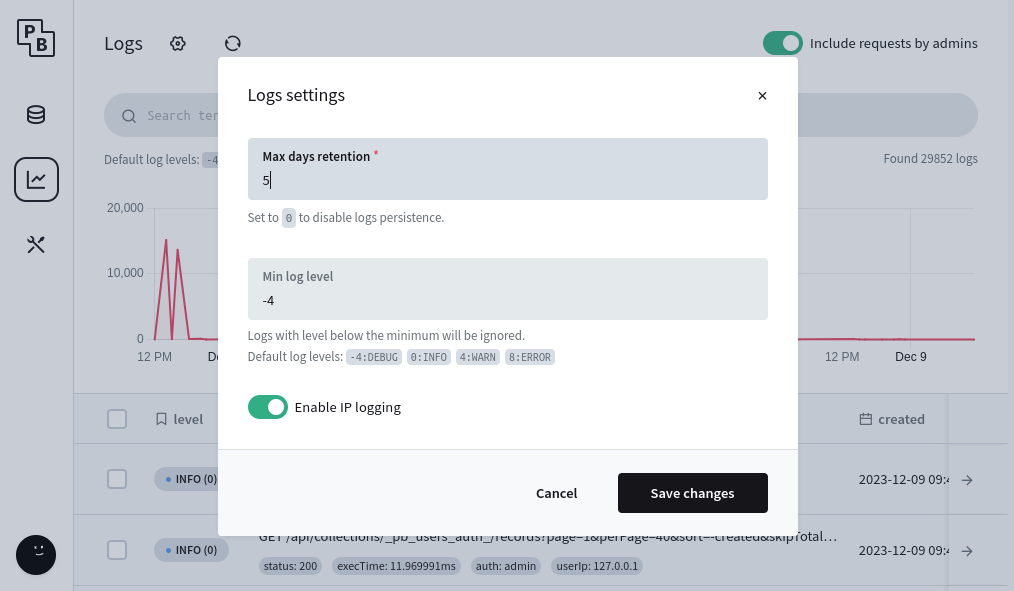 ### [Custom log queries](https://pocketbase.io/docs/js-logging/\#custom-log-queries) The logs are usually meant to be filtered from the UI but if you want to programmatically retrieve and filter the stored logs you can make use of the [`$app.logQuery()`](https://pocketbase.io/jsvm/functions/_app.logQuery.html) query builder method. For example: `let logs = arrayOf(new DynamicModel({ id: "", created: "", message: "", level: 0, data: {}, })) // see https://pocketbase.io/docs/js-database/#query-builder $app.logQuery(). // target only debug and info logs andWhere($dbx.in("level", -4, 0)). // the data column is serialized json object and could be anything andWhere($dbx.exp("json_extract(data, '$.type') = 'request'")). orderBy("created DESC"). limit(100). all(logs)` * * * [Prev: Filesystem](https://pocketbase.io/docs/js-filesystem) [Next: Types reference](https://pocketbase.io/jsvm/index.html) ## PocketBase Filesystem Guide Filesystem PocketBase comes with a thin abstraction between the local filesystem and S3. To configure which one will be used you can adjust the storage settings from _Dashboard > Settings > Files storage_ section. The filesystem abstraction can be accessed programmatically via the [`app.NewFilesystem()`](https://pkg.go.dev/github.com/pocketbase/pocketbase/core#BaseApp.NewFilesystem) method. Below are listed some of the most common operations but you can find more details in the [`filesystem`](https://pkg.go.dev/github.com/pocketbase/pocketbase/tools/filesystem) subpackage. Always make sure to call `Close()` at the end for both the created filesystem instance and the retrieved file readers to prevent leaking resources. - [Reading files](https://pocketbase.io/docs/go-filesystem/#reading-files) - [Saving files](https://pocketbase.io/docs/go-filesystem/#saving-files) - [Deleting files](https://pocketbase.io/docs/go-filesystem/#deleting-files) ### [Reading files](https://pocketbase.io/docs/go-filesystem/\#reading-files) To retrieve the file content of a single stored file you can use [`GetFile(key)`](https://pkg.go.dev/github.com/pocketbase/pocketbase/tools/filesystem#System.GetFile) . Note that file keys often contain a **prefix** (aka. the "path" to the file). For record files the full key is `collectionId/recordId/filename`. To retrieve multiple files matching a specific _prefix_ you can use [`List(prefix)`](https://pkg.go.dev/github.com/pocketbase/pocketbase/tools/filesystem#System.List) . The below code shows a minimal example how to retrieve a single record file and copy its content into a `bytes.Buffer`. `record, err := app.FindAuthRecordByEmail("users", "test@example.com") if err != nil { return err } // construct the full file key by concatenating the record storage path with the specific filename avatarKey := record.BaseFilesPath() + "/" + record.GetString("avatar") // initialize the filesystem fsys, err := app.NewFilesystem() if err != nil { return err } defer fsys.Close() // retrieve a file reader for the avatar key r, err := fsys.GetFile(avatarKey) if err != nil { return err } defer r.Close() // do something with the reader... content := new(bytes.Buffer) _, err = io.Copy(content, r) if err != nil { return err }` ### [Saving files](https://pocketbase.io/docs/go-filesystem/\#saving-files) There are several methods to save _(aka. write/upload)_ files depending on the available file content source: - [`Upload([]byte, key)`](https://pkg.go.dev/github.com/pocketbase/pocketbase/tools/filesystem#System.Upload) - [`UploadFile(*filesystem.File, key)`](https://pkg.go.dev/github.com/pocketbase/pocketbase/tools/filesystem#System.UploadFile) - [`UploadMultipart(*multipart.FileHeader, key)`](https://pkg.go.dev/github.com/pocketbase/pocketbase/tools/filesystem#System.UploadFile) Most users rarely will have to use the above methods directly because for collection records the file persistence is handled transparently when saving the record model (it will also perform size and MIME type validation based on the collection `file` field options). For example: `record, err := app.FindRecordById("articles", "RECORD_ID") if err != nil { return err } // Other available File factories // - filesystem.NewFileFromBytes(data, name) // - filesystem.NewFileFromURL(ctx, url) // - filesystem.NewFileFromMultipart(mh) f, err := filesystem.NewFileFromPath("/local/path/to/file") // set new file (can be single *filesytem.File or multiple []*filesystem.File) // (if the record has an old file it is automatically deleted on successful Save) record.Set("yourFileField", f) err = app.Save(record) if err != nil { return err }` ### [Deleting files](https://pocketbase.io/docs/go-filesystem/\#deleting-files) Files can be deleted from the storage filesystem using [`Delete(key)`](https://pkg.go.dev/github.com/pocketbase/pocketbase/tools/filesystem#System.Delete) . Similar to the previous section, most users rarely will have to use the `Delete` file method directly because for collection records the file deletion is handled transparently when removing the existing filename from the record model (this also ensure that the db entry referencing the file is also removed). For example: `record, err := app.FindRecordById("articles", "RECORD_ID") if err != nil { return err } // if you want to "reset" a file field (aka. deleting the associated single or multiple files) // you can set it to nil record.Set("yourFileField", nil) // OR if you just want to remove individual file(s) from a multiple file field you can use the "-" modifier // (the value could be a single filename string or slice of filename strings) record.Set("yourFileField-", "example_52iWbGinWd.txt") err = app.Save(record) if err != nil { return err }` * * * [Prev: Realtime messaging](https://pocketbase.io/docs/go-realtime) [Next: Logging](https://pocketbase.io/docs/go-logging) ## PocketBase Database Guide Database [`$app`](https://pocketbase.io/jsvm/modules/_app.html) is the main interface to interact with your database. `$app.db()` returns a `dbx.Builder` that could run all kind of SQL statements, including raw queries. For more details and examples how to interact with Record and Collection models programmatically you could also check [Collection operations](https://pocketbase.io/docs/js-collections) and [Record operations](https://pocketbase.io/docs/js-records) sections. - [Executing queries](https://pocketbase.io/docs/js-database/#executing-queries) - [Binding parameters](https://pocketbase.io/docs/js-database/#binding-parameters) - [Query builder](https://pocketbase.io/docs/js-database/#query-builder) - [select(), andSelect(), distinct()](https://pocketbase.io/docs/js-database/#select-andselect-distinct) - [from()](https://pocketbase.io/docs/js-database/#from) - [join()](https://pocketbase.io/docs/js-database/#join) - [where(), andWhere(), orWhere()](https://pocketbase.io/docs/js-database/#where-andwhere-orwhere) - [orderBy(), andOrderBy()](https://pocketbase.io/docs/js-database/#orderby-andorderby) - [groupBy(), andGroupBy()](https://pocketbase.io/docs/js-database/#groupby-andgroupby) - [having(), andHaving(), orHaving()](https://pocketbase.io/docs/js-database/#having-andhaving-orhaving) - [limit()](https://pocketbase.io/docs/js-database/#limit) - [offset()](https://pocketbase.io/docs/js-database/#offset) - [Transaction](https://pocketbase.io/docs/js-database/#transaction) ### [Executing queries](https://pocketbase.io/docs/js-database/\#executing-queries) To execute DB queries you can start with the `newQuery("...")` statement and then call one of: - ` execute() ` \- for any query statement that is not meant to retrieve data: `$app.db() .newQuery("DELETE FROM articles WHERE status = 'archived'") .execute() // throw an error on db failure` - ` one() ` \- to populate a single row into `DynamicModel` object: `const result = new DynamicModel({ // describe the shape of the data (used also as initial values) // the keys cannot start with underscore and must be a valid Go struct field name "id": "", "status": false, "age": 0, // use -0 for a float value "roles": [], // serialized json db arrays are decoded as plain arrays }) $app.db() .newQuery("SELECT id, status, age, roles FROM users WHERE id=1") .one(result) // throw an error on db failure or missing row console.log(result.id)` - ` all() ` \- to populate multiple rows into an array of objects (note that the array must be created with `arrayOf`): `const result = arrayOf(new DynamicModel({ // describe the shape of the data (used also as initial values) // the keys cannot start with underscore and must be a valid Go struct field name "id": "", "status": false, "age": 0, // use -0 for a float value "roles": [], // serialized json db arrays are decoded as plain arrays })) $app.db() .newQuery("SELECT id, status, age, roles FROM users LIMIT 100") .all(result) // throw an error on db failure if (result.length > 0) { console.log(result[0].id) }` ### [Binding parameters](https://pocketbase.io/docs/js-database/\#binding-parameters) To prevent SQL injection attacks, you should use named parameters for any expression value that comes from user input. This could be done using the named `{:paramName}` placeholders in your SQL statement and then define the parameter values for the query with `bind(params)`. For example: `const result = arrayOf(new DynamicModel({ "name": "", "created": "", })) $app.db() .newQuery("SELECT name, created FROM posts WHERE created >= {:from} and created <= {:to}") .bind({ "from": "2023-06-25 00:00:00.000Z", "to": "2023-06-28 23:59:59.999Z", }) .all(result) console.log(result.length)` ### [Query builder](https://pocketbase.io/docs/js-database/\#query-builder) Instead of writing plain SQLs, you can also compose SQL statements programmatically using the db query builder. Every SQL keyword has a corresponding query building method. For example, `SELECT` corresponds to `select()`, `FROM` corresponds to `from()`, `WHERE` corresponds to `where()`, and so on. `const result = arrayOf(new DynamicModel({ "id": "", "email": "", })) $app.db() .select("id", "email") .from("users") .andWhere($dbx.like("email", "example.com")) .limit(100) .orderBy("created ASC") .all(result)` ##### [select(), andSelect(), distinct()](https://pocketbase.io/docs/js-database/\#select-andselect-distinct) The `select(...cols)` method initializes a `SELECT` query builder. It accepts a list of the column names to be selected. To add additional columns to an existing select query, you can call `andSelect()`. To select distinct rows, you can call `distinct(true)`. `$app.db() .select("id", "avatar as image") .andSelect("(firstName || ' ' || lastName) as fullName") .distinct(true) ...` ##### [from()](https://pocketbase.io/docs/js-database/\#from) The `from(...tables)` method specifies which tables to select from (plain table names are automatically quoted). `$app.db() .select("table1.id", "table2.name") .from("table1", "table2") ...` ##### [join()](https://pocketbase.io/docs/js-database/\#join) The `join(type, table, on)` method specifies a `JOIN` clause. It takes 3 parameters: - `type` \- join type string like `INNER JOIN`, `LEFT JOIN`, etc. - `table` \- the name of the table to be joined - `on` \- optional `dbx.Expression` as an `ON` clause For convenience, you can also use the shortcuts `innerJoin(table, on)`, `leftJoin(table, on)`, `rightJoin(table, on)` to specify `INNER JOIN`, `LEFT JOIN` and `RIGHT JOIN`, respectively. `$app.db() .select("users.*") .from("users") .innerJoin("profiles", $dbx.exp("profiles.user_id = users.id")) .join("FULL OUTER JOIN", "department", $dbx.exp("department.id = {:id}", {id: "someId"})) ...` ##### [where(), andWhere(), orWhere()](https://pocketbase.io/docs/js-database/\#where-andwhere-orwhere) The `where(exp)` method specifies the `WHERE` condition of the query. You can also use `andWhere(exp)` or `orWhere(exp)` to append additional one or more conditions to an existing `WHERE` clause. Each where condition accepts a single `dbx.Expression` (see below for full list). `/* SELECT users.* FROM users WHERE id = "someId" AND status = "public" AND name like "%john%" OR ( role = "manager" AND fullTime IS TRUE AND experience > 10 ) */ $app.db() .select("users.*") .from("users") .where($dbx.exp("id = {:id}", { id: "someId" })) .andWhere($dbx.hashExp({ status: "public" })) .andWhere($dbx.like("name", "john")) .orWhere($dbx.and( $dbx.hashExp({ role: "manager", fullTime: true, }), $dbx.exp("experience > {:exp}", { exp: 10 }) )) ...` The following `dbx.Expression` methods are available: - ` $dbx.exp(raw, optParams) ` Generates an expression with the specified raw query fragment. Use the `optParams` to bind parameters to the expression. `$dbx.exp("status = 'public'") $dbx.exp("total > {:min} AND total < {:max}", { min: 10, max: 30 })` - ` $dbx.hashExp(pairs) ` Generates a hash expression from a map whose keys are DB column names which need to be filtered according to the corresponding values. `// slug = "example" AND active IS TRUE AND tags in ("tag1", "tag2", "tag3") AND parent IS NULL $dbx.hashExp({ slug: "example", active: true, tags: ["tag1", "tag2", "tag3"], parent: null, })` - ` $dbx.not(exp) ` Negates a single expression by wrapping it with `NOT()`. `// NOT(status = 1) $dbx.not($dbx.exp("status = 1"))` - ` $dbx.and(...exps) ` Creates a new expression by concatenating the specified ones with `AND`. `// (status = 1 AND username like "%john%") $dbx.and($dbx.exp("status = 1"), $dbx.like("username", "john"))` - ` $dbx.or(...exps) ` Creates a new expression by concatenating the specified ones with `OR`. `// (status = 1 OR username like "%john%") $dbx.or($dbx.exp("status = 1"), $dbx.like("username", "john"))` - ` $dbx.in(col, ...values) ` Generates an `IN` expression for the specified column and the list of allowed values. `// status IN ("public", "reviewed") $dbx.in("status", "public", "reviewed")` - ` $dbx.notIn(col, ...values) ` Generates an `NOT IN` expression for the specified column and the list of allowed values. `// status NOT IN ("public", "reviewed") $dbx.notIn("status", "public", "reviewed")` - ` $dbx.like(col, ...values) ` Generates a `LIKE` expression for the specified column and the possible strings that the column should be like. If multiple values are present, the column should be like **all** of them. By default, each value will be surrounded by _"%"_ to enable partial matching. Special characters like _"%"_, _"\\"_, _"\_"_ will also be properly escaped. You may call `escape(...pairs)` and/or `match(left, right)` to change the default behavior. `// name LIKE "%test1%" AND name LIKE "%test2%" $dbx.like("name", "test1", "test2") // name LIKE "test1%" $dbx.like("name", "test1").match(false, true)` - ` $dbx.notLike(col, ...values) ` Generates a `NOT LIKE` expression in similar manner as `like()`. `// name NOT LIKE "%test1%" AND name NOT LIKE "%test2%" $dbx.notLike("name", "test1", "test2") // name NOT LIKE "test1%" $dbx.notLike("name", "test1").match(false, true)` - ` $dbx.orLike(col, ...values) ` This is similar to `like()` except that the column must be one of the provided values, aka. multiple values are concatenated with `OR` instead of `AND`. `// name LIKE "%test1%" OR name LIKE "%test2%" $dbx.orLike("name", "test1", "test2") // name LIKE "test1%" OR name LIKE "test2%" $dbx.orLike("name", "test1", "test2").match(false, true)` - ` $dbx.orNotLike(col, ...values) ` This is similar to `notLike()` except that the column must not be one of the provided values, aka. multiple values are concatenated with `OR` instead of `AND`. `// name NOT LIKE "%test1%" OR name NOT LIKE "%test2%" $dbx.orNotLike("name", "test1", "test2") // name NOT LIKE "test1%" OR name NOT LIKE "test2%" $dbx.orNotLike("name", "test1", "test2").match(false, true)` - ` $dbx.exists(exp) ` Prefix with `EXISTS` the specified expression (usually a subquery). `// EXISTS (SELECT 1 FROM users WHERE status = 'active') $dbx.exists(dbx.exp("SELECT 1 FROM users WHERE status = 'active'"))` - ` $dbx.notExists(exp) ` Prefix with `NOT EXISTS` the specified expression (usually a subquery). `// NOT EXISTS (SELECT 1 FROM users WHERE status = 'active') $dbx.notExists(dbx.exp("SELECT 1 FROM users WHERE status = 'active'"))` - ` $dbx.between(col, from, to) ` Generates a `BETWEEN` expression with the specified range. `// age BETWEEN 3 and 99 $dbx.between("age", 3, 99)` - ` $dbx.notBetween(col, from, to) ` Generates a `NOT BETWEEN` expression with the specified range. `// age NOT BETWEEN 3 and 99 $dbx.notBetween("age", 3, 99)` ##### [orderBy(), andOrderBy()](https://pocketbase.io/docs/js-database/\#orderby-andorderby) The `orderBy(...cols)` specifies the `ORDER BY` clause of the query. A column name can contain _"ASC"_ or _"DESC"_ to indicate its ordering direction. You can also use `andOrderBy(...cols)` to append additional columns to an existing `ORDER BY` clause. `$app.db() .select("users.*") .from("users") .orderBy("created ASC", "updated DESC") .andOrderBy("title ASC") ...` ##### [groupBy(), andGroupBy()](https://pocketbase.io/docs/js-database/\#groupby-andgroupby) The `groupBy(...cols)` specifies the `GROUP BY` clause of the query. You can also use `andGroupBy(...cols)` to append additional columns to an existing `GROUP BY` clause. `$app.db() .select("users.*") .from("users") .groupBy("department", "level") ...` ##### [having(), andHaving(), orHaving()](https://pocketbase.io/docs/js-database/\#having-andhaving-orhaving) The `having(exp)` specifies the `HAVING` clause of the query. Similarly to `where(exp)`, it accept a single `dbx.Expression` (see all available expressions listed above). You can also use `andHaving(exp)` or `orHaving(exp)` to append additional one or more conditions to an existing `HAVING` clause. `$app.db() .select("users.*") .from("users") .groupBy("department", "level") .having($dbx.exp("sum(level) > {:sum}", { sum: 10 })) ...` ##### [limit()](https://pocketbase.io/docs/js-database/\#limit) The `limit(number)` method specifies the `LIMIT` clause of the query. `$app.db() .select("users.*") .from("users") .limit(30) ...` ##### [offset()](https://pocketbase.io/docs/js-database/\#offset) The `offset(number)` method specifies the `OFFSET` clause of the query. Usually used together with `limit(number)`. `$app.db() .select("users.*") .from("users") .offset(5) .limit(30) ...` ### [Transaction](https://pocketbase.io/docs/js-database/\#transaction) To execute multiple queries in a transaction you can use [`$app.runInTransaction(fn)`](https://pocketbase.io/jsvm/functions/_app.runInTransaction.html) . The DB operations are persisted only if the transaction completes without throwing an error. It is safe to nest `runInTransaction` calls as long as you use the callback's `txApp` argument. Inside the transaction function always use its `txApp` argument and not the original `$app` instance because we allow only a single writer/transaction at a time and it could result in a deadlock. To avoid performance issues, try to minimize slow/long running tasks such as sending emails, connecting to external services, etc. as part of the transaction. `$app.runInTransaction((txApp) => { // update a record const record = txApp.findRecordById("articles", "RECORD_ID") record.set("status", "active") txApp.save(record) // run a custom raw query (doesn't fire event hooks) txApp.db().newQuery("DELETE FROM articles WHERE status = 'pending'").execute() })` * * * [Prev: Routing](https://pocketbase.io/docs/js-routing) [Next: Record operations](https://pocketbase.io/docs/js-records) ## API Logs Management API Logs **[List logs](https://pocketbase.io/docs/api-logs/#list-logs)** Returns a paginated logs list. Only superusers can perform this action. JavaScript Dart `import PocketBase from 'pocketbase'; const pb = new PocketBase('http://127.0.0.1:8090'); ... await pb.collection("_superusers").authWithPassword('test@example.com', '1234567890'); const pageResult = await pb.logs.getList(1, 20, { filter: 'data.status >= 400' });` `import 'package:pocketbase/pocketbase.dart'; final pb = PocketBase('http://127.0.0.1:8090'); ... await pb.collection("_superusers").authWithPassword('test@example.com', '1234567890'); final pageResult = await pb.logs.getList( page: 1, perPage: 20, filter: 'data.status >= 400', );` ###### API details **GET** /api/logs Requires `Authorization:TOKEN` Query parameters | Param | Type | Description | | --- | --- | --- | | page | Number | The page (aka. offset) of the paginated list ( _default to 1_). | | perPage | Number | The max returned logs per page ( _default to 30_). | | sort | String | Specify the _ORDER BY_ fields.Add `-` / `+` (default) in front of the attribute for DESC /
ASC order, e.g.:
`// DESC by the insertion rowid and ASC by level
?sort=-rowid,level`
**Supported log sort fields:**
`@random`, `rowid`, `id`, `created`,
`updated`, `level`, `message` and any
`data.*` attribute. | | filter | String | Filter expression to filter/search the returned logs list, e.g.:
`?filter=(data.url~'test.com' && level>0)`
**Supported log filter fields:**
`id`, `created`, `updated`,
`level`, `message` and any `data.*` attribute.
The syntax basically follows the format
`OPERAND OPERATOR OPERAND`, where:
- `OPERAND` \- could be any field literal, string (single or double quoted),
number, null, true, false
- `OPERATOR` \- is one of:
- `=` Equal
- `!=` NOT equal
- `>` Greater than
- `>=` Greater than or equal
- `<` Less than
- `<=` Less than or equal
- `~` Like/Contains (if not specified auto wraps the right string OPERAND in a "%" for wildcard
match)
- `!~` NOT Like/Contains (if not specified auto wraps the right string OPERAND in a "%" for
wildcard match)
- `?=` _Any/At least one of_ Equal
- `?!=` _Any/At least one of_ NOT equal
- `?>` _Any/At least one of_ Greater than
- `?>=` _Any/At least one of_ Greater than or equal
- `?<` _Any/At least one of_ Less than
- `?<=` _Any/At least one of_ Less than or equal
- `?~` _Any/At least one of_ Like/Contains (if not specified auto wraps the right string OPERAND in a "%" for wildcard
match)
- `?!~` _Any/At least one of_ NOT Like/Contains (if not specified auto wraps the right string OPERAND in a "%" for
wildcard match)
To group and combine several expressions you can use parenthesis
`(...)`, `&&` (AND) and `||` (OR) tokens.
Single line comments are also supported: `// Example comment`. | | fields | String | Comma separated string of the fields to return in the JSON response
_(by default returns all fields)_. Ex.:
`?fields=*,expand.relField.name`
`*` targets all keys from the specific depth level.
In addition, the following field modifiers are also supported:
- `:excerpt(maxLength, withEllipsis?)`
Returns a short plain text version of the field string value.
Ex.:
`?fields=*,description:excerpt(200,true)` | Responses 200 400 401 403 `{ "page": 1, "perPage": 20, "totalItems": 2, "items": [\ {\ "id": "ai5z3aoed6809au",\ "created": "2024-10-27 09:28:19.524Z",\ "data": {\ "auth": "_superusers",\ "execTime": 2.392327,\ "method": "GET",\ "referer": "http://localhost:8090/_/",\ "remoteIP": "127.0.0.1",\ "status": 200,\ "type": "request",\ "url": "/api/collections/_pbc_2287844090/records?page=1&perPage=1&filter=&fields=id",\ "userAgent": "Mozilla/5.0 (X11; Linux x86_64) AppleWebKit/537.36 (KHTML, like Gecko) Chrome/129.0.0.0 Safari/537.36",\ "userIP": "127.0.0.1"\ },\ "message": "GET /api/collections/_pbc_2287844090/records?page=1&perPage=1&filter=&fields=id",\ "level": 0\ },\ {\ "id": "26apis4s3sm9yqm",\ "created": "2024-10-27 09:28:19.524Z",\ "data": {\ "auth": "_superusers",\ "execTime": 2.392327,\ "method": "GET",\ "referer": "http://localhost:8090/_/",\ "remoteIP": "127.0.0.1",\ "status": 200,\ "type": "request",\ "url": "/api/collections/_pbc_2287844090/records?page=1&perPage=1&filter=&fields=id",\ "userAgent": "Mozilla/5.0 (X11; Linux x86_64) AppleWebKit/537.36 (KHTML, like Gecko) Chrome/129.0.0.0 Safari/537.36",\ "userIP": "127.0.0.1"\ },\ "message": "GET /api/collections/_pbc_2287844090/records?page=1&perPage=1&filter=&fields=id",\ "level": 0\ }\ ] }` `{ "status": 400, "message": "Something went wrong while processing your request. Invalid filter.", "data": {} }` `{ "status": 401, "message": "The request requires valid record authorization token.", "data": {} }` `{ "status": 403, "message": "The authorized record is not allowed to perform this action.", "data": {} }` **[View log](https://pocketbase.io/docs/api-logs/#view-log)** Returns a single log by its ID. Only superusers can perform this action. JavaScript Dart `import PocketBase from 'pocketbase'; const pb = new PocketBase('http://127.0.0.1:8090'); ... await pb.collection("_superusers").authWithEmail('test@example.com', '123456'); const log = await pb.logs.getOne('LOG_ID');` `import 'package:pocketbase/pocketbase.dart'; final pb = PocketBase('http://127.0.0.1:8090'); ... await pb.collection("_superusers").authWithEmail('test@example.com', '123456'); final log = await pb.logs.getOne('LOG_ID');` ###### API details **GET** /api/logs/ `id` Requires `Authorization:TOKEN` Path parameters | Param | Type | Description | | --- | --- | --- | | id | String | ID of the log to view. | Query parameters | Param | Type | Description | | --- | --- | --- | | fields | String | Comma separated string of the fields to return in the JSON response
_(by default returns all fields)_. Ex.:
`?fields=*,expand.relField.name`
`*` targets all keys from the specific depth level.
In addition, the following field modifiers are also supported:
- `:excerpt(maxLength, withEllipsis?)`
Returns a short plain text version of the field string value.
Ex.:
`?fields=*,description:excerpt(200,true)` | Responses 200 401 403 404 `{ "id": "ai5z3aoed6809au", "created": "2024-10-27 09:28:19.524Z", "data": { "auth": "_superusers", "execTime": 2.392327, "method": "GET", "referer": "http://localhost:8090/_/", "remoteIP": "127.0.0.1", "status": 200, "type": "request", "url": "/api/collections/_pbc_2287844090/records?page=1&perPage=1&filter=&fields=id", "userAgent": "Mozilla/5.0 (X11; Linux x86_64) AppleWebKit/537.36 (KHTML, like Gecko) Chrome/129.0.0.0 Safari/537.36", "userIP": "127.0.0.1" }, "message": "GET /api/collections/_pbc_2287844090/records?page=1&perPage=1&filter=&fields=id", "level": 0 }` `{ "status": 401, "message": "The request requires valid record authorization token.", "data": {} }` `{ "status": 403, "message": "The authorized record is not allowed to perform this action.", "data": {} }` `{ "status": 404, "message": "The requested resource wasn't found.", "data": {} }` **[Logs statistics](https://pocketbase.io/docs/api-logs/#logs-statistics)** Returns hourly aggregated logs statistics. Only superusers can perform this action. JavaScript Dart `import PocketBase from 'pocketbase'; const pb = new PocketBase('http://127.0.0.1:8090'); ... await pb.collection("_superusers").authWithPassword('test@example.com', '123456'); const stats = await pb.logs.getStats({ filter: 'data.status >= 400' });` `import 'package:pocketbase/pocketbase.dart'; final pb = PocketBase('http://127.0.0.1:8090'); ... await pb.collection("_superusers").authWithPassword('test@example.com', '123456'); final stats = await pb.logs.getStats( filter: 'data.status >= 400' );` ###### API details **GET** /api/logs/stats Requires `Authorization:TOKEN` Query parameters | Param | Type | Description | | --- | --- | --- | | filter | String | Filter expression to filter/search the logs, e.g.:
`?filter=(data.url~'test.com' && level>0)`
**Supported log filter fields:**
`rowid`, `id`, `created`,
`updated`, `level`, `message` and any
`data.*` attribute.
The syntax basically follows the format
`OPERAND OPERATOR OPERAND`, where:
- `OPERAND` \- could be any field literal, string (single or double quoted),
number, null, true, false
- `OPERATOR` \- is one of:
- `=` Equal
- `!=` NOT equal
- `>` Greater than
- `>=` Greater than or equal
- `<` Less than
- `<=` Less than or equal
- `~` Like/Contains (if not specified auto wraps the right string OPERAND in a "%" for wildcard
match)
- `!~` NOT Like/Contains (if not specified auto wraps the right string OPERAND in a "%" for
wildcard match)
- `?=` _Any/At least one of_ Equal
- `?!=` _Any/At least one of_ NOT equal
- `?>` _Any/At least one of_ Greater than
- `?>=` _Any/At least one of_ Greater than or equal
- `?<` _Any/At least one of_ Less than
- `?<=` _Any/At least one of_ Less than or equal
- `?~` _Any/At least one of_ Like/Contains (if not specified auto wraps the right string OPERAND in a "%" for wildcard
match)
- `?!~` _Any/At least one of_ NOT Like/Contains (if not specified auto wraps the right string OPERAND in a "%" for
wildcard match)
To group and combine several expressions you can use parenthesis
`(...)`, `&&` (AND) and `||` (OR) tokens.
Single line comments are also supported: `// Example comment`. | | fields | String | Comma separated string of the fields to return in the JSON response
_(by default returns all fields)_. Ex.:
`?fields=*,expand.relField.name`
`*` targets all keys from the specific depth level.
In addition, the following field modifiers are also supported:
- `:excerpt(maxLength, withEllipsis?)`
Returns a short plain text version of the field string value.
Ex.:
`?fields=*,description:excerpt(200,true)` | Responses 200 400 401 403 `[\ {\ "total": 4,\ "date": "2022-06-01 19:00:00.000"\ },\ {\ "total": 1,\ "date": "2022-06-02 12:00:00.000"\ },\ {\ "total": 8,\ "date": "2022-06-02 13:00:00.000"\ }\ ]` `{ "status": 400, "message": "Something went wrong while processing your request. Invalid filter.", "data": {} }` `{ "status": 401, "message": "The request requires valid record authorization token.", "data": {} }` `{ "status": 403, "message": "The authorized record is not allowed to perform this action.", "data": {} }` * * * [Prev: API Settings](https://pocketbase.io/docs/api-settings) [Next: API Crons](https://pocketbase.io/docs/api-crons) ## PocketBase Logging Guide Logging `app.Logger()` provides access to a standard `slog.Logger` implementation that writes any logs into the database so that they can be later explored from the PocketBase _Dashboard > Logs_ section. For better performance and to minimize blocking on hot paths, logs are written with debounce and on batches: - 3 seconds after the last debounced log write - when the batch threshold is reached (currently 200) - right before app termination to attempt saving everything from the existing logs queue - [Log methods](https://pocketbase.io/docs/go-logging/#log-methods) - [Debug(message, attrs...)](https://pocketbase.io/docs/go-logging/#debugmessage-attrs-) - [Info(message, attrs...)](https://pocketbase.io/docs/go-logging/#infomessage-attrs-) - [Warn(message, attrs...)](https://pocketbase.io/docs/go-logging/#warnmessage-attrs-) - [Error(message, attrs...)](https://pocketbase.io/docs/go-logging/#errormessage-attrs-) - [With(attrs...)](https://pocketbase.io/docs/go-logging/#withattrs-) - [WithGroup(name)](https://pocketbase.io/docs/go-logging/#withgroupname) - [Logs settings](https://pocketbase.io/docs/go-logging/#logs-settings) - [Custom log queries](https://pocketbase.io/docs/go-logging/#custom-log-queries) ### [Log methods](https://pocketbase.io/docs/go-logging/\#log-methods) All standard [`slog.Logger`](https://pkg.go.dev/log/slog) methods are available but below is a list with some of the most notable ones. ##### [Debug(message, attrs...)](https://pocketbase.io/docs/go-logging/\#debugmessage-attrs-) `app.Logger().Debug("Debug message!") app.Logger().Debug( "Debug message with attributes!", "name", "John Doe", "id", 123, )` ##### [Info(message, attrs...)](https://pocketbase.io/docs/go-logging/\#infomessage-attrs-) `app.Logger().Info("Info message!") app.Logger().Info( "Info message with attributes!", "name", "John Doe", "id", 123, )` ##### [Warn(message, attrs...)](https://pocketbase.io/docs/go-logging/\#warnmessage-attrs-) `app.Logger().Warn("Warning message!") app.Logger().Warn( "Warning message with attributes!", "name", "John Doe", "id", 123, )` ##### [Error(message, attrs...)](https://pocketbase.io/docs/go-logging/\#errormessage-attrs-) `app.Logger().Error("Error message!") app.Logger().Error( "Error message with attributes!", "id", 123, "error", err, )` ##### [With(attrs...)](https://pocketbase.io/docs/go-logging/\#withattrs-) `With(atrs...)` creates a new local logger that will "inject" the specified attributes with each following log. `l := app.Logger().With("total", 123) // results in log with data {"total": 123} l.Info("message A") // results in log with data {"total": 123, "name": "john"} l.Info("message B", "name", "john")` ##### [WithGroup(name)](https://pocketbase.io/docs/go-logging/\#withgroupname) `WithGroup(name)` creates a new local logger that wraps all logs attributes under the specified group name. `l := app.Logger().WithGroup("sub") // results in log with data {"sub": { "total": 123 }} l.Info("message A", "total", 123)` ### [Logs settings](https://pocketbase.io/docs/go-logging/\#logs-settings) You can control various log settings like logs retention period, minimal log level, request IP logging, etc. from the logs settings panel:  ### [Custom log queries](https://pocketbase.io/docs/go-logging/\#custom-log-queries) The logs are usually meant to be filtered from the UI but if you want to programmatically retrieve and filter the stored logs you can make use of the [`app.LogQuery()`](https://pkg.go.dev/github.com/pocketbase/pocketbase/core#BaseApp.LogsQuery) query builder method. For example: `logs := []*core.Log{} // see https://pocketbase.io/docs/go-database/#query-builder err := app.LogQuery(). // target only debug and info logs AndWhere(dbx.In("level", -4, 0). // the data column is serialized json object and could be anything AndWhere(dbx.NewExp("json_extract(data, '$.type') = 'request'")). OrderBy("created DESC"). Limit(100). All(&logs)` * * * [Prev: Filesystem](https://pocketbase.io/docs/go-filesystem) [Next: Testing](https://pocketbase.io/docs/go-testing) ## PocketBase API Backups API Backups **[List backups](https://pocketbase.io/docs/api-backups/#list-backups)** Returns list with all available backup files. Only superusers can perform this action. JavaScript Dart `import PocketBase from 'pocketbase'; const pb = new PocketBase('http://127.0.0.1:8090'); ... await pb.collection("_superusers").authWithPassword('test@example.com', '1234567890'); const backups = await pb.backups.getFullList();` `import 'package:pocketbase/pocketbase.dart'; final pb = PocketBase('http://127.0.0.1:8090'); ... await pb.collection("_superusers").authWithPassword('test@example.com', '1234567890'); final backups = await pb.backups.getFullList();` ###### API details **GET** /api/backups Query parameters | Param | Type | Description | | --- | --- | --- | | fields | String | Comma separated string of the fields to return in the JSON response
_(by default returns all fields)_. Ex.:
`?fields=*,expand.relField.name`
`*` targets all keys from the specific depth level.
In addition, the following field modifiers are also supported:
- `:excerpt(maxLength, withEllipsis?)`
Returns a short plain text version of the field string value.
Ex.:
`?fields=*,description:excerpt(200,true)` | Responses 200 400 401 403 `[\ {\ "key": "pb_backup_20230519162514.zip",\ "modified": "2023-05-19 16:25:57.542Z",\ "size": 251316185\ },\ {\ "key": "pb_backup_20230518162514.zip",\ "modified": "2023-05-18 16:25:57.542Z",\ "size": 251314010\ }\ ]` `{ "status": 400, "message": "Failed to load backups filesystem.", "data": {} }` `{ "status": 401, "message": "The request requires valid record authorization token.", "data": {} }` `{ "status": 403, "message": "Only superusers can perform this action.", "data": {} }` **[Create backup](https://pocketbase.io/docs/api-backups/#create-backup)** Creates a new app data backup. This action will return an error if there is another backup/restore operation already in progress. Only superusers can perform this action. JavaScript Dart `import PocketBase from 'pocketbase'; const pb = new PocketBase('http://127.0.0.1:8090'); ... await pb.collection("_superusers").authWithPassword('test@example.com', '1234567890'); await pb.backups.create('new_backup.zip');` `import 'package:pocketbase/pocketbase.dart'; final pb = PocketBase('http://127.0.0.1:8090'); ... await pb.collection("_superusers").authWithPassword('test@example.com', '1234567890'); await pb.backups.create('new_backup.zip');` ###### API details **POST** /api/backups Requires `Authorization:TOKEN` Body Parameters | Param | Type | Description | | --- | --- | --- | | Optionalname | String | The base name of the backup file to create.
Must be in the format `[a-z0-9_-].zip`
If not set, it will be auto generated. | Body parameters could be sent as _JSON_ or _multipart/form-data_. Responses 204 400 401 403 `null` `{ "status": 400, "message": "Try again later - another backup/restore process has already been started.", "data": {} }` `{ "status": 401, "message": "The request requires valid record authorization token.", "data": {} }` `{ "status": 403, "message": "The authorized record is not allowed to perform this action.", "data": {} }` **[Upload backup](https://pocketbase.io/docs/api-backups/#upload-backup)** Uploads an existing backup zip file. Only superusers can perform this action. JavaScript Dart `import PocketBase from 'pocketbase'; const pb = new PocketBase('http://127.0.0.1:8090'); ... await pb.collection("_superusers").authWithPassword('test@example.com', '1234567890'); await pb.backups.upload({ file: new Blob([...]) });` `import 'package:pocketbase/pocketbase.dart'; final pb = PocketBase('http://127.0.0.1:8090'); ... await pb.collection("_superusers").authWithPassword('test@example.com', '1234567890'); await pb.backups.upload(http.MultipartFile.fromBytes('file', ...));` ###### API details **POST** /api/backups/upload Requires `Authorization:TOKEN` Body Parameters | Param | Type | Description | | --- | --- | --- | | Requiredfile | File | The zip archive to upload. | Uploading files is supported only via _multipart/form-data_. Responses 204 400 401 403 `null` `{ "status": 400, "message": "Something went wrong while processing your request.", "data": { "file": { "code": "validation_invalid_mime_type", "message": "\"test_backup.txt\" mime type must be one of: application/zip." } } } }` `{ "status": 401, "message": "The request requires valid record authorization token.", "data": {} }` `{ "status": 403, "message": "The authorized record is not allowed to perform this action.", "data": {} }` **[Delete backup](https://pocketbase.io/docs/api-backups/#delete-backup)** Deletes a single backup by its name. This action will return an error if the backup to delete is still being generated or part of a restore operation. Only superusers can perform this action. JavaScript Dart `import PocketBase from 'pocketbase'; const pb = new PocketBase('http://127.0.0.1:8090'); ... await pb.collection("_superusers").authWithPassword('test@example.com', '1234567890'); await pb.backups.delete('pb_data_backup.zip');` `import 'package:pocketbase/pocketbase.dart'; final pb = PocketBase('http://127.0.0.1:8090'); ... await pb.collection("_superusers").authWithPassword('test@example.com', '1234567890'); await pb.backups.delete('pb_data_backup.zip');` ###### API details **DELETE** /api/backups/ `key` Requires `Authorization:TOKEN` Path parameters | Param | Type | Description | | --- | --- | --- | | key | String | The key of the backup file to delete. | Responses 204 400 401 403 `null` `{ "status": 400, "message": "Try again later - another backup/restore process has already been started.", "data": {} }` `{ "status": 401, "message": "The request requires valid record authorization token.", "data": {} }` `{ "status": 403, "message": "The authorized record is not allowed to perform this action.", "data": {} }` **[Restore backup](https://pocketbase.io/docs/api-backups/#restore-backup)** Restore a single backup by its name and restarts the current running PocketBase process. This action will return an error if there is another backup/restore operation already in progress. Only superusers can perform this action. JavaScript Dart `import PocketBase from 'pocketbase'; const pb = new PocketBase('http://127.0.0.1:8090'); ... await pb.collection("_superusers").authWithPassword('test@example.com', '1234567890'); await pb.backups.restore('pb_data_backup.zip');` `import 'package:pocketbase/pocketbase.dart'; final pb = PocketBase('http://127.0.0.1:8090'); ... await pb.collection("_superusers").authWithPassword('test@example.com', '1234567890'); await pb.backups.restore('pb_data_backup.zip');` ###### API details **POST** /api/backups/ `key`/restore Requires `Authorization:TOKEN` Path parameters | Param | Type | Description | | --- | --- | --- | | key | String | The key of the backup file to restore. | Responses 204 400 401 403 `null` `{ "status": 400, "message": "Try again later - another backup/restore process has already been started.", "data": {} }` `{ "status": 401, "message": "The request requires valid record authorization token.", "data": {} }` `{ "status": 403, "message": "The authorized record is not allowed to perform this action.", "data": {} }` **[Download backup](https://pocketbase.io/docs/api-backups/#download-backup)** Downloads a single backup file. Only superusers can perform this action. JavaScript Dart `import PocketBase from 'pocketbase'; const pb = new PocketBase('http://127.0.0.1:8090'); ... await pb.collection("_superusers").authWithPassword('test@example.com', '1234567890'); const token = await pb.files.getToken(); const url = pb.backups.getDownloadUrl(token, 'pb_data_backup.zip');` `import 'package:pocketbase/pocketbase.dart'; final pb = PocketBase('http://127.0.0.1:8090'); ... await pb.collection("_superusers").authWithPassword('test@example.com', '1234567890'); final token = await pb.files.getToken(); final url = pb.backups.getDownloadUrl(token, 'pb_data_backup.zip');` ###### API details **GET** /api/backups/ `key` Path parameters | Param | Type | Description | | --- | --- | --- | | key | String | The key of the backup file to download. | Query parameters | Param | Type | Description | | --- | --- | --- | | token | String | Superuser **file token** for granting access to the
**backup file**. | Responses 200 400 404 `[file resource]` `{ "status": 400, "message": "Filesystem initialization failure.", "data": {} }` `{ "status": 404, "message": "The requested resource wasn't found.", "data": {} }` * * * [Prev: API Crons](https://pocketbase.io/docs/api-crons) [Next: API Health](https://pocketbase.io/docs/api-health) ## PocketBase Filesystem Guide Filesystem PocketBase comes with a thin abstraction between the local filesystem and S3. To configure which one will be used you can adjust the storage settings from _Dashboard > Settings > Files storage_ section. The filesystem abstraction can be accessed programmatically via the [`$app.newFilesystem()`](https://pocketbase.io/jsvm/functions/_app.newFilesystem.html) method. Below are listed some of the most common operations but you can find more details in the [`filesystem.System`](https://pocketbase.io/jsvm/interfaces/filesystem.System.html) interface. Always make sure to call `close()` at the end for both the created filesystem instance and the retrieved file readers to prevent leaking resources. - [Reading files](https://pocketbase.io/docs/js-filesystem/#reading-files) - [Saving files](https://pocketbase.io/docs/js-filesystem/#saving-files) - [Deleting files](https://pocketbase.io/docs/js-filesystem/#deleting-files) ### [Reading files](https://pocketbase.io/docs/js-filesystem/\#reading-files) To retrieve the file content of a single stored file you can use [`getFile(key)`](https://pocketbase.io/jsvm/interfaces/filesystem.System.html#getFile) . Note that file keys often contain a **prefix** (aka. the "path" to the file). For record files the full key is `collectionId/recordId/filename`. To retrieve multiple files matching a specific _prefix_ you can use [`list(prefix)`](https://pocketbase.io/jsvm/interfaces/filesystem.System.html#list) . The below code shows a minimal example how to retrieve the content of a single record file as string. `let record = $app.findAuthRecordByEmail("users", "test@example.com") // construct the full file key by concatenating the record storage path with the specific filename let avatarKey = record.baseFilesPath() + "/" + record.get("avatar") let fsys, file, content; try { // initialize the filesystem fsys = $app.newFilesystem(); // retrieve a file reader for the avatar key file = fsys.getFile(avatarKey) // copy as plain string content = toString(file) } finally { file?.close(); fsys?.close(); }` ### [Saving files](https://pocketbase.io/docs/js-filesystem/\#saving-files) There are several methods to save _(aka. write/upload)_ files depending on the available file content source: - [`upload(content, key)`](https://pocketbase.io/jsvm/interfaces/filesystem.System.html#upload) - [`uploadFile(file, key)`](https://pocketbase.io/jsvm/interfaces/filesystem.System.html#uploadFile) - [`uploadMultipart(mfh, key)`](https://pocketbase.io/jsvm/interfaces/filesystem.System.html#uploadMultipart) Most users rarely will have to use the above methods directly because for collection records the file persistence is handled transparently when saving the record model (it will also perform size and MIME type validation based on the collection `file` field options). For example: `let record = $app.findRecordById("articles", "RECORD_ID") // Other available File factories // - $filesystem.fileFromBytes(content, name) // - $filesystem.fileFromURL(url) // - $filesystem.fileFromMultipart(mfh) let file = $filesystem.fileFromPath("/local/path/to/file") // set new file (can be single or array of File values) // (if the record has an old file it is automatically deleted on successful save) record.set("yourFileField", file) $app.save(record)` ### [Deleting files](https://pocketbase.io/docs/js-filesystem/\#deleting-files) Files can be deleted from the storage filesystem using [`delete(key)`](https://pocketbase.io/jsvm/interfaces/filesystem.System.html#delete) . Similar to the previous section, most users rarely will have to use the `delete` file method directly because for collection records the file deletion is handled transparently when removing the existing filename from the record model (this also ensure that the db entry referencing the file is also removed). For example: `let record = $app.findRecordById("articles", "RECORD_ID") // if you want to "reset" a file field (aka. deleting the associated single or multiple files) // you can set it to null record.set("yourFileField", null) // OR if you just want to remove individual file(s) from a multiple file field you can use the "-" modifier // (the value could be a single filename string or slice of filename strings) record.set("yourFileField-", "example_52iWbGinWd.txt") $app.save(record)` * * * [Prev: Realtime messaging](https://pocketbase.io/docs/js-realtime) [Next: Logging](https://pocketbase.io/docs/js-logging) ## File Handling Guide Files upload and handling - [Uploading files](https://pocketbase.io/docs/files-handling/#uploading-files) - [Deleting files](https://pocketbase.io/docs/files-handling/#deleting-files) - [File URL](https://pocketbase.io/docs/files-handling/#file-url) - [Protected files](https://pocketbase.io/docs/files-handling/#protected-files) - [Storage options](https://pocketbase.io/docs/files-handling/#storage-options) ### [Uploading files](https://pocketbase.io/docs/files-handling/\#uploading-files) To upload files, you must first add a `file` field to your collection: 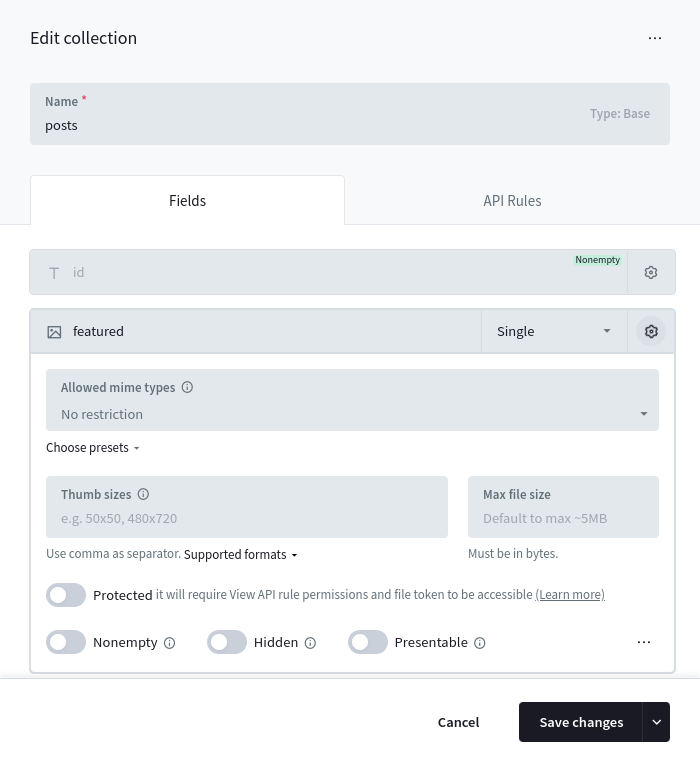 Once added, you could create/update a Record and upload "documents" files by sending a `multipart/form-data` request using the _Records create/update APIs_. Each uploaded file will be stored with the original filename (sanitized) and suffixed with a random part (usually 10 characters). For example `test_52iwbgds7l.png`. The max allowed size of a single file currently is limited to ~8GB (253-1 bytes). Here is an example how to create a new record and upload multiple files to the example "documents" `file` field using the SDKs: JavaScript Dart `import PocketBase from 'pocketbase'; const pb = new PocketBase('http://127.0.0.1:8090'); ... // create a new record and upload multiple files // (files must be Blob or File instances) const createdRecord = await pb.collection('example').create({ title: 'Hello world!', // regular text field 'documents': [\ new File(['content 1...'], 'file1.txt'),\ new File(['content 2...'], 'file2.txt'),\ ] }); // ----------------------------------------------------------- // Alternative FormData + plain HTML file input example // // ----------------------------------------------------------- const fileInput = document.getElementById('fileInput'); const formData = new FormData(); // set regular text field formData.append('title', 'Hello world!'); // listen to file input changes and add the selected files to the form data fileInput.addEventListener('change', function () { for (let file of fileInput.files) { formData.append('documents', file); } }); ... // upload and create new record const createdRecord = await pb.collection('example').create(formData);` `import 'package:pocketbase/pocketbase.dart'; import 'package:http/http.dart' as http; final pb = PocketBase('http://127.0.0.1:8090'); ... // create a new record and upload multiple files final record = await pb.collection('example').create( body: { 'title': 'Hello world!', // regular text field }, files: [\ http.MultipartFile.fromString(\ 'documents',\ 'example content 1...',\ filename: 'file1.txt',\ ),\ http.MultipartFile.fromString(\ 'documents',\ 'example content 2...',\ filename: 'file2.txt',\ ),\ ], );` If your `file` field supports uploading multiple files (aka. **Max Files option is >= 2**) you can use the `+` prefix/suffix field name modifier to respectively prepend/append new files alongside the already uploaded ones. For example: JavaScript Dart `import PocketBase from 'pocketbase'; const pb = new PocketBase('http://127.0.0.1:8090'); ... const createdRecord = await pb.collection('example').update('RECORD_ID', { "documents+": new File(["content 3..."], "file3.txt") });` `import 'package:pocketbase/pocketbase.dart'; import 'package:http/http.dart' as http; final pb = PocketBase('http://127.0.0.1:8090'); ... final record = await pb.collection('example').update( 'RECORD_ID', files: [\ http.MultipartFile.fromString(\ 'documents+',\ 'example content 3...',\ filename: 'file3.txt',\ ),\ ], );` ### [Deleting files](https://pocketbase.io/docs/files-handling/\#deleting-files) To delete uploaded file(s), you could either edit the Record from the Dashboard, or use the API and set the file field to a zero-value (empty string, `[]`). If you want to **delete individual file(s) from a multiple file upload field**, you could suffix the field name with `-` and specify the filename(s) you want to delete. Here are some examples using the SDKs: JavaScript Dart `import PocketBase from 'pocketbase'; const pb = new PocketBase('http://127.0.0.1:8090'); ... // delete all "documents" files await pb.collection('example').update('RECORD_ID', { 'documents': [], }); // delete individual files await pb.collection('example').update('RECORD_ID', { 'documents-': ["file1.pdf", "file2.txt"], });` `import 'package:pocketbase/pocketbase.dart'; final pb = PocketBase('http://127.0.0.1:8090'); ... // delete all "documents" files await pb.collection('example').update('RECORD_ID', body: { 'documents': [], }); // delete individual files await pb.collection('example').update('RECORD_ID', body: { 'documents-': ["file1.pdf", "file2.txt"], });` The above examples use the JSON object data format, but you could also use `FormData` instance for _multipart/form-data_ requests. If using `FormData` set the file field to an empty string. ### [File URL](https://pocketbase.io/docs/files-handling/\#file-url) Each uploaded file could be accessed by requesting its file url: `http://127.0.0.1:8090/api/files/COLLECTION_ID_OR_NAME/RECORD_ID/FILENAME` If your file field has the **Thumb sizes** option, you can get a thumb of the image file (currently limited to jpg, png, and partially gif – its first frame) by adding the `thumb` query parameter to the url like this: `http://127.0.0.1:8090/api/files/COLLECTION_ID_OR_NAME/RECORD_ID/FILENAME?thumb=100x300` The following thumb formats are currently supported: - **WxH** (e.g. 100x300) - crop to WxH viewbox (from center) - **WxHt** (e.g. 100x300t) - crop to WxH viewbox (from top) - **WxHb** (e.g. 100x300b) - crop to WxH viewbox (from bottom) - **WxHf** (e.g. 100x300f) - fit inside a WxH viewbox (without cropping) - **0xH** (e.g. 0x300) - resize to H height preserving the aspect ratio - **Wx0** (e.g. 100x0) - resize to W width preserving the aspect ratio The original file would be returned, if the requested thumb size is not found or the file is not an image! If you already have a Record model instance, the SDKs provide a convenient method to generate a file url by its name. JavaScript Dart `import PocketBase from 'pocketbase'; const pb = new PocketBase('http://127.0.0.1:8090'); ... const record = await pb.collection('example').getOne('RECORD_ID'); // get only the first filename from "documents" // // note: // "documents" is an array of filenames because // the "documents" field was created with "Max Files" option > 1; // if "Max Files" was 1, then the result property would be just a string const firstFilename = record.documents[0]; // returns something like: // http://127.0.0.1:8090/api/files/example/kfzjt5oy8r34hvn/test_52iWbGinWd.png?thumb=100x250 const url = pb.files.getURL(record, firstFilename, {'thumb': '100x250'});` `import 'package:pocketbase/pocketbase.dart'; final pb = PocketBase('http://127.0.0.1:8090'); ... final record = await pb.collection('example').getOne('RECORD_ID'); // get only the first filename from "documents" // // note: // "documents" is an array of filenames because // the "documents" field was created with "Max Files" option > 1; // if "Max Files" was 1, then the result property would be just a string final firstFilename = record.getListValue
_(by default returns all fields)_. Ex.:
`?fields=*,expand.relField.name`
`*` targets all keys from the specific depth level.
In addition, the following field modifiers are also supported:
- `:excerpt(maxLength, withEllipsis?)`
Returns a short plain text version of the field string value.
Ex.:
`?fields=*,description:excerpt(200,true)` | Responses 200 400 401 403 `[\ {\ "id": "__pbDBOptimize__",\ "expression": "0 0 * * *"\ },\ {\ "id": "__pbMFACleanup__",\ "expression": "0 * * * *"\ },\ {\ "id": "__pbOTPCleanup__",\ "expression": "0 * * * *"\ },\ {\ "id": "__pbLogsCleanup__",\ "expression": "0 */6 * * *"\ }\ ]` `{ "status": 400, "message": "Failed to load backups filesystem.", "data": {} }` `{ "status": 401, "message": "The request requires valid record authorization token.", "data": {} }` `{ "status": 403, "message": "Only superusers can perform this action.", "data": {} }` **[Run cron job](https://pocketbase.io/docs/api-crons/#run-cron-job)** Triggers a single cron job by its id. Only superusers can perform this action. JavaScript Dart `import PocketBase from 'pocketbase'; const pb = new PocketBase('http://127.0.0.1:8090'); ... await pb.collection("_superusers").authWithPassword('test@example.com', '1234567890'); await pb.crons.run('__pbLogsCleanup__');` `import 'package:pocketbase/pocketbase.dart'; final pb = PocketBase('http://127.0.0.1:8090'); ... await pb.collection("_superusers").authWithPassword('test@example.com', '1234567890'); await pb.crons.run('__pbLogsCleanup__');` ###### API details **POST** /api/crons/ `jobId` Requires `Authorization:TOKEN` Path parameters | Param | Type | Description | | --- | --- | --- | | jobId | String | The identifier of the cron job to run. | Responses 204 401 403 404 `null` `{ "status": 401, "message": "The request requires valid record authorization token.", "data": {} }` `{ "status": 403, "message": "The authorized record is not allowed to perform this action.", "data": {} }` `{ "status": 404, "message": "Missing or invalid cron job.", "data": {} }` * * * [Prev: API Logs](https://pocketbase.io/docs/api-logs) [Next: API Backups](https://pocketbase.io/docs/api-backups) ## PocketBase Miscellaneous Miscellaneous - [app.Store()](https://pocketbase.io/docs/go-miscellaneous/#app-store) - [Security helpers](https://pocketbase.io/docs/go-miscellaneous/#security-helpers) - [Generating random strings](https://pocketbase.io/docs/go-miscellaneous/#generating-random-strings) - [Compare strings with constant time](https://pocketbase.io/docs/go-miscellaneous/#compare-strings-with-constant-time) - [AES Encrypt/Decrypt](https://pocketbase.io/docs/go-miscellaneous/#aes-encryptdecrypt) ### [app.Store()](https://pocketbase.io/docs/go-miscellaneous/\#app-store) [`app.Store()`](https://pkg.go.dev/github.com/pocketbase/pocketbase/core#BaseApp.Store) returns a concurrent-safe application memory store that you can use to store anything for the duration of the application process (e.g. cache, config flags, etc.). You can find more details about the available store methods in the [`store.Store`](https://pkg.go.dev/github.com/pocketbase/pocketbase/tools/store#Store) documentation but the most commonly used ones are `Get(key)`, `Set(key, value)` and `GetOrSet(key, setFunc)`. `app.Store().Set("example", 123) v1 := app.Store().Get("example").(int) // 123 v2 := app.Store().GetOrSet("example2", func() any { // this setter is invoked only once unless "example2" is removed // (e.g. suitable for instantiating singletons) return 456 }).(int) // 456` Keep in mind that the application store is also used internally usually with `pb*` prefixed keys (e.g. the collections cache is stored under the `pbAppCachedCollections` key) and changing these system keys or calling `RemoveAll()`/ `Reset()` could have unintended side-effects. If you want more advanced control you can initialize your own store independent from the application instance via `store.New[K, T](nil)`. ### [Security helpers](https://pocketbase.io/docs/go-miscellaneous/\#security-helpers) _Below are listed some of the most commonly used security helpers but you can find detailed_ _documentation for all available methods in the_ _[`security`](https://pkg.go.dev/github.com/pocketbase/pocketbase/tools/security)_ _subpackage._ ##### [Generating random strings](https://pocketbase.io/docs/go-miscellaneous/\#generating-random-strings) `secret := security.RandomString(10) // e.g. a35Vdb10Z4 secret := security.RandomStringWithAlphabet(5, "1234567890") // e.g. 33215` ##### [Compare strings with constant time](https://pocketbase.io/docs/go-miscellaneous/\#compare-strings-with-constant-time) `isEqual := security.Equal(hash1, hash2)` ##### [AES Encrypt/Decrypt](https://pocketbase.io/docs/go-miscellaneous/\#aes-encryptdecrypt) `// must be random 32 characters string const key = "C7aoNPItI2SATN2SSt7M0AATM8FWLqg5" encrypted, err := security.Encrypt([]byte("test"), key) if err != nil { return err } decrypted := security.Decrypt(encrypted, key) // []byte("test")` * * * [Prev: Testing](https://pocketbase.io/docs/go-testing) [Next: Record proxy](https://pocketbase.io/docs/go-record-proxy) ## PocketBase Realtime Messaging Realtime messaging By default PocketBase sends realtime events only for Record create/update/delete operations ( _and for the OAuth2 auth redirect_), but you are free to send custom realtime messages to the connected clients via the [`app.SubscriptionsBroker()`](https://pkg.go.dev/github.com/pocketbase/pocketbase/core#BaseApp.SubscriptionsBroker) instance. [`app.SubscriptionsBroker().Clients()`](https://pkg.go.dev/github.com/pocketbase/pocketbase/tools/subscriptions#Broker.Clients) returns all connected [`subscriptions.Client`](https://pkg.go.dev/github.com/pocketbase/pocketbase/tools/subscriptions#Client) indexed by their unique connection id. [`app.SubscriptionsBroker().ChunkedClients(size)`](https://pkg.go.dev/github.com/pocketbase/pocketbase/tools/subscriptions#Broker.ChunkedClients) is similar but return the result as a chunked slice allowing you to split the iteration across several goroutines (usually combined with [`errgroup`](https://pkg.go.dev/golang.org/x/sync/errgroup) ). The current auth record associated with a client could be accessed through `client.Get(apis.RealtimeClientAuthKey)` Note that a single authenticated user could have more than one active realtime connection (aka. multiple clients). This could happen for example when opening the same app in different tabs, browsers, devices, etc. Below you can find a minimal code sample that sends a JSON payload to all clients subscribed to the "example" topic: `func notify(app core.App, subscription string, data any) error { rawData, err := json.Marshal(data) if err != nil { return err } message := subscriptions.Message{ Name: subscription, Data: rawData, } group := new(errgroup.Group) chunks := app.SubscriptionsBroker().ChunkedClients(300) for _, chunk := range chunks { group.Go(func() error { for _, client := range chunk { if !client.HasSubscription(subscription) { continue } client.Send(message) } return nil }) } return group.Wait() } err := notify(app, "example", map[string]any{"test": 123}) if err != nil { return err }` From the client-side, users can listen to the custom subscription topic by doing something like: JavaScript Dart `import PocketBase from 'pocketbase'; const pb = new PocketBase('http://127.0.0.1:8090'); ... await pb.realtime.subscribe('example', (e) => { console.log(e) })` `import 'package:pocketbase/pocketbase.dart'; final pb = PocketBase('http://127.0.0.1:8090'); ... await pb.realtime.subscribe('example', (e) { print(e) })` * * * [Prev: Console commands](https://pocketbase.io/docs/go-console-commands) [Next: Filesystem](https://pocketbase.io/docs/go-filesystem) ## API Health Check API Health **[Health check](https://pocketbase.io/docs/api-health/#health-check)** Returns the health status of the server. ###### API details **GET/HEAD** /api/health Query parameters | Param | Type | Description | | --- | --- | --- | | fields | String | Comma separated string of the fields to return in the JSON response
_(by default returns all fields)_. Ex.:
`?fields=*,expand.relField.name`
`*` targets all keys from the specific depth level.
In addition, the following field modifiers are also supported:
- `:excerpt(maxLength, withEllipsis?)`
Returns a short plain text version of the field string value.
Ex.:
`?fields=*,description:excerpt(200,true)` | Responses 200 `{ "status": 200, "message": "API is healthy.", "data": { "canBackup": false } }` * * * [Prev: API Backups](https://pocketbase.io/docs/api-backups) ## Using PocketBase APIs How to use PocketBase The easiest way to use PocketBase is by interacting with its Web APIs directly from the client-side (e.g. mobile app or browser SPA). It was designed with this exact use case in mind and it is also the reason why there are general purpose JSON APIs for listing, pagination, sorting, filtering, etc. The access and filter controls for your data is usually done through the [collection API rules](https://pocketbase.io/docs/api-rules-and-filters/) . For the cases when you need more specialized handling (sending emails, intercepting the default actions, creating new routes, etc.) you can [extend PocketBase with Go or JavaScript](https://pocketbase.io/docs/use-as-framework/) . For interacting with the [Web APIs](https://pocketbase.io/docs/api-records/) you can make use of the official SDK clients: - [JavaScript SDK](https://github.com/pocketbase/js-sdk)(Browser, Node.js, React Native) - [Dart SDK](https://github.com/pocketbase/dart-sdk)(Web, Mobile, Desktop, CLI) When used on the client-side, it is safe to have a single/global SDK instance for the entire lifecycle of your application. **[Web apps recommendation](https://pocketbase.io/docs/how-to-use/#web-apps-recommendation)** Not everyone will agree with this, but if you are building a web app with PocketBase I recommend developing the frontend as a **traditional client-side SPA** and for the cases where additional server-side handling is needed (e.g. for payment webhooks, extra data server validations, etc.) you could try to: - [Use PocketBase as Go/JS framework](https://pocketbase.io/docs/use-as-framework) to create new routes or intercept existing. - Create one-off Node.js/Bun/Deno/etc. server-side actions that will interact with PocketBase only as superuser and as pure data store (similar to traditional database interactions but over HTTP). In this case it is safe to have a global superuser client such as: `// src/superuser.js import PocketBase from "pocketbase" const superuserClient = new PocketBase('https://example.com'); // disable autocancellation so that we can handle async requests from multiple users superuserClient.autoCancellation(false); // option 1: authenticate as superuser using email/password (could be filled with ENV params) await superuserClient.collection('_superusers').authWithPassword(SUPERUSER_EMAIL, SUPERUSER_PASS, { // This will trigger auto refresh or auto reauthentication in case // the token has expired or is going to expire in the next 30 minutes. autoRefreshThreshold: 30 * 60 }) // option 2: OR authenticate as superuser via long-lived "API key" // (see https://pocketbase.io/docs/authentication/#api-keys) superuserClient.authStore.save('YOUR_GENERATED_SUPERUSER_TOKEN') export default superuserClient;` Then you can import directly the file in your server-side actions and use the client as usual: `import superuserClient from './src/superuser.js' async function serverAction(req, resp) { ... do some extra data validations or handling ... // send a create request as superuser await superuserClient.collection('example').create({ ... }) }` **[Why not JS SSR](https://pocketbase.io/docs/how-to-use/#why-not-js-ssr)** Using PocketBase with meta framework such as SvelteKit, Nuxt, Next.js, etc. **in a JS SSR mode** is possible but it comes with many complications and you need to carefully evaluate whether the cost of having another backend (PocketBase) along-side your existing one (the Node.js server) is worth it. You can read more about the potential problems in [JS SSR - issues and recommendations #5313](https://github.com/pocketbase/pocketbase/discussions/5313) but some of the common pitfalls are: - Security issues caused by incorrectly initialized and shared JS SDK instance in a long-running server-side context. - OAuth2 integration difficulties related to the server-side only OAuth2 flow (or its mixed "all-in-one" client-side handling and sharing a cookie with the server-side). - Proxying realtime connections and essentially duplicating the same thing PocketBase already does. - Performance bottlenecks caused by the default single-threaded Node.js process and the excessive resources utilization due to the server-side rendering and heavy back-and-forth requests communication between the different layers (client<->Node.js<->PocketBase). This doesn't mean that using PocketBase with JS SSR is always a "bad thing" but based on the dozens reported issues so far I would recommend it only after careful evaluation and only to more experienced developers that have in-depth understanding of the used tools and their trade-offs. If you still want to use PocketBase to handle regular users authentication with a JS SSR meta framework, then you can find some JS SDK examples in the repo's [JS SSR integration section](https://github.com/pocketbase/js-sdk#ssr-integration). **[Why not htmx, Hotwire/Turbo, Unpoly, etc.](https://pocketbase.io/docs/how-to-use/#why-not-htmx-hotwireturbo-unpoly-etc-)** htmx, Hotwire/Turbo, Unpoly and other similar tools are commonly used for building server rendered applications but unfortunately they don't play well with the JSON APIs and fully stateless nature of PocketBase. It is possible to use them with PocketBase but at the moment I don't recommend it because we lack the necessary helpers and utilities for building SSR-first applications, which means that you might have to create from scratch a lot of things on your own such as middlewares for handling cookies ( _and eventually taking care also for CORS and CSRF_) or custom authentication endpoints and access controls ( _the collection API rules apply only for the builtin JSON routes_). In the future we could eventually provide official SSR support in terms of guides and middlewares for this use case but again - PocketBase wasn't designed with this in mind and you may want to reevaluate the tech stack of your application and switch to a traditional client-side SPA as mentioned earlier or use a different backend solution that might fit better with your use case. **[Mobile apps auth persistence](https://pocketbase.io/docs/how-to-use/#mobile-apps-auth-persistence)** When building mobile apps with the JavaScript SDK or Dart SDK you'll have to specify a custom persistence store if you want to preserve the authentication between the various app activities and open/close state. The SDKs comes with a helper async storage implementation that allows you to hook any custom persistent layer (local file, SharedPreferences, key-value based database, etc.). Here is a minimal PocketBase SDKs initialization for React Native (JavaScript) and Flutter (Dart): JavaScript Dart `// Node.js and React Native doesn't have native EventSource implementation // so in order to use the realtime subscriptions you'll need to load EventSource polyfill, // for example: npm install react-native-sse --save import eventsource from 'react-native-sse'; import AsyncStorage from '@react-native-async-storage/async-storage'; import PocketBase, { AsyncAuthStore } from 'pocketbase'; // load the polyfill global.EventSource = eventsource; // initialize the async store const store = new AsyncAuthStore({ save: async (serialized) => AsyncStorage.setItem('pb_auth', serialized), initial: AsyncStorage.getItem('pb_auth'), }); // initialize the PocketBase client // (it is OK to have a single/global instance for the duration of your application) const pb = new PocketBase('http://127.0.0.1:8090', store); ... await pb.collection('users').authWithPassword('test@example.com', '1234567890'); console.log(pb.authStore.record)` `import 'package:pocketbase/pocketbase.dart'; import 'package:shared_preferences/shared_preferences.dart'; // for simplicity we are using a simple SharedPreferences instance // but you can also replace it with its safer EncryptedSharedPreferences alternative final prefs = await SharedPreferences.getInstance(); // initialize the async store final store = AsyncAuthStore( save: (String data) async => prefs.setString('pb_auth', data), initial: prefs.getString('pb_auth'), ); // initialize the PocketBase client // (it is OK to have a single/global instance for the duration of your application) final pb = PocketBase('http://127.0.0.1:8090', authStore: store); ... await pb.collection('users').authWithPassword('test@example.com', '1234567890'); print(pb.authStore.record);` **[React Native file upload on Android and iOS](https://pocketbase.io/docs/how-to-use/#react-native-file-upload-on-android-and-ios)** At the time of writing, React Native on Android and iOS seems to have a non-standard `FormData` implementation and for uploading files on these platforms it requires the following special object syntax: `{ uri: "...", type: "...", name: "..." }` Or in other words, you may have to apply a conditional handling similar to: `const data = new FormData(); // result is the resolved promise of ImagePicker.launchImageLibraryAsync let imageUri = result.assets[0].uri; if (Platform.OS === 'web') { const req = await fetch(imageUri); const blob = await req.blob(); data.append('avatar', blob); // regular File/Blob value } else { // the below object format works only on Android and iOS // (FormData.set() also doesn't seem to be supported so we use FormData.append()) data.append('avatar', { uri: imageUri, type: 'image/*', name: imageUri.split('/').pop(), }); } ... await pb.collection('example').create(data)` The next couple pages have a little bit more information about the basic PocketBase components like collections, records, authentication, relations, files handling, etc. * * * [Prev: Introduction](https://pocketbase.io/docs) [Next: Collections](https://pocketbase.io/docs/collections) ## PocketBase Event Hooks Event hooks You can extend the default PocketBase behavior with custom server-side code using the exposed JavaScript app event hooks. Throwing an error or not calling `e.next()` inside a handler function stops the hook execution chain. All hook handler functions share the same `function(e){}` signature and expect the user to call `e.next()` if they want to proceed with the execution chain. - [App hooks](https://pocketbase.io/docs/js-event-hooks/#app-hooks) - [Mailer hooks](https://pocketbase.io/docs/js-event-hooks/#mailer-hooks) - [Realtime hooks](https://pocketbase.io/docs/js-event-hooks/#realtime-hooks) - [Record model hooks](https://pocketbase.io/docs/js-event-hooks/#record-model-hooks) - [Collection model hooks](https://pocketbase.io/docs/js-event-hooks/#collection-model-hooks) - [Request hooks](https://pocketbase.io/docs/js-event-hooks/#request-hooks) - [Base model hooks](https://pocketbase.io/docs/js-event-hooks/#base-model-hooks) ### [App hooks](https://pocketbase.io/docs/js-event-hooks/\#app-hooks) **[onBootstrap](https://pocketbase.io/docs/js-event-hooks/#onbootstrap)** `onBootstrap` hook is triggered when initializing the main application resources (db, app settings, etc). Note that attempting to access the database before the `e.next()` call will result in an error. `onBootstrap((e) => { e.next() // e.app })` **[onSettingsReload](https://pocketbase.io/docs/js-event-hooks/#onsettingsreload)** `onSettingsReload` hook is triggered every time when the `$app.settings()` is being replaced with a new state. Calling `e.app.settings()` after `e.next()` returns the new state. `onSettingsReload((e) => { e.next() // e.app.settings() })` **[onBackupCreate](https://pocketbase.io/docs/js-event-hooks/#onbackupcreate)** `onBackupCreate` is triggered on each `$app.createBackup` call. `onBackupCreate((e) => { // e.app // e.name - the name of the backup to create // e.exclude - list of pb_data dir entries to exclude from the backup })` **[onBackupRestore](https://pocketbase.io/docs/js-event-hooks/#onbackuprestore)** `onBackupRestore` is triggered before app backup restore (aka. on `$app.restoreBackup` call). `onBackupRestore((e) => { // e.app // e.name - the name of the backup to restore // e.exclude - list of dir entries to exclude from the backup })` **[onTerminate](https://pocketbase.io/docs/js-event-hooks/#onterminate)** `onTerminate` hook is triggered when the app is in the process of being terminated (ex. on `SIGTERM` signal). Note that the app could be terminated abruptly without awaiting the hook completion. `onTerminate((e) => { // e.app // e.isRestart })` ### [Mailer hooks](https://pocketbase.io/docs/js-event-hooks/\#mailer-hooks) **[onMailerSend](https://pocketbase.io/docs/js-event-hooks/#onmailersend)** `onMailerSend` hook is triggered every time when a new email is being send using the `$app.newMailClient()` instance. It allows intercepting the email message or to use a custom mailer client. `onMailerSend((e) => { // e.app // e.mailer // e.message // ex. change the mail subject e.message.subject = "new subject" e.next() })` **[onMailerRecordAuthAlertSend](https://pocketbase.io/docs/js-event-hooks/#onmailerrecordauthalertsend)** `onMailerRecordAuthAlertSend` hook is triggered when sending a new device login auth alert email, allowing you to intercept and customize the email message that is being sent. `onMailerRecordAuthAlertSend((e) => { // e.app // e.mailer // e.message // e.record // e.meta // ex. change the mail subject e.message.subject = "new subject" e.next() })` **[onMailerRecordPasswordResetSend](https://pocketbase.io/docs/js-event-hooks/#onmailerrecordpasswordresetsend)** `onMailerRecordPasswordResetSend` hook is triggered when sending a password reset email to an auth record, allowing you to intercept and customize the email message that is being sent. `onMailerRecordPasswordResetSend((e) => { // e.app // e.mailer // e.message // e.record // e.meta // ex. change the mail subject e.message.subject = "new subject" e.next() })` **[onMailerRecordVerificationSend](https://pocketbase.io/docs/js-event-hooks/#onmailerrecordverificationsend)** `onMailerRecordVerificationSend` hook is triggered when sending a verification email to an auth record, allowing you to intercept and customize the email message that is being sent. `onMailerRecordVerificationSend((e) => { // e.app // e.mailer // e.message // e.record // e.meta // ex. change the mail subject e.message.subject = "new subject" e.next() })` **[onMailerRecordEmailChangeSend](https://pocketbase.io/docs/js-event-hooks/#onmailerrecordemailchangesend)** `onMailerRecordEmailChangeSend` hook is triggered when sending a confirmation new address email to an auth record, allowing you to intercept and customize the email message that is being sent. `onMailerRecordEmailChangeSend((e) => { // e.app // e.mailer // e.message // e.record // e.meta // ex. change the mail subject e.message.subject = "new subject" e.next() })` **[onMailerRecordOTPSend](https://pocketbase.io/docs/js-event-hooks/#onmailerrecordotpsend)** `onMailerRecordOTPSend` hook is triggered when sending an OTP email to an auth record, allowing you to intercept and customize the email message that is being sent. `onMailerRecordOTPSend((e) => { // e.app // e.mailer // e.message // e.record // e.meta // ex. change the mail subject e.message.subject = "new subject" e.next() })` ### [Realtime hooks](https://pocketbase.io/docs/js-event-hooks/\#realtime-hooks) **[onRealtimeConnectRequest](https://pocketbase.io/docs/js-event-hooks/#onrealtimeconnectrequest)** `onRealtimeConnectRequest` hook is triggered when establishing the SSE client connection. Any execution after e.next() of a hook handler happens after the client disconnects. `onRealtimeConnectRequest((e) => { // e.app // e.client // e.idleTimeout // and all RequestEvent fields... e.next() })` **[onRealtimeSubscribeRequest](https://pocketbase.io/docs/js-event-hooks/#onrealtimesubscriberequest)** `onRealtimeSubscribeRequest` hook is triggered when updating the client subscriptions, allowing you to further validate and modify the submitted change. `OnRealtimeSubscribeRequest((e) => { // e.app // e.client // e.subscriptions // and all RequestEvent fields... e.next() })` **[onRealtimeMessageSend](https://pocketbase.io/docs/js-event-hooks/#onrealtimemessagesend)** `onRealtimeMessageSend` hook is triggered when sending an SSE message to a client. `onRealtimeMessageSend((e) => { // e.app // e.client // e.message // and all original connect RequestEvent fields... e.next() })` ### [Record model hooks](https://pocketbase.io/docs/js-event-hooks/\#record-model-hooks) These are lower level Record model hooks and could be triggered from anywhere (custom console command, scheduled cron job, when calling `e.save(record)`, etc.) and therefore they have no access to the request context! If you want to intercept the builtin Web APIs and to access their request body, query parameters, headers or the request auth state, then please use the designated [Record `*Request` hooks](https://pocketbase.io/docs/js-event-hooks/#request-hooks) . **[onRecordEnrich](https://pocketbase.io/docs/js-event-hooks/#onrecordenrich)** `onRecordEnrich` is triggered every time when a record is enriched \- as part of the builtin Record responses, during realtime message serialization, or when `apis.enrichRecord` is invoked. It could be used for example to redact/hide or add computed temporary Record model props only for the specific request info. `onRecordEnrich((e) => { // hide one or more fields e.record.hide("role") // add new custom field for registered users if (e.requestInfo.auth?.collection()?.name == "users") { e.record.withCustomData(true) // for security custom props require to be enabled explicitly e.record.set("computedScore", e.record.get("score") * e.requestInfo.auth.get("base")) } e.next() }, "posts")` **[onRecordValidate](https://pocketbase.io/docs/js-event-hooks/#onrecordvalidate)** `onRecordValidate` is a Record proxy model hook of `onModelValidate`. `onRecordValidate` is called every time when a Record is being validated, e.g. triggered by `$app.validate()` or `$app.save()`. `// fires for every record onRecordValidate((e) => { // e.app // e.record e.next() }) // fires only for "users" and "articles" records onRecordValidate((e) => { // e.app // e.record e.next() }, "users", "articles")` ###### [Record model create hooks](https://pocketbase.io/docs/js-event-hooks/\#record-model-create-hooks) **[onRecordCreate](https://pocketbase.io/docs/js-event-hooks/#onrecordcreate)** `onRecordCreate` is a Record proxy model hook of `onModelCreate`. `onRecordCreate` is triggered every time when a new Record is being created, e.g. triggered by `$app.save()`. Operations BEFORE the `e.next()` execute before the Record validation and the INSERT DB statement. Operations AFTER the `e.next()` execute after the Record validation and the INSERT DB statement. Note that successful execution doesn't guarantee that the Record is persisted in the database since its wrapping transaction may not have been committed yet. If you want to listen to only the actual persisted events, you can bind to `onRecordAfterCreateSuccess` or `onRecordAfterCreateError` hooks. `// fires for every record onRecordCreate((e) => { // e.app // e.record e.next() }) // fires only for "users" and "articles" records onRecordCreate((e) => { // e.app // e.record e.next() }, "users", "articles")` **[onRecordCreateExecute](https://pocketbase.io/docs/js-event-hooks/#onrecordcreateexecute)** `onRecordCreateExecute` is a Record proxy model hook of `onModelCreateExecute`. `onRecordCreateExecute` is triggered after successful Record validation and right before the model INSERT DB statement execution. Usually it is triggered as part of the `$app.save()` in the following firing order: `onRecordCreate` -\> `onRecordValidate` (skipped with `$app.saveNoValidate()`) -\> `onRecordCreateExecute` Note that successful execution doesn't guarantee that the Record is persisted in the database since its wrapping transaction may not have been committed yet. If you want to listen to only the actual persisted events, you can bind to `onRecordAfterCreateSuccess` or `onRecordAfterCreateError` hooks. `// fires for every record onRecordCreateExecute((e) => { // e.app // e.record e.next() }) // fires only for "users" and "articles" records onRecordCreateExecute((e) => { // e.app // e.record e.next() }, "users", "articles")` **[onRecordAfterCreateSuccess](https://pocketbase.io/docs/js-event-hooks/#onrecordaftercreatesuccess)** `onRecordAfterCreateSuccess` is a Record proxy model hook of `onModelAfterCreateSuccess`. `onRecordAfterCreateSuccess` is triggered after each successful Record DB create persistence. Note that when a Record is persisted as part of a transaction, this hook is delayed and executed only AFTER the transaction has been committed. This hook is NOT triggered in case the transaction fails/rollbacks. `// fires for every record onRecordAfterCreateSuccess((e) => { // e.app // e.record e.next() }) // fires only for "users" and "articles" records onRecordAfterCreateSuccess((e) => { // e.app // e.record e.next() }, "users", "articles")` **[onRecordAfterCreateError](https://pocketbase.io/docs/js-event-hooks/#onrecordaftercreateerror)** `onRecordAfterCreateError` is a Record proxy model hook of `onModelAfterCreateError`. `onRecordAfterCreateError` is triggered after each failed Record DB create persistence. Note that the execution of this hook is either immediate or delayed depending on the error: - **immediate** on `$app.save()` failure - **delayed** on transaction rollback `// fires for every record onRecordAfterCreateError((e) => { // e.app // e.record // e.error e.next() }) // fires only for "users" and "articles" records onRecordAfterCreateError((e) => { // e.app // e.record // e.error e.next() }, "users", "articles")` ###### [Record model update hooks](https://pocketbase.io/docs/js-event-hooks/\#record-model-update-hooks) **[onRecordUpdate](https://pocketbase.io/docs/js-event-hooks/#onrecordupdate)** `onRecordUpdate` is a Record proxy model hook of `onModelUpdate`. `onRecordUpdate` is triggered every time when a new Record is being updated, e.g. triggered by `$app.save()`. Operations BEFORE the `e.next()` execute before the Record validation and the UPDATE DB statement. Operations AFTER the `e.next()` execute after the Record validation and the UPDATE DB statement. Note that successful execution doesn't guarantee that the Record is persisted in the database since its wrapping transaction may not have been committed yet. If you want to listen to only the actual persisted events, you can bind to `onRecordAfterUpdateSuccess` or `onRecordAfterUpdateError` hooks. `// fires for every record onRecordUpdate((e) => { // e.app // e.record e.next() }) // fires only for "users" and "articles" records onRecordUpdate((e) => { // e.app // e.record e.next() }, "users", "articles")` **[onRecordUpdateExecute](https://pocketbase.io/docs/js-event-hooks/#onrecordupdateexecute)** `onRecordUpdateExecute` is a Record proxy model hook of `onModelUpdateExecute`. `onRecordUpdateExecute` is triggered after successful Record validation and right before the model UPDATE DB statement execution. Usually it is triggered as part of the `$app.save()` in the following firing order: `onRecordUpdate` -\> `onRecordValidate` (skipped with `$app.saveNoValidate()`) -\> `onRecordUpdateExecute` Note that successful execution doesn't guarantee that the Record is persisted in the database since its wrapping transaction may not have been committed yet. If you want to listen to only the actual persisted events, you can bind to `onRecordAfterUpdateSuccess` or `onRecordAfterUpdateError` hooks. `// fires for every record onRecordUpdateExecute((e) => { // e.app // e.record e.next() }) // fires only for "users" and "articles" records onRecordUpdateExecute((e) => { // e.app // e.record e.next() }, "users", "articles")` **[onRecordAfterUpdateSuccess](https://pocketbase.io/docs/js-event-hooks/#onrecordafterupdatesuccess)** `onRecordAfterUpdateSuccess` is a Record proxy model hook of `onModelAfterUpdateSuccess`. `onRecordAfterUpdateSuccess` is triggered after each successful Record DB update persistence. Note that when a Record is persisted as part of a transaction, this hook is delayed and executed only AFTER the transaction has been committed. This hook is NOT triggered in case the transaction fails/rollbacks. `// fires for every record onRecordAfterUpdateSuccess((e) => { // e.app // e.record e.next() }) // fires only for "users" and "articles" records onRecordAfterUpdateSuccess((e) => { // e.app // e.record e.next() }, "users", "articles")` **[onRecordAfterUpdateError](https://pocketbase.io/docs/js-event-hooks/#onrecordafterupdateerror)** `onRecordAfterUpdateError` is a Record proxy model hook of `onModelAfterUpdateError`. `onRecordAfterUpdateError` is triggered after each failed Record DB update persistence. Note that the execution of this hook is either immediate or delayed depending on the error: - **immediate** on `$app.save()` failure - **delayed** on transaction rollback `// fires for every record onRecordAfterUpdateError((e) => { // e.app // e.record // e.error e.next() }) // fires only for "users" and "articles" records onRecordAfterUpdateError((e) => { // e.app // e.record // e.error e.next() }, "users", "articles")` ###### [Record model delete hooks](https://pocketbase.io/docs/js-event-hooks/\#record-model-delete-hooks) **[onRecordDelete](https://pocketbase.io/docs/js-event-hooks/#onrecorddelete)** `onRecordDelete` is a Record proxy model hook of `onModelDelete`. `onRecordDelete` is triggered every time when a new Record is being deleted, e.g. triggered by `$app.delete()`. Operations BEFORE the `e.next()` execute before the Record validation and the UPDATE DB statement. Operations AFTER the `e.next()` execute after the Record validation and the UPDATE DB statement. Note that successful execution doesn't guarantee that the Record is deleted from the database since its wrapping transaction may not have been committed yet. If you want to listen to only the actual persisted deleted events, you can bind to `onRecordAfterDeleteSuccess` or `onRecordAfterDeleteError` hooks. `// fires for every record onRecordDelete((e) => { // e.app // e.record e.next() }) // fires only for "users" and "articles" records onRecordDelete((e) => { // e.app // e.record e.next() }, "users", "articles")` **[onRecordDeleteExecute](https://pocketbase.io/docs/js-event-hooks/#onrecorddeleteexecute)** `onRecordDeleteExecute` is a Record proxy model hook of `onModelDeleteExecute`. `onRecordDeleteExecute` is triggered after the internal delete checks and right before the Record the model DELETE DB statement execution. Usually it is triggered as part of the `$app.delete()` in the following firing order: `onRecordDelete` -\> internal delete checks -\> `onRecordDeleteExecute` Note that successful execution doesn't guarantee that the Record is deleted from the database since its wrapping transaction may not have been committed yet. If you want to listen to only the actual persisted events, you can bind to `onRecordAfterDeleteSuccess` or `onRecordAfterDeleteError` hooks. `// fires for every record onRecordDeleteExecute((e) => { // e.app // e.record e.next() }) // fires only for "users" and "articles" records onRecordDeleteExecute((e) => { // e.app // e.record e.next() }, "users", "articles")` **[onRecordAfterDeleteSuccess](https://pocketbase.io/docs/js-event-hooks/#onrecordafterdeletesuccess)** `onRecordAfterDeleteSuccess` is a Record proxy model hook of `onModelAfterDeleteSuccess`. `onRecordAfterDeleteSuccess` is triggered after each successful Record DB delete persistence. Note that when a Record is deleted as part of a transaction, this hook is delayed and executed only AFTER the transaction has been committed. This hook is NOT triggered in case the transaction fails/rollbacks. `// fires for every record onRecordAfterDeleteSuccess((e) => { // e.app // e.record e.next() }) // fires only for "users" and "articles" records onRecordAfterDeleteSuccess((e) => { // e.app // e.record e.next() }, "users", "articles")` **[onRecordAfterDeleteError](https://pocketbase.io/docs/js-event-hooks/#onrecordafterdeleteerror)** `onRecordAfterDeleteError` is a Record proxy model hook of `onModelAfterDeleteError`. `onRecordAfterDeleteError` is triggered after each failed Record DB delete persistence. Note that the execution of this hook is either immediate or delayed depending on the error: - **immediate** on `$app.delete()` failure - **delayed** on transaction rollback `// fires for every record onRecordAfterDeleteError((e) => { // e.app // e.record // e.error e.next() }) // fires only for "users" and "articles" records onRecordAfterDeleteError((e) => { // e.app // e.record // e.error e.next() }, "users", "articles")` ### [Collection model hooks](https://pocketbase.io/docs/js-event-hooks/\#collection-model-hooks) These are lower level Collection model hooks and could be triggered from anywhere (custom console command, scheduled cron job, when calling `e.save(collection)`, etc.) and therefore they have no access to the request context! If you want to intercept the builtin Web APIs and to access their request body, query parameters, headers or the request auth state, then please use the designated [Collection `*Request` hooks](https://pocketbase.io/docs/js-event-hooks/#collection-request-hooks) . **[onCollectionValidate](https://pocketbase.io/docs/js-event-hooks/#oncollectionvalidate)** `onCollectionValidate` is a Collection proxy model hook of `onModelValidate`. `onCollectionValidate` is called every time when a Collection is being validated, e.g. triggered by `$app.validate()` or `$app.save()`. `// fires for every collection onCollectionValidate((e) => { // e.app // e.collection e.next() }) // fires only for "users" and "articles" collections onCollectionValidate((e) => { // e.app // e.collection e.next() }, "users", "articles")` ###### [Collection mode create hooks](https://pocketbase.io/docs/js-event-hooks/\#collection-mode-create-hooks) **[onCollectionCreate](https://pocketbase.io/docs/js-event-hooks/#oncollectioncreate)** `onCollectionCreate` is a Collection proxy model hook of `onModelCreate`. `onCollectionCreate` is triggered every time when a new Collection is being created, e.g. triggered by `$app.save()`. Operations BEFORE the `e.next()` execute before the Collection validation and the INSERT DB statement. Operations AFTER the `e.next()` execute after the Collection validation and the INSERT DB statement. Note that successful execution doesn't guarantee that the Collection is persisted in the database since its wrapping transaction may not have been committed yet. If you want to listen to only the actual persisted events, you can bind to `onCollectionAfterCreateSuccess` or `onCollectionAfterCreateError` hooks. `// fires for every collection onCollectionCreate((e) => { // e.app // e.collection e.next() }) // fires only for "users" and "articles" collections onCollectionCreate((e) => { // e.app // e.collection e.next() }, "users", "articles")` **[onCollectionCreateExecute](https://pocketbase.io/docs/js-event-hooks/#oncollectioncreateexecute)** `onCollectionCreateExecute` is a Collection proxy model hook of `onModelCreateExecute`. `onCollectionCreateExecute` is triggered after successful Collection validation and right before the model INSERT DB statement execution. Usually it is triggered as part of the `$app.save()` in the following firing order: `onCollectionCreate` -\> `onCollectionValidate` (skipped with `$app.saveNoValidate()`) -\> `onCollectionCreateExecute` Note that successful execution doesn't guarantee that the Collection is persisted in the database since its wrapping transaction may not have been committed yet. If you want to listen to only the actual persisted events, you can bind to `onCollectionAfterCreateSuccess` or `onCollectionAfterCreateError` hooks. `// fires for every collection onCollectionCreateExecute((e) => { // e.app // e.collection e.next() }) // fires only for "users" and "articles" collections onCollectionCreateExecute((e) => { // e.app // e.collection e.next() }, "users", "articles")` **[onCollectionAfterCreateSuccess](https://pocketbase.io/docs/js-event-hooks/#oncollectionaftercreatesuccess)** `onCollectionAfterCreateSuccess` is a Collection proxy model hook of `onModelAfterCreateSuccess`. `onCollectionAfterCreateSuccess` is triggered after each successful Collection DB create persistence. Note that when a Collection is persisted as part of a transaction, this hook is delayed and executed only AFTER the transaction has been committed. This hook is NOT triggered in case the transaction fails/rollbacks. `// fires for every collection onCollectionAfterCreateSuccess((e) => { // e.app // e.collection e.next() }) // fires only for "users" and "articles" collections onCollectionAfterCreateSuccess((e) => { // e.app // e.collection e.next() }, "users", "articles")` **[onCollectionAfterCreateError](https://pocketbase.io/docs/js-event-hooks/#oncollectionaftercreateerror)** `onCollectionAfterCreateError` is a Collection proxy model hook of `onModelAfterCreateError`. `onCollectionAfterCreateError` is triggered after each failed Collection DB create persistence. Note that the execution of this hook is either immediate or delayed depending on the error: - **immediate** on `$app.save()` failure - **delayed** on transaction rollback `// fires for every collection onCollectionAfterCreateError((e) => { // e.app // e.collection // e.error e.next() }) // fires only for "users" and "articles" collections onCollectionAfterCreateError((e) => { // e.app // e.collection // e.error e.next() }, "users", "articles")` ###### [Collection mode update hooks](https://pocketbase.io/docs/js-event-hooks/\#collection-mode-update-hooks) **[onCollectionUpdate](https://pocketbase.io/docs/js-event-hooks/#oncollectionupdate)** `onCollectionUpdate` is a Collection proxy model hook of `onModelUpdate`. `onCollectionUpdate` is triggered every time when a new Collection is being updated, e.g. triggered by `$app.save()`. Operations BEFORE the `e.next()` execute before the Collection validation and the UPDATE DB statement. Operations AFTER the `e.next()` execute after the Collection validation and the UPDATE DB statement. Note that successful execution doesn't guarantee that the Collection is persisted in the database since its wrapping transaction may not have been committed yet. If you want to listen to only the actual persisted events, you can bind to `onCollectionAfterUpdateSuccess` or `onCollectionAfterUpdateError` hooks. `// fires for every collection onCollectionUpdate((e) => { // e.app // e.collection e.next() }) // fires only for "users" and "articles" collections onCollectionUpdate((e) => { // e.app // e.collection e.next() }, "users", "articles")` **[onCollectionUpdateExecute](https://pocketbase.io/docs/js-event-hooks/#oncollectionupdateexecute)** `onCollectionUpdateExecute` is a Collection proxy model hook of `onModelUpdateExecute`. `onCollectionUpdateExecute` is triggered after successful Collection validation and right before the model UPDATE DB statement execution. Usually it is triggered as part of the `$app.save()` in the following firing order: `onCollectionUpdate` -\> `onCollectionValidate` (skipped with `$app.saveNoValidate()`) -\> `onCollectionUpdateExecute` Note that successful execution doesn't guarantee that the Collection is persisted in the database since its wrapping transaction may not have been committed yet. If you want to listen to only the actual persisted events, you can bind to `onCollectionAfterUpdateSuccess` or `onCollectionAfterUpdateError` hooks. `// fires for every collection onCollectionUpdateExecute((e) => { // e.app // e.collection e.next() }) // fires only for "users" and "articles" collections onCollectionUpdateExecute((e) => { // e.app // e.collection e.next() }, "users", "articles")` **[onCollectionAfterUpdateSuccess](https://pocketbase.io/docs/js-event-hooks/#oncollectionafterupdatesuccess)** `onCollectionAfterUpdateSuccess` is a Collection proxy model hook of `onModelAfterUpdateSuccess`. `onCollectionAfterUpdateSuccess` is triggered after each successful Collection DB update persistence. Note that when a Collection is persisted as part of a transaction, this hook is delayed and executed only AFTER the transaction has been committed. This hook is NOT triggered in case the transaction fails/rollbacks. `// fires for every collection onCollectionAfterUpdateSuccess((e) => { // e.app // e.collection e.next() }) // fires only for "users" and "articles" collections onCollectionAfterUpdateSuccess((e) => { // e.app // e.collection e.next() }, "users", "articles")` **[onCollectionAfterUpdateError](https://pocketbase.io/docs/js-event-hooks/#oncollectionafterupdateerror)** `onCollectionAfterUpdateError` is a Collection proxy model hook of `onModelAfterUpdateError`. `onCollectionAfterUpdateError` is triggered after each failed Collection DB update persistence. Note that the execution of this hook is either immediate or delayed depending on the error: - **immediate** on `$app.save()` failure - **delayed** on transaction rollback `// fires for every collection onCollectionAfterUpdateError((e) => { // e.app // e.collection // e.error e.next() }) // fires only for "users" and "articles" collections onCollectionAfterUpdateError((e) => { // e.app // e.collection // e.error e.next() }, "users", "articles")` ###### [Collection mode delete hooks](https://pocketbase.io/docs/js-event-hooks/\#collection-mode-delete-hooks) **[onCollectionDelete](https://pocketbase.io/docs/js-event-hooks/#oncollectiondelete)** `onCollectionDelete` is a Collection proxy model hook of `onModelDelete`. `onCollectionDelete` is triggered every time when a new Collection is being deleted, e.g. triggered by `$app.delete()`. Operations BEFORE the `e.next()` execute before the Collection validation and the UPDATE DB statement. Operations AFTER the `e.next()` execute after the Collection validation and the UPDATE DB statement. Note that successful execution doesn't guarantee that the Collection is deleted from the database since its wrapping transaction may not have been committed yet. If you want to listen to only the actual persisted deleted events, you can bind to `onCollectionAfterDeleteSuccess` or `onCollectionAfterDeleteError` hooks. `// fires for every collection onCollectionDelete((e) => { // e.app // e.collection e.next() }) // fires only for "users" and "articles" collections onCollectionDelete((e) => { // e.app // e.collection e.next() }, "users", "articles")` **[onCollectionDeleteExecute](https://pocketbase.io/docs/js-event-hooks/#oncollectiondeleteexecute)** `onCollectionDeleteExecute` is a Collection proxy model hook of `onModelDeleteExecute`. `onCollectionDeleteExecute` is triggered after the internal delete checks and right before the Collection the model DELETE DB statement execution. Usually it is triggered as part of the `$app.delete()` in the following firing order: `onCollectionDelete` -\> internal delete checks -\> `onCollectionDeleteExecute` Note that successful execution doesn't guarantee that the Collection is deleted from the database since its wrapping transaction may not have been committed yet. If you want to listen to only the actual persisted events, you can bind to `onCollectionAfterDeleteSuccess` or `onCollectionAfterDeleteError` hooks. `// fires for every collection onCollectionDeleteExecute((e) => { // e.app // e.collection e.next() }) // fires only for "users" and "articles" collections onCollectionDeleteExecute((e) => { // e.app // e.collection e.next() }, "users", "articles")` **[onCollectionAfterDeleteSuccess](https://pocketbase.io/docs/js-event-hooks/#oncollectionafterdeletesuccess)** `onCollectionAfterDeleteSuccess` is a Collection proxy model hook of `onModelAfterDeleteSuccess`. `onCollectionAfterDeleteSuccess` is triggered after each successful Collection DB delete persistence. Note that when a Collection is deleted as part of a transaction, this hook is delayed and executed only AFTER the transaction has been committed. This hook is NOT triggered in case the transaction fails/rollbacks. `// fires for every collection onCollectionAfterDeleteSuccess((e) => { // e.app // e.collection e.next() }) // fires only for "users" and "articles" collections onCollectionAfterDeleteSuccess((e) => { // e.app // e.collection e.next() }, "users", "articles")` **[onCollectionAfterDeleteError](https://pocketbase.io/docs/js-event-hooks/#oncollectionafterdeleteerror)** `onCollectionAfterDeleteError` is a Collection proxy model hook of `onModelAfterDeleteError`. `onCollectionAfterDeleteError` is triggered after each failed Collection DB delete persistence. Note that the execution of this hook is either immediate or delayed depending on the error: - **immediate** on `$app.delete()` failure - **delayed** on transaction rollback `// fires for every collection onCollectionAfterDeleteError((e) => { // e.app // e.collection // e.error e.next() }) // fires only for "users" and "articles" collections onCollectionAfterDeleteError((e) => { // e.app // e.collection // e.error e.next() }, "users", "articles")` ### [Request hooks](https://pocketbase.io/docs/js-event-hooks/\#request-hooks) The request hooks are triggered only when the corresponding API request endpoint is accessed. ###### [Record CRUD request hooks](https://pocketbase.io/docs/js-event-hooks/\#record-crud-request-hooks) **[onRecordsListRequest](https://pocketbase.io/docs/js-event-hooks/#onrecordslistrequest)** `onRecordsListRequest` hook is triggered on each API Records list request. Could be used to validate or modify the response before returning it to the client. Note that if you want to hide existing or add new computed Record fields prefer using the [`onRecordEnrich`](https://pocketbase.io/docs/js-event-hooks/#onrecordenrich) hook because it is less error-prone and it is triggered by all builtin Record responses (including when sending realtime Record events). `// fires for every collection onRecordsListRequest((e) => { // e.app // e.collection // e.records // e.result // and all RequestEvent fields... e.next() }) // fires only for "users" and "articles" collections onRecordsListRequest((e) => { // e.app // e.collection // e.records // e.result // and all RequestEvent fields... e.next() }, "users", "articles")` **[onRecordViewRequest](https://pocketbase.io/docs/js-event-hooks/#onrecordviewrequest)** `onRecordViewRequest` hook is triggered on each API Record view request. Could be used to validate or modify the response before returning it to the client. Note that if you want to hide existing or add new computed Record fields prefer using the [`onRecordEnrich`](https://pocketbase.io/docs/js-event-hooks/#onrecordenrich) hook because it is less error-prone and it is triggered by all builtin Record responses (including when sending realtime Record events). `// fires for every collection onRecordViewRequest((e) => { // e.app // e.collection // e.record // and all RequestEvent fields... e.next() }) // fires only for "users" and "articles" collections onRecordViewRequest((e) => { // e.app // e.collection // e.record // and all RequestEvent fields... e.next() }, "users", "articles")` **[onRecordCreateRequest](https://pocketbase.io/docs/js-event-hooks/#onrecordcreaterequest)** `onRecordCreateRequest` hook is triggered on each API Record create request. Could be used to additionally validate the request data or implement completely different persistence behavior. `// fires for every collection onRecordCreateRequest((e) => { // e.app // e.collection // e.record // and all RequestEvent fields... e.next() }) // fires only for "users" and "articles" collections onRecordCreateRequest((e) => { // e.app // e.collection // e.record // and all RequestEvent fields... e.next() }, "users", "articles")` **[onRecordUpdateRequest](https://pocketbase.io/docs/js-event-hooks/#onrecordupdaterequest)** `onRecordUpdateRequest` hook is triggered on each API Record update request. Could be used to additionally validate the request data or implement completely different persistence behavior. `// fires for every collection onRecordUpdateRequest((e) => { // e.app // e.collection // e.record // and all RequestEvent fields... e.next() }) // fires only for "users" and "articles" collections onRecordUpdateRequest((e) => { // e.app // e.collection // e.record // and all RequestEvent fields... e.next() }, "users", "articles")` **[onRecordDeleteRequest](https://pocketbase.io/docs/js-event-hooks/#onrecorddeleterequest)** `onRecordDeleteRequest` hook is triggered on each API Record delete request. Could be used to additionally validate the request data or implement completely different delete behavior. `// fires for every collection onRecordDeleteRequest((e) => { // e.app // e.collection // e.record // and all RequestEvent fields... e.next() }) // fires only for "users" and "articles" collections onRecordDeleteRequest((e) => { // e.app // e.collection // e.record // and all RequestEvent fields... e.next() }, "users", "articles")` ###### [Record auth request hooks](https://pocketbase.io/docs/js-event-hooks/\#record-auth-request-hooks) **[onRecordAuthRequest](https://pocketbase.io/docs/js-event-hooks/#onrecordauthrequest)** `onRecordAuthRequest` hook is triggered on each successful API record authentication request (sign-in, token refresh, etc.). Could be used to additionally validate or modify the authenticated record data and token. `// fires for every auth collection onRecordAuthRequest((e) => { // e.app // e.record // e.token // e.meta // e.authMethod // and all RequestEvent fields... e.next() }) // fires only for "users" and "managers" auth collections onRecordAuthRequest((e) => { // e.app // e.record // e.token // e.meta // e.authMethod // and all RequestEvent fields... e.next() }, "users", "managers")` **[onRecordAuthRefreshRequest](https://pocketbase.io/docs/js-event-hooks/#onrecordauthrefreshrequest)** `onRecordAuthRefreshRequest` hook is triggered on each Record auth refresh API request (right before generating a new auth token). Could be used to additionally validate the request data or implement completely different auth refresh behavior. `// fires for every auth collection onRecordAuthRefreshRequest((e) => { // e.app // e.collection // e.record // and all RequestEvent fields... e.next() }) // fires only for "users" and "managers" auth collections onRecordAuthRefreshRequest((e) => { // e.app // e.collection // e.record // and all RequestEvent fields... e.next() }, "users", "managers")` **[onRecordAuthWithPasswordRequest](https://pocketbase.io/docs/js-event-hooks/#onrecordauthwithpasswordrequest)** `onRecordAuthWithPasswordRequest` hook is triggered on each Record auth with password API request. `e.record` could be `nil` if no matching identity is found, allowing you to manually locate a different Record model (by reassigning `e.record`). `// fires for every auth collection onRecordAuthWithPasswordRequest((e) => { // e.app // e.collection // e.record (could be null) // e.identity // e.identityField // e.password // and all RequestEvent fields... e.next() }) // fires only for "users" and "managers" auth collections onRecordAuthWithPasswordRequest((e) => { // e.app // e.collection // e.record (could be null) // e.identity // e.identityField // e.password // and all RequestEvent fields... e.next() }, "users", "managers")` **[onRecordAuthWithOAuth2Request](https://pocketbase.io/docs/js-event-hooks/#onrecordauthwithoauth2request)** `onRecordAuthWithOAuth2Request` hook is triggered on each Record OAuth2 sign-in/sign-up API request (after token exchange and before external provider linking). If `e.record` is not set, then the OAuth2 request will try to create a new auth record. To assign or link a different existing record model you can change the `e.record` field. `// fires for every auth collection onRecordAuthWithOAuth2Request((e) => { // e.app // e.collection // e.providerName // e.providerClient // e.record (could be null) // e.oauth2User // e.createData // e.isNewRecord // and all RequestEvent fields... e.next() }) // fires only for "users" and "managers" auth collections onRecordAuthWithOAuth2Request((e) => { // e.app // e.collection // e.providerName // e.providerClient // e.record (could be null) // e.oauth2User // e.createData // e.isNewRecord // and all RequestEvent fields... e.next() }, "users", "managers")` **[onRecordRequestPasswordResetRequest](https://pocketbase.io/docs/js-event-hooks/#onrecordrequestpasswordresetrequest)** `onRecordRequestPasswordResetRequest` hook is triggered on each Record request password reset API request. Could be used to additionally validate the request data or implement completely different password reset behavior. `// fires for every auth collection onRecordRequestPasswordResetRequest((e) => { // e.app // e.collection // e.record // and all RequestEvent fields... e.next() }) // fires only for "users" and "managers" auth collections onRecordRequestPasswordResetRequest((e) => { // e.app // e.collection // e.record // and all RequestEvent fields... e.next() }, "users", "managers")` **[onRecordConfirmPasswordResetRequest](https://pocketbase.io/docs/js-event-hooks/#onrecordconfirmpasswordresetrequest)** `onRecordConfirmPasswordResetRequest` hook is triggered on each Record confirm password reset API request. Could be used to additionally validate the request data or implement completely different persistence behavior. `// fires for every auth collection onRecordConfirmPasswordResetRequest((e) => { // e.app // e.collection // e.record // and all RequestEvent fields... e.next() }) // fires only for "users" and "managers" auth collections onRecordConfirmPasswordResetRequest((e) => { // e.app // e.collection // e.record // and all RequestEvent fields... e.next() }, "users", "managers")` **[onRecordRequestVerificationRequest](https://pocketbase.io/docs/js-event-hooks/#onrecordrequestverificationrequest)** `onRecordRequestVerificationRequest` hook is triggered on each Record request verification API request. Could be used to additionally validate the loaded request data or implement completely different verification behavior. `// fires for every auth collection onRecordRequestVerificationRequest((e) => { // e.app // e.collection // e.record // and all RequestEvent fields... e.next() }) // fires only for "users" and "managers" auth collections onRecordRequestVerificationRequest((e) => { // e.app // e.collection // e.record // and all RequestEvent fields... e.next() }, "users", "managers")` **[onRecordConfirmVerificationRequest](https://pocketbase.io/docs/js-event-hooks/#onrecordconfirmverificationrequest)** `onRecordConfirmVerificationRequest` hook is triggered on each Record confirm verification API request. Could be used to additionally validate the request data or implement completely different persistence behavior. `// fires for every auth collection onRecordConfirmVerificationRequest((e) => { // e.app // e.collection // e.record // and all RequestEvent fields... e.next() }) // fires only for "users" and "managers" auth collections onRecordConfirmVerificationRequest((e) => { // e.app // e.collection // e.record // and all RequestEvent fields... e.next() }, "users", "managers")` **[onRecordRequestEmailChangeRequest](https://pocketbase.io/docs/js-event-hooks/#onrecordrequestemailchangerequest)** `onRecordRequestEmailChangeRequest` hook is triggered on each Record request email change API request. Could be used to additionally validate the request data or implement completely different request email change behavior. `// fires for every auth collection onRecordRequestEmailChangeRequest((e) => { // e.app // e.collection // e.record // e.newEmail // and all RequestEvent fields... e.next() }) // fires only for "users" and "managers" auth collections onRecordRequestEmailChangeRequest((e) => { // e.app // e.collection // e.record // e.newEmail // and all RequestEvent fields... e.next() }, "users", "managers")` **[onRecordConfirmEmailChangeRequest](https://pocketbase.io/docs/js-event-hooks/#onrecordconfirmemailchangerequest)** `onRecordConfirmEmailChangeRequest` hook is triggered on each Record confirm email change API request. Could be used to additionally validate the request data or implement completely different persistence behavior. `// fires for every auth collection onRecordConfirmEmailChangeRequest((e) => { // e.app // e.collection // e.record // e.newEmail // and all RequestEvent fields... e.next() }) // fires only for "users" and "managers" auth collections onRecordConfirmEmailChangeRequest((e) => { // e.app // e.collection // e.record // e.newEmail // and all RequestEvent fields... e.next() }, "users", "managers")` **[onRecordRequestOTPRequest](https://pocketbase.io/docs/js-event-hooks/#onrecordrequestotprequest)** `onRecordRequestOTPRequest` hook is triggered on each Record request OTP API request. `e.record` could be `nil` if no user with the requested email is found, allowing you to manually create a new Record or locate a different Record model (by reassigning `e.record`). `// fires for every auth collection onRecordRequestOTPRequest((e) => { // e.app // e.collection // e.record (could be null) // e.password // and all RequestEvent fields... e.next() }) // fires only for "users" and "managers" auth collections onRecordRequestOTPRequest((e) => { // e.app // e.collection // e.record (could be null) // e.password // and all RequestEvent fields... e.next() }, "users", "managers")` **[onRecordAuthWithOTPRequest](https://pocketbase.io/docs/js-event-hooks/#onrecordauthwithotprequest)** `onRecordAuthWithOTPRequest` hook is triggered on each Record auth with OTP API request. `// fires for every auth collection onRecordAuthWithOTPRequest((e) => { // e.app // e.collection // e.record // e.otp // and all RequestEvent fields... e.next() }) // fires only for "users" and "managers" auth collections onRecordAuthWithOTPRequest((e) => { // e.app // e.collection // e.record // e.otp // and all RequestEvent fields... e.next() }, "users", "managers")` ###### [Batch request hooks](https://pocketbase.io/docs/js-event-hooks/\#batch-request-hooks) **[onBatchRequest](https://pocketbase.io/docs/js-event-hooks/#onbatchrequest)** `onBatchRequest` hook is triggered on each API batch request. Could be used to additionally validate or modify the submitted batch requests. This hook will also fire the corresponding `onRecordCreateRequest`, `onRecordUpdateRequest`, `onRecordDeleteRequest` hooks, where `e.app` is the batch transactional app. `onBatchRequest((e) => { // e.app // e.batch // and all RequestEvent fields... e.next() })` ###### [File request hooks](https://pocketbase.io/docs/js-event-hooks/\#file-request-hooks) **[onFileDownloadRequest](https://pocketbase.io/docs/js-event-hooks/#onfiledownloadrequest)** `onFileDownloadRequest` hook is triggered before each API File download request. Could be used to validate or modify the file response before returning it to the client. `onFileDownloadRequest((e) => { // e.app // e.collection // e.record // e.fileField // e.servedPath // e.servedName // and all RequestEvent fields... e.next() })` **[onFileTokenRequest](https://pocketbase.io/docs/js-event-hooks/#onfiletokenrequest)** `onFileTokenRequest` hook is triggered on each auth file token API request. `// fires for every auth model onFileTokenRequest((e) => { // e.app // e.record // e.token // and all RequestEvent fields... e.next(); }) // fires only for "users" onFileTokenRequest((e) => { // e.app // e.record // e.token // and all RequestEvent fields... e.next(); }, "users")` ###### [Collection request hooks](https://pocketbase.io/docs/js-event-hooks/\#collection-request-hooks) **[onCollectionsListRequest](https://pocketbase.io/docs/js-event-hooks/#oncollectionslistrequest)** `onCollectionsListRequest` hook is triggered on each API Collections list request. Could be used to validate or modify the response before returning it to the client. `onCollectionsListRequest((e) => { // e.app // e.collections // e.result // and all RequestEvent fields... e.next() })` **[onCollectionViewRequest](https://pocketbase.io/docs/js-event-hooks/#oncollectionviewrequest)** `onCollectionViewRequest` hook is triggered on each API Collection view request. Could be used to validate or modify the response before returning it to the client. `onCollectionViewRequest((e) => { // e.app // e.collection // and all RequestEvent fields... e.next() })` **[onCollectionCreateRequest](https://pocketbase.io/docs/js-event-hooks/#oncollectioncreaterequest)** `onCollectionCreateRequest` hook is triggered on each API Collection create request. Could be used to additionally validate the request data or implement completely different persistence behavior. `onCollectionCreateRequest((e) => { // e.app // e.collection // and all RequestEvent fields... e.next() })` **[onCollectionUpdateRequest](https://pocketbase.io/docs/js-event-hooks/#oncollectionupdaterequest)** `onCollectionUpdateRequest` hook is triggered on each API Collection update request. Could be used to additionally validate the request data or implement completely different persistence behavior. `onCollectionUpdateRequest((e) => { // e.app // e.collection // and all RequestEvent fields... e.next() })` **[onCollectionDeleteRequest](https://pocketbase.io/docs/js-event-hooks/#oncollectiondeleterequest)** `onCollectionDeleteRequest` hook is triggered on each API Collection delete request. Could be used to additionally validate the request data or implement completely different delete behavior. `onCollectionDeleteRequest((e) => { // e.app // e.collection // and all RequestEvent fields... e.next() })` **[onCollectionsImportRequest](https://pocketbase.io/docs/js-event-hooks/#oncollectionsimportrequest)** `onCollectionsImportRequest` hook is triggered on each API collections import request. Could be used to additionally validate the imported collections or to implement completely different import behavior. `onCollectionsImportRequest((e) => { // e.app // e.collectionsData // e.deleteMissing e.next() })` ###### [Settings request hooks](https://pocketbase.io/docs/js-event-hooks/\#settings-request-hooks) **[onSettingsListRequest](https://pocketbase.io/docs/js-event-hooks/#onsettingslistrequest)** `onSettingsListRequest` hook is triggered on each API Settings list request. Could be used to validate or modify the response before returning it to the client. `onSettingsListRequest((e) => { // e.app // e.settings // and all RequestEvent fields... e.next() })` **[onSettingsUpdateRequest](https://pocketbase.io/docs/js-event-hooks/#onsettingsupdaterequest)** `onSettingsUpdateRequest` hook is triggered on each API Settings update request. Could be used to additionally validate the request data or implement completely different persistence behavior. `onSettingsUpdateRequest((e) => { // e.app // e.oldSettings // e.newSettings // and all RequestEvent fields... e.next() })` ### [Base model hooks](https://pocketbase.io/docs/js-event-hooks/\#base-model-hooks) The Model hooks are fired for all PocketBase structs that implements the Model DB interface - Record, Collection, Log, etc. For convenience, if you want to listen to only the Record or Collection DB model events without doing manual type assertion, you can use the [`onRecord*`](https://pocketbase.io/docs/js-event-hooks/#record-model-hooks) and [`onCollection*`](https://pocketbase.io/docs/js-event-hooks/#collection-model-hooks) proxy hooks above. **[onModelValidate](https://pocketbase.io/docs/js-event-hooks/#onmodelvalidate)** `onModelValidate` is called every time when a Model is being validated, e.g. triggered by `$app.validate()` or `$app.save()`. For convenience, if you want to listen to only the Record or Collection models events without doing manual type assertion, you can use the equivalent `onRecord*` and `onCollection*` proxy hooks. `// fires for every model onModelValidate((e) => { // e.app // e.model e.next() }) // fires only for "users" and "articles" models onModelValidate((e) => { // e.app // e.model e.next() }, "users", "articles")` ###### [Base model create hooks](https://pocketbase.io/docs/js-event-hooks/\#base-model-create-hooks) **[onModelCreate](https://pocketbase.io/docs/js-event-hooks/#onmodelcreate)** `onModelCreate` is triggered every time when a new Model is being created, e.g. triggered by `$app.save()`. Operations BEFORE the `e.next()` execute before the Model validation and the INSERT DB statement. Operations AFTER the `e.next()` execute after the Model validation and the INSERT DB statement. Note that successful execution doesn't guarantee that the Model is persisted in the database since its wrapping transaction may not have been committed yet. If you want to listen to only the actual persisted events, you can bind to `onModelAfterCreateSuccess` or `onModelAfterCreateError` hooks. For convenience, if you want to listen to only the Record or Collection models events without doing manual type assertion, you can use the equivalent `onRecord*` and `onCollection*` proxy hooks. `// fires for every model onModelCreate((e) => { // e.app // e.model e.next() }) // fires only for "users" and "articles" models onModelCreate((e) => { // e.app // e.model e.next() }, "users", "articles")` **[onModelCreateExecute](https://pocketbase.io/docs/js-event-hooks/#onmodelcreateexecute)** `onModelCreateExecute` is triggered after successful Model validation and right before the model INSERT DB statement execution. Usually it is triggered as part of the `$app.save()` in the following firing order: `onModelCreate` -\> `onModelValidate` (skipped with `$app.saveNoValidate()`) -\> `onModelCreateExecute` Note that successful execution doesn't guarantee that the Model is persisted in the database since its wrapping transaction may not have been committed yet. If you want to listen to only the actual persisted events, you can bind to `onModelAfterCreateSuccess` or `onModelAfterCreateError` hooks. For convenience, if you want to listen to only the Record or Collection models events without doing manual type assertion, you can use the equivalent `onRecord*` and `onCollection*` proxy hooks. `// fires for every model onModelCreateExecute((e) => { // e.app // e.model e.next() }) // fires only for "users" and "articles" models onModelCreateExecute((e) => { // e.app // e.model e.next() }, "users", "articles")` **[onModelAfterCreateSuccess](https://pocketbase.io/docs/js-event-hooks/#onmodelaftercreatesuccess)** `onModelAfterCreateSuccess` is triggered after each successful Model DB create persistence. Note that when a Model is persisted as part of a transaction, this hook is delayed and executed only AFTER the transaction has been committed. This hook is NOT triggered in case the transaction fails/rollbacks. For convenience, if you want to listen to only the Record or Collection models events without doing manual type assertion, you can use the equivalent `onRecord*` and `onCollection*` proxy hooks. `// fires for every model onModelAfterCreateSuccess((e) => { // e.app // e.model e.next() }) // fires only for "users" and "articles" models onModelAfterCreateSuccess((e) => { // e.app // e.model e.next() }, "users", "articles")` **[onModelAfterCreateError](https://pocketbase.io/docs/js-event-hooks/#onmodelaftercreateerror)** `onModelAfterCreateError` is triggered after each failed Model DB create persistence. Note that the execution of this hook is either immediate or delayed depending on the error: - **immediate** on `$app.save()` failure - **delayed** on transaction rollback For convenience, if you want to listen to only the Record or Collection models events without doing manual type assertion, you can use the equivalent `onRecord*` and `onCollection*` proxy hooks. `// fires for every model onModelAfterCreateError((e) => { // e.app // e.model // e.error e.next() }) // fires only for "users" and "articles" models onModelAfterCreateError((e) => { // e.app // e.model // e.error e.next() }, "users", "articles")` ###### [Base model update hooks](https://pocketbase.io/docs/js-event-hooks/\#base-model-update-hooks) **[onModelUpdate](https://pocketbase.io/docs/js-event-hooks/#onmodelupdate)** `onModelUpdate` is triggered every time when a new Model is being updated, e.g. triggered by `$app.save()`. Operations BEFORE the `e.next()` execute before the Model validation and the UPDATE DB statement. Operations AFTER the `e.next()` execute after the Model validation and the UPDATE DB statement. Note that successful execution doesn't guarantee that the Model is persisted in the database since its wrapping transaction may not have been committed yet. If you want to listen to only the actual persisted events, you can bind to `onModelAfterUpdateSuccess` or `onModelAfterUpdateError` hooks. For convenience, if you want to listen to only the Record or Collection models events without doing manual type assertion, you can use the equivalent `onRecord*` and `onCollection*` proxy hooks. `// fires for every model onModelUpdate((e) => { // e.app // e.model e.next() }) // fires only for "users" and "articles" models onModelUpdate((e) => { // e.app // e.model e.next() }, "users", "articles")` **[onModelUpdateExecute](https://pocketbase.io/docs/js-event-hooks/#onmodelupdateexecute)** `onModelUpdateExecute` is triggered after successful Model validation and right before the model UPDATE DB statement execution. Usually it is triggered as part of the `$app.save()` in the following firing order: `onModelUpdate` -\> `onModelValidate` (skipped with `$app.saveNoValidate()`) -\> `onModelUpdateExecute` Note that successful execution doesn't guarantee that the Model is persisted in the database since its wrapping transaction may not have been committed yet. If you want to listen to only the actual persisted events, you can bind to `onModelAfterUpdateSuccess` or `onModelAfterUpdateError` hooks. For convenience, if you want to listen to only the Record or Collection models events without doing manual type assertion, you can use the equivalent `onRecord*` and `onCollection*` proxy hooks. `// fires for every model onModelUpdateExecute((e) => { // e.app // e.model e.next() }) // fires only for "users" and "articles" models onModelUpdateExecute((e) => { // e.app // e.model e.next() }, "users", "articles")` **[onModelAfterUpdateSuccess](https://pocketbase.io/docs/js-event-hooks/#onmodelafterupdatesuccess)** `onModelAfterUpdateSuccess` is triggered after each successful Model DB update persistence. Note that when a Model is persisted as part of a transaction, this hook is delayed and executed only AFTER the transaction has been committed. This hook is NOT triggered in case the transaction fails/rollbacks. For convenience, if you want to listen to only the Record or Collection models events without doing manual type assertion, you can use the equivalent `onRecord*` and `onCollection*` proxy hooks. `// fires for every model onModelAfterUpdateSuccess((e) => { // e.app // e.model e.next() }) // fires only for "users" and "articles" models onModelAfterUpdateSuccess((e) => { // e.app // e.model e.next() }, "users", "articles")` **[onModelAfterUpdateError](https://pocketbase.io/docs/js-event-hooks/#onmodelafterupdateerror)** `onModelAfterUpdateError` is triggered after each failed Model DB update persistence. Note that the execution of this hook is either immediate or delayed depending on the error: - **immediate** on `$app.save()` failure - **delayed** on transaction rollback For convenience, if you want to listen to only the Record or Collection models events without doing manual type assertion, you can use the equivalent `onRecord*` and `onCollection*` proxy hooks. `// fires for every model onModelAfterUpdateError((e) => { // e.app // e.model // e.error e.next() }) // fires only for "users" and "articles" models onModelAfterUpdateError((e) => { // e.app // e.model // e.error e.next() }, "users", "articles")` ###### [Base model delete hooks](https://pocketbase.io/docs/js-event-hooks/\#base-model-delete-hooks) **[onModelDelete](https://pocketbase.io/docs/js-event-hooks/#onmodeldelete)** `onModelDelete` is triggered every time when a new Model is being deleted, e.g. triggered by `$app.delete()`. Operations BEFORE the `e.next()` execute before the Model validation and the UPDATE DB statement. Operations AFTER the `e.next()` execute after the Model validation and the UPDATE DB statement. Note that successful execution doesn't guarantee that the Model is deleted from the database since its wrapping transaction may not have been committed yet. If you want to listen to only the actual persisted deleted events, you can bind to `onModelAfterDeleteSuccess` or `onModelAfterDeleteError` hooks. For convenience, if you want to listen to only the Record or Collection models events without doing manual type assertion, you can use the equivalent `onRecord*` and `onCollection*` proxy hooks. `// fires for every model onModelDelete((e) => { // e.app // e.model e.next() }) // fires only for "users" and "articles" models onModelDelete((e) => { // e.app // e.model e.next() }, "users", "articles")` **[onModelDeleteExecute](https://pocketbase.io/docs/js-event-hooks/#onmodeldeleteexecute)** `onModelDeleteExecute` is triggered after the internal delete checks and right before the Model the model DELETE DB statement execution. Usually it is triggered as part of the `$app.delete()` in the following firing order: `onModelDelete` -\> internal delete checks -\> `onModelDeleteExecute` Note that successful execution doesn't guarantee that the Model is deleted from the database since its wrapping transaction may not have been committed yet. If you want to listen to only the actual persisted events, you can bind to `onModelAfterDeleteSuccess` or `onModelAfterDeleteError` hooks. For convenience, if you want to listen to only the Record or Collection models events without doing manual type assertion, you can use the equivalent `onRecord*` and `onCollection*` proxy hooks. `// fires for every model onModelDeleteExecute((e) => { // e.app // e.model e.next() }) // fires only for "users" and "articles" models onModelDeleteExecute((e) => { // e.app // e.model e.next() }, "users", "articles")` **[onModelAfterDeleteSuccess](https://pocketbase.io/docs/js-event-hooks/#onmodelafterdeletesuccess)** `onModelAfterDeleteSuccess` is triggered after each successful Model DB delete persistence. Note that when a Model is deleted as part of a transaction, this hook is delayed and executed only AFTER the transaction has been committed. This hook is NOT triggered in case the transaction fails/rollbacks. For convenience, if you want to listen to only the Record or Collection models events without doing manual type assertion, you can use the equivalent `onRecord*` and `onCollection*` proxy hooks. `// fires for every model onModelAfterDeleteSuccess((e) => { // e.app // e.model e.next() }) // fires only for "users" and "articles" models onModelAfterDeleteSuccess((e) => { // e.app // e.model e.next() }, "users", "articles")` **[onModelAfterDeleteError](https://pocketbase.io/docs/js-event-hooks/#onmodelafterdeleteerror)** `onModelAfterDeleteError` is triggered after each failed Model DB delete persistence. Note that the execution of this hook is either immediate or delayed depending on the error: - **immediate** on `$app.delete()` failure - **delayed** on transaction rollback For convenience, if you want to listen to only the Record or Collection models events without doing manual type assertion, you can use the equivalent `onRecord*` and `onCollection*` proxy hooks. `// fires for every model onModelAfterDeleteError((e) => { // e.app // e.model // e.error e.next() }) // fires only for "users" and "articles" models onModelAfterDeleteError((e) => { // e.app // e.model // e.error e.next() }, "users", "articles")` * * * [Prev: Overview](https://pocketbase.io/docs/js-overview) [Next: Routing](https://pocketbase.io/docs/js-routing) ## Extending PocketBase Extending PocketBase One of the main feature of PocketBase is that **it can be used as a framework** which enables you to write your own custom app business logic in [Go](https://pocketbase.io/docs/go-overview) or [JavaScript](https://pocketbase.io/docs/js-overview) and still have a portable backend at the end. **Choose [Extend with Go](https://pocketbase.io/docs/go-overview) if you are already familiar** **with the language or have the time to learn it.** As the primary PocketBase language, the Go APIs are better documented and you'll be able to integrate with any 3rd party Go library since you'll have more control over the application flow. The only drawback is that the Go APIs are slightly more verbose and it may require some time to get used to, especially if this is your first time working with Go. **Choose [Extend with JavaScript](https://pocketbase.io/docs/js-overview)** **if you don't intend to write too much custom code and want a quick way to explore the PocketBase capabilities.** The embedded JavaScript engine is a pluggable wrapper around the existing Go APIs, so most of the time the slight performance penalty will be negligible because it'll invoke the Go functions under the hood. As a bonus, because the JS VM mirrors the Go APIs, you would be able migrate gradually without much code changes from JS -> Go at later stage in case you hit a bottleneck or want more control over the execution flow. With both Go and JavaScript, you can: - **Register custom routes:** Go JavaScript `app.OnServe().BindFunc(func(se *core.ServeEvent) error { se.Router.GET("/hello", func(e *core.RequestEvent) error { return e.String(http.StatusOK, "Hello world!") }) return se.Next() })` `routerAdd("GET", "/hello", (e) => { return e.string(200, "Hello world!") })` - **Bind to event hooks and intercept responses:** Go JavaScript `app.OnRecordCreateRequest("posts").BindFunc(func(e *core.RecordRequestEvent) error { // if not superuser, overwrite the newly submitted "posts" record status to pending if !e.HasSuperuserAuth() { e.Record.Set("status", "pending") } return e.Next() })` `onRecordCreateRequest((e) => { // if not superuser, overwrite the newly submitted "posts" record status to pending if (!e.hasSuperuserAuth()) { e.record.set("status", "pending") } e.next() }, "posts")` - **Register custom console commands:** Go JavaScript `app.RootCmd.AddCommand(&cobra.Command{ Use: "hello", Run: func(cmd *cobra.Command, args []string) { print("Hello world!") }, })` `$app.rootCmd.addCommand(new Command({ use: "hello", run: (cmd, args) => { console.log("Hello world!") }, }))` - and many more... For further info, please check the related [Extend with Go](https://pocketbase.io/docs/go-overview) or [Extend with JavaScript](https://pocketbase.io/docs/js-overview) guides. * * * [Prev: Working with relations](https://pocketbase.io/docs/working-with-relations) ## PocketBase Production Guide Going to production - [Deployment strategies](https://pocketbase.io/docs/going-to-production/#deployment-strategies) - [Minimal setup](https://pocketbase.io/docs/going-to-production/#minimal-setup) - [Using reverse proxy](https://pocketbase.io/docs/going-to-production/#using-reverse-proxy) - [Using Docker](https://pocketbase.io/docs/going-to-production/#using-docker) - [Backup and Restore](https://pocketbase.io/docs/going-to-production/#backup-and-restore) - [Recommendations](https://pocketbase.io/docs/going-to-production/#recommendations) - [Use SMTP mail server](https://pocketbase.io/docs/going-to-production/#use-smtp-mail-server) - [Enable MFA for superusers](https://pocketbase.io/docs/going-to-production/#enable-mfa-for-superusers) - [Enable rate limiter](https://pocketbase.io/docs/going-to-production/#enable-rate-limiter) - [Increase the open file descriptors limit](https://pocketbase.io/docs/going-to-production/#increase-the-open-file-descriptors-limit) - [Set GOMEMLIMIT](https://pocketbase.io/docs/going-to-production/#set-gomemlimit) - [Enable settings encryption](https://pocketbase.io/docs/going-to-production/#enable-settings-encryption) ### [Deployment strategies](https://pocketbase.io/docs/going-to-production/\#deployment-strategies) ##### [Minimal setup](https://pocketbase.io/docs/going-to-production/\#minimal-setup) One of the best PocketBase features is that it's completely portable. This mean that it doesn't require any external dependency and **could be deployed by just uploading the executable on your server**. Here is an example for starting a production HTTPS server (auto managed TLS with Let's Encrypt) on clean Ubuntu 22.04 installation. 1. Consider the following app directory structure: `myapp/ pb_migrations/ pb_hooks/ pocketbase` 2. Upload the binary and anything else required by your application to your remote server, for example using **rsync**: `rsync -avz -e ssh /local/path/to/myapp root@YOUR_SERVER_IP:/root/pb` 3. Start a SSH session with your server: `ssh root@YOUR_SERVER_IP` 4. Start the executable (specifying a domain name will issue a Let's encrypt certificate for it) `[root@dev ~]$ /root/pb/pocketbase serve yourdomain.com` > Notice that in the above example we are logged in as **root** which allow us to > bind to the > **privileged 80 and 443 ports**. > > > For **non-root** users usually you'll need special privileges to be able to do > that. You have several options depending on your OS - `authbind`, > `setcap`, > `iptables`, `sysctl`, etc. Here is an example using `setcap`: > > `[myuser@dev ~]$ sudo setcap 'cap_net_bind_service=+ep' /root/pb/pocketbase` 5. (Optional) Systemd service You can skip step 3 and create a **Systemd service** to allow your application to start/restart on its own. Here is an example service file (usually created in `/lib/systemd/system/pocketbase.service`): `[Unit] Description = pocketbase [Service] Type = simple User = root Group = root LimitNOFILE = 4096 Restart = always RestartSec = 5s StandardOutput = append:/root/pb/std.log StandardError = append:/root/pb/std.log WorkingDirectory = /root/pb ExecStart = /root/pb/pocketbase serve yourdomain.com [Install] WantedBy = multi-user.target` After that we just have to enable it and start the service using `systemctl`: `[root@dev ~]$ systemctl enable pocketbase.service [root@dev ~]$ systemctl start pocketbase` > You can find a link to the Web UI installer in the `/root/pb/std.log`, but > alternatively you can also create the first superuser explicitly via the > `superuser` PocketBase command: > > `[root@dev ~]$ /root/pb/pocketbase superuser create EMAIL PASS` ##### [Using reverse proxy](https://pocketbase.io/docs/going-to-production/\#using-reverse-proxy) If you plan hosting multiple applications on a single server or need finer network controls, you can always put PocketBase behind a reverse proxy such as _NGINX_, _Apache_, _Caddy_, etc. _Just note that when using a reverse proxy you may need to setup the "User IP proxy headers" in the_ _PocketBase settings so that the application can extract and log the actual visitor/client IP (the_ _headers are usually `X-Real-IP`, `X-Forwarded-For`)._ Here is a minimal _NGINX_ example configuration: `server { listen 80; server_name example.com; client_max_body_size 10M; location / { # check http://nginx.org/en/docs/http/ngx_http_upstream_module.html#keepalive proxy_set_header Connection ''; proxy_http_version 1.1; proxy_read_timeout 360s; proxy_set_header Host $host; proxy_set_header X-Real-IP $remote_addr; proxy_set_header X-Forwarded-For $proxy_add_x_forwarded_for; proxy_set_header X-Forwarded-Proto $scheme; # enable if you are serving under a subpath location # rewrite /yourSubpath/(.*) /$1 break; proxy_pass http://127.0.0.1:8090; } }` Corresponding _Caddy_ configuration is: `example.com { request_body { max_size 10MB } reverse_proxy 127.0.0.1:8090 { transport http { read_timeout 360s } } }` ##### [Using Docker](https://pocketbase.io/docs/going-to-production/\#using-docker) Some hosts (e.g. [fly.io](https://fly.io/)) use Docker for deployments. PocketBase doesn't have an official Docker image, but you could use the below minimal Dockerfile as an example: `FROM alpine:latest ARG PB_VERSION=0.26.6 RUN apk add --no-cache \ unzip \ ca-certificates # download and unzip PocketBase ADD https://github.com/pocketbase/pocketbase/releases/download/v${PB_VERSION}/pocketbase_${PB_VERSION}_linux_amd64.zip /tmp/pb.zip RUN unzip /tmp/pb.zip -d /pb/ # uncomment to copy the local pb_migrations dir into the image # COPY ./pb_migrations /pb/pb_migrations # uncomment to copy the local pb_hooks dir into the image # COPY ./pb_hooks /pb/pb_hooks EXPOSE 8080 # start PocketBase CMD ["/pb/pocketbase", "serve", "--http=0.0.0.0:8080"]` To persist your data you need to mount a volume at `/pb/pb_data`. _For a full example you could check the_ _["Host for free on Fly.io"](https://github.com/pocketbase/pocketbase/discussions/537)_ _guide._ ### [Backup and Restore](https://pocketbase.io/docs/going-to-production/\#backup-and-restore) To backup/restore your application it is enough to manually copy/replace your `pb_data` directory _(for transactional safety make sure that the application is not running)_. To make things slightly easier, PocketBase v0.16+ comes with built-in backups and restore APIs that could be accessed from the Dashboard ( _Settings_ \> _Backups_ ): 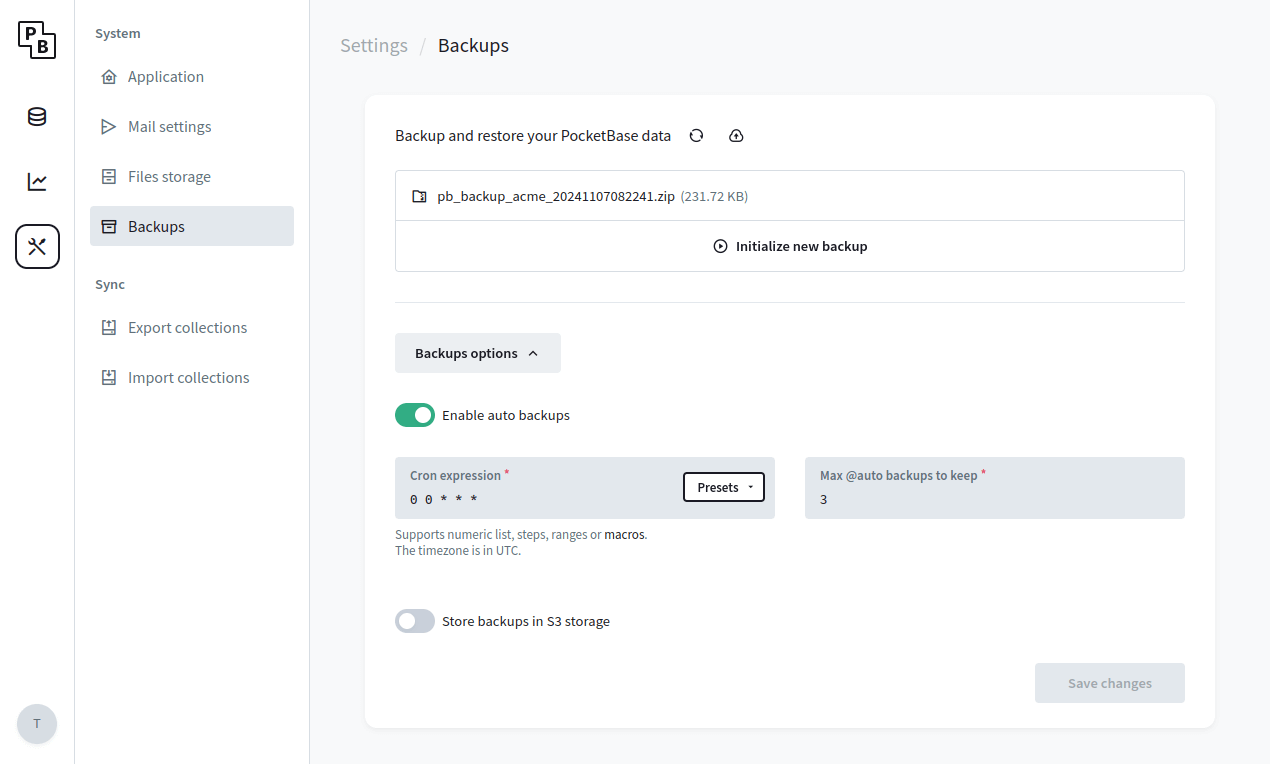 Backups can be stored locally (default) or in a S3 compatible storage ( _it is recommended to use a separate bucket only for the backups_). The generated backup represents a full snapshot as ZIP archive of your `pb_data` directory (including the locally stored uploaded files but excluding any local backups or files uploaded to S3). During the backup's ZIP generation the application will be temporary set in read-only mode. Depending on the size of your `pb_data` this could be a very slow operation and it is advised in case of large `pb_data` (e.g. 2GB+) to consider a different backup strategy _(see an example_ _[backup.sh script](https://github.com/pocketbase/pocketbase/discussions/4254#backups)_ _that combines `sqlite3 .backup` \+ `rsync`)_. ### [Recommendations](https://pocketbase.io/docs/going-to-production/\#recommendations) By default, PocketBase uses the internal Unix `sendmail` command for sending emails. While it's OK for development, it's not very useful for production, because your emails most likely will get marked as spam or even fail to deliver. To avoid deliverability issues, consider using a local SMTP server or an external mail service like [MailerSend](https://www.mailersend.com/), [Brevo](https://www.brevo.com/), [SendGrid](https://sendgrid.com/), [Mailgun](https://www.mailgun.com/), [AWS SES](https://aws.amazon.com/ses/), etc. Once you've decided on a mail service, you could configure the PocketBase SMTP settings from the _Dashboard > Settings > Mail settings_: 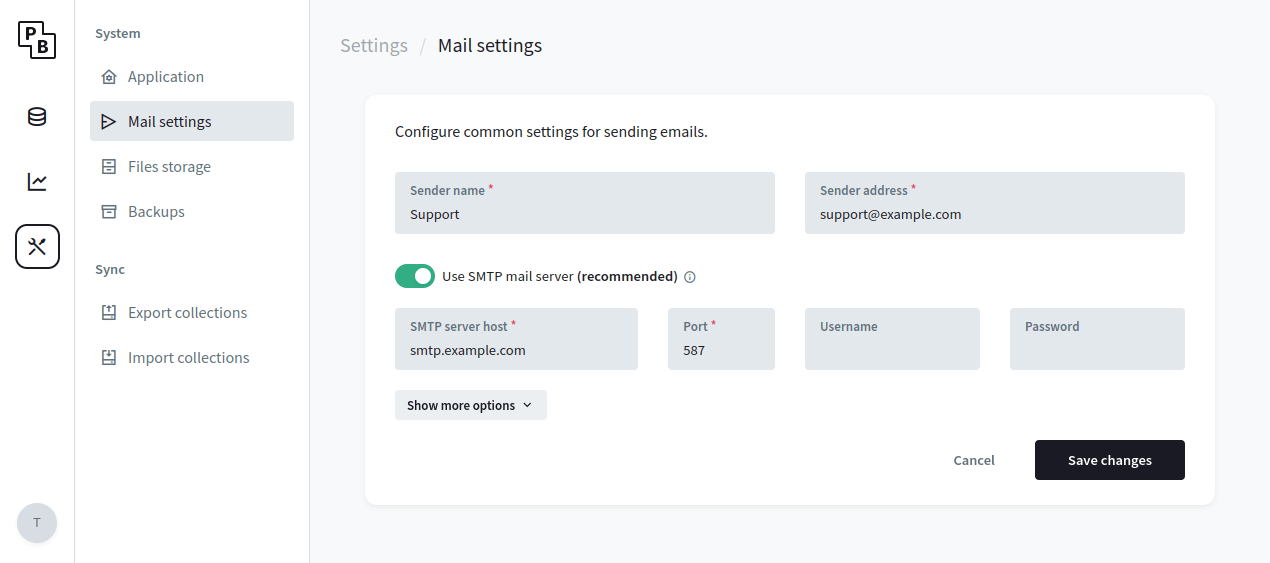 As an additional layer of security you can enable the MFA and OTP options for the `_superusers` collection, which will enforce an additional one-time password (email code) requirement when authenticating as superuser. In case of email deliverability issues, you can also generate an OTP manually using the `./pocketbase superuser otp yoursuperuser@example.com` command. 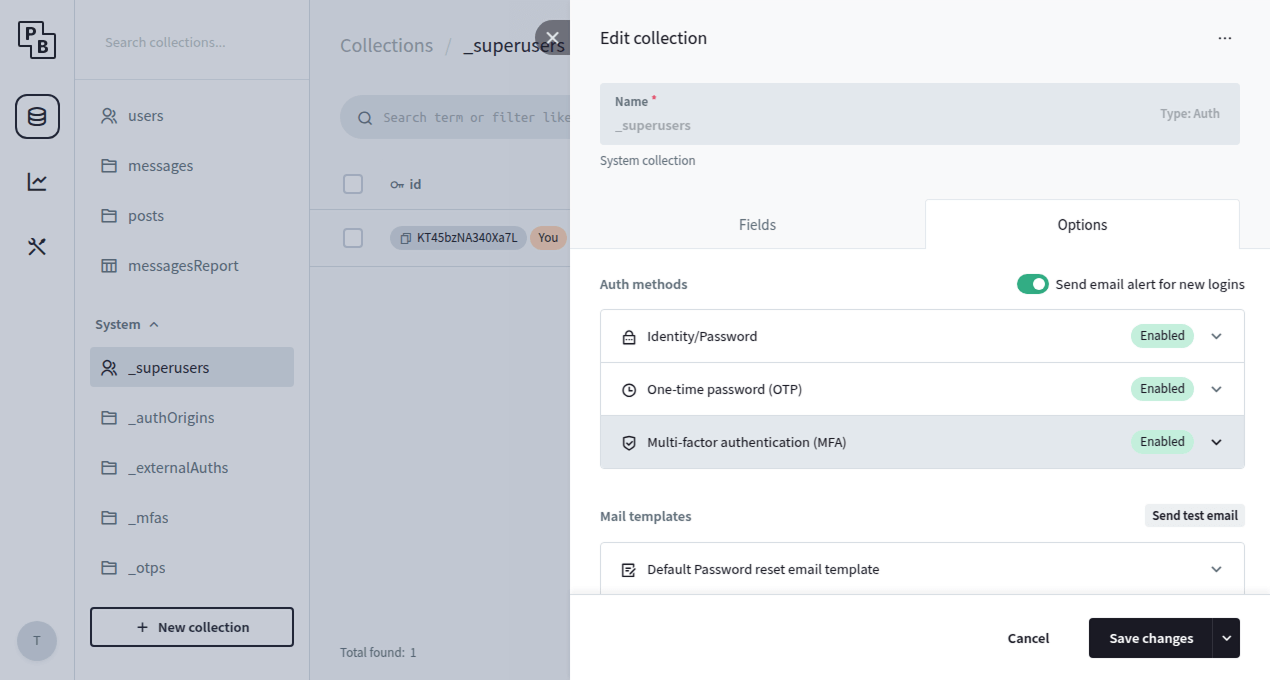 To minimize the risk of API abuse (e.g. excessive auth or record create requests) it is recommended to setup a rate limiter. PocketBase v0.23.0+ comes with a simple builtin rate limiter that should cover most of the cases but you are also free to use any external one via reverse proxy if you need more advanced options. You can configure the builtin rate limiter from the _Dashboard > Settings > Application:_ 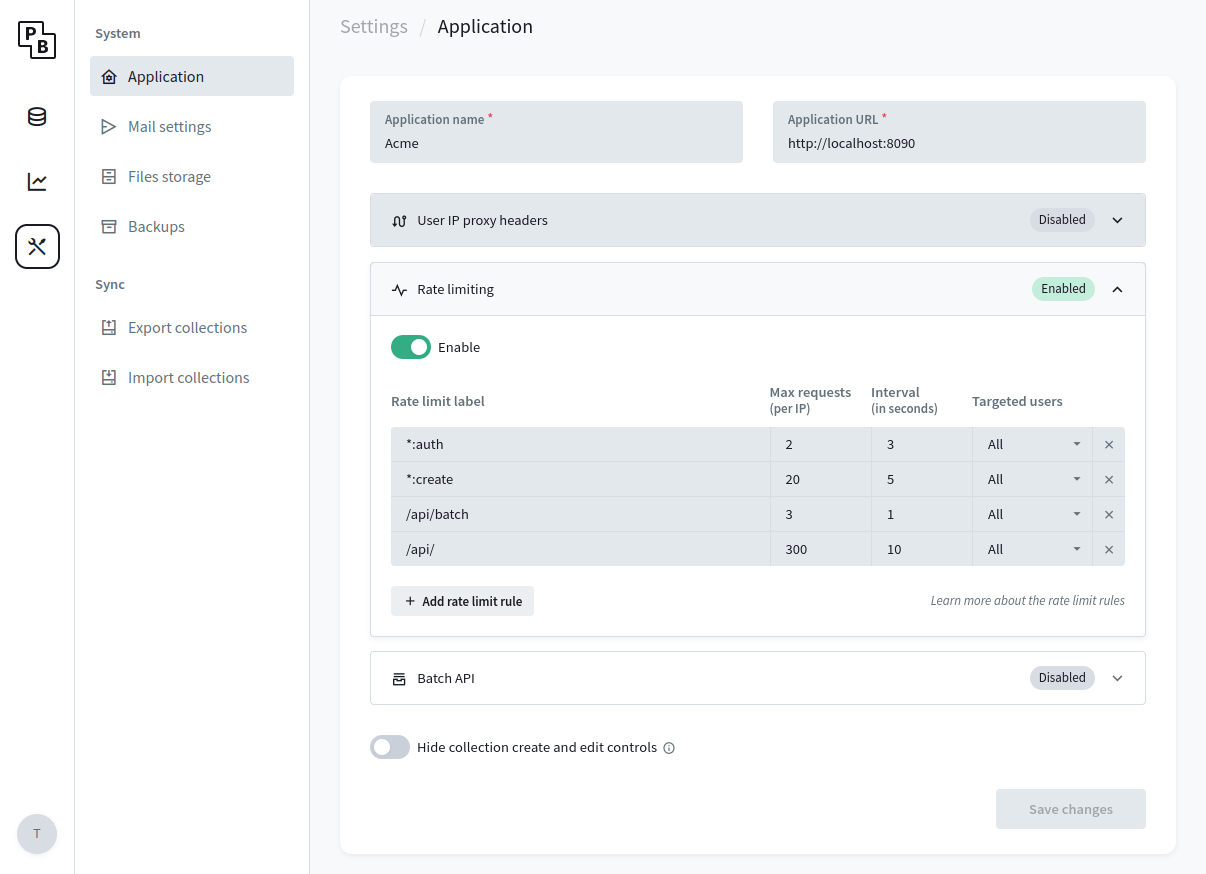 The below instructions are for Linux but other operating systems have similar mechanism. Unix uses _"file descriptors"_ also for network connections and most systems have a default limit of ~ 1024. If your application has a lot of concurrent realtime connections, it is possible that at some point you would get an error such as: `Too many open files`. One way to mitigate this is to check your current account resource limits by running `ulimit -a` and find the parameter you want to change. For example, if you want to increase the open files limit ( _-n_), you could run `ulimit -n 4096` before starting PocketBase. If you are running in a memory constrained environment, defining the [`GOMEMLIMIT`](https://pkg.go.dev/runtime#hdr-Environment_Variables) environment variable could help preventing out-of-memory (OOM) termination of your process. It is a "soft limit" meaning that the memory usage could still exceed it in some situations, but it instructs the GC to be more "aggressive" and run more often if needed. For example: `GOMEMLIMIT=512MiB`. If after `GOMEMLIMIT` you are still experiencing OOM errors, you can try to enable swap partitioning (if not already) or open a [Q&A discussion](https://github.com/pocketbase/pocketbase/discussions) with some steps to reproduce the error in case it is something that we can improve in PocketBase. It is fine to ignore the below if you are not sure whether you need it. By default, PocketBase stores the applications settings in the database as plain JSON text, including the SMTP password and S3 storage credentials. While this is not a security issue on its own (PocketBase applications live entirely on a single server and its expected only authorized users to have access to your server and application data), in some situations it may be a good idea to store the settings encrypted in case someone get their hands on your database file (e.g. from an external stored backup). To store your PocketBase settings encrypted: 1. Create a new environment variable and **set a random 32 characters** string as its value. e.g. add `export PB_ENCRYPTION_KEY="3kh4kb9G2CESdRvCnAJx1z5LcpbAoaAl"` in your shell profile file 2. Start the application with `--encryptionEnv=YOUR_ENV_VAR` flag. e.g. `pocketbase serve --encryptionEnv=PB_ENCRYPTION_KEY` ## Go HTML Templates Rendering templates - [Overview](https://pocketbase.io/docs/go-rendering-templates/#overview) - [Example HTML page with layout](https://pocketbase.io/docs/go-rendering-templates/#example-html-page-with-layout) ### [Overview](https://pocketbase.io/docs/go-rendering-templates/\#overview) A common task when creating custom routes or emails is the need of generating HTML output. There are plenty of Go template-engines available that you can use for this, but often for simple cases the Go standard library `html/template` package should work just fine. To make it slightly easier to load template files concurrently and on the fly, PocketBase also provides a thin wrapper around the standard library in the [`github.com/pocketbase/pocketbase/tools/template`](https://pkg.go.dev/github.com/pocketbase/pocketbase/tools/template) utility package. `import "github.com/pocketbase/pocketbase/tools/template" data := map[string]any{"name": "John"} html, err := template.NewRegistry().LoadFiles( "views/base.html", "views/partial1.html", "views/partial2.html", ).Render(data)` The general flow when working with composed and nested templates is that you create "base" template(s) that defines various placeholders using the `{{template "placeholderName" .}}` or `{{block "placeholderName" .}}default...{{end}}` actions. Then in the partials, you define the content for those placeholders using the `{{define "placeholderName"}}custom...{{end}}` action. The dot object ( `.`) in the above represents the data passed to the templates via the `Render(data)` method. By default the templates apply contextual (HTML, JS, CSS, URI) auto escaping so the generated template content should be injection-safe. To render raw/verbatim trusted content in the templates you can use the builtin `raw` function (e.g. `{{.content|raw}}`). For more information about the template syntax please refer to the [_html/template_](https://pkg.go.dev/html/template#hdr-A_fuller_picture) and [_text/template_](https://pkg.go.dev/text/template) package godocs. **Another great resource is also the Hashicorp's** **[Learn Go Template Syntax](https://developer.hashicorp.com/nomad/tutorials/templates/go-template-syntax)** **tutorial.** ### [Example HTML page with layout](https://pocketbase.io/docs/go-rendering-templates/\#example-html-page-with-layout) Consider the following app directory structure: `myapp/ views/ layout.html hello.html main.go` We define the content for `layout.html` as: `
Hello from {{.name}}
{{end}}` Then to output the final page, we'll register a custom `/hello/:name` route: `// main.go package main import ( "log" "net/http" "github.com/pocketbase/pocketbase" "github.com/pocketbase/pocketbase/core" "github.com/pocketbase/pocketbase/tools/template" ) func main() { app := pocketbase.New() app.OnServe().BindFunc(func(se *core.ServeEvent) error { // this is safe to be used by multiple goroutines // (it acts as store for the parsed templates) registry := template.NewRegistry() se.Router.GET("/hello/{name}", func(e *core.RequestEvent) error { name := e.Request.PathValue("name") html, err := registry.LoadFiles( "views/layout.html", "views/hello.html", ).Render(map[string]any{ "name": name, }) if err != nil { // or redirect to a dedicated 404 HTML page return e.NotFoundError("", err) } return e.HTML(http.StatusOK, html) }) return se.Next() }) if err := app.Start(); err != nil { log.Fatal(err) } }` * * * [Prev: Sending emails](https://pocketbase.io/docs/go-sending-emails) [Next: Console commands](https://pocketbase.io/docs/go-console-commands) ## Working with Relations Working with relations - [Overview](https://pocketbase.io/docs/working-with-relations/#overview) - [Prepend/Append to multiple relation](https://pocketbase.io/docs/working-with-relations/#prependappend-to-multiple-relation) - [Remove from multiple relation](https://pocketbase.io/docs/working-with-relations/#remove-from-multiple-relation) - [Expanding relations](https://pocketbase.io/docs/working-with-relations/#expanding-relations) - [Back-relations](https://pocketbase.io/docs/working-with-relations/#back-relations) - [Back-relation caveats](https://pocketbase.io/docs/working-with-relations/#back-relation-caveats) ### [Overview](https://pocketbase.io/docs/working-with-relations/\#overview) Let's assume that we have the following collections structure:  => { const name = e.request.pathValue("name") const html = $template.loadFiles( `${__hooks}/views/layout.html`, `${__hooks}/views/hello.html`, ).render({ "name": name, }) return e.html(200, html) })`` * * * [Prev: Sending emails](https://pocketbase.io/docs/js-sending-emails) [Next: Console commands](https://pocketbase.io/docs/js-console-commands) ## Sending Emails Sending emails PocketBase provides a simple abstraction for sending emails via the `$app.newMailClient()` helper. Depending on your configured mail settings ( _Dashboard > Settings > Mail settings_) it will use the `sendmail` command or a SMTP client. - [Send custom email](https://pocketbase.io/docs/js-sending-emails/#send-custom-email) - [Overwrite system emails](https://pocketbase.io/docs/js-sending-emails/#overwrite-system-emails) ### [Send custom email](https://pocketbase.io/docs/js-sending-emails/\#send-custom-email) You can send your own custom emails from everywhere within the app (hooks, middlewares, routes, etc.) by using `$app.newMailClient().send(message)`. Here is an example of sending a custom email after user registration: `onRecordCreateRequest((e) => { e.next() const message = new MailerMessage({ from: { address: e.app.settings().meta.senderAddress, name: e.app.settings().meta.senderName, }, to: [{address: e.record.email()}], subject: "YOUR_SUBJECT...", html: "YOUR_HTML_BODY...", // bcc, cc and custom headers are also supported... }) e.app.newMailClient().send(message) }, "users")` ### [Overwrite system emails](https://pocketbase.io/docs/js-sending-emails/\#overwrite-system-emails) If you want to overwrite the default system emails for forgotten password, verification, etc., you can adjust the default templates available from the _Dashboard > Collections > Edit collection > Options_ . Alternatively, you can also apply individual changes by binding to one of the [mailer hooks](https://pocketbase.io/docs/js-event-hooks/#mailer-hooks). Here is an example of appending a Record field value to the subject using the `onMailerRecordPasswordResetSend` hook: `onMailerRecordPasswordResetSend((e) => { // modify the subject e.message.subject += (" " + e.record.get("name")) e.next() })` * * * [Prev: Jobs scheduling](https://pocketbase.io/docs/js-jobs-scheduling) [Next: Rendering templates](https://pocketbase.io/docs/js-rendering-templates) ## Jobs Scheduling Jobs scheduling If you have tasks that need to be performed periodically, you could setup crontab-like jobs with `cronAdd(id, expr, handler)`. Each scheduled job runs in its own goroutine as part of the `serve` command process and must have: - **id** \- identifier for the scheduled job; could be used to replace or remove an existing job - **cron expression** \- e.g. `0 0 * * *` ( _supports numeric list, steps, ranges or_ _macros_) - **handler** \- the function that will be executed every time when the job runs Here is an example: `// prints "Hello!" every 2 minutes cronAdd("hello", "*/2 * * * *", () => { console.log("Hello!") })` To remove a single registered cron job you can call `cronRemove(id)`. All registered app level cron jobs can be also previewed and triggered from the _Dashboard > Settings > Crons_ section. * * * [Prev: Migrations](https://pocketbase.io/docs/js-migrations) [Next: Sending emails](https://pocketbase.io/docs/js-sending-emails) ## Jobs Scheduling Jobs scheduling If you have tasks that need to be performed periodically, you could setup crontab-like jobs with the builtin `app.Cron()` _(it returns an app scoped_ _[`cron.Cron`](https://pkg.go.dev/github.com/pocketbase/pocketbase/tools/cron#Cron) value)_ . The jobs scheduler is started automatically on app `serve`, so all you have to do is register a handler with [`app.Cron().Add(id, cronExpr, handler)`](https://pkg.go.dev/github.com/pocketbase/pocketbase/tools/cron#Cron.Add) or [`app.Cron().MustAdd(id, cronExpr, handler)`](https://pkg.go.dev/github.com/pocketbase/pocketbase/tools/cron#Cron.MustAdd) ( _the latter panic if the cron expression is not valid_). Each scheduled job runs in its own goroutine and must have: - **id** \- identifier for the scheduled job; could be used to replace or remove an existing job - **cron expression** \- e.g. `0 0 * * *` ( _supports numeric list, steps, ranges or_ _macros_) - **handler** \- the function that will be executed everytime when the job runs Here is one minimal example: `// main.go package main import ( "log" "github.com/pocketbase/pocketbase" ) func main() { app := pocketbase.New() // prints "Hello!" every 2 minutes app.Cron().MustAdd("hello", "*/2 * * * *", func() { log.Println("Hello!") }) if err := app.Start(); err != nil { log.Fatal(err) } }` To remove already registered cron job you can call [`app.Cron().Remove(id)`](https://pkg.go.dev/github.com/pocketbase/pocketbase/tools/cron#Cron.Remove) All registered app level cron jobs can be also previewed and triggered from the _Dashboard > Settings > Crons_ section. Keep in mind that the `app.Cron()` is also used for running the system scheduled jobs like the logs cleanup or auto backups (the jobs id is in the format `__pb*__`) and replacing these system jobs or calling `RemoveAll()`/ `Stop()` could have unintended side-effects. If you want more advanced control you can initialize your own cron instance independent from the application via `cron.New()`. * * * [Prev: Migrations](https://pocketbase.io/docs/go-migrations) [Next: Sending emails](https://pocketbase.io/docs/go-sending-emails) ## Sending Emails in PocketBase Sending emails PocketBase provides a simple abstraction for sending emails via the `app.NewMailClient()` factory. Depending on your configured mail settings ( _Dashboard > Settings > Mail settings_) it will use the `sendmail` command or a SMTP client. - [Send custom email](https://pocketbase.io/docs/go-sending-emails/#send-custom-email) - [Overwrite system emails](https://pocketbase.io/docs/go-sending-emails/#overwrite-system-emails) ### [Send custom email](https://pocketbase.io/docs/go-sending-emails/\#send-custom-email) You can send your own custom email from everywhere within the app (hooks, middlewares, routes, etc.) by using `app.NewMailClient().Send(message)`. Here is an example of sending a custom email after user registration: `// main.go package main import ( "log" "net/mail" "github.com/pocketbase/pocketbase" "github.com/pocketbase/pocketbase/core" "github.com/pocketbase/pocketbase/tools/mailer" ) func main() { app := pocketbase.New() app.OnRecordCreateRequest("users").BindFunc(func(e *core.RecordRequestEvent) error { if err := e.Next(); err != nil { return err } message := &mailer.Message{ From: mail.Address{ Address: e.App.Settings().Meta.SenderAddress, Name: e.App.Settings().Meta.SenderName, }, To: []mail.Address{{Address: e.Record.Email()}}, Subject: "YOUR_SUBJECT...", HTML: "YOUR_HTML_BODY...", // bcc, cc, attachments and custom headers are also supported... } return e.App.NewMailClient().Send(message) }) if err := app.Start(); err != nil { log.Fatal(err) } }` ### [Overwrite system emails](https://pocketbase.io/docs/go-sending-emails/\#overwrite-system-emails) If you want to overwrite the default system emails for forgotten password, verification, etc., you can adjust the default templates available from the _Dashboard > Collections > Edit collection > Options_ . Alternatively, you can also apply individual changes by binding to one of the [mailer hooks](https://pocketbase.io/docs/go-event-hooks/#mailer-hooks). Here is an example of appending a Record field value to the subject using the `OnMailerRecordPasswordResetSend` hook: `// main.go package main import ( "log" "github.com/pocketbase/pocketbase" "github.com/pocketbase/pocketbase/core" ) func main() { app := pocketbase.New() app.OnMailerRecordPasswordResetSend("users").BindFunc(func(e *core.MailerRecordEvent) error { // modify the subject e.Message.Subject += (" " + e.Record.GetString("name")) return e.Next() }) if err := app.Start(); err != nil { log.Fatal(err) } }` * * * [Prev: Jobs scheduling](https://pocketbase.io/docs/go-jobs-scheduling) [Next: Rendering templates](https://pocketbase.io/docs/go-rendering-templates) ## Custom Console Commands Console commands You can register custom console commands using `app.RootCmd.AddCommand(cmd)`, where `cmd` is a [cobra](https://pkg.go.dev/github.com/spf13/cobra) command. Here is an example: `package main import ( "log" "github.com/pocketbase/pocketbase" "github.com/spf13/cobra" ) func main() { app := pocketbase.New() app.RootCmd.AddCommand(&cobra.Command{ Use: "hello", Run: func(cmd *cobra.Command, args []string) { log.Println("Hello world!") }, }) if err := app.Start(); err != nil { log.Fatal(err) } }` To run the command you can build your Go application and execute: `# or "go run main.go hello" ./myapp hello` Keep in mind that the console commands execute in their own separate app process and run independently from the main `serve` command (aka. hook events between different processes are not shared with one another). * * * [Prev: Rendering templates](https://pocketbase.io/docs/go-rendering-templates) [Next: Realtime messaging](https://pocketbase.io/docs/go-realtime) ## Custom Console Commands Console commands You can register custom console commands using `app.rootCmd.addCommand(cmd)`, where `cmd` is a [Command](https://pocketbase.io/jsvm/classes/Command.html) instance. Here is an example: `$app.rootCmd.addCommand(new Command({ use: "hello", run: (cmd, args) => { console.log("Hello world!") }, }))` To run the command you can execute: `./pocketbase hello` Keep in mind that the console commands execute in their own separate app process and run independently from the main `serve` command (aka. hook events between different processes are not shared with one another). * * * [Prev: Rendering templates](https://pocketbase.io/docs/js-rendering-templates) [Next: Sending HTTP requests](https://pocketbase.io/docs/js-sending-http-requests) ## API Rules and Filters API rules and filters - [API rules](https://pocketbase.io/docs/api-rules-and-filters/#api-rules) - [Filters syntax](https://pocketbase.io/docs/api-rules-and-filters/#filters-syntax) - [Special identifiers and modifiers](https://pocketbase.io/docs/api-rules-and-filters/#special-identifiers-and-modifiers) - [@ macros](https://pocketbase.io/docs/api-rules-and-filters/#-macros) - [:isset modifier](https://pocketbase.io/docs/api-rules-and-filters/#isset-modifier) - [:length modifier](https://pocketbase.io/docs/api-rules-and-filters/#length-modifier) - [:each modifier](https://pocketbase.io/docs/api-rules-and-filters/#each-modifier) - [:lower modifier](https://pocketbase.io/docs/api-rules-and-filters/#lower-modifier) - [Examples](https://pocketbase.io/docs/api-rules-and-filters/#examples) ### [API rules](https://pocketbase.io/docs/api-rules-and-filters/\#api-rules) **API Rules** are your collection access controls and data filters. Each collection has **5 rules**, corresponding to the specific API action: - `listRule` - `viewRule` - `createRule` - `updateRule` - `deleteRule` Auth collections has an additional `options.manageRule` used to allow one user (it could be even from a different collection) to be able to fully manage the data of another user (ex. changing their email, password, etc.). Each rule could be set to: - **"locked"** \- aka. `null`, which means that the action could be performed only by an authorized superuser ( **this is the default**) - **Empty string** \- anyone will be able to perform the action (superusers, authorized users and guests) - **Non-empty string** \- only users (authorized or not) that satisfy the rule filter expression will be able to perform this action **PocketBase API Rules act also as records filter!** Or in other words, you could for example allow listing only the "active" records of your collection, by using a simple filter expression such as: `status = "active"` (where "status" is a field defined in your Collection). Because of the above, the API will return 200 empty items response in case a request doesn't satisfy a `listRule`, 400 for unsatisfied `createRule` and 404 for unsatisfied `viewRule`, `updateRule` and `deleteRule`. All rules will return 403 in case they were "locked" (aka. superuser only) and the request client is not a superuser. The API Rules are ignored when the action is performed by an authorized superuser ( **superusers can access everything**)! ### [Filters syntax](https://pocketbase.io/docs/api-rules-and-filters/\#filters-syntax) You can find information about the available fields in your collection API rules tab: 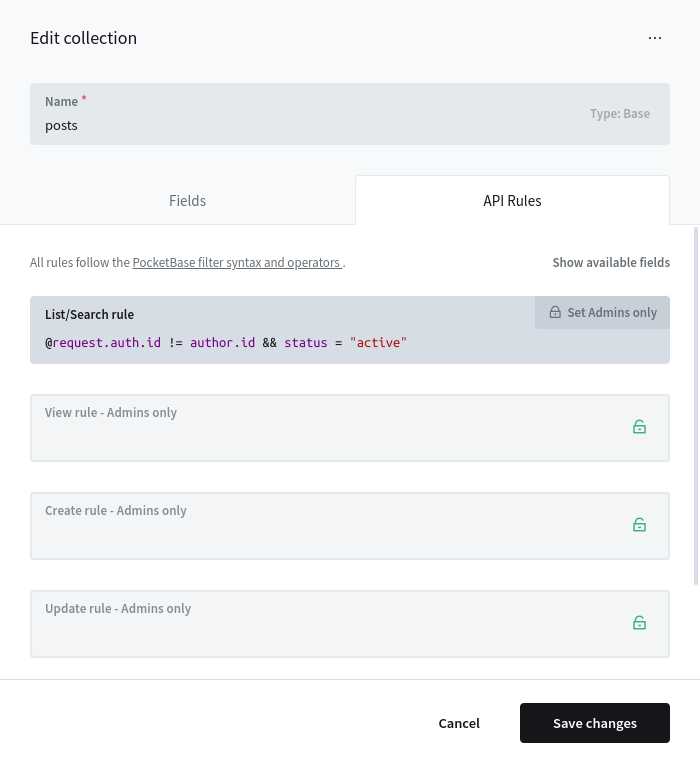 There is autocomplete to help you guide you while typing the rule filter expression, but in general you have access to **3 groups of fields**: - **Your Collection schema fields** This includes all nested relation fields too, ex. `someRelField.status != "pending"` - `@request.*` Used to access the current request data, such as query parameters, body/form fields, authorized user state, etc. - `@request.context` \- the context where the rule is used (ex. `@request.context != "oauth2"`) The currently supported context values are `default`, `oauth2`, `otp`, `password`, `realtime`, `protectedFile`. - `@request.method` \- the HTTP request method (ex. `@request.method = "GET"`) - `@request.headers.*` \- the request headers as string values (ex. `@request.headers.x_token = "test"`) Note: All header keys are normalized to lowercase and "-" is replaced with "\_" (for example "X-Token" is "x\_token"). - `@request.query.*` \- the request query parameters as string values (ex. `@request.query.page = "1"`) - `@request.auth.*` \- the current authenticated model (ex. `@request.auth.id != ""`) - `@request.body.*` \- the submitted body parameters (ex. `@request.body.title != ""`) Note: Uploaded files are not part of the `@request.body` because they are evaluated separately ( _this behavior may change in the future_). - `@collection.*` This filter could be used to target other collections that are not directly related to the current one (aka. there is no relation field pointing to it) but both shares a common field value, like for example a category id: `@collection.news.categoryId ?= categoryId && @collection.news.author ?= @request.auth.id` In case you want to join the same collection multiple times but based on different criteria, you can define an alias by appending `:alias` suffix to the collection name. `// see https://github.com/pocketbase/pocketbase/discussions/3805#discussioncomment-7634791 @request.auth.id != "" && @collection.courseRegistrations.user ?= id && @collection.courseRegistrations:auth.user ?= @request.auth.id && @collection.courseRegistrations.courseGroup ?= @collection.courseRegistrations:auth.courseGroup` The syntax basically follows the format `OPERAND OPERATOR OPERAND`, where: - `OPERAND` \- could be any field literal, string (single or double quoted), number, null, true, false - `OPERATOR` \- is one of: - `=` Equal - `!=` NOT equal - `>` Greater than - `>=` Greater than or equal - `<` Less than - `<=` Less than or equal - `~` Like/Contains (if not specified auto wraps the right string OPERAND in a "%" for wildcard match) - `!~` NOT Like/Contains (if not specified auto wraps the right string OPERAND in a "%" for wildcard match) - `?=` _Any/At least one of_ Equal - `?!=` _Any/At least one of_ NOT equal - `?>` _Any/At least one of_ Greater than - `?>=` _Any/At least one of_ Greater than or equal - `?<` _Any/At least one of_ Less than - `?<=` _Any/At least one of_ Less than or equal - `?~` _Any/At least one of_ Like/Contains (if not specified auto wraps the right string OPERAND in a "%" for wildcard match) - `?!~` _Any/At least one of_ NOT Like/Contains (if not specified auto wraps the right string OPERAND in a "%" for wildcard match) To group and combine several expressions you can use parenthesis `(...)`, `&&` (AND) and `||` (OR) tokens. Single line comments are also supported: `// Example comment`. ### [Special identifiers and modifiers](https://pocketbase.io/docs/api-rules-and-filters/\#special-identifiers-and-modifiers) ##### [@ macros](https://pocketbase.io/docs/api-rules-and-filters/\#-macros) The following datetime macros are available and can be used as part of the filter expression: `// all macros are UTC based @now - the current datetime as string @second - @now second number (0-59) @minute - @now minute number (0-59) @hour - @now hour number (0-23) @weekday - @now weekday number (0-6) @day - @now day number @month - @now month number @year - @now year number @yesterday - the yesterday datetime relative to @now as string @tomorrow - the tomorrow datetime relative to @now as string @todayStart - beginning of the current day as datetime string @todayEnd - end of the current day as datetime string @monthStart - beginning of the current month as datetime string @monthEnd - end of the current month as datetime string @yearStart - beginning of the current year as datetime string @yearEnd - end of the current year as datetime string` For example: `@request.body.publicDate >= @now` ##### [:isset modifier](https://pocketbase.io/docs/api-rules-and-filters/\#isset-modifier) The `:isset` field modifier is available only for the `@request.*` fields and can be used to check whether the client submitted a specific data with the request. Here is for example a rule that disallows changing a "role" field: `@request.body.role:isset = false` Note that `@request.body.*:isset` at the moment doesn't support checking for new uploaded files because they are evaluated separately and cannot be serialized ( _this behavior may change in the future_). ##### [:length modifier](https://pocketbase.io/docs/api-rules-and-filters/\#length-modifier) The `:length` field modifier could be used to check the number of items in an array field (multiple `file`, `select`, `relation`). Could be used with both the collection schema fields and the `@request.body.*` fields. For example: `// check example submitted data: {"someSelectField": ["val1", "val2"]} @request.body.someSelectField:length > 1 // check existing record field length someRelationField:length = 2` Note that `@request.body.*:length` at the moment doesn't support checking for new uploaded files because they are evaluated separately and cannot be serialized ( _this behavior may change in the future_). ##### [:each modifier](https://pocketbase.io/docs/api-rules-and-filters/\#each-modifier) The `:each` field modifier works only with multiple `select`, `file` and `relation` type fields. It could be used to apply a condition on each item from the field array. For example: `// check if all submitted select options contain the "create" text @request.body.someSelectField:each ~ "create" // check if all existing someSelectField has "pb_" prefix someSelectField:each ~ "pb_%"` Note that `@request.body.*:each` at the moment doesn't support checking for new uploaded files because they are evaluated separately and cannot be serialized ( _this behavior may change in the future_). ##### [:lower modifier](https://pocketbase.io/docs/api-rules-and-filters/\#lower-modifier) The `:lower` field modifier could be used to perform lower-case string comparisons. For example: `// check if the submitted lower-cased body "title" field is equal to "test" ("Test", "tEsT", etc.) @request.body.title:lower = "test" // match existing records with lower-cased "title" equal to "test" ("Test", "tEsT", etc.) title:lower ~ "test"` Under the hood it uses the [SQLite `LOWER` scalar function](https://www.sqlite.org/lang_corefunc.html#lower) and by default works only for ASCII characters, unless the ICU extension is loaded. ### [Examples](https://pocketbase.io/docs/api-rules-and-filters/\#examples) - Allow only registered users: `@request.auth.id != ""` - Allow only registered users and return records that are either "active" or "pending": `@request.auth.id != "" && (status = "active" || status = "pending")` - Allow only registered users who are listed in an _allowed\_users_ multi-relation field value: `@request.auth.id != "" && allowed_users.id ?= @request.auth.id` - Allow access by anyone and return only the records where the _title_ field value starts with "Lorem" (ex. "Lorem ipsum"): `title ~ "Lorem%"` * * * [Prev: Collections](https://pocketbase.io/docs/collections) [Next: Authentication](https://pocketbase.io/docs/authentication) ## Sending HTTP Requests Sending HTTP requests - [Overview](https://pocketbase.io/docs/js-sending-http-requests/#overview) - [multipart/form-data requests](https://pocketbase.io/docs/js-sending-http-requests/#multipartform-data-requests) - [Limitations](https://pocketbase.io/docs/js-sending-http-requests/#limitations) ### [Overview](https://pocketbase.io/docs/js-sending-http-requests/\#overview) You can use the global `$http.send(config)` helper to send HTTP requests to external services. This could be used for example to retrieve data from external data sources, to make custom requests to a payment provider API, etc. Below is a list with all currently supported config options and their defaults. `// throws on timeout or network connectivity error const res = $http.send({ url: "", method: "GET", body: "", // ex. JSON.stringify({"test": 123}) or new FormData() headers: {}, // ex. {"content-type": "application/json"} timeout: 120, // in seconds }) console.log(res.headers) // the response headers (ex. res.headers['X-Custom'][0]) console.log(res.cookies) // the response cookies (ex. res.cookies.sessionId.value) console.log(res.statusCode) // the response HTTP status code console.log(res.raw) // the response body as plain text console.log(res.json) // the response body as parsed json array or map` Here is an example that will enrich a single book record with some data based on its ISBN details from openlibrary.org. `onRecordCreateRequest((e) => { let isbn = e.record.get("isbn"); // try to update with the published date from the openlibrary API try { const res = $http.send({ url: "https://openlibrary.org/isbn/" + isbn + ".json", headers: {"content-type": "application/json"} }) if (res.statusCode == 200) { e.record.set("published", res.json.publish_date) } } catch (err) { e.app.logger().error("Failed to retrieve book data", "error", err); } return e.next() }, "books")` ##### [multipart/form-data requests](https://pocketbase.io/docs/js-sending-http-requests/\#multipartform-data-requests) In order to send `multipart/form-data` requests (ex. uploading files) the request `body` must be a `FormData` instance. PocketBase JSVM's `FormData` has the same APIs as its [browser equivalent](https://developer.mozilla.org/en-US/docs/Web/API/FormData) with the main difference that for file values instead of `Blob` it accepts [`$filesystem.File`](https://pocketbase.io/jsvm/modules/_filesystem.html). `const formData = new FormData(); formData.append("title", "Hello world!") formData.append("documents", $filesystem.fileFromBytes("doc1", "doc1.txt")) formData.append("documents", $filesystem.fileFromBytes("doc2", "doc2.txt")) const res = $http.send({ url: "https://...", method: "POST", body: formData, }) console.log(res.statusCode)` ### [Limitations](https://pocketbase.io/docs/js-sending-http-requests/\#limitations) As of now there is no support for streamed responses or server-sent events (SSE). The `$http.send` call blocks and returns the entire response body at once. For this and other more advanced use cases you'll have to [extend PocketBase with Go](https://pocketbase.io/docs/go-overview/). * * * [Prev: Console commands](https://pocketbase.io/docs/js-console-commands) [Next: Realtime messaging](https://pocketbase.io/docs/js-realtime) ## PocketBase Realtime Messaging Realtime messaging By default PocketBase sends realtime events only for Record create/update/delete operations ( _and for the OAuth2 auth redirect_), but you are free to send custom realtime messages to the connected clients via the [`$app.subscriptionsBroker()`](https://pocketbase.io/jsvm/functions/_app.subscriptionsBroker.html) instance. [`$app.subscriptionsBroker().clients()`](https://pocketbase.io/jsvm/interfaces/subscriptions.Broker.html#clients) returns all connected [`subscriptions.Client`](https://pocketbase.io/jsvm/interfaces/subscriptions.Client.html) indexed by their unique connection id. The current auth record associated with a client could be accessed through `client.get("auth")` Note that a single authenticated user could have more than one active realtime connection (aka. multiple clients). This could happen for example when opening the same app in different tabs, browsers, devices, etc. Below you can find a minimal code sample that sends a JSON payload to all clients subscribed to the "example" topic: `const message = new SubscriptionMessage({ name: "example", data: JSON.stringify({ ... }), }); // retrieve all clients (clients id indexed map) const clients = $app.subscriptionsBroker().clients() for (let clientId in clients) { if (clients[clientId].hasSubscription("example")) { clients[clientId].send(message) } }` From the client-side, users can listen to the custom subscription topic by doing something like: JavaScript Dart `import PocketBase from 'pocketbase'; const pb = new PocketBase('http://127.0.0.1:8090'); ... await pb.realtime.subscribe('example', (e) => { console.log(e) })` `import 'package:pocketbase/pocketbase.dart'; final pb = PocketBase('http://127.0.0.1:8090'); ... await pb.realtime.subscribe('example', (e) { print(e) })` * * * [Prev: Sending HTTP requests](https://pocketbase.io/docs/js-sending-http-requests) [Next: Filesystem](https://pocketbase.io/docs/js-filesystem) ## Using PocketBase APIs How to use PocketBase The easiest way to use PocketBase is by interacting with its Web APIs directly from the client-side (e.g. mobile app or browser SPA). It was designed with this exact use case in mind and it is also the reason why there are general purpose JSON APIs for listing, pagination, sorting, filtering, etc. The access and filter controls for your data is usually done through the [collection API rules](https://pocketbase.io/docs/api-rules-and-filters/) . For the cases when you need more specialized handling (sending emails, intercepting the default actions, creating new routes, etc.) you can [extend PocketBase with Go or JavaScript](https://pocketbase.io/docs/use-as-framework/) . For interacting with the [Web APIs](https://pocketbase.io/docs/api-records/) you can make use of the official SDK clients: - [JavaScript SDK](https://github.com/pocketbase/js-sdk)(Browser, Node.js, React Native) - [Dart SDK](https://github.com/pocketbase/dart-sdk)(Web, Mobile, Desktop, CLI) When used on the client-side, it is safe to have a single/global SDK instance for the entire lifecycle of your application. **[Web apps recommendation](https://pocketbase.io/docs/how-to-use/#web-apps-recommendation)** Not everyone will agree with this, but if you are building a web app with PocketBase I recommend developing the frontend as a **traditional client-side SPA** and for the cases where additional server-side handling is needed (e.g. for payment webhooks, extra data server validations, etc.) you could try to: - [Use PocketBase as Go/JS framework](https://pocketbase.io/docs/use-as-framework) to create new routes or intercept existing. - Create one-off Node.js/Bun/Deno/etc. server-side actions that will interact with PocketBase only as superuser and as pure data store (similar to traditional database interactions but over HTTP). In this case it is safe to have a global superuser client such as: `// src/superuser.js import PocketBase from "pocketbase" const superuserClient = new PocketBase('https://example.com'); // disable autocancellation so that we can handle async requests from multiple users superuserClient.autoCancellation(false); // option 1: authenticate as superuser using email/password (could be filled with ENV params) await superuserClient.collection('_superusers').authWithPassword(SUPERUSER_EMAIL, SUPERUSER_PASS, { // This will trigger auto refresh or auto reauthentication in case // the token has expired or is going to expire in the next 30 minutes. autoRefreshThreshold: 30 * 60 }) // option 2: OR authenticate as superuser via long-lived "API key" // (see https://pocketbase.io/docs/authentication/#api-keys) superuserClient.authStore.save('YOUR_GENERATED_SUPERUSER_TOKEN') export default superuserClient;` Then you can import directly the file in your server-side actions and use the client as usual: `import superuserClient from './src/superuser.js' async function serverAction(req, resp) { ... do some extra data validations or handling ... // send a create request as superuser await superuserClient.collection('example').create({ ... }) }` **[Why not JS SSR](https://pocketbase.io/docs/how-to-use/#why-not-js-ssr)** Using PocketBase with meta framework such as SvelteKit, Nuxt, Next.js, etc. **in a JS SSR mode** is possible but it comes with many complications and you need to carefully evaluate whether the cost of having another backend (PocketBase) along-side your existing one (the Node.js server) is worth it. You can read more about the potential problems in [JS SSR - issues and recommendations #5313](https://github.com/pocketbase/pocketbase/discussions/5313) but some of the common pitfalls are: - Security issues caused by incorrectly initialized and shared JS SDK instance in a long-running server-side context. - OAuth2 integration difficulties related to the server-side only OAuth2 flow (or its mixed "all-in-one" client-side handling and sharing a cookie with the server-side). - Proxying realtime connections and essentially duplicating the same thing PocketBase already does. - Performance bottlenecks caused by the default single-threaded Node.js process and the excessive resources utilization due to the server-side rendering and heavy back-and-forth requests communication between the different layers (client<->Node.js<->PocketBase). This doesn't mean that using PocketBase with JS SSR is always a "bad thing" but based on the dozens reported issues so far I would recommend it only after careful evaluation and only to more experienced developers that have in-depth understanding of the used tools and their trade-offs. If you still want to use PocketBase to handle regular users authentication with a JS SSR meta framework, then you can find some JS SDK examples in the repo's [JS SSR integration section](https://github.com/pocketbase/js-sdk#ssr-integration). **[Why not htmx, Hotwire/Turbo, Unpoly, etc.](https://pocketbase.io/docs/how-to-use/#why-not-htmx-hotwireturbo-unpoly-etc-)** htmx, Hotwire/Turbo, Unpoly and other similar tools are commonly used for building server rendered applications but unfortunately they don't play well with the JSON APIs and fully stateless nature of PocketBase. It is possible to use them with PocketBase but at the moment I don't recommend it because we lack the necessary helpers and utilities for building SSR-first applications, which means that you might have to create from scratch a lot of things on your own such as middlewares for handling cookies ( _and eventually taking care also for CORS and CSRF_) or custom authentication endpoints and access controls ( _the collection API rules apply only for the builtin JSON routes_). In the future we could eventually provide official SSR support in terms of guides and middlewares for this use case but again - PocketBase wasn't designed with this in mind and you may want to reevaluate the tech stack of your application and switch to a traditional client-side SPA as mentioned earlier or use a different backend solution that might fit better with your use case. **[Mobile apps auth persistence](https://pocketbase.io/docs/how-to-use/#mobile-apps-auth-persistence)** When building mobile apps with the JavaScript SDK or Dart SDK you'll have to specify a custom persistence store if you want to preserve the authentication between the various app activities and open/close state. The SDKs comes with a helper async storage implementation that allows you to hook any custom persistent layer (local file, SharedPreferences, key-value based database, etc.). Here is a minimal PocketBase SDKs initialization for React Native (JavaScript) and Flutter (Dart): JavaScript Dart `// Node.js and React Native doesn't have native EventSource implementation // so in order to use the realtime subscriptions you'll need to load EventSource polyfill, // for example: npm install react-native-sse --save import eventsource from 'react-native-sse'; import AsyncStorage from '@react-native-async-storage/async-storage'; import PocketBase, { AsyncAuthStore } from 'pocketbase'; // load the polyfill global.EventSource = eventsource; // initialize the async store const store = new AsyncAuthStore({ save: async (serialized) => AsyncStorage.setItem('pb_auth', serialized), initial: AsyncStorage.getItem('pb_auth'), }); // initialize the PocketBase client // (it is OK to have a single/global instance for the duration of your application) const pb = new PocketBase('http://127.0.0.1:8090', store); ... await pb.collection('users').authWithPassword('test@example.com', '1234567890'); console.log(pb.authStore.record)` `import 'package:pocketbase/pocketbase.dart'; import 'package:shared_preferences/shared_preferences.dart'; // for simplicity we are using a simple SharedPreferences instance // but you can also replace it with its safer EncryptedSharedPreferences alternative final prefs = await SharedPreferences.getInstance(); // initialize the async store final store = AsyncAuthStore( save: (String data) async => prefs.setString('pb_auth', data), initial: prefs.getString('pb_auth'), ); // initialize the PocketBase client // (it is OK to have a single/global instance for the duration of your application) final pb = PocketBase('http://127.0.0.1:8090', authStore: store); ... await pb.collection('users').authWithPassword('test@example.com', '1234567890'); print(pb.authStore.record);` **[React Native file upload on Android and iOS](https://pocketbase.io/docs/how-to-use/#react-native-file-upload-on-android-and-ios)** At the time of writing, React Native on Android and iOS seems to have a non-standard `FormData` implementation and for uploading files on these platforms it requires the following special object syntax: `{ uri: "...", type: "...", name: "..." }` Or in other words, you may have to apply a conditional handling similar to: `const data = new FormData(); // result is the resolved promise of ImagePicker.launchImageLibraryAsync let imageUri = result.assets[0].uri; if (Platform.OS === 'web') { const req = await fetch(imageUri); const blob = await req.blob(); data.append('avatar', blob); // regular File/Blob value } else { // the below object format works only on Android and iOS // (FormData.set() also doesn't seem to be supported so we use FormData.append()) data.append('avatar', { uri: imageUri, type: 'image/*', name: imageUri.split('/').pop(), }); } ... await pb.collection('example').create(data)` The next couple pages have a little bit more information about the basic PocketBase components like collections, records, authentication, relations, files handling, etc. * * * [Prev: Introduction](https://pocketbase.io/docs) [Next: Collections](https://pocketbase.io/docs/collections)