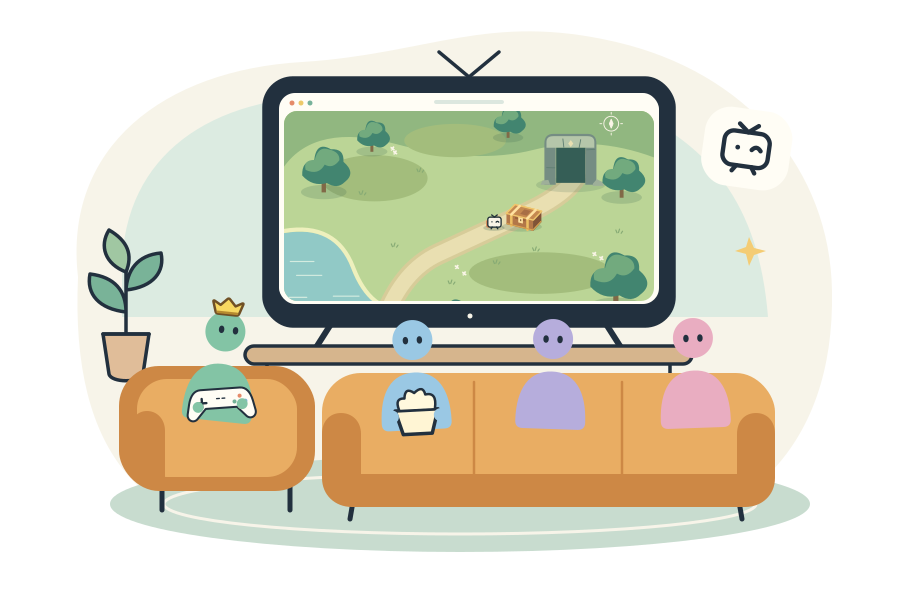
Piik is a free, open-source screen sharing tool for private live streams with
friends: games, movie nights, drawings and photos. Choose what to share and send
an invitation. Your friends watch in their browsers. You can also self-host Piik
on your own server.
A little room · Show / hide animation
[Features](#features) · [Get started](#get-started) · [Self-hosting](#self-hosting) · [Contributing](#contributing)
## Features
- **Watch without installing.** Friends join by invitation in a desktop or mobile browser.
- **Share from Piik App or an existing Piik site.** Choose a screen, window, browser tab or camera; available sources and audio depend on the platform.
- **Direct connections first.** Media travels between participants where possible (P2P). A self-hosted server can provide automatic media forwarding (SFU) as a fallback.
- **Rooms you control.** Invitations, room codes and optional room passwords, for one host and up to 20 viewers.
- **Talk and chat together.** Join room voice, send messages and reactions, or enable on-screen chat.
- **Hand control to friends.** Share an App window or screen and approve remote control. Allow friends to play together with shared keyboard/mouse or supported gamepads; take control back at any time. [Setup guide](./docs/guide/remote-control.md).
- **Flexible viewing.** Light and dark themes, playback controls, picture-in-picture and a connection topology view.
- **One program to host a site.** Web UI, room management and optional media forwarding are packaged together.
Interface preview · Sample room with a generated game scene
## Get started
**To watch:** open the invitation your friend sends you. Select **Play** if the
picture does not start automatically.
**To share:** download **Piik App** to get started. To share without installing,
you can also create a room in the online version.
| Start here | What you need to do |
| --- | --- |
| [Use Piik online](https://demo.piik.tv) | Share from a desktop browser, or choose Camera on a phone with browser camera support. |
| [Download Piik App](https://piik.tv/#download) | Extract the desktop package or install the mobile app, open Piik, choose **Public invite**, then **Open Piik**. |
1. Select **Start sharing**, then choose the picture and audio to share.
2. Select **Copy invite link** and send it to your friends. Keep the sharing tab open.
Open **Interact → Voice** to talk together, with or without picture sharing.
The Host opens voice; everyone joins to listen and chooses when to turn on their microphone.
Piik follows your system language: Chinese or English, with English as the fallback.
Use **中 / EN / ✦** in the header to switch language or try the visual mode.
The App can create a local room or temporary public invitation, and stays
available to supply capture for an approved site. Keep it running while sharing.
[**Illustrated getting started →**](./docs/guide/getting-started.md) · [**Troubleshooting →**](./docs/guide/troubleshooting.md)
Choose a download beginning with **`piik-app`**. The guide covers installation,
source selection and invitations.
Browser capture requires HTTPS or `localhost`.
The App's temporary public link and the online version use P2P and need a usable
UDP connection between participants. For campus
networks, failed media connections or virtual LANs, see [network checks and connection options](./docs/guide/network.md).
## Self-hosting
Deploy Piik Server to run a site for your group.
Piik Server runs on Windows x64 and Linux x64/ARM64, with the web interface built in.
Download the Server package for Linux x64 (`piik--runtime.tar.gz`)
or ARM64 (`piik--linux-arm64-runtime.tar.gz`),
extract it, and run:
```sh
./piik-server
```
Windows x64 uses `piik--windows-amd64-runtime.zip`; extract it and run
`./piik-server.exe` in PowerShell. The same configuration applies.
Open `http://localhost:8787` to try it locally. For a public site, configure your
domain, HTTPS reverse proxy and STUN address. Room data is stored in SQLite.
For containers, use the [Docker Compose setup](./docs/operations/self-hosting.md#docker-compose).
[**Deploy your own site →**](./docs/operations/self-hosting.md) · [Configuration](./docs/standards/configuration.md) · [Run from source](./docs/README.md#run-from-source)
## Contributing
Bug reports, translations, documentation improvements and pull requests are welcome.
See [ways to contribute](./CONTRIBUTING.md#ways-to-help) or
[help translate Piik](./docs/guide/translating.md). Use the
[repository layout](./docs/standards/engineering.md#repository-layout) to find your way around.
## License
Piik-owned code is [MIT licensed](./LICENSE). Dependencies retain their own
[licenses and notices](./licenses/README.md).
## Project activity