 |
### Home
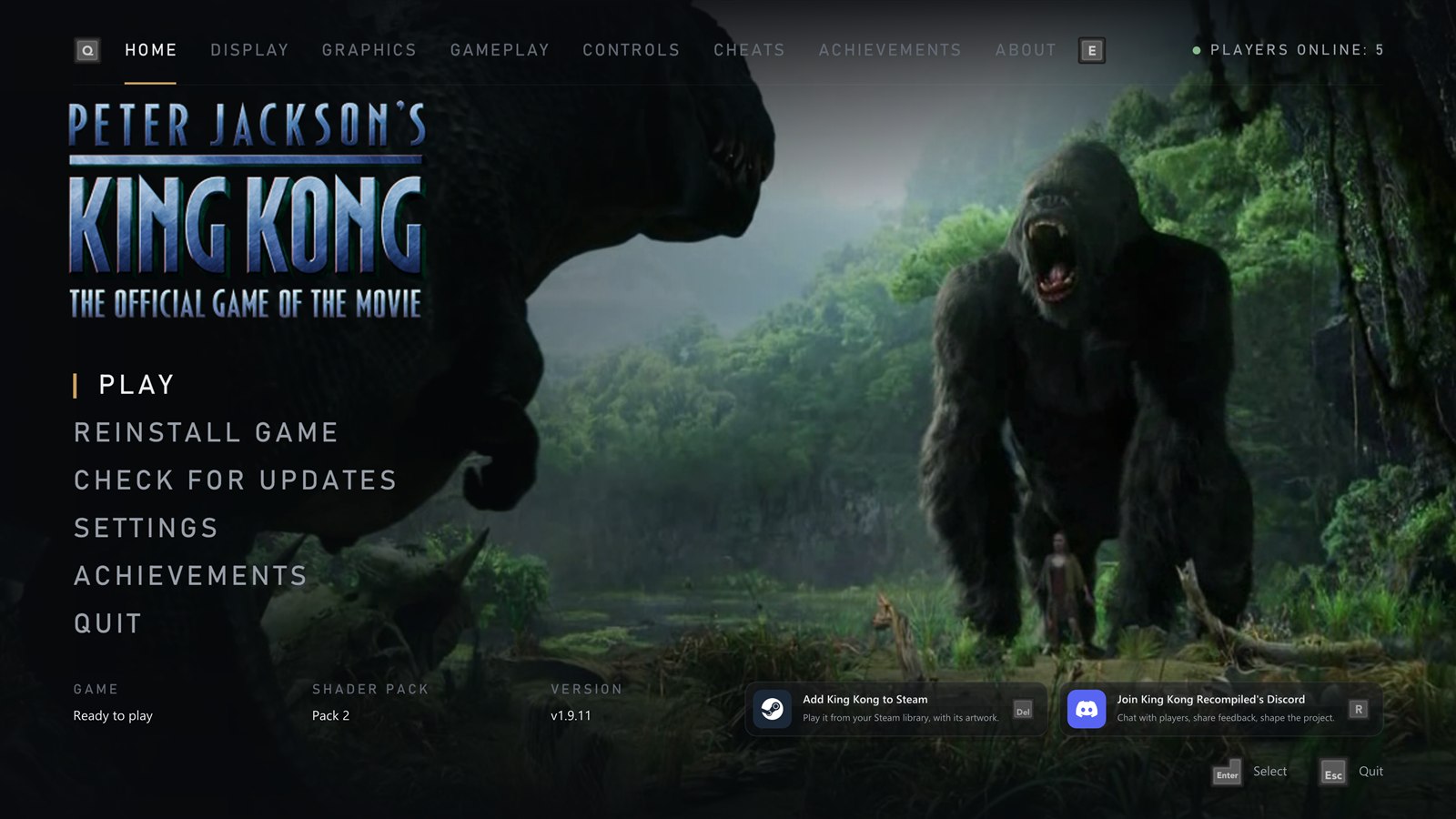
- **Play**, with the game's logo over a slow slideshow of stills from the movie
- **Reinstall** the game from your disc image, with a progress bar
- **Check for updates**: a new version downloads on its own screen with a progress bar, then the launcher restarts
- **Add to Steam** and **Discord** panels along the bottom, each with its own button (**X** and **Y**)
- **Players online** at the top right
- How the game, the **shader pack** and the port's version stand, at a glance
- Turn the launcher off and **hold Shift** at start to bring it back
|
|
### First start
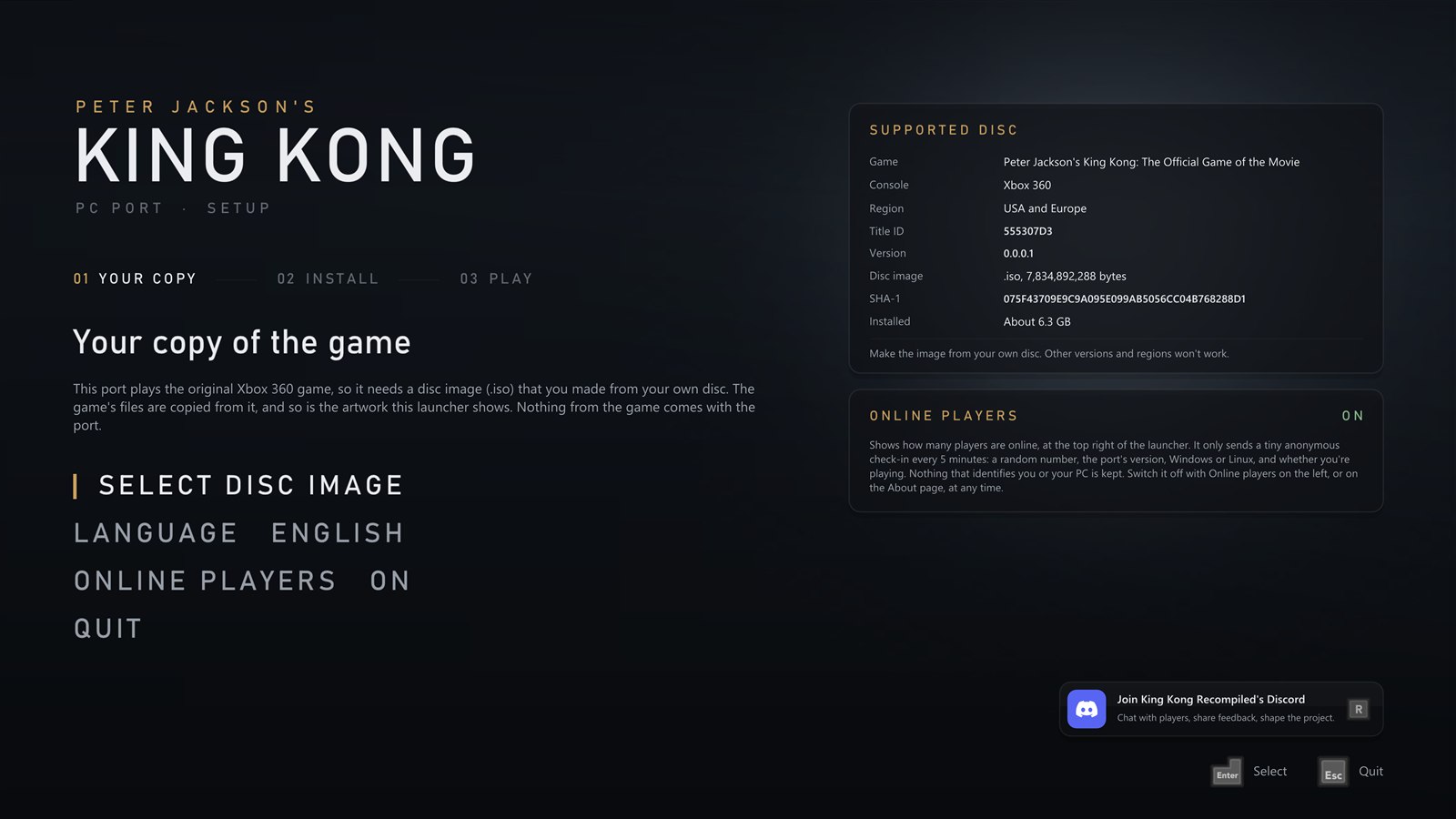
- The launcher asks for **your copy of the game** first, with a card showing exactly which disc works: pick your disc image and it checks it really is King Kong, then installs it
- It takes its **artwork** from your copy, then opens on Home
- Choose your **language**, and whether to show **online players**, before you start
|
 |
 |
### Add to Steam
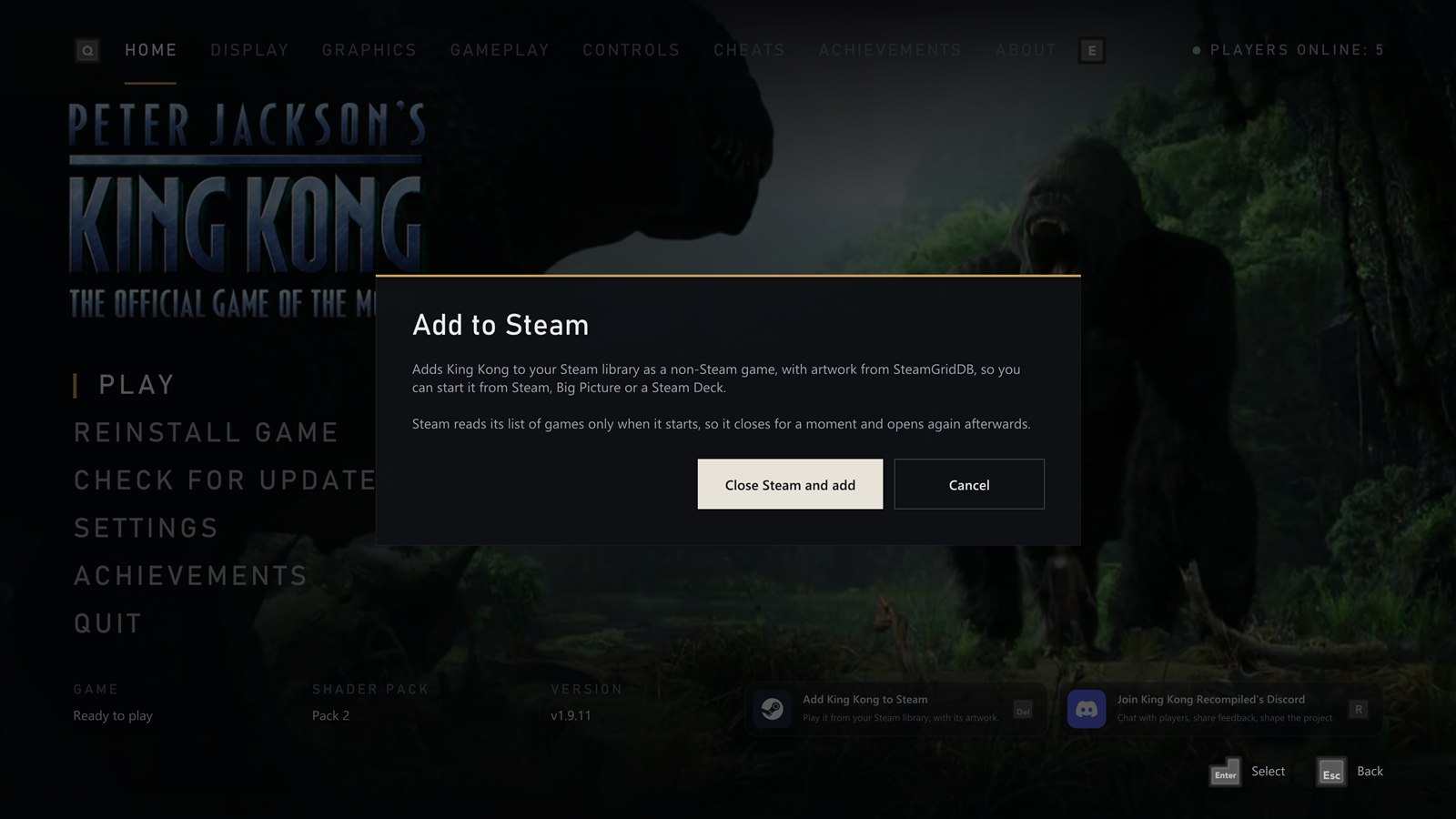
- Adds the port to your **Steam library** as a non-Steam game, so you can start it from Steam, Big Picture or a **Steam Deck**
- With its **artwork** from [SteamGridDB](https://www.steamgriddb.com/game/5249080): cover, banner, header, logo and icon
- **Steam Input** is switched off for it, so your controller keeps working
- Steam closes for a moment while it's added and opens again afterwards
- Once it's in your library, the panel opens Steam instead
|
|
### Display
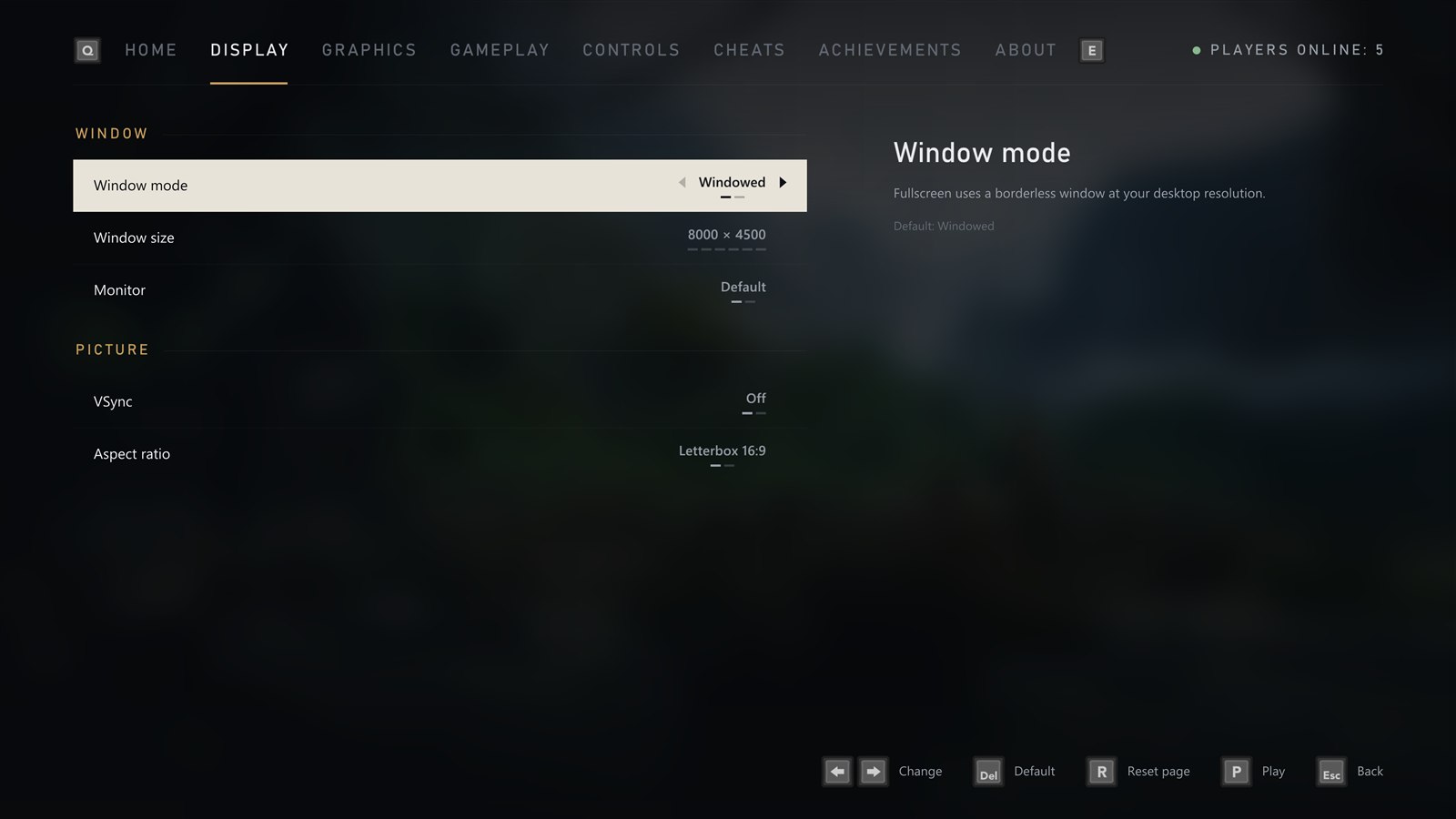
- **Windowed** or **fullscreen**
- **Window size** that fits your screen
- **Choose the monitor**
- **VSync** on or off (off by default, and great with G-Sync and FreeSync)
- **Keep 16:9** with borders, or **stretch** to fill
|
 |
 |
### Graphics
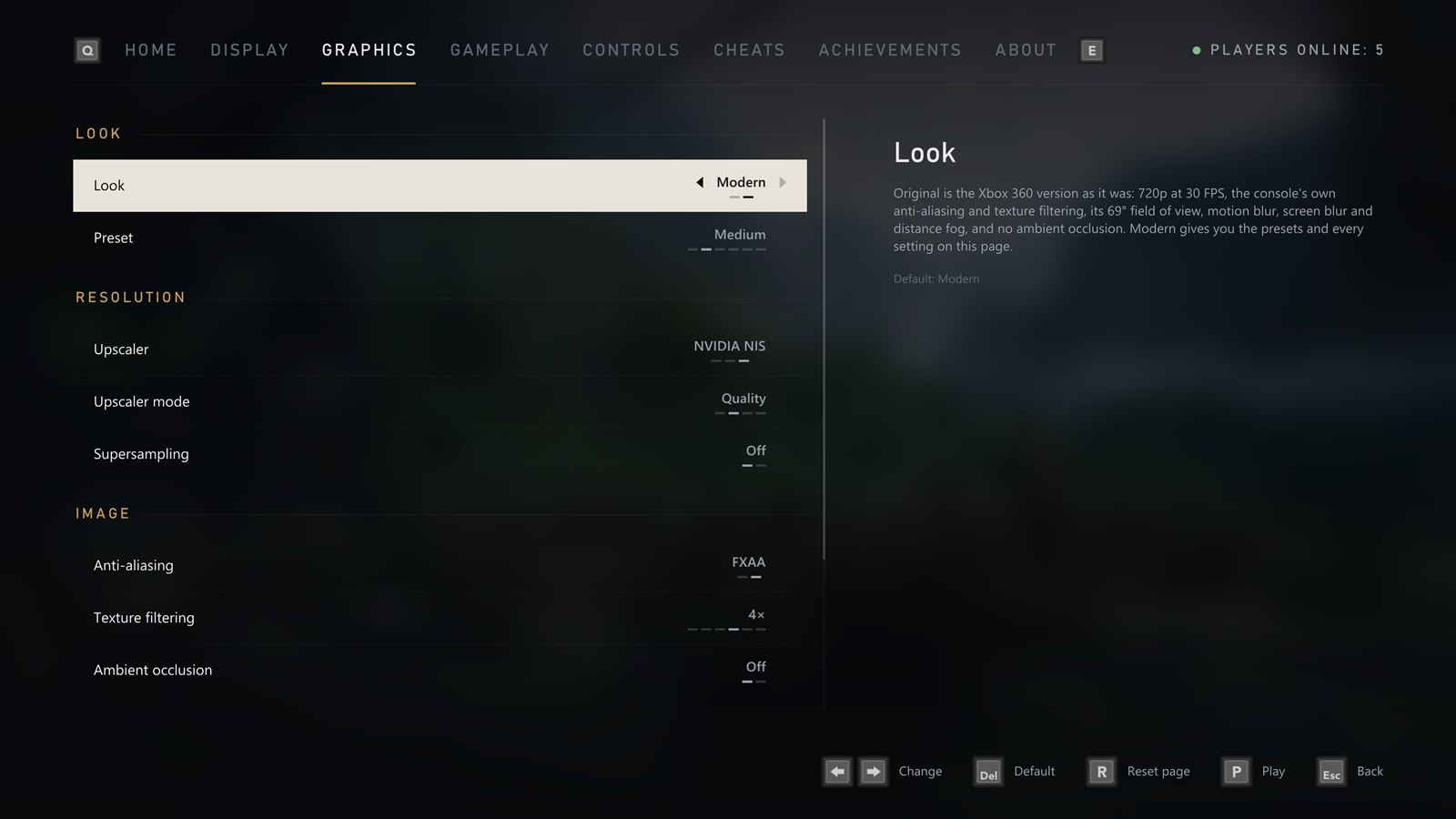
- **Look**: Original Xbox 360 (720p at 30 FPS, the console's anti-aliasing, texture filtering and field of view, motion blur and fog, no ambient occlusion) or Modern. Switching back to Modern puts your own settings back
- **Graphics presets**: Low, Medium, High, Ultra and Steam Deck, or Custom when you set things yourself
- **Upscaler**: AMD FSR 1 or NVIDIA Image Scaling (NIS), both for any graphics card, or Off. At Quality by default, with NIS on an NVIDIA card and FSR 1 on any other. Native, Quality, Balanced and Performance modes, each showing the resolution the game draws at
- **Render quality** (with the upscaler off): Native, Quality, Balanced, Performance and Ultra Performance
- **Supersampling** on or off: draws more pixels than your screen has, for the cleanest edges
- **Custom resolution** from 1x (720p) to 6x (8K)
- **FXAA** and **texture filtering** up to 16x
- **Motion blur**, **screen blur** and **distance fog**, each on or off
- **Ambient occlusion** at strength 1, 2 or 3
|
|
### Gameplay
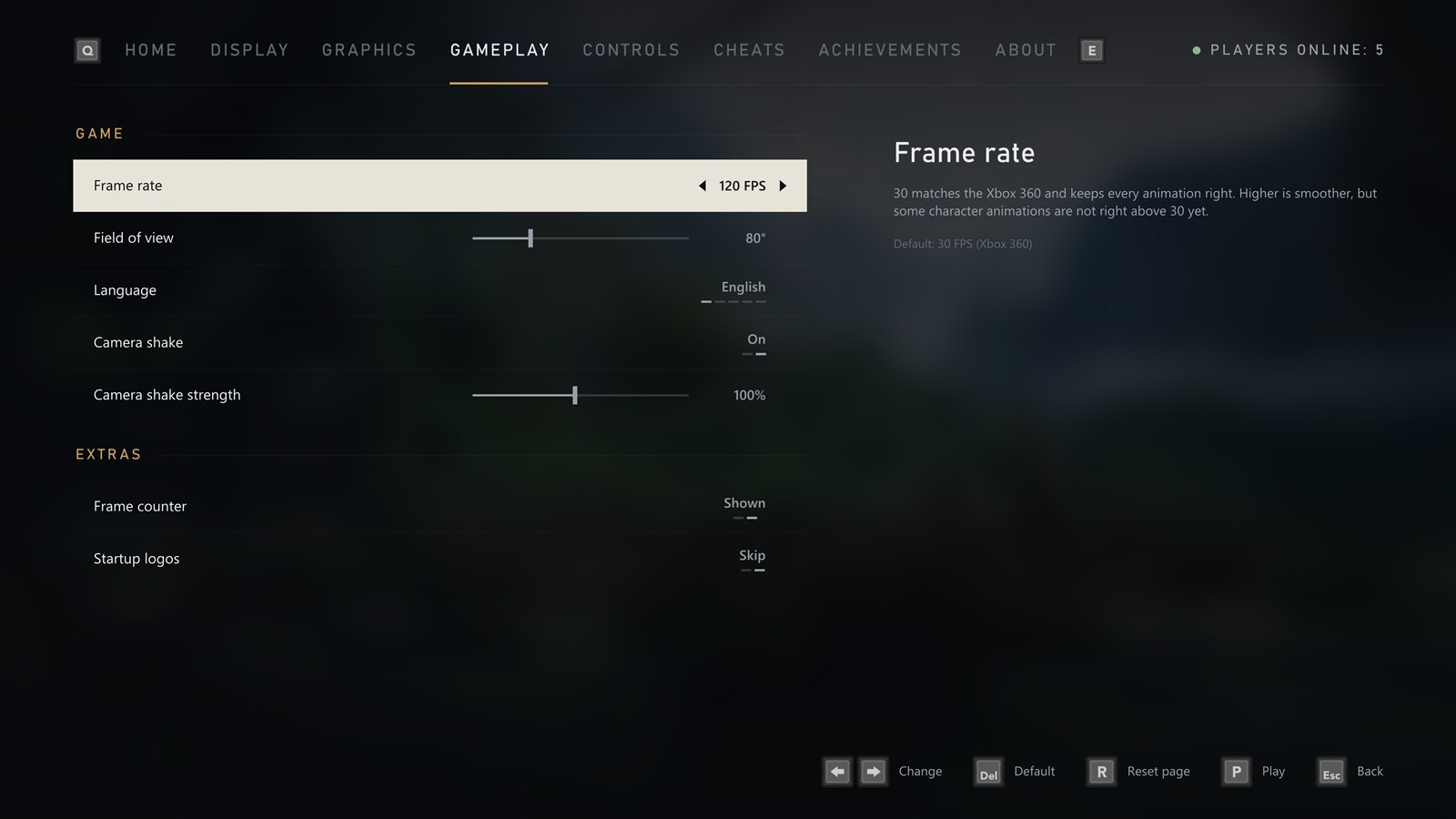
- **Frame rate**: 30 (default, like the console), 60, 90, 120, 144, 165, 240 or unlimited
- **Camera shake** on or off, with a strength from 10% to 200%
- **Field of view** from 69° (the original) to 110°. The game draws the wider area too, Jack's gun keeps its usual size, and the menus keep their original look
- **Language** of the game and the launcher
- **Frame counter** in the corner, toggled with F2
- **Startup logos**: skip the Ubisoft, Universal and WingNut movies (the default) or play them
|
 |
 |
### Controls
- **Invert the camera** left/right and up/down, separately
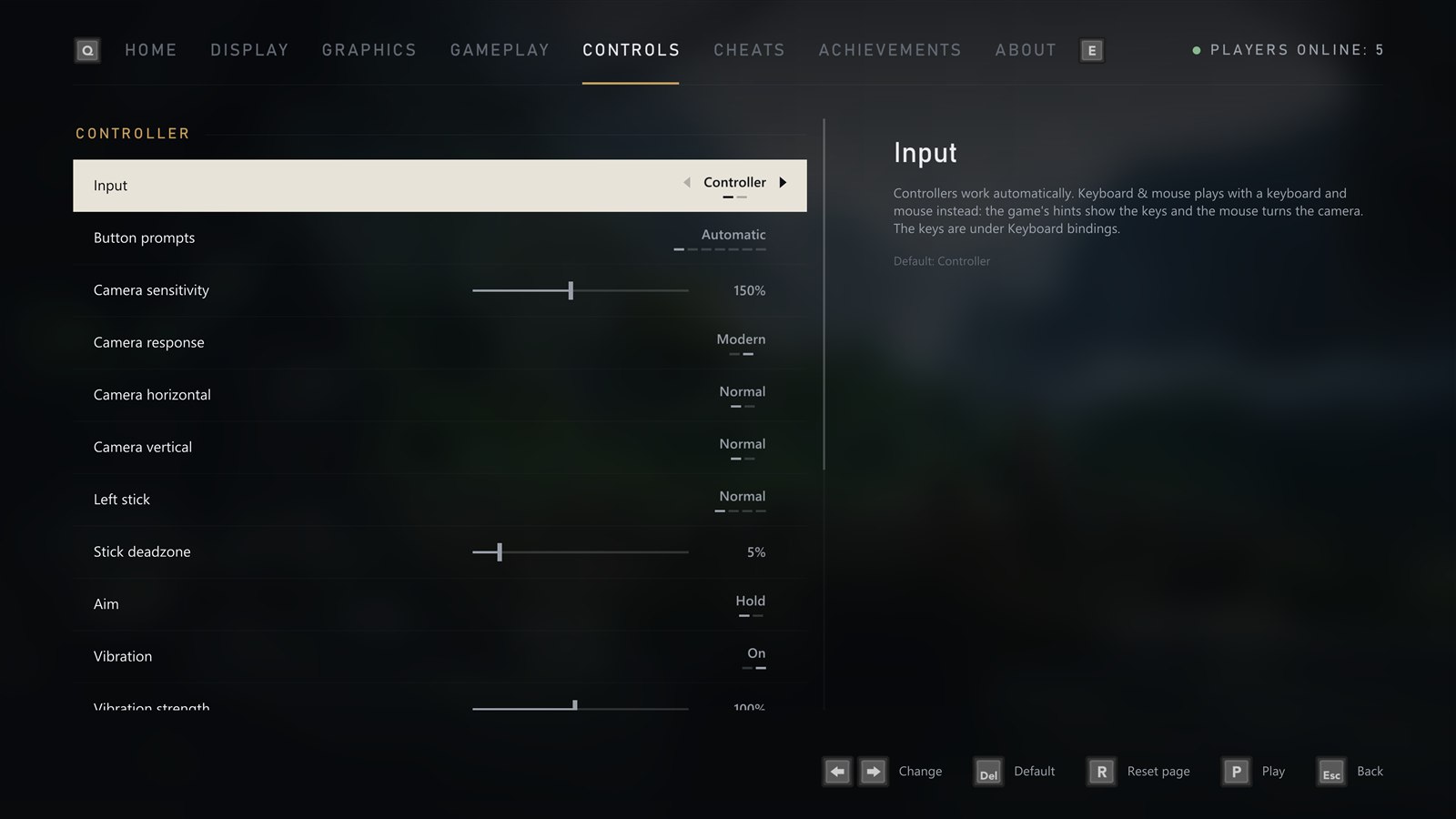
- **Controller sensitivity** from 25% to 300% (150% by default)
- **Camera response**: Modern (the default) turns the camera the same way in every direction; Original is the Xbox 360's own feel
- **Real mouse look** for keyboard and mouse, with **Mouse sensitivity** and **Mouse vertical** (invert)
- **Toggle aim**: press the left trigger once to raise the gun and again to lower it
- **Stick deadzone** to stop drift (5% by default)
- **Vibration** on or off, with a strength from 10% to 200%
- **Remap any button** on your controller
- **Keyboard and mouse** with a modern layout (left mouse button shoots, right mouse button aims, R reloads, WASD moves); rebind any control to a key or mouse button, and each one says what it does in the game
- **Button prompts** that match your controller automatically, or pick Xbox 360, Xbox Series, PlayStation 5, PlayStation 2, Steam Deck or your keyboard keys, in the game and in the launcher
|
|
### Cheats
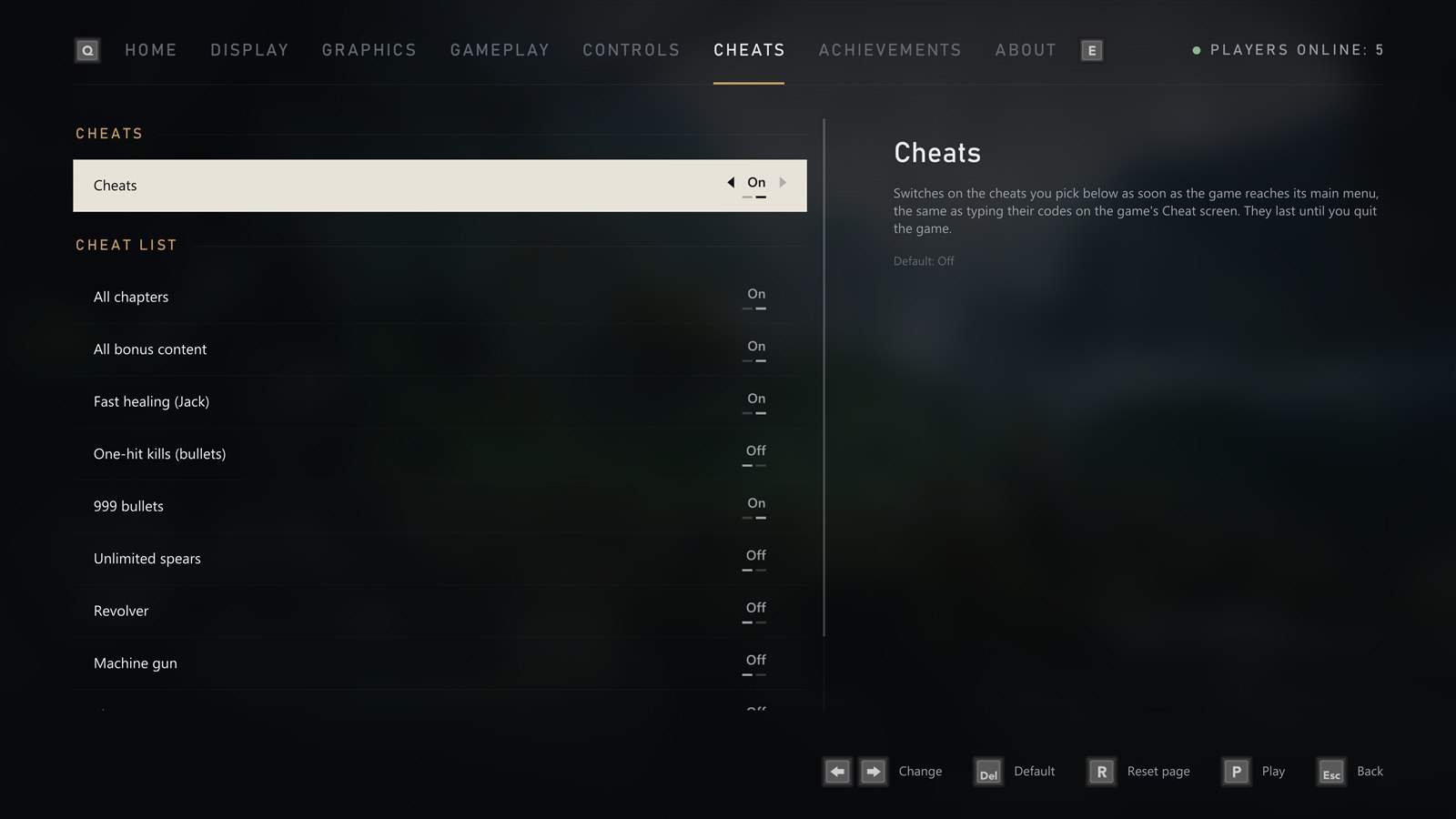
The game's own cheats, as switches instead of codes to type each time you play:
- **All chapters** and **all bonus content**
- **Fast healing**, **one-hit kills**, **999 bullets** and **unlimited spears**
- The **revolver**, **machine gun**, **shotgun** and **sniper rifle**
They switch on as soon as the game reaches its main menu, exactly as if you had typed their codes.
|
 |
 |
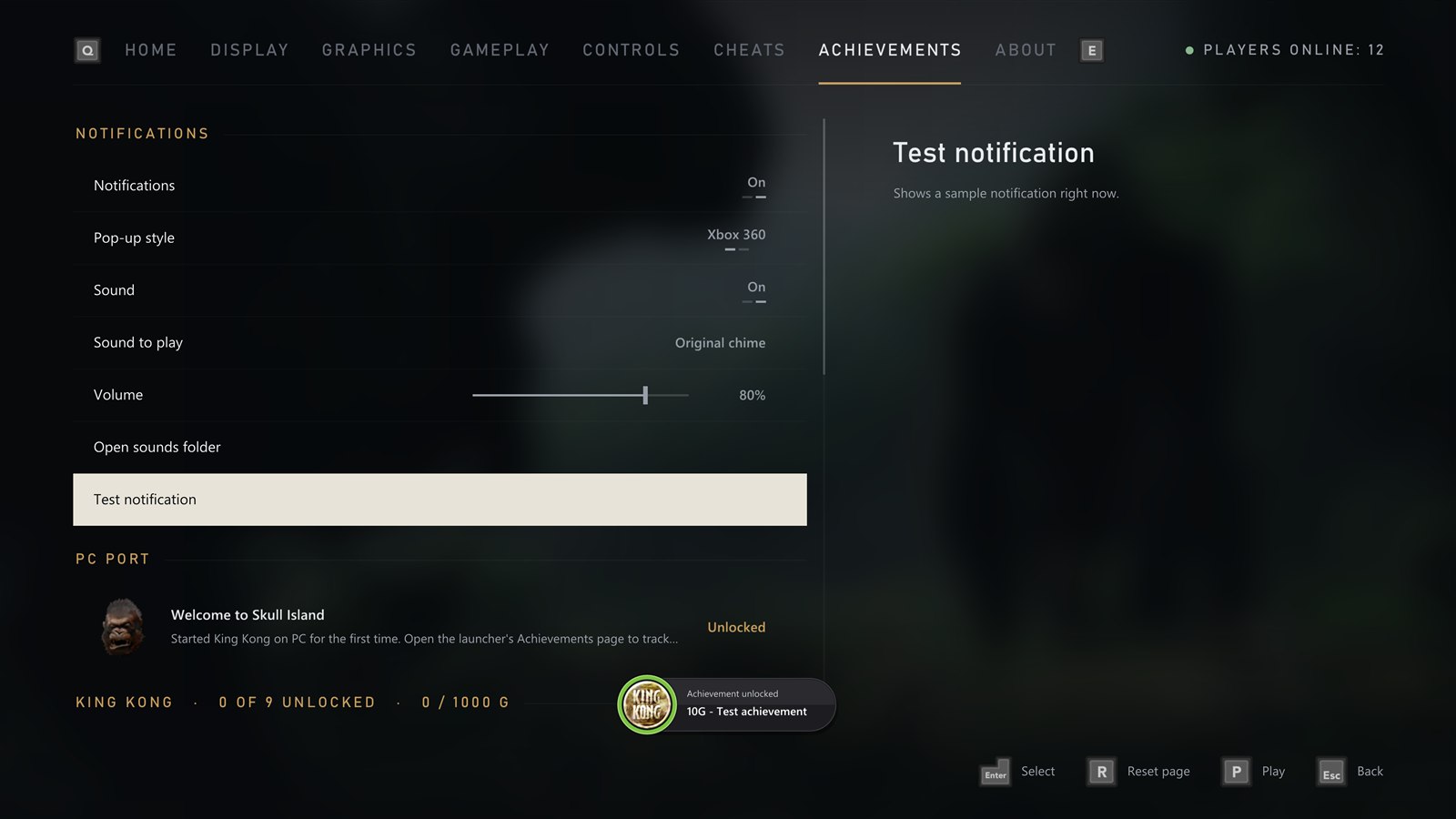
### Achievements
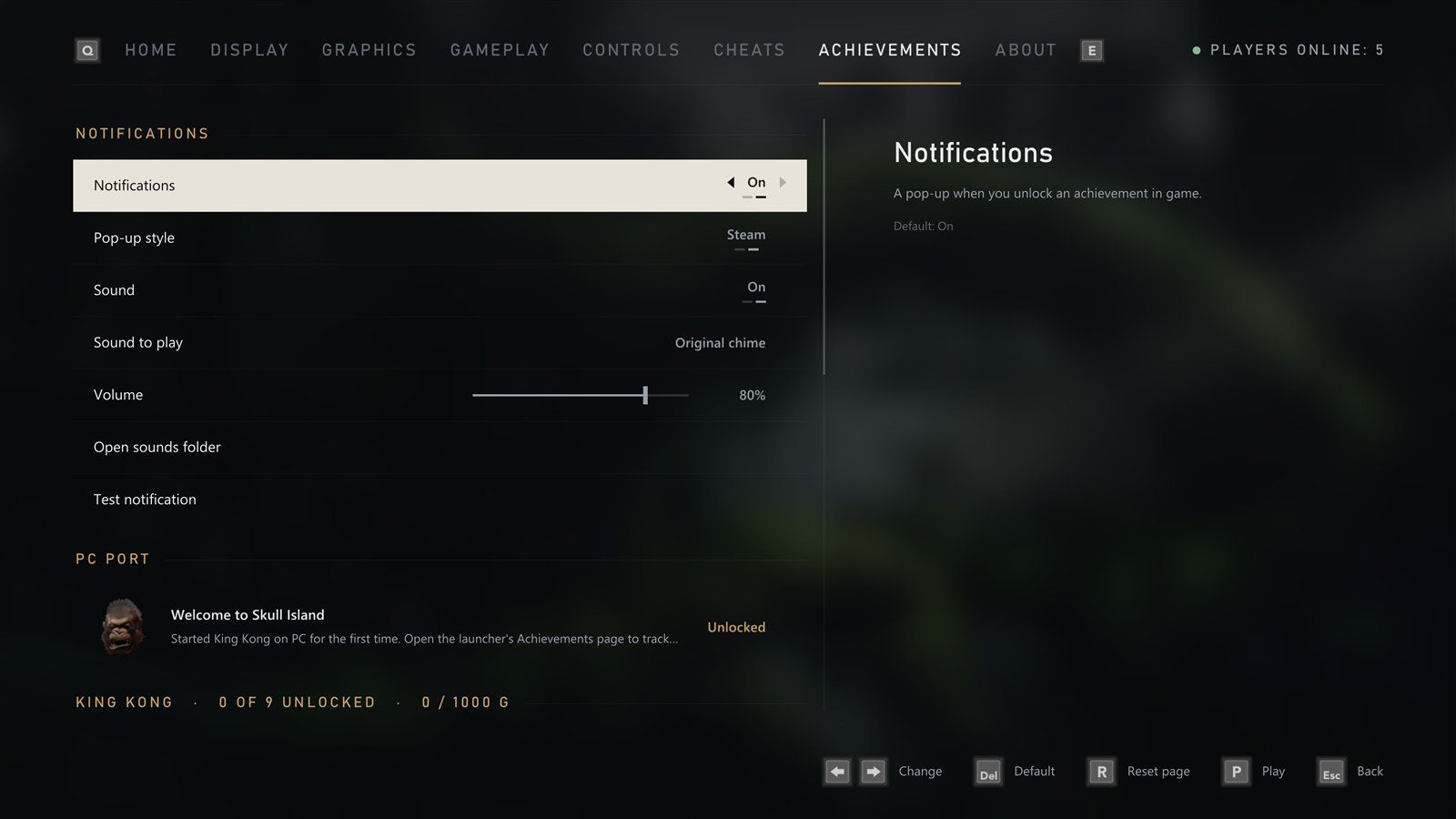
- All **9 achievements** with their pictures, descriptions and gamerscore
- See which ones you have **unlocked**
- **Pop-ups** in the Xbox 360's style or Steam's, with their **sound** on or off and its volume
- **Pick the sound**: the built-in chime or any `.wav` you put in the `sounds` folder. Name the Xbox 360 sound `Xbox_360.wav` and it plays by default
- A **test button** to see and hear it
- A bonus **Welcome to Skull Island** achievement the first time you play
|
|
### About
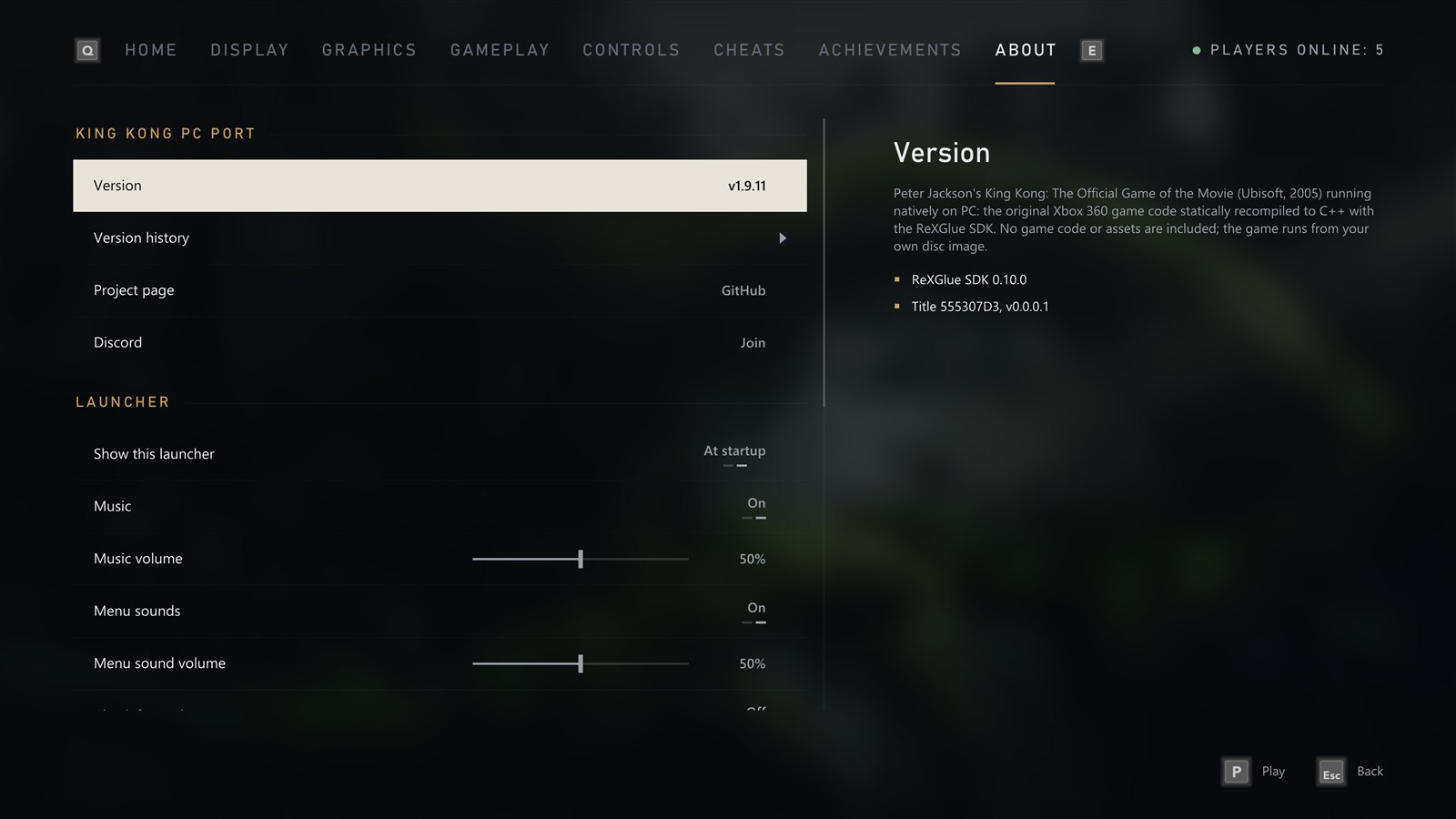
- The **version history**: the notes for every version
- **Discord**: join the official server
- The launcher's **music** and **menu sounds**, each with a volume slider
- **Check for updates** now, or turn the check at start off
- **Change version** between stable and beta (early test builds; your saves and settings are kept)
- **Online player count** on or off
- How the **shader pack** stands
- Open your **save folder**, **game folder** or **settings file** in one click
- Take the launcher's **artwork** from your copy again, or **reset** every setting
|
 |
 |
### What's new
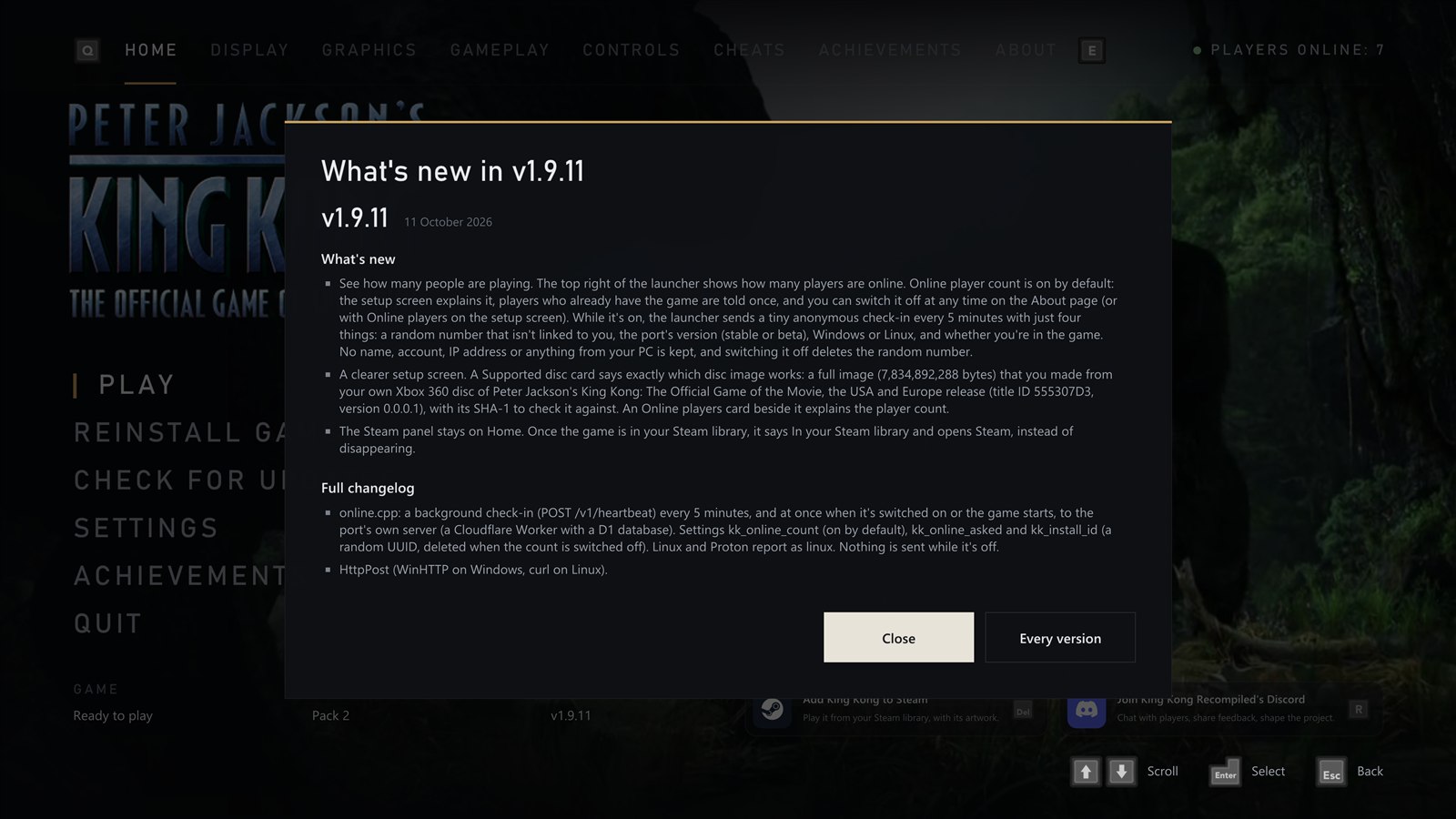
- After an update, the launcher shows **what changed** the first time it opens
- **Every version** takes you to the full version history
|
## Graphics
The game shots below are from the V-Rex chapter; in each pair only the setting being compared changes.
### Ambient occlusion
Soft shading where surfaces meet: in corners and creases, and on the ground under rocks, grass and people, so they sit in the scene instead of floating on it. It stays under the game's own distance fog, so far-off walls don't show through the haze. It's off by default: turn it on with **Ambient occlusion**, at strength 1 (recommended), 2 or 3. It costs about 1 ms a frame at 4K, and works with NVIDIA and AMD graphics for now.
 ### Peter Jackson's King Kong on PC, running natively, with the launcher and options of a modern PC release.
[
### Peter Jackson's King Kong on PC, running natively, with the launcher and options of a modern PC release.
[ ](https://github.com/TekRantGaming/king-kong-recompiled/releases/latest)
[
](https://github.com/TekRantGaming/king-kong-recompiled/releases/latest)
[ ](https://discord.gg/PET2xU5FJq)
[](https://github.com/TekRantGaming/king-kong-recompiled/releases/latest)
[](https://github.com/TekRantGaming/king-kong-recompiled/releases)
-5b7a8c?style=flat-square&labelColor=0d0b09)
[](https://quiverlauncher.com/apps/peter-jackson-s-king-kong-the-official-game-of-the-movie-king-kong-pc-port)
](https://discord.gg/PET2xU5FJq)
[](https://github.com/TekRantGaming/king-kong-recompiled/releases/latest)
[](https://github.com/TekRantGaming/king-kong-recompiled/releases)
-5b7a8c?style=flat-square&labelColor=0d0b09)
[](https://quiverlauncher.com/apps/peter-jackson-s-king-kong-the-official-game-of-the-movie-king-kong-pc-port)
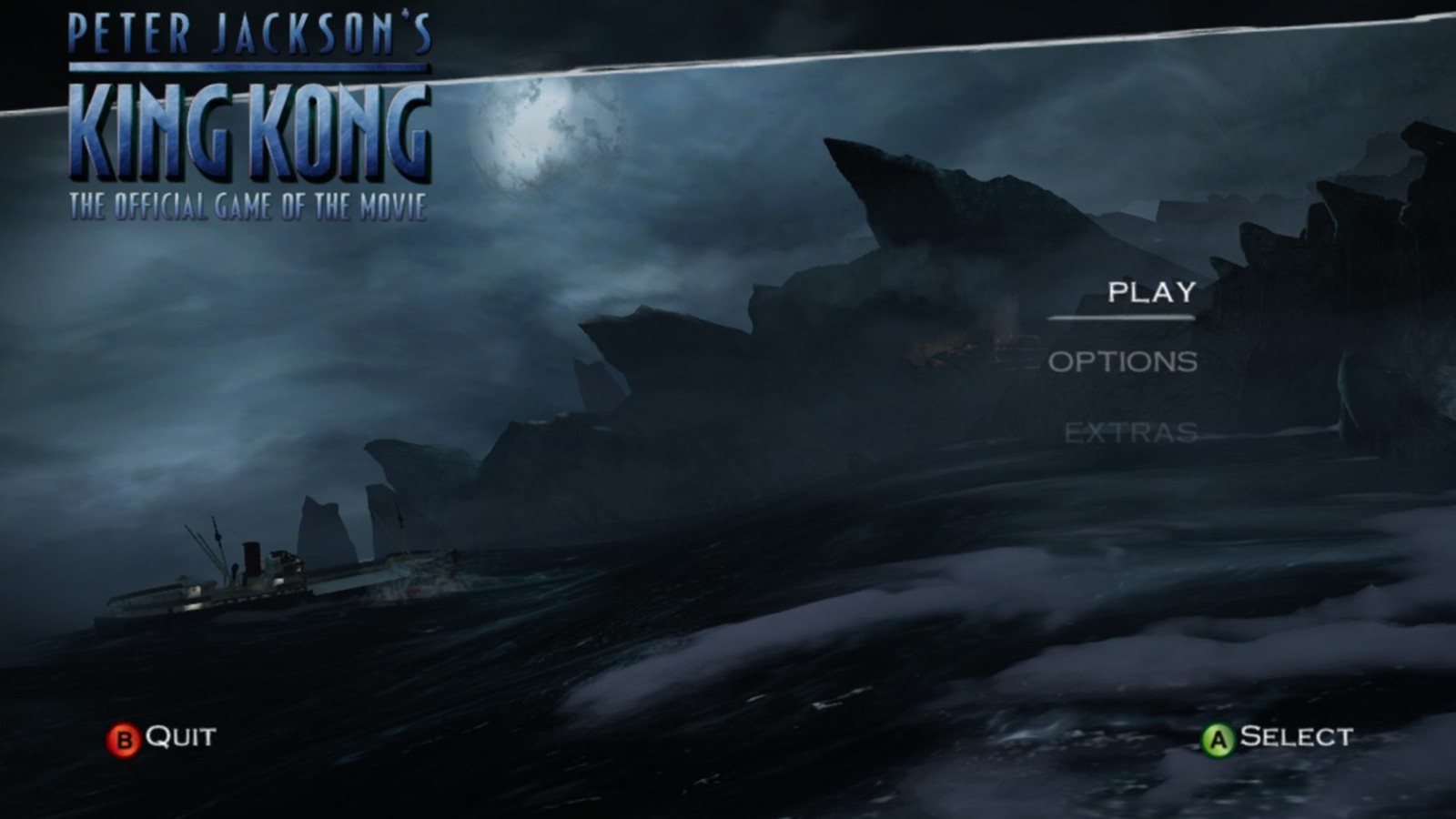
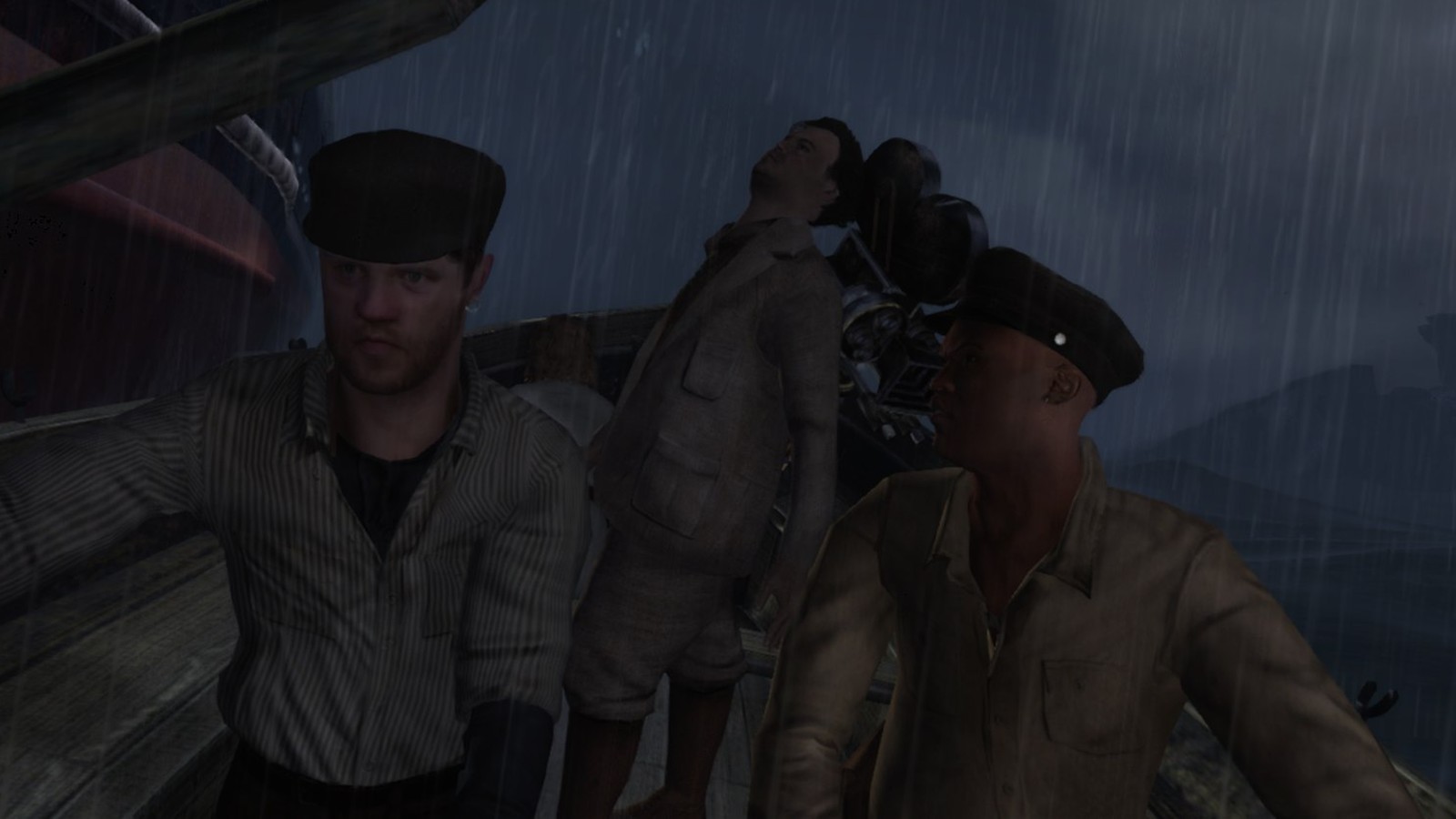
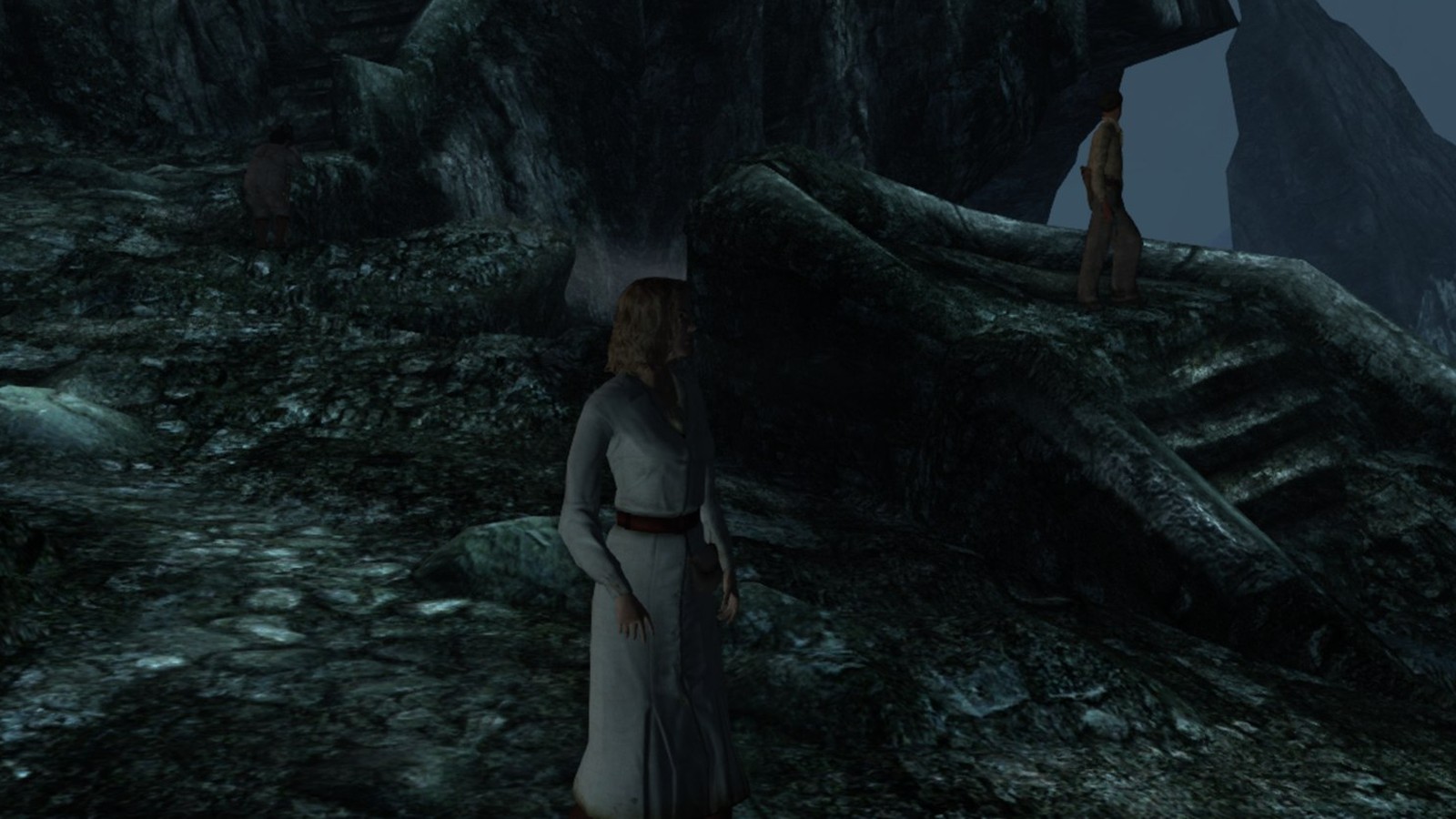
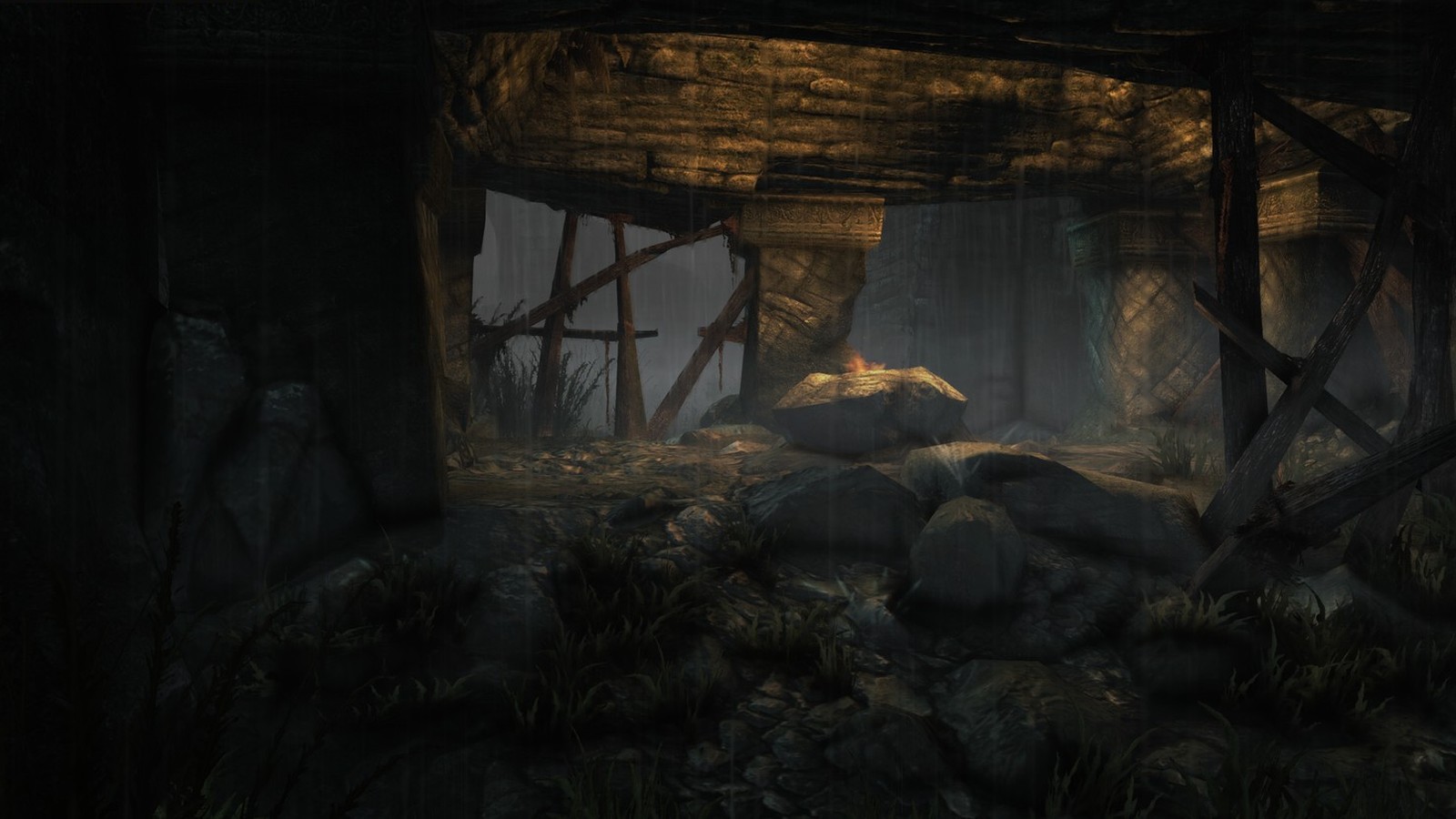
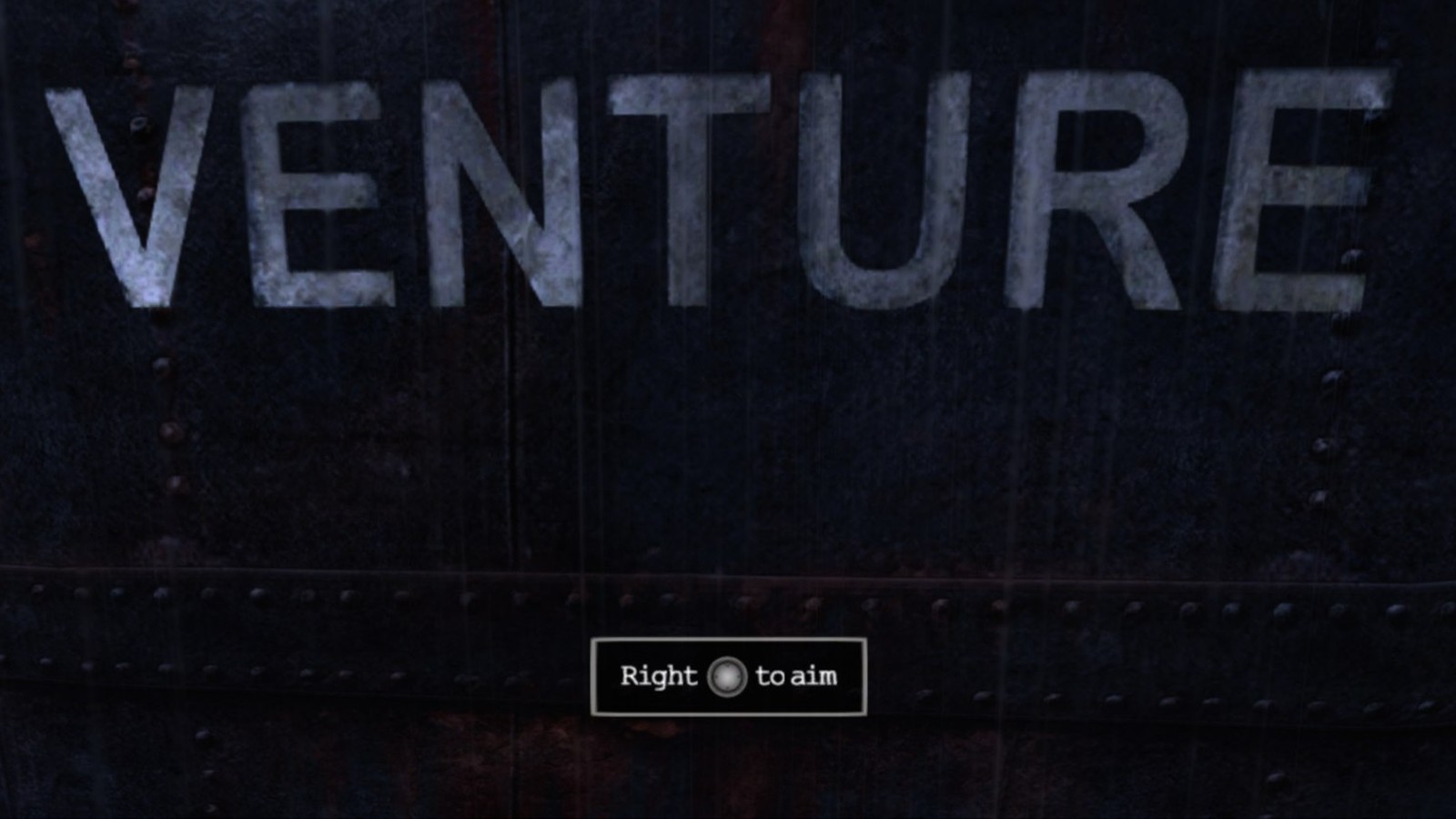
 The original Xbox 360 game code, translated to native PC code with the ReXGlue SDK. No game files included: bring your own copy of the King Kong Xbox 360 disc.
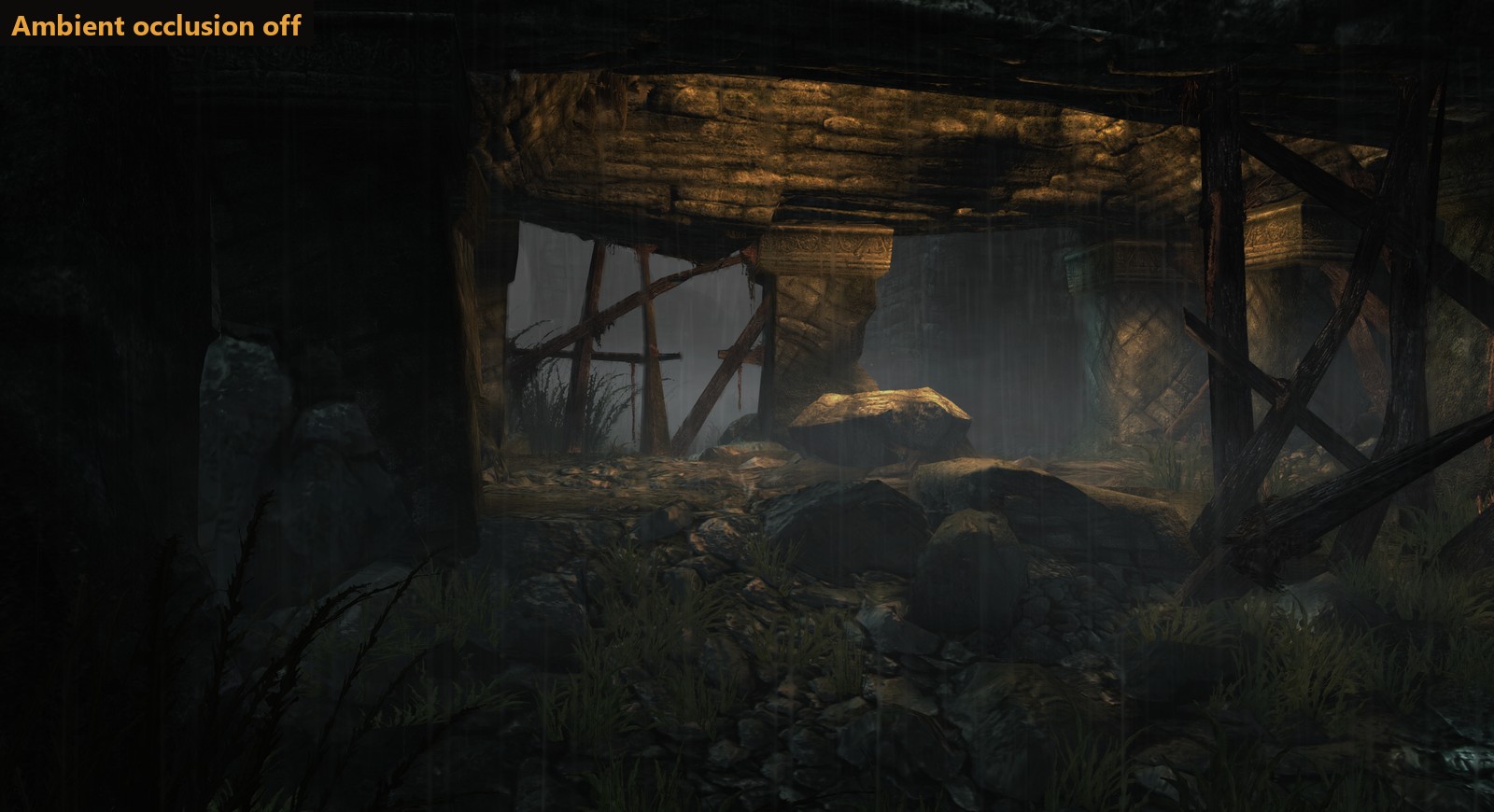
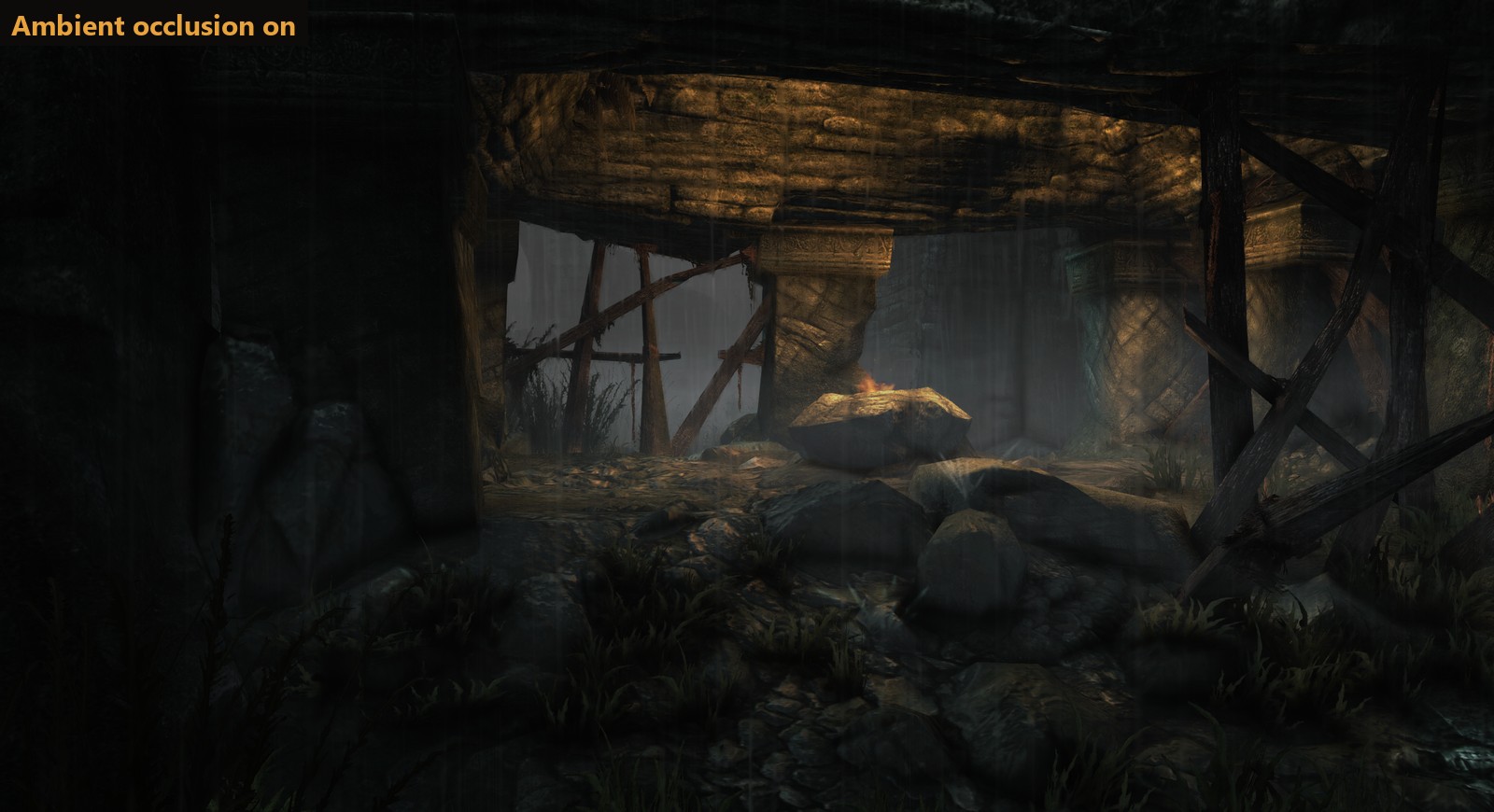 Ambient occlusion: soft shading in corners, creases and under rocks, grass and people
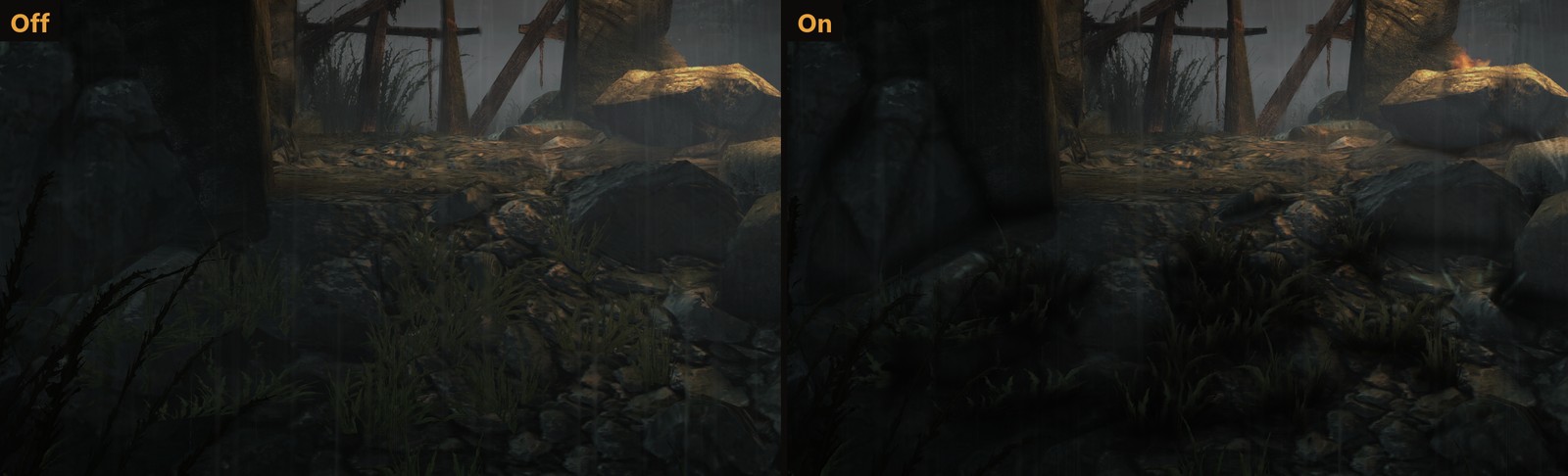 Up close, at full size
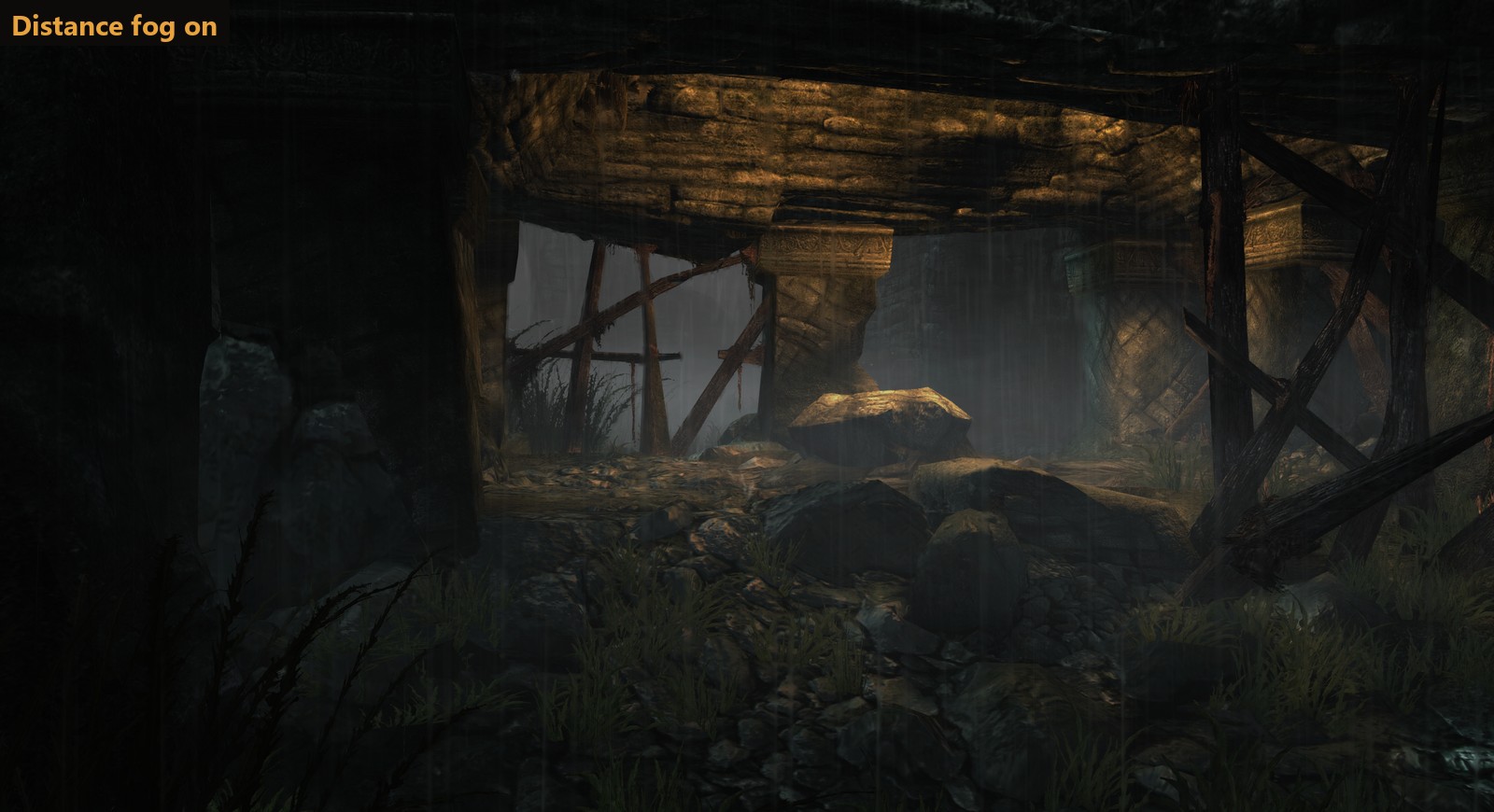
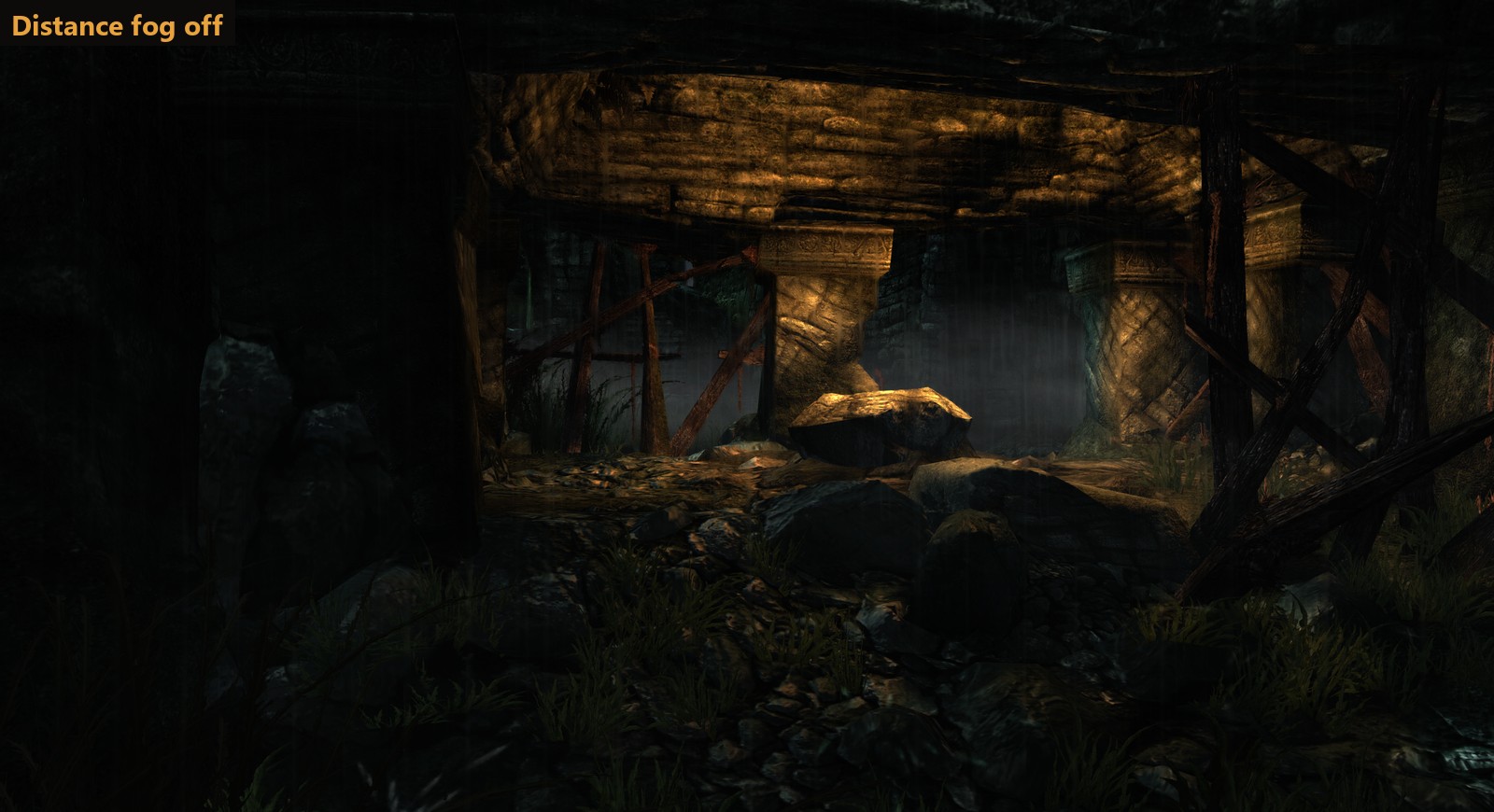 Distance fog, on or off
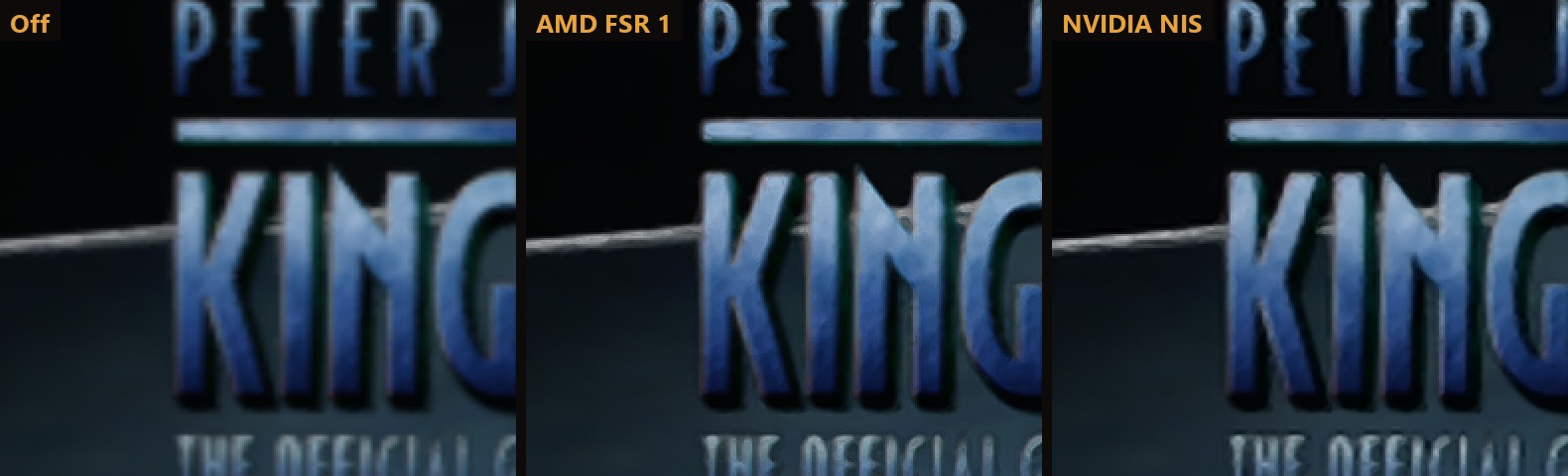 AMD FSR 1 and NVIDIA NIS keep a lower resolution sharp (zoomed 2x)
## A launcher made for the couch
AMD FSR 1 and NVIDIA NIS keep a lower resolution sharp (zoomed 2x)
## A launcher made for the couch