 ## King Kong Remastered is out now
[
 ](https://kong.tekrantgaming.com/)
[
 ](https://github.com/TekRantGaming/king-kong-recompiled-beta/releases/latest)
## King Kong Remastered is out now
[](https://kong.tekrantgaming.com/)
[](https://github.com/TekRantGaming/king-kong-recompiled-beta/releases/latest)
 ](https://github.com/TekRantGaming/king-kong-recompiled/releases/latest)
[
 ](https://github.com/TekRantGaming/king-kong-recompiled/releases/latest)
[
 ](https://www.youtube.com/watch?v=P5wmya5mT7E)
[
 ](https://discord.gg/8eakYSvBZS)
[](https://github.com/TekRantGaming/king-kong-recompiled/releases/latest)
[](https://github.com/TekRantGaming/king-kong-recompiled/releases)

[](https://kong.tekrantgaming.com)
[](https://quiverlauncher.com/apps/peter-jackson-s-king-kong-the-official-game-of-the-movie-king-kong-pc-port)
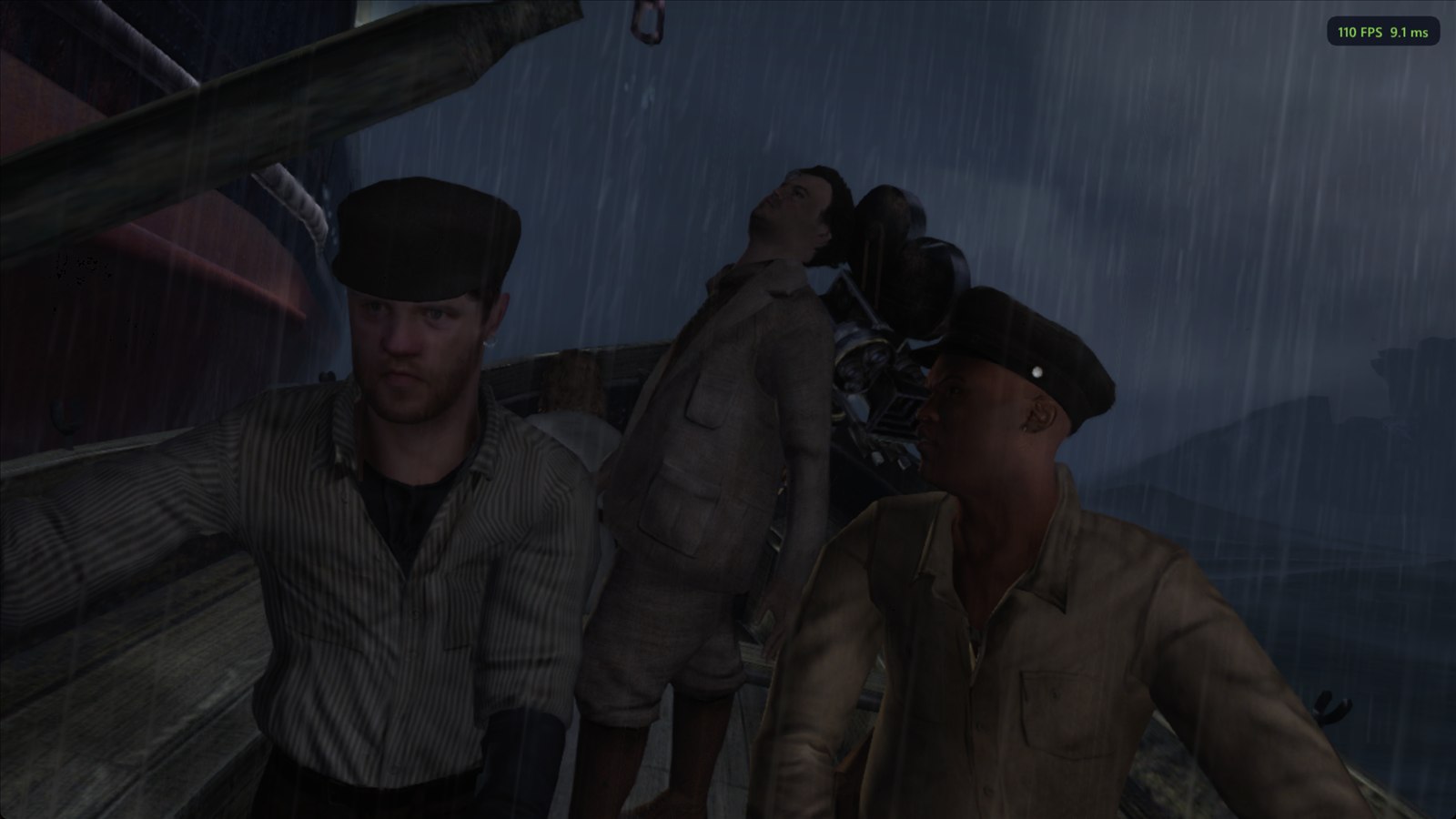
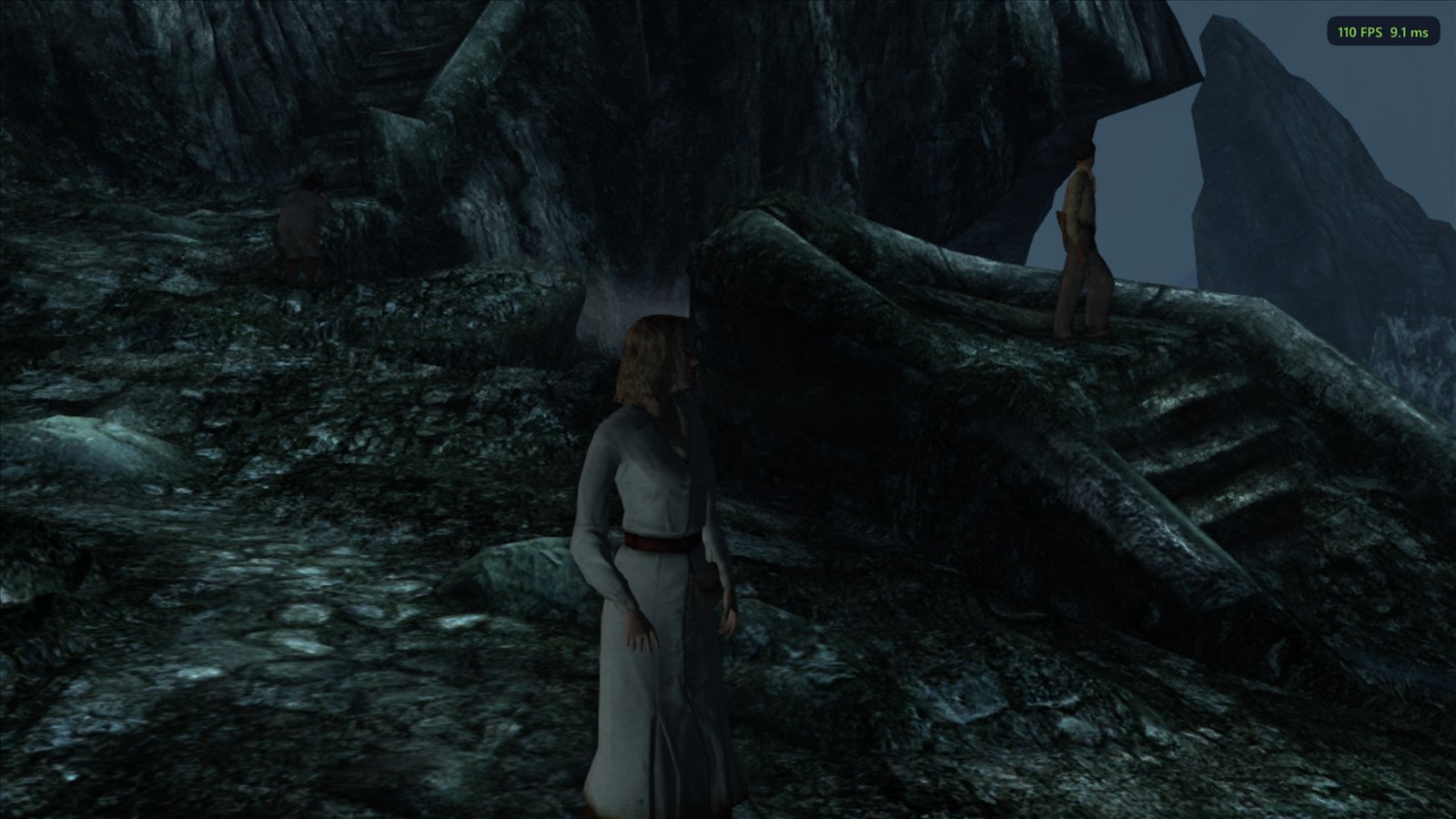
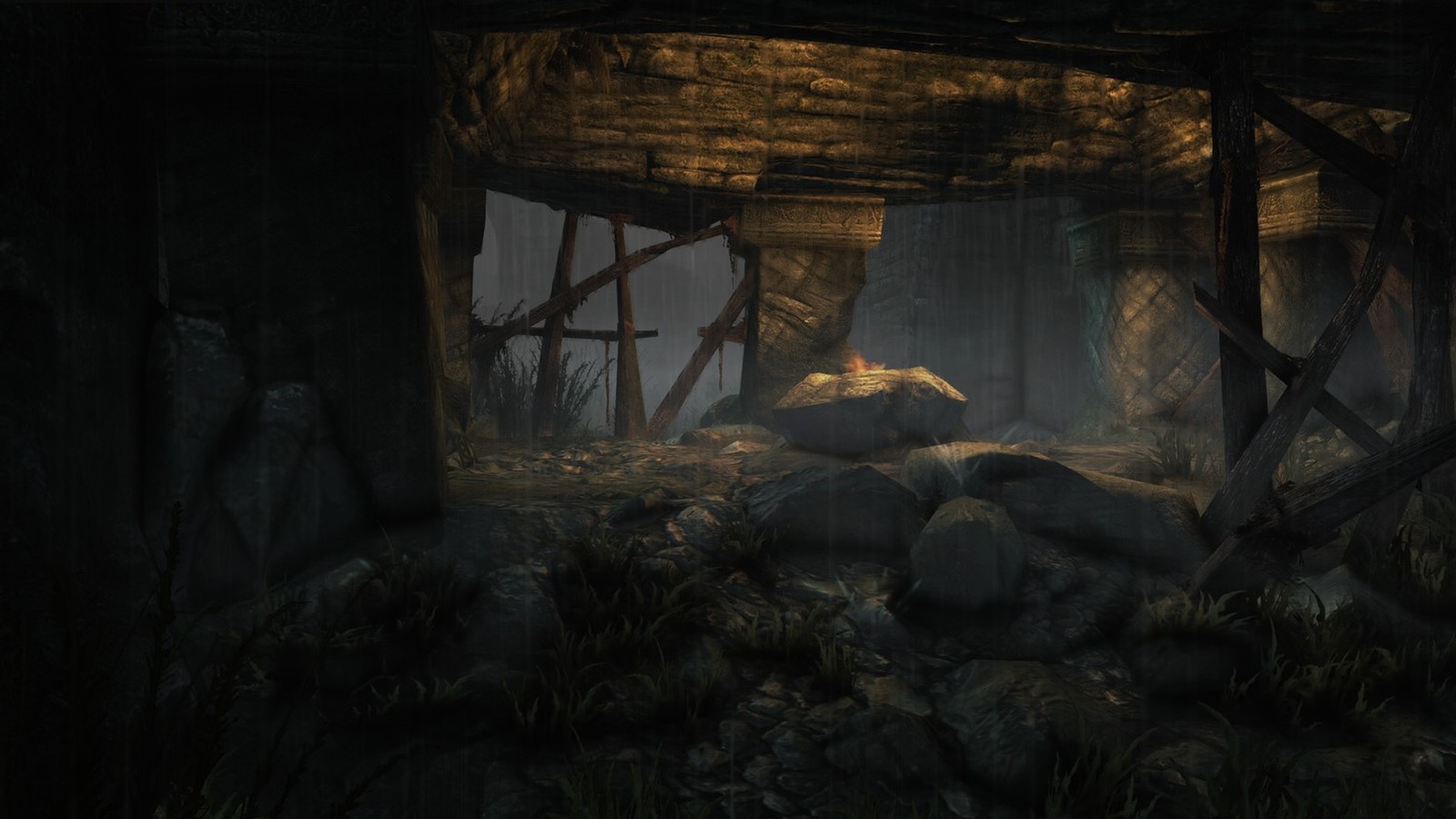
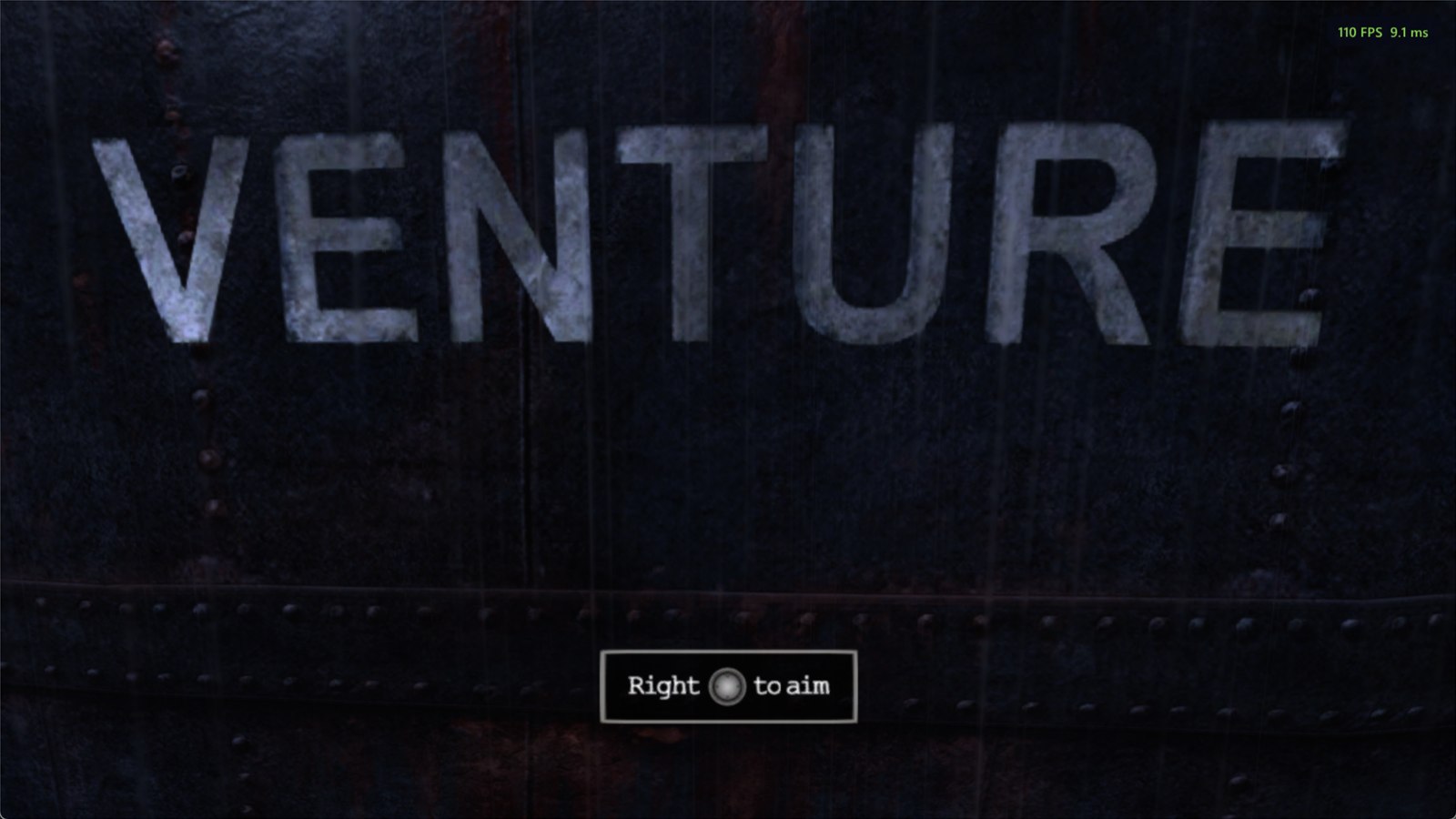
 The original Xbox 360 game code, translated to native PC code with the ReXGlue SDK. No game files included: bring your own copy of the King Kong Xbox 360 disc.
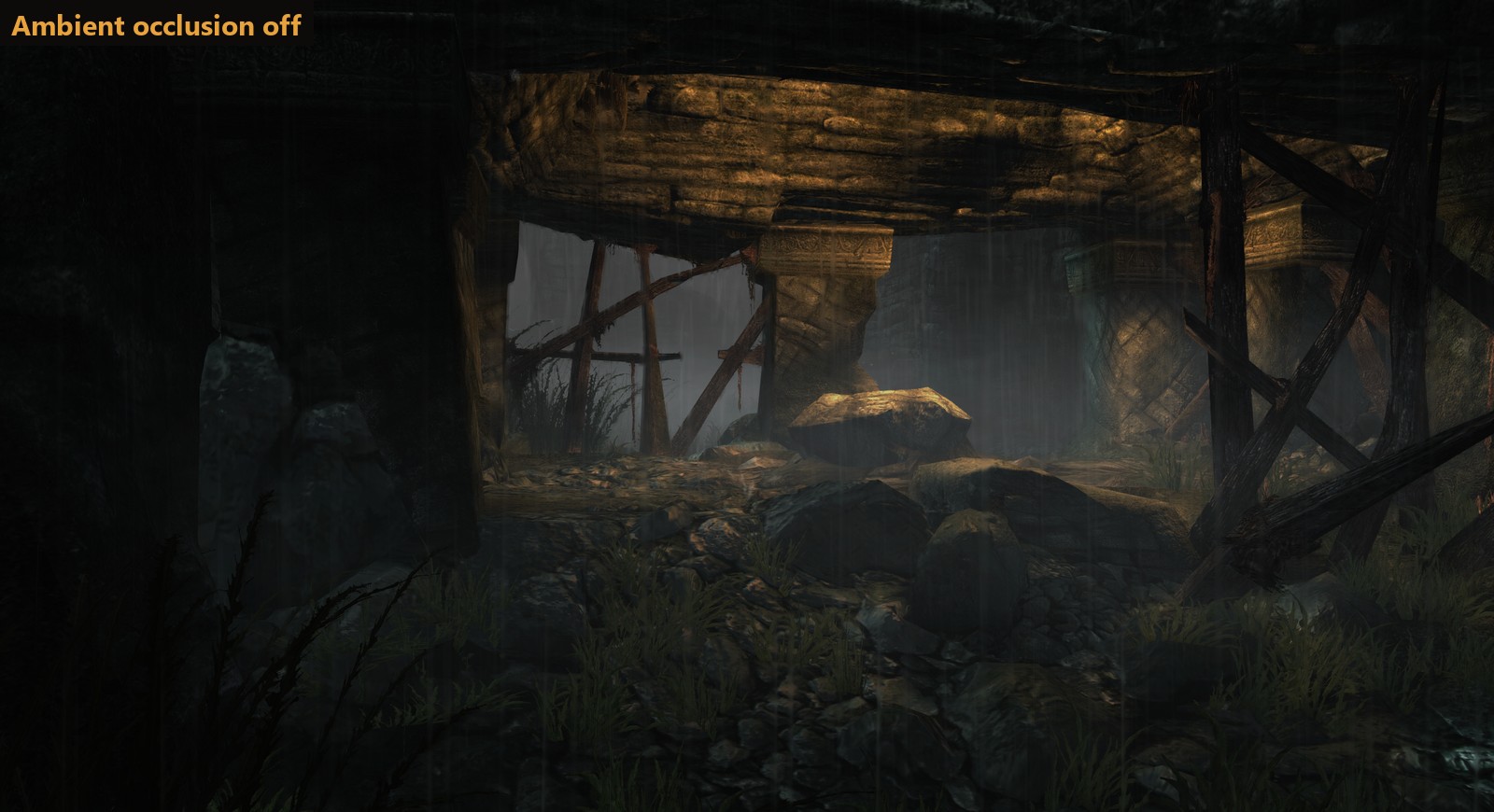
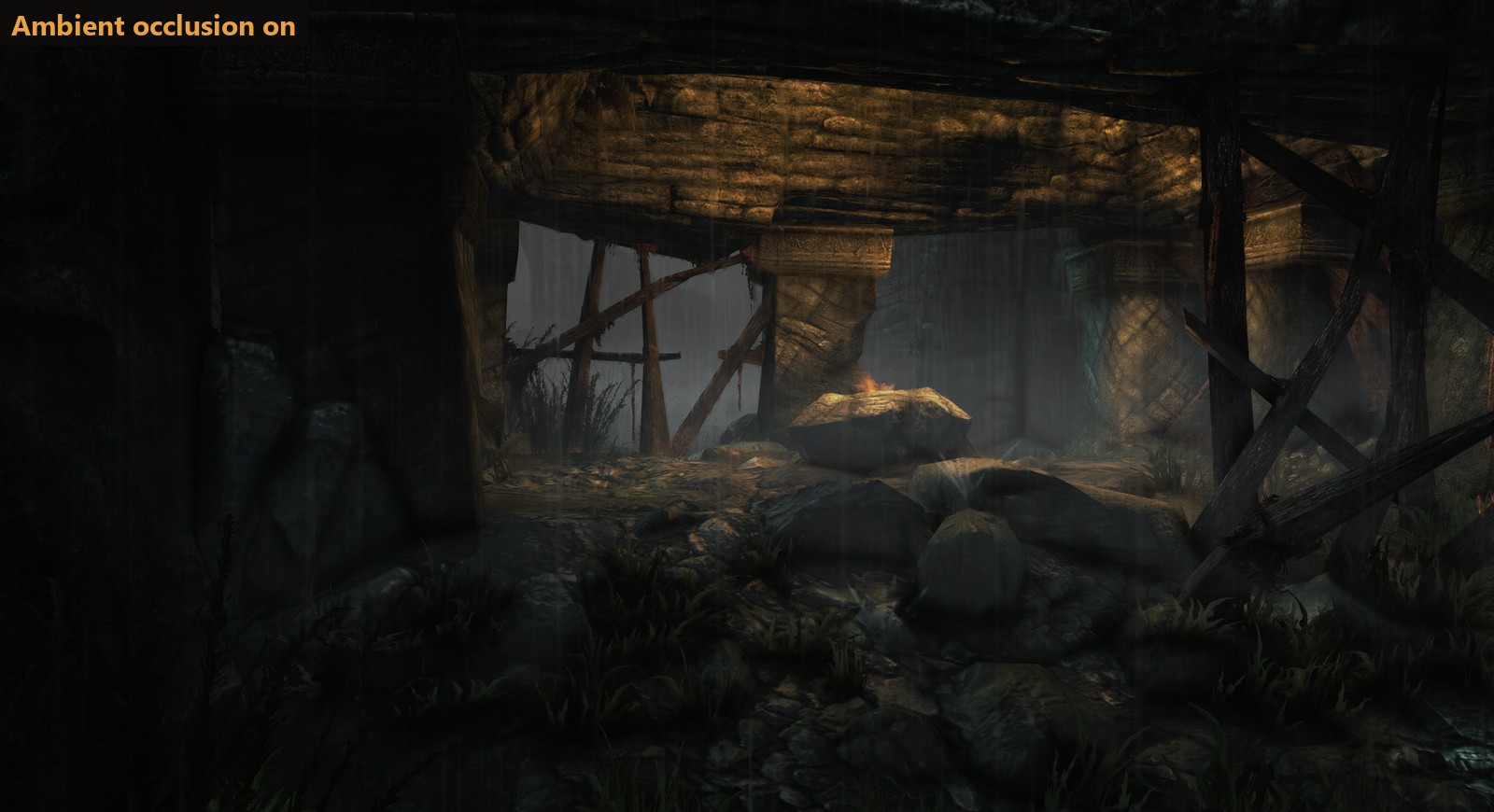 Ambient occlusion: soft shading in corners, creases and under rocks, grass and people
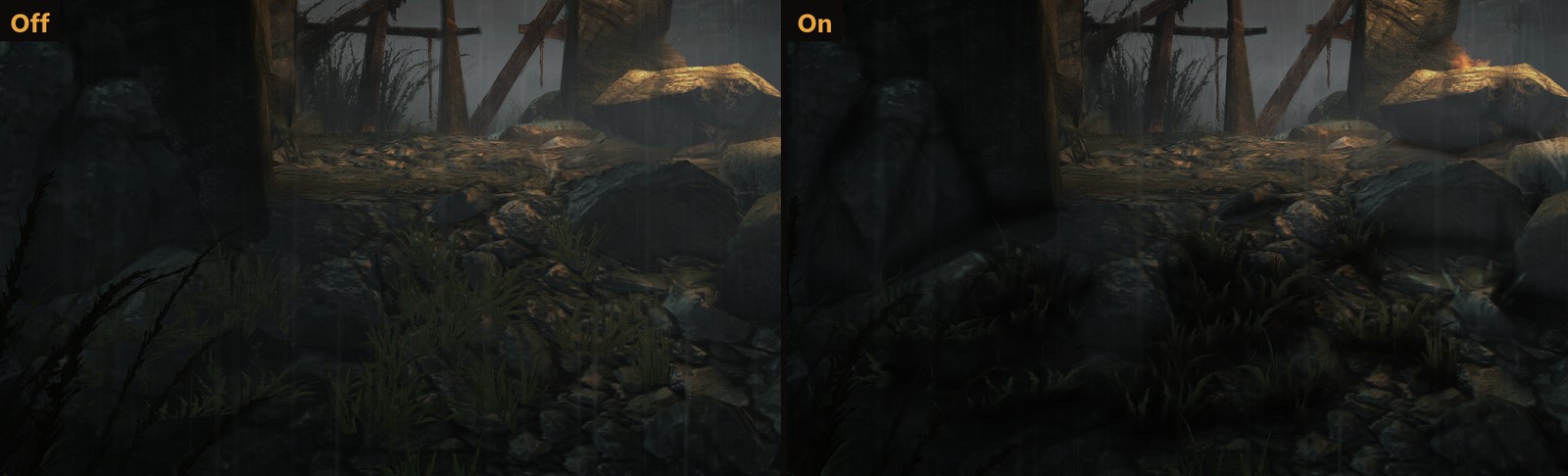 Up close, at full size
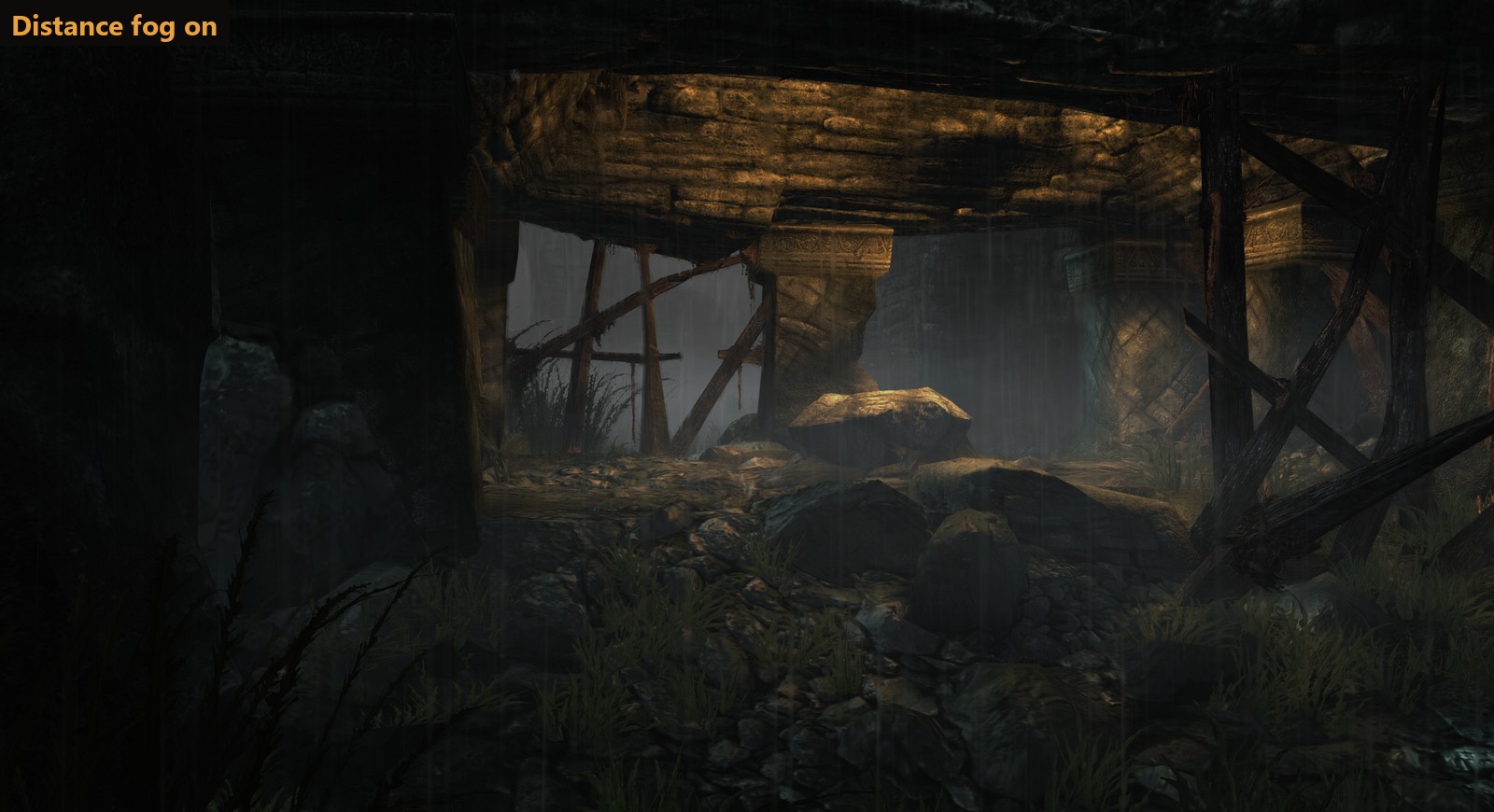
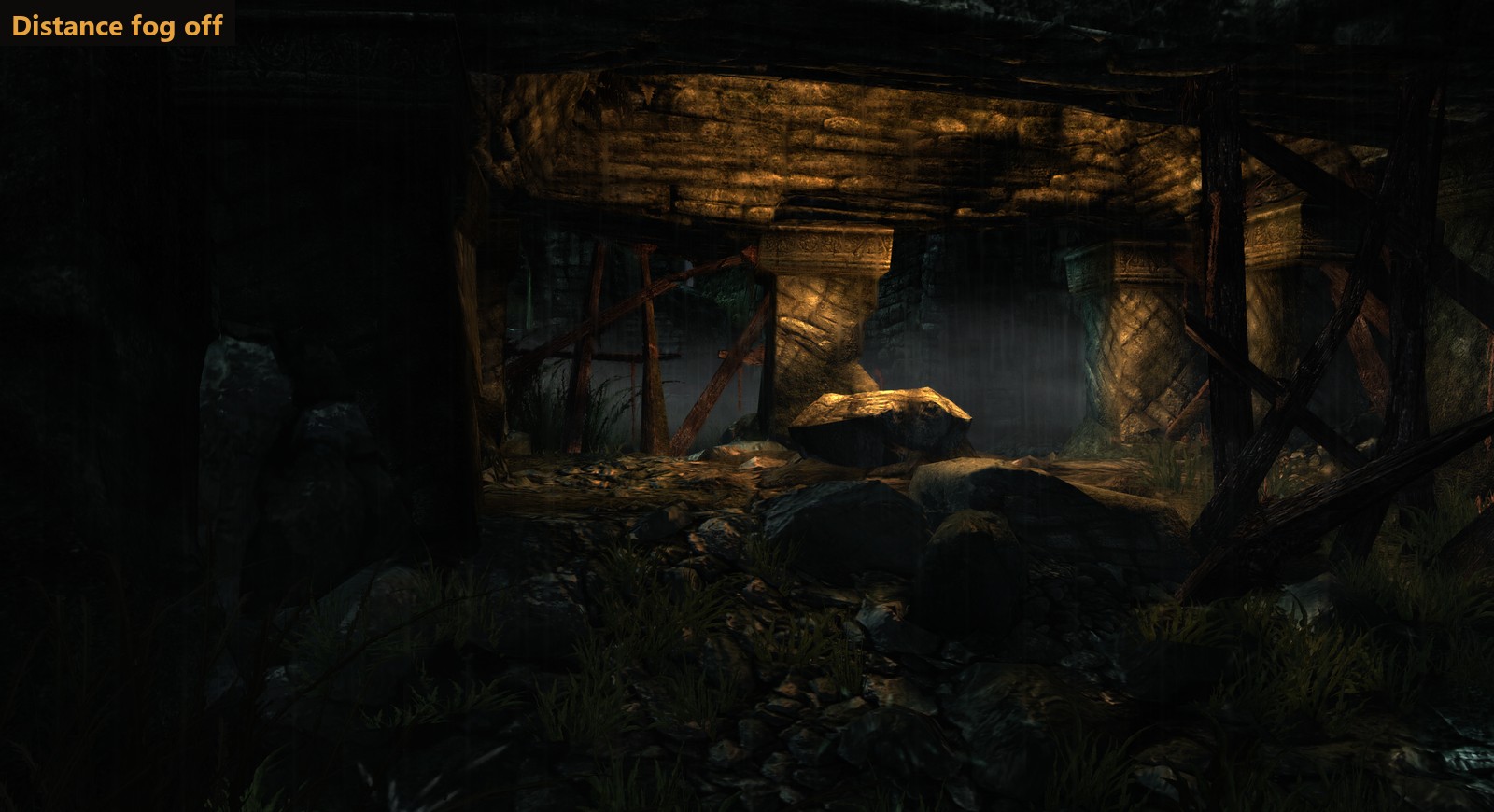 Distance fog, on or off
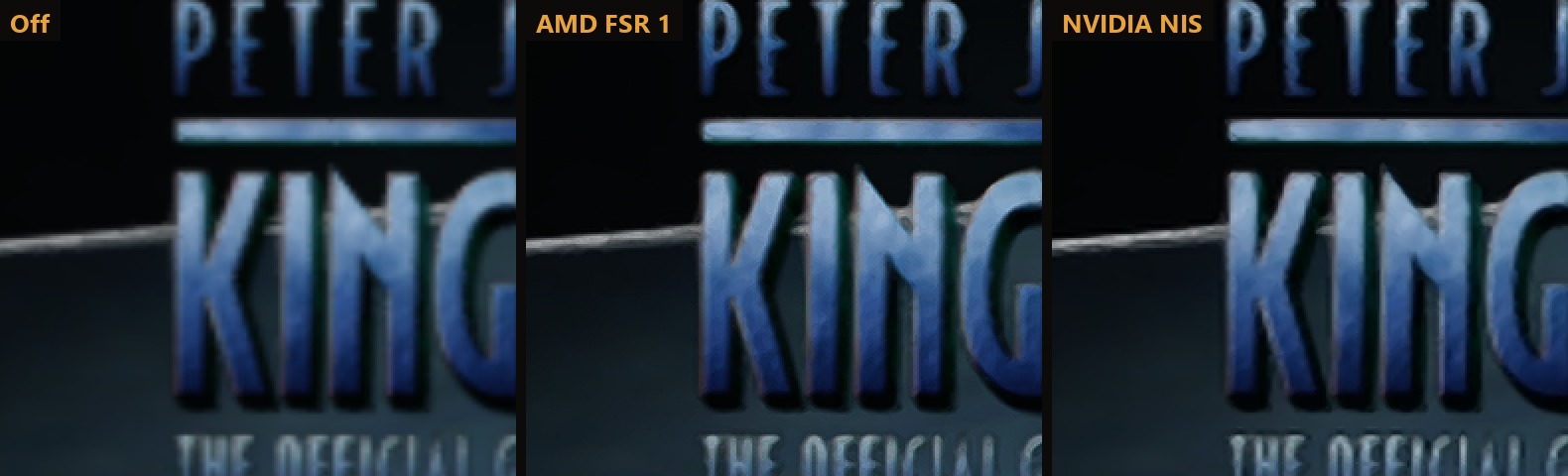 AMD FSR 1 and NVIDIA NIS keep a lower resolution sharp (zoomed 2x)
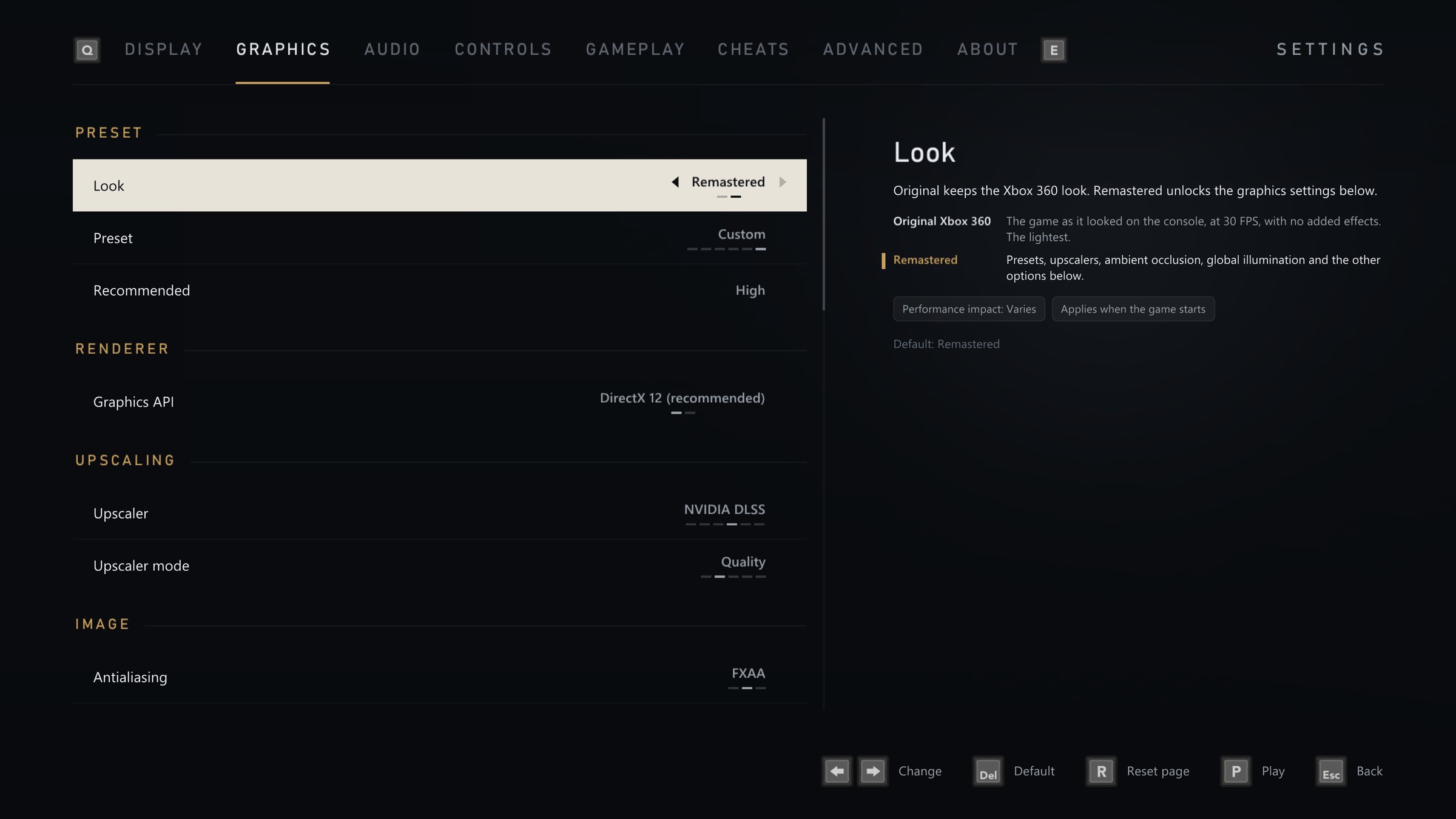 New in 2.0.0: global illumination, sharper shadows, water reflections, light shafts, DLSS, FSR 3.1, FSR 4 and XeSS, and a panel that explains every setting
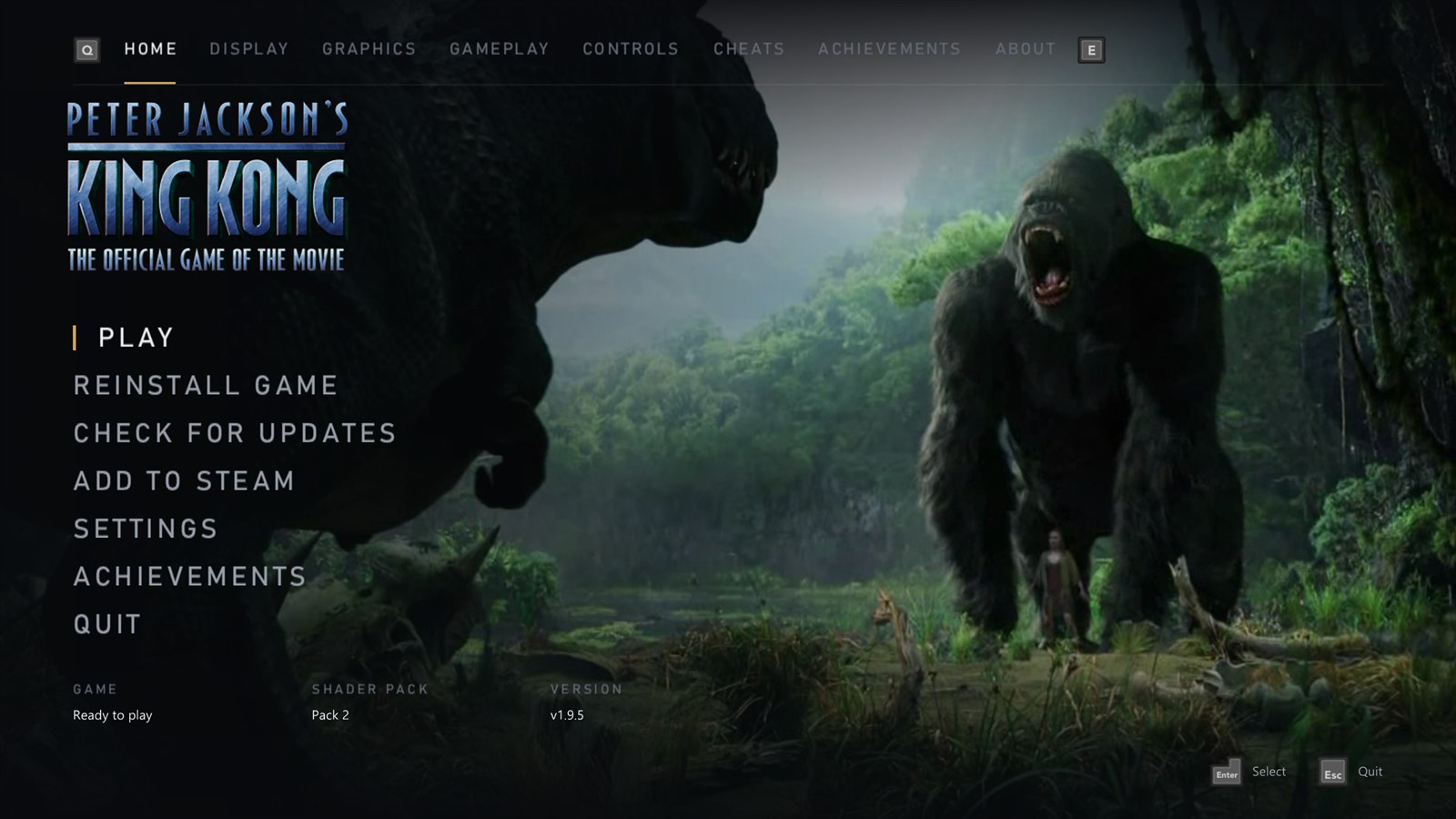
## A launcher made for the couch
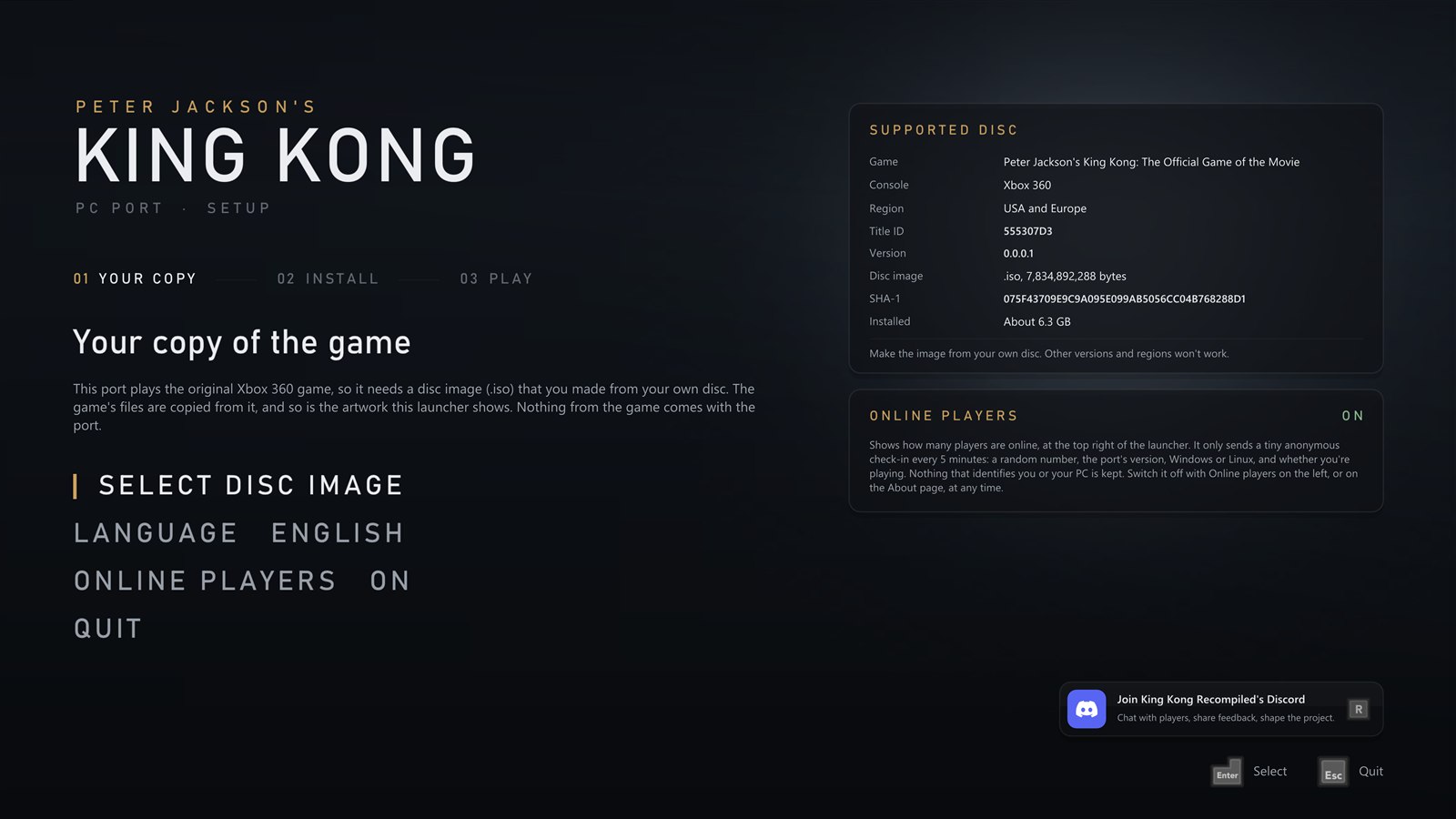
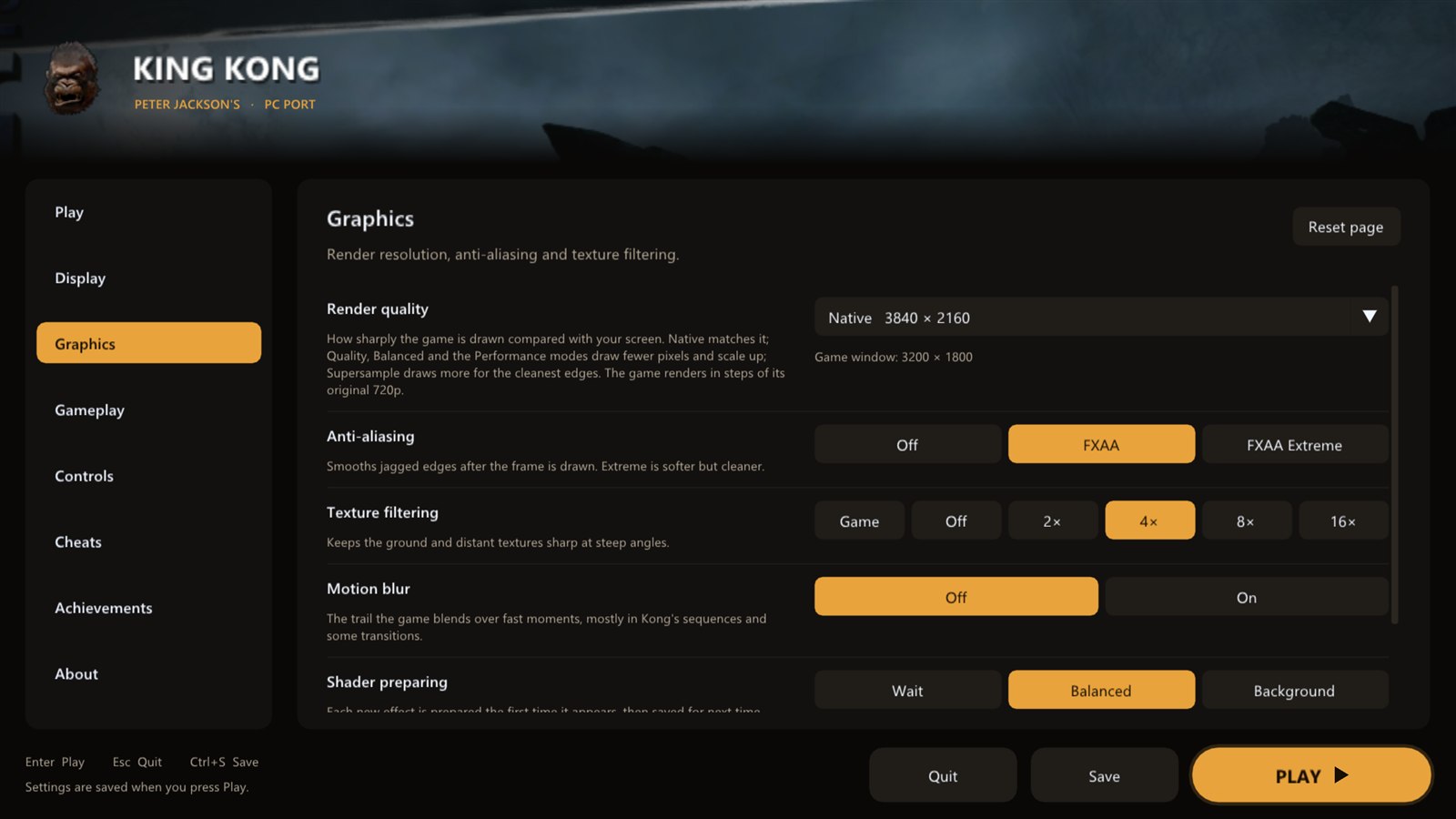 Set up from your own disc · Graphics: presets, upscalers, resolution and effects
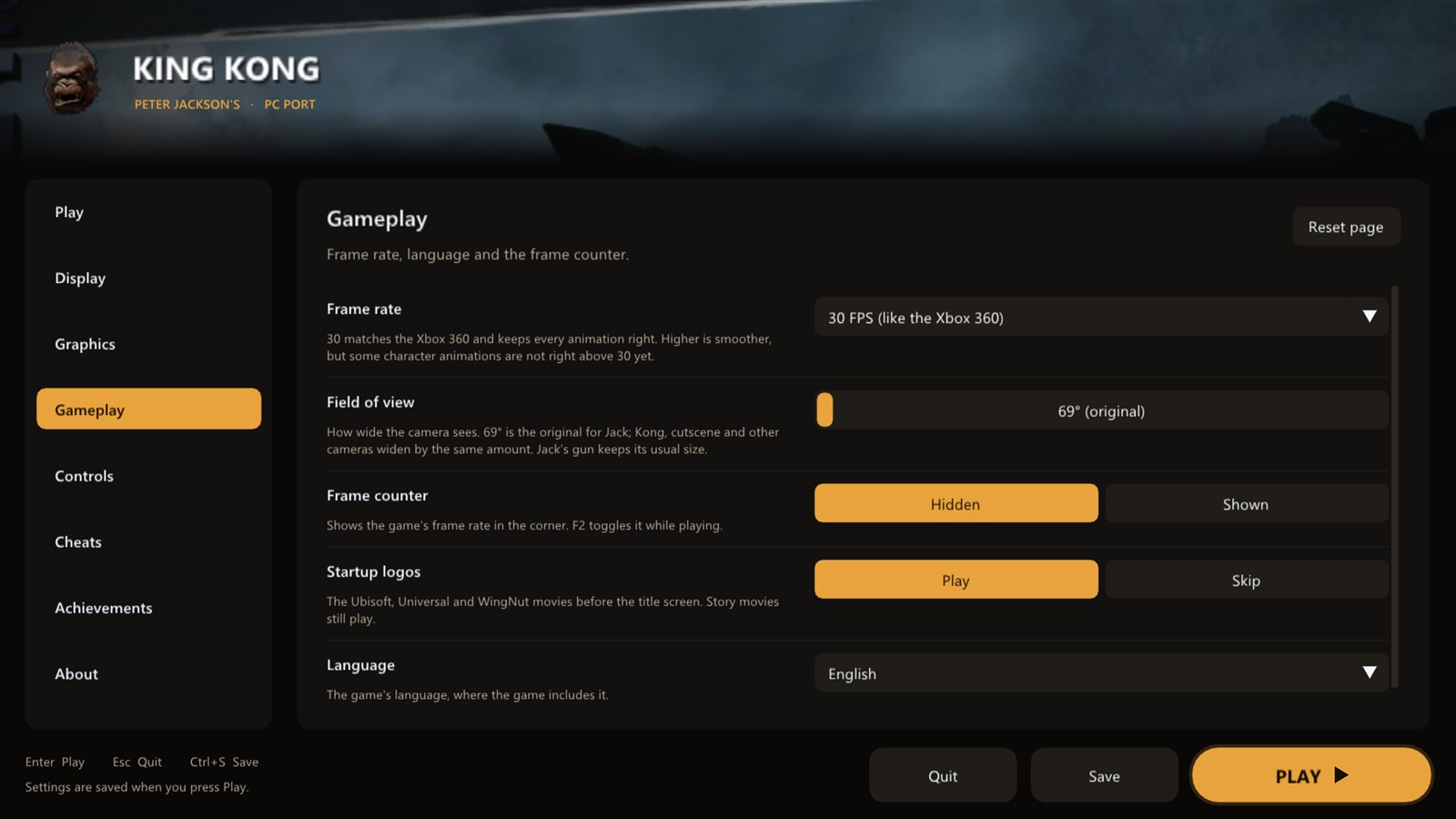
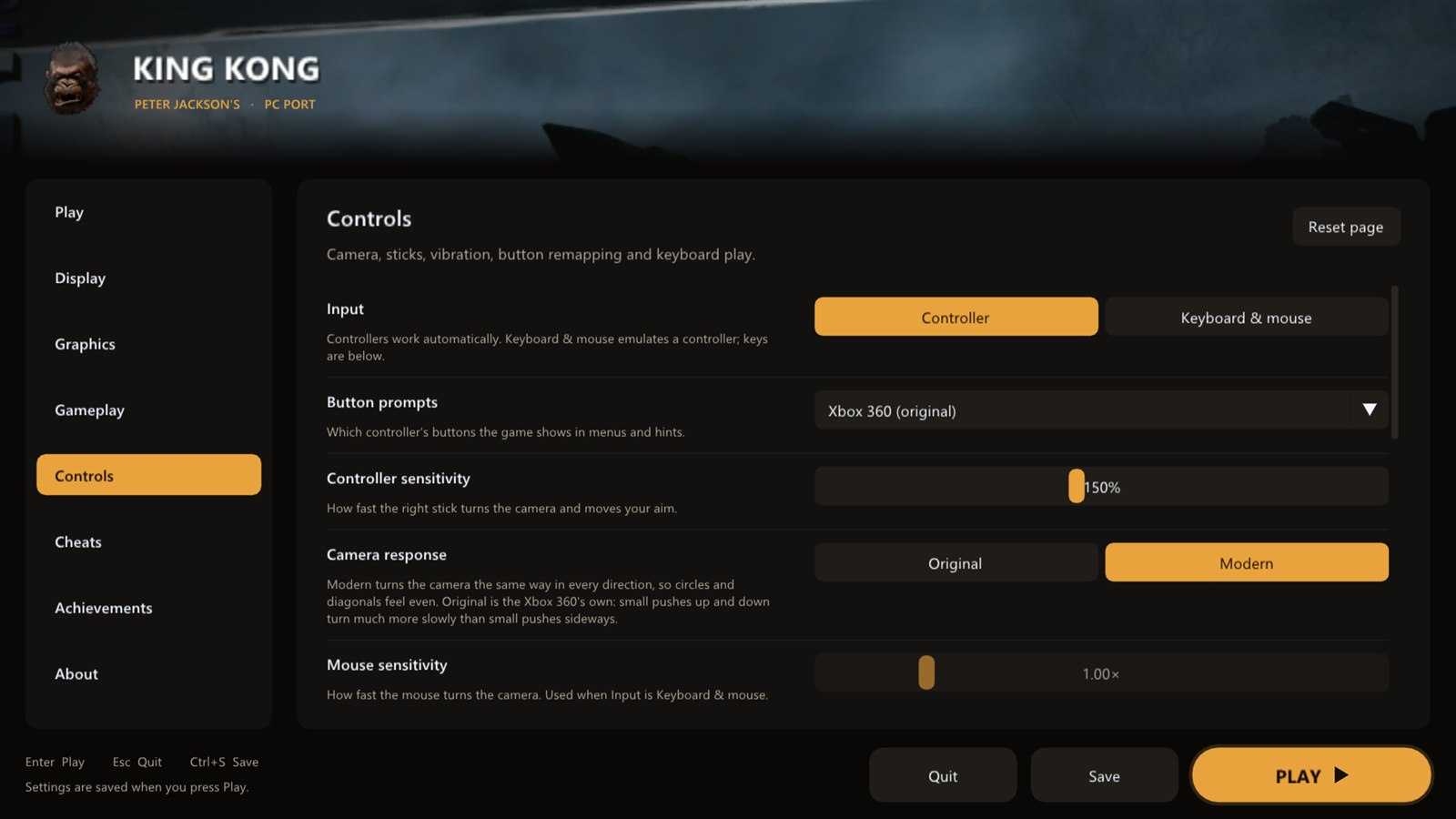 Gameplay: frame rate, field of view, camera shake · Controls: remapping, mouse look, button prompts
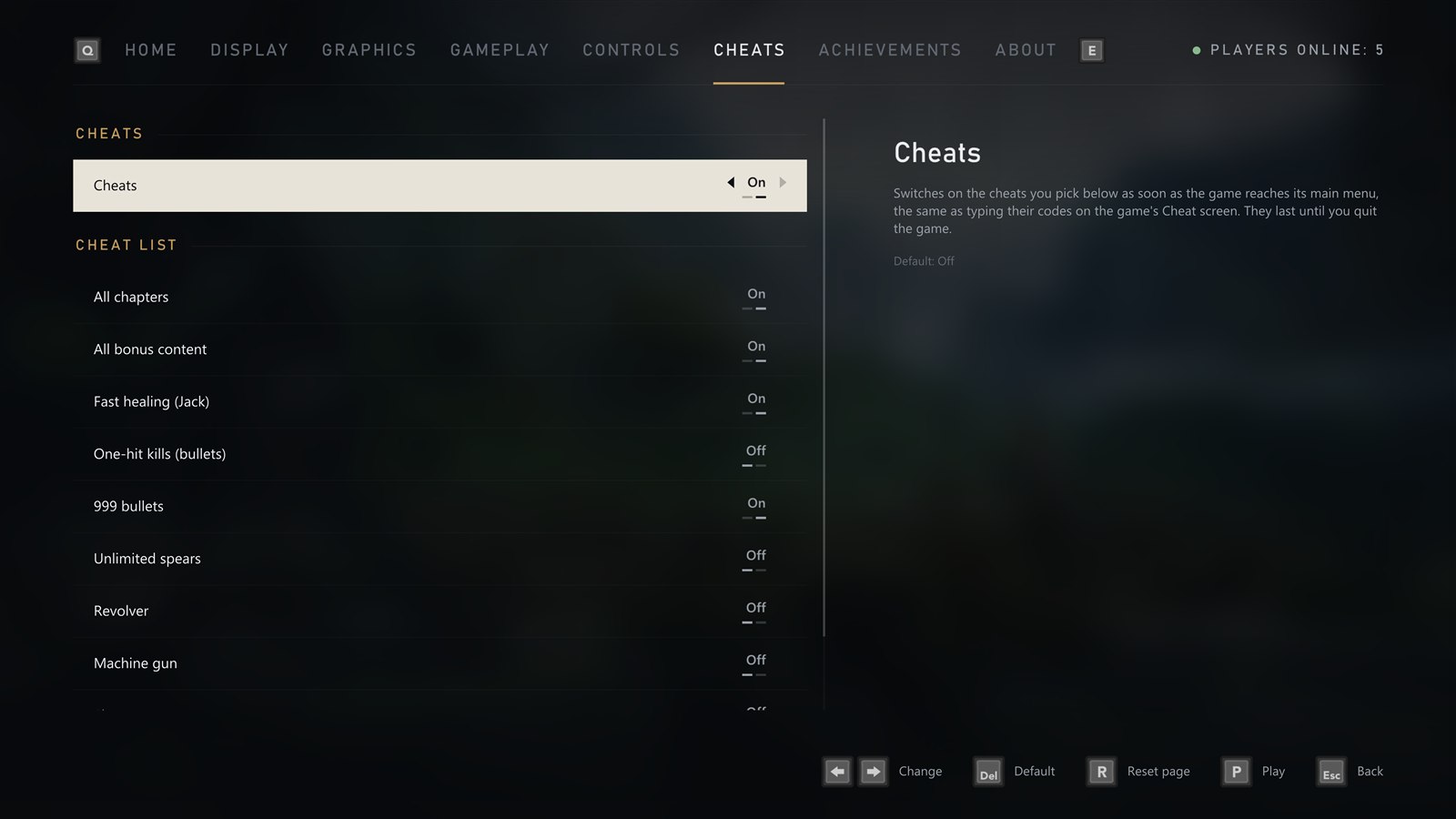
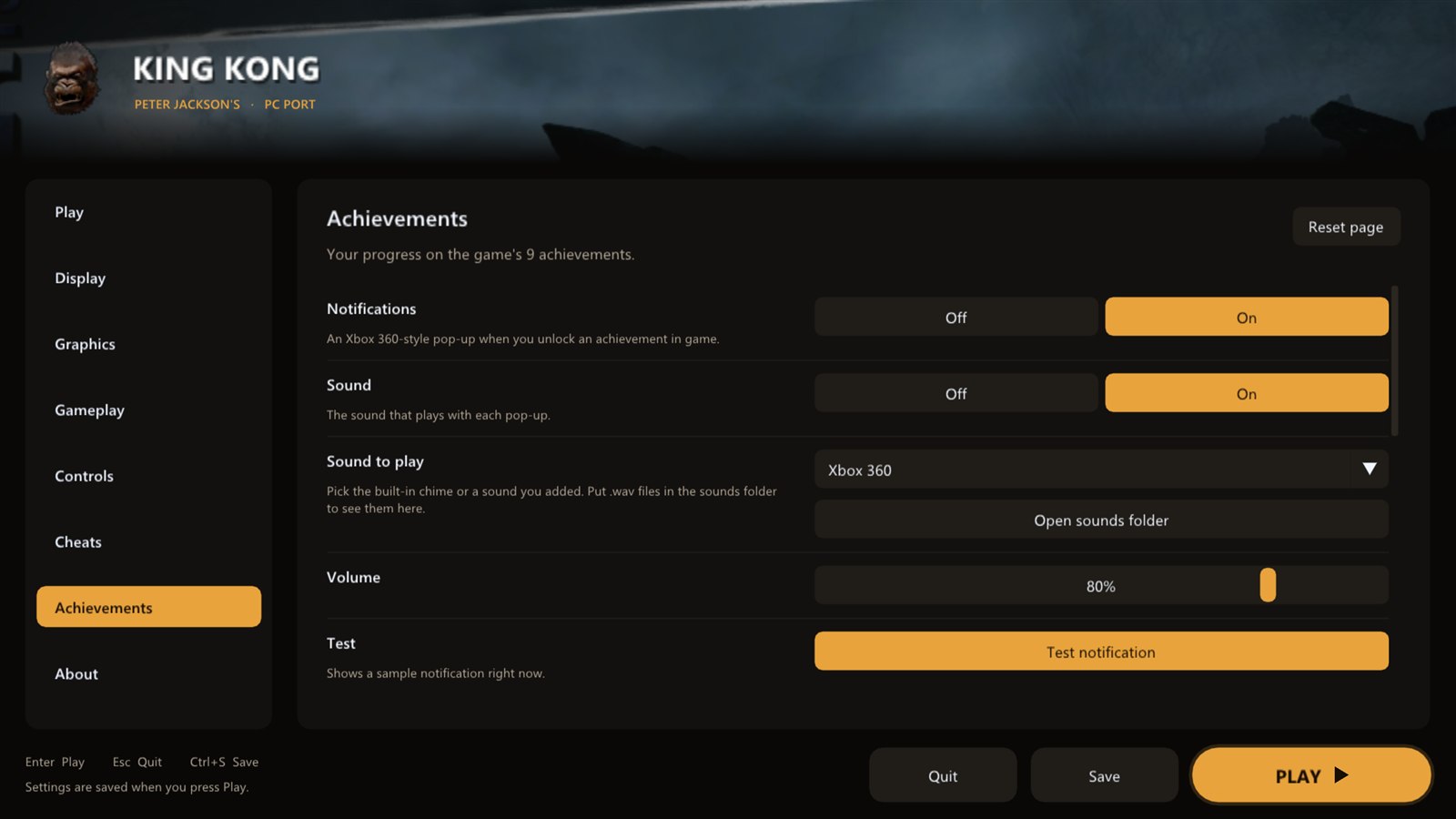 Cheats as switches · Achievements with popups and your choice of sound
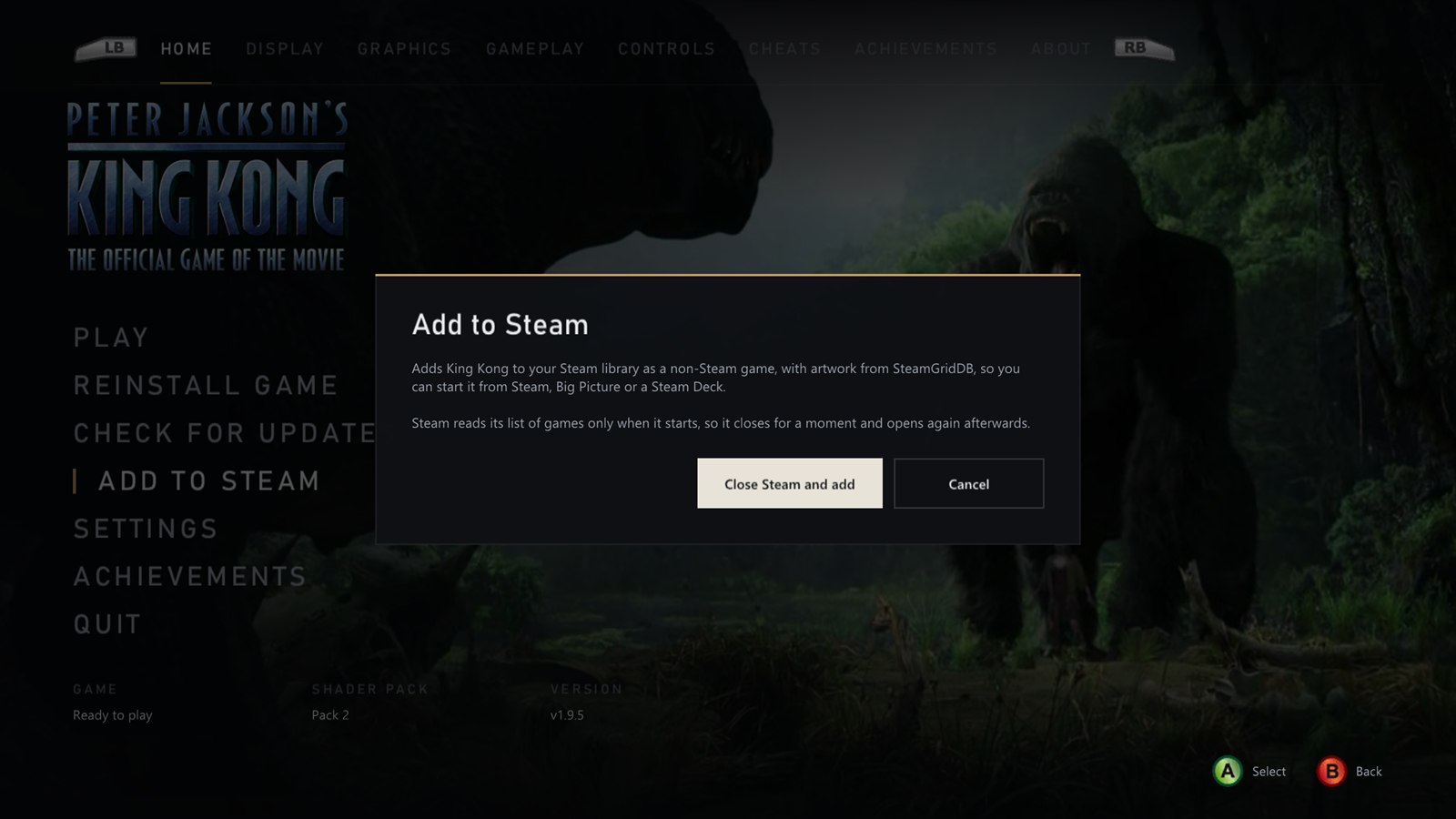
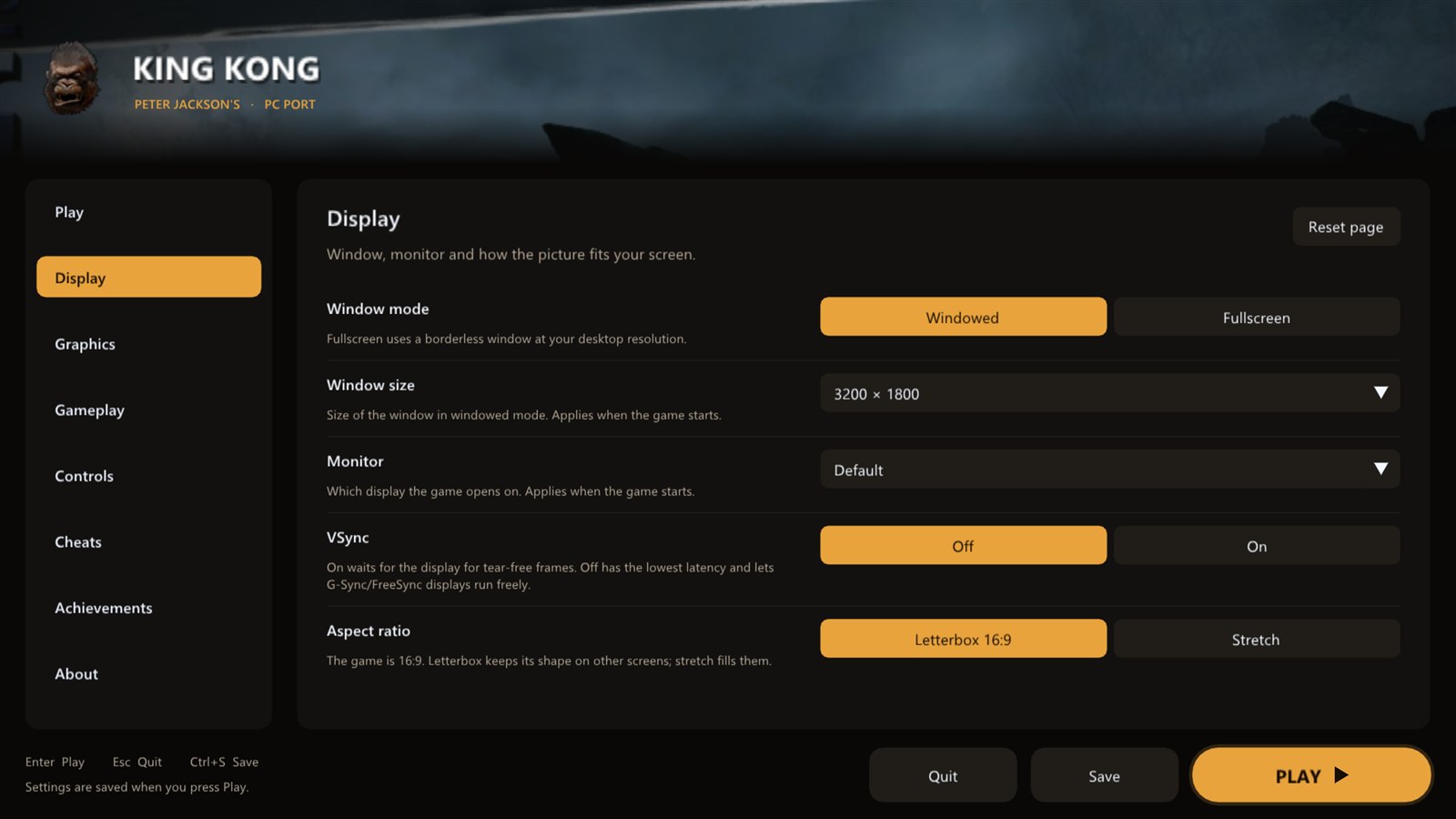 Add to Steam with its artwork · Display: windowed, fullscreen, any monitor
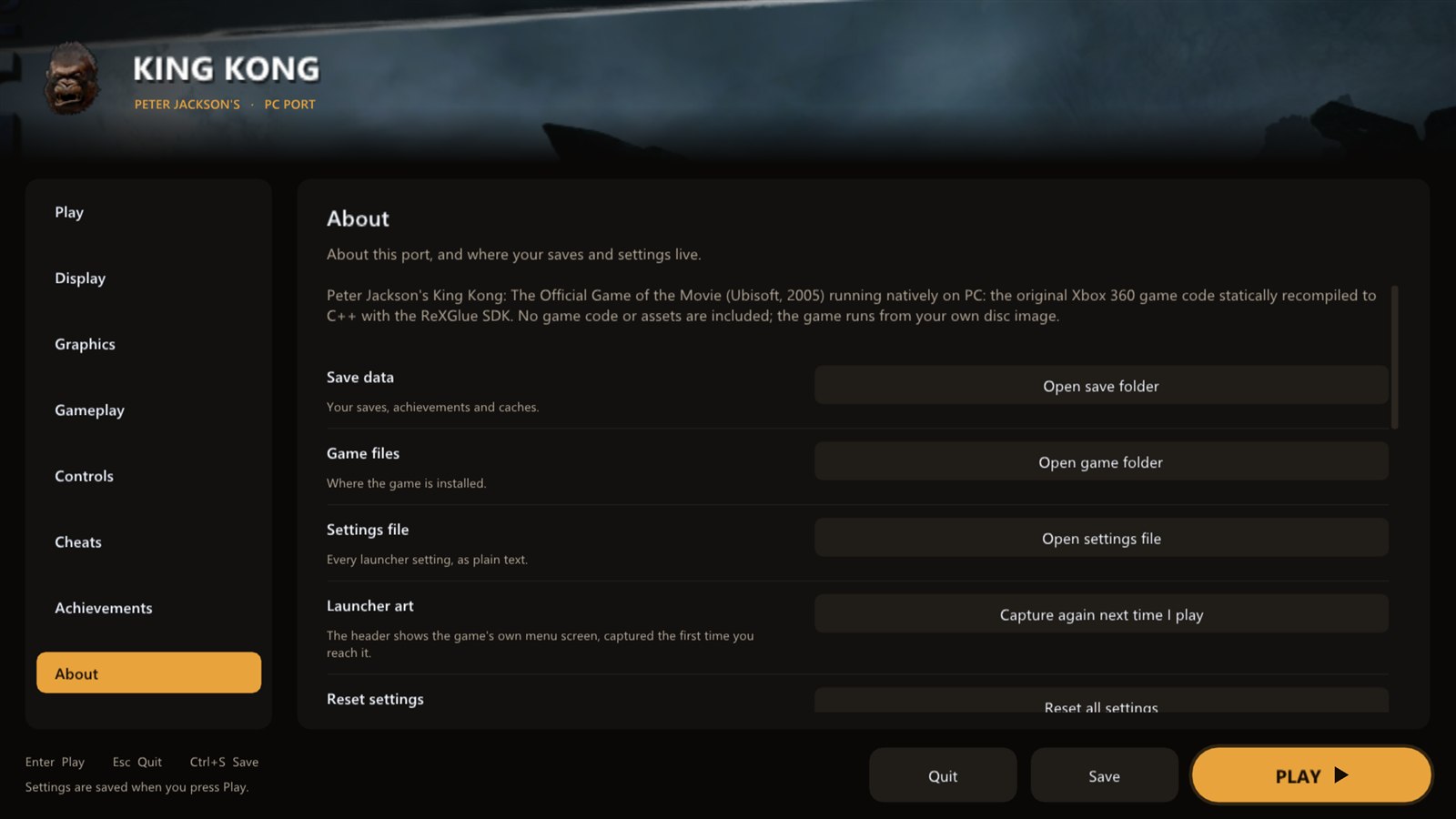
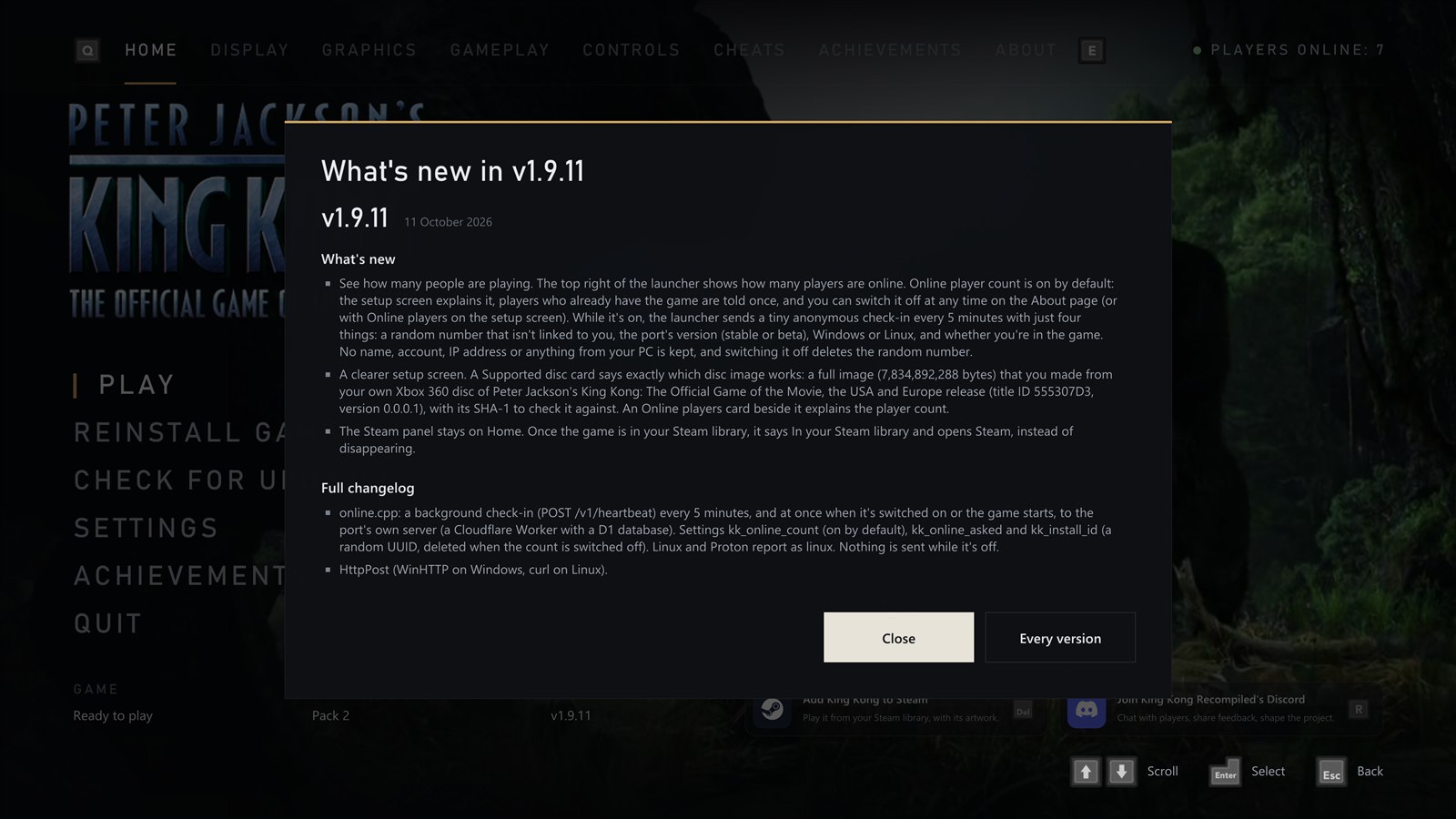 About: updates, stable or beta, Discord · What's new after every update
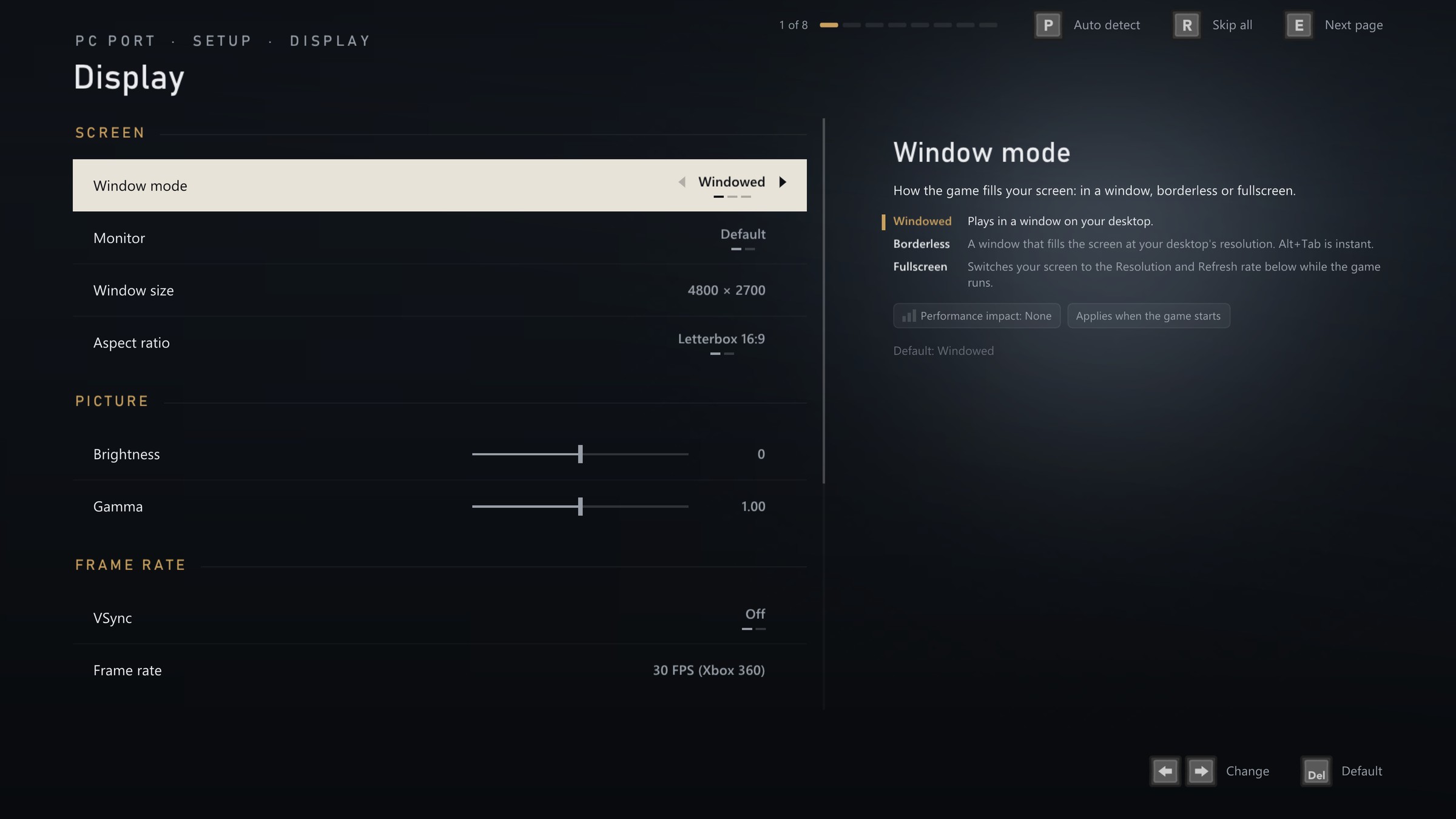
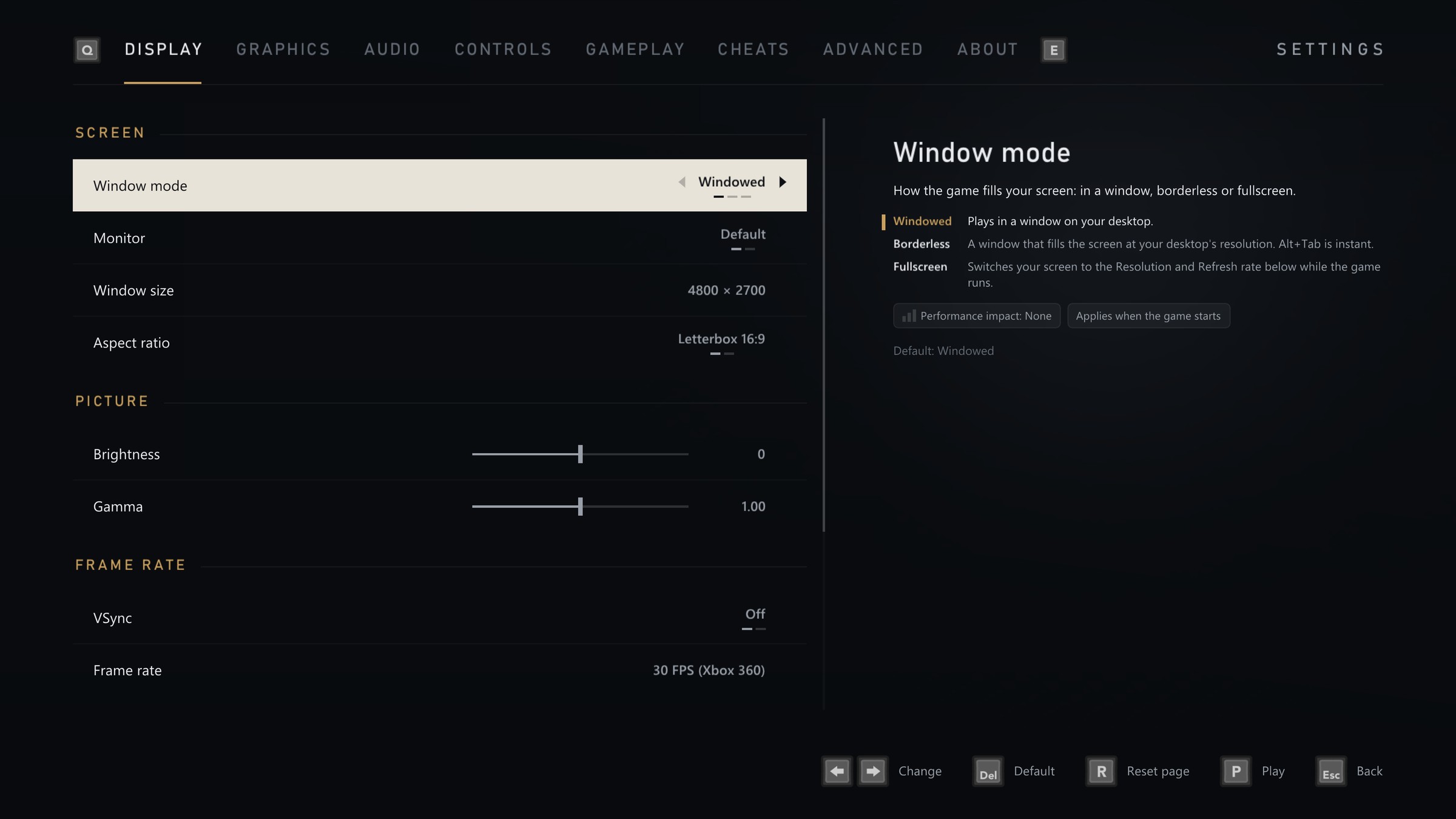 New in 2.0.0: a first setup with Auto detect · settings that explain themselves
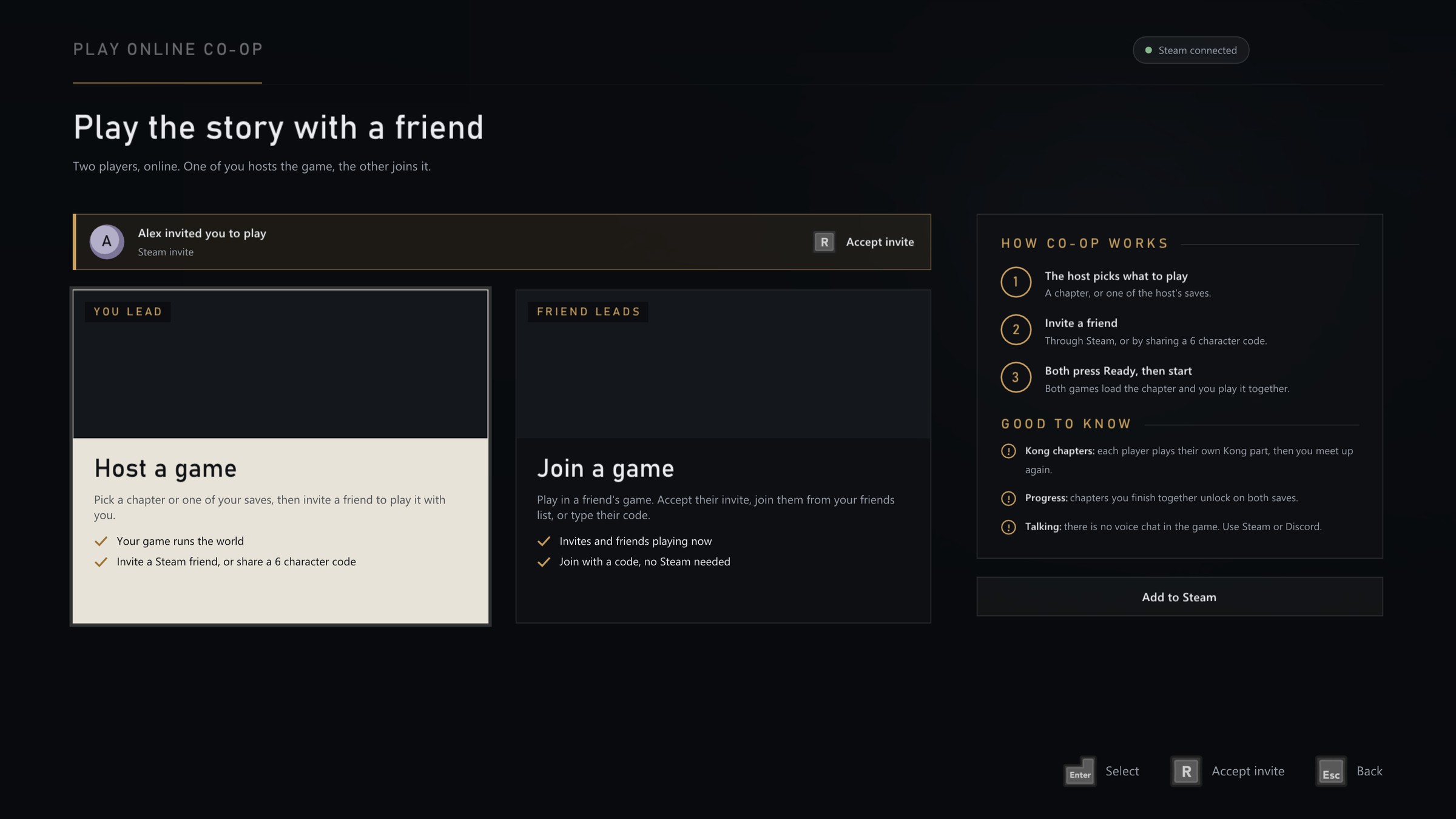
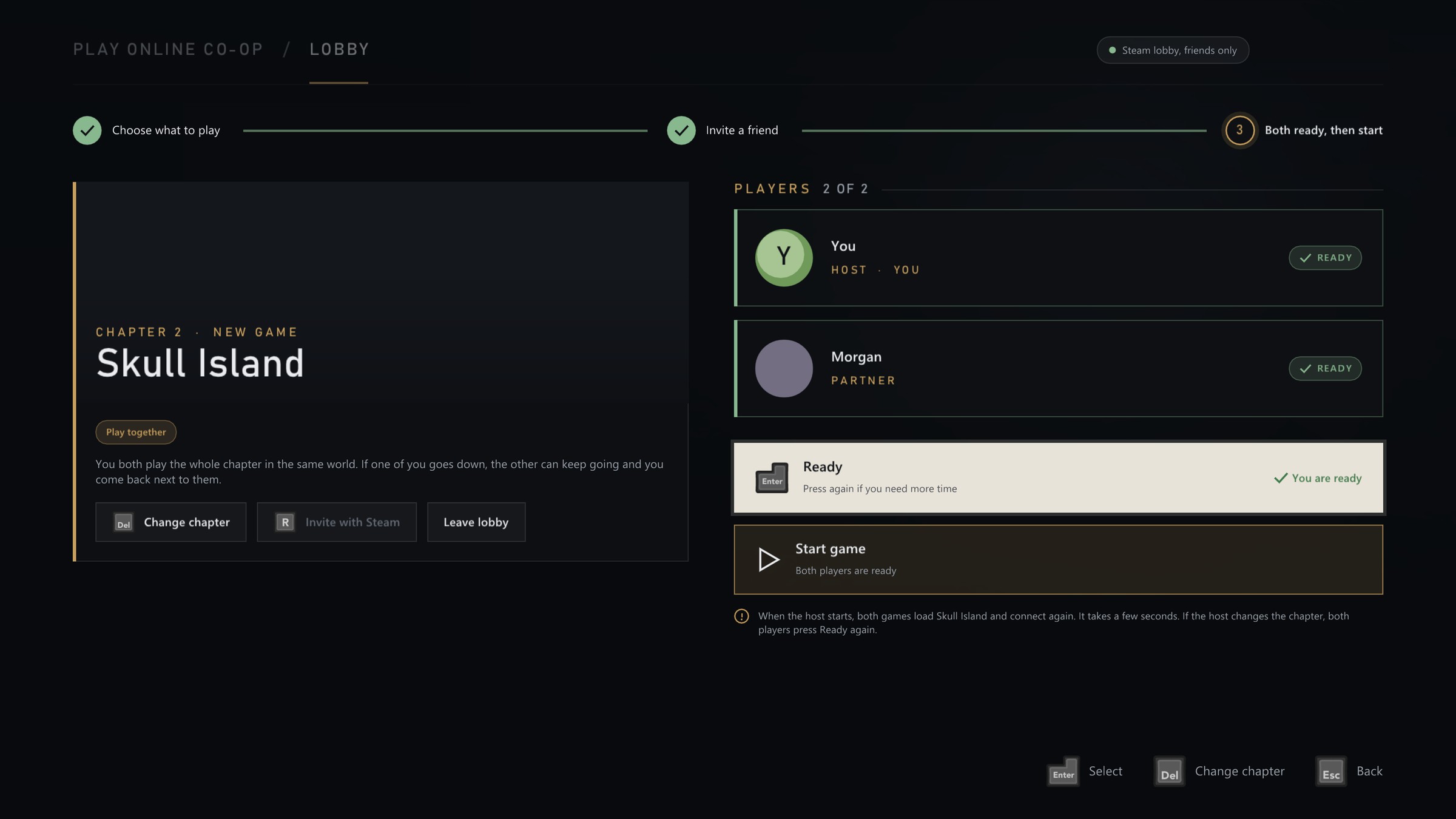
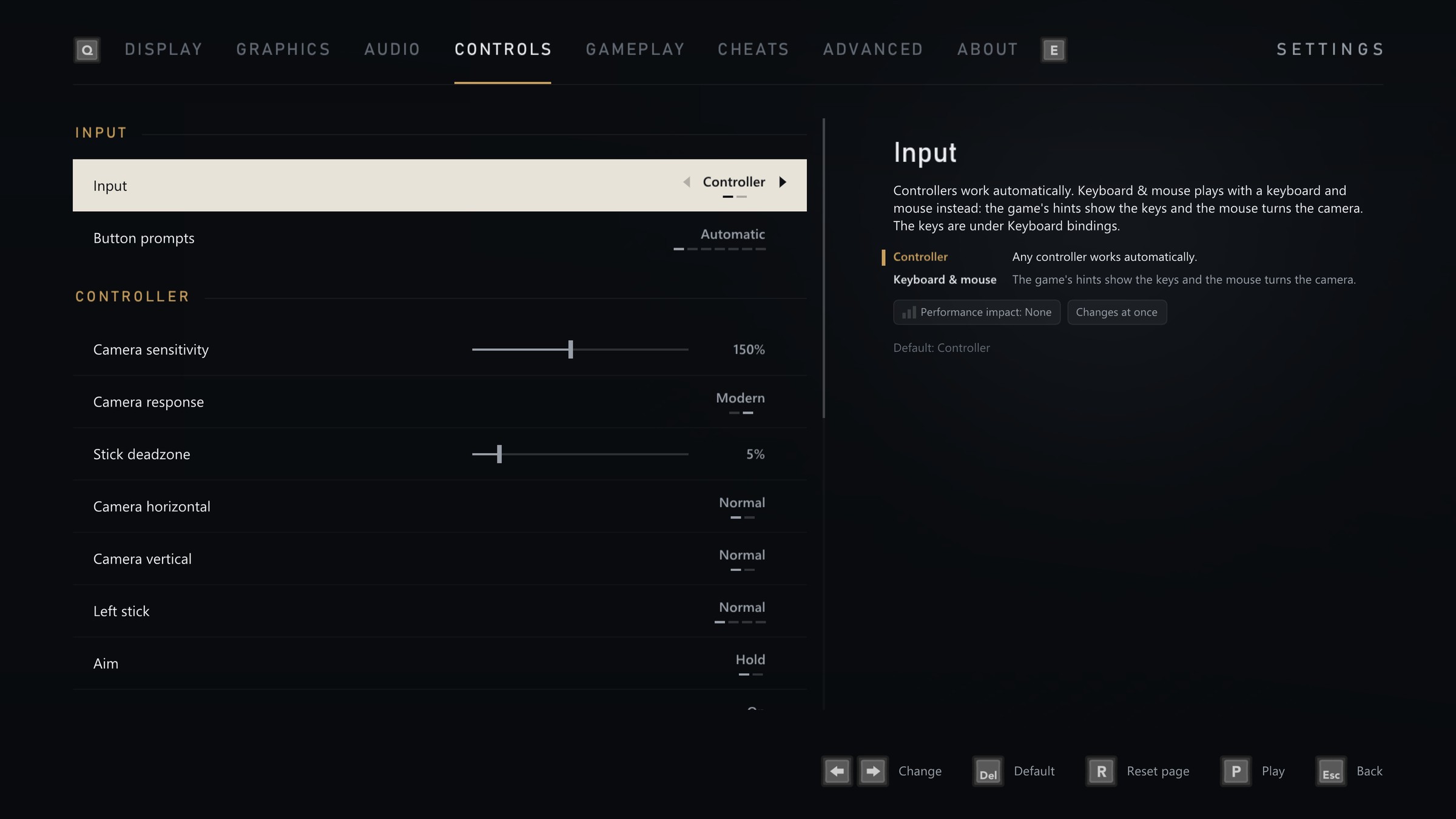 Controls in 2.0.0 · Play Online Co-op: the lobby
1. Open **Play Online Co-op**, directly under **Play** on the Home screen.
2. **Host a game** and choose any chapter or one of your saves.
3. Invite a Steam friend to the lobby, or share your 6 character code.
4. Both players press **Ready**, and both games load the chapter together.
**Joining:** accept an invite, pick a friend who is playing now from the list, or type a code. Invites and the friends list need Steam to be open, and joining with a code works without it. Windows and Linux players can play together.
**Playing together:** the host's game runs the story and the enemies, and your shots count in it. You see your partner in the world with their name over their head. Fall, and you come back next to your partner. The guest's own saves are kept apart from the host's. There's no voice chat in the game, so use Steam or Discord.
**You need:** the same version of the port on both PCs, and each player needs their own copy of the game.
> [!WARNING]
> **Online co-op is in early access.** It works, and it's still rough in places. Not every chapter has a player model for the guest yet, the guest's game sometimes reloads to catch up with the host, people and mission state can drift out of step between the two games, and now and then a player is moved out of the map. Some chapters may not let you go on. For the smoothest game, play single player. If something goes wrong, the launcher's co-op pages have an **Open logs folder** button: please send the logs to us on the [Discord](https://discord.gg/8eakYSvBZS).
## The launcher
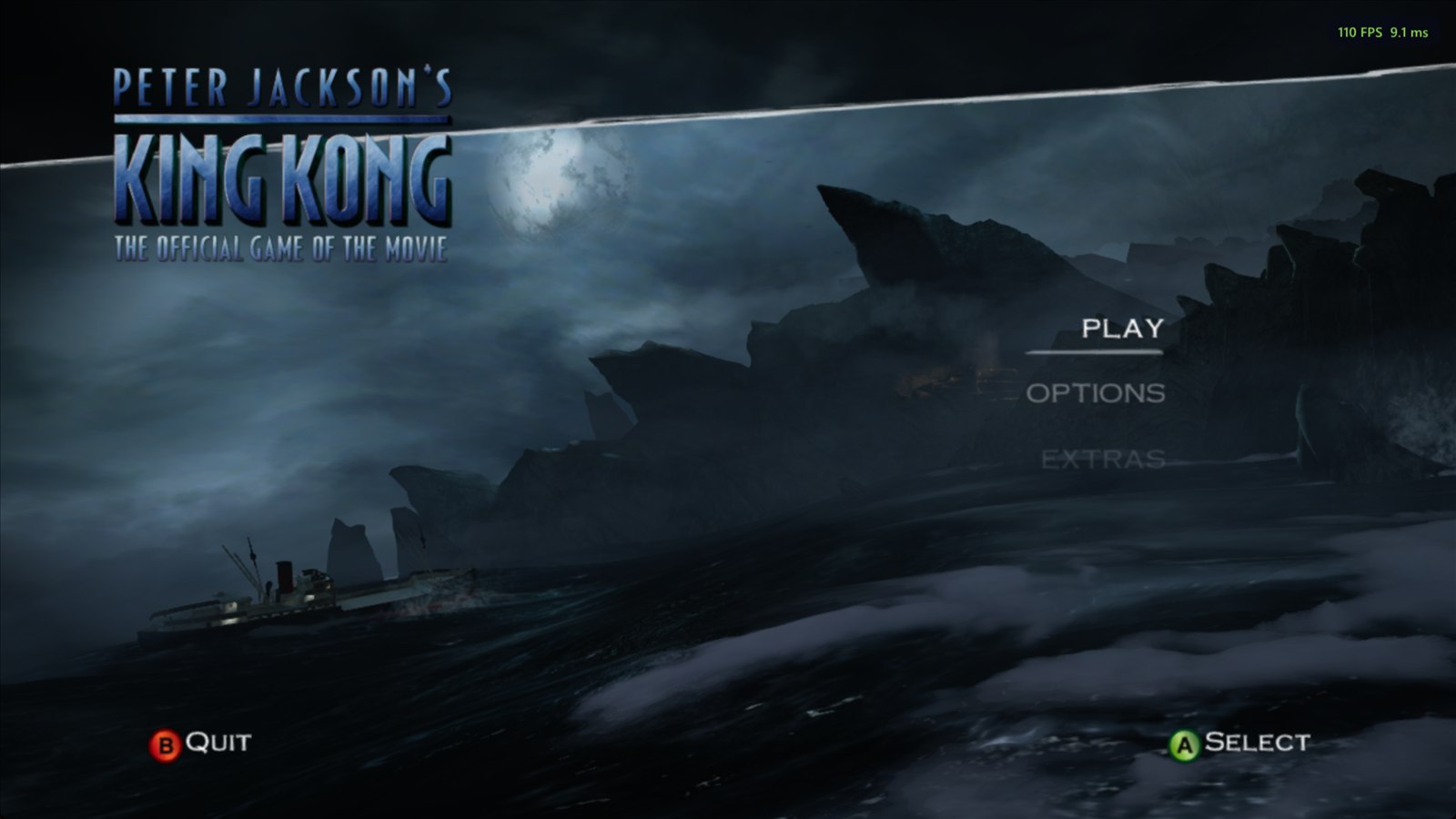
Everything is set up before the game starts, with a controller, the keyboard or the mouse. **The launcher is the game's main menu**: the Venture rolls on the stormy sea behind it, live, with the menu's own music and the sound of the sea. On low end PCs such as the Steam Deck, and during setup, it shows stills from the movie trailer instead. It looks and sounds like the game, using your own copy of it: the King Kong logo, the main menu music and the game's own menu sounds. Nothing from the game comes in the download. It follows the game's **Language** setting (English, French, German, Spanish or Italian). Settings are saved to a plain text file, `king_kong.toml`, next to the game, and every settings page has **Reset page** to put just that page back to its defaults.
**Settings** has eight tabs: Display, Graphics, Audio, Controls, Gameplay, Cheats, Advanced and About. The panel beside them explains each setting: what it does, what it costs and its default.
|
### Home - **Play** opens Continue, New game, Load game, Chapter select and Extras. The game starts right there, with no logos or title screen - **Chapter select** has all 42 chapters open, with your best scores - **Load game** lists your five saves. Your saves are copied to a backup folder before you play, and before one is deleted or overwritten - **Play Online Co-op**, **Settings**, the **Workshop**, **Achievements** and the **Benchmark** - **Reinstall** the game from your disc image, with a progress bar, on the About tab - **Check for updates**: a new version downloads on its own screen with a progress bar, then the launcher restarts - **Add to Steam** and **Discord** panels along the bottom, each with its own button (**X** and **Y**) - **Players online** at the top right - How the game, the **shaders** and the port's version stand, at a glance - Turn the launcher off and **hold Shift** at start to bring it back |
| ### First start - The launcher asks for **your copy of the game** first, with a card showing exactly which disc works: pick your disc image and it checks it really is King Kong, then installs it - It takes its **artwork** from your copy, then **prepares the graphics** once, with one progress bar - **Auto detect** picks the recommended settings for your PC, with side by side pictures made from your own copy of the game, or go through the **Display**, **Graphics** and **Controls** pages yourself. **Skip all** goes straight on - Your **button prompts**, the **HD texture pack**, the **PS2 cutscenes**, what the **Workshop** is, then **Add to Steam** and the **Discord** - Choose your **language**, and whether to show **online players**, before you start | |
|
### Add to Steam - Adds the port to your **Steam library** as a non Steam game, so you can start it from Steam, Big Picture or a **Steam Deck** - With its **artwork** from [SteamGridDB](https://www.steamgriddb.com/game/5249080): cover, banner, header, logo and icon - **Steam Input** is switched off for it, so your controller keeps working - Steam closes for a moment while it's added and opens again afterwards - Once it's in your library, the panel opens Steam instead |
| ### Display - **Windowed**, **borderless** or **fullscreen** - **Window size** that fits your screen, or a **resolution** and **refresh rate**, including 21:9 and 32:9 sizes - **Choose the monitor** - **VSync** on or off (off by default, and great with G-Sync and FreeSync) - **Keep 16:9** with borders, or **stretch** to fill - **Brightness** and **gamma** - **Frame rate**: 30 (like the console), 60 (the default with the Remastered look), 90, 120, 144, 165, 240 or unlimited - **Field of view** from 69° (the original) to 110°, 80° by default. The game draws the wider area too, Jack's gun keeps its usual size, and the menus keep their original look - **Motion blur** on or off - **Camera shake** on or off, with a strength from 10% to 200% | |
|
### Graphics - **Look**: Original Xbox 360 (720p at 30 FPS, the console's antialiasing, texture filtering and field of view, motion blur and fog, no ambient occlusion) or Remastered. Switching back to Remastered puts your own settings back - **Graphics presets**: Low, Medium, High, Ultra and Steam Deck, or Custom when you set things yourself. **Use recommended for my PC** picks one for you - **Graphics API**: DirectX 12 or Vulkan on Windows, Vulkan on Linux - **Upscaler**: DLSS, FSR 4, FSR 3.1 and XeSS where your graphics card can run them, AMD FSR 1 and NVIDIA Image Scaling (NIS) on any card, or Off. The best one is chosen for you, at Quality. Each mode shows the resolution the game draws at - **Render quality** (with the upscaler off): Native, Quality, Balanced, Performance and Ultra Performance - **Internal resolution** for an exact size, from 1x (720p) to 6x (8K) - **FXAA** or **SMAA**, **Sharpness**, and **texture filtering** up to 16x - **Screen blur** and **distance fog**, each on or off - **Ambient occlusion** at Light, Medium or Strong - **Global illumination**, **Shadows**, **Water reflections** and **Light shafts** - **Horizontal flip**, **Effect resolution** and **Rebuild shaders** - **Damn it, I paid for the full CPU**, which removes the CPU limit while shaders are prepared |
| ### Gameplay - **Language** of the game and the launcher - **Subtitles** - **The HUD**: the aiming visor, the inventory and notifications, each on or off - **Popup style**: Xbox 360 or Steam - **Performance metrics** in the corner, toggled with F2: FPS only, or Full, with a frame time graph, the graphics card's load, temperature, clock and memory, the processor and memory use, the graphics API and the upscaler - **Startup logos**: skip the Ubisoft, Universal, WingNut and TRG Studios movies (the default) or play them | |
|
### Controls - **Invert the camera** left/right and up/down, separately - **Controller sensitivity** from 25% to 300% (150% by default) - **Camera response**: Modern (the default) turns the camera the same way in every direction; Original is the Xbox 360's own feel - **Real mouse look** for keyboard and mouse, with **Mouse sensitivity** and **Mouse vertical** (invert) - **Toggle aim**: press the left trigger once to raise the gun and again to lower it - **Stick deadzone** to stop drift (5% by default) - **Vibration** on or off, with a strength from 10% to 200% - **Remap any button** on your controller - **Keyboard and mouse** with a modern layout (left mouse button shoots, right mouse button aims, R reloads, WASD moves, Esc pauses); rebind any control to a key or mouse button, and each one says what it does in the game - **Button prompts** that match your controller automatically, or pick Xbox 360, Xbox Series, PlayStation 5, PlayStation 2, Steam Deck or your keyboard keys, in the game and in the launcher |
| ### Cheats The game's own cheats, as switches instead of codes to type each time you play: - **All chapters** and **all bonus content** - **Fast healing**, **one hit kills**, **999 bullets** and **unlimited spears** - The **revolver**, **machine gun**, **shotgun** and **sniper rifle** They work exactly as if you had typed their codes. You can also change them from the pause menu while you play. | |
|
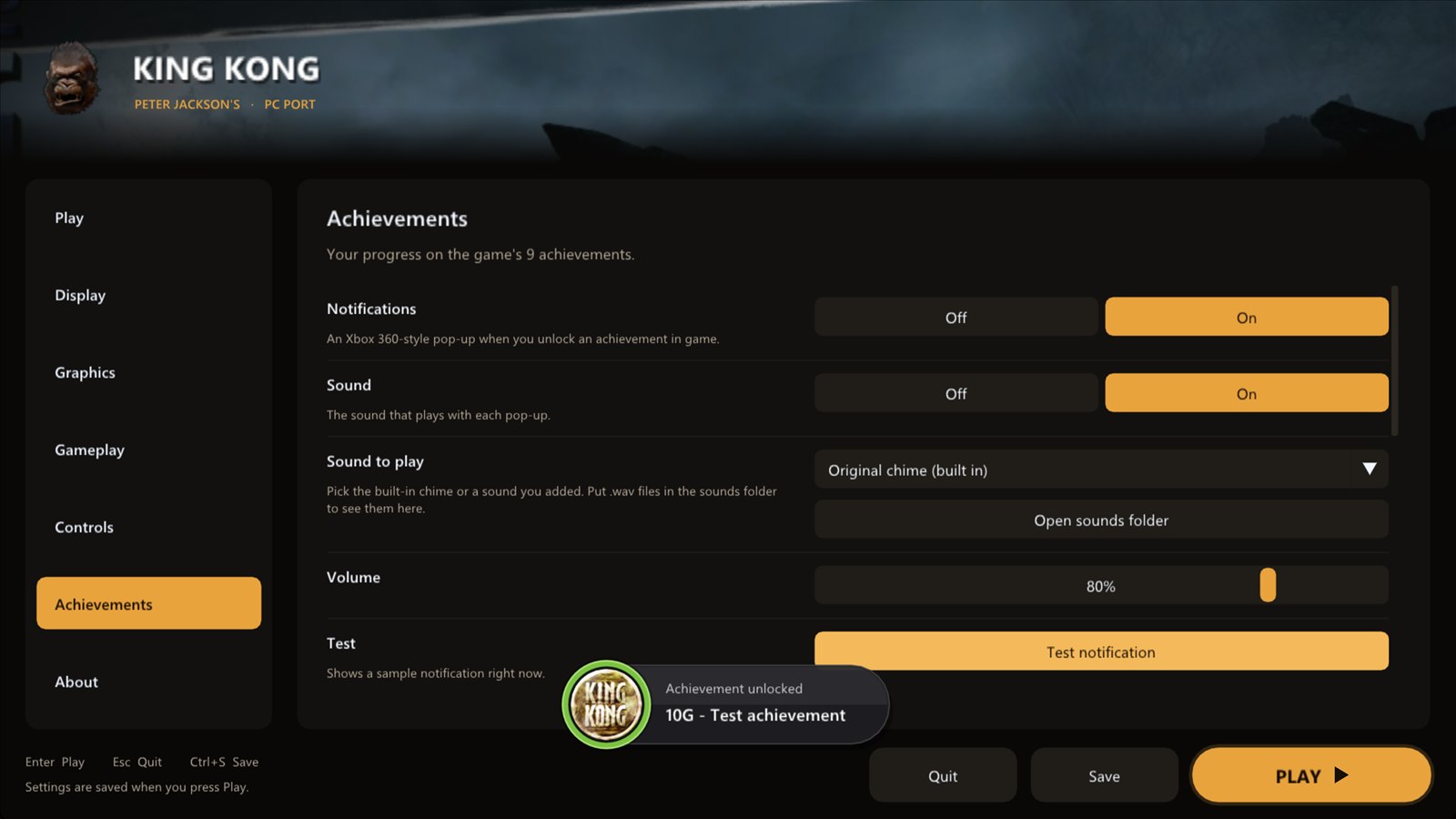
### Achievements - All **9 achievements** with their pictures, descriptions and gamerscore - See which ones you have **unlocked** - **Popups** in the Xbox 360's style or Steam's, with their **sound** on or off and its volume - **Pick the sound**: the built in chime or any `.wav` you put in the `sounds` folder. Name the Xbox 360 sound `Xbox_360.wav` and it plays by default - A **test button** to see and hear it - A bonus **Welcome to Skull Island** achievement the first time you play |
| ### About - The **version history**: the notes for every version - **Discord**: join the official server, and **Discord status** shows on your profile that you are playing. It only talks to the Discord app on your PC - **Check for updates** now, or turn the check at start off - **Change version** between stable and beta (early test builds; your saves and settings are kept) - **Online player count** on or off - How the **shader pack** stands - Open your **save folder**, **save backups**, **game folder** or **settings file** in one click - Take the launcher's **artwork** from your copy again, or **reset** every setting The launcher's **music** and **menu sounds**, each with a volume slider, are on the **Audio** tab, next to the game's own volumes. | |
|
### What's new - After an update, the launcher shows **what changed** the first time it opens - **Every version** takes you to the full version history |
|
|
2560 x 1440 at strength 1, taken half a second apart (the rain and the firelight move in between). The close up is at full size.
### Distance fog
**Distance fog** is on by default. Off clears the haze over far scenery, though the fog is part of Skull Island's look and also hides the edges of each area, so some empty backdrops can show.
|
|
The title screen at 1920 x 1080 in Performance mode (drawn at 1280 x 720), zoomed 2x: plain scaling, AMD FSR 1 and NVIDIA NIS.
### Original Xbox 360 or Remastered, and presets
**Look** at the top of the **Graphics** page switches between **Original Xbox 360**, the game as it was on the console (720p at 30 FPS, its own antialiasing and texture filtering, the 69° field of view, motion blur and fog, no ambient occlusion and no upscaler), and **Remastered**, with every setting, at 60 FPS. In Remastered, a **Preset** sets several things at once:
| Preset | Upscaler | Upscaler mode | Render quality | Antialiasing | Texture filtering |
| --- | :---: | :---: | :---: | :---: | :---: |
| Low | the best for your card | Performance | Performance | FXAA | 2x |
| Medium | the best for your card | Quality | Quality | FXAA | 4x |
| High | the best for your card | Quality | Native | FXAA | 16x |
| Ultra | the best for your card | Quality | Native | FXAA | 16x |
| Steam Deck | the best for your card | Quality | Native | FXAA | 2x |
| Preset | Ambient occlusion | Global illumination | Shadows | Water reflections | Light shafts |
| --- | :---: | :---: | :---: | :---: | :---: |
| Low | off | Low | Original | Original | Original |
| Medium | off | Medium | Original | Original | Original |
| High | Strong | High | High | Screen space | Volumetric low |
| Ultra | Strong, High quality | High | Ultra | Screen space | Volumetric high |
| Steam Deck | off | Low | Original | Original | Original |
**Render quality** is used by FSR 1, NIS and no upscaler, and **Upscaler mode** by DLSS, FSR 3.1, FSR 4 and XeSS. A preset leaves the frame rate, motion blur, screen blur and distance fog as they are. Change any setting yourself and the preset shows **Custom**. Auto detect picks a preset for your PC at setup, and **Use recommended for my PC** picks one at any time.
## Performance
- **Any frame rate**: 30 like the console, 60, 120, 144, 240 or unlimited. Animations, physics, particles, water, the camera and timing run at the right speed, from the rowing crew to Kong's grabs.
- **Ready before you play**: the graphics are prepared once on the first start. The port ships with a list of 17,652 graphics pipelines, built with the help of players who chose to share theirs, so new places stutter far less.
- **Benchmark** on the main menu: a recorded route through four chapters with your graphics settings. A standard run takes about 10 minutes, and the results stay on your PC.
- **Performance metrics** with F2: FPS only, or Full, with a frame time graph, the graphics card's load, temperature, clock and memory, the processor and memory use, the graphics API and the upscaler.
## In the game
**Pause menu:** press Start or Esc for Resume, Photo mode, Controls, Gameplay, Settings, Load last checkpoint, Save game where the game offers it, Quit to main menu and Quit game. Settings that can change while you play do so at once.
**Photo mode:** fly a free camera around the paused scene, with looks and tints, depth of field, vignette, film grain, letterbox bars, cel shading and more. Pictures save at full resolution with no menus.
**Saving:** the game saves when you choose Save game, and when you quit from the pause menu with Quit to main menu or Quit game. Checkpoints are not saves, so if you close the window another way, for example with Alt+F4, progress since your last save is lost.
## Workshop and Extras
**The Workshop** on the main menu has texture packs and mods, downloaded and switched on from the launcher:
- **HD texture pack** (2.6 GB, offered at setup): textures at four times their original size, keeping the game's own look.
- **Kong UHD Textures**: real photographed materials mixed with AI upscaling, so the look changes from the original.
- **Comic Book Texture Pack**, best with the built in **Cel shading** mod.
- **Your own**: import a texture pack or a mod as a ZIP. [MODDING.md](MODDING.md) and the [Mods page](https://kong.tekrantgaming.com/mods.html) explain how to make them.
The texture packs are separate downloads, and none is needed to play.
**Extras:**
- **PS2 cutscenes** (1.9 GB, offered at setup): the PlayStation 2 version's cutscenes between the missions, upscaled. The next chapter loads after it.
- **The Weta Artbook**: six concept paintings from the PS2 bonus disc, with zoom and Save to PC. The launcher downloads the bonus disc from archive.org and keeps only the paintings.
- **The user manual**, and **every Extras item** open from the start.
- **Original main menu**: the game's own Xbox 360 main menu, as it was.
## Xbox 360 vs PC port
| | Xbox 360 | PC port |
| --- | :---: | :---: |
| Resolution | 1280 x 720 | up to 7680 x 4320 |
| Screen shape | 16:9 | 16:9, 21:9 and 32:9 |
| Frame rate | 30 fps | 30 fps, or up to 240 and unlimited |
| Antialiasing | console (2x MSAA) | console 2x MSAA plus FXAA or SMAA, or higher resolutions |
| Upscaling | console | DLSS, FSR 4, FSR 3.1, XeSS, AMD FSR 1 or NVIDIA Image Scaling |
| Texture filtering | console | up to 16x |
| Textures | console | HD, UHD and Comic Book packs, or your own |
| Display | TV | windowed or fullscreen, any monitor |
| Controls | Xbox 360 controller | any controller, remapping, keyboard and mouse |
| Camera | game options | field of view, inverted axes, sensitivity, deadzone, shake strength |
| Lighting | console | global illumination, sharper shadows, light shafts, HDR (experimental) |
| Water | console | optional reflections |
| Motion blur | always on | on or off |
| Screen blur (some levels) | always on | on or off |
| Distance fog | always on | on or off |
| Ambient occlusion | none | optional, three strengths |
| Graphics presets | none | Original Xbox 360 look, Low to Ultra, Steam Deck |
| Multiplayer | none | online co-op for two (early access) |
| Between missions | none | PS2 cutscenes |
| Startup logos | always play | play or skip |
| Cheats | typed as codes each time | switches in the launcher |
| Achievement popups | console | Xbox 360 or Steam style, with your choice of sound |
## Good to know
### Hotkeys
| Key | Action |
| --- | --- |
| F2 | performance metrics |
| F3 | performance overlay |
| F6 | in the graphics panel: a capture of the game's picture |
| F7 | achievements overlay (while playing, hold it to compare with your saved settings) |
| F8 | graphics panel, to try settings while you play |
| F9 | free camera |
| F10 | hide the HUD, the ammo counter and the subtitles |
| Shift while starting | open the launcher |
### Known issues
- Above 30 fps a few character animations are not quite right yet. 30 fps, the Original look's rate, plays them correctly.
- There can be a short pause when the game loads the next area. The game does the same on the Xbox 360.
- The prerendered videos pause for a moment every couple of seconds while the video player keeps to the video's timing. This is being looked into.
- Under Proton the launcher has no stills from the movie trailer (Proton can't play the trailer to it). It shows the title screen from your first play instead.
- With FSR, a few short stutters remain in very busy scenes such as parts of Ann's chapter, when the camera swings quickly.
- The first time you see a new effect it has to be prepared. Many are prepared before you play and the game waits only a moment for the rest, so there are no long pauses, but an object can occasionally appear a moment late the first time. Effects are saved, so this only happens once.
- Online co-op has its own [list above](#online-co-op-early-access).
- Three bugs from the original Xbox 360 game are still there: the V-Rex tail can get stuck at the wall in the Call Kong level, the swamp chapter can freeze while loading, and the Kong pillar lifting prompt can vanish or leave Kong stuck lifting.
### The shader pack
The game needs its effects (shaders) prepared before they can appear, which used to cause short pauses. Now the launcher prepares them on the first start and after an update, with one progress bar, and the game doesn't start until they are ready. This takes a few minutes the first time. The **Shaders** status on the Home screen shows how they stand: select it to prepare them again, or use **Rebuild shaders** at the bottom of **Settings > Graphics**.
The port also comes with a list of 17,652 graphics pipelines, collected by playing through the game and from players who share theirs with **Online players** on. They are prepared with the shaders, so new places stutter far less. The launcher still fetches the older pack from the [shader-packs release](https://github.com/TekRantGaming/king-kong-recompiled/releases/tag/shader-packs) by itself when a newer one is out. You don't need to do anything.
### Updates
When the launcher opens it asks GitHub whether a newer version of the port is out. **Update now** checks the download, installs every file of the new version, removes old files the game no longer uses (never your saves, settings or mods) and restarts the launcher, and everything is put back as it was if something goes wrong. Your installed game, saves and settings stay as they are. Turn the check off on the **About** tab. **Change version** on the About tab switches between the stable version and the beta. The shader pack updates itself on its own.
### Online player count
On by default: the setup screen explains it, players who already have the game are told once, and you can switch it off at any time on the **About** tab. While it's on, the top right of the launcher shows how many players are online, and the launcher checks in with the port's server every 5 minutes, also while you play. A check in holds:
- a random number that isn't linked to you, deleted when you switch it off
- the port's version (and the newest one it was offered), and whether it's stable or beta
- Windows or Linux (Linux and Steam Deck players count as Linux, Proton included)
- whether you're in the game
That's all. No name, account, IP address or anything from your PC is kept, and installs that haven't checked in for 90 days are deleted. Nothing is sent while it's off. The server is the port's own, on Cloudflare.
The same switch shares a little more to help the game run well on every PC: anonymous graphics data and a short performance summary when you quit (frame rate, graphics card, driver and main settings), and a crash report, if there was one, on the next start.
### Reporting a problem
Everything useful is in the `logs` folder next to `king_kong.exe` (next to the AppImage on Linux):
- `king_kong.log` describes your settings, and every 10 seconds it notes the frame rate, the 1% low and any frames that took over 50 or 100 ms. That shows exactly where stutter happens.
- If the game crashes, a report is saved on your PC, with your user name and personal folders removed: `crash-