[](https://github.com/TekRantGaming/outpost-kaloki-x-recompiled/releases/latest)
[](https://github.com/TekRantGaming/outpost-kaloki-x-recompiled/releases)

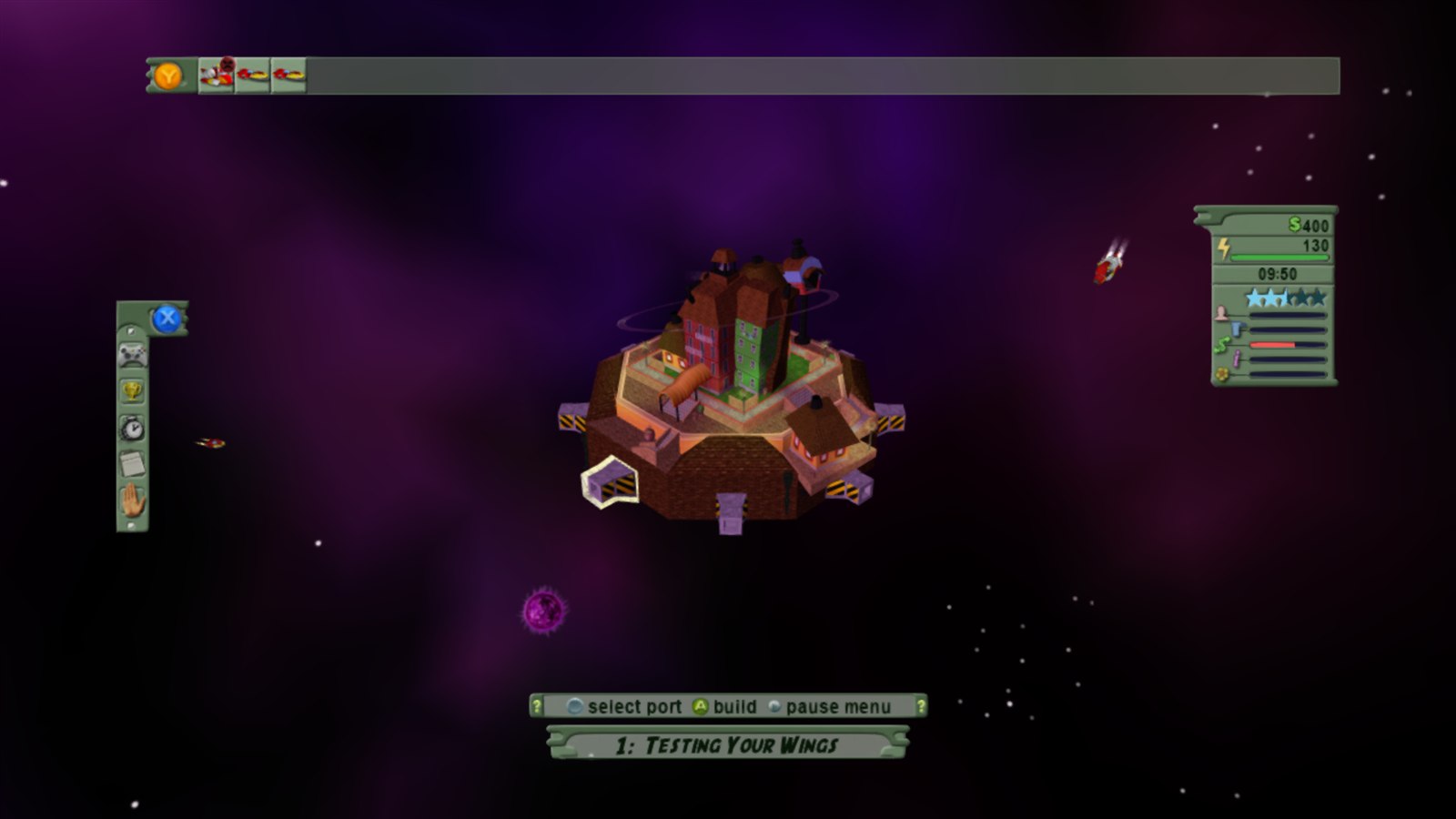
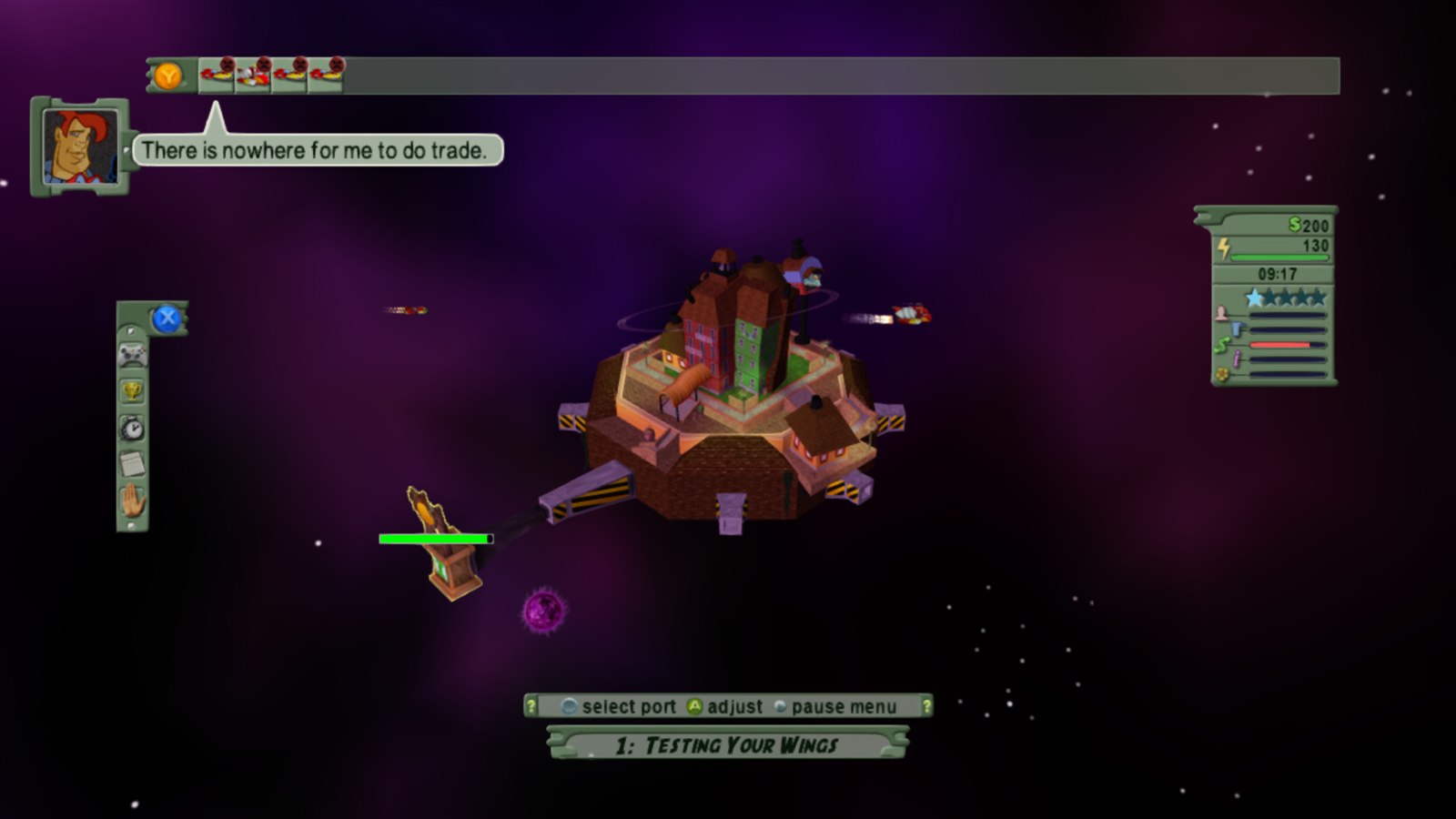
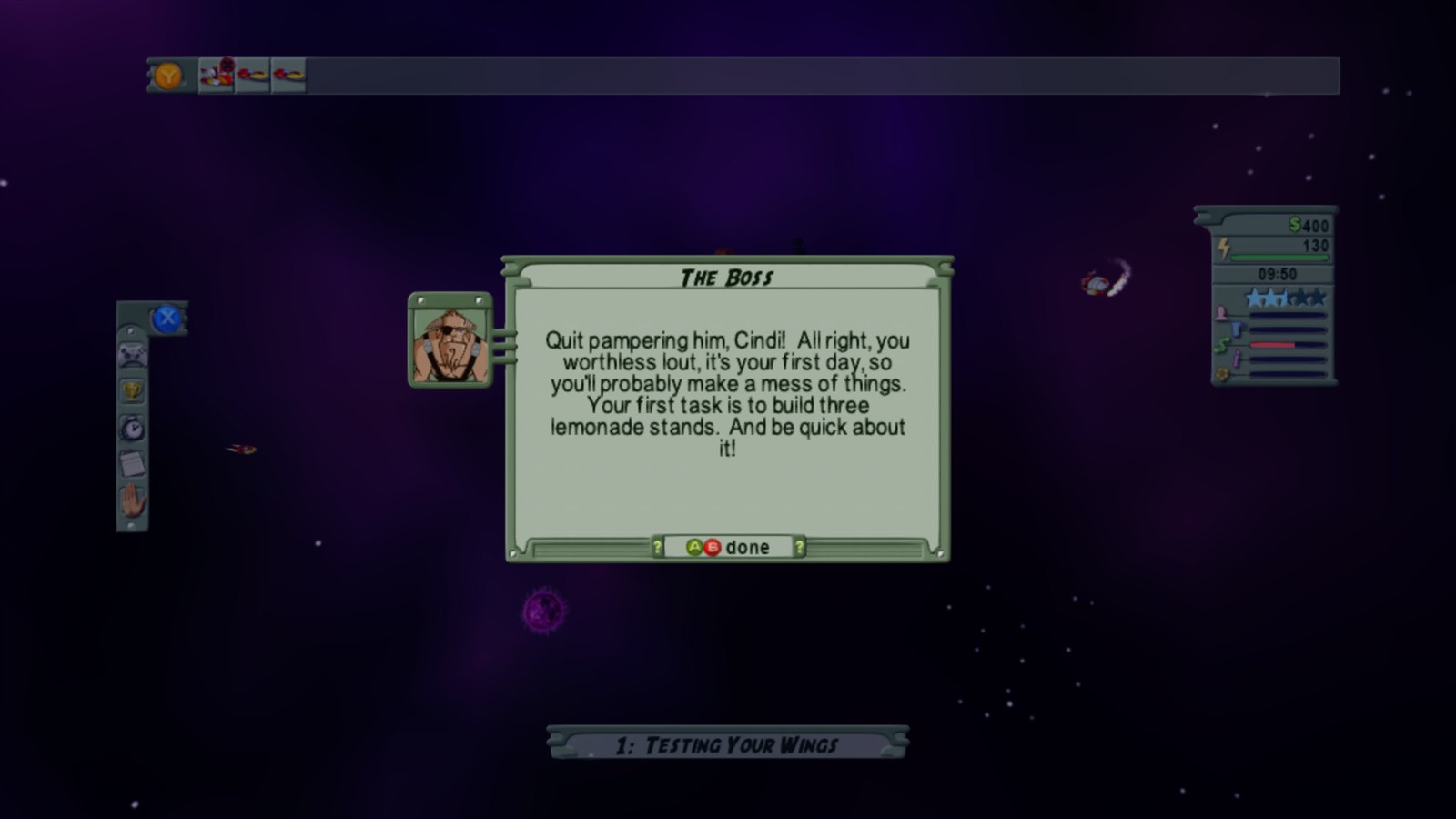
### Outpost Kaloki X on PC, running natively, with the launcher and options of a modern PC release.
[

](https://github.com/TekRantGaming/outpost-kaloki-x-recompiled/releases/latest)
[

](https://github.com/TekRantGaming/outpost-kaloki-x-recompiled/releases/latest)
The original Xbox 360 game code, translated to native PC code with the ReXGlue SDK. No game files included: bring your own copy of the Outpost Kaloki X Xbox Live Arcade package.
**Up to 8K**
Render at up to 7680 x 4320, with presets from Supersample to Ultra Performance that match your screen.
|
**60 fps and beyond**
The Xbox 360 version ran at 30 fps. Pick 60, 120, 144, 165, 240 or unlimited, and the game still runs at its normal speed.
|
**Xbox 360 style achievements**
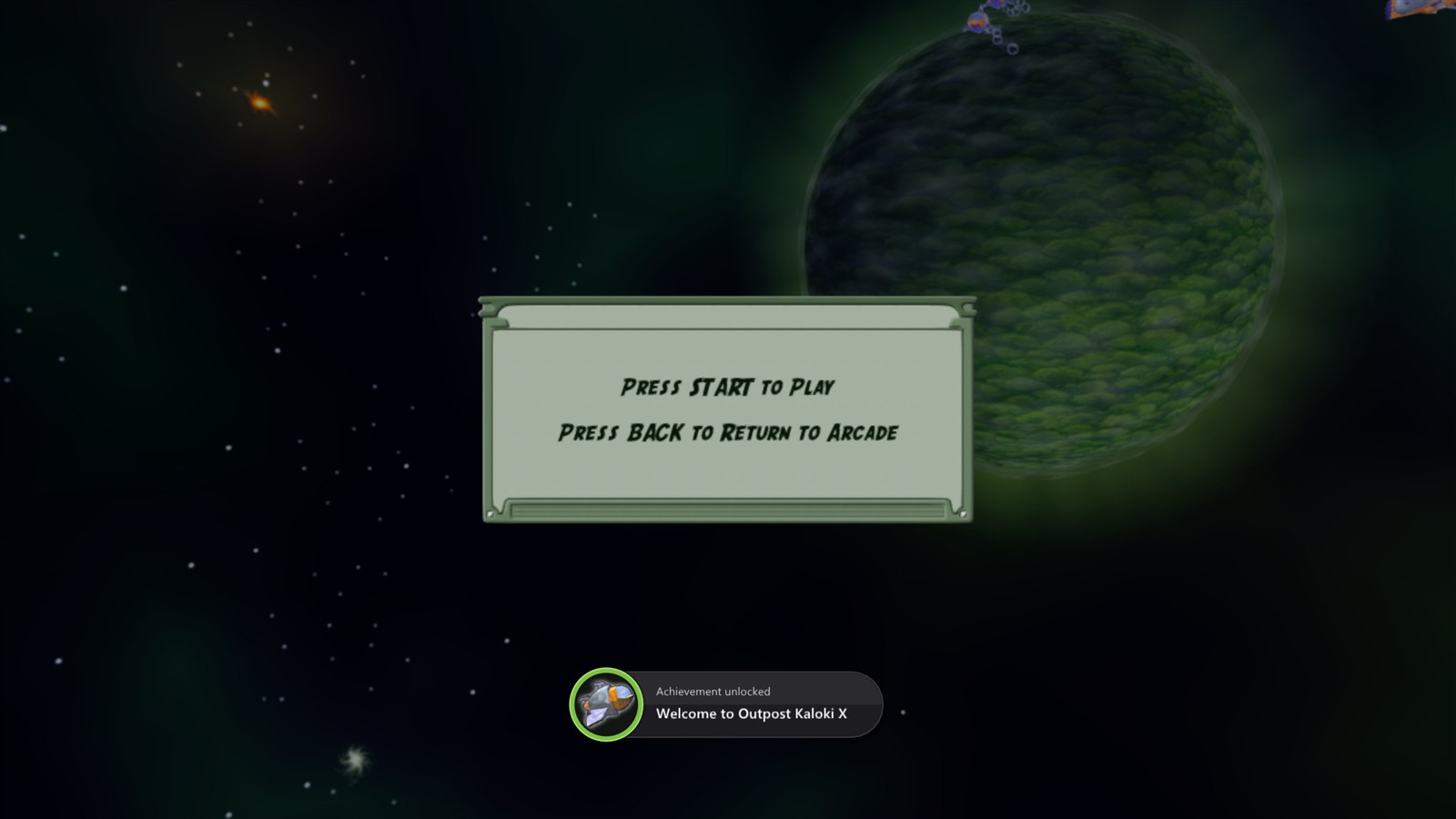
A pop-up with a sound every time you unlock one, just like the console. Choose the sound in the launcher.
|
**The full game, unlocked**
Xbox Live Arcade games shipped as trials that you unlocked by buying them. That is no longer possible, so the full game is unlocked for you.
|
**Your controls, your way**
Invert the camera, change its speed, set a deadzone, remap any button, adjust vibration, or play with keyboard and mouse.
|
**Ready to play**
Unzip, run, and install the game from your own package in the launcher. Updates arrive with one click.
|
## Why this port? Isn't there already a PC version?
There is, but it is not this game. The original *Outpost Kaloki* came out on PC in 2004. A year later NinjaBee released **Outpost Kaloki X** on Xbox 360: a bigger, better version that the PC game never received.
| | PC *Outpost Kaloki* (2004) | Xbox 360 *Outpost Kaloki X* (2005) |
| --- | --- | --- |
| Levels | the original set | **more than twice as many** |
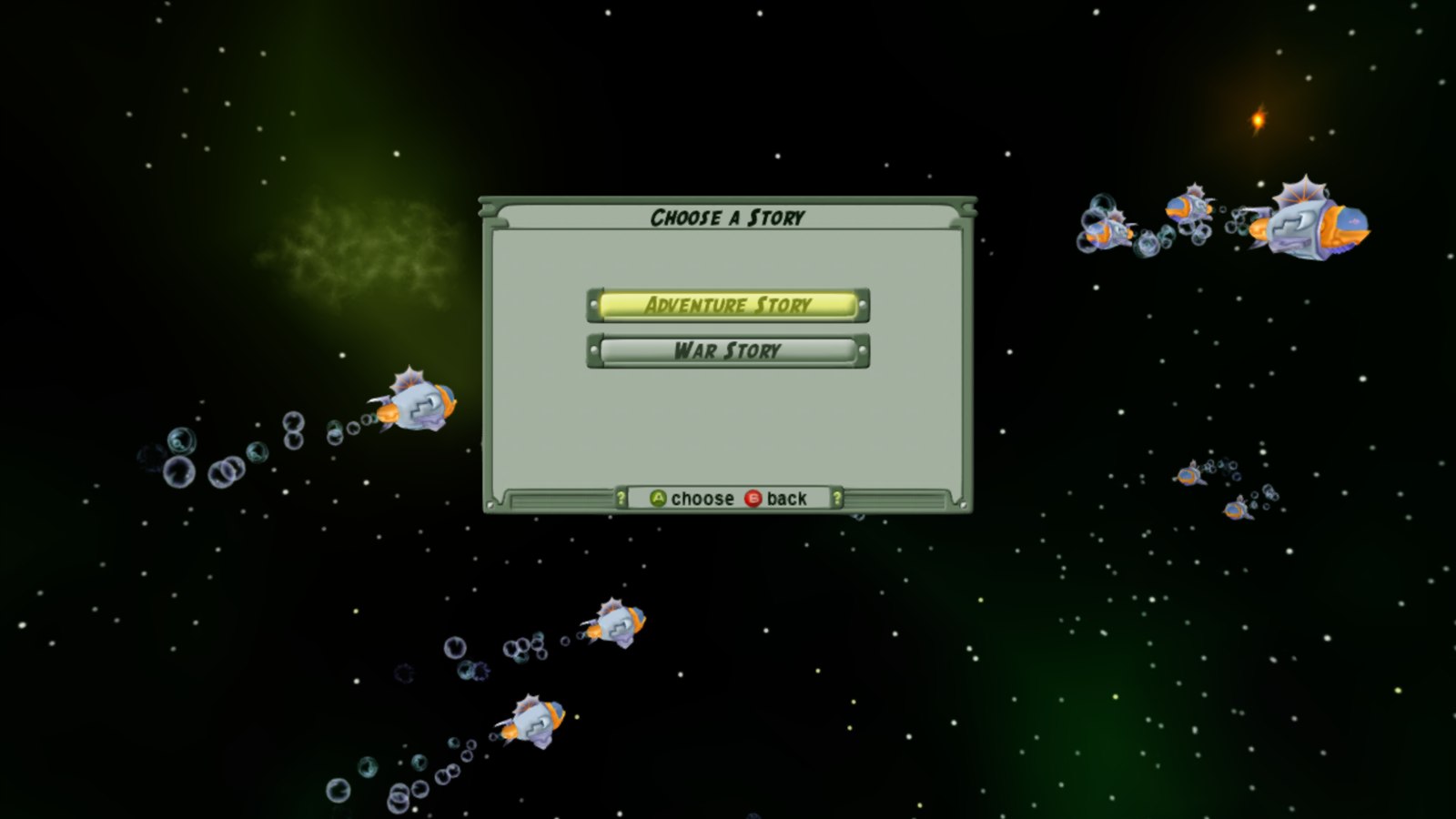
| Story campaigns | one | **two**: Adventure Story and War Story |
| Scenarios | fewer | **11**, including The Eight-Port Challenge, The Hammer and Survival |
| Challenges | none | **time challenges** with gold medal times |
| Graphics | original | **improved** |
| Achievements | none | **12** |
| Made for | mouse and keyboard | **a controller** |
Until now the only way to play it was on an Xbox 360 or an emulator. This port keeps it playable on modern PCs.
## The launcher
Everything is set up before the game starts. The launcher uses art from your own copy of the game: its icon, its achievement pictures and its title screen. Settings are saved to a plain text file, `outpost_kaloki_x.toml`, next to the game.
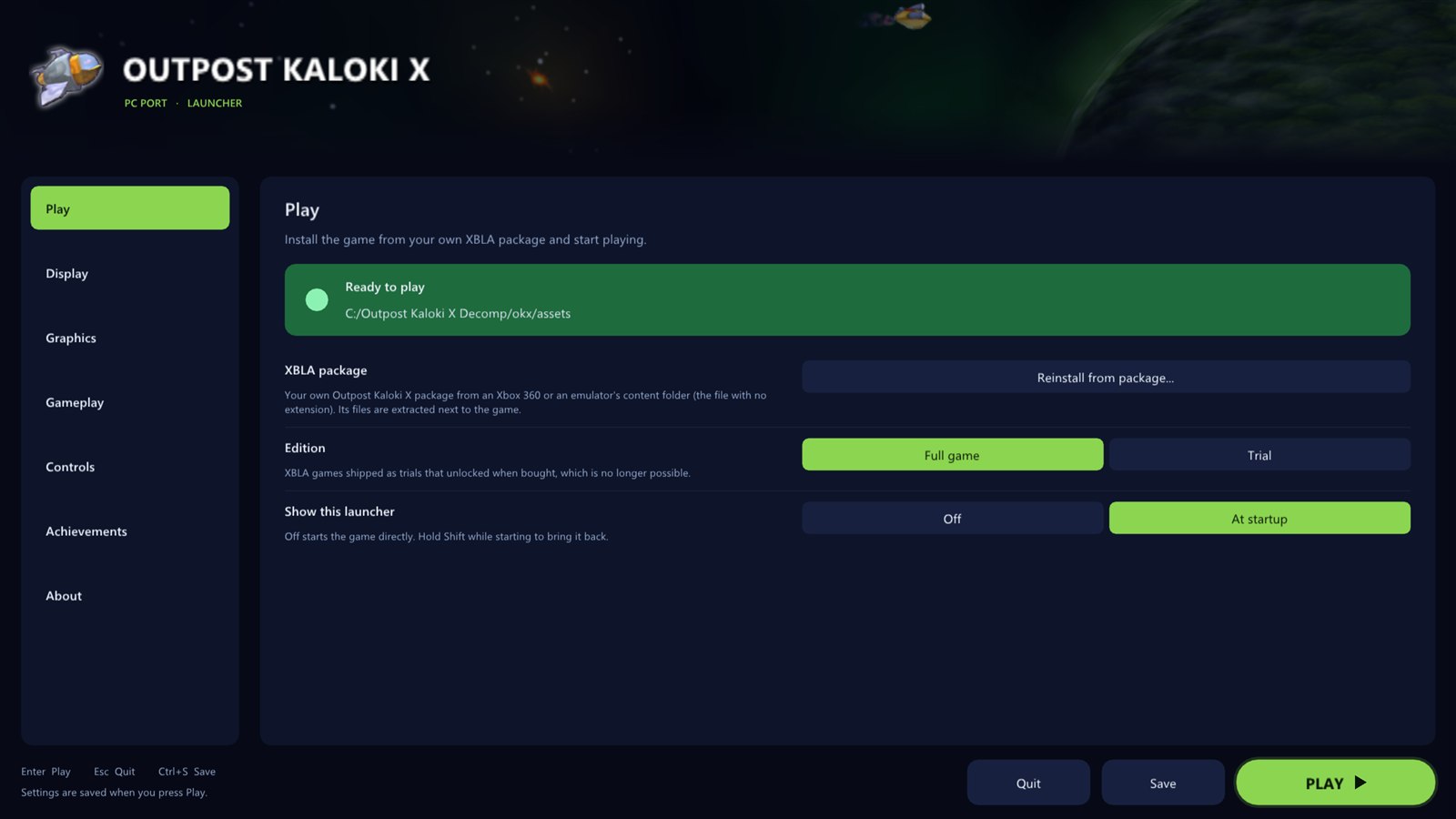 |
### Play
- **Install the game** straight from your Xbox Live Arcade package, with a progress bar
- Checks the file really is Outpost Kaloki X, and the right version of it
- Play the **full game** or the **trial**
- Turn the launcher off and **hold Shift** at start to bring it back
|
|
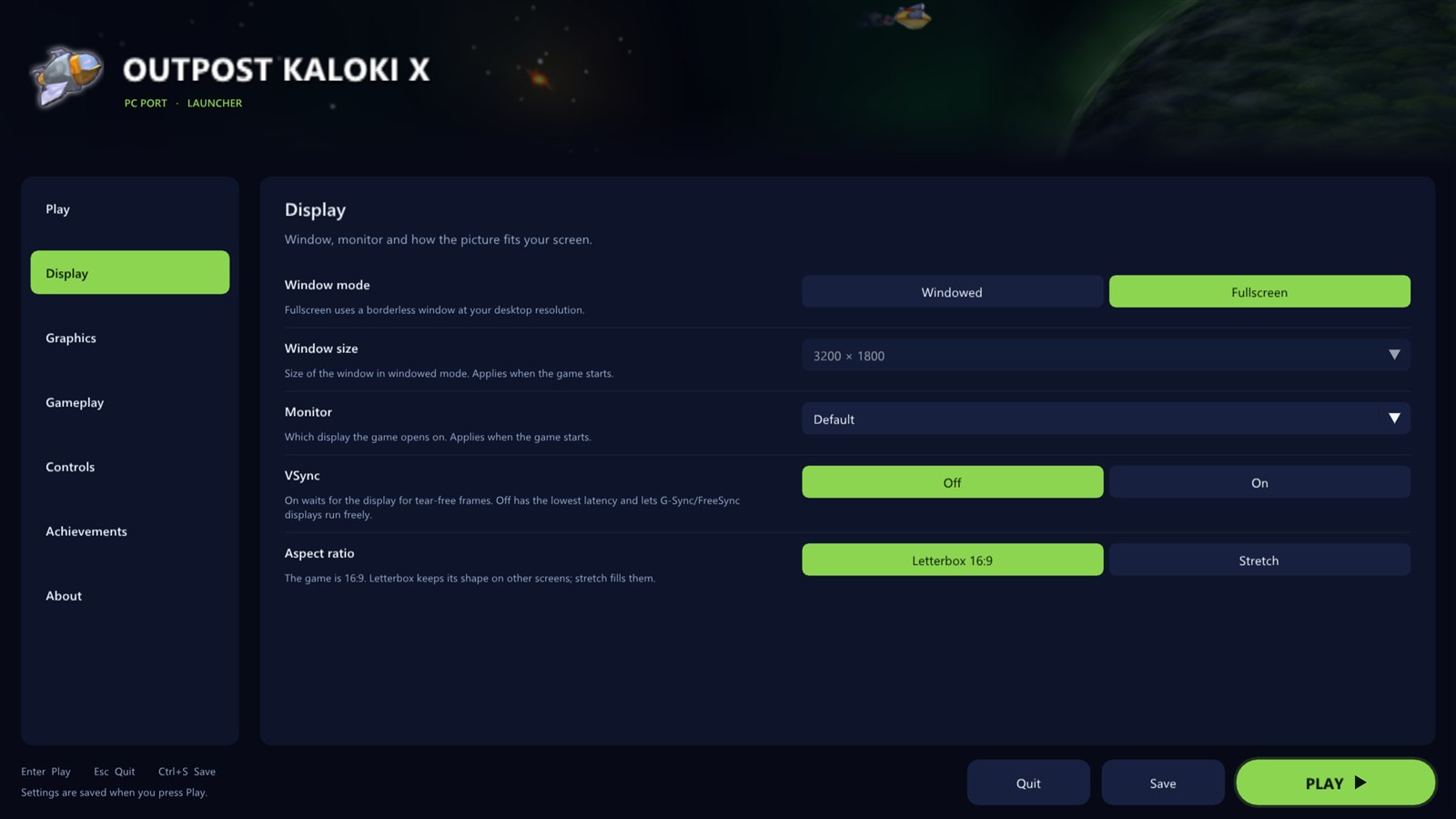
### Display
- **Windowed** or **fullscreen**
- **Window size** that fits your screen
- **Choose the monitor**
- **VSync** on or off (off works great with G-Sync and FreeSync)
- **Keep 16:9** with borders (at any window size), or **stretch** to fill
|
 |
 |
### Graphics
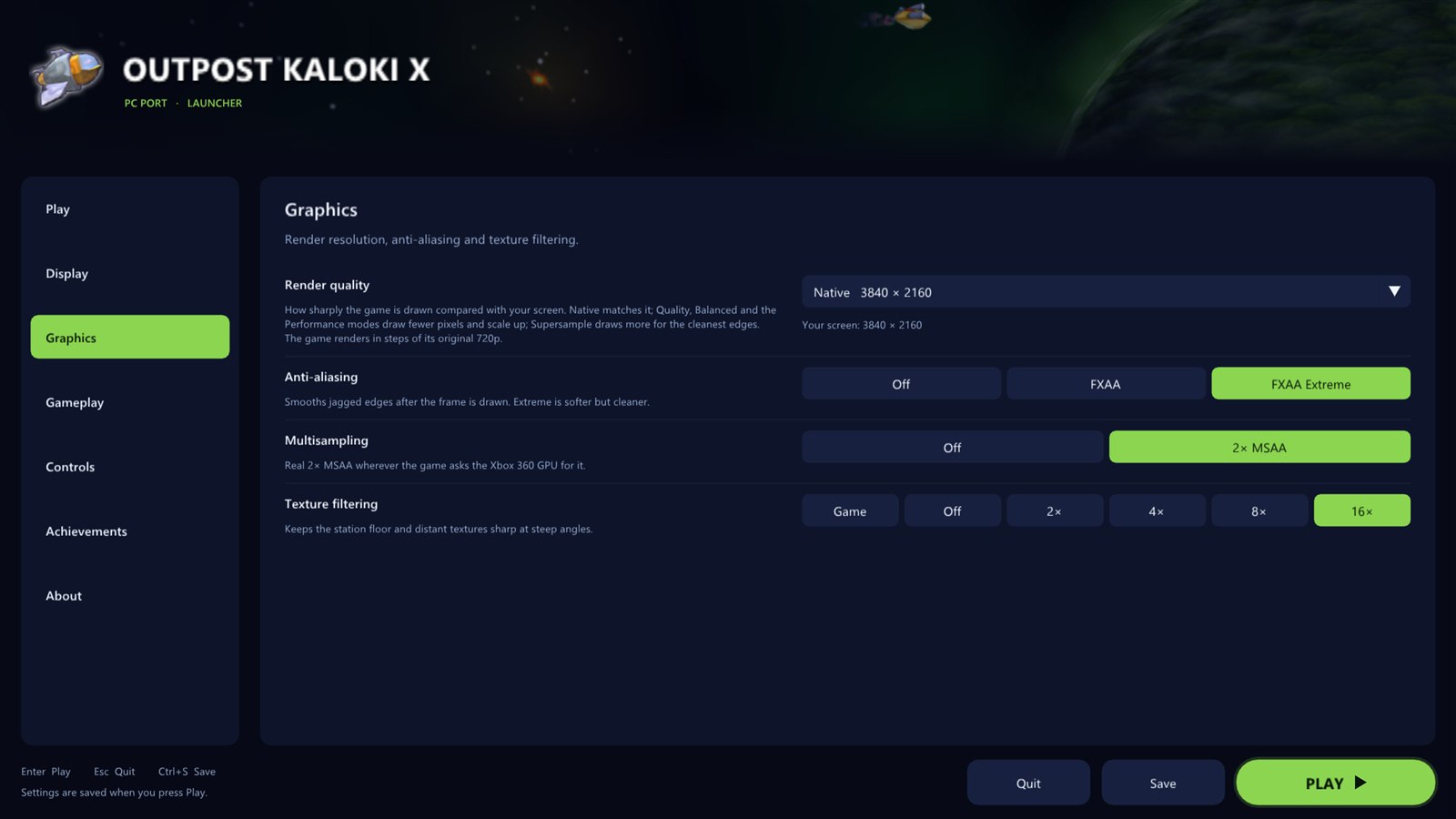
- **Render quality** presets: Supersample, Native, Quality, Balanced, Performance and Ultra Performance, each showing the real resolution for your screen
- **Custom resolution** from 1x (720p) to 6x (8K)
- **FXAA** and **FXAA Extreme**
- Real **2x MSAA**
- **Texture filtering** up to 16x
- **Shader preparing**: a short pause the first time an effect appears, or no pause with effects briefly missing
|
|
### Gameplay
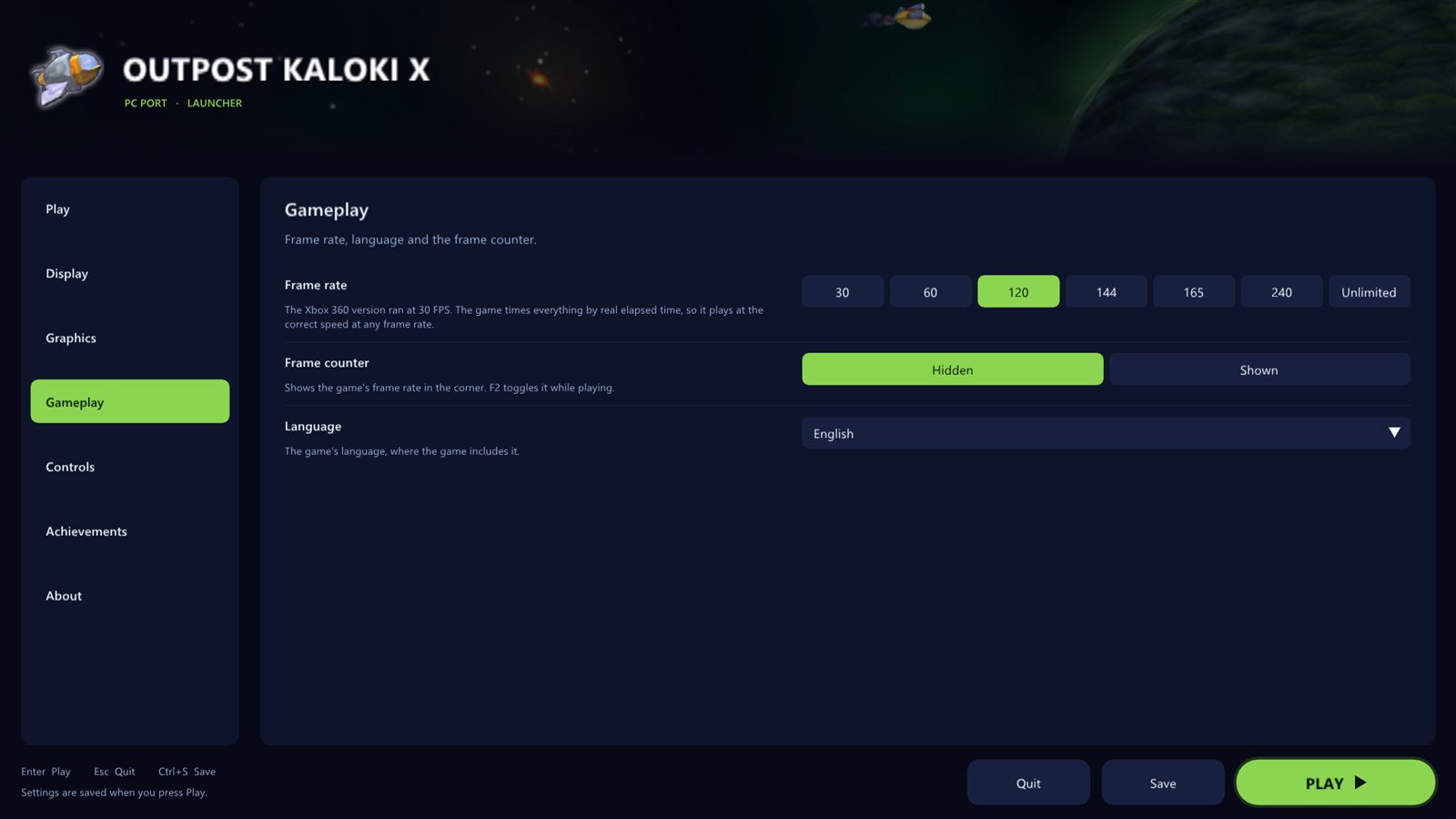
- **Frame rate**: 30, 60, 120, 144, 165, 240 or unlimited
- **Frame counter** in the corner, toggled with F2
- **Language**
|
 |
 |
### Controls
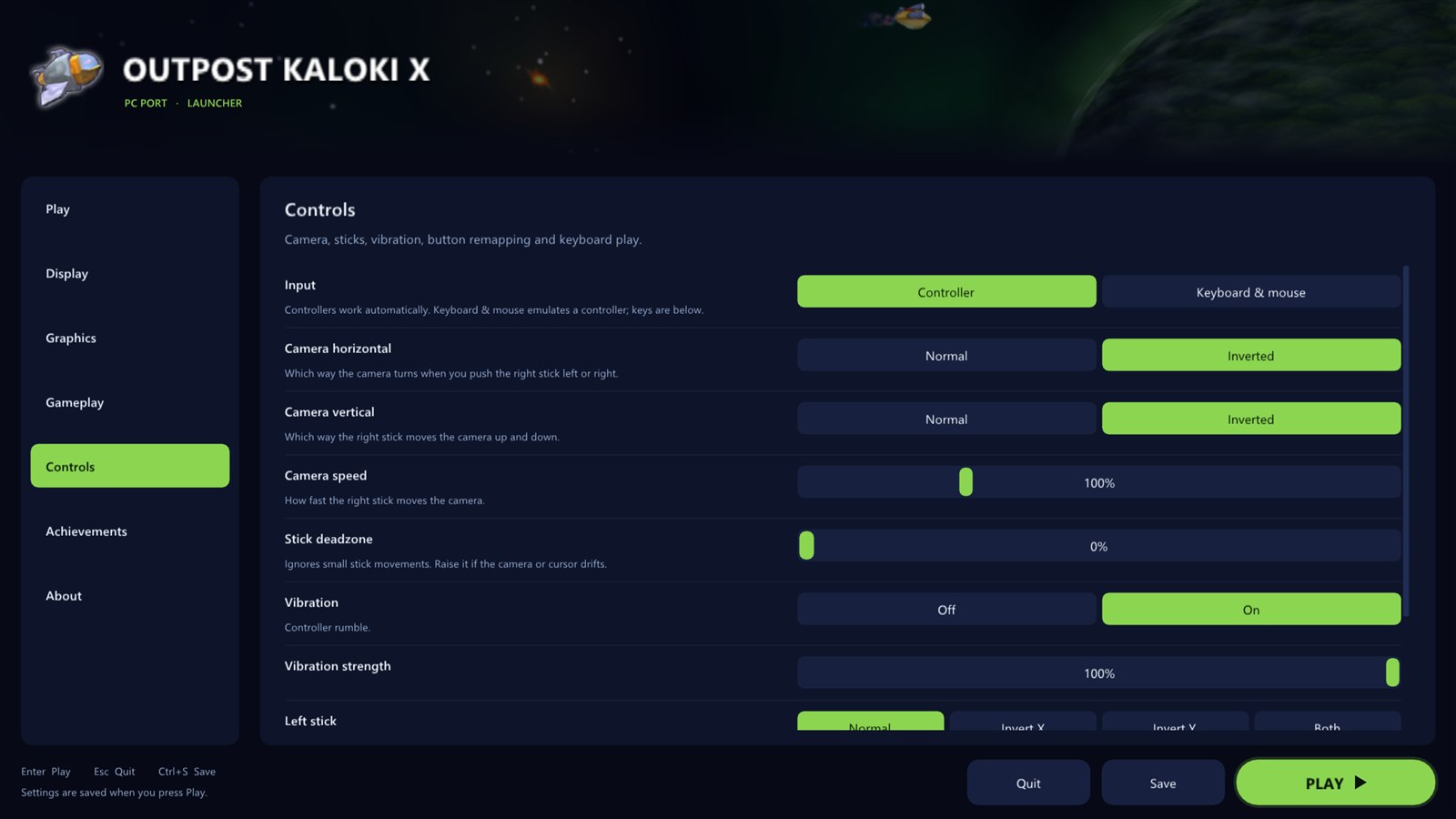
- **Invert the camera** left/right and up/down, separately
- **Camera speed** from 25% to 300%
- **Stick deadzone** to stop drift
- **Vibration** on or off, with a strength slider
- **Remap any button** on your controller
- **Keyboard and mouse** play: click a control, press a key
|
|
### Achievements
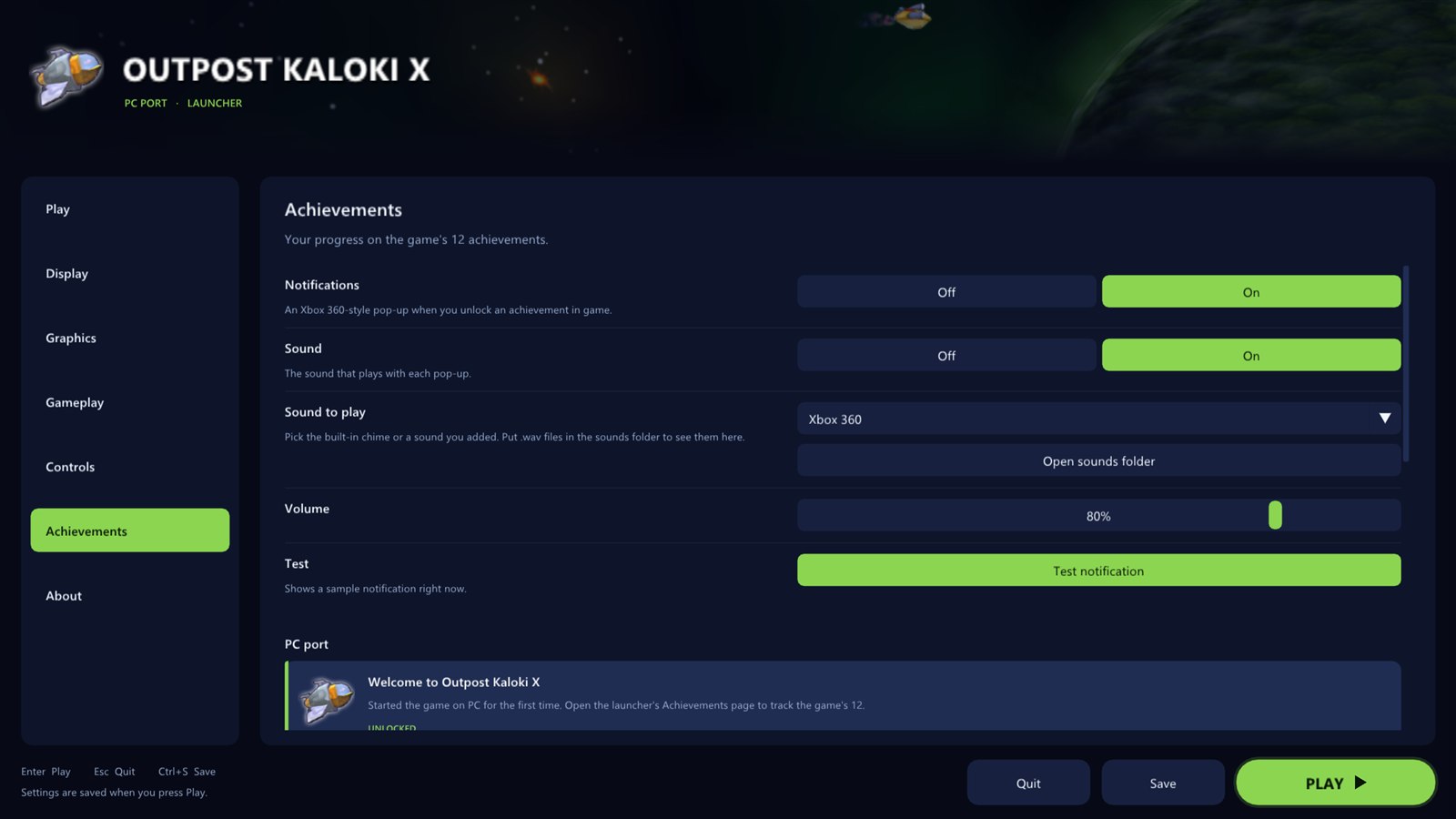
- All **12 achievements** with their pictures, descriptions and gamerscore
- See which ones you have **unlocked**
- Turn **pop-ups** and their **sound** on or off, set the volume
- **Pick the sound**: the built-in chime or any `.wav` you put in the `sounds` folder
- A **test button** to see and hear it
- A bonus **Welcome** achievement the first time you play
|
 |
 |
### About
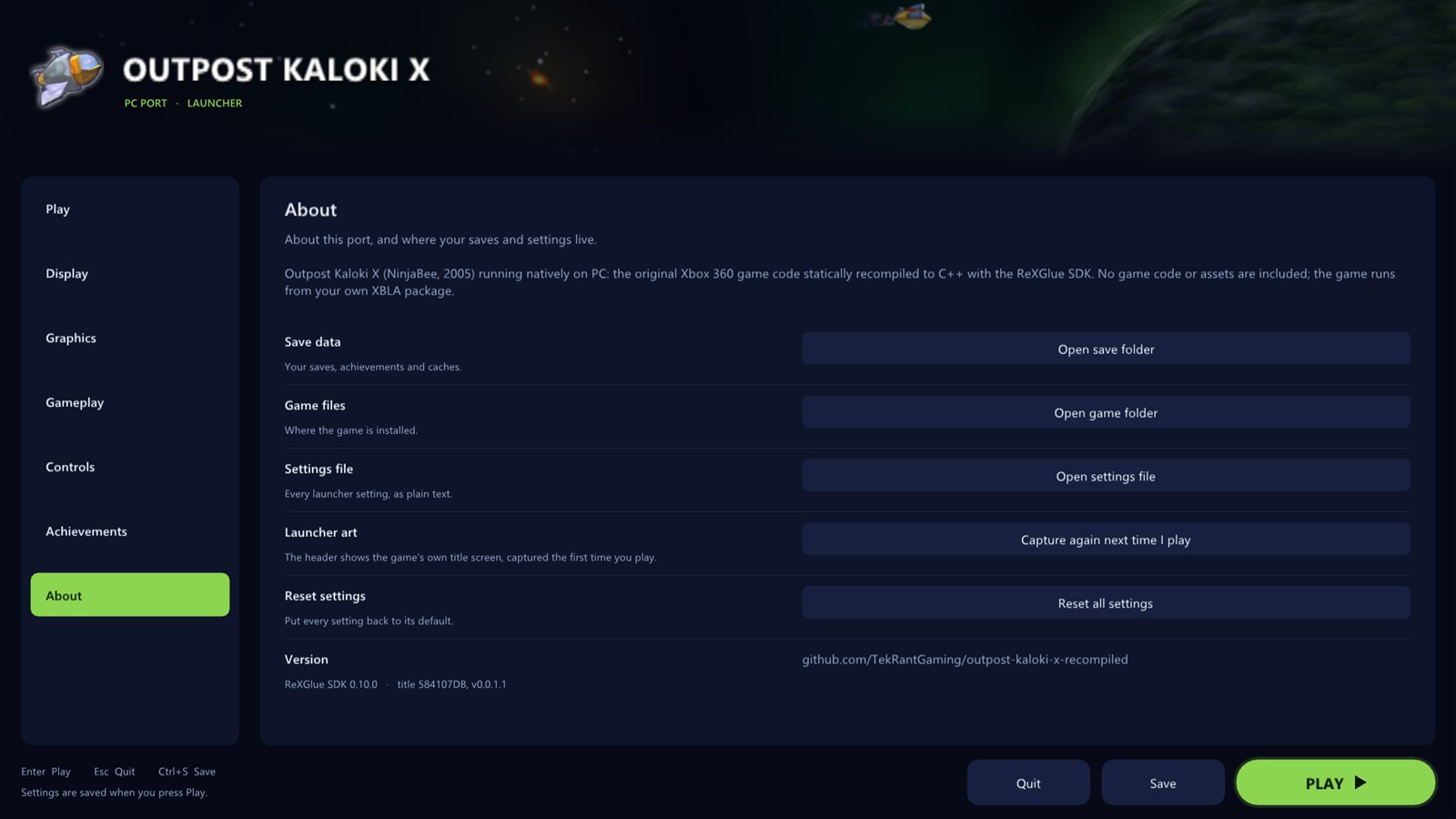
- **Updates**: the launcher checks GitHub for a new version when it opens and updates with one click, keeping your game files, settings and saves
- Open your **save folder**, **game folder** or **settings file** in one click
- **Reset** every setting
- Refresh the launcher's title screen art
|
## In game
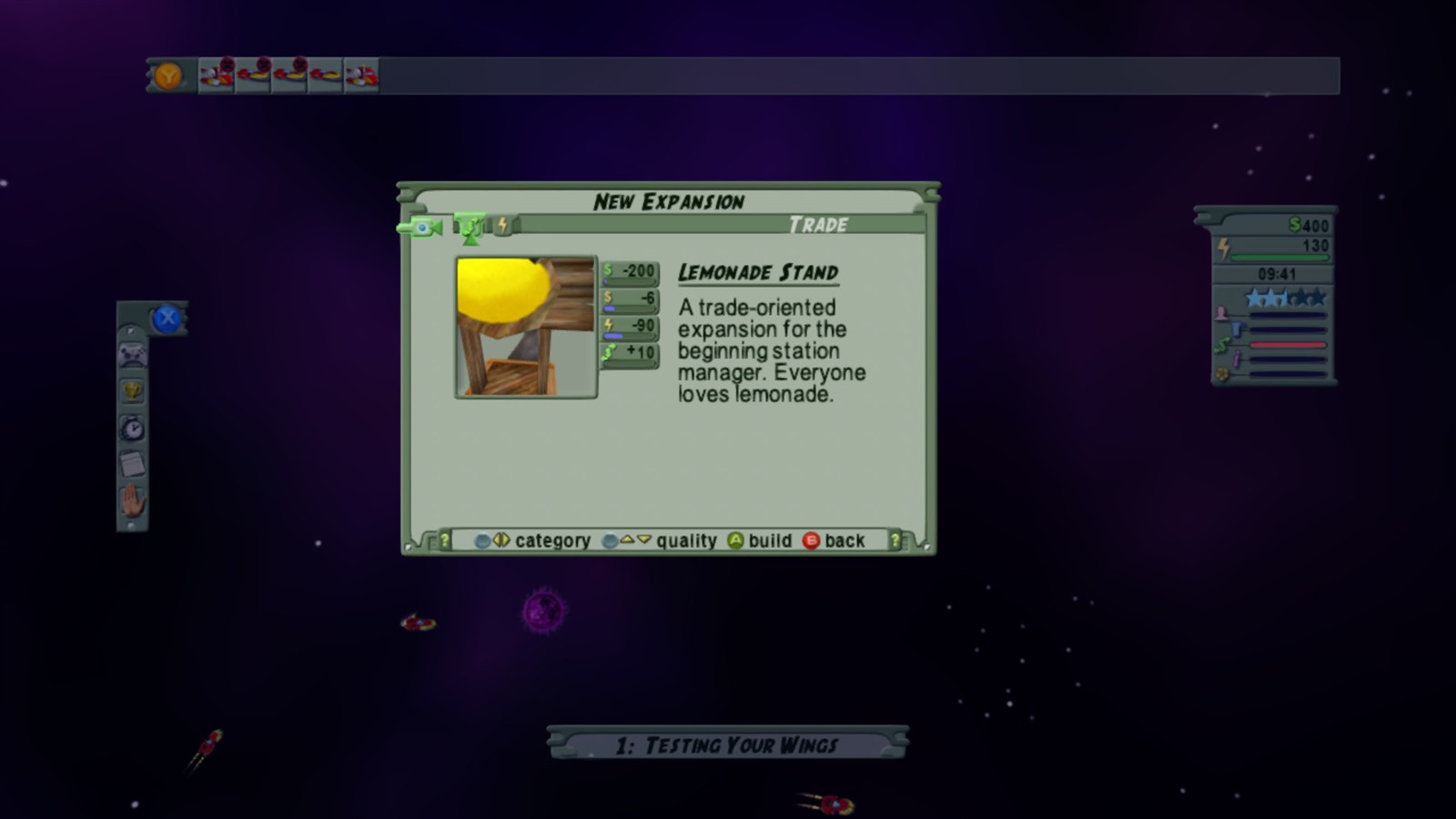
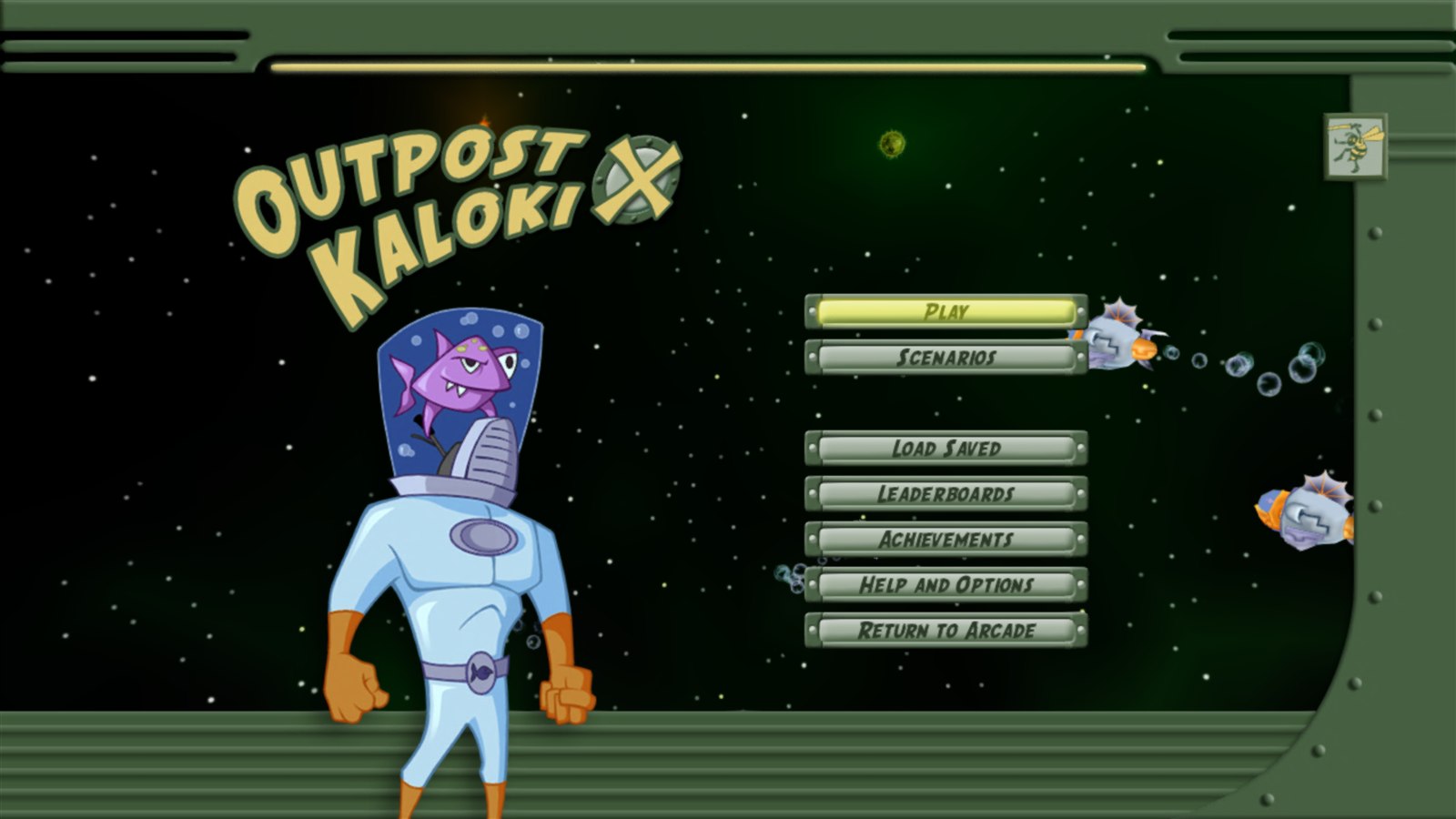 The main menu, rendered at 4K.