[](https://github.com/Tencent-TDS/KuiklyUI/releases) [](https://github.com/Tencent-TDS/KuiklyUI/blob/main/LICENSE) [](https://kotlinlang.org) [](https://github.com/Tencent-TDS/KuiklyUI) [](https://github.com/Tencent-TDS/KuiklyUI/pulls)
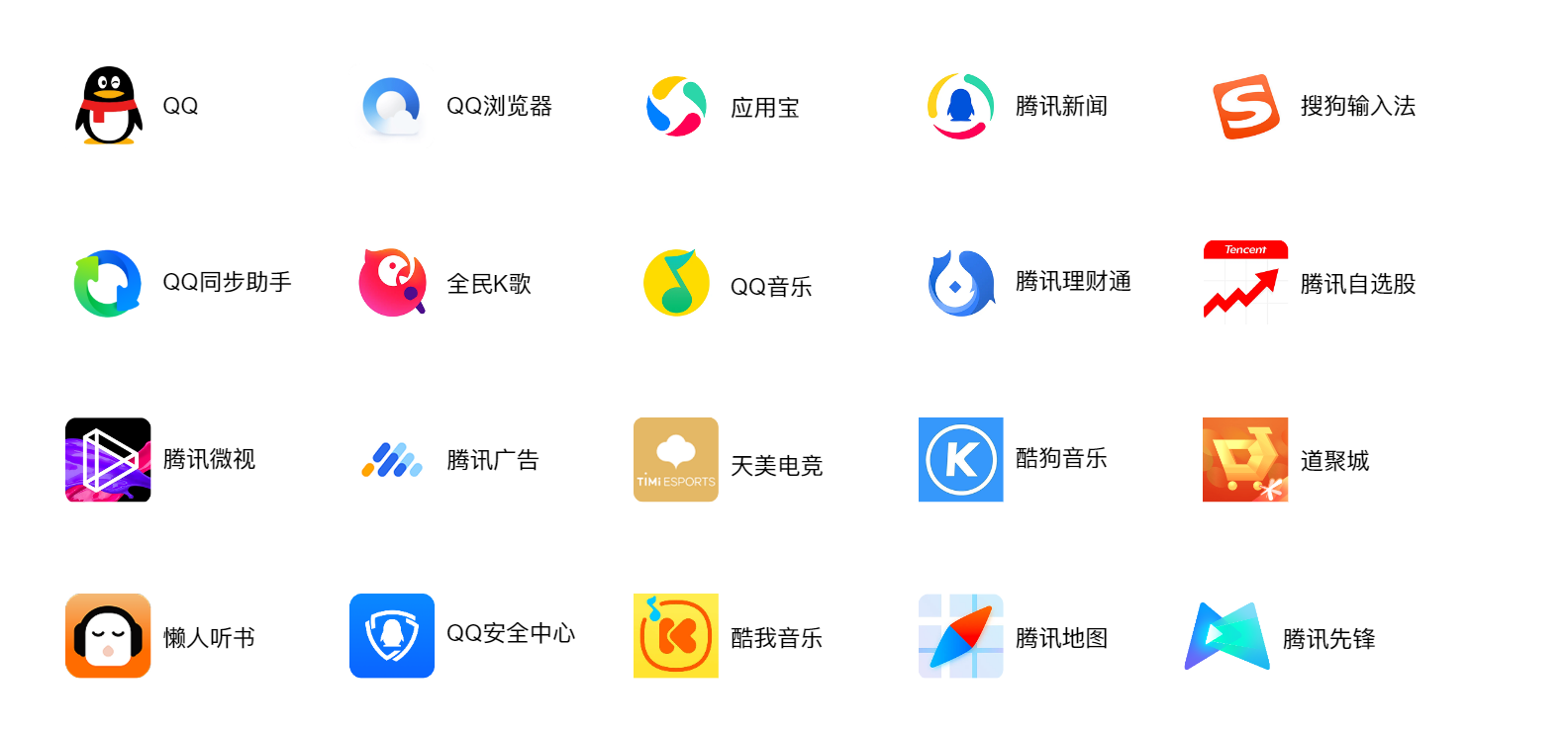
English | [简体中文](./README-zh_CN.md) | [Homepage](https://framework.tds.qq.com/) ## Introduction `Kuikly` is a comprehensive cross-platform solution for UI and logic based on Kotlin multi-platform. It was launched by Tencent's company-level Oteam in the front-end field. It aims to provide a `high-performance, full-platform development framework with unified codebase, ultimate ease of use, and dynamic flexibility`. Currently supported platforms: - [X] Android - [X] iOS - [X] HarmonyOS - [X] Web (Beta) - [X] Mini Programs (Beta) - [X] macOS (Alpha) Since its launch, `Kuikly` has gained wide recognition from the business. It has been used by many products such as QQ, QQ Music, QQ Browser, Tencent News, Sogou Input Method, MyApp Hub(Tencent's app store), WeSing, Kugou Music, Kuwo Music, Tencent Self-selected Stock, ima.copilot, Weishi, etc. ## Key Features - **Cross-platform:** Kotlin-based implementation ensuring consistent operation across multiple platforms - one codebase, six platforms - **Native performance:** Generates platform-native binaries (.aar/.framework/.so) - **Native development experience:** Native UI rendering, native toolchain support, Kotlin as primary language - **Lightweight:** Minimal SDK footprint (AOT mode: ~300KB for Android, ~1.2MB for iOS) - **Dynamic capability:** Supports compilation into dynamic deliverables - **Multiple paradigms:** Supports both declarative & reactive programming, with self-developed DSL and Compose DSL ## Project Structure ```shell . ├── core # Cross-platform module implementing core capabilities like responsive UI, layout algorithms, Bridge communication, etc. ├── src ├── commonMain # Shared cross-platform code, defining cross-platform interfaces ├── androidMain # Android platform implementation (outputs aar) ├── jvmMain # Generic JVM platform code (no Android APIs, outputs jar) ├── appleMain # apple platform (iOS & macOS) implementation (outputs framework) ├── ohosArm64Main # Ohos platform implementation(outputs so) ├── jsMain # H5 and MiniApp platform implementation(outputs js) ├── core-render-android # Android platform renderer module ├── core-render-ios # iOS platform renderer module ├── core-render-ohos # HarmonyOS platform rendering module ├── core-render-web # H5 and MiniApp platform rendering module ├── core-annotations # Annotations module, defining business annotations like @Page ├── core-ksp # Annotation processing module, generates Core entry files ├── buildSrc # Build scripts for compilation, packaging, and artifact splitting ├── demo # DSL example code ├── androidApp # Android host shell project ├── iosApp # iOS host shell project ├── macApp # macOS host shell project ├── ohosApp # Ohos host shell project ├── miniApp # miniApp host shell project ├── h5App # h5App host shell project ├── compose # Cross-platform module implementing Compose UI, layout, and Kuikly bridging capabilities ├── src ├── commonMain # Shared cross-platform code, including Compose UI components, layout and event handling ├── androidMain # Android platform specific implementation └── nativeMain # iOS and HarmonyOS platform specific implementation └── jsMain # H5 and MiniApp platform specific implementation ``` > Note: The Compose directory contains cross-platform source code based on Jetpack Compose 1.7.3 version. We have made necessary modifications and adaptations to the original Compose code to support Kuikly framework's rendering requirements. Some unnecessary features have been commented out to facilitate future upgrades. To ensure stable feature support and avoid conflicts with official code, we have changed the package name from `androidx.compose` to `com.tencent.kuikly.compose`. The original Compose code is from [JetBrains Compose Multiplatform](https://github.com/JetBrains/compose-multiplatform-core). ## System Requirements - iOS 12.0+ - macOS 10.13+ - Android 5.0+ - HarmonyOS Next 5.0.0(12)+ - Kotlin 1.3.10+ ## Getting Started - [Quick Start](https://kuikly.tds.qq.com/QuickStart/hello-world.html) - [Integration Guide](https://kuikly.tds.qq.com/QuickStart/overview.html) - [Component Features](https://kuikly.tds.qq.com/API/components/override.html) ## Building from Source ### Environment Setup Refer to [Environment Configuration](https://kuikly.tds.qq.com/QuickStart/env-setup.html) - [Android Studio](https://developer.android.com/studio) if your Android Studio Version >= (2024.2.1) Please switch your Gradle JDK Version to JDK17 (this Version default Gradle JDK is 21, it incompatible with the configuration used by the project) Android Studio -> Settings -> Build,Execution,Deployment -> Build Tools -> Gradle -> Gradle JDK - [XCode](https://developer.apple.com/xcode/) and [cocoapods](https://cocoapods.org/) - [DevEco Studio 5.1.0 or newer](https://developer.huawei.com/consumer/cn/deveco-studio/)(API Version >= 18)(You can check the API Version through【 DevECo Studio -> Help -> About HarmonyOS SDK 】) - JDK17 ### Running Android App Ensure environment preparation is complete before building: 1. Open `KuiklyUI` root directory in `Android Studio` and sync project 2. Select androidApp configuration, then Run 'androidApp' ### Running iOS App Ensure environment preparation is complete before building: 1. Navigate to `iosApp` directory 2. Execute `pod install --repo-update` 3. Open `KuiklyUI` root directory in Android Studio and sync project 4. Select iOSApp configuration, then Run 'iOSApp' Alternatively, open KuiklyUI/iosApp in Xcode and Run > Note: The iosApp project will execute the KMP script when compiling. If you encounter an error with the script read and write file permissions, you need to set `User Script Sandboxing` to `No` in `Xcode -> Build Setting`. ### Running macOS App Ensure environment preparation is complete before building: 1. Navigate to `macApp` directory 2. Execute `pod install --repo-update` 3. Open `KuiklyUI` root directory in Android Studio and sync project 4. Select macOSApp configuration, then Run 'macOSApp' Alternatively, open KuiklyUI/macApp in Xcode and Run > Note: The macApp project will execute the KMP script when compiling. If you encounter an error with the script read and write file permissions, you need to set `User Script Sandboxing` to `No` in `Xcode -> Build Setting`. ### Running Ohos APP Ensure environment preparation is complete before building: #### Mac 1. In `KuiklyUI` root directory, run the HarmonyOS cross-platform product compile script: ```bash ./2.0_ohos_demo_build.sh ``` 2. Open `KuiklyUI/ohosApp` in DevEco Studio and sync project 3. Connect to Ohos Phone or start the Ohos Emulator, and perform a signature operation `File -> Project Structure -> Signing Configs` 4. Use DevEco Studio Run `entry`, Run OhosApp #### Windows 1. Configure environment variables pointing to HarmonyOS SDK path: ``` Variable: OHOS_SDK_HOME Path: %TOOL_HOME%\sdk Variable: TOOL_HOME Path: D:\DevEcoStudio ``` Note: "D:\DevEcoStudio" uses D drive as an example. Any drive except C drive can be used. 2. In `KuiklyUI` root directory, run the Windows build script: ```cmd 2.0_ohos_demo_build.bat ``` Or run manually: ```cmd set KUIKLY_AGP_VERSION=7.4.2 set KUIKLY_KOTLIN_VERSION=2.0.21-KBA-010 gradlew.bat -c settings.2.0.ohos.gradle.kts :demo:linkSharedDebugSharedOhosArm64 ``` 3. Copy artifacts to ohosApp (automatically done by bat script): - `demo\build\bin\ohosArm64\sharedDebugShared\libshared.so` → `ohosApp\entry\libs\arm64-v8a\` - `demo\build\bin\ohosArm64\sharedDebugShared\libshared_api.h` → `ohosApp\entry\src\main\cpp\thirdparty\biz_entry\` 4. Open `KuiklyUI/ohosApp` in DevEco Studio and sync project 5. Connect to Ohos Phone or start the Ohos Emulator, and perform a signature operation `File -> Project Structure -> Signing Configs` 6. Use DevEco Studio Run `entry`, Run OhosApp > Note: Windows compilation requires Kotlin toolchain version `2.0.21-KBA-010` which supports Windows/Linux platforms. ### Kotlin Version Support The KuiklyUI directory contains Gradle configurations for various `Kotlin versions`: Naming convention: `x.x.xx.gradle.kts` (default uses Kotlin 2.0.21) Test publishing scripts for each version are available as `x.x.xx_test_publish.sh` for building local artifacts. > Note: Kotlin 1.3.10/1.4.20 require JDK11 After successful build on any platform, you can modify Core, Render, and Demo to experience `Kuikly` development. ### Quick Demo Experience