
All your AI providers, machines, and agent harnesses in one place.
Connect your subscriptions, API keys, and local hardware to your machines, and orchestrate every agent harness from macOS and iOS.
Formerly sandboxed.sh — sandboxed.sh is now the backend to the Orb clients.
Get started · Documentation · Desktop · iOS · Website · Discord
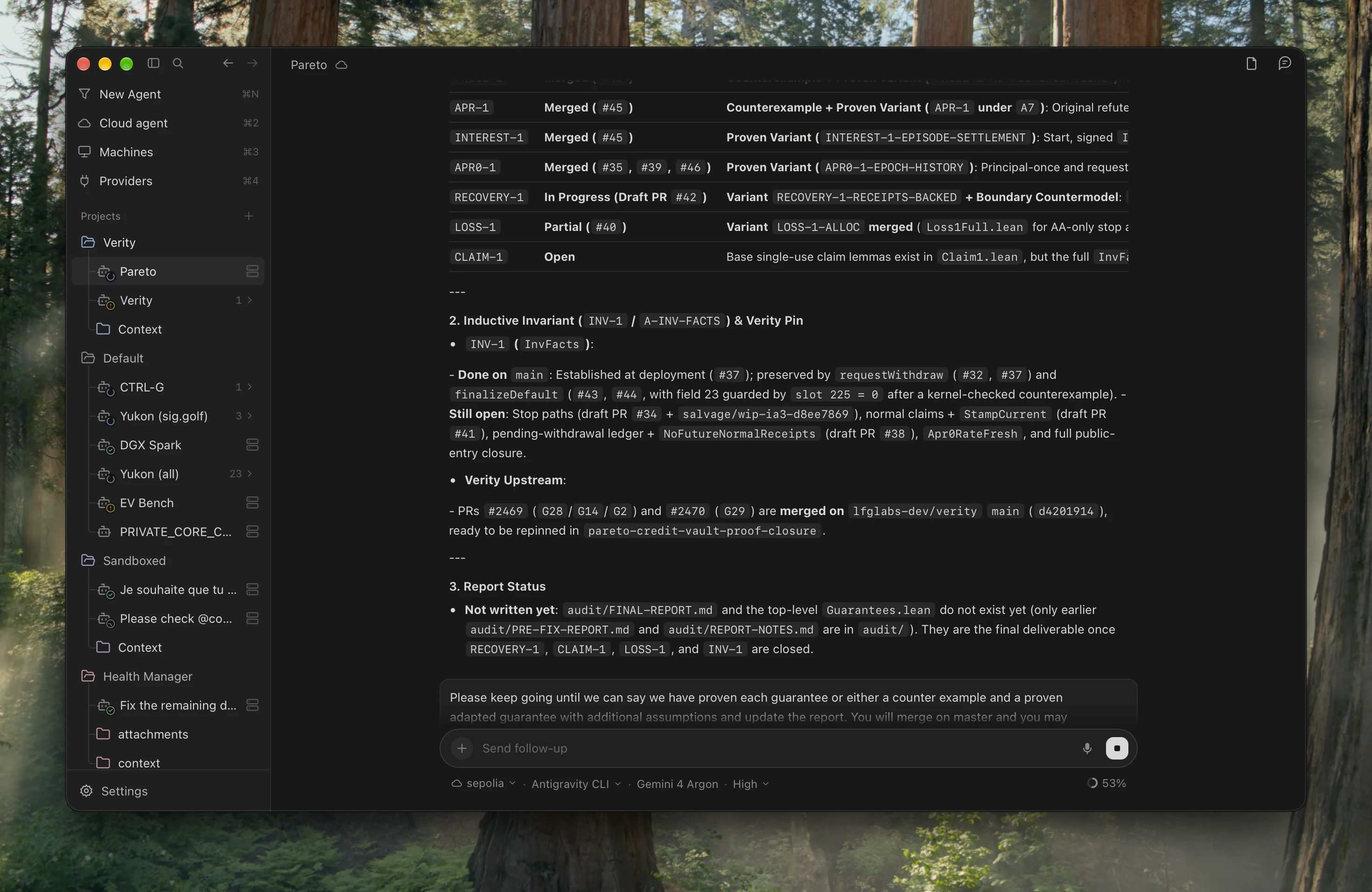 ## Choose where your agent works | Mode | Where it runs | How you use it | | --- | --- | --- | | **Your computer** | A local coding agent on your desktop | Choose **New Agent → This computer**, then a harness and model. Work with your local files and tools. | | **Your private cloud** | Your own servers and remote machines | Add machines to sandboxed.sh, then select one in Orb. Run agents in the configured host or isolated container workspace. | | **Cloud agents** | A coordinator or provider-managed assistant | Choose **Cloud agent**, then Hermes, ChatGPT, Grok Bot or Cursor Cloud. Continue durable or provider conversations from Orb. | Use **Claude Code**, **Codex**, **Antigravity**, **OpenCode** or **Grok** for local and remote work, with live model, effort and cyber-access controls where supported. Cloud agents have their own connections: **Hermes** binds to durable coordinator conversations and router chains; **ChatGPT** uses a signed-in browser profile and your available subscription modes; **Grok Bot** uses its connected account; **Cursor Cloud** uses its official API with a repository, Git reference and model. 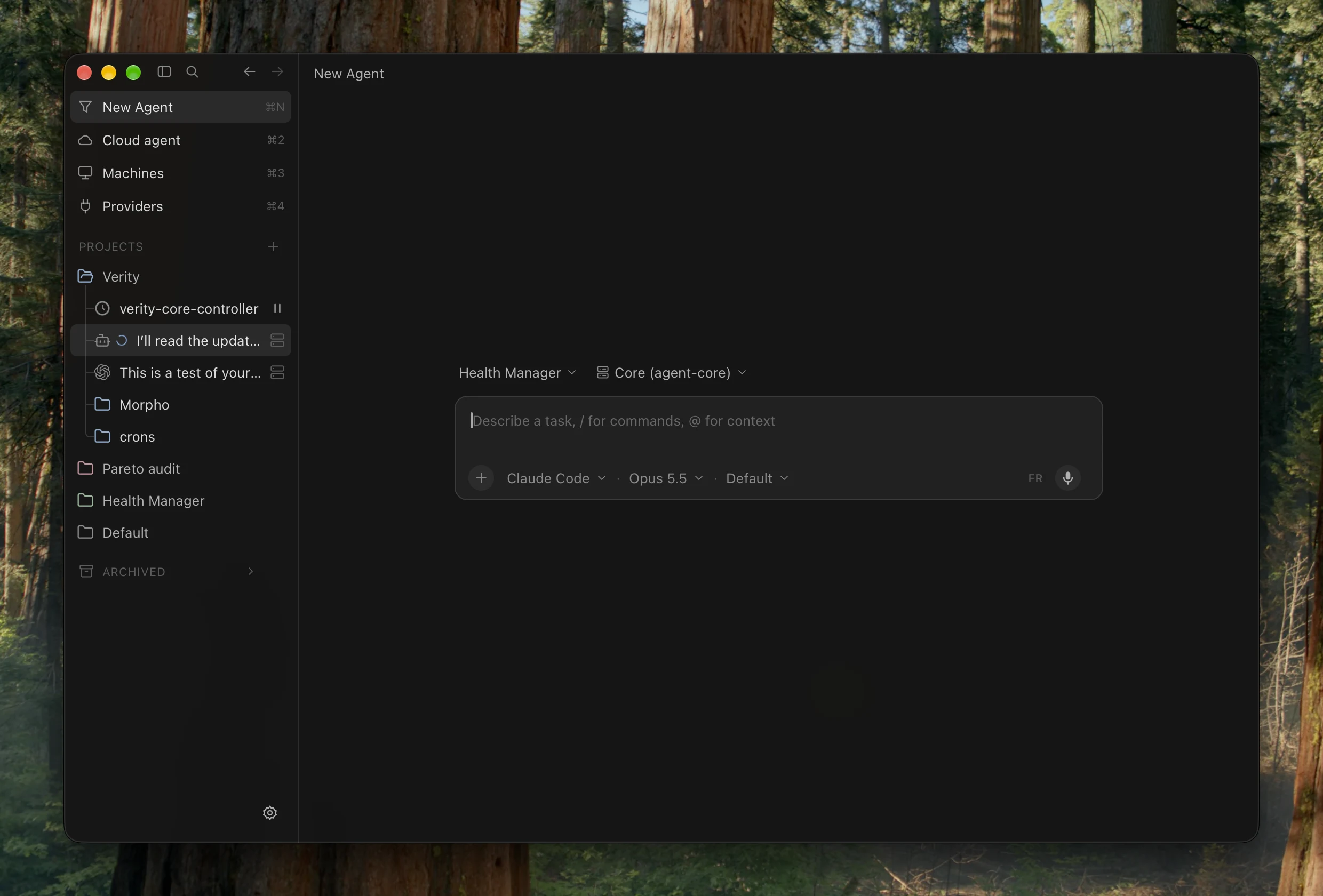 ## Pick up the conversation anywhere Projects organize missions, per-project colors, skills and a synced local **Context** folder in Finder. Inside a conversation: - **Follow and steer live runs**: collapsible `Worked — …` tool/thought folds, nested subagents and callback reviews, inline prompt editing, and a Cursor-style follow-up queue that sends on turn completion or immediately. - **Ask on the side**: open the docked `/btw` side-agent panel (`⌘⇧J`) to ask questions with shared workspace context without interrupting the main turn. - **Keep long work moving**: schedule durable mission wake-ups, automatically resume interrupted runs after restarts, and transfer workspaces across machines (preserving symlinks while skipping build artifacts). - **Rich output**: Markdown, code, tables, LaTeX, quizzes, inline images and clickable file links stay readable inside the transcript. Orb for **iOS** connects to the same sandboxed.sh server: browse projects with synced colors, inspect mission transcripts and activity folds, send follow-ups, view or edit shared Markdown context, and manage backend, machines and providers.
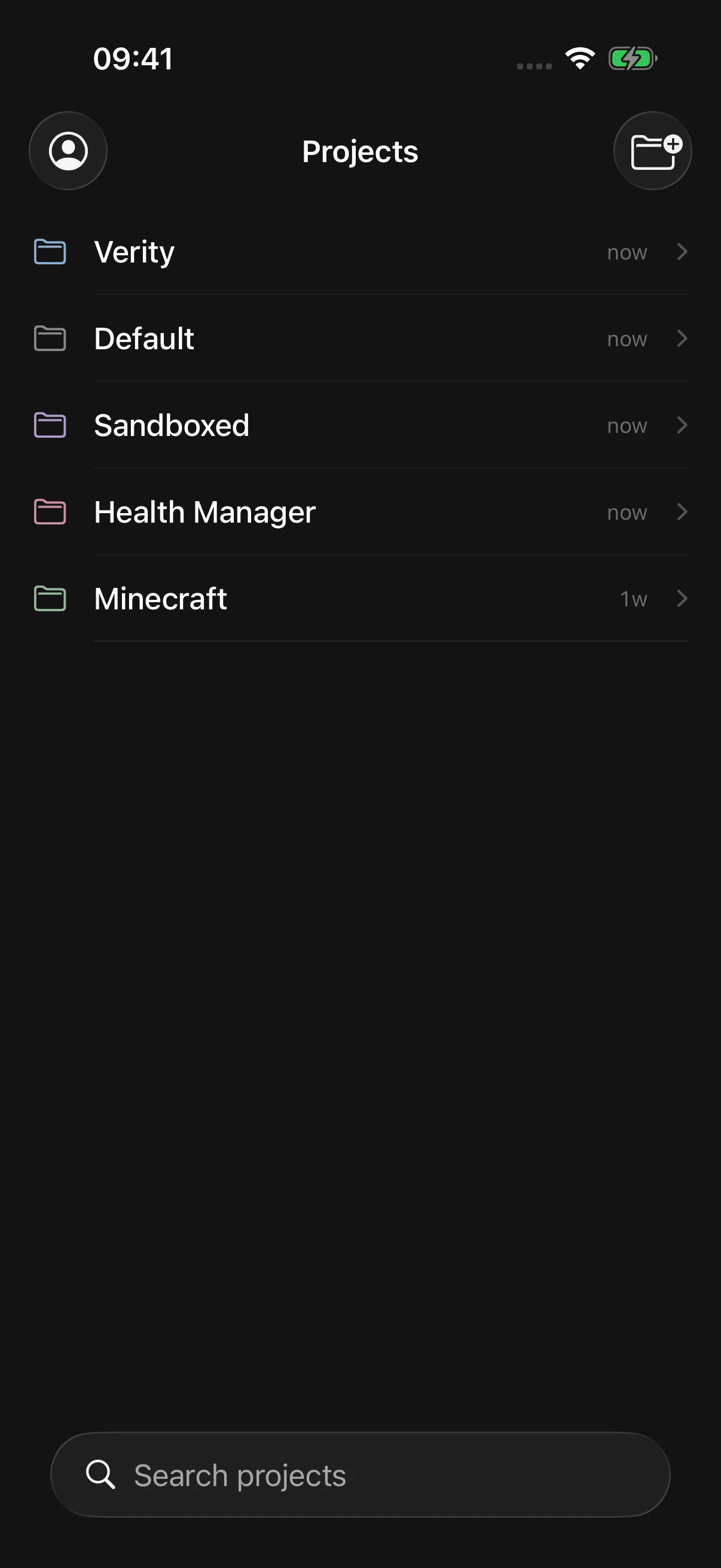
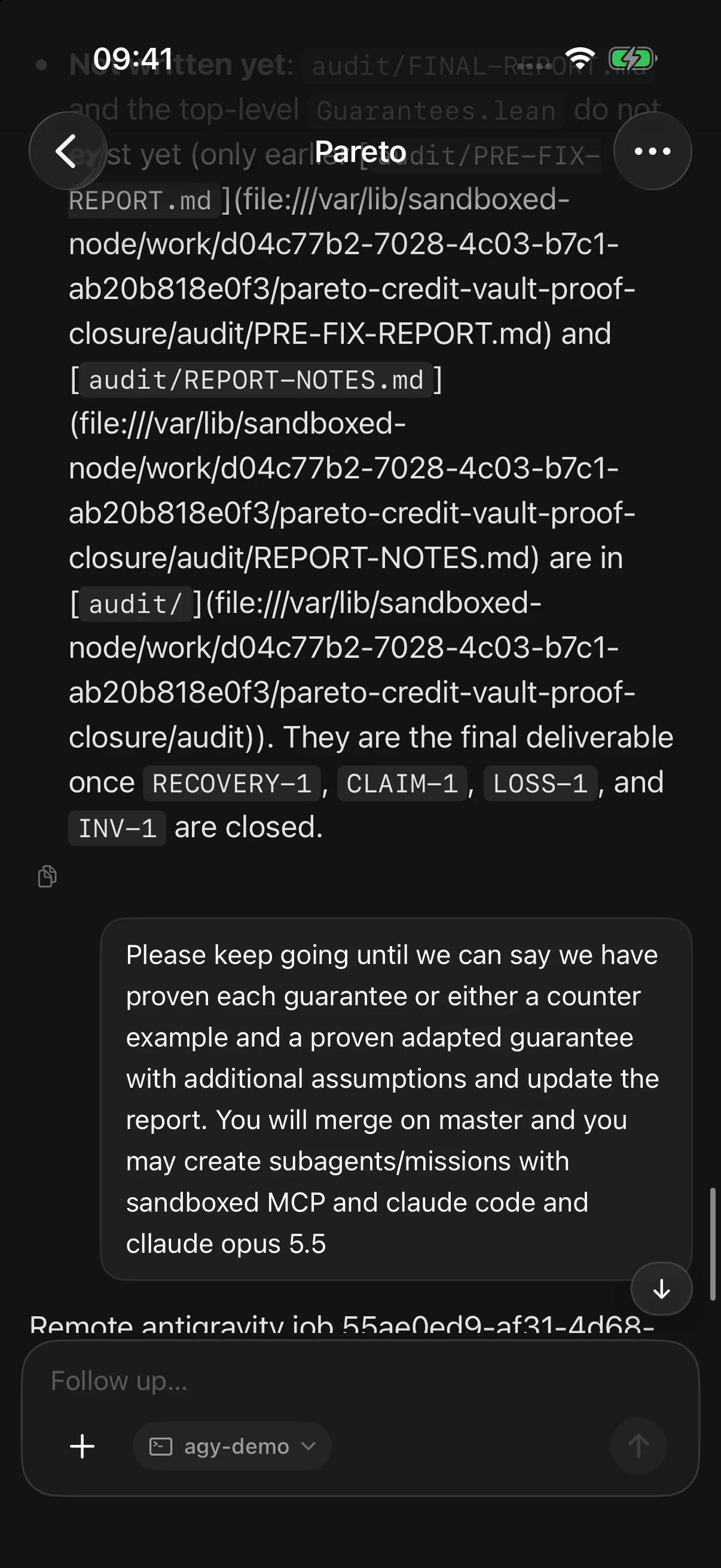
iOS Simulator · Connected to production (`Projects` list and `Verity / Pareto` mission).