# Zignite: Cross-Platform Graphics Engine
## Overview
Zignite is a modern graphics engine built with the Zig programming language, designed for cross-platform development with native performance and WebAssembly compatibility. This project leverages Zig's memory safety and performance characteristics to create a robust foundation for interactive applications, games, and visualization tools.
The engine supports two deployment targets:
- **Native Applications** using Dawn Native (currently tested on macOS)
- **Web Applications** using WebGPU via Emscripten/WebAssembly
## Getting Started
### Installation
Use fetch:
```bash
zig fetch --save https://github.com/Thomvanoorschot/zignite/archive/main.tar.gz
```
Or add Zignite to your `build.zig.zon`:
```zig
.dependencies = .{
.zignite = .{
.url = "https://github.com/thomvanoorschot/zignite/archive/main.tar.gz",
.hash = "...", // Update with actual hash
},
},
```
### Add to your project
```zig
const std = @import("std");
const Build = std.Build;
const zignite_pkg = @import("zignite");
pub fn build(b: *Build) void {
const target = b.standardTargetOptions(.{});
const optimize = b.standardOptimizeOption(.{});
const zignite_dep = b.dependency("zignite", .{
.target = target,
.optimize = optimize,
.with_imgui = true,
.with_implot = false,
.use_glfw = true,
.use_webgpu = true,
.use_filesystem = false,
});
const zignite_lib = zignite_dep.artifact("zignite");
const example_names = .{
"simple_imgui",
"simple_implot",
"simple_webworker",
"simple_webworker_websocket",
};
inline for (example_names) |example_name| {
const example_mod = b.addModule(example_name, .{
.target = target,
.optimize = optimize,
.root_source_file = b.path(example_name ++ ".zig"),
});
// Handle both native and web targets
if (target.query.os_tag == .emscripten) {
// Web/WASM build
const example = b.addStaticLibrary(.{
.name = example_name,
.root_module = example_mod,
});
example.linkLibrary(zignite_lib);
example.linkLibC();
example.root_module.addImport("zignite", zignite_dep.module("zignite"));
_ = zignite_pkg.emRunStep(b, .{
.name = example_name,
.zignite_dep = zignite_dep,
.lib_main = example,
});
} else {
// Native build
const example = b.addExecutable(.{
.name = example_name,
.root_module = example_mod,
});
example.root_module.addImport("zignite", zignite_dep.module("zignite"));
b.installArtifact(example);
const run = b.addRunArtifact(example);
b.step(example_name, "Run " ++ example_name).dependOn(&run.step);
}
}
}
```
## Goals
• Build a lightweight, high-performance graphics engine using modern APIs \
• Explore Zig's compile-time features and manual memory management capabilities \
• Create seamless cross-platform deployment (native + WebAssembly) \
• Integrate immediate-mode GUI capabilities with Dear ImGui and Dear ImPlot \
• Enable concurrent processing with Web Workers and WebSocket communication \
• Provide a clean, type-safe API for graphics programming \
## Architecture
Zignite is built around modern graphics APIs and cross-platform libraries:
### Core Graphics
• **WebGPU Backend** – Cross-platform graphics API for native and web targets \
• **Dawn Native** – Google's native WebGPU implementation for desktop applications \
• **GLFW Integration** – Window management, input handling, and context creation \
### UI & Visualization
• **Dear ImGui** – Immediate-mode GUI system for developer tools and interfaces \
• **Dear ImPlot** – Advanced plotting library for data visualization and analysis \
### Web Features
• **Web Workers** – Non-blocking concurrent processing with shared memory support \
• **WebSocket Integration** – Real-time communication through web workers \
• **Emscripten Support** – WebAssembly compilation for browser deployment \
### Engine Core
• **Engine Core** – Unified rendering loop and resource management \
• **Cross-Platform Abstraction** – Single codebase for native and web deployment
## Features
### Cross-Platform Rendering
• Native desktop applications using Dawn Native (macOS tested, Windows/Linux support planned) \
• Web applications using WebGPU via Emscripten/WebAssembly \
• Unified API for both deployment targets
### Web-Specific Features
• Web Worker support for non-blocking background processing \
• WebSocket communication through web workers with shared memory \
• WebAssembly compilation for browser deployment
## Running Examples
The project includes several examples demonstrating engine capabilities for both native and web platforms.
### Prerequisites
#### For Native Development (macOS)
- GLFW library (for now install via Homebrew: `brew install glfw`)
### Native Examples
To build and run examples as native applications:
```bash
# Build and run the simple ImGui example natively
zig build simple_imgui
# Build and run the simple ImPlot example natively
zig build simple_implot
# Build and run the web worker example natively
zig build simple_webworker
# Build and run the WebSocket web worker example natively
zig build simple_webworker_websocket
```
### Web/WASM Examples
To build and run examples in the browser using WebAssembly:
```bash
# Run the simple ImGui example in browser
zig build simple_imgui -Dtarget=wasm64-emscripten
# Run the simple ImPlot example in browser
zig build simple_implot -Dtarget=wasm64-emscripten
# Run the web worker example in browser
zig build simple_webworker -Dtarget=wasm64-emscripten
# Run the WebSocket web worker example in browser
zig build simple_webworker_websocket -Dtarget=wasm64-emscripten
# The examples will automatically open in Chrome browser
```
### Available Examples
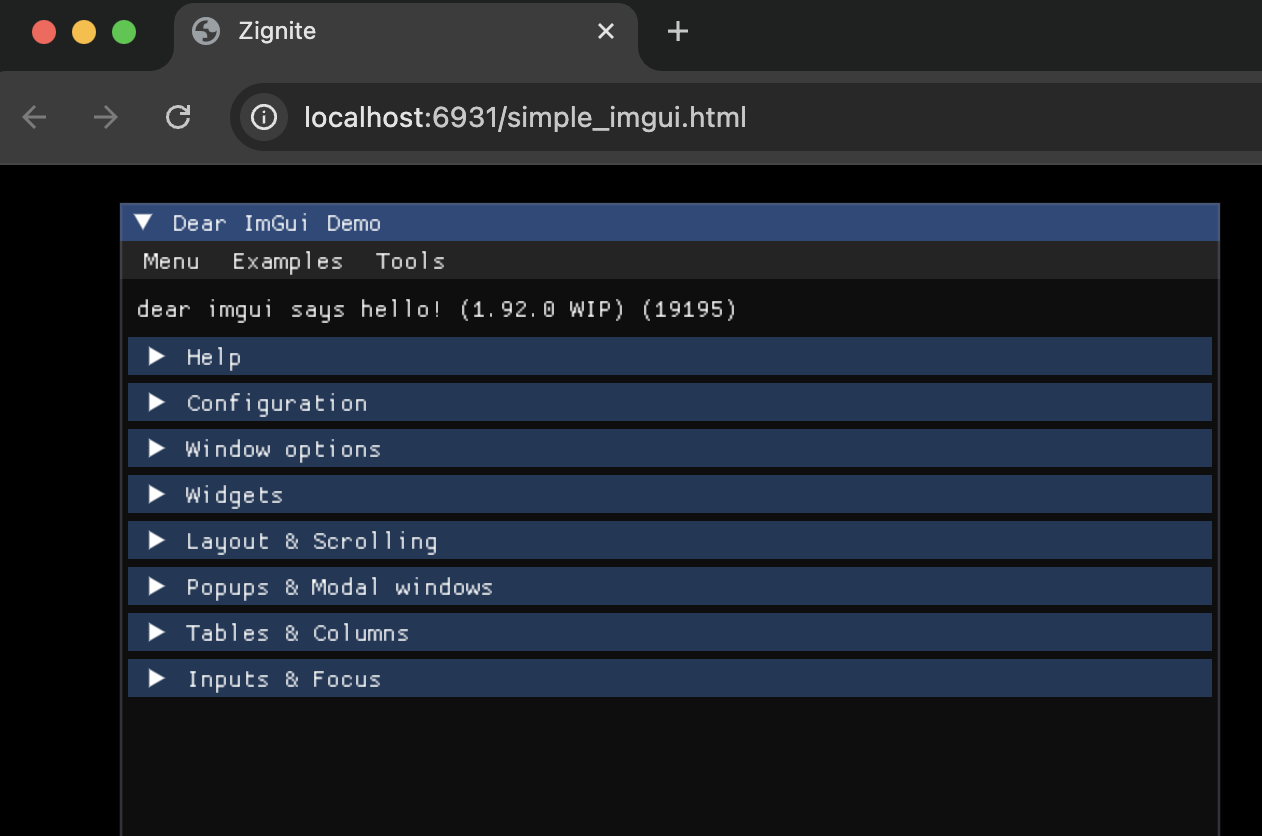
- **simple_imgui** - Basic ImGui integration with rendering loop
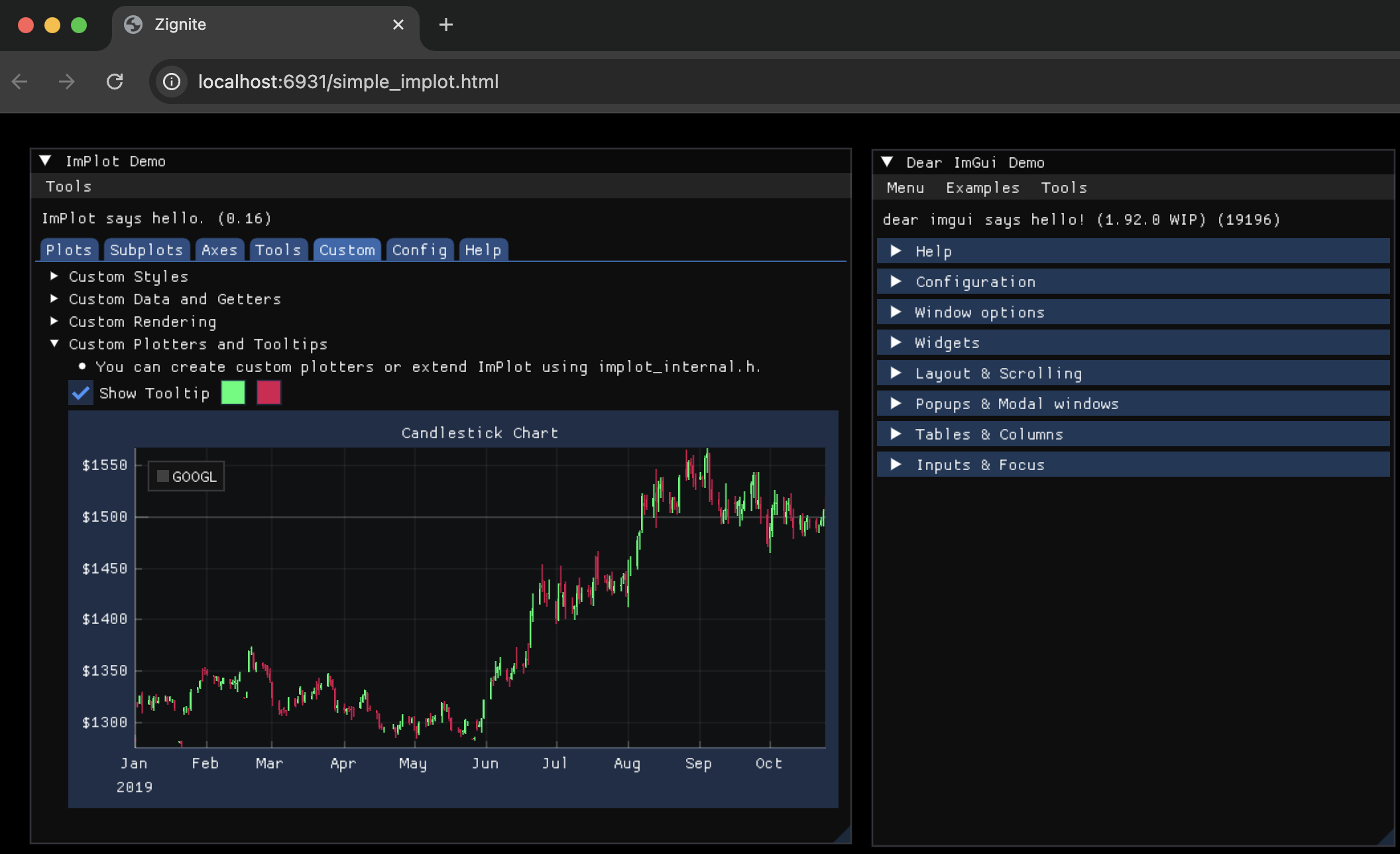
- **simple_implot** - Basic ImPlot integration with rendering loop
- **simple_webworker** - Web Worker integration with shared memory for concurrent processing

- **simple_webworker_websocket** - WebSocket communication through web workers for real-time data

### Platform Support
| Platform | Status | Notes |
| -------- | ---------- | -------------------------------- |
| macOS | ✅ Tested | Full Dawn Native support |
| Windows | 🚧 Planned | Dawn Native support coming |
| Linux | 🚧 Planned | Dawn Native support coming |
| Web | ✅ Stable | Full WebGPU + Emscripten support |
## Learning Outcomes
This project provides hands-on experience with: \
• Zig's comptime features and build system \
• Manual memory management with custom allocators \
• Cross-platform graphics programming with WebGPU \
• Native graphics development with Dawn Native \
• C interoperability and binding generation with ImGui/ImPlot \
• Web Worker implementation and shared memory management \
• WebSocket communication in concurrent environments \
• WebAssembly deployment strategies \
• Modern graphics pipeline architecture \
• Cross-platform build system design
## Project Status
🚧 **Active Development** – Core engine functionality is implemented with WebGPU + ImGui + ImPlot integration. Native desktop deployment via Dawn Native is working on macOS, with WebAssembly deployment supported via Emscripten. Windows and Linux native support are planned for future releases.